A technician has a broken hydraulic pump, a customer waiting at the counter, and a 600-page PDF that takes forty seconds to open on a phone. That is the moment interactive parts catalog software earns its keep, or fails to. This article compares free options, real pricing models, working examples and online tools, so you can pick a setup that fits your shop instead of buying a bloated system you will never fully use. If your catalog already exists as a PDF, you can turn it into a page-turning, searchable version with Flipbooks AI in a few minutes.
What Parts Catalog Software Does
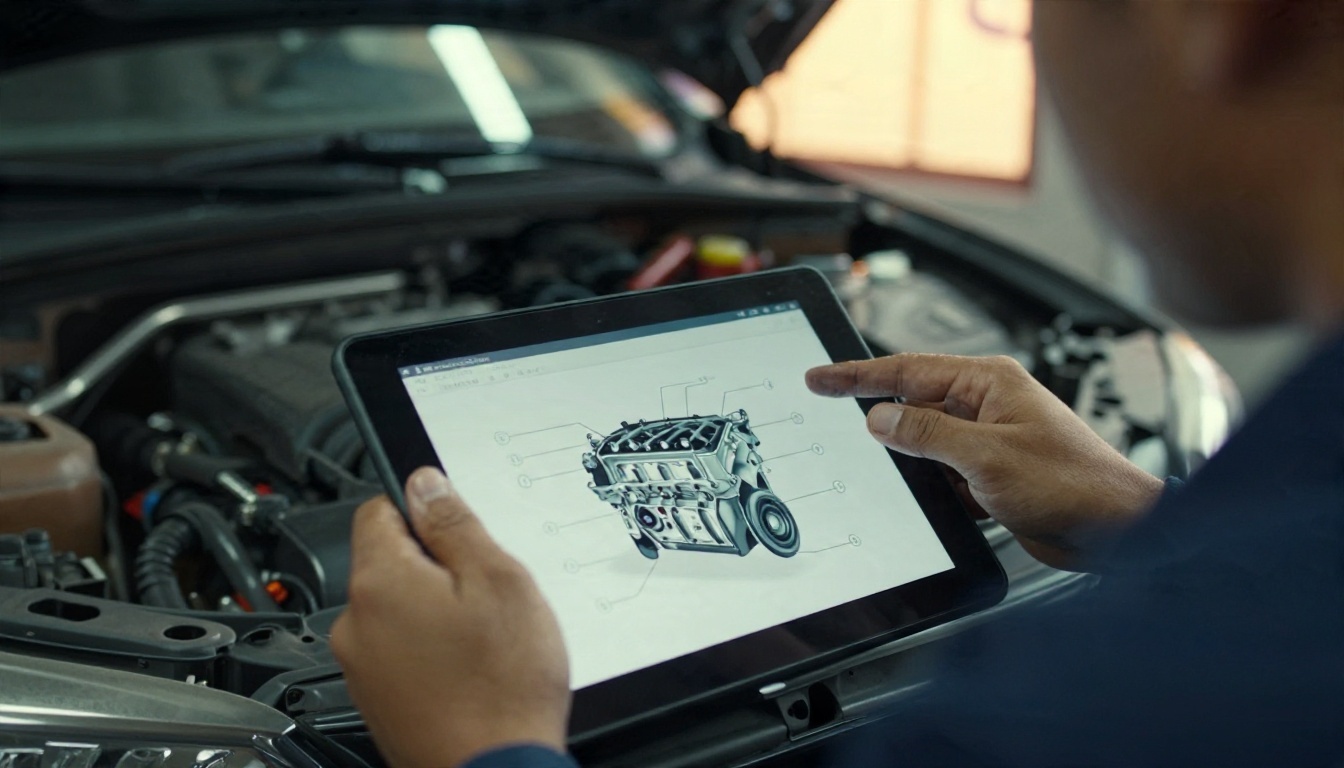
An interactive parts catalog replaces a static manual with something people can search, zoom, click and share. Instead of flipping through paper to find part number 4471-B, a buyer types a few characters, jumps to the right page and sees the exploded diagram with callouts.

Core features worth paying attention to
Not every feature matters equally. These are the ones that change daily work:
- Full text search so part numbers, model names and descriptions are found instantly.
- Exploded view diagrams with numbered callouts that link to a parts list.
- Zoom and pan for dense technical drawings.
- Mobile-responsive layout because most lookups happen on a phone or tablet in a workshop.
- Links and hotspots that send buyers to a quote form, a product page or an order sheet.
- Version control so superseded part numbers do not stay live for months.
- Access control such as password protection for dealer-only pricing.
Static PDF versus interactive catalog
| Feature | Static PDF | Interactive catalog |
|---|
| Search by part number | Basic, slow on large files | Fast, indexed |
| Mobile experience | Pinch and scroll | Responsive, page-turn view |
| Clickable links to order | Manual, easy to break | Built-in hotspots |
| Update process | Re-send a new file | Update once, link stays live |
| Usage tracking | None | Views, time on page, clicks |
| Access control | Email attachment risk | Password or private link |
💡 Pro tip: A catalog does not need to be a database to be useful. If your main pain is slow PDFs and outdated copies floating around, a flipbook solves 80 percent of the problem at a fraction of the cost.
Two kinds of "parts catalog" software
The phrase covers two quite different product types, and mixing them up is the most common buying error.
- Database driven systems (EPC): Electronic parts catalogs tied to inventory, ERP and e-commerce. They are powerful, expensive and slow to set up.
- Document driven catalogs: You publish an existing PDF or design file as an interactive publication. They are fast, cheap and ideal for most small and mid-size suppliers.
Free Options That Actually Work
Free is realistic here, but only if you know what you give up. Most free tiers limit pages, add a watermark, or restrict sharing.
What free plans usually include
- A limited number of publications or pages
- A vendor watermark or branded footer
- Basic sharing by link only
- No custom domain, no password protection
- No analytics, or only a view counter
The free route that costs nothing in time
If you want zero spend, the cheapest path is to export your catalog as a well-optimized PDF, compress images, add a bookmarked table of contents, and host it on your site. It works, but search is poor, links break, and nobody can tell which pages get used.
A better free-first route is to try a flipbook platform. You can create an account, upload a PDF, and see how your catalog behaves as an interactive publication before spending anything. Compare what each plan unlocks on the pricing page.
Free versus paid at a glance
| Need | Free tier | Paid plan |
|---|
| Publish one catalog | Usually yes | Yes |
| Unlimited publications | Rarely | Common on mid tiers |
| No watermark | Rare | Standard |
| Password protection | Rare | Common |
| Embed on your website | Sometimes | Yes |
| Analytics and leads | No | Top tiers |
| Offline download | No | Often |
⚠️ Warning: A watermark on a parts catalog sent to dealers looks unprofessional and can leak the vendor name of a tool you may switch later. Check this before you share links widely.
What Pricing Really Looks Like
Pricing for catalog software spreads across a huge range, because the label covers very different products. The numbers below are typical market patterns, not quotes. Always confirm with each vendor.

Typical cost by product type
| Product type | Typical pricing model | Setup effort | Best for |
|---|
| Free flipbook tier | $0, limited | Minutes | Testing, tiny catalogs |
| Paid flipbook platform | Monthly subscription | Minutes to hours | Most small and mid-size suppliers |
| PDF catalog plugin | One-time or yearly license | Hours | Websites with an existing CMS |
| Electronic parts catalog (EPC) | Per user, per year, plus setup | Weeks to months | Manufacturers, large dealer networks |
| Custom build | Project fee plus maintenance | Months | Highly specific workflows |
Hidden costs people forget
- Data preparation: Cleaning part numbers and diagrams takes longer than choosing software.
- Training: Heavier systems require staff onboarding.
- Integration: Connecting to inventory or ERP can cost more than the license.
- Per-user fees: A catalog used by 200 dealers can get expensive fast on per-seat models.
- Update fees: Some vendors charge for every revision cycle.
For most businesses that already own a PDF or design file, a flipbook platform keeps those costs close to zero. You can review plan details, including unlimited publications and Professional features, on the Flipbooks AI pricing page.
✅ Best practice: Calculate cost per catalog update, not just monthly price. A cheap tool that needs a developer for every revision is more expensive than a pricier tool your sales team can update alone.
Examples From Real Parts Businesses
Seeing how other companies use these catalogs makes the choice easier. Here are four common setups.

Equipment dealer with a spare parts book
A tractor dealer holds three hundred pages of spare parts across eight machine families. Previously, customers phoned in and staff read part numbers aloud. Now the dealer publishes one searchable flipbook per machine family, linked from the website and a QR code printed on each machine's service plate. Phone queries drop, and customers arrive at the counter with the right number already in hand.
Auto parts distributor with dealer pricing
A regional distributor keeps a public catalog with retail prices and a password-protected version with dealer pricing. Both come from the same source file. When a supplier changes a price, the team re-uploads the PDF and the existing link updates, so nobody has to re-send attachments.
Industrial supplier with mobile technicians
Field technicians need a part number on site, often with weak signal. A compressed, mobile-responsive catalog plus an offline download option means they can look up a fitting inside a plant basement without bars. Pair this with a Digital Catalog Maker workflow to keep one master version.

Manufacturer sending catalogs to distributors
A component maker emails a new catalog every quarter, and half the distributors keep using the old one. Switching to a single live link, with a short update note on the first page, ends the version confusion. The Product Catalog Generator is built for this kind of workflow.
| Business | Main problem | Interactive fix | Result to expect |
|---|
| Equipment dealer | Phone queries for part numbers | Searchable catalog plus QR codes | Fewer calls, faster counter sales |
| Distributor | Wrong price lists in circulation | Password-protected live link | One source of truth |
| Industrial supplier | Poor signal on site | Offline download | Lookups anywhere |
| Manufacturer | Outdated catalogs at dealers | Single updatable link | Less version confusion |
You have three realistic categories of online tools, each with different strengths.

Flipbook platforms
These convert a PDF into a page-turning, searchable, shareable publication. They are the fastest route when your catalog already exists. Flipbooks AI offers no watermarks, unlimited flipbooks on the Standard plan and above, password protection, embedded video and audio, custom branding, and analytics with lead generation on the Professional plan.
Product information and EPC systems
These manage structured part data, fitment, supersessions and images in a database. They are the right choice when you have tens of thousands of SKUs, frequent changes, and an ERP to connect. Expect a longer rollout.
Website plugins and viewers
Some CMS plugins embed a PDF viewer into a page. They are cheap and simple, though they typically lack analytics, access control, and strong mobile behavior.
Side-by-side comparison
| Criteria | Flipbook platform | EPC system | PDF plugin |
|---|
| Time to publish | Minutes | Weeks or more | Hours |
| Handles 10,000+ SKUs | Through multiple publications | Yes | Limited |
| Fitment and supersession data | No | Yes | No |
| Design control | High | Moderate | Low |
| Analytics | Yes (Professional) | Varies | Rare |
| Cost level | Low | High | Very low |
| Needs IT help | No | Yes | Sometimes |
💡 Pro tip: Many suppliers run both. The EPC holds the data, and a flipbook acts as the polished marketing and sales catalog sent to new leads.
How to Create a Parts Catalog with Flipbooks AI
If you have a PDF, you are minutes away from a live catalog. The tools below are built for this, including the PDF to Flipbook Converter and the Catalog Flipbook Creator.

Step 1: Prepare your source file
Before uploading, spend ten minutes on the PDF:
- Export from your design or layout software with selectable text, not flattened images.
- Compress large diagrams to keep load times low.
- Check that part numbers are typed text, so search finds them.
- Remove superseded pages instead of leaving them in.
Step 2: Upload and convert
- Go to Flipbooks AI and sign in or create your account.
- Click to create a new flipbook and upload your PDF.
- Wait for the conversion. The screen shows each PDF page becoming a flipbook page with realistic page-turn effects.
Step 3: Brand and customize
- Add your logo and pick brand colors.
- Choose a background and page-turn effect.
- Add clickable links on key pages that point to quote forms or product pages.
- Embed a short video or audio clip, such as an installation walkthrough for a popular assembly.
Step 4: Share it your way
| Sharing option | Best use |
|---|
| Direct link | Email signatures, quotes, chat messages |
| Embed code | Product and support pages on your website, see Embed Flipbook on Website |
| QR code | Printed on machines, packaging, counters |
| Password protection | Dealer-only price lists |
| Offline download | Technicians with poor signal |
Step 5: Track what customers use
On the Professional plan, analytics show which pages get opened and where readers drop off, and lead generation can collect contact details before someone reads a private catalog. See what is included on the pricing page.
✅ Best practice: Put a one-page "How to find a part" instruction at the start of your catalog. Two sentences and a screenshot will cut support questions noticeably.
Mistakes That Hurt Catalog Adoption
Good software does not rescue a badly planned catalog. Watch for these.

Mistake 1: Uploading scanned images
A scanned catalog has no searchable text. Buyers cannot find part numbers, and your catalog feels like a photo album. Re-export from the source file whenever possible.
Mistake 2: Skipping the update routine
An interactive catalog is only trusted if it is current. Set a calendar reminder for monthly or quarterly revisions, and put the revision date on page one.
Mistake 3: One giant file for everything
A 1,200-page catalog is slow and intimidating. Split by product family or machine type, then link between them from a short master index.
Mistake 4: Ignoring the analytics
If the numbers show that a section gets almost no visits, that is information. Move it, rename it, or link to it from the front pages.
| Mistake | Symptom | Quick fix |
|---|
| Scanned pages | Search returns nothing | Re-export with live text |
| Stale data | Wrong part ordered | Monthly update schedule |
| Oversized catalog | Slow load, low usage | Split by product family |
| No tracking | Guessing what works | Turn on analytics |
| Weak mobile layout | Staff go back to phoning | Test on a real phone |
Publish Your Catalog This Week

Picking interactive parts catalog software comes down to three questions. How many parts do you manage? How often do they change? And who needs access? If the answers are "a few thousand or less," "monthly or quarterly," and "customers, dealers and technicians," then a flipbook platform will likely cover your needs for a small fraction of the cost of a full EPC.
Here is a simple plan for the week:
- Monday: Export a clean, text-based PDF of your catalog.
- Tuesday: Create a free account on Flipbooks AI and upload the file.
- Wednesday: Apply branding, add links to quote forms, and set password protection for dealer pricing.
- Thursday: Test on a phone, a tablet and a slow connection.
- Friday: Share the link, print a QR code for your counter, and embed the catalog on your website.
Ready to try it? Get started for free on Flipbooks AI, browse all flipbook tools and templates to find the right layout, or compare pricing plans to see which features fit your catalog.



