A printed brochure has a short life. Someone picks it up, glances at it for a few seconds, and then it disappears into a bag or a bin. Interactive print brochures change that by giving every page a door to the web: a scan, a tap, or a short link that opens a digital version, a video, a booking form, or a live price list. Below you will find the main ways to connect paper to online, real examples by industry, comparison tables, and a tutorial for turning a PDF into a page-turning brochure with Flipbooks AI.
Why Print Still Needs the Web
Print is tactile, trusted and hard to ignore on a reception desk. But it is also frozen. Once the run leaves the printer, prices go stale, links cannot be added, and you have no idea who read what.
The Gap Between Paper and Screen
Your reader holds the brochure, but the next step (booking, buying, watching a demo) happens on a phone. If that jump takes more than one action, most people will not make it. The goal of an interactive print brochure is to make the jump so short that it feels like part of the page.
What "Interactive" Actually Means
An interactive print brochure is a physical piece with at least one built-in path to a digital destination. That path can be as simple as one code on the back panel, or as rich as a code on every spread, each leading to a different video, form or product page.
💡 Pro tip: Think of the printed brochure as the trailer and the digital version as the film. The paper should make the reader curious. The screen should deliver the details.
Five Ways to Link Print to Online
You do not need to pick just one method. Many of the best brochures combine two: a code for speed and a short URL as backup.
QR Codes
The default choice. Every modern phone camera reads them without an app, they cost nothing to print, and they can point anywhere. Use a dynamic code (one that redirects through a link you control) so you can change the destination after printing.
Short Vanity URLs
A short, readable address such as yourbrand.com/spring works for people who will not scan. It is also the safest fallback when a code is printed too small or on a curved surface.
NFC Tags
A thin tag embedded under the paper opens a link when a phone touches it. It feels premium, but it costs more per unit and not every phone user knows to tap. Reserve it for luxury pieces and event packs.
Augmented Reality Triggers
Some apps let a phone recognise a printed image and overlay a video or 3D model. It is impressive in demos, but it usually needs an app download, which cuts the number of people who finish the experience.
Printed Calls to Action with Tracking
Even a plain phrase like "See the full range online" paired with a campaign link can work if the link is short and memorable. Add a unique tracking parameter to every print run so you can compare results.
| Method | Setup effort | App needed? | Cost per piece | Best for |
|---|
| QR code | Low | No | Almost zero | Nearly every brochure |
| Short URL | Very low | No | Zero | Backup path, radio or print mix |
| NFC tag | Medium | No (most phones) | Moderate | Luxury and event kits |
| AR trigger | High | Usually yes | Zero to low | Product demos, showrooms |
| Tracked CTA text | Very low | No | Zero | Mailers and inserts |
Digital Versions of Your Brochure
Once someone scans, the destination matters more than the code. Sending them to a 14 MB PDF that takes ages to load on mobile is the fastest way to waste a good print run.
PDF, Flipbook or Landing Page?
There are three common destinations, and each suits a different goal.
| Format | Mobile experience | Looks like the print piece? | Trackable | Best used when |
|---|
| Plain PDF | Pinch and zoom, slow on weak signal | Yes, but static | Limited | The reader needs a file to save |
| Flipbook | Smooth page turns, responsive | Yes, with real page effects | Yes, per page and per visitor | You want the brochure feel online |
| Landing page | Fast, designed for phones | No, rebuilt from scratch | Yes | One offer, one action |
A flipbook is the closest match to what the reader just held. They recognise the layout, the photos and the brand, so the transition feels natural instead of jarring. If you want to see how that conversion works, the PDF to Flipbook Converter takes an existing PDF and returns an online version.
What to Add That Paper Cannot Do
The digital version should do more than copy the print. Add:
- Embedded video on the product or location pages
- Audio for a founder message or a guided audio tour of a property
- Clickable links from every product to its buy page
- Password protection for partner-only or pre-launch editions
- Offline downloads for readers who want to keep a copy on a train or a flight

Real Examples by Industry
The pattern is the same everywhere: paper starts the conversation, the screen finishes it. Here is how different businesses apply it.
Real Estate: Listings That Stay Fresh
An agent prints a glossy property brochure for open houses. A code on the last panel opens the digital version, which holds a floor plan, a video walkthrough, and a mortgage calculator link. When the price drops, the digital version is updated and every printed copy already in circulation points to the latest numbers. The Real Estate Brochure Creator is built for this kind of listing.
Hotels: From Lobby Rack to Booking
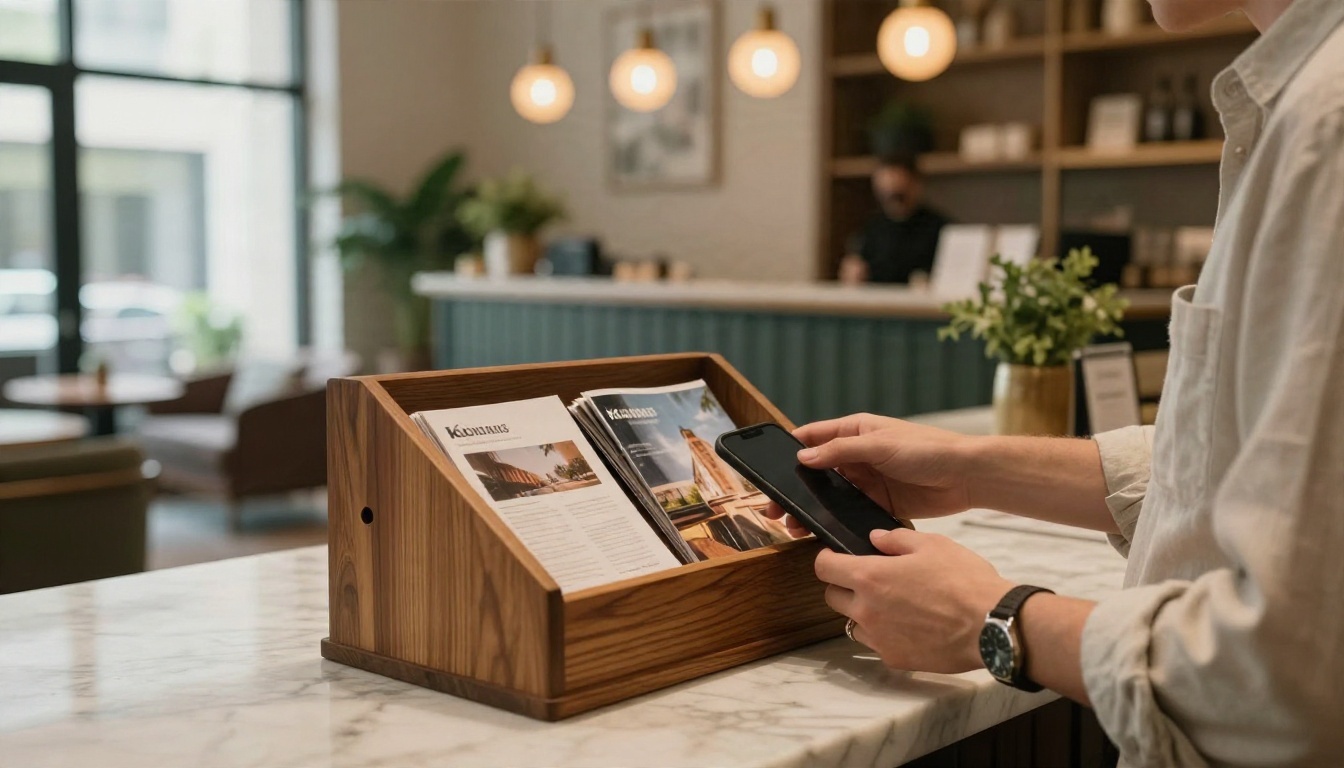
A boutique hotel keeps brochures in the lobby and in each room. The printed piece shows rooms, the spa and the restaurant. A scan opens the digital brochure with a direct booking link and the current spa menu. The Hotel Brochure Designer suits this setup, and the Spa & Wellness Menu tool handles the treatment list.
Automotive: Specs Without the Fine Print
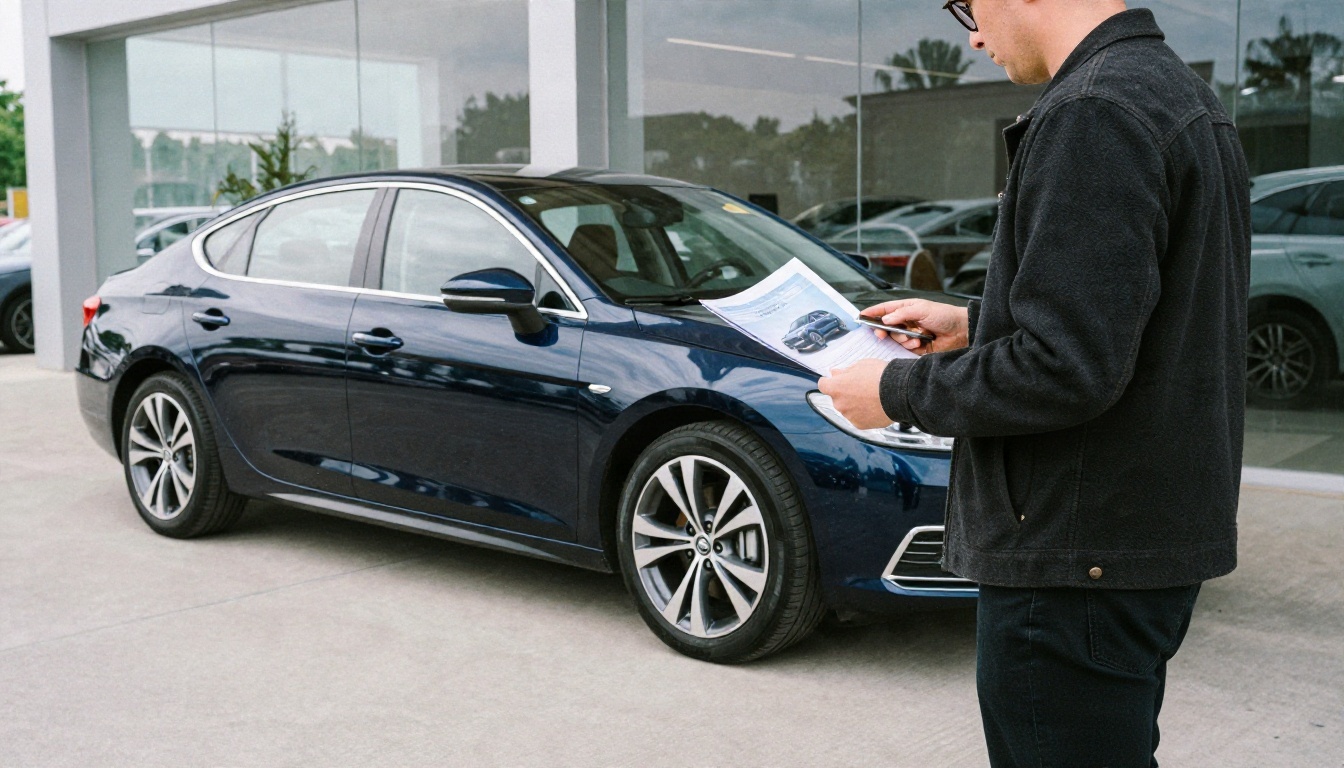
A dealership hands out a model brochure with paint colours and trim levels. The scan leads to a digital version with a 360 degree video, current finance offers, and a test drive booking form. The Automotive Brochure Generator covers that format well.
Restaurants and Cafes: Menus That Never Go Out of Date
A printed table card carries a code. The code opens a digital menu where the dish of the day changes without a reprint. Use the Restaurant Menu Creator for that.
Manufacturers and Retail: Catalogs With Live Links
A printed catalog is a lot to ship and a lot to update. A short brochure with one code per product family sends buyers to the full digital catalog, where each item links to a purchase page. Try the Digital Catalog Maker for this.
| Industry | Print piece | Where the scan leads | What the reader gets |
|---|
| Real estate | Listing brochure | Digital brochure with video | Floor plans, tour, contact form |
| Hotels | Lobby brochure | Page-turning flipbook | Booking link, spa and dining menus |
| Automotive | Model brochure | Interactive flipbook | Specs, finance offers, test drive form |
| Restaurants | Table card | Digital menu | Live dishes, allergens, prices |
| Manufacturing | Short product brochure | Full online catalog | Product pages, price list, quote form |
| Events | Printed program | Digital program | Schedule updates, speaker bios |
How to Create One with Flipbooks AI
If you already have a print-ready PDF, you are about 10 minutes from a working digital version. This tutorial uses the Brochure Flipbook Maker, and you can also design the layout from scratch with the Online Brochure Designer.
Step by Step
- Create your account. Go to Flipbooks AI and create an account. You can start without a card.
- Upload your PDF. Drag the print-ready file into the upload area. The platform converts every page into a responsive flipbook page, and the process normally takes under a minute for a standard brochure. Keep the PDF under a reasonable size so conversion is quick.
- Check the page order. Preview the result and make sure spreads open in the order a reader would turn them. Fix any mix-ups before you move on.
- Apply your branding. Add your logo, pick background colours that match your palette, and choose a page-turn effect. A subtle curl feels closest to real paper.
- Add multimedia. Drop a video onto the product page, place an audio clip over the welcome message, and turn product images into clickable links to your shop or booking page.
- Set access. Decide whether the brochure is public or protected. For partner editions or pre-launch material, switch on password protection.
- Share it. Copy the direct link, use the Embed Flipbook on Website option to place it on your own pages, or use the link as the destination of your printed code.
- Generate your code. Create a QR code that points to the flipbook link, test it with two or three different phones, and place it on the proof before sending the file to print.
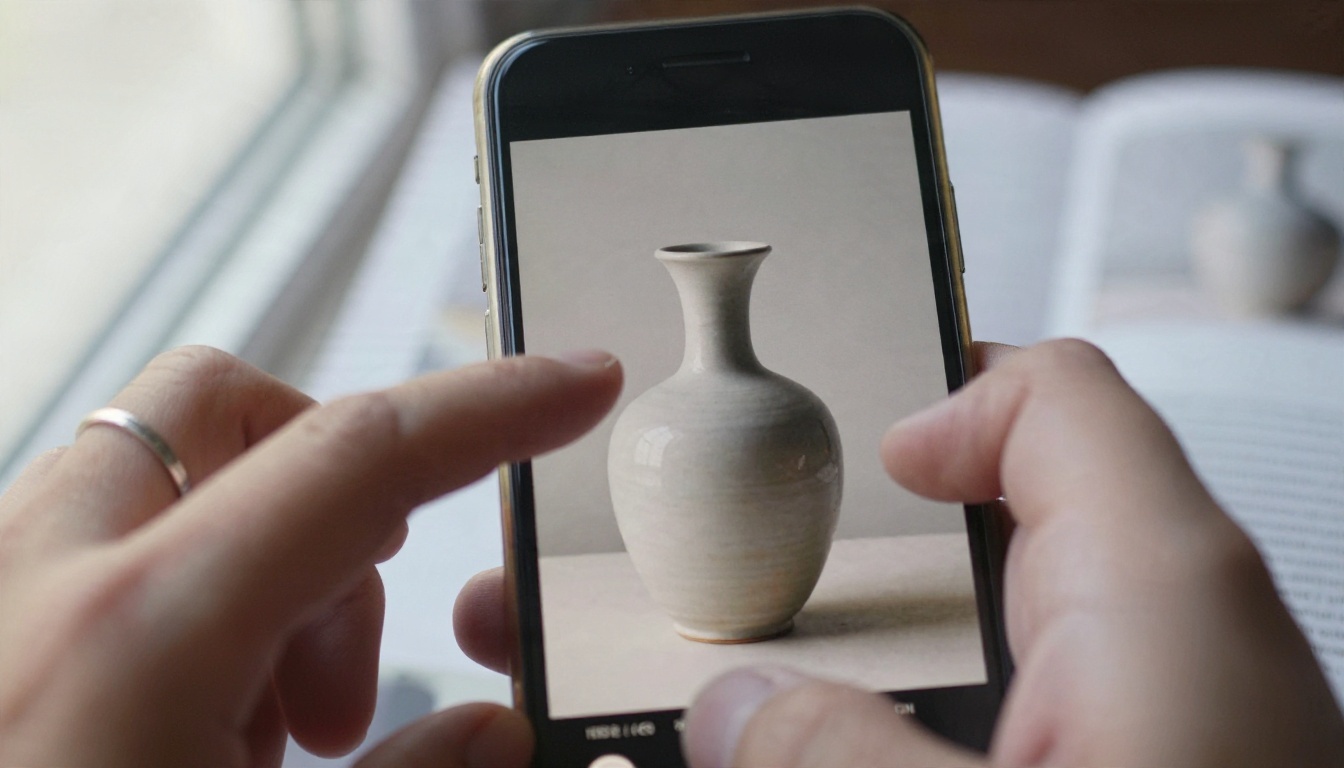
✅ Best practice: Always test the printed code at actual size before the full run. A code that scans on screen can fail at 1.5 cm on glossy stock.
Analytics and Lead Capture
On the Professional plan, you can see how many people open the brochure, which pages hold attention, and where they drop off. You can also add a lead generation form so a reader must share an email address before turning past a certain page. Pair that with a different link for each print run, and you will know which distribution channel actually produces results.
Why a Flipbook Fits Print Brochures
- ✅ No watermarks, ever, so the brochure looks like yours
- ✅ Unlimited flipbooks on the Standard plan and above, handy when you issue seasonal editions
- ✅ Mobile-responsive pages that read well on a phone screen
- ✅ Custom branding across every page and the viewer itself
- ✅ Offline downloads for readers who want a saved copy
You can compare plans on the pricing page.

There is more than one way to build the online half of an interactive brochure. Here is how the main approaches stack up.
| Approach | Page-turn feel | Video and audio | Page-level analytics | Effort to update | Watermark-free |
|---|
| Raw PDF on your site | None | No | Basic page views only | Replace the file | Yes |
| Website builder page | Custom, if you build it | Yes | Depends on setup | High, rebuild each edition | Yes |
| Generic PDF host | Varies | Limited | Varies | Medium | Often not on free plans |
| Flipbooks AI | Realistic page effects | Yes, embed both | Yes, Professional plan | Low, re-upload the PDF | Yes, always |
If you are not sure which tool fits your case, browse all flipbook tools and pick the one closest to your format, whether that is a catalog, a lookbook, a menu or a brochure.
Which Brochure Gets Which Tool?

Common Mistakes to Avoid
Most failed interactive brochures fail for boring reasons, not technical ones.
1. Printing a Code With No Reason to Scan
A bare code in a corner gets ignored. Tell the reader what they will get: "Scan to watch the 60 second tour" or "Scan for today's prices."
2. Linking to a Page That Is Not Mobile Friendly
If the destination loads slowly or needs pinch and zoom, the reader leaves. Always open your link on a mid-range phone with a normal connection before you approve the proof.
3. Using a Static Code You Cannot Change
If you print a code that points directly to a file, you cannot update it when the file moves. Route it through a link you control.
4. Forgetting a Fallback
Add a short URL under the code. Some readers will type it, some codes will smudge, and some brochures will be photographed at an angle.
5. Skipping Measurement
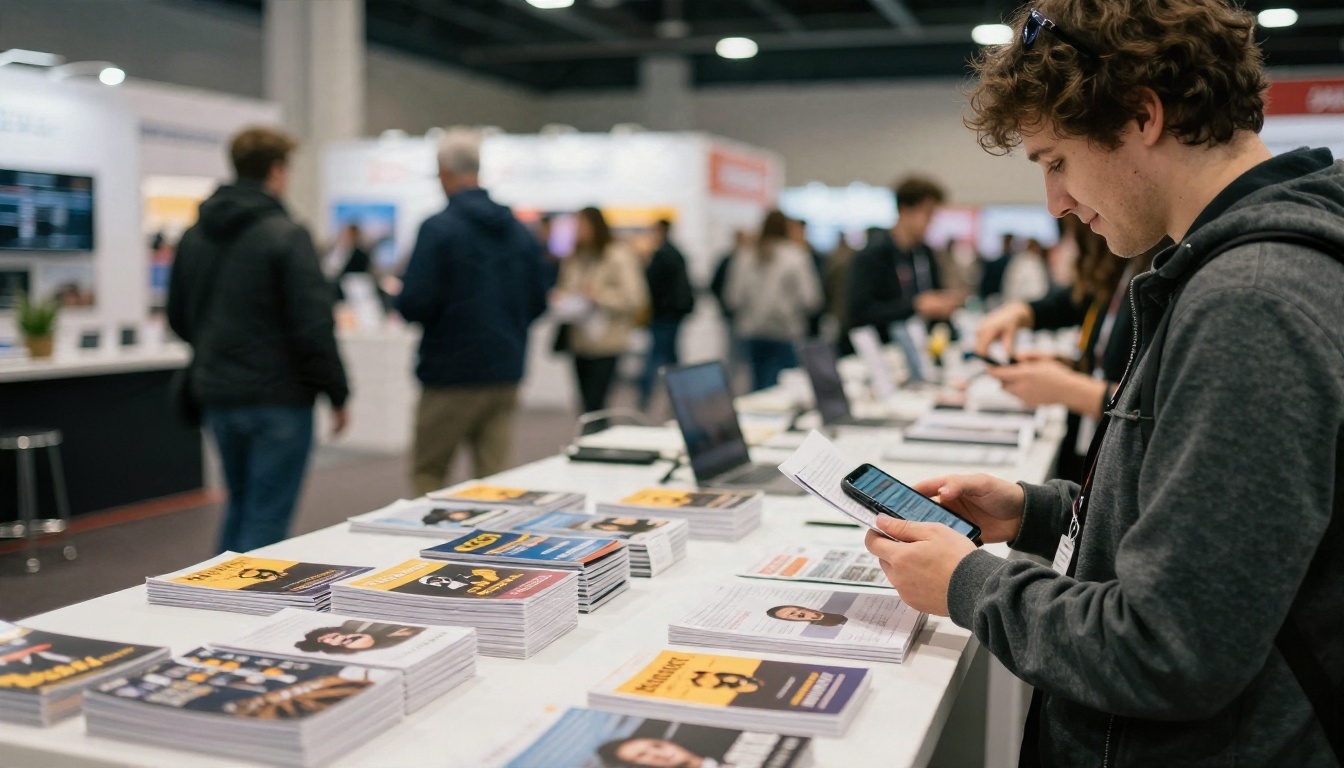
Without a unique link per print run, you cannot tell whether the trade show batch worked better than the mailer. Give each batch its own destination.
⚠️ Warning: Never place a code on a fold, a perforation or a dark photo. Contrast and a clean flat surface decide whether a phone can read it.
Ready to Link Print to Online?
The best interactive print brochures are simple: one clear reason to scan, one fast destination, and a way to see what happened afterward. You do not need a developer or a new design. Take the PDF you already have, convert it, add a code and send it to print.



