Most recipe apps promise a tidy digital kitchen and deliver a monthly bill, a wall of ads and a layout you cannot change. If you want an interactive recipe app that costs nothing to try, looks like a real cookbook and lets you drop in video links and share with a tap, there is a simpler route. With Flipbooks AI, you turn a plain PDF of your recipes into a page-turning online book that works on phones, tablets and laptops, with no app download for the people you share it with.
This article walks through why standalone recipe apps frustrate so many cooks, what a recipe flipbook offers instead, how to build one in about fifteen minutes, and how to add videos and share the result. You will find comparison tables, a step-by-step tutorial and real examples from home kitchens and small food businesses.
Why Recipe Apps Frustrate Home Cooks
Anyone who has tried to organize a recipe collection in an app knows the pattern. You import twenty favorites, hit a limit, and a prompt asks you to upgrade. Or the app shuts down and your collection goes with it.
The Subscription Trap
Many popular recipe managers lock the useful features behind a recurring fee: unlimited recipes, meal planning, printing, sharing. Cooks who only want a clean place for family recipes end up paying for a feature set built for power users.
What Cooks Actually Need
Ask a dozen people who cook regularly and the wish list is short:
- A layout that is easy to read with floury hands and a phone propped against a jar
- Ingredient lists and steps that never get cut off
- A quick way to watch a technique when words are not enough
- Simple sharing with a sister, a customer or a whole community
- Full ownership of the content, with no watermark and no ads
💡 Pro tip: Before choosing any tool, write down your three most common cooking moments (weeknight dinners, baking, hosting). The right format is the one that makes those moments easier.
Typical App vs Recipe Flipbook
| Feature | Typical Recipe App | Recipe Flipbook |
|---|
| Install required | Yes, on every device | No, opens in any browser |
| Custom layout | Fixed templates | Your own design or a template |
| Video links | Limited or premium | Clickable links on any page |
| Sharing | Account needed to view | One link, anyone can open |
| Branding | App logo and ads | Your logo, colors and name |
| Ownership | Locked in the app | Your PDF stays yours |
| Print option | Often paid | Keep the original PDF |
What an Interactive Recipe Flipbook Is
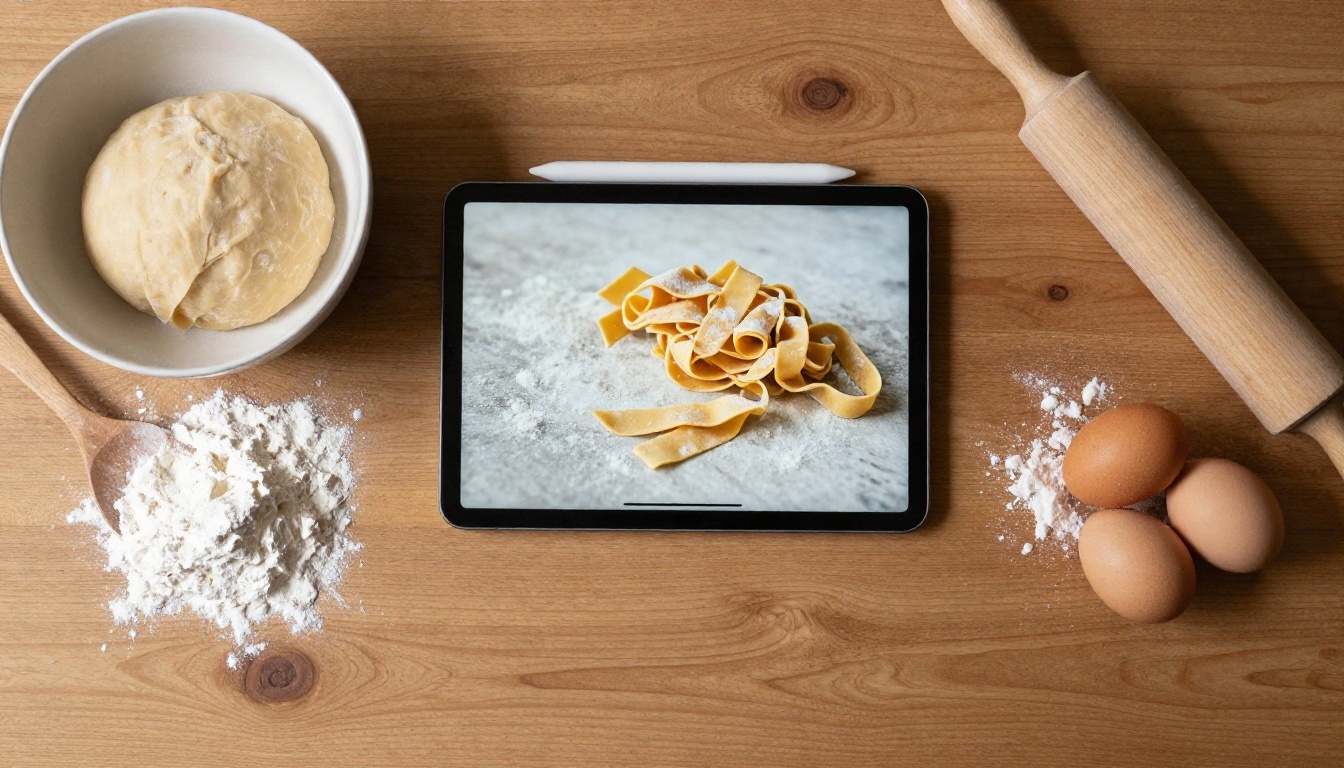
A recipe flipbook is a digital cookbook that behaves like a physical one. Pages turn with a swipe or a click, the layout scales to the screen, and anything you add to the PDF, such as links, images and embedded media, stays interactive. It is the closest thing to a printed family cookbook that also plays video.
Pages That Turn Like a Real Cookbook
The page-flip effect is more than decoration. It gives readers a clear sense of where they are in the book, makes browsing feel natural and keeps long recipes organized across spreads. Readers can jump to the table of contents, zoom into a photo or move forward one page at a time while they cook.
Video Links Inside Each Step
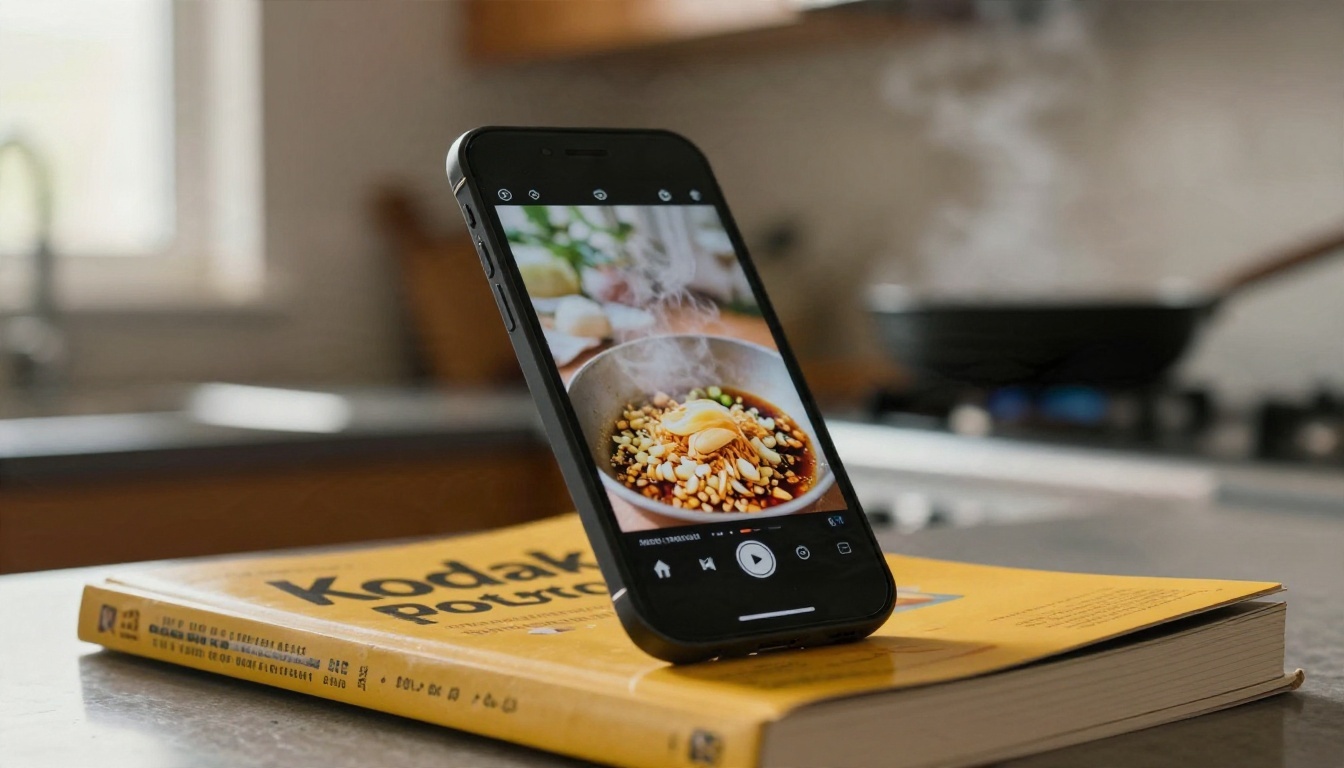
Some steps are hard to describe: folding laminated dough, spatchcocking a chicken, getting the right consistency for a caramel. A short clip solves it. In a flipbook, you add a link to the video right beside the step, and the reader taps it without leaving the book. You can also embed video and audio directly, which keeps the experience in one place.
Works on Every Screen
The design is mobile-responsive, so a recipe that looks great on a laptop still reads well on a phone leaning against the flour canister. Nothing to install, nothing to update.
Free Templates That Save Hours
Starting with a blank page is the slowest part of any cookbook project. Templates remove that hurdle. You pick a layout, drop in your text and photos, export a PDF and upload it.
Template Types Worth Using
Not every recipe collection needs the same structure. Here is how common formats compare:
| Template Style | Best For | Typical Pages | Video Link Placement |
|---|
| Single recipe per page | Family cookbooks | 20 to 60 | Under the method heading |
| Two recipes per spread | Weekly meal plans | 10 to 30 | Beside each title |
| Photo-first layout | Food bloggers | 30 to 80 | On the hero image caption |
| Menu style | Cafes and caterers | 4 to 12 | Next to signature dishes |
| Pocket collection | Quick snacks and drinks | 8 to 16 | At the end of each card |
If your goal is a full collection, the Recipe Book Flipbook tool is a natural place to begin. For a food business that wants a clean dish list, the Restaurant Menu Creator handles menu layouts nicely.
Layout Tips for Ingredient Lists
Small design choices make a recipe much easier to use mid-cook:
- Put ingredients on the left and method steps on the right, so the eye never has to jump back and forth.
- Number every step. People lose their place when the pan is hot.
- Use bold for quantities and temperatures.
- Keep one idea per step. Short steps are easier to scan.
- Reserve a line at the bottom for notes, substitutions and storage advice.
✅ Best practice: Place the video link after the step it supports, not before. Readers should see the instruction first and use the clip as backup.
How to Create a Recipe Flipbook with Flipbooks AI
Here is the full workflow, from file to finished interactive book. You do not need design experience, and the platform never adds a watermark.
Step 1: Prepare Your PDF
Write your recipes in any editor you like (a word processor, a design tool or a template). Add photos and, where you want a video, paste the full link as clickable text or attach it to a button or image. Export the file as a PDF.
Step 2: Create Your Account and Upload
- Go to Flipbooks AI and create an account.
- Click the upload button and choose your PDF.
- The PDF to Flipbook Converter turns each page into a flippable spread within moments.
- Preview the result and check that the page order and links work.
Step 3: Customize the Look
Open the customization panel and set the details that make the book yours:
- Branding: add your logo and choose your brand colors
- Background: pick a color or image that matches the mood of your recipes, such as warm cream for baking or deep green for herb dishes
- Page effects: adjust the flip animation and sound
- Multimedia: embed videos and audio where you want them
- Toolbar: show or hide zoom, fullscreen, sharing and download buttons
Step 4: Share and Publish
Copy the direct link, grab the embed code for your blog or website, or enable password protection for private family collections. If you plan to add the book to a site, the Embed Flipbook on Website page explains the options.
Step 5: Use Professional Features
Food businesses and creators who want more insight can upgrade to the Professional plan for analytics, lead generation and offline downloads. Analytics show which recipes get opened most, and lead forms let you collect email addresses before a reader sees a premium recipe. See the pricing plans for the complete breakdown.
⚠️ Heads up: Check every video link on a phone before you publish. A broken link in the middle of a recipe is the fastest way to lose a reader.
Adding Video Links the Right Way
Video is the single biggest advantage a digital recipe book has over paper. Used well, it turns a good recipe into one that anybody can follow.
Hosted Clips vs Your Own Footage
| Option | Setup Effort | Cost | Best Use |
|---|
| Link to a public video platform | Very low | Free | Technique demos from existing channels |
| Link to your own channel | Low | Free | Bloggers and chefs with a following |
| Embed a video in the flipbook | Medium | Depends on plan | A seamless, in-book experience |
| Audio notes | Low | Free | Tips from a grandparent or chef |
Short Clips Win
Keep each clip under two minutes and show only the tricky step. Nobody wants to watch a ten-minute intro while their onions burn. Film in natural window light, hold the phone steady and show hands and texture up close.
Name Your Links Clearly
A button labeled "Watch the fold" tells the reader exactly what to expect. A plain URL does not. Where possible, use descriptive link text and add a small play icon in your design so readers recognize it at a glance.
Sharing Recipes With Family and Customers
A recipe is rarely meant for one person. It gets passed from a parent to a child, from a baker to a customer, from a blogger to an audience. Sharing should be as easy as texting a link.
Link, Embed or Protect
| Sharing Method | Who It Suits | Effort | Privacy Level |
|---|
| Direct link | Friends and family | One click | Anyone with the link |
| Embed code | Bloggers and shop owners | Paste once | Public on your site |
| Password protection | Private collections, paid recipes | Set a password | Restricted |
| Offline download | Cooks with spotty signal | Reader clicks download | Local copy |
| QR code on packaging | Bakeries and food brands | Print once | Public |
Ideas for Sharing
- Send the link in a family group chat before a holiday so everyone cooks the same dish
- Add a QR code to a jar label, so customers open the recipe behind your sauce
- Embed the flipbook on a food blog post as a downloadable bonus
- Password protect a collection of secret recipes for paying subscribers
💡 Pro tip: Put the flipbook link in your email signature and social profile. A recipe collection is one of the easiest pieces of content to share, and people tend to keep it.
Real-World Use Cases
Recipe flipbooks fit a surprising range of people. These examples show how different cooks put them to work.
The Family Cookbook Project
A daughter scans her grandmother's handwritten cards, types them up into a template, and adds a short audio note of her grandmother explaining each dish. She shares one password protected link with relatives. Everyone gets the recipes, and the voice stays with the family.
The Food Blogger
A blogger bundles her ten most popular weeknight dinners into a lead magnet. Visitors enter an email address to open the flipbook, and the blogger sees which recipes are opened most through analytics. The Professional plan's lead generation features make this possible.
The Neighborhood Bakery
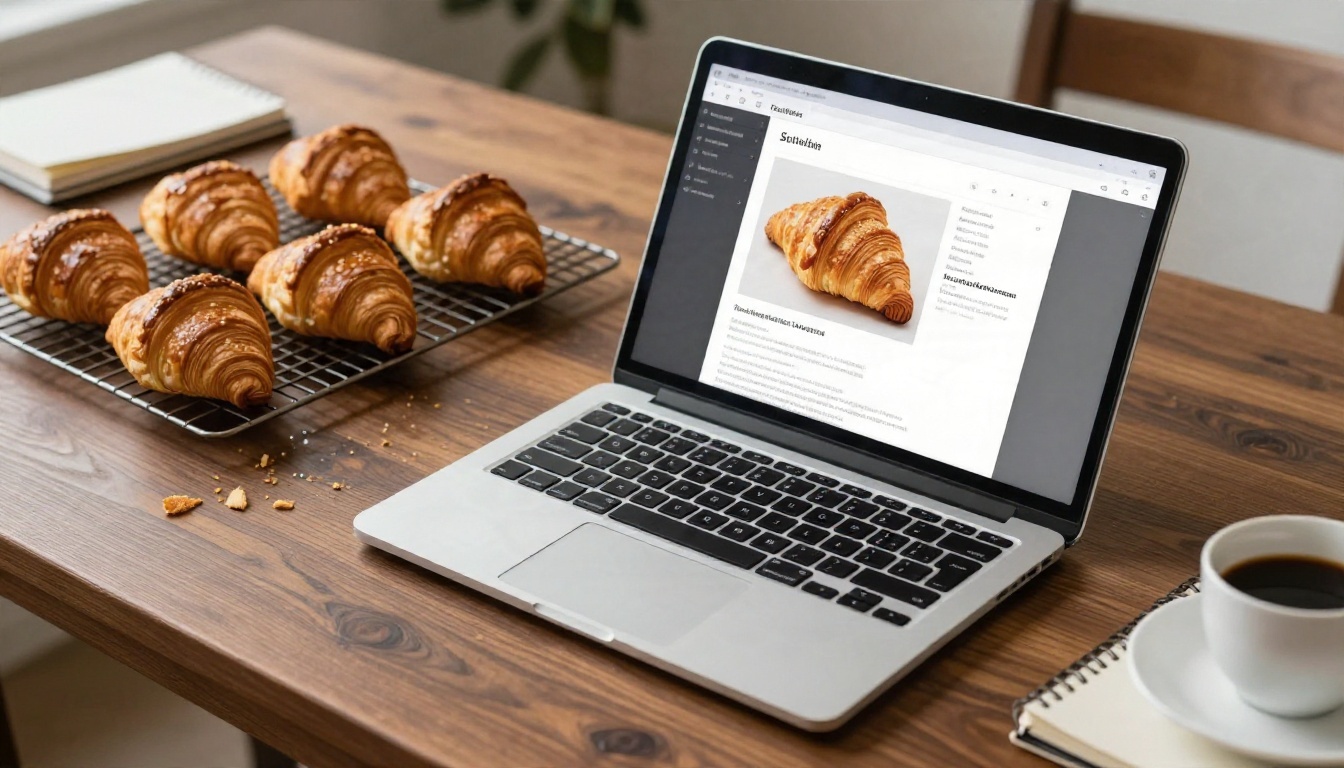
A small bakery creates a seasonal booklet of home baking recipes using its own croissants and breads as the photo subjects. A QR code on each bag opens the booklet, and short video links show how to reheat and slice the loaves properly.
The Cooking Instructor
A teacher builds a course packet with each lesson's recipe, a prep list and a video of the main skill. Students open it on their phones in class. The Course Material Publisher suits this kind of material well.
Free vs Paid: What You Actually Get
You can start for free and turn a PDF into a flipbook without a watermark. Paid plans add capacity and business features. Here is a quick way to think about it:
| Need | Free Start | Standard Plan and Above | Professional Plan |
|---|
| Turn a PDF into a flipbook | Yes | Yes | Yes |
| No watermarks | Yes | Yes | Yes |
| Unlimited flipbooks | No | Yes | Yes |
| Password protection | Check plan | Yes | Yes |
| Embed video and audio | Yes | Yes | Yes |
| Analytics | No | No | Yes |
| Lead generation | No | No | Yes |
| Offline downloads | Check plan | Check plan | Yes |
✅ Best practice: Begin with a single flipbook of your five best recipes. If readers love it, compare plans and scale up when you need unlimited books or analytics.
Common Mistakes to Avoid
- Low resolution photos. Food looks best sharp, so export images at a good size.
- Walls of text. Break long methods into numbered steps.
- Too many videos. Link only where a clip truly helps.
- Forgetting mobile. Test on a phone before sharing widely.
- No table of contents. In a book with more than ten recipes, readers need a quick way to jump.
Start Your Recipe Flipbook Today
A great recipe collection should be easy to read, easy to share and fully yours. A flipbook gives you the feel of a printed cookbook plus clickable videos, custom branding and a link anyone can open. No app store, no ads and no lock-in.
Ready to build yours? Create your free account on Flipbooks AI and upload your first PDF. Browse the full list of flipbook tools and templates to find the best layout for menus, cookbooks or course material, and check the pricing plans when you are ready to add analytics, lead generation and unlimited flipbooks.



