Your prospect opens a PDF attachment, waits for it to load, pinches and zooms on a phone, and closes it before page three. That is the quiet failure of the standard sales brochure. An interactive sales brochure fixes it: a page-turning, mobile-friendly document that opens from a single link, plays video, and tells you who read it. In this article you will see real examples, template structures you can copy, and exactly how to share the result by link or embed. You can build everything below with Flipbooks AI from a PDF you already have.
What Makes a Brochure Interactive
A brochure becomes interactive when the reader can do more than scroll. Pages flip with a realistic curl, images zoom, videos play inside the page, and links jump straight to a product, a booking form or a checkout. The whole thing loads in a browser, so nobody has to download a file or install anything.
Print vs PDF vs Flipbook
Each format has a place, but they behave very differently once they leave your hands.
| Feature | Printed brochure | Plain PDF | Interactive flipbook |
|---|
| Cost per copy | High, every run | Free | Free after creation |
| Mobile reading | Not applicable | Poor, needs zooming | Responsive, fits any screen |
| Video and audio | No | No | Yes, embedded in the page |
| Clickable links | No | Basic | Yes, with page-level control |
| Reader analytics | None | None | Yes (Professional plan) |
| Update after sending | Reprint | Resend new file | Replace the file, same link |
| Password protection | No | Weak | Yes |
The last two rows matter most for sales teams. When a price changes, you update the source and the link every prospect already holds shows the new version.
💡 Pro tip: Keep the printed version for trade shows and in-person meetings. Use the interactive version for everything that travels: email, chat apps, QR codes and proposals.
Who Benefits Most
- Field sales reps who send material from a phone between meetings
- Dealerships and property agents who need photo-heavy, visual pages
- Distributors and wholesalers with long product lists that change often
- Agencies and consultants who attach a brochure to every proposal
Interactive Sales Brochure Examples That Work
Abstract advice only goes so far. Here are four scenarios, each with the exact elements that make the brochure sell.
Automotive: Trim Levels That Come Alive
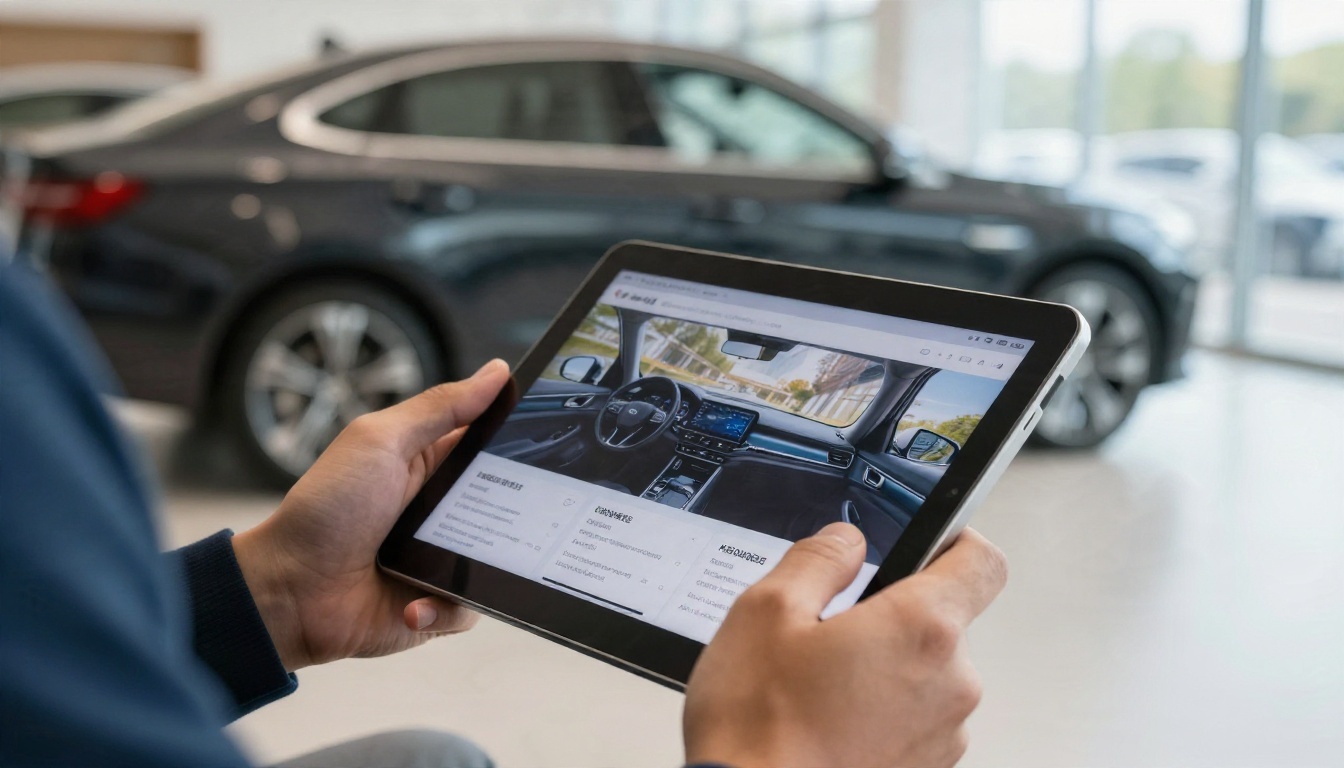
A dealership turns its model range PDF into a flipbook. Page two holds a 30 second walkaround video. The trim comparison page links each column to a finance calculator. The final page has a "Book a test drive" button that opens the scheduling form. Salespeople text the link to a lead right after a call, and the lead can browse while the conversation is still fresh. The Automotive Brochure tool is built for exactly this layout.
Real Estate: A Listing That Walks Buyers Through
An agent builds a brochure per listing: hero photo, floor plan, neighbourhood map, a short video tour and a contact page. Because the brochure is a link, it travels well in messages between spouses, relatives and advisors. That matters, since buying decisions in property are rarely made by one person. Try the Real Estate Brochure creator for a ready layout.
Small Business: A Product Line in One Link

A furniture maker has twelve products and no web shop. The brochure shows each piece with dimensions, wood options and lead times, and every page ends with a link to an order enquiry form. The owner pastes one link into every quote email. No developer, no store setup, and the brochure doubles as a lightweight catalog. For longer ranges, the Product Catalog generator works the same way.
Hospitality: Rooms, Rates and Packages
A hotel sales team sends group-booking brochures to event planners. Room types sit on one spread, meeting space capacity on another, and seasonal packages on a third. The Hotel Brochure tool suits this format, and a password keeps negotiated rates away from public eyes.
Templates to Start From
You do not need to design from scratch. Most strong sales brochures follow a small set of repeatable structures. Pick the one closest to your offer and fill in your own content.
Five Template Structures
| Template | Best for | Typical pages | Main call to action |
|---|
| Product line | Manufacturers, shops | 8 to 16 | Request a quote |
| Service menu | Agencies, consultants | 6 to 10 | Book a call |
| Property or room showcase | Real estate, hotels | 6 to 12 | Schedule a visit |
| Price list plus overview | Distributors | 10 to 24 | Place an order |
| Sales presentation | B2B pitches | 8 to 14 | Reply to the proposal |
If your brochure is closer to a pitch than a catalog, the Sales Presentation flipbook is a better starting point. For price-heavy documents, use the Digital Price List Generator.
Design Rules That Lift Results
- One message per page. If a spread tries to say three things, the reader remembers none.
- Lead with the outcome. Open with what the customer gets, not your company history.
- Use large photos. Flipbooks reward visuals, and phones show them full width.
- Place a call to action on every third page. Not only at the end, because many readers never reach it.
- Keep it under 16 pages. Shorter documents get finished.
✅ Best practice: Design pages in portrait or square proportions with generous margins. Text that looks fine on a laptop can shrink to unreadable on a phone.
How to Create One with Flipbooks AI
The fastest route is to start with a PDF. If you have a brochure from InDesign, Canva, Word or PowerPoint, you already have the source. The PDF to Flipbook Converter handles the rest, and the Brochure Flipbook Maker is tuned for this document type.
Step 1: Create Your Account
Head to Flipbooks AI and sign up. You can build your first flipbook before choosing a plan.
Step 2: Upload Your PDF
- Click the upload button in your dashboard.
- Drop in your PDF. Each page becomes a flipbook page, keeping text sharp and images crisp.
- Wait a few moments for conversion. You will see a page-turning preview right away.
💡 Pro tip: Export your PDF at the final trim size with images at 150 DPI or higher. That keeps file size low without visible blur.
Step 3: Customize the Look
- Branding: add your logo and choose colors that match your company palette
- Page effects: pick the flip style and speed that fits your tone
- Background: use a neutral or branded backdrop so the pages stand out
- No watermarks: your brochure carries your brand only, never ours
Step 4: Add Multimedia and Links
Place a product video on the page where it makes sense. Add audio narration for a founder message. Turn product images and buttons into links that point to your order form, calendar or website. The result is a brochure that responds to interest in the moment it appears.
Step 5: Choose Sharing and Access Settings
Decide whether the brochure is public or private, copy the link, or grab the embed code. The next two sections cover both options.
Ready to try it? Create your first brochure in a few minutes.
How to Share It by Link
The direct link is the simplest method and often the most effective. Every flipbook gets its own URL that opens in any modern browser.
Where to Paste the Link
- Email signature: a permanent "See our brochure" line works around the clock
- Proposal and quote emails: replace the attached PDF with the link
- Chat apps: the link previews cleanly and opens at once on a phone
- Social bios: one link in a profile reaches every visitor
- QR codes: print one on a poster, business card or shop window and send people straight to the digital version
⚠️ Warning: Do not attach the old PDF alongside the link. Readers will open the attachment, and you lose analytics and update control.
Lock It with a Password
Some brochures are not meant for everyone: wholesale pricing, partner terms, pre-launch ranges. Password protection lets you share the link widely while only people with the code can open it.

Send the password in a separate message from the link. A good habit is to use a different password for each client group, so you can change one without affecting the rest.
How to Embed It on Your Website
A link works anywhere. An embed keeps visitors on your own pages, which helps when the brochure is part of a landing page or product section. The Embed Flipbook on Website tool explains the options in detail.
Embed in Four Steps
- Open your flipbook and select the embed option.
- Copy the generated code snippet.
- Paste it into an HTML block or custom code section of your site editor (WordPress, Wix, Squarespace, Webflow or plain HTML all accept it).
- Publish the page and test it on both desktop and phone.
Set a sensible width, usually 100 percent of the container, so the brochure scales on small screens.
Link or Embed: Which to Choose
| Situation | Best choice | Why |
|---|
| Sending to one prospect | Link | Fast, personal, trackable |
| Landing page for a campaign | Embed | Keeps visitors on your page |
| Printed material and QR codes | Link | Short, simple destination |
| Product page on your site | Embed | Brochure sits next to the buy button |
| Private partner pricing | Link with password | Controlled access |
| Email newsletter | Link | Most email clients block embeds |
💡 Pro tip: Use both. Embed the brochure on your site, then use the direct link in emails. Both point to the same flipbook, so one update changes everything.
Track Results and Follow Up
Sending a brochure is only half of the job. Knowing what happened afterwards is where the sales gain comes from.

What to Watch
Analytics and lead generation are part of the Professional plan. They let you see how readers interact with each brochure, so your follow-up call starts with facts instead of guesses.
- Opens: did the link get clicked at all?
- Pages viewed: where do readers slow down, and where do they leave?
- Return visits: a second visit often signals a buying decision
- Lead capture: ask for a name and email before the brochure opens, when the content is valuable enough
Turn Data into Action
If most readers drop off at page five, move your strongest proof up front. If a pricing page gets repeated visits, call within the hour. If nobody opens the link, change the email subject line, not the brochure.
| Signal | What it usually means | Next step |
|---|
| Opened, left on page 1 | Weak opening | Rewrite the first page |
| Read to the end | Strong interest | Call or message that day |
| Several returns | Comparing options | Send a short case study |
| Never opened | Delivery problem | Resend with a new subject |
Start Your First Brochure Today
An interactive sales brochure costs less than printing, travels faster than a PDF, and gives you information a paper copy never could. Pick one of the templates above, upload your PDF, add a video and a clear call to action, then send it by link or embed it on your site.
Your next prospect is already waiting for a brochure that opens in one tap. Give them one.



