Interactive Video Brochure: Examples, Ideas, Templates and How to Embed Video
A practical look at the interactive video brochure: real examples from real estate, hotels, cars and restaurants, layout ideas, template structures, and step-by-step instructions to embed video and publish a brochure that plays on every screen.
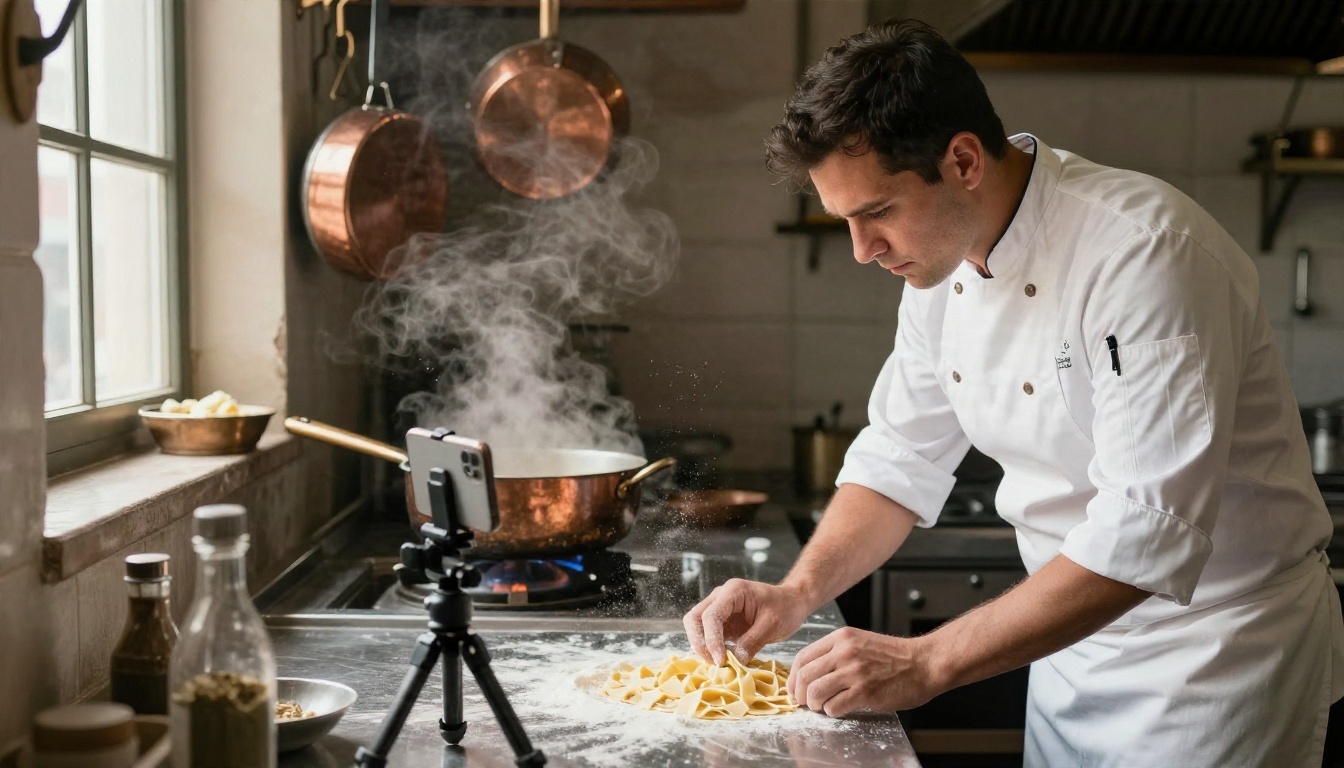
A printed brochure can show your product, but it cannot show it moving. A hotel pool at sunrise, a car door closing with that solid thud, a chef folding pasta by hand: these things sell better in motion, and an interactive video brochure lets you put them right on the page. Instead of a flat PDF that people skim for eight seconds, you get a page-turning brochure that plays clips, links to your booking page and works on a phone as well as it does on a desktop. In this article you will see real examples, layout ideas you can copy, template structures, and the exact steps to embed video using Flipbooks AI.
What an Interactive Video Brochure Is
An interactive video brochure is a digital brochure, usually built from a PDF, where pages contain playable video, clickable links, audio and sometimes forms. Readers flip through it like a magazine, tap a still image, and a clip starts inside the page. There is no download, no attachment and no separate video site to send people to.
Print vs. Interactive: The Real Difference
A PDF is a picture of a page. A flipbook is a small app. That difference changes what you can measure and what people can do.
Feature
Printed brochure
Plain PDF
Interactive video brochure
Plays video
No
No
Yes
Clickable links
No
Limited
Yes
Works on mobile
Needs to be carried
Pinch and zoom
Responsive
Tracks views
No
Rarely
Yes (analytics)
Updates after sending
Reprint
Resend file
Edit once, same link
Cost per extra copy
Printing and shipping
Free
Free
Why Video Inside the Page Works
Video on a separate site forces a second decision: "Do I click away?" Video inside the brochure removes that step. The reader is already looking at the page, the clip is one tap away, and the surrounding text, price and call to action stay in view once the clip ends.
💡 Pro tip: Short clips of 15 to 45 seconds outperform long ones in a brochure. The brochure is the story, the video is the proof.
Interactive Video Brochure Examples That Work
Here are five scenarios where the format fits naturally. Each one pairs a specific page with a specific clip.
Real Estate Listings
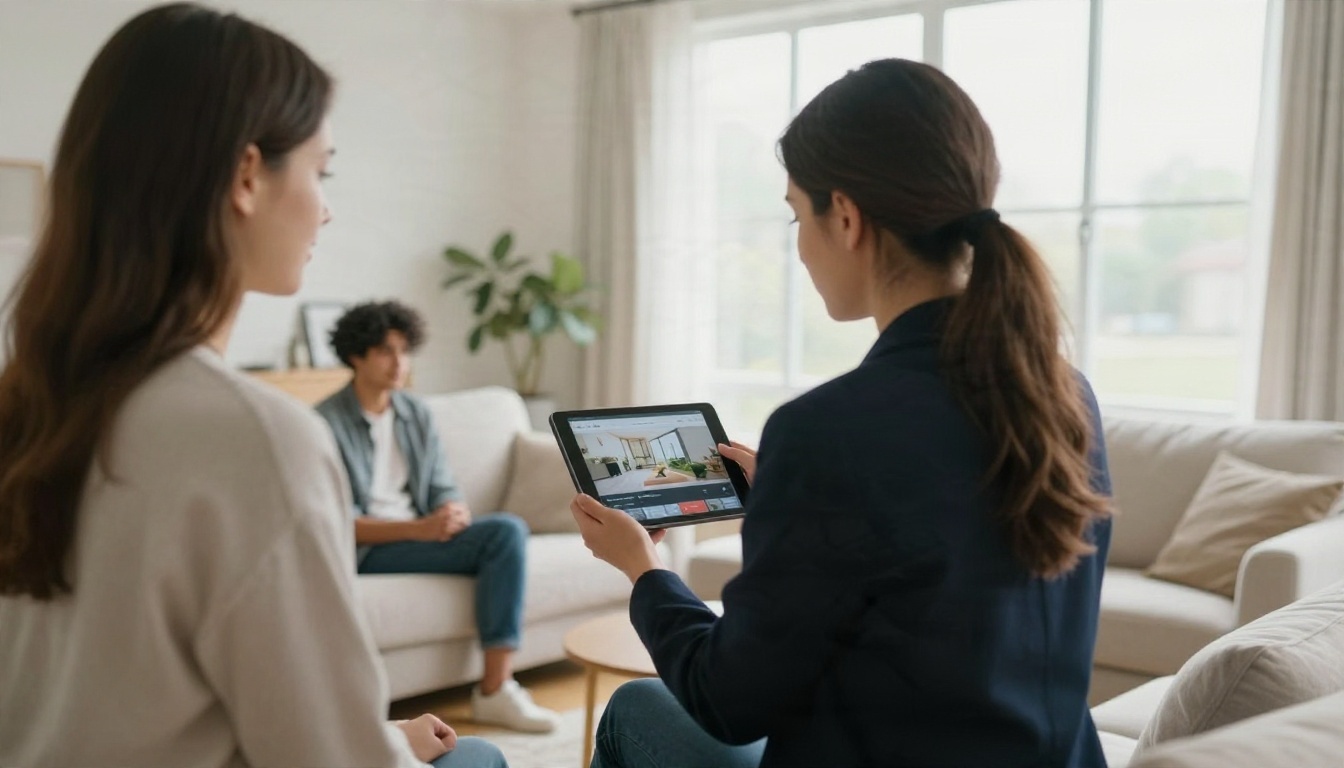
A property brochure with a video walkthrough on page two beats a gallery of still photos because buyers feel the layout. Agents can place a 30 second tour next to the floor plan, then a neighborhood clip beside the map. The Real Estate Brochure creator is built for exactly this kind of listing pack.
What goes on the pages:
A cover page with a drone clip of the exterior
A floor plan page with a room by room walkthrough
A neighborhood page with a short lifestyle video
A final page with the agent's contact link and a booking button
Hotels and Travel
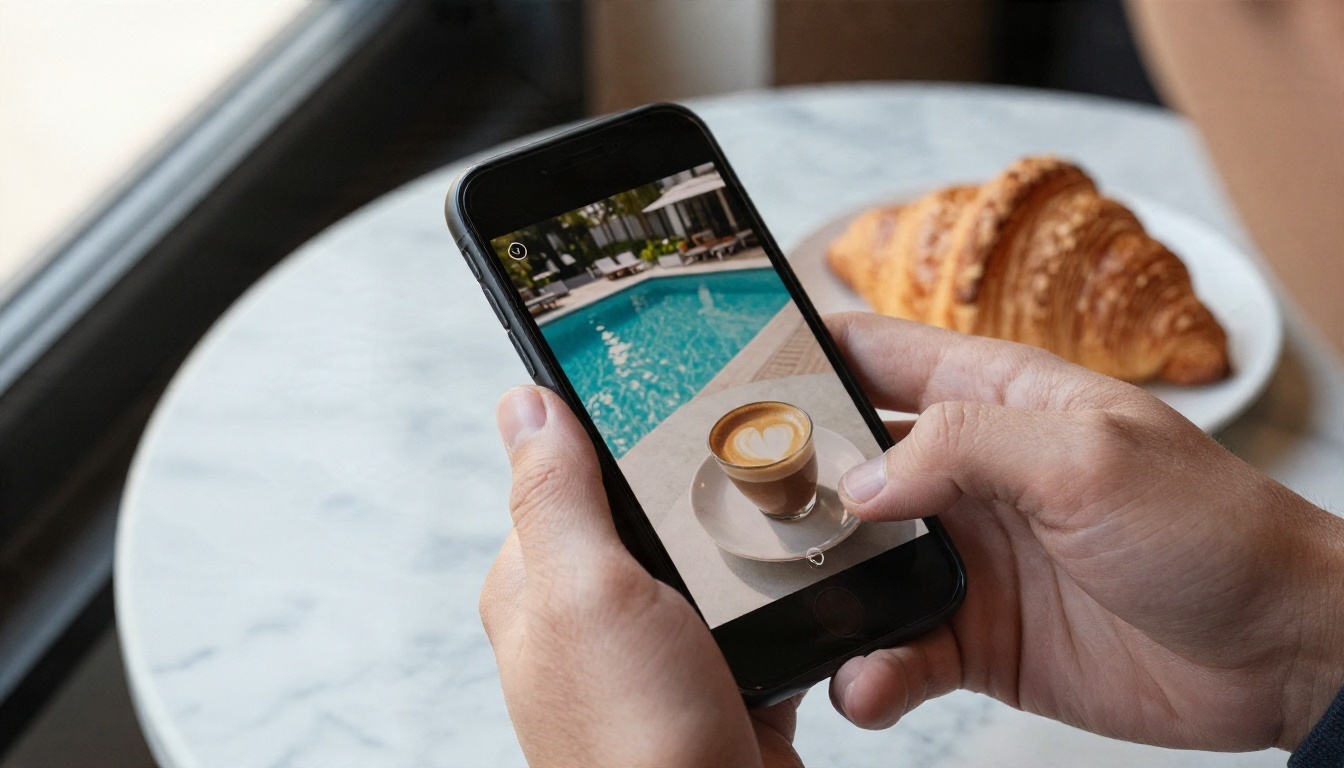
Hotels live on atmosphere. A clip of waves, a breakfast terrace or a spa room does more than three paragraphs of adjectives. A Hotel Brochure can carry a room tour on every room page, and a Travel Guide Flipbook can place a destination clip on each chapter opener.
Most travel brochures are opened on a phone, often in a cafe or on a train. That is why mobile playback matters more than anything else on this list.
Automotive Showrooms
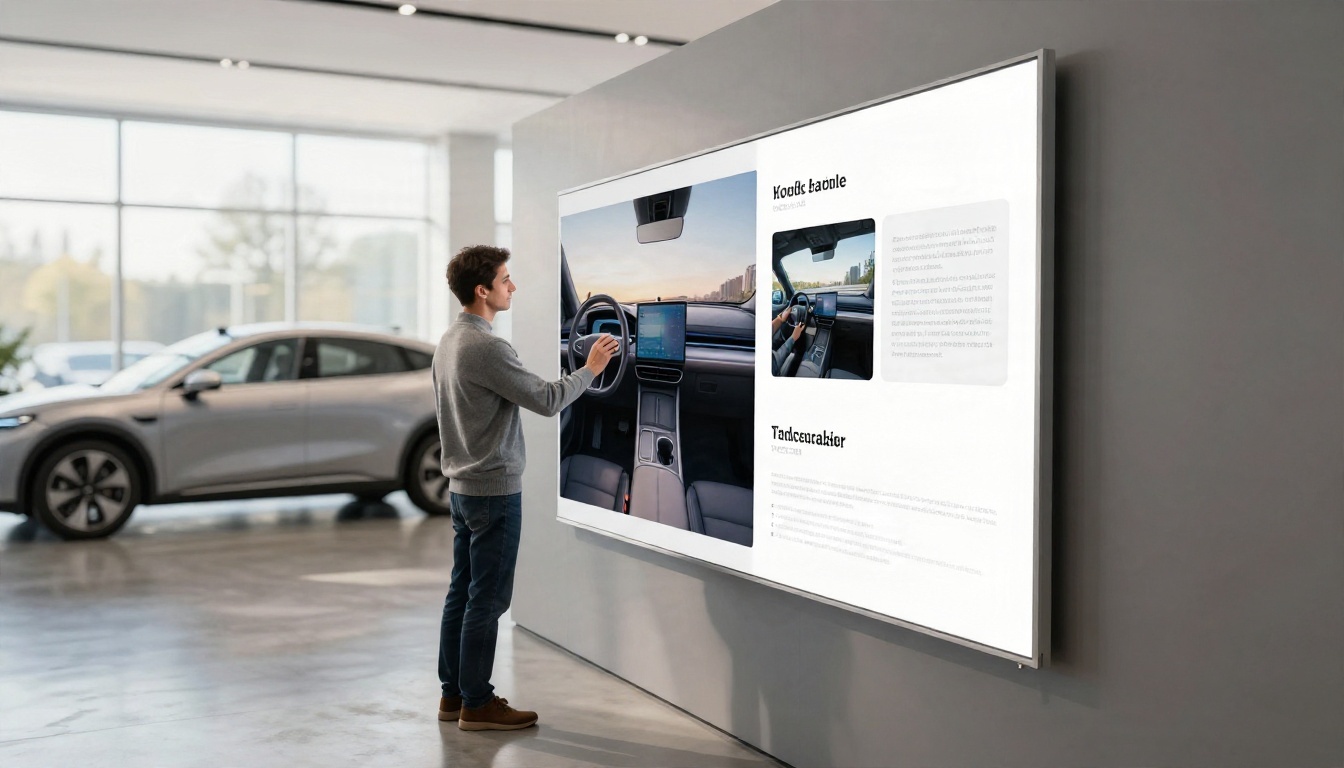
Car brochures are packed with specs, and specs are dull without context. A 20 second clip of the dashboard lighting up or the trunk opening hands free explains a feature faster than a bullet list. The Automotive Brochure generator lets a dealer put a clip beside each trim level, and the same file can run on a showroom display.
Restaurants and Food Brands
A menu with a short clip of the signature dish being plated sells more of that dish. Restaurants can add a chef video to the first page and a clip for each special. Try the Restaurant Menu Creator or the Menu Flipbook Designer for the layout.
Trade Shows and Events
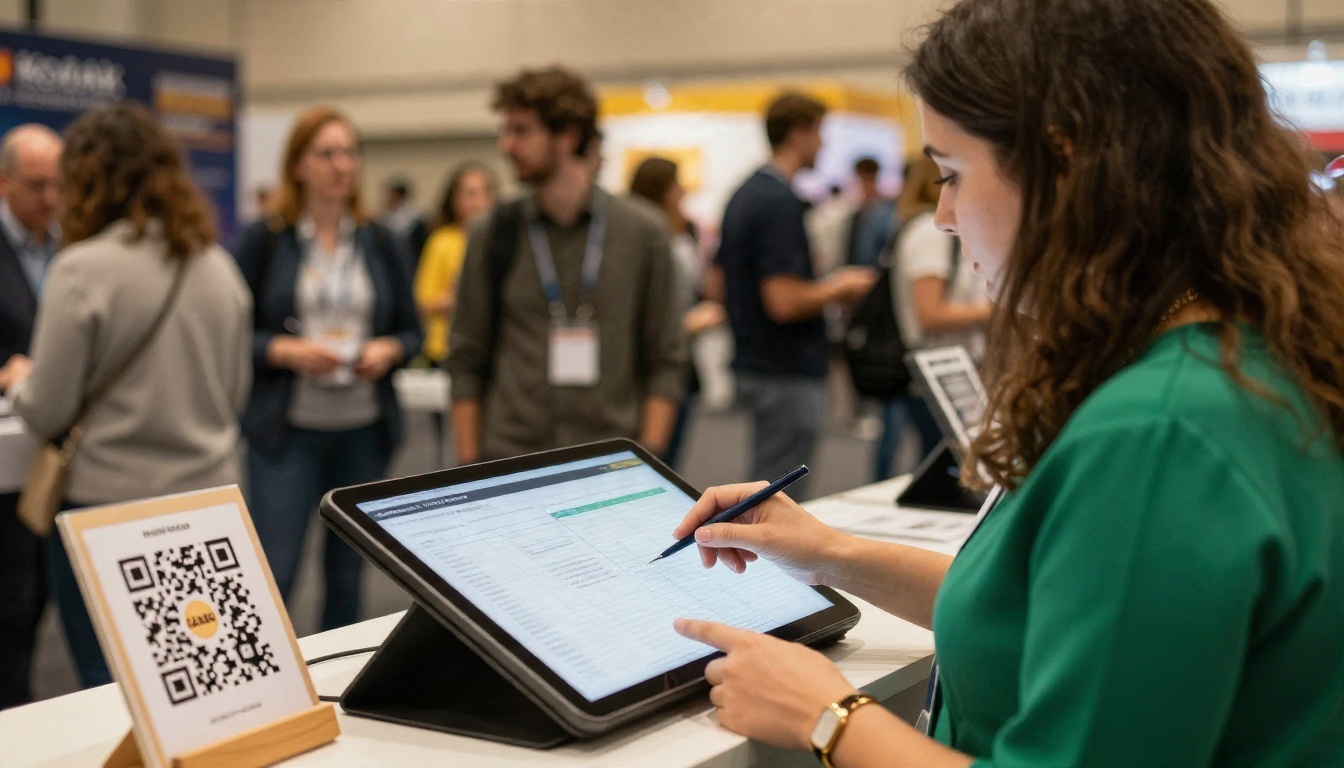
At a booth you have about ten seconds to catch someone walking past. Put a QR code on a table card, send visitors to the brochure, and let the clip do the pitch while you talk to the next person. After the event, the same link goes in your follow-up email.
Ideas You Can Steal Today
You do not need a big production budget. Most good video brochures use phone footage and one clear idea per page.
The opening hook. Start page one with a silent, looping 10 second clip and a bold headline.
The founder note. A 30 second video of the owner saying why the company exists. It builds trust faster than a paragraph.
The product in use. Show hands, not packshots. People trust what looks used.
The before and after. Perfect for renovation, skincare, landscaping and fitness brochures.
The customer voice. A 20 second testimonial next to a written quote.
The how-to page. A quick tutorial clip with the product list underneath.
The closing call to action. A final page with a booking link, phone number and a clip that says "here is what happens next."
✅ Best practice: Film vertical and horizontal versions of the same clip if you can. Phones prefer vertical, desktops prefer horizontal, and a brochure is read on both.
Which Idea for Which Industry
Industry
Best clip type
Ideal length
Where to place it
Real estate
Room walkthrough
30 to 45 sec
Beside the floor plan
Hotels
Atmosphere loop
10 to 20 sec
Page one and each room
Automotive
Feature demo
15 to 30 sec
Beside each trim level
Restaurants
Dish preparation
10 to 20 sec
Next to the signature items
SaaS and services
Product demo
30 to 60 sec
Page two
Events
Highlight reel
30 sec
Opening page
Interactive Video Brochure Templates
A template is not a design. It is a page order that you know works. Below are three structures you can adapt in an afternoon.
Template 1: The Six Page Product Brochure
Page 1: Looping hero clip and a one line promise
Page 2: The problem, written in the customer's words
Page 3: Product demo video
Page 4: Features in a short table
Page 5: Testimonial video and logos
Page 6: Pricing, link and contact
Template 2: The Eight Page Property or Hotel Brochure
This is the full process from PDF to published brochure. It takes most people under fifteen minutes.
Step 1: Create Your Account
Go to Flipbooks AI and create an account. You can try the platform first and move to a paid plan when you need more flipbooks or analytics. Flipbooks never carry a watermark.
Step 2: Upload Your PDF
Design your brochure in any tool you like, such as Canva, InDesign or Word, and export it as a PDF. Upload it, and the platform converts every page into a flippable page with realistic turning effects. Keep images at a good resolution so zoomed pages stay sharp.
Step 3: Customize the Look
Open the settings and set your branding:
Colors and background to match your brand
Logo in the toolbar
Page effects such as the flip animation and sound
Start page and layout for single or double page view
Step 4: Add Your Video
Select a page, choose the video option, and place a clip where you want it. Resize it, set whether it plays on click or automatically, and add a poster image so the page looks good before play. You can use a hosted video link or upload your own file. Audio works the same way, so a short voice note on a page is possible too.
Step 5: Publish and Share
You have four main ways to share:
Direct link for emails and messages
QR code for print, packaging and events
Embed code for your website
Password protection for private offers and client-only brochures
Plan feature
Where it helps
Plan level
No watermark
Clean branded brochures
All plans
Unlimited flipbooks
Agencies and multi-product brands
Standard and above
Embedded video and audio
Every brochure in this article
Available in the editor
Password protection
Private client brochures
Available in the editor
Offline download
Trade shows with poor wifi
Available in the editor
Analytics and lead generation
Measuring who watches and who converts
Professional
See the current options on the pricing page before you choose.
How to Embed Video in a Brochure
"Embed video" can mean two things: putting a video inside the brochure pages, or putting the finished brochure inside your website. You will probably want both.
Option A: Link a Hosted Video
If your clip is on YouTube or Vimeo, paste the link into the video field on the page. This keeps your file sizes small and uses the host's streaming, which is a good choice for longer clips.
Option B: Upload an MP4 File
Upload the file directly when you want a clean look without any third party branding or suggested videos. Export your clip as MP4 with H.264 encoding, keep it under a couple of minutes, and compress it so it starts fast on mobile data.
Method
Speed on mobile
Branding on player
Best for
YouTube link
Fast, adaptive
YouTube branding
Longer demos and tutorials
Vimeo link
Fast, adaptive
Minimal
Polished brand films
MP4 upload
Fast if compressed
None
Short loops and hero clips
Option C: Embed the Brochure on Your Website
When your brochure is published, copy the embed code and paste it into a page on your site. The Embed Flipbook on Website tool shows the process in detail. The snippet looks like this:
Replace the placeholder with the link from your dashboard. If you use WordPress, Wix, Webflow or Squarespace, add a custom HTML block and paste the snippet there.
⚠️ Warning: Autoplay with sound is blocked by most browsers and annoys most readers. Let the clip start muted or on tap.
Measure What the Video Does
A video brochure that nobody watches is just a heavier PDF. Track what happens after you publish.
Clips that run too long. Cut anything past 60 seconds.
Huge files. Compress before upload or mobile readers will leave.
No poster image. A black rectangle does not invite a tap.
No call to action after the video. Put the button right beside it.
Forgetting subtitles. Many people watch without sound.
Build Yours This Week
Pick one brochure you already send out. Choose the single page where a clip would help most, film 20 seconds on your phone, and add it. That is a real interactive video brochure, and you can improve it next week.