Your wedding gallery is sitting in a folder somewhere, 800 photos deep, and nobody except you has opened it twice. An interactive wedding album fixes that. It keeps the feel of turning a real page, then adds the things a printed book never could: a song that plays softly in the background, a short clip of your first dance, and a single link your grandmother can open on her tablet. With Flipbooks AI you can build one from a PDF in an afternoon, and this article shows what a good one looks like, how music and video fit in, and which sharing option suits each person on your guest list.
Why a Flipbook Beats a Download Link
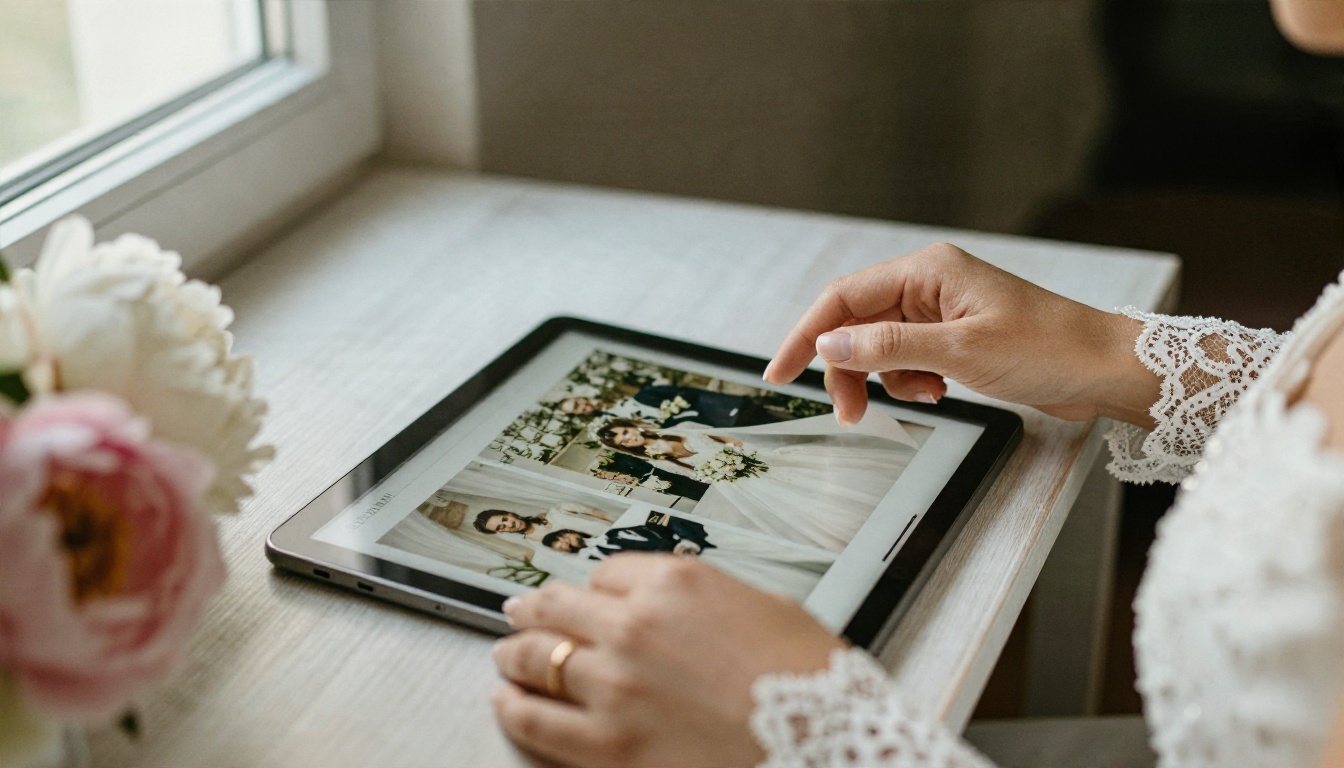
Most couples share photos the same way: a cloud folder, a zip file, or a gallery with a login nobody remembers. Those formats work for storage. They do not work for storytelling. A flipbook puts your photos in an order, gives each spread room to breathe, and lets viewers move through the day the way you lived it.
What Guests Actually Want
Ask a few people who attended and the answers repeat. They want to see themselves, they want to find the funny moments fast, and they want to open it without installing anything. A page-flip album answers all three. Thumbnails give quick access, the story order keeps it enjoyable, and it runs in a normal browser on a phone, tablet or laptop.
💡 Pro tip: Think about your oldest and youngest guests first. If both can open and read your album without help, everyone in between can too.
Printed Album vs Digital Flipbook
A printed album is beautiful, and you should probably order one. But a digital flipbook is not a replacement, it is a companion. Here is how they compare in practice.
| Feature | Printed Album | Interactive Flipbook |
|---|
| Cost per copy | High, rises with every extra copy | One file, unlimited viewers |
| Delivery time | Weeks for design, print and shipping | Same day once the PDF is ready |
| Music and video | Not possible | Embedded audio and clips |
| Updating a typo | Reprint | Replace the PDF and republish |
| Reaching guests abroad | Postage and customs | A link in a message |
| Longevity | Decades if stored well | As long as you keep the link or an offline copy |
| Privacy control | Whoever holds the book | Password protection, private link |
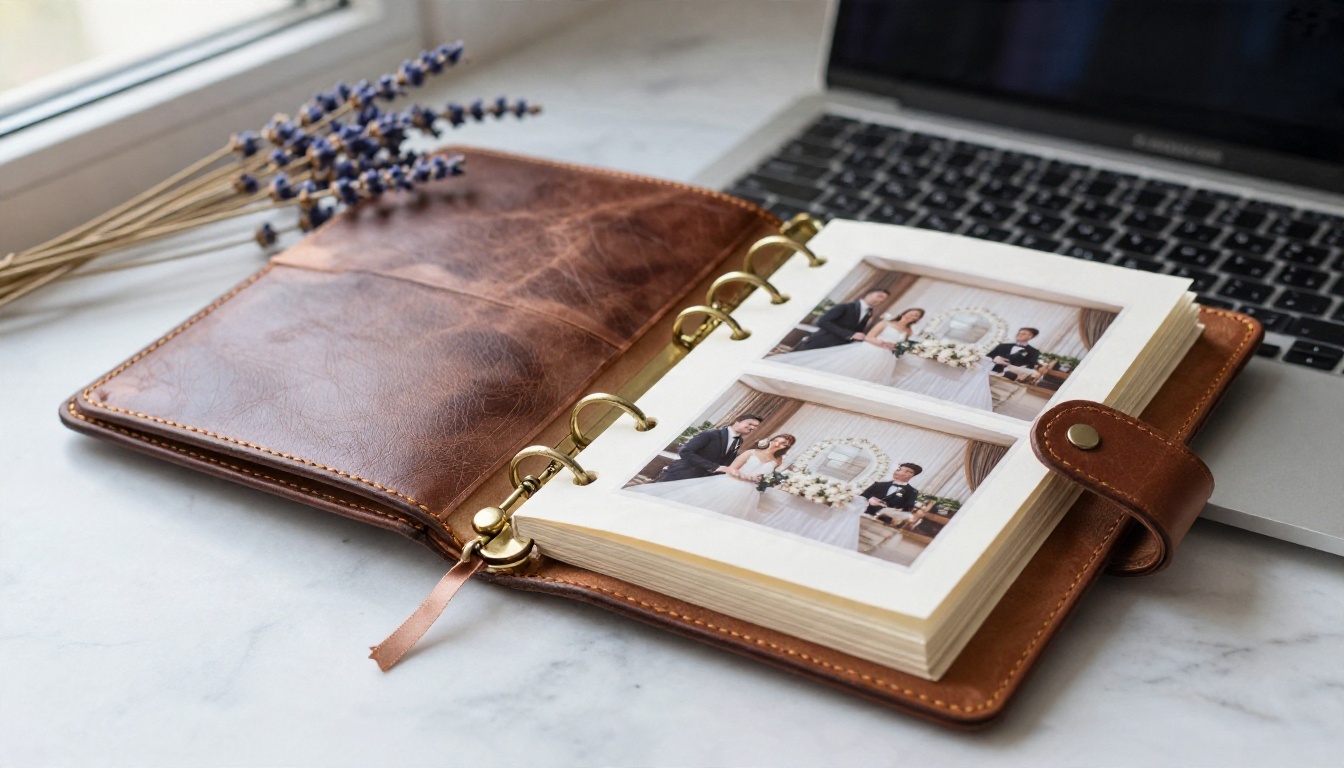
Many couples do both. The printed book lives on the shelf, while the flipbook travels to everyone who could not come, and that tends to be a surprisingly large group.
Page-Flip Examples Worth Copying
Layout decides whether an album feels like a story or a pile of pictures. These three structures work well, and each one suits a different couple.
The Classic Chronological Album
This is the safest and most loved format. It follows the day in order: getting ready, first look, ceremony, portraits, reception, last dance. Open each chapter with a full-bleed photo, then follow with spreads of two or three images.
A typical page plan looks like this:
- Page 1: Full-page portrait with names and date in small type.
- Pages 2 to 5: Getting ready, rings, dress, details.
- Pages 6 to 12: Ceremony, vows, the walk back down the aisle.
- Pages 13 to 20: Family and group portraits.
- Pages 21 to 32: Reception, speeches, dancing.
- Final page: One quiet closing photo and a thank you line.
The Magazine Style Spread
If your photographer shot lots of detail pictures, a magazine layout lets them shine. Use one large hero image per spread, a few small supporting frames, and short pull quotes from your vows or a toast. This format feels editorial and works especially well for destination weddings, where location shots deserve more space.
The Story Chapters Album
Instead of time, organize by people and themes: "The Families," "The Friends," "The Food," "The Dance Floor." Guests jump straight to their own chapter, which suits large weddings with many separate friend groups.
| Layout Style | Best For | Photos Per Page | Music Fit | Video Fit |
|---|
| Chronological | Traditional weddings, older relatives | 1 to 3 | One track for the whole album | Ceremony and dance clips |
| Magazine | Destination and styled weddings | 1 large plus 2 to 4 small | Ambient instrumental | Short location b-roll |
| Story chapters | Big guest lists, blended families | 2 to 4 | Different mood per chapter | Toasts and reactions |
| Minimalist | Elopements, small gatherings | 1 | Single acoustic track | One highlight reel |
For a ready-made starting point, try the Wedding Album Flipbook tool, which is built for exactly this kind of layout.
Adding Music Without Annoying Anyone
Music is the feature people either love or regret. Done well, it makes the album feel like a film you control. Done badly, it blasts through a quiet office while someone is trying to show a coworker your cake.
Choosing the Right Tracks
Pick music that is calm, instrumental or lightly acoustic. Lyrics compete with reading, and loud choruses compete with everything. Your first dance song is lovely, but it belongs on the page where the dance appears, not under the whole book.
Good options include:
- A soft piano or guitar version of a song from your ceremony
- An instrumental arrangement of your first dance track
- A gentle ambient piece that matches the venue, such as waves for a beach wedding
- Silence on most pages, with sound only on chosen spreads
⚠️ Watch the licensing: Songs from major artists are protected by copyright. For anything you plan to share widely, use music you own, a royalty-free track, or a recording made by a friend who played at your wedding.
Where Audio Belongs
You have three sensible placements. Each one changes the viewing experience.
| Audio Placement | How It Feels | Risk | Recommended When |
|---|
| One background track for the entire album | Cinematic and consistent | Can become repetitive | Short albums under 20 pages |
| A different clip on each chapter opener | Gives each section its own mood | More files to manage | Story chapter layouts |
| Audio only on selected pages | Surprising and personal | Guests may miss it | Voice messages, toasts, vows |
One lovely idea: embed a 30 second voice recording of your grandfather's toast on the page showing his photo. Photos fade over time in memory, but voices are harder to replace.
Putting Video Inside Your Album
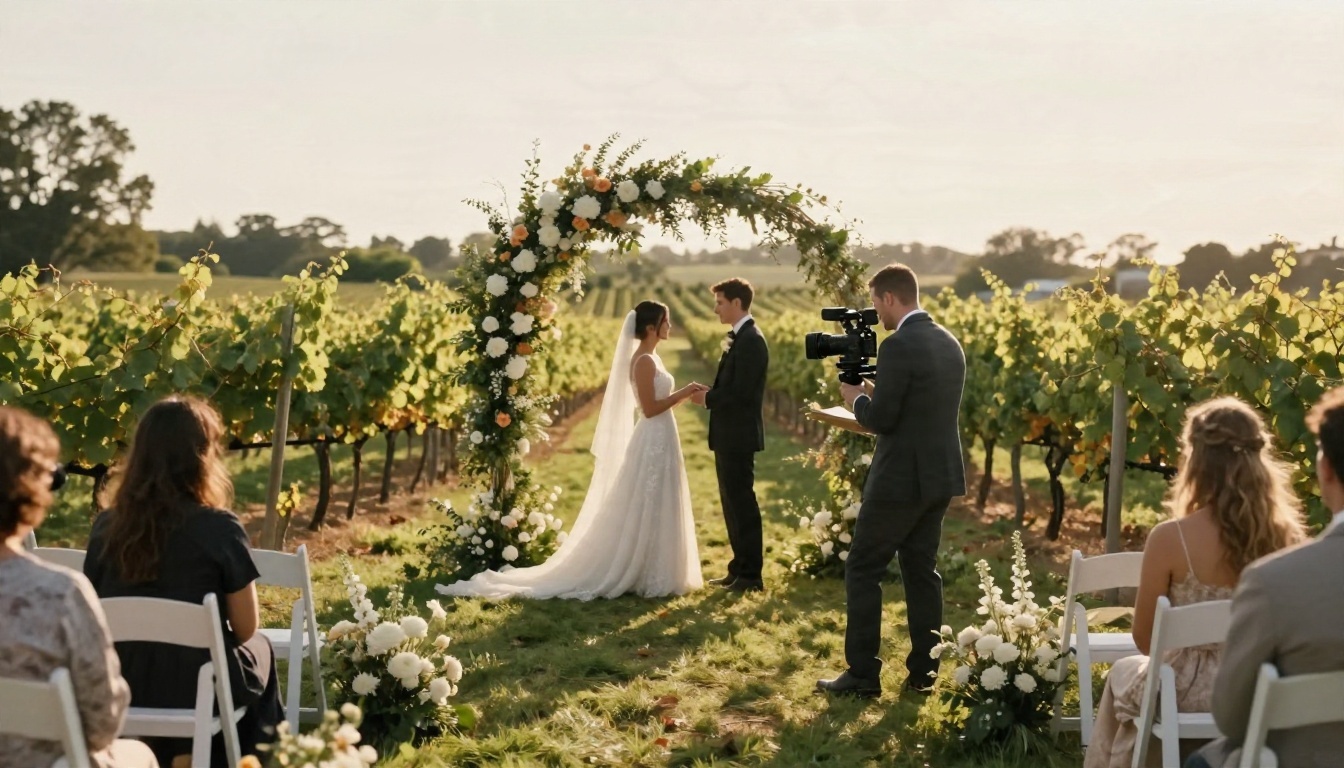
Photos capture a moment. Video captures the sound of a laugh and the way your partner's voice cracked on the second line of the vows. A flipbook lets you place clips precisely where they belong instead of sending a separate highlight film nobody finds.
Which Clips Earn a Page
You do not need every minute of footage. Choose the moments that photos cannot do justice:
- The vows, or the first 30 seconds of them
- The first dance, trimmed to the best chorus
- Speeches, one or two memorable lines each
- Exit moment, sparklers, confetti or bubbles
- Reaction clips, a friend's tears, a child dancing in a dress too big for them
Pair each clip with a still photo from the same scene on the facing page. The photo gives context, and the clip gives life.
Keeping File Sizes Sane
Big video files slow a flipbook down, especially on mobile data. A few habits help:
- Trim every clip to under a minute.
- Export in a standard format and a sensible resolution, since phones do not need a cinema file.
- Host longer films on a video platform and embed them, rather than packing them into the page.
- Test the album on a phone with Wi-Fi turned off before you send it out.
✅ Best practice: Put no more than one video on any spread. If two clips share a page, guests tend to watch neither.
How to Create a Wedding Flipbook
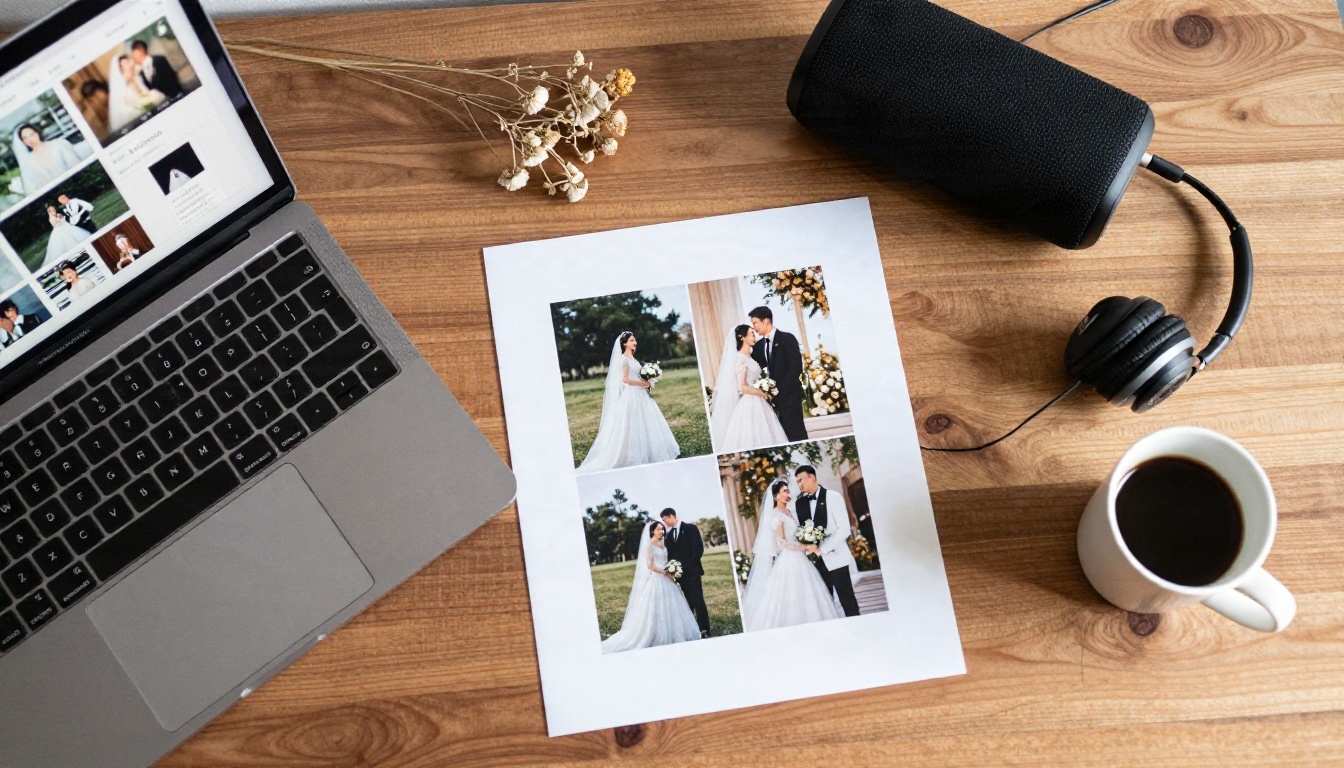
Flipbooks AI turns a PDF into a page-turning flipbook, so the design work happens in whatever tool you prefer, whether that is your photographer's album software, Canva, Lightroom, or a layout program. The steps below take you from PDF to a shareable link.
Step by Step
- Open your account. Head to Flipbooks AI or create an account to sign in. Pick the Wedding Album Flipbook tool for a layout tuned to photo albums.
- Prepare your PDF. Export your album at a quality that keeps faces sharp without producing a huge file. Spreads work well as single wide pages or as paired pages.
- Upload and convert. Drop the file into the PDF to Flipbook Converter. Each PDF page becomes a flip page with a realistic curl effect.
- Customize the look. Choose a background color that complements your palette, such as warm ivory, soft sage or deep navy. Add your names or monogram, and set the page effects you prefer.
- Add multimedia. Place your audio track and video clips on the chosen pages, following the placement plans from the sections above.
- Check on mobile. The viewer is mobile-responsive, but open it on a phone and a tablet anyway. Flip every page once.
- Publish and share. Copy the link, set a password if you want one, or use the embed code for your wedding website.
There are no watermarks on your flipbook, so the album looks like yours and nobody else's.
Pro Features Worth Using
Some options matter more for weddings than for corporate documents, and a few are limited to higher plans. You can compare them on the pricing page.
| Feature | What It Does for a Wedding | Plan Level |
|---|
| Password protection | Keeps the album private to people you trust | Available on paid plans |
| Offline downloads | Lets relatives save a copy for flights or weak signal | Available on paid plans |
| Embedded audio and video | Adds music, vows and dance clips | Available on paid plans |
| Unlimited flipbooks | Separate albums for rehearsal dinner, ceremony, honeymoon | Standard and above |
| Analytics | Shows how many people opened the link and which pages they viewed | Professional |
| Lead generation | Useful if a photographer shares samples with future clients | Professional |
| Custom branding | Adds a photographer's logo or a couple's monogram | Paid plans |
💡 For photographers: Build one private flipbook per couple, then use the same template each time. Clients get a consistent, polished gallery, and your branding appears on every share. You can also point prospects to a public sample through the Photography Portfolio tool.
Sharing Link Options Compared
Building the album is half the job. The other half is getting it to the right people without sharing it with the wrong ones.
Direct Link, Embed, or Download
Each method has its place, and most couples use more than one.
| Method | Best For | Pros | Cons |
|---|
| Direct link | Text messages, email, group chats | Fastest to send, works on any device | Anyone with the link can open it unless protected |
| Password protected link | Immediate family and close friends | Keeps your album private | Guests must type or save the password |
| Embedded on your website | Couples with a wedding site | Album sits beside the schedule and registry | Needs a site you can edit |
| Offline download | Travelers, older relatives with poor signal | Works without internet | Copy can be forwarded freely |
| QR code in a thank you card | Printed stationery | Connects paper to digital | Needs good print contrast |
If you have a wedding website, the Embed Flipbook on Website tool gives you the code to paste in. You can also tuck the link inside your thank you cards as a QR code, which is a charming way to connect a printed note with a digital album.
Privacy for Different Guests
Not every guest needs the same access. Consider making two versions:
- The full album, password protected, for family and your closest friends.
- A highlights version, shorter and with the link open, for coworkers, neighbors and social posts.
Because plans with unlimited flipbooks let you build more than one, there is no cost to splitting your audience this way.

⚠️ Before you post anywhere public: Check with your guests. Some people, such as those in sensitive jobs or private family situations, prefer not to appear online. A password protected link respects that automatically.
Real Scenarios That Show the Difference
A few situations show how these options play out.
- The destination wedding. Forty guests flew in, another sixty stayed home. Send the full flipbook to everyone, with a short video clip of the ceremony on page six. The people at home feel included, and nobody has to wait for a courier.
- The elopement. Two people, one photographer, a cliff at sunrise. A minimalist album with one photo per page and a single acoustic track feels intimate, and a voice recording of your vows makes it unforgettable.
- The multi-event celebration. Henna night, ceremony and reception each deserve their own album. With unlimited flipbooks, you can keep them separate. The Event Program Maker is useful if you also want a digital order of events for the day itself.
- The anniversary refresh. Years later, replace the PDF with an updated version that includes anniversary photos, a first-baby chapter or a note from the two of you. The link stays the same.
Ready to Build Yours?
Your photos are already beautiful. A page-flip layout, a gentle song, and a few well-chosen clips turn them into something people actually finish. Start with the Wedding Album Flipbook tool, upload your PDF through Flipbooks AI, and have a private link in your hands before the flowers wilt.
Somewhere in your gallery is the photo that makes your mother cry and your best friend laugh. Put it on a page, add the song that was playing, and send the link.



