A buyer finds your gold hoops on Instagram, taps the link in your bio, and lands on a 40 MB PDF that takes nine seconds to load and zooms like a street map. Most of them leave. Jewelry sells on detail and trust, so the catalog has to load fast, look sharp on a phone, and show prices without a fight. A flipbook fixes all three. With Flipbooks AI you can turn a plain PDF into a page-turning catalog, add a price list, and share it by link, QR code or embed in a few minutes.
This article shows how to build jewelry catalogs online with a free flipbook maker, three price list examples you can copy, and a side-by-side look at every sharing option so you can pick the one that fits your shop.
Why Jewelry Needs a Digital Catalog
Jewelry is small, shiny and expensive per gram. Nobody buys a pendant from a blurry photo, and nobody reads a catalog that fights their thumb. A digital flipbook keeps the feel of a printed lookbook while removing the problems of print: reprint costs, outdated prices, and a courier delay before a wholesale buyer even sees your range.
PDFs Lose Sales on Phones
Over half of jewelry browsing now happens on a phone. A standard PDF forces pinch-and-zoom, hides the next page behind a scroll, and offers no way to tap a product. A flipbook reflows to the screen, loads page by page, and lets the buyer swipe like they would through a magazine.
What Buyers Expect Now
Shoppers want four things before they ask a single question:
- Sharp close-ups of stones, clasps and finishes
- Clear prices, or at least a clear price range
- Sizes, metals and carat weights in plain view
- A fast way to contact you or order
Miss any one of these and the buyer opens a competitor's tab. A well-built catalog answers all four on the first swipe.
💡 Pro tip: Put your bestseller on page two, not page one. Page one is for brand and mood. Page two is where the money is.
Build Your Catalog Free, Step by Step
You do not need design software. Any tool that exports a PDF works as the starting point, including Canva, Google Slides, Word or Affinity. Once you have the PDF, the flipbook step takes about five minutes. If you want a head start, the Digital Catalog Maker and the Product Catalog generator are built for exactly this job.
Prepare Photos and Specs
Good jewelry catalogs are won before the upload. Spend your time here.

- Shoot near a window. Soft daylight from the side beats any flash. Add a white card opposite the window to fill shadows.
- Use a plain background. White, warm gray or black stone. Pick one and stay with it for the whole catalog.
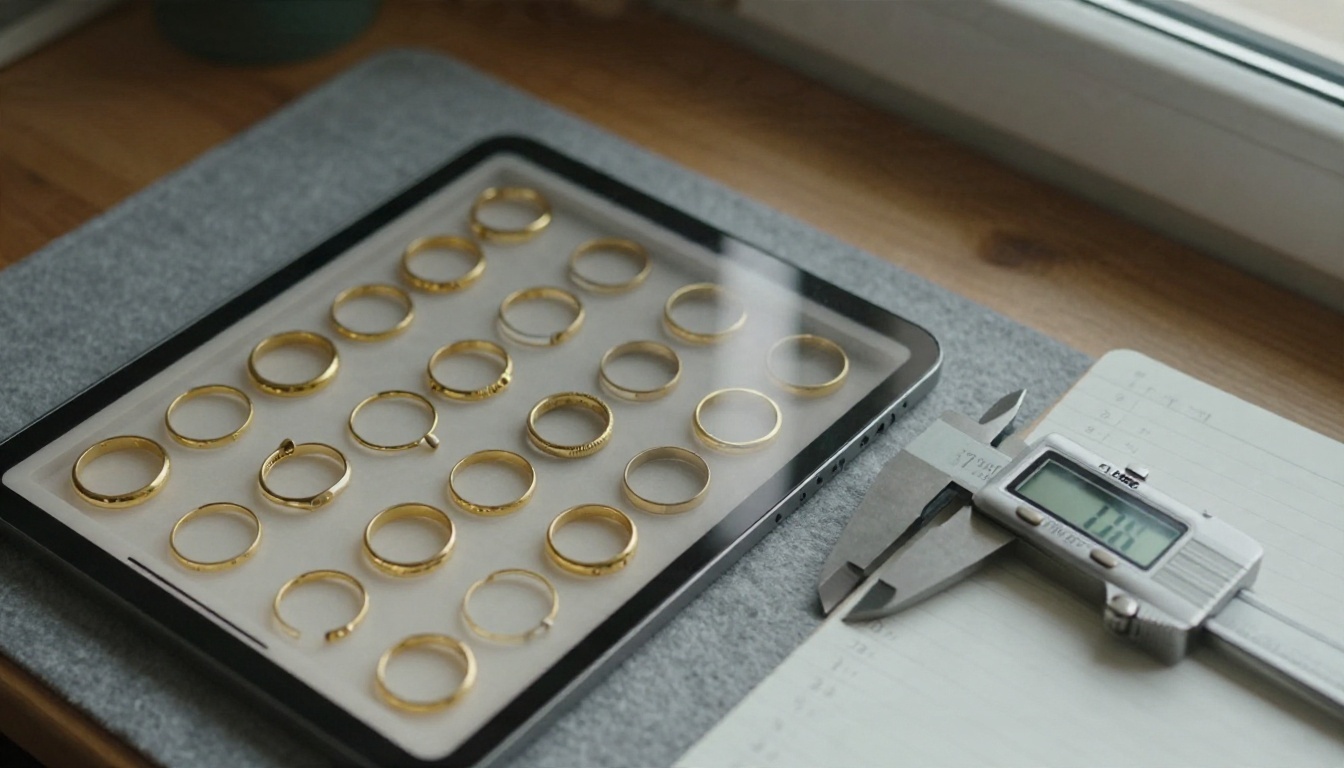
- Take one close-up and one scale shot per piece. The close-up shows craft. The scale shot (on a hand, neck or ear) shows size.
- Export at 2000 px on the long edge. Sharp enough for zoom, small enough to load quickly.
- Write specs in the same order every time: metal, stone, carat, dimensions, SKU.
Upload and Convert the PDF
Here is the process on Flipbooks AI:
- Create an account and open the dashboard.
- Click to create a new flipbook and upload your PDF. The PDF to Flipbook Converter turns each page into a flippable spread.
- Wait a few seconds while pages are processed. Your first preview appears right in the browser.
- Check each page for cropping, text size and image quality.
⚠️ Warning: Keep your PDF under 100 pages for a jewelry catalog. Buyers rarely go past page 30, so lead with your strongest pieces.
Brand It and Add Media
A catalog that looks like everyone else's will not stay in a buyer's memory. Open the customization panel and set:
- Your logo on the viewer toolbar
- Brand colors for the background and buttons, such as deep green with champagne gold
- Page-turn effect and sound, subtle for luxury, snappier for everyday fashion jewelry
- Embedded video, such as a 10-second clip of a necklace catching the light
- Clickable hotspots on products that link to your shop page
There are no watermarks, ever, so the catalog shows only your brand. Plans from Standard upwards also allow unlimited flipbooks, which suits shops that publish a new collection every season. See the pricing plans for the full breakdown.
Price List Examples That Work
Pricing is where most jewelry catalogs fail. Either the numbers are missing and buyers email "how much?", or they are crammed into tiny type nobody reads. Here are three layouts you can copy. All prices are sample figures for illustration.
Retail Price List Layout
Best for direct-to-consumer shops. One product per row, with the details a shopper checks before buying.
| Item | Metal | Stone | Size | Price |
|---|
| Classic Hoop Earrings | 14k yellow gold | None | 25 mm | $240 |
| Solitaire Ring | Platinum | 0.50 ct diamond | 5 to 9 | $1,850 |
| Pearl Strand Necklace | Sterling silver clasp | Akoya pearl | 18 in | $390 |
| Link Bracelet | Sterling silver | None | 7 in | $145 |
| Emerald Pendant | 18k gold | 0.30 ct emerald | 16 in | $620 |
Add a small photo above each table block, not inside it. The table stays readable and the photo can be bigger.
Wholesale Tier Layout
Stores that buy from you need to calculate margins. Show quantity tiers and keep the minimum order visible.
| Collection | Retail price | 6 to 11 pcs | 12 to 24 pcs | 25+ pcs |
|---|
| Everyday Silver | $85 | $51 | $46 | $42 |
| Gold Vermeil | $140 | $84 | $76 | $70 |
| Fine Gold | $320 | $192 | $176 | $160 |
| Gemstone Line | $480 | $288 | $264 | $240 |
✅ Best practice: Put wholesale pricing in a separate flipbook behind a password, so retail visitors never see your trade rates. More on that in the sharing section.
Custom and Bespoke Pricing
Engagement rings, wedding bands and commissions rarely have fixed prices. Use "from" pricing and show what moves the number.
| Base setting | Starting price | What changes the price |
|---|
| Plain band, 14k gold | from $420 | Width, finish, engraving |
| Solitaire setting, platinum | from $900 | Stone size and cut |
| Three-stone setting | from $1,600 | Stone quality and total carat |
| Fully custom design | Quote after consultation | Design hours, materials |
Finish the page with one clear call to action, such as "Book a design call", linked from a hotspot. For a lookbook-style approach to this section, the Interactive Lookbook Designer is worth a look.
Sharing Options Compared
A catalog nobody sees earns nothing. Flipbooks give you several ways to put it in front of buyers, and each one suits a different moment in the sales process.

| Sharing option | Best for | Setup time | Protection | Tracking |
|---|
| Direct link | Instagram bio, email, chat | 10 seconds | Optional password | Yes (Professional) |
| QR code | Packaging, shop windows, trade fairs | 2 minutes | Optional password | Yes (Professional) |
| Website embed | Product and collection pages | 5 minutes | Site-level | Yes (Professional) |
| Offline download | Buyers with poor signal | 1 minute | File-level | Limited |
| Password link | Wholesale and VIP clients | 1 minute | Password | Yes (Professional) |
Direct Link and QR Code
A direct link is the fastest option. Paste it into your Instagram bio, WhatsApp status, email signature or Etsy shop message. Every buyer sees the same live catalog, so when you update a price the link stays the same.
A QR code is the same link in a form you can print. Put it on:
- Gift box inserts, so past buyers see your new collection
- Shop window stickers, for people walking past after closing
- Business cards, replacing the website that nobody types in
- Trade fair banners, so visitors scan instead of picking up paper

Embed on Your Website
Embedding places the flipbook inside your own page, so shoppers never leave your domain. Copy the embed code from the share panel and paste it into any page builder block, whether Shopify, WordPress, Wix or Squarespace. The Embed Flipbook on Website page explains the options for sizing and responsive behavior.
Good places for an embed:
- A "Lookbook" page in your main menu
- A collection page introducing a seasonal range
- A wholesale page (with the password-protected version)
- A blog post about how to choose an engagement ring
Password Protection for Wholesale
Trade prices should not be public. Set a password on your wholesale flipbook and send the link and password only to approved stores. If a buyer leaves your network, change the password and the old one stops working at once. The link stays the same, so nothing already printed becomes useless.
💡 Pro tip: Use one flipbook for retail with prices, and a second one for wholesale with tiers. Updating two files is far easier than managing one catalog with hidden pages.
Tracking What Buyers Read
Print catalogs are a black box. You hand one over and hope. A flipbook tells you what happened after you sent it.

Analytics and Leads
On the Professional plan, analytics and lead generation show you:
- Which pages get the longest reading time, so you know which pieces fascinate buyers
- Where readers stop, so you can cut or reorder weak pages
- Which devices they use, so you can check that mobile layouts work
- Contact details captured by a form before the catalog opens, if you choose to gate it
Say your emerald pendant page holds attention three times longer than any other. Move it up, feature it on social, and stock more of it. That is a decision you cannot make from a printed brochure.
Offline Downloads
Some buyers meet you at fairs with weak Wi-Fi or travel to sourcing trips with no signal. Allow offline downloads so they can keep the catalog on a phone or laptop. It also helps with showroom visits, where a tablet with a downloaded flipbook never lags.
Mistakes That Cost Sales
Most jewelry catalogs fail for a few ordinary reasons. Check your draft against this list before publishing.
| Mistake | Why it hurts | Fix |
|---|
| No prices anywhere | Buyers assume it is too expensive | Show prices or "from" prices |
| Tiny text on specs | Unreadable on a phone | Minimum 12 pt, bold the metal and stone |
| Mixed photo backgrounds | Looks like a flea market | One background style throughout |
| No contact link | Interested buyers drift away | Add a hotspot on every page footer |
| Huge uncompressed images | Slow load, abandoned views | Export at 2000 px, compress to under 400 KB |
| Outdated stock | Orders for items you cannot ship | Update the PDF and re-upload, link stays the same |
Skipping the Scale Shot
A ring on black stone looks beautiful and tells the buyer nothing about size. Always show the piece on a hand, ear or neck at least once. It lifts confidence and cuts returns.
Forgetting the Story
Customers buy from people, not just products. A short note about your materials, your workshop or where your stones come from builds trust that a price alone cannot. One paragraph and one workshop photo is plenty.
Real-World Use Cases
Here is how three kinds of jewelry sellers use catalogs online.

The home-based Etsy seller. She packs orders at the kitchen table and slips a QR code into every box. Scanning shows the full range, including pieces not listed on Etsy. Repeat orders go direct, without marketplace fees.
The boutique owner. A shop with a glass counter and three staff members shares a retail flipbook through Instagram and embeds it on the website. Staff open it on a tablet when a customer asks, "Do you have this in silver?"

The wholesale designer. A studio sells fine gold to 40 stores. Each store receives a password-protected tiered catalog, and the designer checks analytics to see which retailers opened it. Those who did not open it by Friday get a friendly follow-up call.
If you sell fashion-led pieces, the Fashion Catalog Creator offers a layout that suits styled shoots, and the Digital Price List Generator is handy when you need a clean, price-only document.
Detail Pages for Hero Pieces
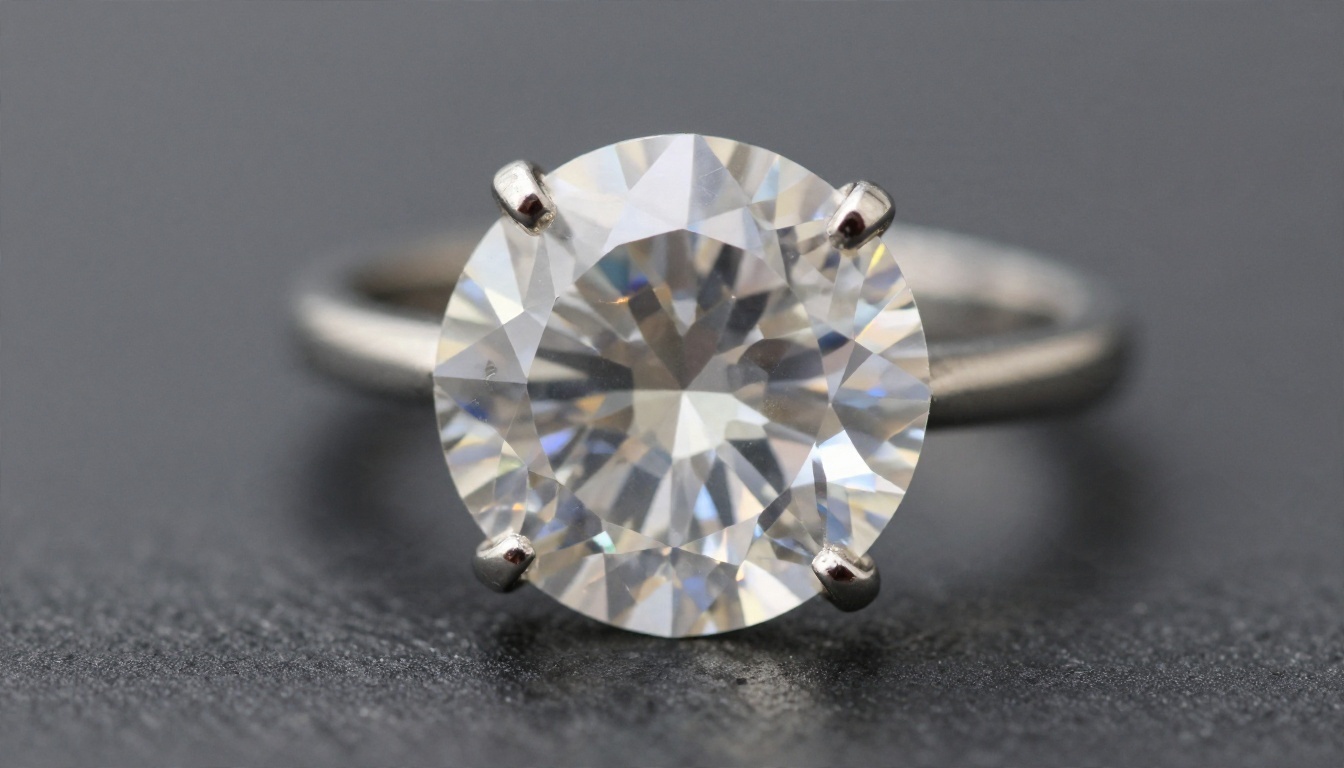
Give your top three pieces a full-page macro shot. A close view of facets, prongs and polish tells a buyer more about quality than any adjective. Pair each macro with a short spec block and one price line.
Publish Your Jewelry Catalog Today
You already own the hard part: the pieces and the photos. The rest is a PDF, an upload and a link.
- Create your free account on Flipbooks AI.
- Upload your PDF and brand the viewer with your logo and colors.
- Add your retail price list, and a second protected one for wholesale.
- Share by link, QR code or embed, then check analytics once buyers start reading.
Browse the full set of flipbook tools to find a template that fits your range, or compare pricing plans to see when Standard or Professional makes sense for your shop. When you are ready to go further, pick a plan and start publishing.



