Scroll through any list of Joomag digital publishing examples and you will notice a pattern: the best ones are not built by design teams with six-figure budgets. They start as ordinary PDFs, a magazine issue, a product catalog, a trifold brochure, and end up as page-turning publications people actually finish reading. The good news is that you can recreate that look yourself. With Flipbooks AI, you upload a PDF, polish the details, and share a link or embed code the same afternoon.
This article walks through the three formats Joomag is best known for (magazines, catalogs and brochures), shows what makes each example work, and gives you a practical recipe for rebuilding them online.
💡 Quick take: You do not need to copy a layout pixel for pixel. Copy the structure: strong front page, clear table of contents, short sections, and one obvious action per page.
What Joomag Does Well
Joomag is a digital publishing platform that helped popularize the browsable online magazine. Its showcase pieces share a few habits that are worth borrowing, whatever tool you end up using.
The Three Formats People Copy
Most searches for Joomag examples fall into three buckets:
- Magazines: monthly or quarterly issues with long-form articles and photography.
- Catalogs: product ranges, seasonal collections and price lists.
- Brochures: short promotional pieces for hotels, properties, services and events.
Each format has a different job. A magazine builds a relationship. A catalog moves product. A brochure answers one question fast.
What You Can Recreate Yourself
Here is the part many people miss: the "wow" of a digital publication comes from about five ingredients, and all of them are reproducible.
- A realistic page-turn animation
- Crisp, zoomable pages that load quickly on mobile
- Clickable links, table of contents and buttons
- Embedded video or audio on selected pages
- Branded presentation with no third-party watermark
| Ingredient | Why It Matters | Can You Recreate It? |
|---|
| Page-turn effect | Feels like holding a real issue | Yes, built into every flipbook |
| Clickable links | Moves readers to products or forms | Yes, links in your PDF carry over |
| Embedded media | Brings a page to life | Yes, video and audio supported |
| Custom branding | Looks professional and trustworthy | Yes, colors, logo and background |
| Analytics | Shows which pages work | Yes, on the Professional plan |
Magazine Examples Worth Recreating
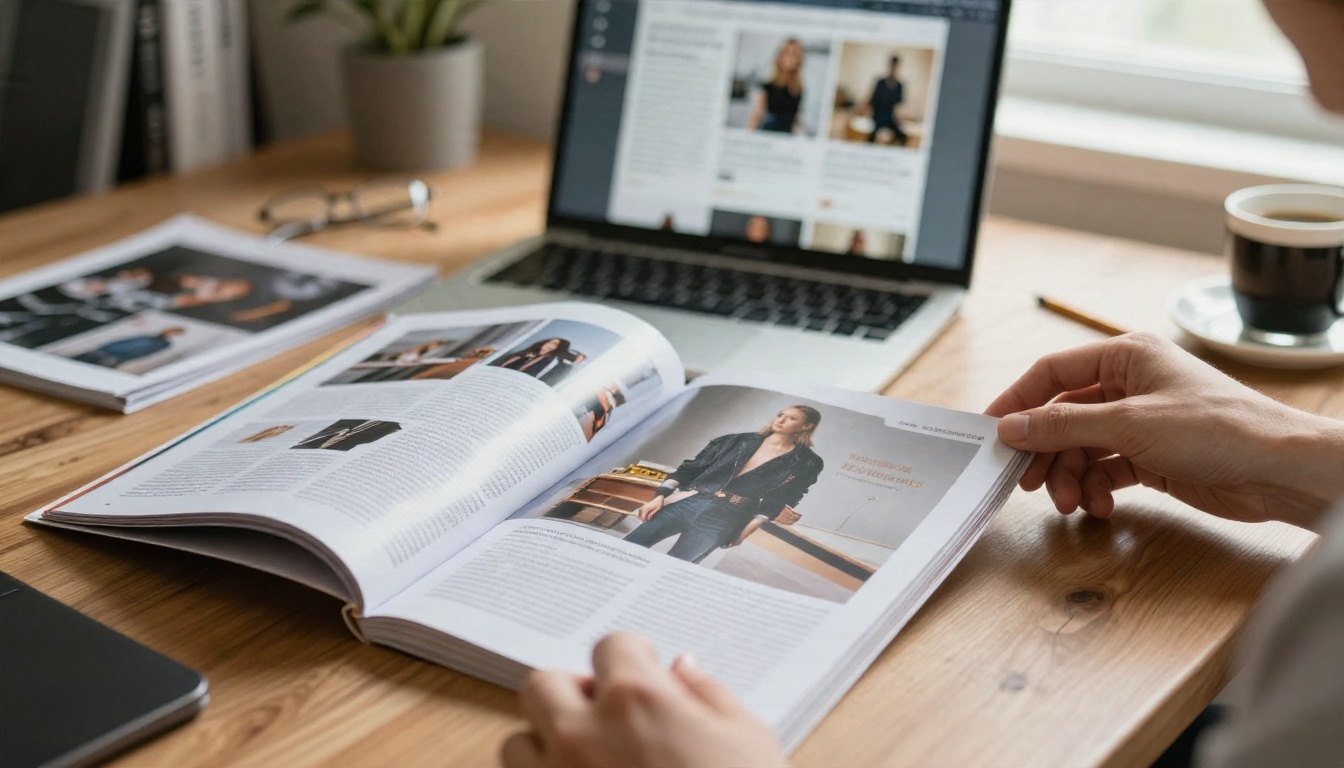
Magazines are where digital publishing shines, because a PDF export of a layout you already designed becomes an online issue with almost no extra work.
Lifestyle and Fashion Issues
Think of a quarterly fashion or travel title. The standout digital versions use full-bleed photography on nearly every page, short captions instead of dense text blocks, and a table of contents on page two that links straight to each feature.
What to copy:
- A bold front page with one image and a maximum of three headlines
- A linked table of contents so readers can jump ahead
- Pull quotes and large photographs that reward zooming
- A closing page with one clear call to action, such as a subscription link
If you publish regularly, the Magazine Flipbook Creator and the E-Magazine Publishing Tool are built for exactly this workflow.
Company and Membership Magazines
Not every magazine is glossy. Associations, universities and employers publish member or staff magazines to share news, spotlight people and announce events. These tend to be text-heavier, so the winning examples rely on:
- Short sections of 300 words or fewer
- Photo-led profiles
- A calendar page near the back
- Password protection when the issue is for members only
A school can do the same with a School Newsletter Creator, and a team that sends updates every month can use the Newsletter Flipbook Publisher.
✅ Best practice: Keep each issue under 40 pages. Shorter issues get finished, and finished issues get shared.
Catalog Examples That Sell
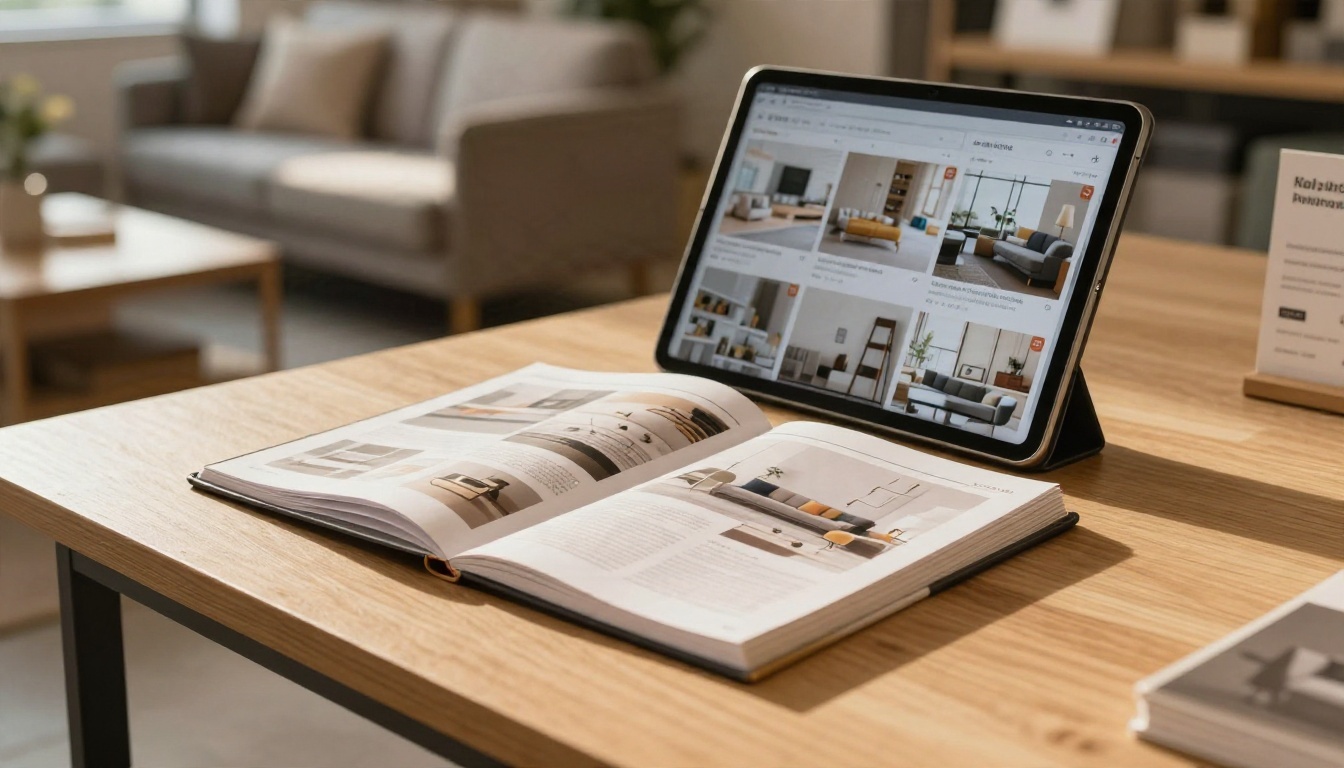
A printed catalog is expensive to produce, ship and reprint when prices change. A digital catalog costs almost nothing to update, which is why the format has taken over for wholesalers, retailers and manufacturers.
Product Catalogs With Clear Paths
The strongest digital catalog examples are organized so a buyer never has to wonder where to go next. They typically include:
- A linked index on the first spread, grouped by category
- One product per hero image, with SKU, size and price visible
- "Order" or "Request a quote" links on every product page
- A contact page that repeats the same call to action
To build one, start with the Product Catalog Generator or the Digital Catalog Maker. If your prices change often, the Digital Price List Generator keeps things simple.
Furniture and Fashion Lookbooks
Lookbooks sit between magazine and catalog. They sell a mood first and a product second. Furniture makers show a room styled in full, then a close-up of the piece with its dimensions. Fashion labels show a full outfit, then a grid of items with prices.
Good starting points include the Furniture Catalog Maker, the Fashion Catalog Creator and the Interactive Lookbook Designer.
| Catalog Type | Best Page Layout | Main Call to Action |
|---|
| Wholesale product range | Grid of 6 to 12 items per page | Request a quote |
| Furniture collection | One room scene plus detail page | Visit showroom or order |
| Fashion lookbook | Full-page outfit, then item grid | Shop now link |
| Seasonal price list | Compact table, minimal imagery | Call or email to order |
Brochure Examples for Every Industry
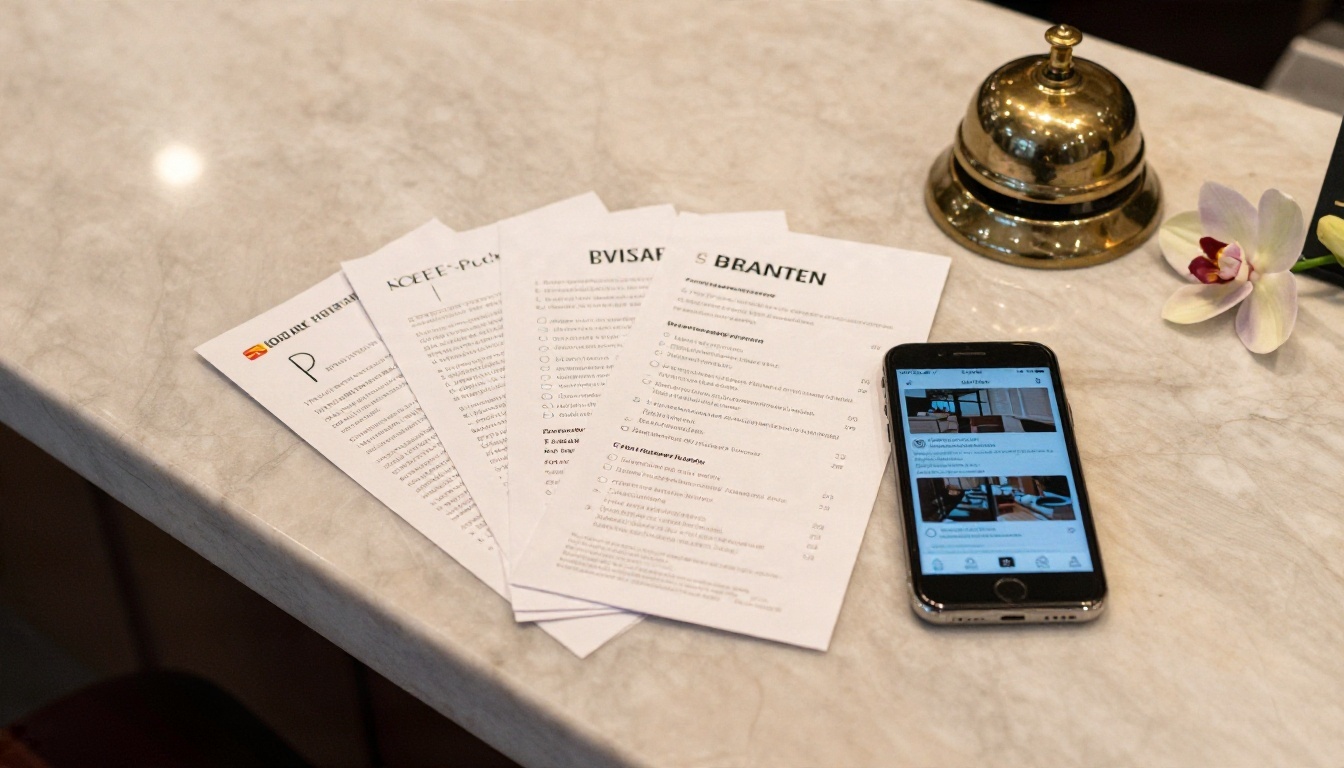
Brochures are the shortest of the three formats, which makes them the easiest to get right and the easiest to get wrong. One page too many and nobody reaches the contact details.
Hotel and Travel Brochures
A good hotel brochure sells a feeling in six to twelve pages: the room, the breakfast, the view, the pool, the nearby sights, and a booking link. The online version has an extra advantage over print. You can embed a short video tour on the room page and link the final page directly to your reservation form.
The Hotel Brochure Designer is made for this layout, and restaurants or spas can pair it with the Restaurant Menu Creator or the Spa & Wellness Menu Creator.
Real Estate and Automotive
Property agents and car dealers use brochures for the same reason: buyers want to compare quickly. Strong examples show:
- A hero photograph and headline spec on the first page
- Floor plans or spec tables on page three or four
- A gallery spread with large images
- Agent or dealer contact details with a clickable phone number and email
Try the Real Estate Brochure Creator or the Automotive Brochure Generator. For anything else, the Online Brochure Designer and Brochure Flipbook Maker are flexible general options.
How to Recreate These with Flipbooks AI
Everything above can be rebuilt from a PDF. Here is the process, from blank screen to shareable publication. The whole thing usually takes minutes, not days.
Step by Step: From PDF to Flipbook
- Open your account. Create a free account on Flipbooks AI.
- Upload your PDF. Drag the file into the upload area. Export from InDesign, Canva, Word or Google Slides at standard quality; the PDF to Flipbook Converter turns each page into a crisp, zoomable spread.
- Check the conversion. Flip through the preview. Make sure images are sharp and links still work.
- Add branding. Upload your logo, pick a background color that matches your brand, and choose the page-turn effect and sound you prefer.
- Add multimedia. Place a video on your room, product or feature page. Add audio if you have a podcast-style intro.
- Set sharing options. Copy the direct link, grab the embed code, or protect the flipbook with a password.
- Publish and test. Open the link on a phone and a laptop before you announce it.
💡 Pro tip: Export your PDF with a front page that works as a thumbnail. It will be the first thing people see when you share the link.
Branding and Page Effects
Your flipbook should look like it belongs to you. Flipbooks AI supports custom branding, including your logo, colors and background, and there are no watermarks, ever. Pick a subtle page-turn effect for a corporate brochure, or a more dramatic one for a fashion issue. Layouts are mobile-responsive, so readers on a phone get a smooth single-page view instead of tiny spreads.
Sharing and Protection
You have several ways to get your publication in front of readers:
- Direct link: perfect for email, social posts and QR codes
- Embed code: place the flipbook inside a page using the Embed Flipbook on Website tool
- Password protection: limit private catalogs, wholesale price lists or member magazines to the right people
- Offline download: let readers save a copy for places with weak signal, such as trade shows
Pro Features Worth Using
If you publish for business reasons, the Professional plan adds analytics and lead generation. You can see which pages get read, how long readers stay and where they drop off. Lead capture forms let you ask for an email address before someone opens a gated catalog or white paper.
| Feature | Standard Plan | Professional Plan |
|---|
| Unlimited flipbooks | Yes | Yes |
| No watermarks | Yes | Yes |
| Custom branding | Yes | Yes |
| Password protection | Yes | Yes |
| Video and audio embeds | Yes | Yes |
| Analytics | No | Yes |
| Lead generation | No | Yes |
Check the pricing page for the latest plan details.

Mistakes That Sink Digital Publications
Even good content can fall flat when the details are off. These are the problems that show up again and again.
Uploading a Low-Quality PDF
A blurry export produces a blurry flipbook. Always export at print or high-quality screen resolution, and keep images at a sensible size so pages still load quickly.
Burying the Call to Action
If the only link is on the last page of a 60-page catalog, most readers will never see it. Put an action on the front page, in the table of contents, and at the end of each section.
Ignoring Mobile Readers
More than half of readers will open your link on a phone. Use font sizes that stay readable on a small screen, and avoid tiny captions over busy photographs.
⚠️ Warning: Do not publish a private catalog without a password. A public link can be shared far beyond your intended audience.
Not sure where to begin? Match the format to your outcome.
A Real-World Scenario
Picture a small furniture brand that prints a 48-page catalog twice a year. Each reprint costs money, and prices are out of date within weeks. By converting the PDF into a flipbook, the brand can swap in a fresh file when prices change, embed the link on its website, and send the same link to trade customers behind a password. With analytics on the Professional plan, the owner sees that the dining collection gets twice the page views of the bedroom range, and rearranges the next issue accordingly.
That is the real advantage of digital publishing: you stop guessing and start seeing what readers actually do.
Ready to Build Yours?
You do not need a custom platform or a design agency to match the best Joomag digital publishing examples. You need a clean PDF, a clear goal for each page, and a tool that turns it all into a polished online experience.
Pick one PDF you already have, upload it today, and share the link with a single colleague. You will see how quickly a static file becomes something people want to open.


