You have spent months gathering the stories, scanning the photographs, and typing up Grandpa's wartime memories. Now comes the question that stalls so many family memoir projects: do you print it, or publish it online? The honest answer is that each format wins in different places. A printed life story book is something you can hold at a kitchen table. A digital flipbook, which you can build in minutes with Flipbooks AI, can reach a cousin on another continent before dinner. This comparison puts the two side by side on pricing, templates, and sharing, so you can choose with real numbers instead of a gut feeling.
💡 Short answer: print when you need a physical heirloom for a small circle of people. Go digital when you need low cost, easy edits, and a wide audience. Most families end up doing a little of both.
Printed vs Digital at a Glance
Before getting into details, here is the whole picture in one table. Every row is expanded later in the article.
| Factor | Printed Life Story Book | Digital Flipbook |
|---|
| Upfront cost | Moderate to high | Low |
| Cost per extra reader | Full price of another copy | Close to zero |
| Editing after publishing | Needs a reprint | Update the file and re-upload |
| Audio and video | Not possible | Supported |
| Feel and presence | Tactile, a true heirloom | Screen based, page curl effect |
| Reach | Limited by postage and copies | A single link reaches anyone |
| Lifespan | Decades with decent paper | As long as hosting and files exist |
| Privacy control | Whoever holds the book | Password protection and link control |
What a Printed Book Does Best
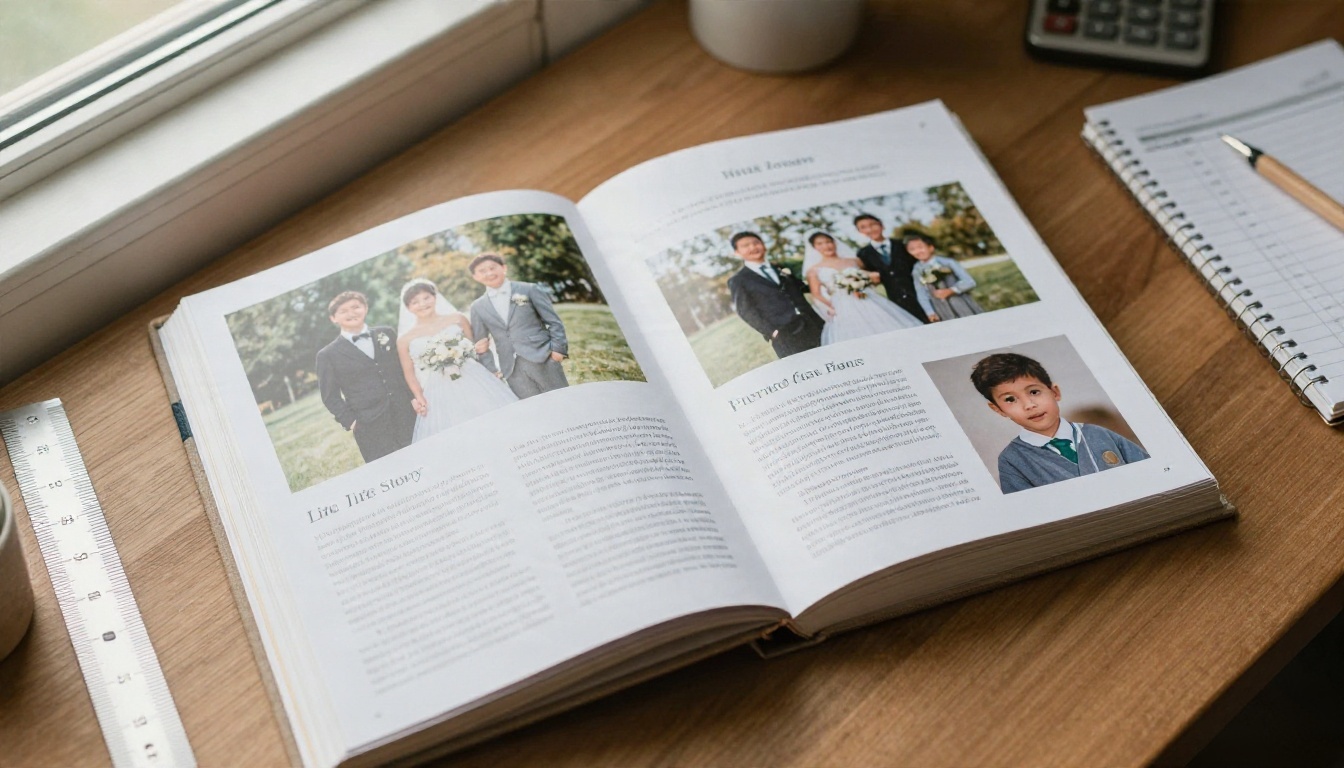
A printed memoir has a weight that no screen can copy. Grandchildren can flip through it on a sofa, a spouse can slip a pressed flower between pages, and the book can sit on a shelf for fifty years without needing a battery or a software update. For an eightieth birthday or a funeral reading, a physical object carries emotional authority.
The downsides are practical. Every copy costs money, a typo discovered after printing means a reprint, and shipping to relatives abroad adds both expense and delay.
What a Digital Flipbook Does Best
A flipbook takes a regular PDF and turns it into a page-turning reader that opens in any browser. Nothing to install, nothing to buy per reader. You can embed a recording of your mother telling the story of how she met your father, add a short video of the old family house, and fix a wrong date the same afternoon you notice it.
The trade-off is that a screen is a screen. Some older relatives simply prefer paper, and a digital file does not sit on a mantelpiece.
The Real Cost of Each Option
Money is where most people make their decision, so let's be specific. The figures below are typical ranges and will vary by printer, country, page count, and paper quality. Treat them as planning estimates, not quotes.
Printed Book Pricing Breakdown
| Printing Route | Typical Page Count | Approx. Price Per Copy | Best For |
|---|
| Print-on-demand softback | 40 to 80 pages | $20 to $45 | Casual family gifts |
| Print-on-demand hardback, photo paper | 60 to 120 pages | $45 to $100 | Milestone birthdays |
| Short run from a local printer (25 copies) | 80 to 150 pages | $12 to $35 | Reunions and large families |
| Designer plus professional printing | 100 to 250 pages | $300 and up in design fees, plus printing | Published-quality memoirs |
Do not forget the hidden costs. Proofreading, photo restoration, shipping, and gift packaging can add 20 to 40 percent to the total. If ten relatives each want a copy, a $60 hardback becomes a $600 project before postage.
⚠️ Watch out: the cheapest printing quotes often assume black and white interiors. Photo-heavy life stories need color pages, and color is where the price jumps.
Digital Flipbook Pricing Breakdown
Building a digital edition costs far less because the heavy part, writing and layout, is something you do once. After that you convert the PDF and publish. Platforms like Flipbooks AI offer plans where the Standard tier includes unlimited flipbooks and every plan is free of watermarks, so your family memoir never carries someone else's logo. The Professional plan adds analytics and lead generation, which is useful if you want to see who opened your story. Check the current numbers on the pricing page.
| Cost Item | Printed | Digital Flipbook |
|---|
| Layout and design | Same effort either way | Same effort either way |
| Production of first copy | $20 to $100 | Included in plan |
| Production of 10 more copies | $200 to $1,000 | $0 |
| Shipping | $5 to $30 per parcel | $0 |
| Fixing a mistake | Reprint | Replace the PDF |
| Adding audio or video | Impossible | Included |
Cost Per Reader Over Five Years
Here is a real-world scenario. Maria is publishing her father's memoir. She has 12 relatives, four of them abroad.
- Printed only: 12 hardbacks at roughly $60 each is $720, plus about $90 in international postage. Total: around $810.
- Digital only: one flipbook plan for a few months while the family reads, then a download for safekeeping. Total: a small fraction of that.
- Hybrid: 3 hardbacks for her father, her sister, and herself ($180), plus a flipbook for everyone else. Total: well under $300 while keeping the heirloom feeling where it matters.
The hybrid route is why so many families land on a mixed approach. If you want to try it, the PDF to Flipbook Converter is a quick place to start.
Templates That Shape Your Story
A life story book is only as readable as its structure. Both formats rely on the same underlying layout choices, but each one has its own quirks.
Chapter Structures That Work
You do not need to start on page one with your birth. These structures keep readers turning pages:
- Chronological: childhood, school, work, family, retirement. Familiar and easy to follow.
- Themed chapters: food, travel, work, love, hardship. Great when memories are not in neat order.
- Letters and voices: short pieces from different family members about the same person.
- Photo-led: a full-page picture followed by one short story, repeated.
✅ Best practice: aim for chapters of 600 to 1,200 words. Short enough to read in one sitting, long enough to hold a whole anecdote.
Template Styles Compared
| Template Style | Printed Strengths | Digital Strengths | Typical Use |
|---|
| Classic memoir (text heavy, few photos) | Elegant, low ink cost | Easy to read on phones | Oral history, autobiography |
| Photo album (large images, short captions) | Rich color, glossy finish | Zoom into details | Family history, anniversaries |
| Scrapbook (mixed layouts, ephemera) | Charming and tactile | Clickable hotspots and media | Scrapbooks and heritage projects |
| Timeline (decades as spreads) | Poster-like spreads | Scrollable and linkable | Long, eventful lives |
| Recipe and memory (stories plus recipes) | Splash-proof in the kitchen | Searchable | Food-centered family stories |
If your book leans on food, take a look at the Recipe Book Flipbook tool. For photo-driven stories, the Wedding Album Flipbook layout works nicely even for non-wedding memories, since it is built around large images and short captions.
A few template rules apply to both formats:
- Font size: use at least 12 points for body text, bigger if your readers are older.
- Margins: leave an inner margin for printed binding. Flipbooks ignore this, which is a bonus.
- Image resolution: 300 DPI for print, 150 DPI is usually fine for screens.
- Captions: always name the people and the year. Future relatives will thank you (and so will you in ten years).
Sharing With Family and Friends
Writing the book is only half of the project. Getting it into the right hands is the other half, and this is where the two formats differ the most.
Sharing a Printed Copy
Printed sharing is one copy, one person, one address. It is personal, but slow. You pay for postage, wait for delivery, and hope the parcel survives. If a second cousin asks for a copy a year later, you need to reorder, and the printer may have changed the paper stock or discontinued the format.
Sharing a Digital Flipbook
A flipbook is shared with a link. Send it by message, email, or a family group chat, and everyone opens the same book instantly. You can also place it on a family website using the Embed Flipbook on Website tool.
| Sharing Method | Printed | Digital Flipbook |
|---|
| Direct link in a message | Not possible | Yes |
| Embed on a family website | Not possible | Yes |
| QR code on an invitation | Only to a digital version | Yes |
| Password protection | Not applicable | Yes |
| Offline copy | Always | Download option |
| Shipping time | Days to weeks | Instant |
💡 Pro tip: print a small QR code on the back page of your printed book that points to the digital flipbook. Readers get the heirloom and the audio recordings.
Privacy matters for personal stories. A memoir can contain health details, family conflicts, or names of living people who would not want them public. With a flipbook you can add password protection, share the password only with trusted relatives, and change it later if needed. That kind of control is something paper cannot offer once copies are out in the world.
Build Your Life Story Flipbook
If a digital edition fits your plan, the process is simpler than most people expect. Here is how to create a life story flipbook with Flipbooks AI.
Step by Step Tutorial
- Prepare your PDF. Write and lay out your book in any tool you like, a word processor, a design app, or a photo book program, then export it as a PDF. Keep photos at a reasonable resolution so the file stays light.
- Create your account. Head to the Flipbooks AI account page and sign up. You will land on a dashboard with an upload button in the center.
- Upload and convert. Drag your PDF into the upload area. The platform converts each page into a flipbook spread within moments. For a longer memoir, the Interactive E-Book Publisher and E-Book Flipbook Generator are good starting points.
- Customize the look. Pick a background color that matches your book, add a custom logo or family crest if you like, and choose a page effect such as a soft page curl. Screenshot description: a live preview on the right shows the flipbook, with color pickers and effect toggles in a side panel on the left.
- Add multimedia. Embed audio of a grandparent telling a story, or a short video clip of a family gathering. These are the moments that print can never hold.
- Choose sharing settings. Copy a direct link, grab an embed code for a family website, or switch on password protection for private chapters.
- Publish and test. Open the link on your phone and on a laptop. The layout is mobile responsive, so text and images adapt to smaller screens.
⚠️ Before you publish: read the whole book on your phone. Small captions that look fine on a desktop can feel cramped on a small screen.
Pro Features Worth a Look
- Analytics: on the Professional plan, see how many people opened your book and how far they read. Handy if you are sending it to a large extended family and want to know whether it landed.
- Offline downloads: let relatives with weak internet keep a copy on their device.
- Lead generation: more relevant if your life story is also a professional project, like a founder's story or a community history.
- Unlimited flipbooks: the Standard plan and above let you publish separate editions, say one for each branch of the family, without paying per book.
Browse all flipbook tools to find a template style that matches your story.
Numbers help, but your own situation decides. Here are three common scenarios and the format that tends to work best.
A Milestone Birthday or Anniversary
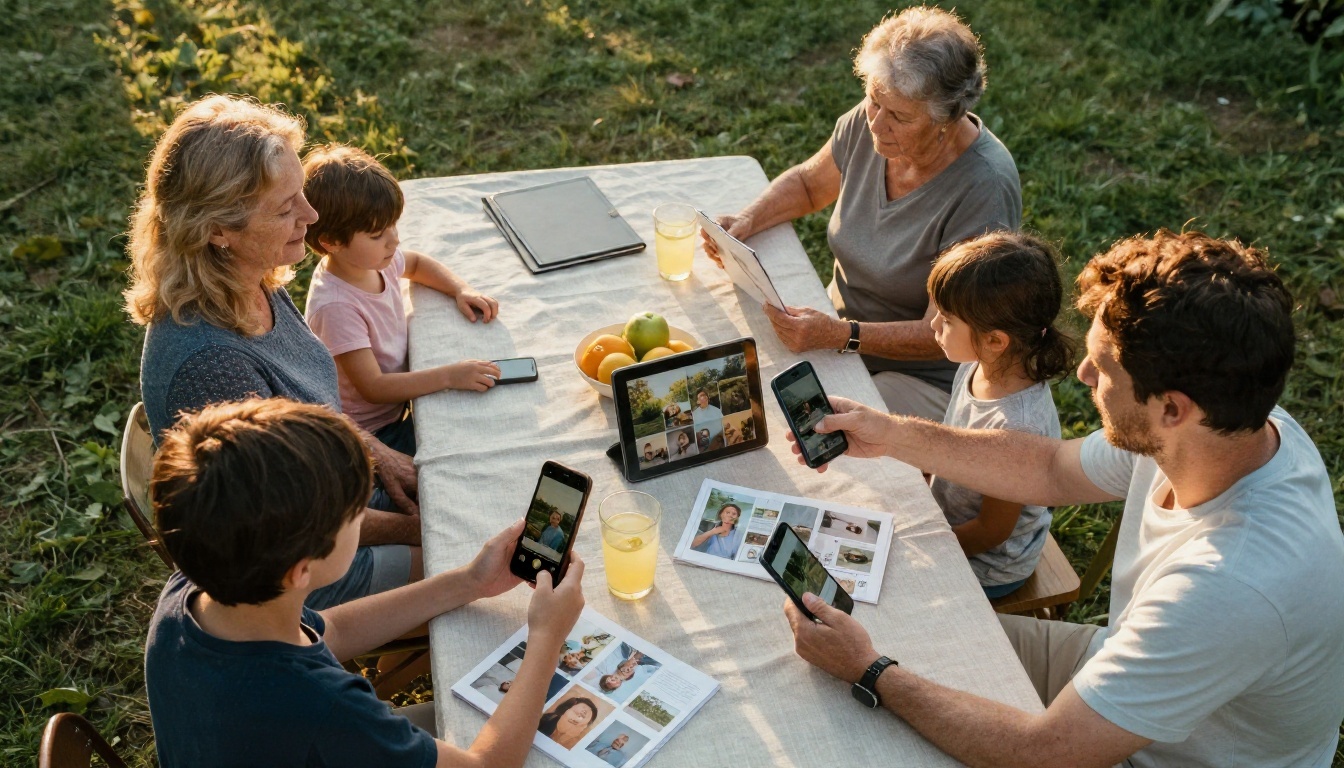
You want one beautiful object that can be handed over at the party. Print a small hardback run, perhaps three to five copies, for the guest of honor and the closest relatives. Add a QR code to the digital edition for everyone else. The tablet and the printed book can sit side by side on the table, so each generation reads in the way that feels natural.
Relatives Spread Across Countries
Postage is the quiet budget killer here. A digital flipbook reaches everyone on the same day, in the same quality, with no customs forms. You can even host a video call where everyone opens the book and goes through a chapter together.
An Ongoing Family History Project
Some life stories never stop growing. New photographs turn up, a great-aunt remembers another story, and a date gets corrected. A digital flipbook lets you update the file whenever you want, while the printed edition becomes a snapshot of one moment, printed when the project hits a natural milestone.
| Situation | Best Format | Why |
|---|
| Single gift for one person | Printed | Emotional weight of an object |
| Large extended family | Digital | Cost and speed |
| International relatives | Digital | No shipping |
| Formal memorial or ceremony | Printed plus QR | Keepsake and access |
| Work in progress | Digital | Easy updates |
| Older relatives who avoid screens | Printed | Familiar reading experience |
Start Your Story Today
The printed vs digital debate usually ends the same way: the best life story book is the one people actually read. Paper gives you an heirloom. A flipbook gives you reach, sound, privacy controls, and the freedom to fix mistakes. Together, they cover more of what a family needs than either one alone.
Ready to see your memoir as a page-turning flipbook? Get started for free on Flipbooks AI, browse the full list of tools and templates, and compare pricing plans to choose the one that suits your project. If you already have a PDF, convert it right now and share the link with your family tonight.



