A technician stands next to a stalled excavator, phone in hand, trying to confirm whether a seal kit fits the 2018 model or the 2020 one. Back at the shop, someone is paging through a 400-page manual that was last updated three years ago. That gap costs real money: downtime, wrong orders, returns. Machinery parts catalog software closes it by putting exploded diagrams, part numbers and specs on any screen. If you already have your catalog as a PDF, you can turn it into a page-turning online version with Flipbooks AI in a few minutes.
This article compares free options, shows what you will realistically pay, and explains how to share a catalog online and make it work on a phone in a muddy yard.
💡 Quick answer: For most small and mid-size dealers, the fastest path is a PDF-based digital catalog with search, embedded links and mobile layout. Full parts-ordering platforms make sense only when you need live inventory and checkout.
Why Paper Parts Manuals Fail
Paper catalogs were fine when a machine model stayed in production for fifteen years. They are a poor fit now. Revisions come faster, serial number ranges overlap, and customers expect an answer the same hour.
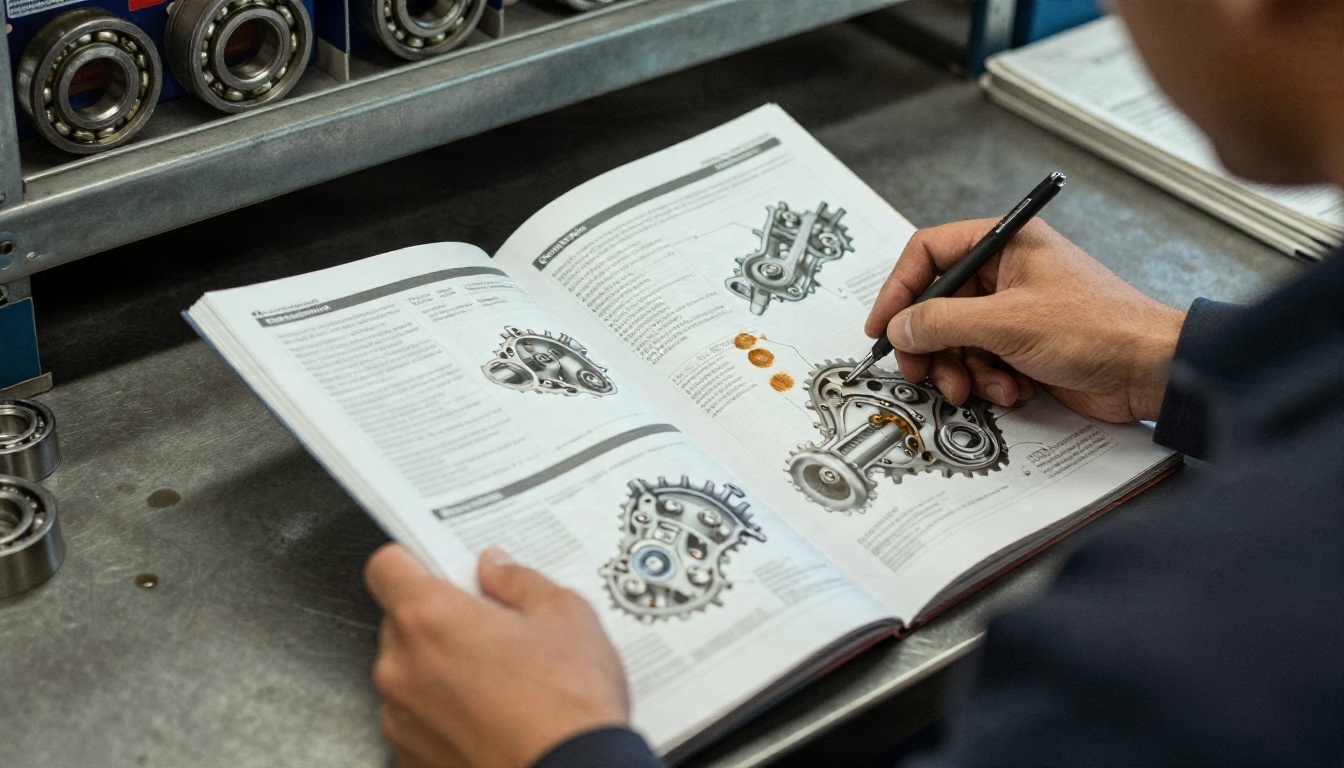
The Hidden Cost of Wrong Parts
Ordering the wrong hydraulic fitting is never just the price of the fitting. You pay for freight both ways, a second service call and a machine sitting idle. Even a modest dealer that gets two or three part mix-ups a week feels it in margin.
Common causes include:
- Outdated PDFs floating around in email threads
- Printed manuals with handwritten corrections nobody else sees
- Diagrams that do not match the customer's serial range
- Part numbers copied by hand into purchase orders
What Digital Fixes Right Away
A digital catalog gives everyone one source of truth. When you update it, the old link shows the new version. Search replaces thumbing through an index. Zoom replaces squinting at tiny callout numbers on a diagram.
| Problem | Paper Manual | Digital Parts Catalog |
|---|
| Finding a part number | Index lookup, 3 to 10 minutes | Text search, seconds |
| Updating a revision | Reprint and redistribute | Replace the file, same link |
| Reading a diagram | Fixed size | Pinch zoom on any device |
| Sharing with a customer | Courier or scan | Link or embed |
| Tracking what is viewed | Impossible | Page-level analytics |
Types of Parts Catalog Software
Not every tool called a "parts catalog" does the same job. Sorting them into three buckets saves a lot of demo calls.
Full Parts Ordering Platforms
These are the heavy systems used by large OEMs and big dealer networks. They connect to ERP and inventory, support VIN or serial lookup and handle checkout. They are powerful, and they usually need an implementation project, sometimes months of data cleanup.
Product Information Managers
PIM tools store structured product data, then publish to web shops and print. They work well when you have thousands of SKUs in clean spreadsheets. They are less friendly if your source material is a set of PDF manuals from suppliers.
PDF-Based Digital Catalogs
This is the lightweight option. You take the PDF you already have, convert it into an interactive flipbook, add links and share it. A PDF to Flipbook Converter handles the heavy lifting, and the catalog stays visually identical to the printed original, which matters for diagrams.
| Software Type | Best For | Setup Time | Live Inventory | Typical Budget |
|---|
| Parts ordering platform | OEMs, large dealer networks | Months | Yes | High, often custom quotes |
| PIM system | Distributors with clean data | Weeks | Via integration | Medium to high |
| PDF-based flipbook catalog | Dealers, repair shops, manufacturers | Minutes to hours | No (link out to shop) | Low, free tiers exist |
Free Options Worth Trying
Free is attractive, but free tools differ wildly in what they hide. Here is where the traps usually are.
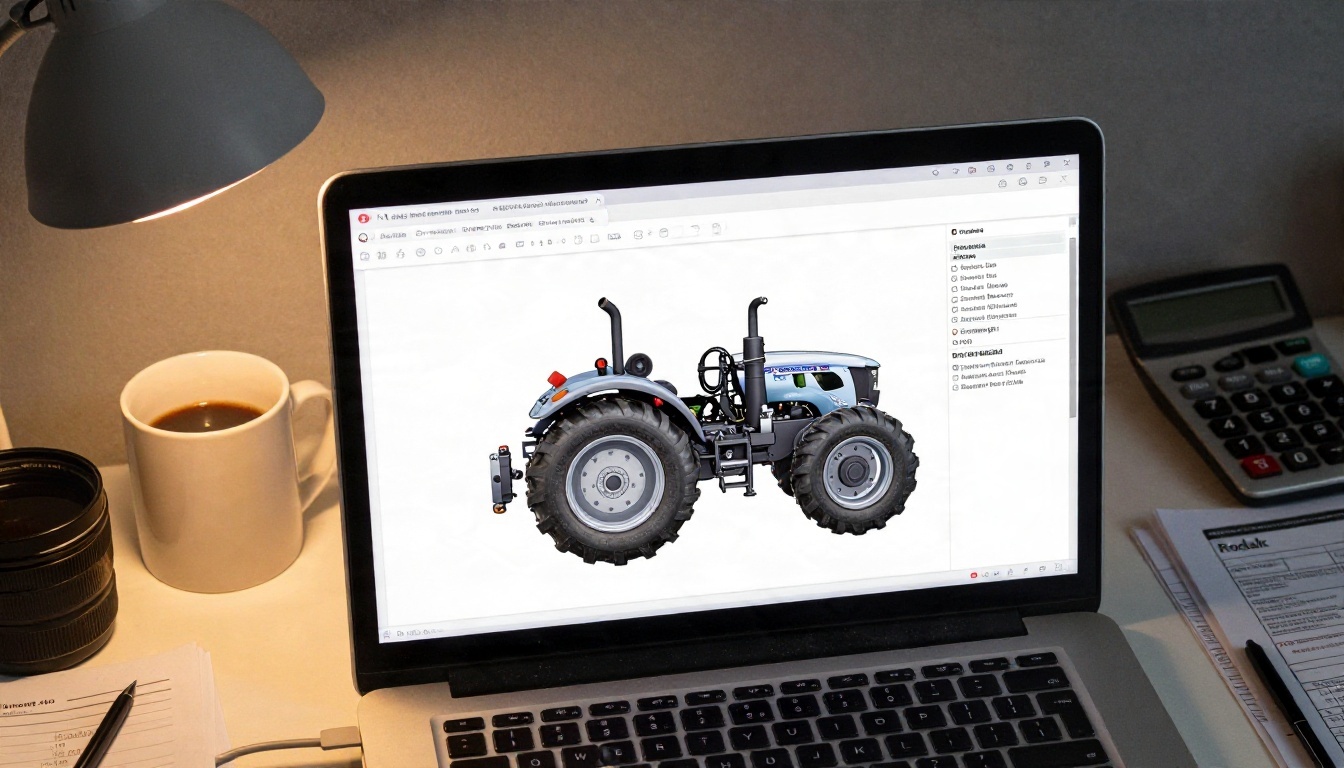
What Free Plans Usually Include
Most free tiers give you a limited number of catalogs, a page cap and basic sharing. That can be perfectly fine to test a workflow with one product line. Spreadsheet tools and shared drive folders also count as free options, though they offer no diagrams, no page-turning and no mobile polish.
Where Free Plans Fall Short
Watch for these limits before you commit your whole catalog:
- Watermarks stamped across every page, which looks bad when a customer opens a link
- Page limits that cut off a 300-page manual
- No password protection, a problem if your dealer pricing is confidential
- Forced branding on the viewer
- No offline access, which fails in remote sites with weak signal
⚠️ A catalog with someone else's logo splashed on top of it weakens trust with buyers. Check the viewer before you share a link.
A Realistic Free Workflow
Many shops begin like this: export the parts manual to PDF, convert it to a flipbook, add a few links to your parts shop and share the URL with two or three trusted customers. You can try Flipbooks AI free to see how your own file looks before paying for anything. Flipbooks AI does not put watermarks on your flipbooks, which removes one of the most common complaints about free tools.
What Pricing Really Looks Like
Price depends more on what you need around the catalog than on the catalog itself.
Factors That Drive Cost
- Number of catalogs: One manual or fifty product lines?
- Users and seats: Does each salesperson need a login?
- Data integration: Connecting to ERP or inventory is where budgets balloon.
- Branding: Custom domain, logo and colors usually sit in paid tiers.
- Analytics and lead capture: Often reserved for top plans.
- Support and onboarding: Included, or billed as services.
Pricing Models Compared
| Model | How You Pay | Pros | Cons |
|---|
| Free tier | Nothing | Zero risk to test | Limits, branding, caps |
| Monthly subscription | Flat fee per month | Predictable, cancel anytime | Cost continues indefinitely |
| Per-seat license | Fee per user | Fits large teams | Gets expensive as you grow |
| Custom enterprise quote | Negotiated contract | Deep integrations | Long sales cycle |
With Flipbooks AI pricing, the Standard plan and above include unlimited flipbooks, which suits dealers who publish a separate catalog per brand or machine family. The Professional plan adds analytics and lead generation. Check the pricing page for current rates, since plans change.
💡 Budget tip: Calculate your cost per wrong order. If a single avoided mix-up pays for a month of software, the decision is easy.
Online Sharing That Works
A catalog that lives on one laptop helps nobody. Sharing is where the value shows up.

Direct Links and Embeds
A direct link works in email, WhatsApp, quotes and service tickets. For your own site, embed the flipbook on your website so customers read it without leaving your pages. The embed code is a short snippet you paste into your CMS.
Password Protection for Dealer Pricing
Many manufacturers keep one public catalog and one dealer-only edition with net prices. Password protection lets you use the same tool for both. You send the password to authorized dealers, and the public never sees margin data.
Who Gets What
| Audience | Catalog Version | Sharing Method | Protection |
|---|
| Retail customers | Public, list prices | Website embed | None |
| Authorized dealers | Net prices | Direct link | Password |
| Field technicians | Service and diagrams | Mobile link or offline file | Optional |
| Internal sales | Full catalog with notes | Private link | Password |
Mobile Access in the Field
Most parts lookups no longer happen at a desk. They happen next to the machine, on a phone, often with gloves on.
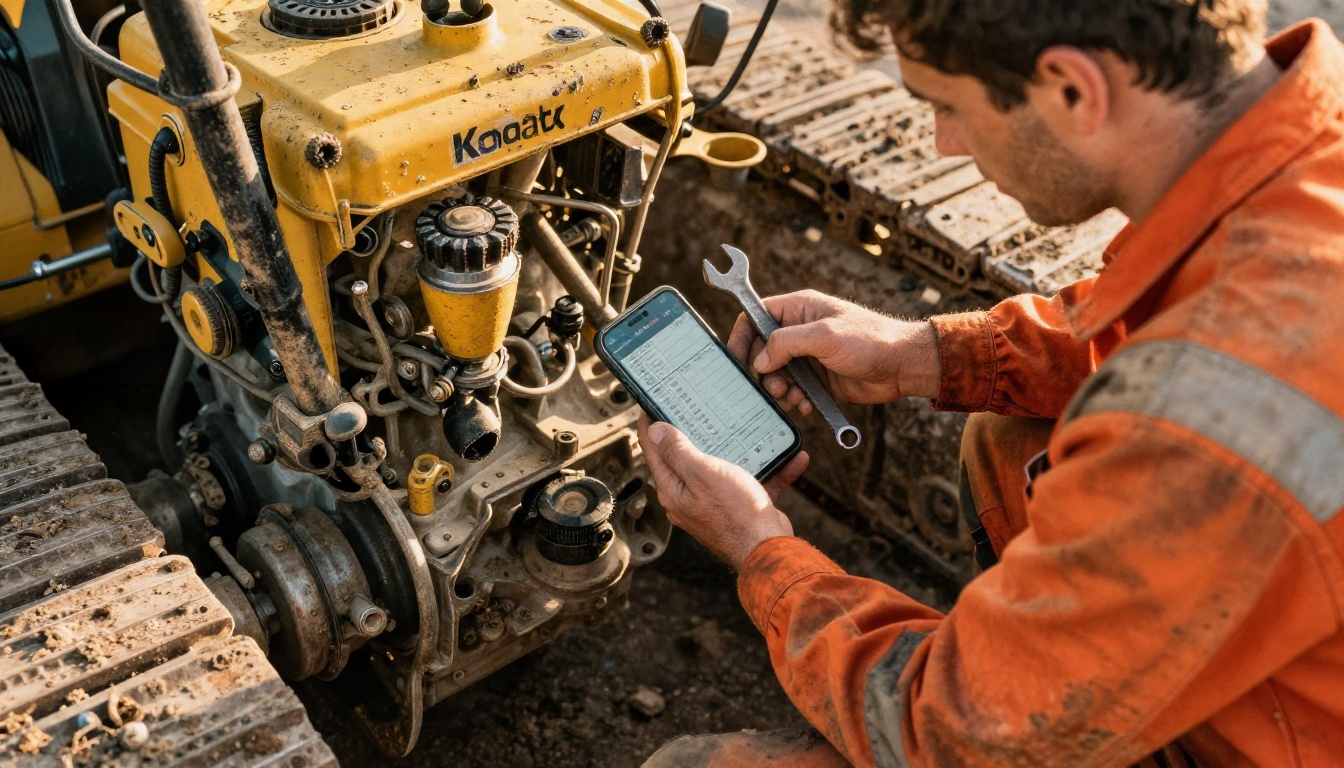
What a Good Mobile Catalog Needs
- Responsive layout that adjusts to portrait and landscape
- Pinch-to-zoom crisp enough to read callout numbers
- Fast loading on weak 4G
- Large tap targets that work with work gloves
- Offline downloads for sites with no signal
Flipbooks AI produces mobile-responsive flipbooks and supports offline downloads, so a technician can save the manual before heading to a remote quarry or farm.
Diagrams on a Small Screen
Exploded views are the hardest content to read on a phone. The fix is simple: export the PDF at high resolution, keep diagrams as vector or large images and avoid compressing them aggressively. A sharp diagram that zooms cleanly beats a fast-loading blurry one.
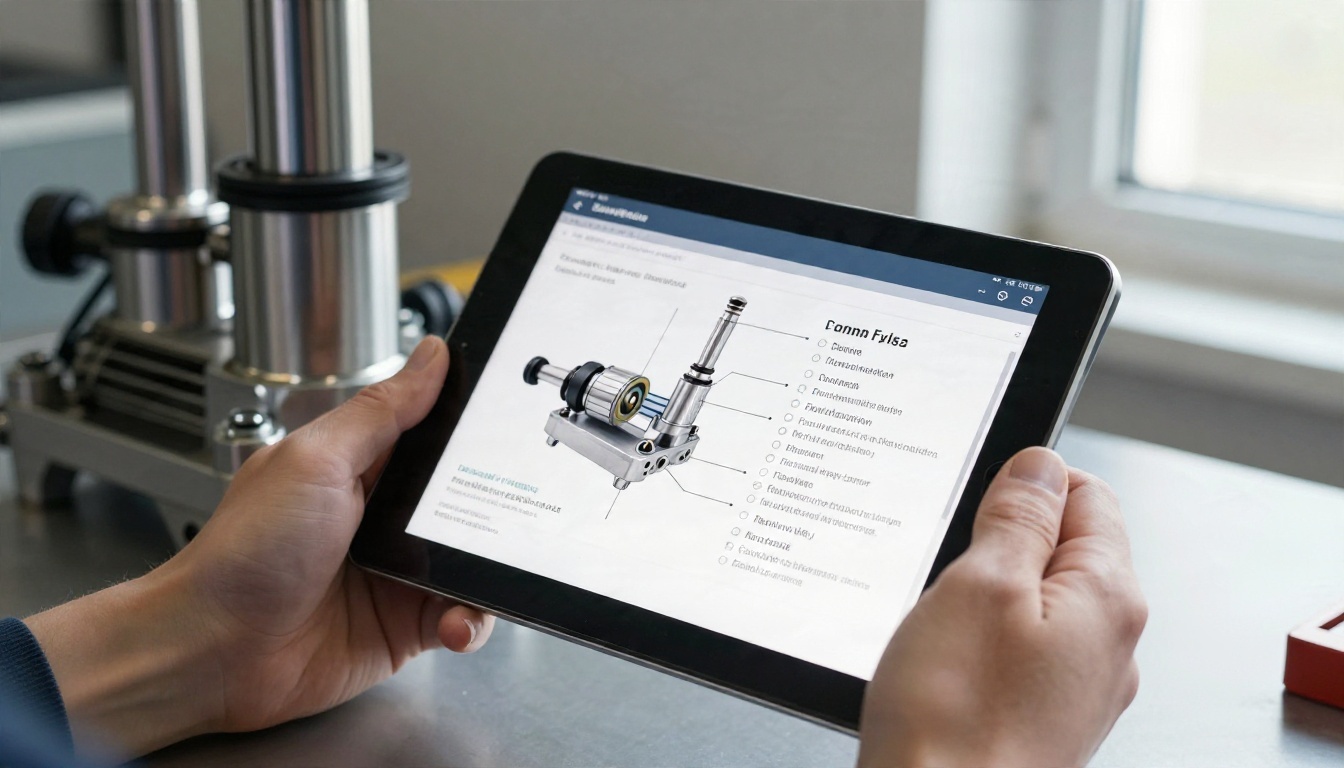
✅ Best practice: Test your catalog on the oldest phone your technicians carry. If it reads well there, it reads well anywhere.
How to Create a Parts Catalog with Flipbooks AI
If your parts manual already exists as a PDF, this takes less than an hour. For a similar workflow with different product types, the Product Catalog Generator and Digital Catalog Maker follow the same steps.
Step-by-Step Setup
- Create an account. Go to Flipbooks AI and sign up.
- Upload your PDF. Drag the parts manual into the uploader. The platform converts each page into a flip-style page and keeps diagram sharpness. Large manuals convert in a couple of minutes.
- Customize the look. Add your logo, set brand colors and choose page-turn effects. Keep the background neutral so diagrams stay readable.
- Add multimedia. Embed a short video showing how to replace a filter, or audio notes for a procedure. Videos and audio can be placed directly on the relevant page.
- Link to your shop. Turn part numbers or page callouts into links that open your online parts store or a quote form.
- Set protection. Add a password if the catalog includes dealer pricing.
- Share. Copy the direct link or paste the embed code into your website.
Pro Features Worth Using
On the Professional plan, analytics and lead generation tell you which pages get read and who is asking. Say your hydraulic hoses section is opened five times more than anything else. That is a signal to stock more hoses or feature them on your homepage. A lead form at the front of the catalog also collects the email of every new visitor.
For a broader look at related workflows, browse all flipbook tools, including the Catalog Flipbook Creator and the Digital Price List Generator for separate price sheets.
Real-World Use Cases
A Regional Equipment Dealer
A dealer carrying three tractor brands used to email supplier PDFs one at a time. After converting each into a flipbook and embedding all three on one page, customers could find the right manual without calling. Counter staff stopped answering the same "which book has the PTO shaft?" question.

A Component Manufacturer
A maker of conveyor components published a public catalog and a password-protected distributor version. Distributors got updated pricing the same day, and no one had to wait for a printed run.
A Maintenance Team at a Plant
An in-house maintenance crew stored every machine's parts manual as an offline flipbook on shared tablets. When the network dropped during a shift, work continued. The result was fewer stoppages waiting on a part number.
| Use Case | Main Feature Used | Result |
|---|
| Equipment dealer | Embed on website | Fewer phone calls for manuals |
| Component manufacturer | Password protection | Safe distribution of net pricing |
| Plant maintenance | Offline downloads | Work continues without signal |
| Parts distributor | Analytics | Stocking decisions based on views |
Choosing the Right Option

Three Questions to Ask First
- Do you need live inventory or checkout inside the catalog? If yes, you need a full ordering platform. If no, a PDF-based catalog is faster and cheaper.
- Is your source material clean data or PDFs? PDFs point toward flipbook tools. Structured spreadsheets point toward PIM.
- Who reads it, and where? Technicians in the field need mobile and offline. Office buyers need search and links.
Common Mistakes to Avoid
- Paying for enterprise features that you will never use
- Skipping a test on real phones
- Sharing a single public link when pricing should be private
- Forgetting to remove old versions from your website
- Compressing diagrams until callouts are unreadable
⚠️ Always keep a master PDF of each revision. If you ever switch tools, you can re-upload in minutes.
Start Your Catalog Today
You do not need a six-month software project to get parts data into your technicians' hands. Take the manual you already have, convert it, and put it where people actually look.



