Most people searching for magazine applications for Android want one of two things: a place to read magazines, or a way to get their own magazine in front of readers. If you are in the second group, you probably do not need to build an app at all. A browser-based flipbook opens on every Android phone, tablet, and laptop, looks like a real magazine, and costs nothing to start. With Flipbooks AI, you upload a PDF, and a page-turning issue is ready to share within minutes.
This article shows you how the two approaches differ, how to prepare your issue, and how to publish it step by step. You will also find real examples, comparison tables, and mistakes to avoid.
Why Android Readers Want Magazines on Phones
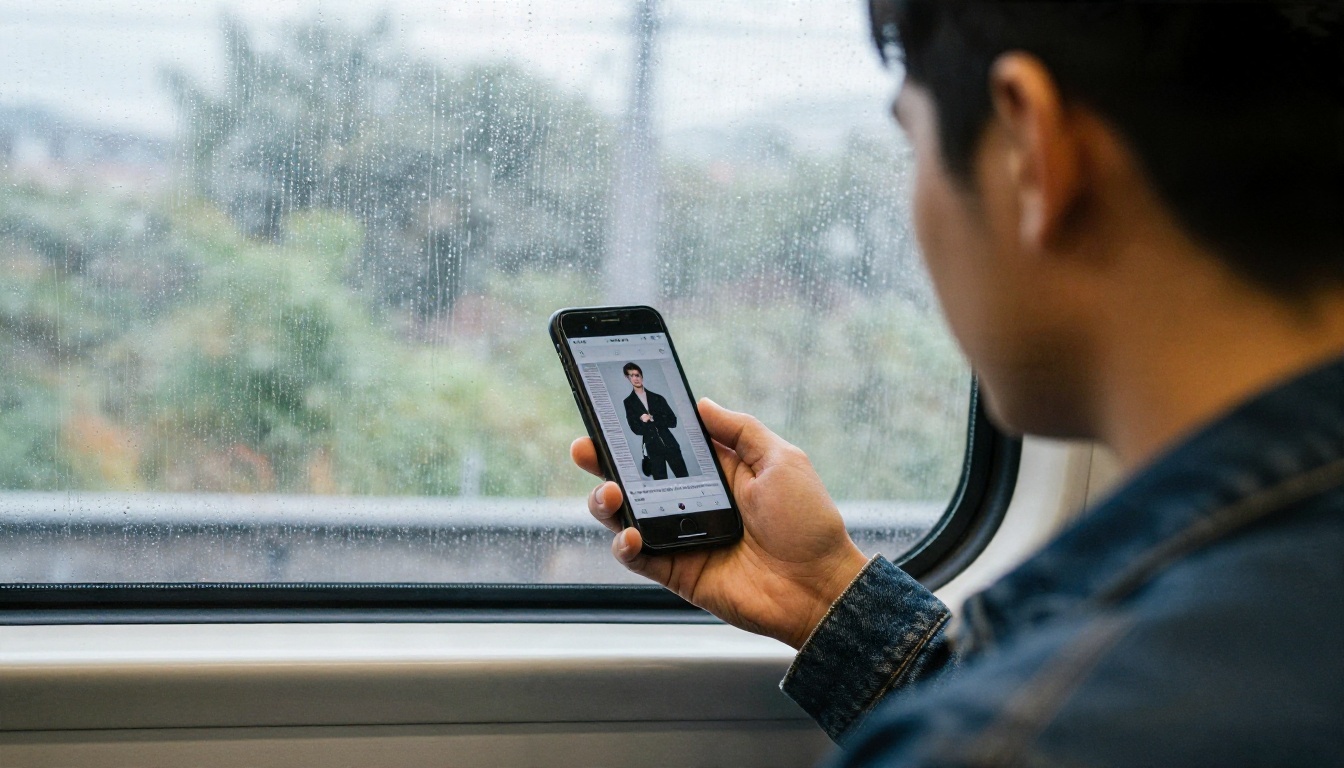
Android is the most widely used mobile operating system in many regions, which means a large share of your audience reads on a phone with a six-inch screen. They read on the bus, in a waiting room, during a lunch break. Nobody wants to pinch and zoom through a desktop-sized PDF in those moments.
The Trouble with Dedicated Apps
The traditional route is a standalone magazine app. It sounds professional, but the reality is heavier than most small publishers expect:
- Development cost. Building, testing, and maintaining an Android app takes budget and technical skill.
- Store approval. You depend on review processes and policy changes outside your control.
- Download friction. Readers must find your app, install it, and sign in before seeing a single page.
- Storage fatigue. Many people simply refuse to install another app for one publication.
- Update burden. Every new Android version can mean another round of fixes.
Many existing magazine apps are also tied to a single publisher or a store catalog, so they do not help you publish your own work.
What a Flipbook Does Differently
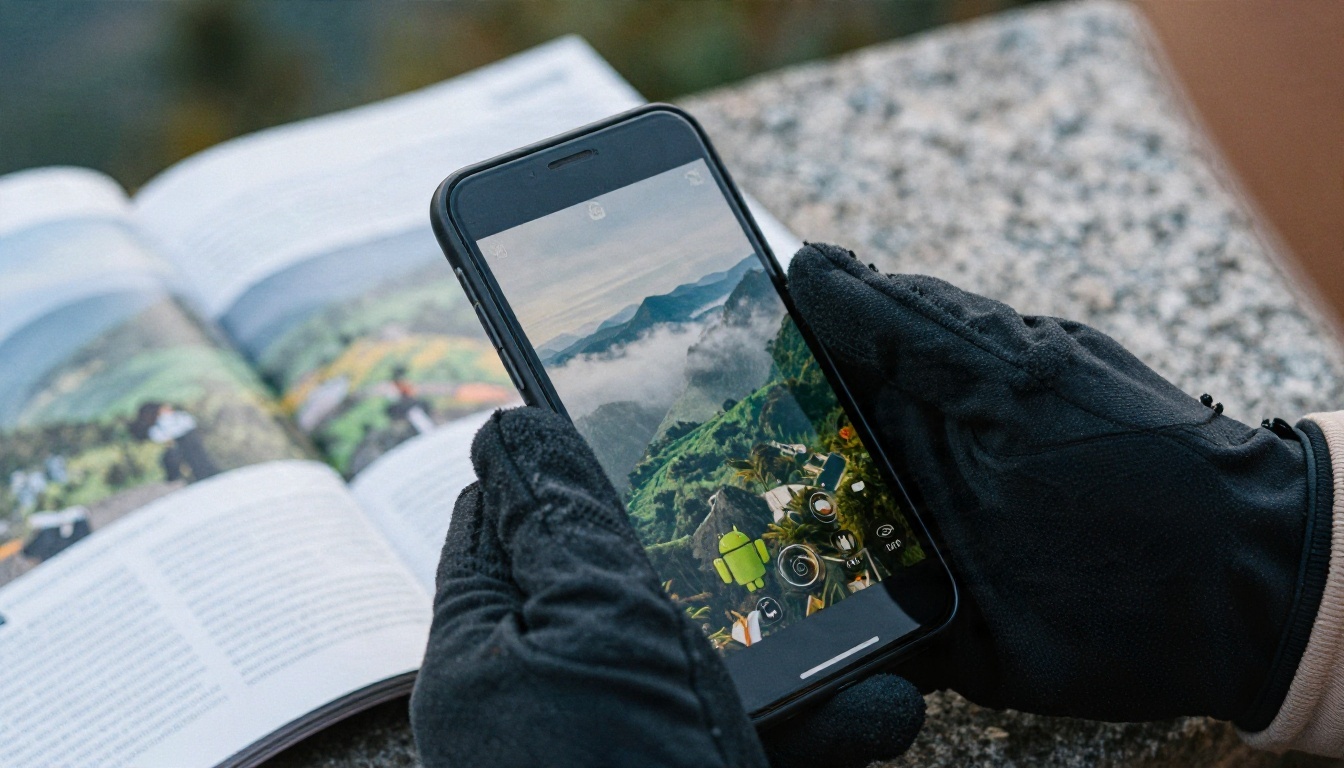
A flipbook is a web page that behaves like a magazine. Readers tap a link, the issue opens in Chrome or any other browser, and they swipe to turn pages. There is nothing to install, nothing to update, and nothing to approve. You publish once and the same link works on Android, iOS, Windows, and Mac.
💡 Pro tip: Think of the flipbook link as your "app icon." Readers can even add it to their Android home screen from the browser menu, so it sits beside their other apps.
Magazine App or Flipbook: Side by Side
Here is a practical comparison for anyone deciding how to reach Android readers.
| Factor | Custom Android App | Online Flipbook |
|---|
| Setup time | Weeks to months | Minutes |
| Upfront cost | High (development) | Low, free to start |
| Reader must install? | Yes | No, opens in browser |
| Works on iPhone and desktop | Needs separate builds | Yes, one link |
| Updating an issue | Store release cycle | Re-upload the PDF |
| Shareable with one link | Rarely | Always |
| Search engine visibility | Limited | Indexable web page |
| Reader tracking | Needs custom code | Built-in analytics on Professional |
For independent publishers, clubs, small brands, and schools, the flipbook wins on speed and reach almost every time. An app starts to make sense only when you need push notifications, deep device integration, or a paid subscription store at large scale.
Prepare Your Issue Before Uploading
A great flipbook starts with a well-built PDF. Ten minutes of preparation saves hours of fixes later.
Start with a Clean PDF
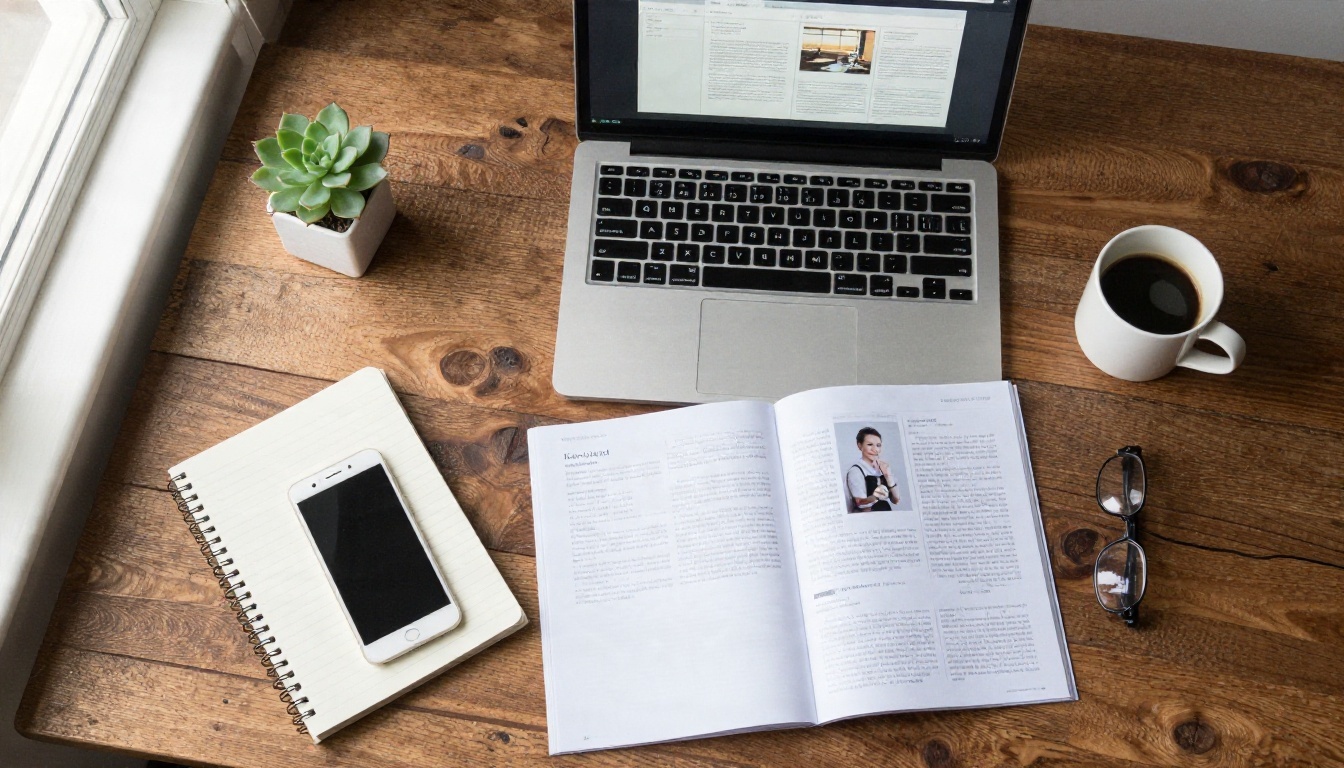
Export your layout from InDesign, Affinity Publisher, Canva, or Word as a PDF. Then check these points:
- Fonts are embedded, so text looks the same on every device.
- Images are sharp, at roughly 150 to 200 DPI for screen reading.
- Page order is correct, with the front page first and the back page last.
- Spreads are consistent. Either export single pages or spreads, but do not mix them.
- Links are live. Hyperlinks to your site, shop, or social pages carry over into the flipbook.
Page Size and File Weight
Phones reward lighter files. A 200 MB print-ready PDF will load slowly on a mobile connection, so export a screen version instead.
| Setting | Print PDF | Screen PDF for Android |
|---|
| Resolution | 300 DPI | 150 to 200 DPI |
| Color mode | CMYK | RGB |
| Bleed and crop marks | Included | Removed |
| Typical file size | Very large | Moderate |
| Best for | Printing press | Phones, tablets, web |
⚠️ Warning: Do not upload the print version with crop marks. Readers will see the marks on every page, which looks unfinished on a small screen.
How to Create a Magazine Flipbook with Flipbooks AI
This is the tutorial section. The whole process takes only a few minutes once your PDF is ready. If you want a tool built around this exact job, take a look at the Magazine Flipbook Creator and the E-Magazine Publishing Tool.

Upload and Convert
- Go to Flipbooks AI and create an account. You can begin on a free plan.
- Click the button to add a new flipbook.
- Drag your screen-ready PDF into the upload area. The PDF to Flipbook Converter processes the file and turns each page into a turnable page.
- Wait for the conversion to finish. Your preview appears with page-turn animation already running.
✅ Best practice: Open the preview on your own Android phone before you change anything else. If it feels good in your hand, it will feel good for readers.
Brand and Customize
This is where your issue stops looking like a generic PDF and starts looking like your publication.
- Custom branding: Add your logo and choose colors that match your masthead.
- Page effects: Pick a realistic page curl, a soft slide, or a flat transition.
- Background: Use a solid color or an image that suits the issue theme.
- Title and description: Write both with your reader in mind, since they show up when the link is shared.
- No watermarks: Your flipbook stays clean. There are no third-party logos on your pages, ever.
Add Video and Audio
A printed magazine cannot play a video. Yours can. Embed an interview clip next to the article, a short behind-the-scenes reel on the photo spread, or an audio note from the editor. On a phone, a ten-second video loop on a feature page often keeps people reading longer than another block of text.
Analytics and Lead Capture
On the Professional plan, you get reader analytics and lead generation. You can see how many people opened the issue, which pages held attention, and where they dropped off. You can also ask readers for an email address before they open a premium issue, which turns a free magazine into a growing subscriber list. Offline downloads are available too, which helps readers who travel with patchy signal.
| Feature | Why Android Readers Care | Why Publishers Care |
|---|
| Mobile-responsive design | Pages fit the phone screen | One file serves every device |
| Video and audio | Rich, scroll-free media | Longer reading sessions |
| Offline download | Read on a flight or train | Fewer support questions |
| Password protection | Not visible to them | Control over private issues |
| Analytics | Not visible to them | Know which stories work |
| Lead generation | Quick optional sign-up | Build a mailing list |
Share Your Magazine with Android Readers
Once the flipbook looks right, it is time to put it where people will find it.
Direct Links and QR Codes
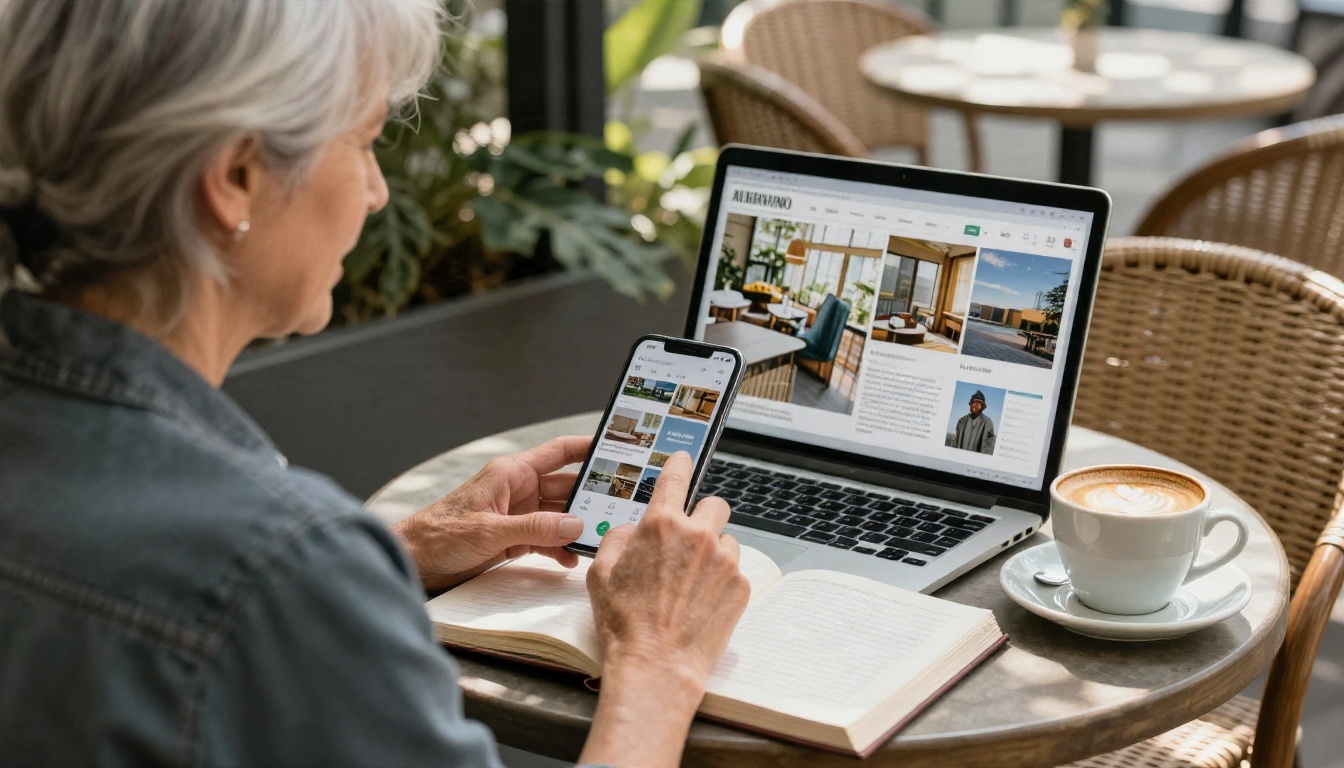
Every flipbook gets a direct link. Paste it into WhatsApp, Telegram, Instagram bio, email, or an SMS. Because Android users tap links all day, this is the lowest-friction way to reach them.
For print and events, turn the link into a QR code. Put it on a poster, a business card, a shop window, or the back of a printed issue. Android's built-in camera opens the link instantly.
Embedding on Your Site
If you run a website or blog, embed the flipbook directly in a page so readers never leave your domain. The Embed Flipbook on Website tool gives you a short code snippet to paste into WordPress, Wix, Squarespace, or plain HTML. The embed resizes to fit phone screens automatically.
Password Protection
Not every issue is meant for everyone. Add a password to a members-only edition, a draft for reviewers, or a client report. Share the link publicly, and only people with the password can read.
| Sharing Method | Best For | Setup Effort |
|---|
| Direct link | Social media, chat apps, email | None |
| QR code | Posters, print, events | Low |
| Website embed | Blogs, portals, landing pages | Low |
| Password-protected link | Members, clients, previews | Low |
| Offline download | Travelers, field teams | None |
Real Examples for Different Publishers
The same technique works for very different projects. Here are the situations where flipbooks make the biggest difference.
Independent Publishers
A two-person team producing a quarterly culture magazine can skip the printing run for early issues. They export the PDF, publish the flipbook, and send the link to their newsletter. Readers on Android open it in seconds. If an issue performs well in analytics, they know which topics deserve a printed edition. A newsletter flipbook can also work as a lighter, more frequent companion to the main title.

Local Businesses
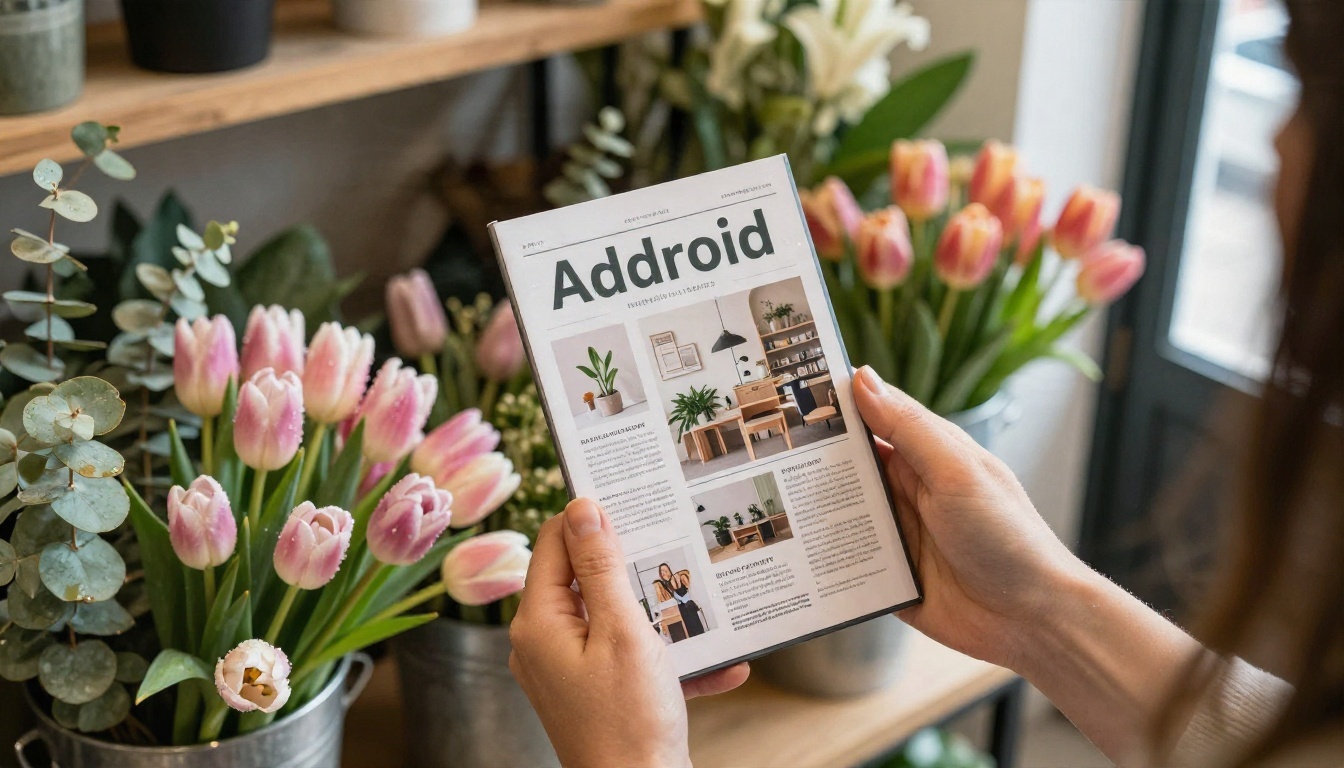
A florist, a boutique, or a restaurant can publish a seasonal magazine with product stories, customer features, and offers. A flower shop might share a spring issue through its Instagram bio and a QR code at the till. Customers browse arrangements on their phones while standing in the shop. Fashion retailers can lean on the Interactive Lookbook Designer for the same effect.
Schools and Clubs
Student magazines used to mean printing costs and a limited budget. Now a student team can publish a full issue as a flipbook and share it with classmates, parents, and alumni through a single link. Most students already carry an Android phone, so there is nothing extra to buy. The School Newsletter Creator is a good starting point for staff-run publications.

| Publisher Type | Typical Content | Best Sharing Method |
|---|
| Independent magazine | Features, interviews, photo essays | Newsletter link and website embed |
| Local business | Seasonal stories, offers, products | QR code and social bio link |
| School or club | News, events, student work | Direct link in group chats |
| Travel or hobby brand | Photo-heavy issues, itineraries | Embed plus offline download |
| Company | Internal updates, client reports | Password-protected link |
Three Common Mistakes to Avoid
Even a polished magazine can fall flat on a phone if you slip on the basics.
- Tiny text. Body copy that looks fine on a printed page can be unreadable at phone width. Use at least 10 to 11 pt text in your layout, and keep line lengths short.
- Heavy files. A bloated PDF makes readers wait. Compress images before you upload and test the flipbook on mobile data, not only on Wi-Fi.
- No call to action. Every issue should tell readers what to do next: subscribe, visit a shop, follow an account, or share the link. Place it on the final page and on a mid-issue page, where it will actually be seen.
💡 Quick test: Hand your phone to a friend, open the flipbook, and say nothing. If they can read and turn pages without help, your issue is ready.
Publish Your First Issue Today
You do not need a developer, an app store account, or a big budget to reach Android readers. You need a PDF and a few minutes. Here is the short path:
- Step 1: Export a screen-ready PDF.
- Step 2: Create your account at Flipbooks AI and upload the file.
- Step 3: Add your branding, video, and links.
- Step 4: Share the link, QR code, or embed on your site.
Browse all flipbook tools to find the right template for your project. When you are ready for unlimited flipbooks, analytics, and lead generation, compare the pricing plans and pick the one that fits your publication. Ready to go? Create your free account and publish your magazine for Android readers today.



