You have photos, a few stories and a deadline, but no design team. The good news: a magazine making website can turn all of that into a polished, page-turning issue in an afternoon, and you do not need to spend a cent to try one. The tricky part is picking the right tool, because "free" can mean anything from a genuinely useful plan to a watermarked trial that expires in a week.
This article walks through the free online options, the templates worth your time, what pricing really looks like, and when a mobile app is enough. Along the way you will see how Flipbooks AI fits in when your goal is to publish a finished PDF as a realistic, shareable digital magazine.
💡 Quick answer: Use a layout tool to design your pages, then a publishing tool to present them. Many people try to find one product that does both and end up compromising on one side.
What a Magazine Making Website Does
A magazine making website is any browser based tool that helps you lay out, produce and distribute a multi page publication. Some focus on design. Others focus on publishing. The best workflows use one of each.
Layout Tools vs Publishing Tools
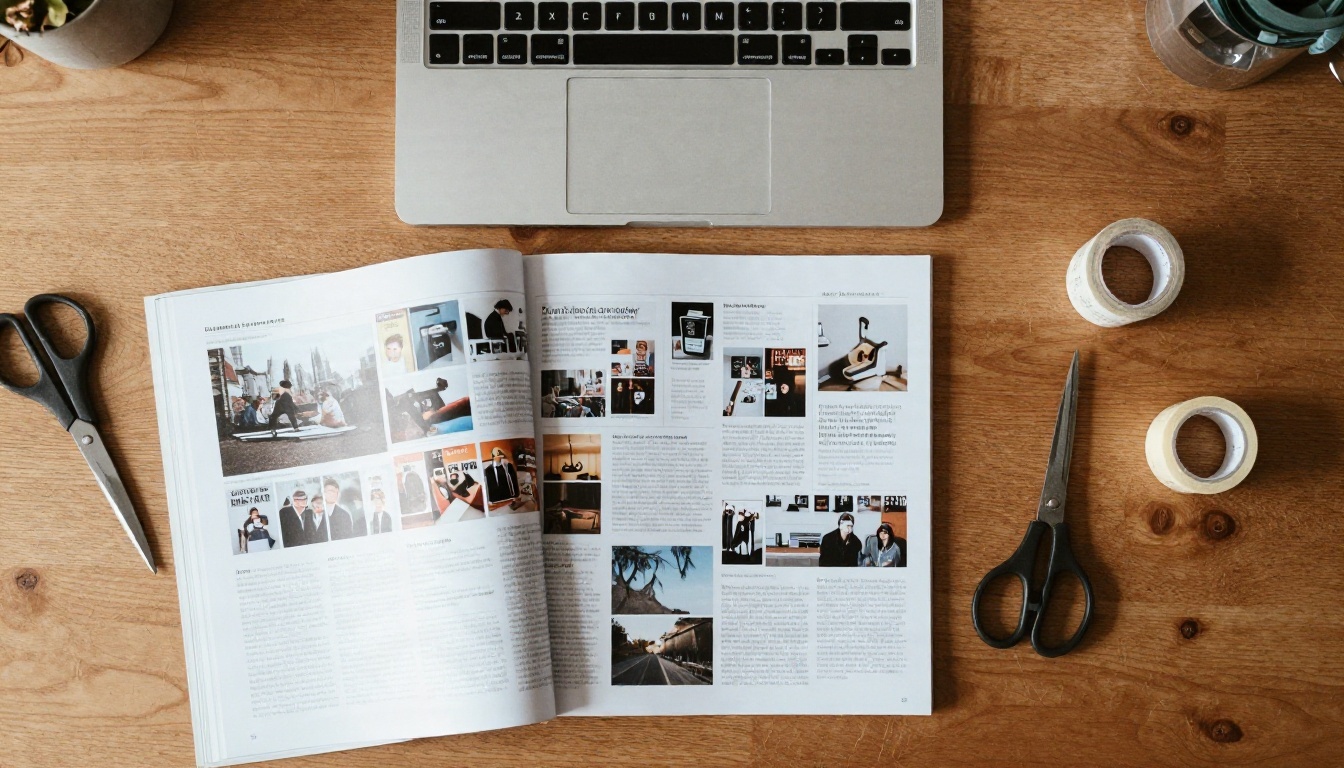
Layout tools give you a canvas, fonts, grids and image placement. Think of them as the digital equivalent of a drafting table. Publishing tools take the finished pages and wrap them in a reading experience: page turning, zoom, search, sharing links and embed codes.
| Tool Type | Main Job | Typical Output | Example Use |
|---|
| Layout editor | Design pages | PDF or image files | Arranging a photo essay |
| Flipbook publisher | Present pages online | Shareable link, embed | Sending an issue to subscribers |
| Print service | Produce paper copies | Bound magazines | Limited run for events |
| Mobile app | Quick edits on the go | App exports | Last minute fixes on a phone |
Who Actually Needs One
- Independent creators launching a zine, a photo journal or a lifestyle title.
- Small businesses producing a customer magazine, lookbook or seasonal newsletter.
- Schools and clubs publishing yearbooks, event programs and student magazines.
- Agencies creating client reports that read like editorial work.
If you publish more than once, the real value is repeatability. You build the template once, then swap content each month.
Free Online Options That Work
Free plans are a legitimate way to start. You just need to know where the walls are before you invest hours of work inside one.

What Free Plans Usually Limit
Before you commit to any free tier, check these five points:
- Watermarks. Many free plans stamp a logo on every page or on the exported file.
- Page counts. Caps of 10 to 20 pages are common, which rules out a proper issue.
- Export formats. Some free plans block PDF download or only offer low resolution.
- Storage and number of projects. You may be limited to one or two active magazines.
- Sharing controls. Password protection and private links are often paid features.
⚠️ Always test the export before you design a full issue. Create a three page sample, export it, and check for watermarks and image quality. This takes ten minutes and can save a weekend.
Free Options Compared
Plans change often, so treat this table as a way to judge categories rather than a price list. Verify the details on each provider's own site before you commit.
| Option Type | Typical Cost | Strength | Common Catch |
|---|
| Free design editor with magazine templates | Free tier, paid upgrade | Huge template libraries | Premium assets locked, export limits |
| Free desktop publishing software | Free | Full control over typography | Steeper setup, no online sharing |
| Word processor or slides | Often already owned | Familiar interface | Weak image handling, clumsy grids |
| Free flipbook trial | Free to start | Realistic page turning | Limits depend on the provider |
A smart free workflow: design pages in a free editor, export a PDF, then convert that PDF into an interactive flipbook. The PDF to Flipbook Converter handles that second step without forcing you to redesign anything.
Templates Worth Starting From
A good template is a set of decisions you no longer have to make: margins, column widths, heading sizes, caption styles. A bad one fights you on every page.
Pick by Magazine Type
Different publications need different bones. Match the template to your content, not to what looks trendy.
Three Template Mistakes
- Choosing for the cover only. The cover is one page. Check the inside spreads, the contents page and the back page too.
- Ignoring image resolution. A template can look sharp with stock photos and fall apart with your phone images. Test with your own files.
- Overloading with fonts. Two typefaces, one for headings and one for body, is plenty. More looks messy and slows loading.
✅ Best practice: Build a master page set once: cover, contents, feature opener, full page image, text spread and back page. Reuse it every issue.
Real Pricing, Line by Line
The sticker price is rarely the real price. A magazine budget has several moving parts, and some of them are invisible until you hit publish.

Common Pricing Models
| Model | How It Works | Best For | Watch Out For |
|---|
| Free tier | Limited features, no cost | Testing an idea | Watermarks, small caps |
| Monthly subscription | Flat fee per month | Regular publishers | Paying through quiet months |
| Annual plan | Discounted yearly fee | Committed monthly titles | Lock in before you test |
| Per issue or per page | Pay as you publish | Occasional projects | Costs climb with issue size |
| One time purchase | Single payment for software | Solo designers | Updates may cost extra |
Hidden Costs to Budget For
- Stock photography: Licensed images can cost more than the software itself.
- Fonts: Check commercial licensing for any typeface you use.
- Hosting and bandwidth: Heavy image files load slowly without proper hosting.
- Print runs: If you want paper copies, ask for a quote before you design, since page counts affect binding.
- Your time: A cheap tool that takes ten hours per issue is not cheap.
For publishing, see the Flipbooks AI pricing plans. The Standard plan and above include unlimited flipbooks, and the Professional plan adds analytics and lead generation. No plan places a watermark on your work.
Mobile App Alternatives
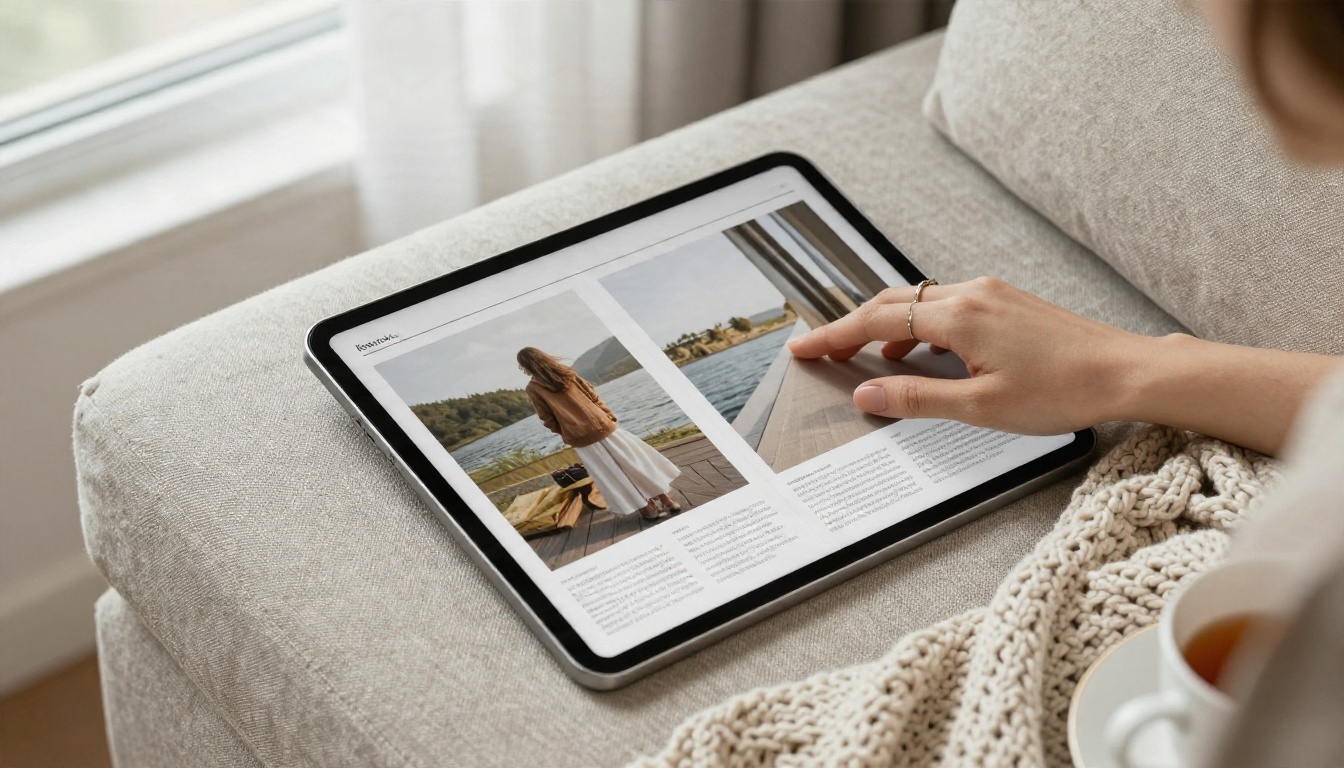
Mobile apps are tempting. You can pull photos straight from your camera roll and build a spread on the train. They work, within limits.
When Apps Win
- Speed: Capturing and arranging photos right after an event.
- Simple formats: A 6 to 10 page photo zine or a social issue.
- Corrections: Fixing a typo or swapping an image from your phone.
When Apps Fall Short
- Typography control: Small screens make fine spacing hard to judge.
- Long documents: Managing 40 pages on a phone gets tiring fast.
- Export quality: Some apps compress images heavily, which hurts print.
- Sharing: Many apps lock readers into their own ecosystem.
| Factor | Mobile App | Browser Based Tool |
|---|
| Screen size | Small | Large, precise |
| Page count comfort | Under 12 pages | Any length |
| File handling | Camera roll centered | Drag and drop from folders |
| Sharing | App link or image export | Link, embed, password protection |
| Best moment | Quick edits | Full production |
💡 A hybrid works well: draft and capture on your phone, finish layout in the browser, and publish as a flipbook so readers on any device get the same experience.
How to Make a Magazine with Flipbooks AI
If you already have a PDF from your layout tool, or you want to turn an existing print issue into something interactive, this takes minutes. Here is the full process using the Magazine Flipbook Creator and the E-Magazine Publishing Tool.

Step 1: Create Your Account
Head to Flipbooks AI and create an account. Setup takes under a minute.
Step 2: Upload and Convert
- Export your magazine as a PDF from your design tool. Aim for 150 to 300 DPI images.
- Upload the PDF to the dashboard.
- Wait a few moments while pages are converted into a flipbook with realistic page turning.
- Preview on desktop and phone to confirm text is readable.
Step 3: Customize the Look
- Branding: Add your logo and choose background colors that match your cover.
- Page effects: Adjust the page flip style and shadows for a realistic feel.
- Multimedia: Embed videos and audio, such as an interview clip beside a profile story.
- Mobile responsive design: The flipbook adapts to phones and tablets automatically.
Step 4: Share and Protect
| Sharing Option | When to Use It |
|---|
| Direct link | Email campaigns and social posts |
| Embed code | Display the issue on your own site, see Embed Flipbook on Website |
| Password protection | Paid subscriber issues, internal company magazines |
| Offline download | Readers without reliable internet |
Step 5: Measure Results
On the Professional plan you get analytics and lead generation. See which pages readers linger on, where they drop off and who opens the issue. That feedback shapes your next edition better than guesswork.
✅ Test your flipbook on a phone before you send it. Most readers will open it there first.
Real Examples Worth Copying
Abstract advice only goes so far, so here are three realistic scenarios.
A Boutique Owner's Seasonal Lookbook
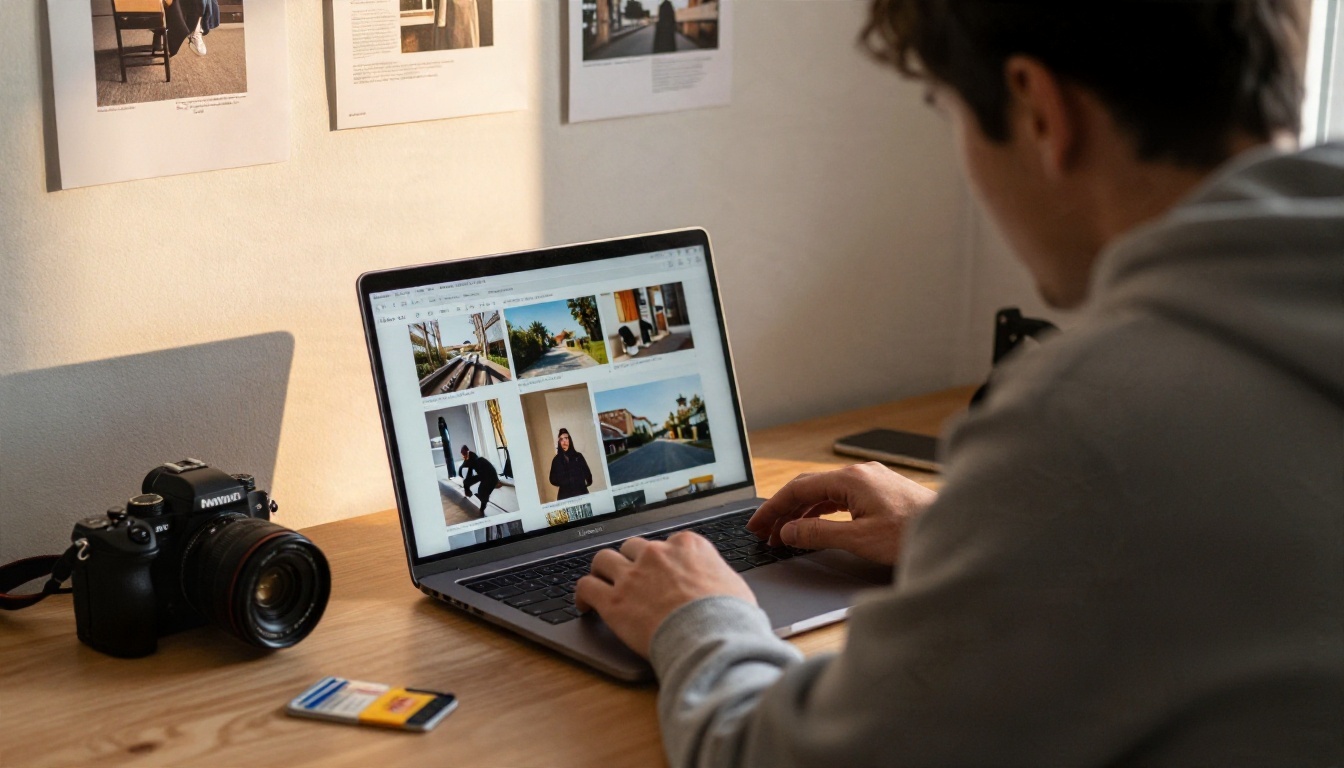
A clothing boutique designs a 20 page lookbook in a free design editor, exports the PDF, and publishes it as a flipbook. Customers receive a link by email, and the same file is embedded on the shop's website. The owner also keeps a few printed copies at the counter. The same pages serve both audiences.

For this kind of project, the Lookbook Flipbook Builder is a natural fit.
A Photographer's Quarterly Journal
A photographer curates images from the season, adds short captions, and releases a 30 page journal each quarter. Large images and minimal text mean the template does little work, which keeps production quick. Embedding the issue on a portfolio site gives visitors a gentler way to browse than a plain gallery. The Digital Portfolio Creator supports similar setups.
A Community Newsletter Turned Magazine
A neighborhood association upgrades a plain PDF newsletter into a flipbook with event photos, a local business directory and a calendar. Password protection keeps members only content private, while a public edition goes out to everyone else.
Choosing the Right Setup for You
If you are still deciding, use this quick matrix.

| Your Situation | Recommended Path | Budget Level |
|---|
| First zine, no budget | Free design editor plus free flipbook trial | Free |
| Monthly business magazine | Template based layout plus a paid publishing plan | Low |
| Client facing reports | Layout in design software, publish with branding and analytics | Medium |
| Quick event recap | Mobile app draft, polish in browser | Free to low |
| Print and digital together | One PDF master, print quote plus flipbook | Medium |
Five Questions Before You Commit
- How many pages will a typical issue have?
- Will I publish monthly, or once?
- Do I need password protection or lead capture?
- Will readers mostly open it on phones?
- Is a watermark acceptable for my brand?
If you answered "no" to the last one, check watermark policies first. It is the single most common surprise with free plans.
Ready to Publish Your Issue?
The strongest magazines are not the ones made with the most expensive software. They are the ones that actually get finished, shared and read. Start with a free design editor, pick a template that fits your content, and publish the result as a flipbook that feels like paper on any screen.
Your next issue is closer than it looks. Pick a template, drop in your pages and send the link.



