Every year the same thing happens. Someone you love has a birthday, you scroll through hundreds of photos, and you settle for a quick text with a single picture and a cake emoji. A birthday book fixes that. It gathers the best moments, the funniest captions, and messages from the people who matter into one place that opens like a real book. And you can make a birthday book online free, with nothing more than a laptop, a few photos, and an evening. With Flipbooks AI, the finished pages become a page-turning flipbook that anyone can open from a single link.
This article walks through the whole process: what to put in the book, photo ideas for every age, simple layouts that look polished, a step-by-step tutorial, and the easiest ways to share it without losing control of who sees it.
Why a Birthday Book Beats a Card
A card lasts a week on a shelf. A birthday book gets reopened every year. It holds a timeline, not just a greeting, and it can grow: add one new page each birthday and, after a decade, you have a story.
Digital books also solve a very practical problem: distance. Grandparents in another country, college friends in different cities, cousins who never make it to the party. They can all flip through the same pages on the same day.
What You Actually Need
You do not need design skills or expensive software. The whole project comes down to four things:
- 15 to 40 photos you already own, ideally in good resolution
- A short caption or message for each page (one sentence is plenty)
- A page design tool you already know, such as a slide editor, a word processor, or any free design site
- A flipbook converter to turn the finished PDF into an interactive book
💡 Pro tip: Decide the audience first. A book for a one-year-old (made for the parents) reads very differently from a surprise book for a 60-year-old friend.
Free vs Paid Options
Not every free tool is equal. Many "free" birthday book makers add a watermark, limit the page count, or lock the share link behind an upgrade. Here is how the common approaches compare.
| Approach | Cost | Watermark | Page-turn effect | Easy link sharing | Best for |
|---|
| Printed photo book service | Paid per copy | None | Physical only | No | Gifts you can hold |
| Slide deck shared as a file | Free | None | No | Clunky | Quick drafts |
| Free design site export (PDF) | Free | Sometimes | No | Manual | Layout work |
| PDF converted to a flipbook | Free to start | No watermarks on Flipbooks AI | Yes | Yes | Shareable digital books |
The sweet spot is simple: design the pages anywhere you like, then convert the PDF. You can check the pricing plans to see what each tier adds, and start free to test the result.
Photo Ideas That Tell a Story
A pile of photos is not a book. A sequence is. The best birthday books follow a loose story, so the reader feels something by page ten.
Pick Photos by Theme
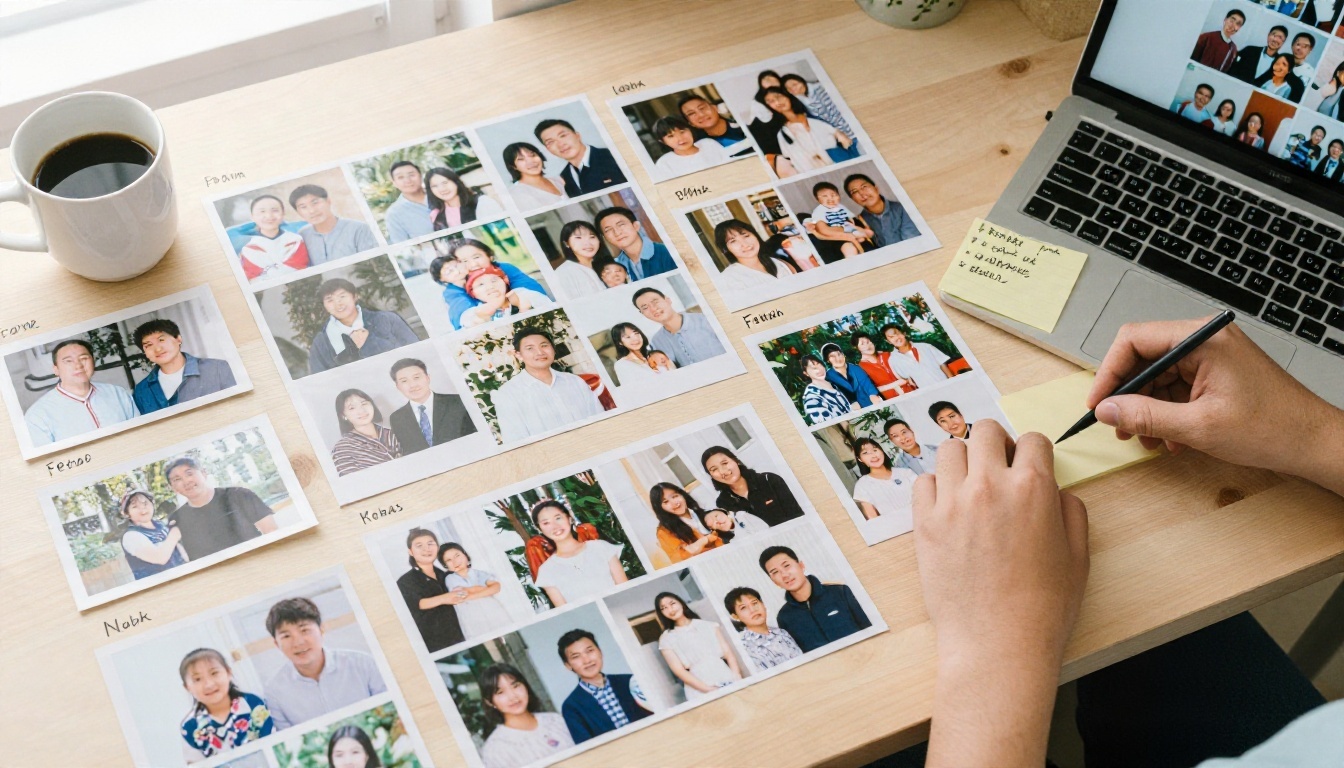
Start by sorting your photos into small piles. Each pile becomes a spread (two facing pages). Themes that work again and again:
- Then and now: the same person or place across many years
- Favorite faces: friends and family, one portrait each
- Adventures: trips, hikes, road trips, a bad camping night that is funny now
- Everyday moments: cooking, laughing, a pet on the couch, the stuff that never gets staged
- Party history: cakes, candles, and balloons from earlier birthdays
Mix close-ups with wide shots. Pages that only show faces get repetitive, and pages that only show scenery feel cold.
✅ Best practice: Aim for one strong photo per page and one supporting photo at most. White space makes memories feel important.
Photo Ideas by Age
Different birthdays call for different stories. Use this as a starting point.
| Birthday | Photo ideas | Caption style |
|---|
| 1st | Monthly baby photos, smash cake, first steps | Parent notes, "this month you..." |
| 5 to 10 | School days, drawings, costume parties, missing teeth | Funny quotes the child actually said |
| 13 to 18 | Friend groups, sports, school events, hobbies | Short inside jokes, friend messages |
| 21 to 40 | Trips, graduations, first apartment, pets | Memories from friends, one-liners |
| 50 and up | Family trees, old prints, milestones, grandchildren | Longer stories, dates, and names |
Write Captions People Will Keep
Captions are where a birthday book becomes personal. A caption does not have to be poetic. It has to be specific.
- Weak: "Fun day at the lake."
- Better: "The lake, 2019. You swore you would never get in the water. You were first."
Add names, dates, and one detail only you would remember. Ask friends and relatives to send one sentence each, then drop those messages onto a "Words from everyone" spread near the end.
Birthday Book Templates That Work
You do not need a special app to build a good layout. Most people overthink this step. A few repeatable page types are enough to carry the whole book.
Simple Page Layouts
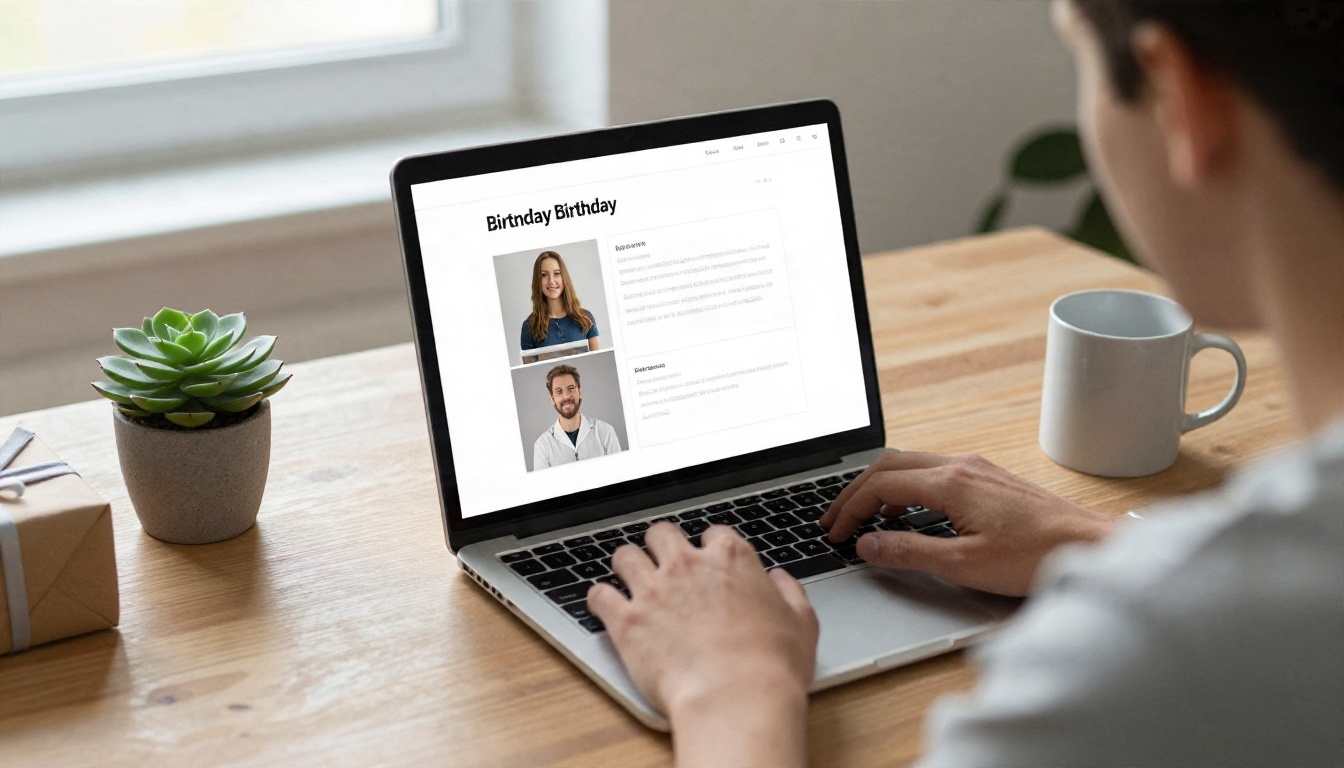
Create these five layouts once, then duplicate them throughout the book.
| Layout | What goes on it | When to use it |
|---|
| Title page | One large photo and the person's name | Page 1 |
| Full-bleed photo | One image filling the whole page, tiny caption | Big emotional moments |
| Photo plus quote | One photo on the left, a message on the right | Friend and family notes |
| Grid of four | Four small photos with dates | Trips, years, collections |
| Closing page | A group photo and a short thank you | Final page |
If you want pre-built inspiration for a more album-style look, the Wedding Album Flipbook and Photography Portfolio tools show how photo-first layouts can look in flipbook form. Both translate well to birthday themes.
Colors and Fonts
Keep the palette small. Pick two or three colors from your favorite photo (warm cream, soft peach, and sage green work with almost anything). Use one serif font for headlines and one clean sans-serif for captions.
- Use big type for names and dates
- Use small type for captions, but never below a size that a grandparent can read on a phone
- Keep the background light so photos pop and printing remains an option
⚠️ Warning: Avoid placing text over busy parts of a photo. Faces, signs, and patterned clothing make captions hard to read once the page shrinks on a phone screen.
How to Create a Birthday Book with Flipbooks AI
Once your pages are designed and exported as a PDF, the rest takes minutes. This is how to turn that PDF into a book people can flip through on any device.

Step 1: Prepare Your PDF
Export your pages as a PDF at normal screen quality. A file with 20 to 40 pages is a good size: long enough to feel generous, short enough to stay fun. Check spelling on names, because that is the mistake people notice first.
Step 2: Upload and Convert
- Go to Flipbooks AI and create an account.
- Choose to create a new flipbook and upload your PDF.
- Wait a moment while the file is converted into a page-turning book.
- Preview it on your screen, then flip through every page once to confirm nothing is cut off.
The PDF to Flipbook Converter handles the conversion, and your pages keep the layout you designed. No watermarks appear on the finished book.
Step 3: Customize the Look
This is where the book starts to feel like yours.
- Colors and background: match the page background to your design palette
- Page effects: keep the soft page-turn animation for a realistic feel
- Branding: add a small title or name so the book feels finished
- Multimedia: embed a short video clip or a favorite song so the book becomes a mini celebration
💡 Pro tip: Adding an audio message from yourself on the last page is one of the most emotional touches you can give. Record it on your phone and embed it.
Step 4: Choose Your Sharing Method
Pick one of three routes: a direct link, an embed on a page, or a download for offline viewing. The next section compares them. If you want password protection for a private surprise, switch it on before you send the link.
Step 5: Use Extra Features When You Need Them
Most people never need more than the basics. But if you are building a book for a large group, say a company anniversary or a school reunion, the Professional plan adds analytics (see how many people opened the book) and lead generation options. Standard plans and above also allow unlimited flipbooks, which is handy if you make a new book every year.
Easy Sharing Ideas
A great book is only a gift if it arrives. Sharing should take ten seconds, and it should work for the least tech-savvy person on the list.
Link, Embed, or Download?
| Method | How it works | Best for | Watch out for |
|---|
| Direct link | Paste into a text, email, or chat | Family group chats | Anyone with the link can view |
| Embed code | Place the book on a blog or family website | Anniversary pages, event sites | Needs a site you control |
| Offline download | Save the book as a file | Travel, low signal, archiving | Recipients may need instructions |
| QR code | Print on a physical card or invitation | Party tables, handwritten cards | Test the code before printing |
For websites, the Embed Flipbook on Website tool shows how to paste the book into a page. The book is mobile-responsive, so it opens cleanly on phones and tablets.
Keep It Private
A birthday book often contains kids' faces, home addresses in the background, and personal messages. That is not content for the open web.
- Turn on password protection and share the password in a separate message
- Send the link only to the people who need it
- Skip public social posts unless everyone pictured has agreed
- For a surprise, schedule your message for the birthday morning
⚠️ Warning: If you are sharing a book of children, double check the background of each photo. School uniforms, street signs, and house numbers can reveal more than you intend.
Real Birthday Book Examples
Ideas feel real when you see them applied. Here are three scenarios that work especially well.

A Surprise Book for a Parent
A daughter collects one photo and one sentence from each of twelve relatives. She designs a 24-page book, adds a family recipe page, and uploads it on the morning of her mother's 60th. The password is the family dog's name. By lunchtime, relatives in three countries have flipped through it and sent voice notes.
A Yearly Book for a Child
Parents create one spread per month during the first year, with a photo and a one-line milestone. At the first birthday, they send the flipbook to grandparents. Each year after, they add a new section, so the same book grows with the child. Since unlimited flipbooks are included in Standard and above, they can also split it into one book per year if they prefer.
A Friends Tribute for a Milestone Birthday
A group of friends splits the work: each person designs two pages and sends a PDF. One person merges them and uploads the result. The final book has an inside joke on every page, and nobody had to learn a single new tool. For group projects like this, the Event Program Maker shows a useful pattern for multi-author flipbooks.

Ideas by Relationship
| Recipient | Theme | Bonus page |
|---|
| Partner | "Our year in photos" | A letter on the last page |
| Parent | Family history and old prints | Scanned recipe or handwriting |
| Best friend | Inside jokes and adventures | A fake "award" page |
| Child | Monthly growth, funny quotes | A note to read at 18 |
| Coworker | Team photos and office memories | Messages from the whole team |
Common Mistakes to Avoid
Most birthday books go wrong in the same few ways. Fix these and yours will already look better than most.
- Too many photos per page. Four small photos can work. Eight is chaos.
- Low resolution. Photos pulled from chat apps are compressed. Use the originals from your phone or camera.
- No order. Group by theme or timeline, not random.
- Tiny text. If you have to squint on a laptop, it will be impossible on a phone.
- Forgetting permission. Ask before including photos of other people, especially children.
- Waiting until the last night. Ask friends for messages at least two weeks early.
✅ Best practice: Preview the flipbook on your phone before sharing. Most of your readers will open it there.

Make Yours This Week
A birthday book does not need a budget, a designer, or a free weekend. It needs a handful of good photos, a few honest captions, and a link that opens on any phone. Start with five pages if that is all you have time for. You can always add more next year.
Here is a simple plan to finish it in one evening:
- 20 minutes: pick 20 photos and sort them into themes
- 40 minutes: design five repeatable layouts and fill in captions
- 10 minutes: export the PDF and check the spelling
- 10 minutes: upload, customize, and set a password
Ready to build yours? Get started for free on Flipbooks AI, browse all flipbook tools to find a layout that fits your story, or compare pricing plans if you plan to make a new book every year. For a quick path from PDF to book, try the PDF to Flipbook Converter today, and send the link before the candles go out.



