You want to make a magazine app, but the quotes from agencies start at thousands, the free builders ask for your email before you see a single screen, and the app stores have rules that feel designed to slow you down. Good news: you probably do not need a native app at all. A mobile-friendly digital magazine that opens from a link, installs to a home screen and flips like paper gets readers 90 percent of the way there. Platforms such as Flipbooks AI turn a plain PDF into exactly that, and this article shows where it fits next to the other free routes.
We will sort the options honestly: what is free, what is free "until you hit a wall", what needs no email at all, and which route fits which kind of publisher.
What "Magazine App" Really Means
Before picking a tool, pin down what you are actually building. People type "make a magazine app" and mean three very different things.
Native app versus web app
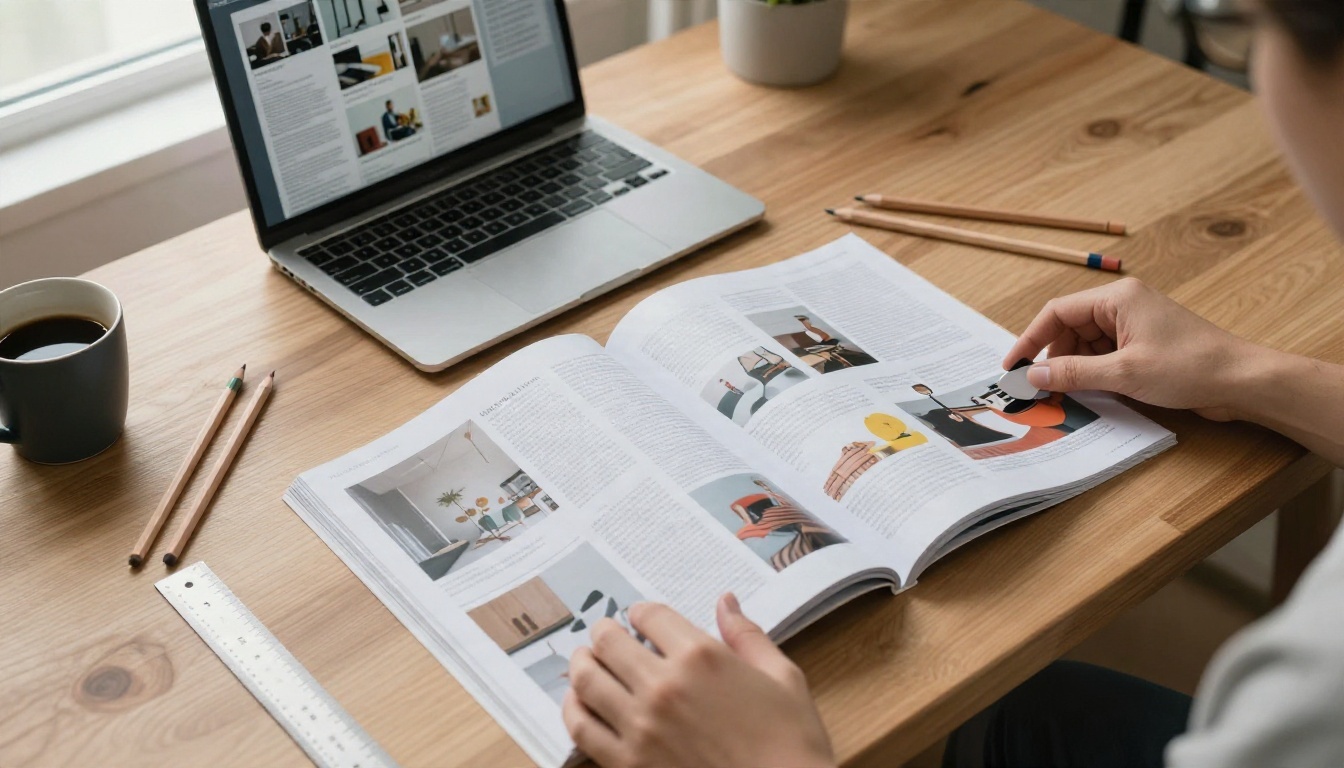
A native app lives in the Apple App Store or Google Play. It needs a developer account, review approval, icons, screenshots and ongoing updates. A web app runs in the browser and can sit on the home screen like an app. A third path, the flipbook, is a web page that shows your magazine pages with realistic page turns, and it works on every phone without any install.
Who actually needs a store listing
Be honest with yourself here. A store listing makes sense when you sell subscriptions inside the app, send push notifications, or need deep device features. It rarely makes sense for a first issue, a niche zine, a club newsletter or a brand lookbook.
💡 Pro tip: Publish your first three issues as a web magazine. If readers ask for an app, you have proof of demand before you pay for development.
| Route | Typical cost | Time to launch | Store approval | Works offline |
|---|
| Native app (custom code) | High | Months | Yes | Yes |
| No-code app builder | Free tier or monthly fee | Days to weeks | Yes, for store versions | Limited |
| Progressive web app | Low | Days | No | Partly |
| Mobile flipbook | Free or low monthly | Minutes to hours | No | Yes, with downloads |
Free Options That Actually Work
Free is a moving target. Plans change, limits shrink, and watermarks appear. Treat every claim below as a starting point and check the current terms before you commit your issue to a platform.

No-code app builders
Tools like Adalo, Glide, Thunkable and MIT App Inventor let you drag screens together without writing code. Most have a free tier. The usual catches:
- Account required. Expect an email signup, and sometimes a Google login.
- Branding or app limits. Free plans often cap records, screens or published apps.
- Store fees are separate. Apple and Google charge their own developer fees no matter how cheap the builder is.
- Content is manual. You rebuild every article as a screen or database row, which gets slow for a 60-page issue.
Website builders with app behavior
A site made in WordPress, Wix, Google Sites or a static site generator can be made installable as a progressive web app. Readers tap "Add to Home Screen" and get an icon that opens your magazine full screen. This costs little and sidesteps stores, but you still have to design the reading experience yourself.
Layout software for the pages themselves
An app is only a container. Your magazine still needs pages. Scribus (open source), Canva, Affinity and Adobe InDesign all export PDF. Scribus runs on your computer and needs no account, which matters later in the no-email section.
| Option | Cost | Account needed | Best for | Main catch |
|---|
| MIT App Inventor | Free | Yes | Learners and hobby projects | Basic look, Android focus |
| Glide or Adalo free tier | Free tier | Yes | Data driven article lists | Limits on rows and apps |
| WordPress or Wix PWA route | Free to low | Yes | Blog style magazines | Page turn effect is missing |
| Scribus plus PDF | Free | No | Designing pages offline | Needs a separate way to publish |
| Flipbook converter | Free to low | Usually yes | Layout rich magazines | Not a store app |
Online Alternatives to a Native App
If your magazine already exists as a PDF, the shortest path to a phone-friendly product is to convert it, not rebuild it.

Flipbooks keep your design intact
Fashion, travel and lifestyle titles live and die by layout. A flipbook preserves your spreads, typography and photography exactly as designed, then adds page turns, zoom and sharing. The PDF to Flipbook Converter handles the upload, and the Magazine Flipbook Creator is built for multi-page issues with covers-to-back-page flow.
PDF links and newsletters
The lightest option is a hosted PDF linked from a social bio or a newsletter. It is fast, but you lose page effects, tracking and a polished feel. Many readers also dislike pinching and scrolling a 40 MB file on mobile data.
⚠️ Warning: Huge PDFs load slowly on mobile. Compress images to roughly 150 dpi before export, or readers will leave before page two.
Which online route fits you
| Need | PDF link | Newsletter platform | Flipbook |
|---|
| Keeps magazine layout | Yes | No | Yes |
| Page turn feel | No | No | Yes |
| Embed on your website | Awkward | Partly | Yes |
| Reader analytics | Rarely | Open rates only | Yes, on higher plans |
| Password protection | Rarely | Paid tiers | Yes |
Many readers search for "no email" because they are tired of signup walls. There are two sides to this: tools you can use without handing over an email, and readers who want to open your magazine without handing one over either.

What no signup really means
Be skeptical. A tool that says "no signup" may still log your IP, cap your exports, or add a watermark to your pages. Ask three questions before you trust it: does it keep my files, does it watermark the output, and can I delete my content later?
A zero-account route you control
If you want to avoid accounts entirely, the do-it-yourself path works:
- Lay out your pages in Scribus or another offline editor.
- Export a compressed PDF.
- Host the PDF and a simple web page on your own server or a static host.
- Add a web manifest and icon so the page can install to a home screen.
It is more work, and you get no page-turn effect or analytics unless you add them. The tradeoff is full control and no third party account.
Reader side: no email gate
For readers, the friendliest setup is a public link that opens instantly. Reserve email capture for lead generation on purpose, for example an optional gate on a premium issue, rather than forcing it everywhere.
| No-email approach | Account for you | Account for readers | Tracking | Effort |
|---|
| Offline layout plus self-hosted PDF | No | No | None | Medium |
| Self-hosted installable web page | No | No | Optional | High |
| Hosted flipbook with public link | Yes | No | Yes | Low |
| Password protected flipbook | Yes | Password only | Yes | Low |
✅ Best practice: Be upfront about what you collect. A short line such as "No signup needed to read" builds more trust than any badge.
How to Make a Mobile Magazine in Six Steps
Here is the quickest route from PDF to a phone-ready magazine on Flipbooks AI. No code, no store review, and no watermarks, ever.
Upload and convert
- Create your account. Head to Flipbooks AI and sign up. An account is needed to store and manage your issues.
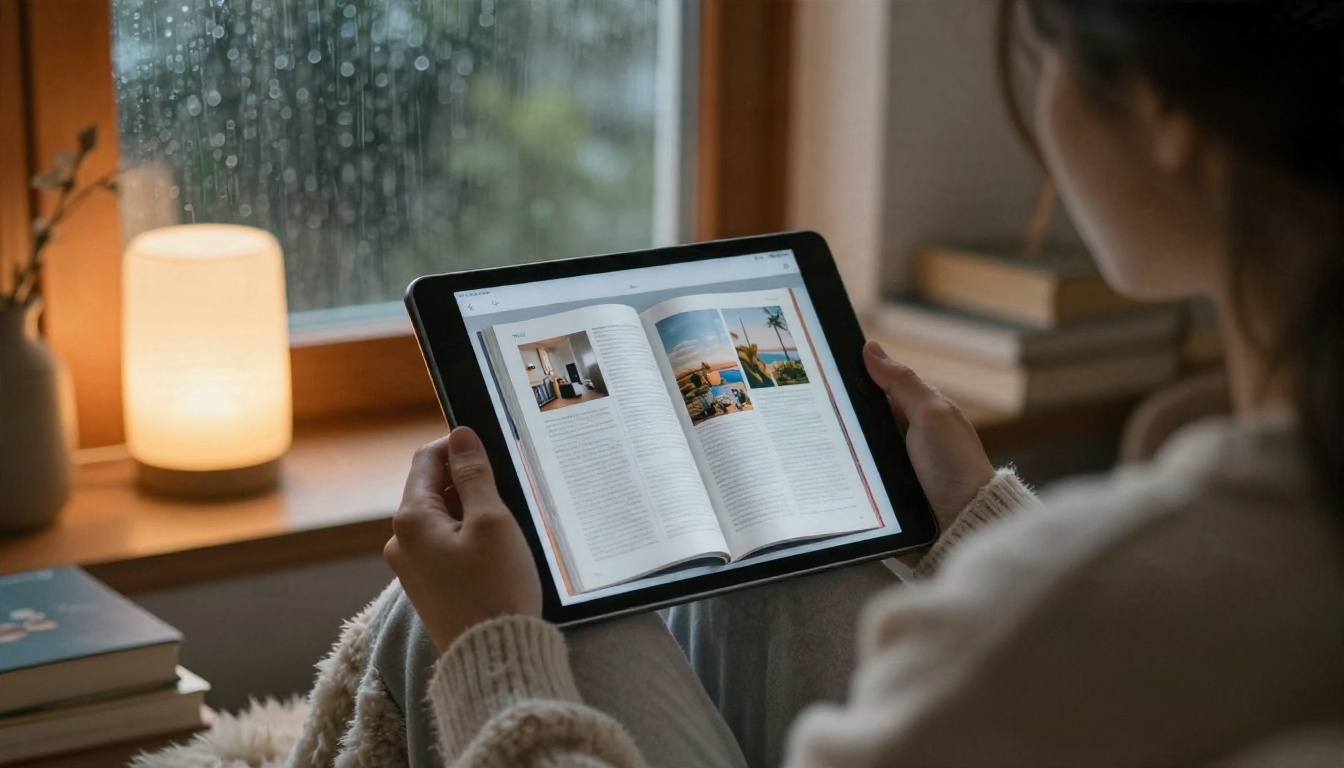
- Upload your PDF. Drag the file in. Conversion takes a short moment, and each page becomes a flippable spread. For longer titles, the E-Magazine Publishing Tool is tuned for regular issues.
Customize the look
- Apply your branding. Add your logo, pick background colors and choose page effects. Keep the viewer background neutral so your photography stands out.
- Add multimedia. Embed videos and audio, such as an interview clip beside a feature article. Mobile-responsive design means the layout adapts to any screen size.
Share and protect
- Pick a sharing method. Copy a direct link for social posts, or grab an embed code to place the issue on your site with the Embed Flipbook on Website tool.
- Set a password if needed. Password protection works well for paid issues, member newsletters or early previews.
Pro features worth knowing
On the Professional plan you also get analytics, lead generation and offline downloads. Standard plans and above include unlimited flipbooks, which suits monthly publishing. Compare the options on the pricing page to match a plan to your release schedule.
| Feature | What it does for a magazine | Plan note |
|---|
| No watermarks | Keeps your brand clean | All plans |
| Unlimited flipbooks | Publish every issue and special edition | Standard and above |
| Password protection | Private or paid issues | See pricing |
| Embed videos and audio | Interviews, playlists, behind-the-scenes clips | Included |
| Analytics and lead capture | See which pages get read, collect optional contacts | Professional |
| Offline downloads | Readers keep the issue without a connection | Professional |
💡 Pro tip: Name each issue file clearly, such as "spring-issue-2026", so your link, embed and analytics stay easy to track.
Real-World Examples
Theory only goes so far. Here is how different publishers might choose.

A fashion and lifestyle zine
A small fashion team has strong photography and a layout already built in a design program. A store app would flatten their spreads into scrolling cards. They convert each issue into a flipbook, share the link on social media and use the Interactive Lookbook Designer for seasonal collections. Readers get the glossy feel on a phone, and the team ships in an afternoon.
A club or school newsletter
A school wants a termly magazine for parents who read on their phones. A native app would be overkill. The staff uses the School Newsletter Creator, protects each issue with a password and shares the link in the parent group chat.
A travel publisher testing demand
A travel writer is unsure whether anyone will pay for a monthly title. They begin with a free web route, use the Travel Guide Flipbook format, watch the analytics, and only consider a store app after subscribers ask for push alerts.
Choosing by goal
| Your goal | Best starting route | Why |
|---|
| Keep design perfect | Flipbook | Layout stays untouched |
| Sell in app stores | No-code builder or custom app | Needs store listing |
| Zero accounts, full control | Offline layout plus self-hosting | No third party |
| Fast launch this week | Flipbook | Minutes from PDF to link |
| Test demand cheaply | Flipbook or PWA | No store approval |
Mistakes to Avoid
Most failed magazine apps share the same handful of errors.
Building the container before the content
Do not spend two months on an app shell when you have one issue. Write, design and publish first. The container can always be added later.
Ignoring reading comfort on a phone
Tiny body text kills mobile readers. A print layout with 8-point type works poorly on a small screen. Use 10 to 11 point text for body copy, avoid long unbroken columns and leave generous margins around images.
Forgetting where readers find you

An app nobody finds is just a hobby. Share issues where your audience already spends time, from social bios to email lists to partner sites. A link that opens in one tap beats a store page that needs three taps and a download.
⚠️ Warning: Do not hide your first issue behind a signup. Let readers sample before you ask for anything.
Skipping measurement
If you cannot see which pages readers reach, you are guessing. Even simple page-level analytics tell you whether readers stop at page six or finish the issue. Use that to fix pacing, not to chase vanity numbers.
Ready to Publish Yours?
The fastest way to make a magazine app today is to skip the app part and publish a phone-ready flipbook, then decide later whether a store listing is worth the cost. If you want custom behavior and store presence, no-code builders are a fair free starting point. If you want zero accounts, the offline layout route gives you full control at the price of more manual work.

Pick your next step:
- Have a PDF ready? Create your account and publish your first issue today.
- Want a ready format? Browse all flipbook tools and choose the one that matches your magazine.
- Planning regular issues? Compare pricing plans to see which tier covers your schedule.
Your readers already carry the best magazine rack ever made in their pockets. Give them something worth opening.



