You have a story. Maybe it is a bedtime tale for your daughter, a reading unit for your class, or a picture book you have been sketching for years. What you probably do not have is a print budget, a designer, or a week to fight with layout software. The good news: you can make a storybook online for free, and you can share it as a real page flip book that people open with a single link. In this article, we walk through the tools, templates, examples and sharing options, and show how to build one start to finish with Flipbooks AI.
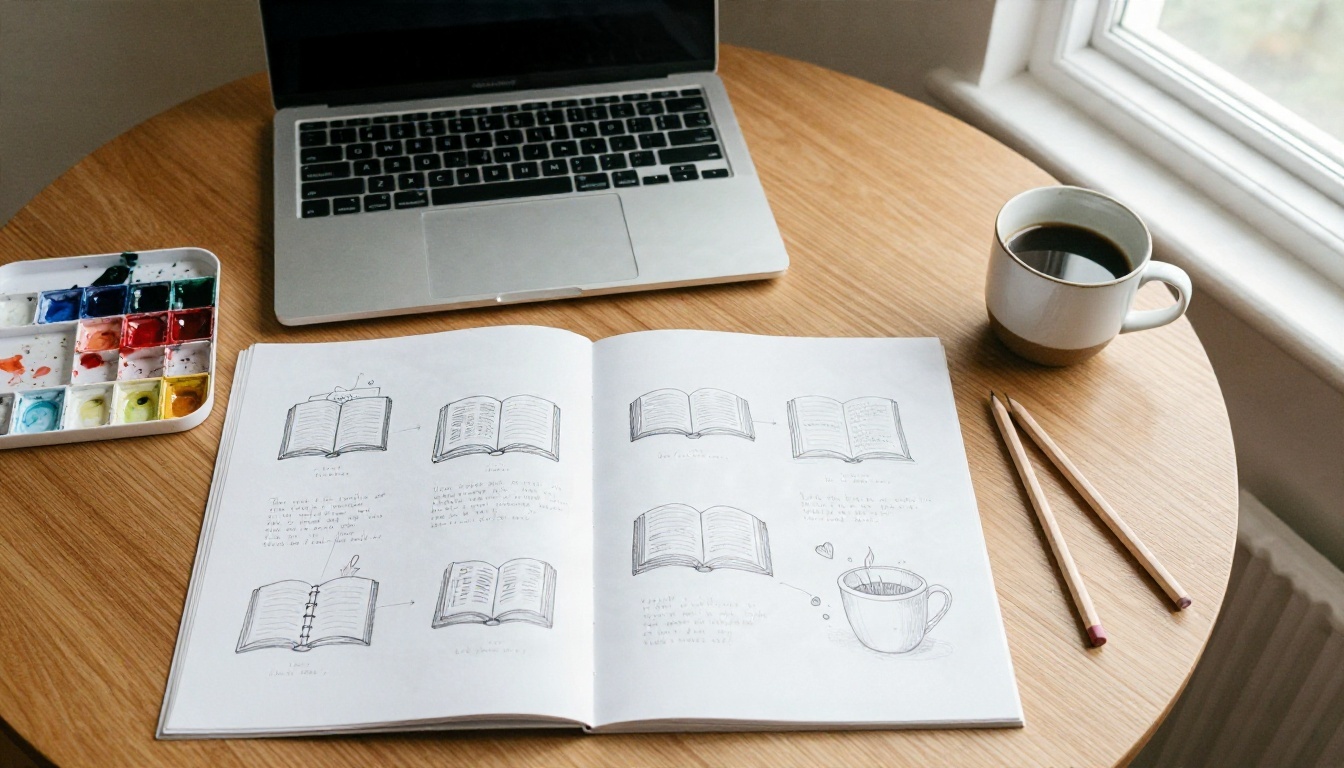
Why a Storybook Beats a Plain PDF
A PDF is fine for a tax form. For a story, it is a flat, scroll-and-squint experience. Readers expect to turn pages, hear the soft paper curl, and feel that each spread is a small reveal. That is exactly what a digital flipbook gives you: a book-like reading experience with none of the printing cost.
For children's stories in particular, the page turn is part of the storytelling. A picture book builds suspense on the right-hand page and pays it off after the flip. A scrolling PDF kills that rhythm.
Who Makes Storybooks Today
The audience is wider than most people think:
- Parents and grandparents making personalized bedtime stories
- Teachers turning writing assignments into class libraries
- Self-published authors testing a picture book before paying for print
- Illustrators sharing a polished portfolio piece with agents
- Therapists and speech coaches building social stories for specific children
- Small businesses telling a brand story in a friendly, visual format

What a Good Tool Needs
Before you pick a platform, check it against this short list. A storybook tool should let you upload finished pages quickly, keep image quality sharp, flip pages smoothly on a phone, and let you share without forcing readers to sign up. Watermarks that sit on top of your artwork are a dealbreaker for most authors.
💡 Pro tip: Test any tool with your own largest illustration first. Heavy full-bleed art is where weak converters show blur and slow loading.
Free Online Storybook Tools Compared
There are three broad routes to a finished storybook. You can draw everything inside a template-based editor, design pages in a separate app and convert them, or hire out the whole thing. For most people, route two gives the best balance of control and speed, because you can use tools you already know, such as Canva, Google Slides, PowerPoint or even a scanned sketchbook, then convert the result into a flipbook.
| Approach | Cost | Skill Needed | Page Flip Effect | Best For |
|---|
| Editor with built-in templates | Free to low | Low | Often limited | Quick family stories |
| Design in Slides or Canva, then convert | Free to low | Low to medium | Full flip effect | Classroom and indie authors |
| Professional layout software | High | High | Requires export step | Print-first publishers |
| Hiring a freelancer | High | None | Depends on export | Commercial picture books |
The second row is where Flipbooks AI fits. You design the pages wherever you like, export a PDF, and the converter handles the realistic page turn, mobile layout and sharing.
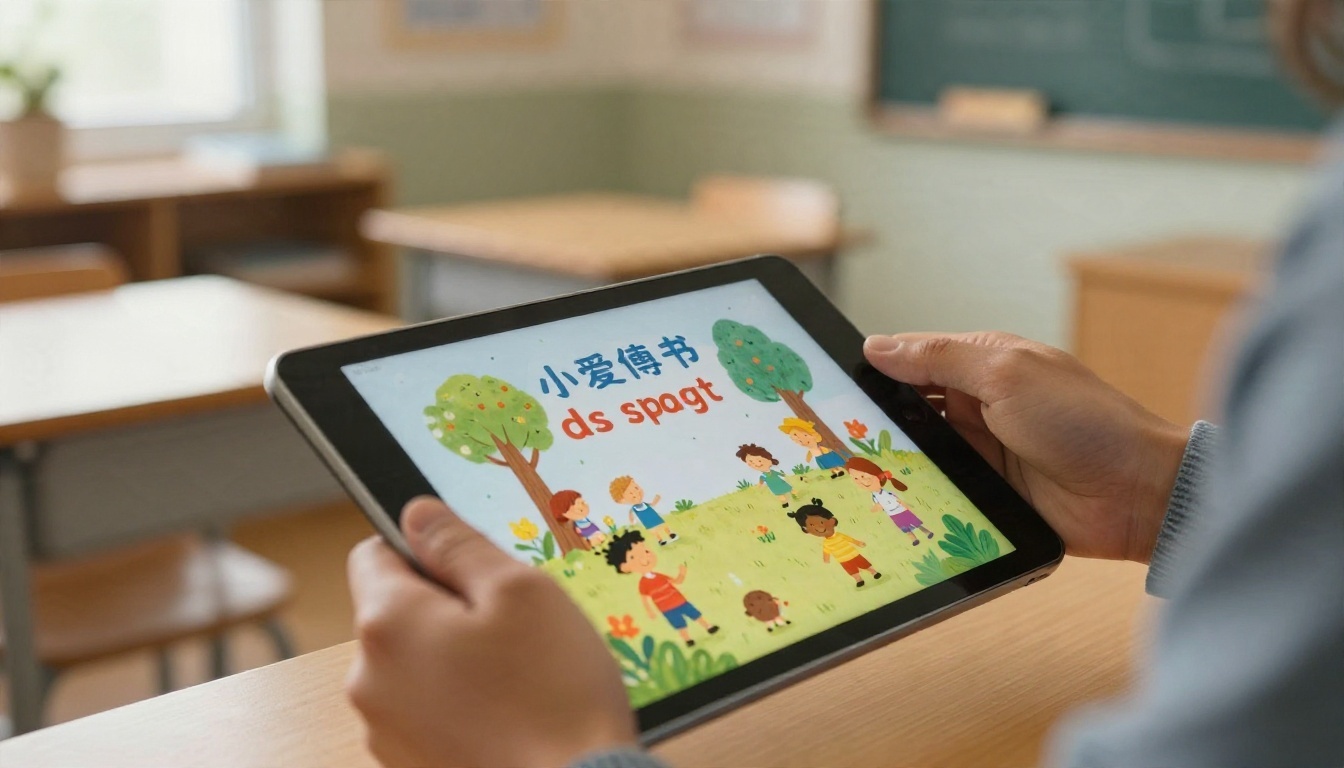
Storybook Templates That Save Hours
A blank page is the slowest way to start. Pick a structure first, then fill it with your own words and art. Here are three layouts that work again and again.
The 32-Page Picture Book
This is the industry standard for printed children's books. It gives you a rhythm of 12 to 14 spreads, plus a title page and a back page. Plan one image per spread and no more than three sentences per page for ages 3 to 6.
The Classroom Story Unit
Teachers love a simple 12-page format: a cover page for the title, eight story pages written by students, a glossary page and an "about the authors" page. It fits neatly into a course material workflow and can be published to parents with one link.
The Family Memory Book
Think of a trip, a birthday, or the first year of a baby's life told as a story. Use real photos, add short captions in a playful voice, and end with a page that thanks the people who were there. It is the easiest first project for a beginner.
| Template | Pages | Words per Page | Art Style | Ideal Audience |
|---|
| Picture book | 32 | 10 to 40 | Full illustration | Ages 3 to 6 |
| Early reader | 24 | 40 to 100 | Illustration plus text blocks | Ages 5 to 8 |
| Classroom unit | 12 | 30 to 80 | Student drawings | Class and parents |
| Family memory book | 16 to 24 | 5 to 25 | Photographs | Relatives |
| Personal portfolio story | 10 to 16 | 20 to 60 | Mixed media | Agents and editors |
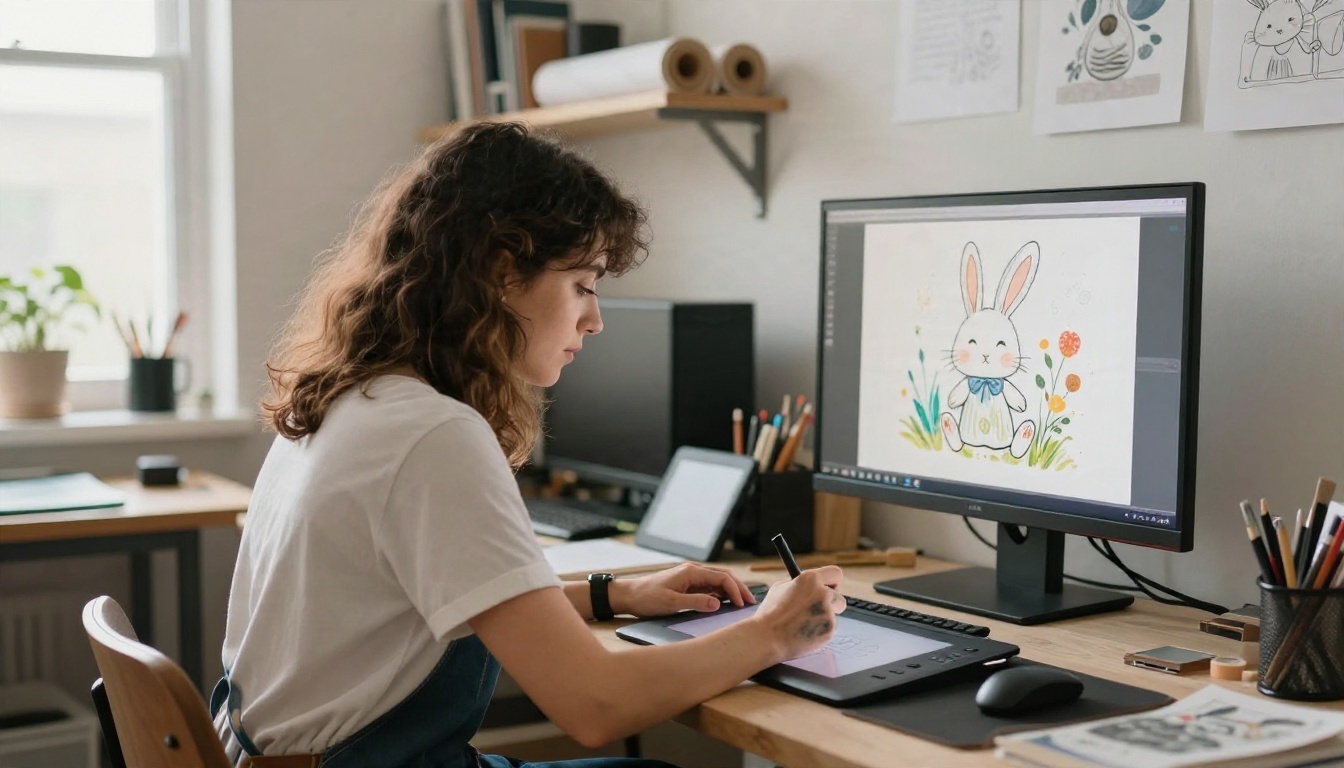
How to Make a Storybook with Flipbooks AI
Here is the full process, from blank file to shareable link. Plan on about an hour for a first project, and much less once you have a template saved.
Write and Illustrate Your Pages
Start in any tool you like. Set your page size first, because changing it later means redoing every layout. Common choices are square (8.5 x 8.5 in) for classic picture books, landscape (11 x 8.5 in) for spreads, and portrait (6 x 9 in) for chapter-style stories.
- Write the story as plain text and mark where each page break falls.
- Sketch thumbnails of every spread on paper.
- Create or scan the final illustrations at 300 DPI.
- Place text in the calmest area of each image so it stays readable.
- Export the whole project as a single PDF.
✅ Best practice: Keep a 0.5 inch safe margin on every side. Text close to the edge can get clipped on small phone screens.
Upload and Convert the PDF
Create a free account on Flipbooks AI, click to start a new flipbook, and drop in your PDF. The platform converts each page into a high-resolution image and builds the page flip effect automatically. A 30-page picture book usually finishes in seconds. If you want the details of how the converter works, the PDF to Flipbook Converter page lays it out step by step.
Customize the Look
Once the pages load, you can shape the reading experience:
- Background color: choose a soft cream or a deep navy to match your art
- Page effects: adjust the flip speed and the paper curl
- Custom branding: add your logo or author name for a polished finish
- Layout: choose single pages or two-page spreads
- Thumbnails and table of contents: help young readers jump to a favorite page
Because the platform adds no watermarks, ever, your artwork stays clean and ready to share.
Add Sound and Video
This is where a digital storybook can do what paper cannot. You can embed audio so a parent's voice reads each page aloud, or add a short video of the author drawing the main character. For early readers, a narrated version doubles as a listening exercise. Many families record a grandparent reading the story, then share it across continents.
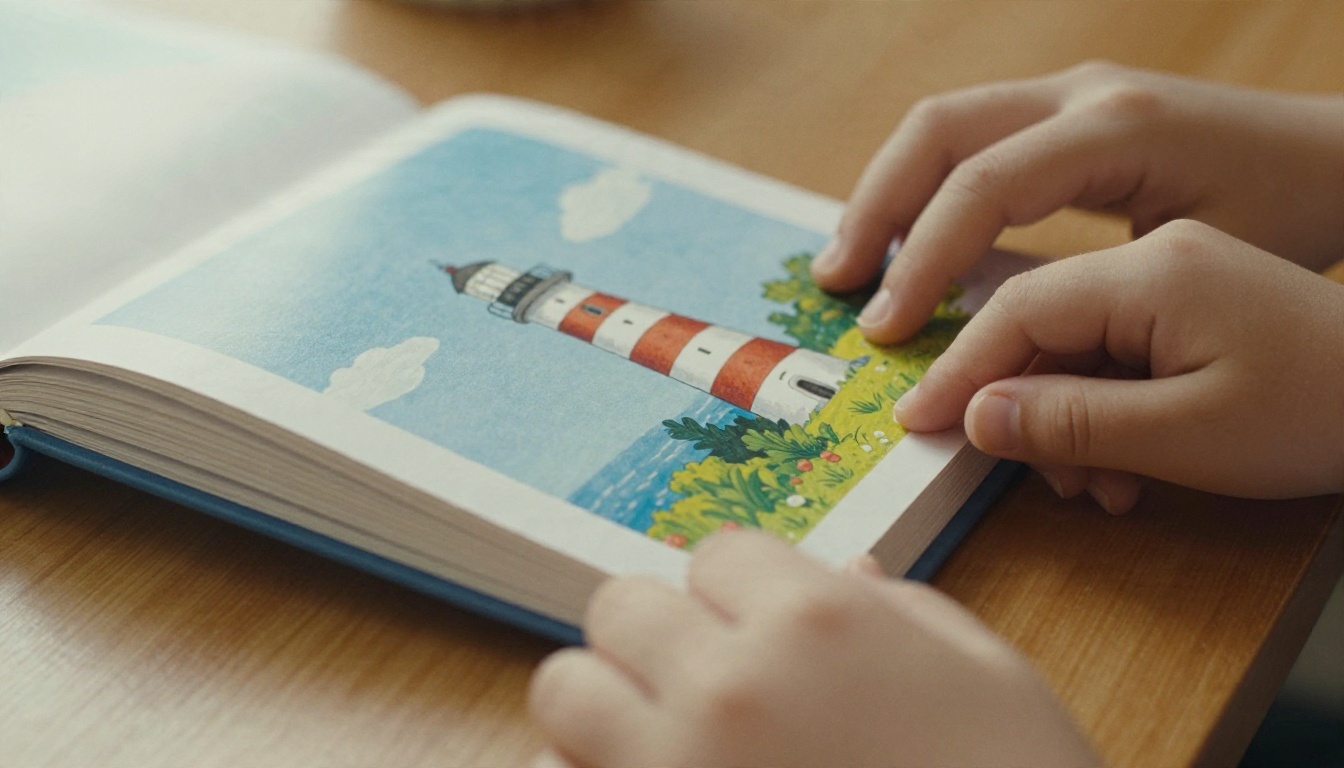
Storybook Examples You Can Copy
Seeing finished projects makes planning easier. These real-world scenarios show how different people use the same tool.
Four Scenarios That Work
- A first-grade teacher collects 24 student drawings, writes a sentence beneath each, and publishes a "Our Class Zoo" book for parents. The link goes out in the weekly school newsletter.
- A self-published author posts a 20-page preview of a new picture book on a website to gauge reader interest before ordering a print run.
- A father living abroad records audio for each page of a bedtime story and sends the link to his kids every Sunday.
- A children's illustrator builds a compact story sample inside a digital portfolio to show editors how she paces a narrative.
What Makes These Stand Out
Each example has a single clear purpose and one primary reader. The teacher is writing for parents. The author is writing for early supporters. The father is writing for two specific kids. When the audience is that clear, the design decisions get easy.
| Example | Pages | Media Used | Share Method | Result |
|---|
| Class zoo book | 26 | Student art | Link in newsletter | Parents read at home |
| Author preview | 20 | Illustrations | Embedded on website | Early reader feedback |
| Bedtime story with audio | 16 | Art plus voice | Private link | Read across time zones |
| Illustrator sample | 12 | Art | Portfolio link | Agent conversations |
Page Flip Sharing Options
A finished storybook is only useful if the right people can open it. A flipbook gives you several ways to share, and you can combine them.
Send a Direct Link
Every flipbook gets its own URL. Paste it into a text message, an email or a class messaging app. Readers open it in the browser on any phone, tablet or laptop, with no app to install. For a family project, this is usually all you need.

Embed It on a Website
If you run a blog, a school site or an author page, you can paste an embed code so the book appears right on the page. Visitors flip through without leaving your site. The Embed Flipbook on Website tool shows exactly where to place the snippet.
Protect It or Make It Offline
Some stories are private, such as a family memory book with photos of children. Turn on password protection so only people you invite can open it. You can also allow offline downloads, which is handy for a long flight or a classroom with weak wifi. If you publish for a larger audience, the Professional plan adds analytics and lead generation so you can see how many readers reach the last page and collect emails from interested fans. Check the pricing plans to see what each tier includes.
| Sharing Method | Setup Time | Privacy | Best For |
|---|
| Direct link | Under 1 minute | Public link | Family and friends |
| Website embed | 5 minutes | Public | Authors and schools |
| Password protected link | 2 minutes | Private | Photos of children |
| Offline download | 1 minute | Private copy | Travel and classrooms |
| Analytics and lead capture | 10 minutes | Controlled | Authors building an audience |
⚠️ Warning: If your story includes real photos of children, always check consent and use a password before sharing outside your family.
Common Mistakes to Avoid
Most first storybooks stumble in the same few places. Fix these before you publish and your book will look far more professional.
- Too much text per page. If a young reader cannot finish a page in under a minute, split it.
- Low-resolution art. A blurry image looks worse on a big screen than on paper. Stay at 300 DPI.
- Tiny fonts. Use at least 18 points for children's stories. Pick a clean, rounded typeface.
- No story arc. Even a 12-page book needs a beginning, a problem and a resolution.
- Forgetting the back page. Add a short author note, a thank you or a hint at the next book.
- Ignoring phones. Most readers will open your link on a phone, so preview it there before you send it.
💡 Pro tip: Read your story aloud while flipping through the finished book. Wherever you stumble, a young reader will too.
Quick Pre-Publish Checklist
- Page size is consistent on every page
- Text sits clear of image edges
- Colors match across spreads
- Audio levels are even if you recorded narration
- You tested the link on a phone and a laptop
- Password is set if the book contains personal photos
Start Your First Storybook Today
You do not need a publisher, a print run or a design degree to share a story. You need pages, a PDF and a place to turn them into a book people can flip through on any screen.
Ready to build yours? Create your free account on Flipbooks AI and upload your first PDF. Browse all the flipbook tools and templates if you want a head start, including the Interactive E-Book Publisher and the Recipe Book Flipbook for family cookbooks. When your readership grows, compare the pricing plans to add unlimited flipbooks, analytics and lead generation.
Your story is ready to be read. Give it pages that turn.



