A yearbook used to mean a printing deadline, a stack of order forms, and a closet full of unsold copies. Today a school can make a year book online in a few weeks, send it to every student and family with one link, and still order print copies for the people who want a shelf keepsake. This article gives you the page sizes, the free template layouts, and the project ideas to get there, plus a walkthrough that uses Flipbooks AI to turn a finished PDF into a page-turning digital yearbook.
Whether you are a teacher advising a club of five or a principal trying to cut costs for a school of two thousand, the process is the same: choose a size, build from a repeatable layout, collect photos early, and publish in a format people actually open on their phones.
Why Go Digital With Your Yearbook
Printed yearbooks are lovely, but they carry costs and risks that a digital edition avoids. Before you decide, look at what changes.
The Cost and Deadline Problem
Print runs force you to guess how many copies you will sell, pay upfront or collect pre-orders, and lock every page weeks before the school year ends. A digital edition removes the guesswork.
- No minimum order. You publish once and every student can read it.
- Late additions are possible. Spring sports, prom and graduation photos can go in right before release.
- Corrections are easy. A misspelled name is a quick fix, not a reprint.
- Distribution is instant. A link in a school newsletter reaches families the same day.
What Students Actually Want
Students scroll, tap, and share. A digital yearbook fits that habit, and it can hold things paper cannot: embedded videos of the talent show, audio messages from seniors, and clickable tables of contents.
💡 Pro tip: You do not have to choose. Many schools publish a digital edition for everyone and order a small print run for staff, seniors and the library.
| Factor | Print Only | Digital Flipbook | Hybrid |
|---|
| Upfront cost | High | Low | Medium |
| Reach | Buyers only | Whole school community | Everyone, plus keepsake copies |
| Video and audio | No | Yes | Yes (digital edition) |
| Last-minute edits | Rarely | Easy | Digital only |
| Shelf keepsake | Yes | Offline download | Yes |
Pick the Right Page Size
Page size decides how many photos fit, how readable captions are, and whether your PDF looks sharp on a phone. Settle this before anyone designs a single spread.
Common Print and Screen Sizes
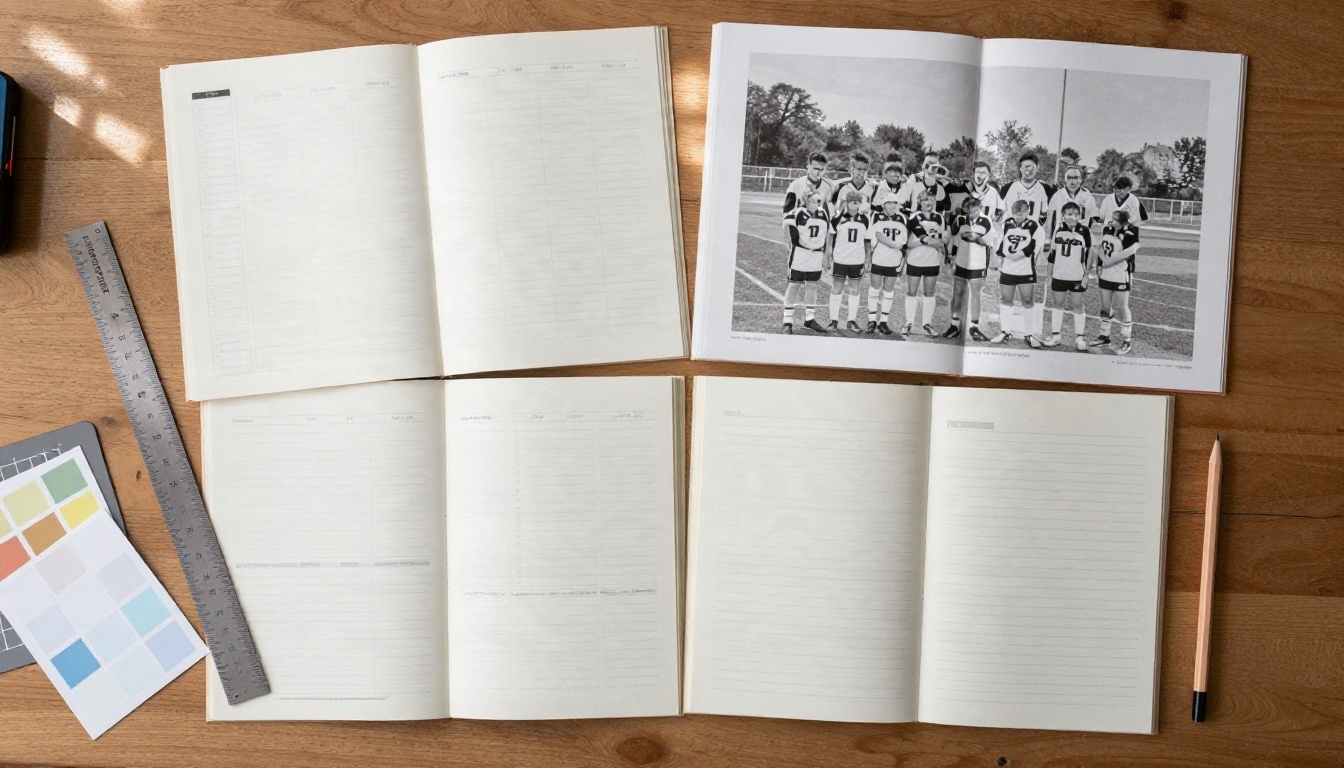
The sizes below are the ones schools use most often. If you plan to print later, pick a size your printer supports. If you stay digital, pick a ratio that reads comfortably on both laptops and phones.
| Page Size | Dimensions | Best For | Notes |
|---|
| Letter portrait | 8.5 x 11 in | High school, general use | Easy to build in common design tools |
| A4 portrait | 210 x 297 mm | Schools outside North America | Standard in most print shops abroad |
| Large portrait | 9 x 12 in | Photo-heavy editions | Roomy for full-page portraits |
| Compact portrait | 7.5 x 10 in | Middle schools | Lower page count feels full faster |
| Small portrait | 6 x 9 in | Elementary schools | Good for drawings and short captions |
| Square | 8.5 x 8.5 in | Clubs, class memory books | Works well on phone screens |
| Landscape | 11 x 8.5 in | Sports and event albums | Wide photos get more room |
Margins, Bleed and Resolution
Even a digital-only book benefits from clean margins, and if you ever print it you will be glad you set them up now.
- Safe margin: keep text and faces at least 0.5 in (12 mm) from every edge.
- Bleed: extend background photos 0.125 in (3 mm) past the trim line if you plan to print.
- Gutter: add extra space on the inner edge of each page so nothing disappears into the fold.
- Photo resolution: 300 dpi for print, and 150 dpi is usually plenty for screen reading.
- File format: export as a single PDF with pages in order, as left and right pages in a spread.
⚠️ Warning: Do not stretch a small photo to fill a full page. Low-resolution images look soft on a big monitor and worse in print. Ask contributors for the original file, not a screenshot or a chat-app copy.
Free Templates You Can Start With
You do not need to buy a design package to get a professional look. What matters is a small set of layouts that you reuse until the whole book feels consistent.
Spread Layouts That Work
Build these six layouts once, then duplicate them throughout the book:
- Portrait grid: 20 to 40 small headshots with names, ideal for class and staff pages.
- Feature spread: one large photo, a headline, and a short story about a school moment.
- Club page: a group photo, a roster list, and two or three candid shots.
- Sports recap: a full-bleed action photo with a score line and season highlights.
- Quote wall: student quotes or short answers to a survey question, set in large type.
- Autograph page: blank space with a light border so students can sign digitally or in print.
Where to Design for Free
Any tool that exports a PDF will do. Schools commonly use free versions of slide software, browser-based design tools, and word processors. The best choice is the one your team already knows, because the learning curve is the biggest hidden cost of a yearbook.
| Starting Point | Skill Level | Strength | Watch Out For |
|---|
| Slide software | Beginner | Easy sharing and comments | Set the page size manually first |
| Browser design tools | Beginner | Ready-made grids and fonts | Free assets may need credit |
| Word processor | Beginner | Everyone has it | Photo placement can shift |
| Desktop publishing software | Experienced | Precise control, bleed settings | Steeper setup |
✅ Best practice: Lock two fonts and four colors on page one. A heading font, a body font, and the school colors are enough to make hundreds of photos look intentional.
Make a Year Book Online Step by Step
Once your pages are designed and exported, the publishing step takes minutes. Here is how to turn the PDF into a flipbook with Flipbooks AI. The platform has a dedicated Yearbook Flipbook Maker built for this exact job.
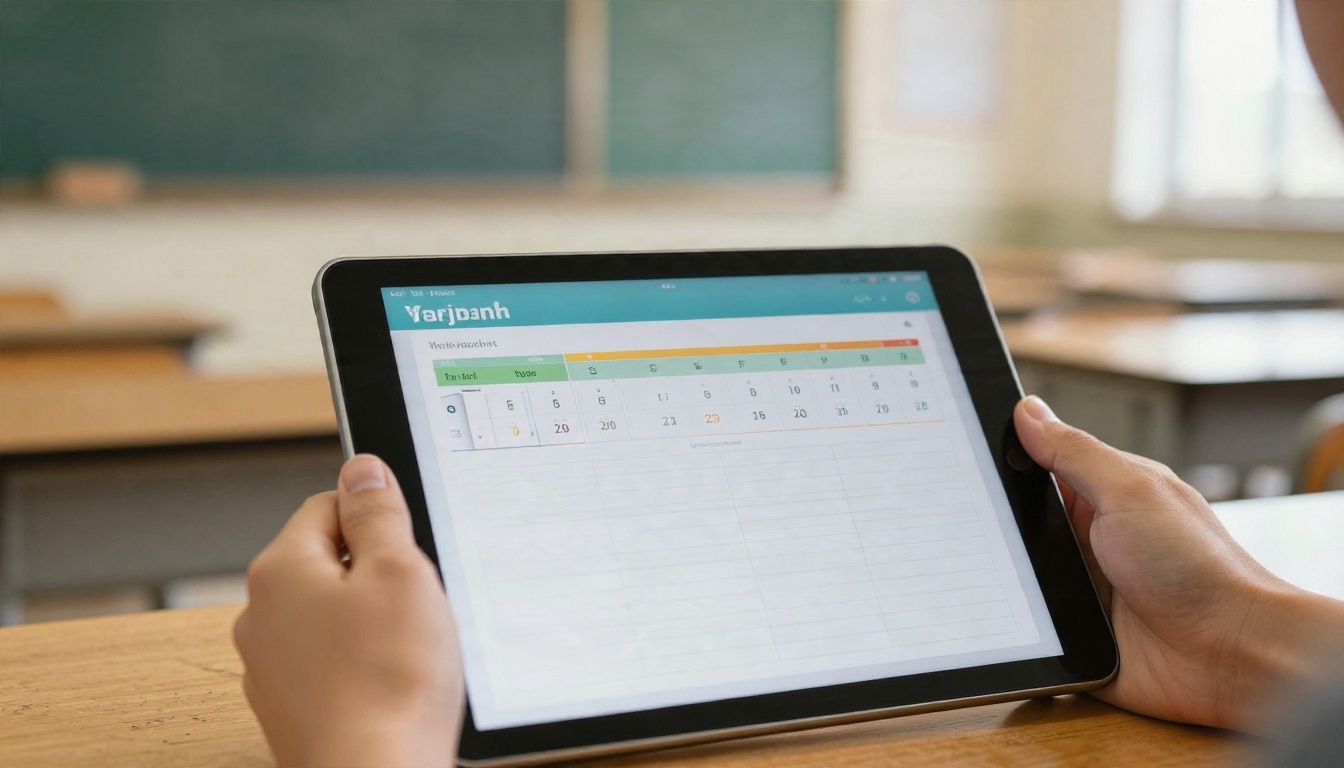
Upload Your PDF
- Go to Flipbooks AI and create an account.
- Open the yearbook tool or the PDF to Flipbook Converter.
- Drag in your exported PDF. Pages are converted automatically into a flipbook with realistic page turns.
- Preview the book on desktop and on a phone to check that captions are readable.
Brand It for Your School
Open the customization panel and set the look to match your school.
- Upload the school logo and set the background to your main school color.
- Choose a page-turn effect and sound if you like the feel of paper.
- Add clickable links on pages, such as a link from the sports page to a game-highlight video.
- Embed videos and audio, like a principal's welcome message or a senior song.
Every flipbook is mobile-responsive, and no watermarks are added, ever, so the finished book looks like it belongs to your school.
Share It Safely
A yearbook is full of student photos, so privacy matters more than reach. Pick the sharing option that fits your policy.
| Sharing Option | Best For | Privacy Level |
|---|
| Direct link | Emailing families | Medium |
| Password protection | Student and parent access only | High |
| Embed on school site | Public showcase pages | Depends on page access |
| Offline download | Keepsake copy on a device | Controlled by the file holder |
Use password protection for the full book. If you want a public teaser, publish a short excerpt with the best non-identifying pages and embed it with the Embed Flipbook on Website tool.
Track Who Opens It
On the Professional plan, analytics show how many people opened the book and which pages they spent time on. That tells you which sections were popular, which helps next year's team decide where to put effort. Compare options on the pricing page. Unlimited flipbooks are included from the Standard plan up, which is handy if you publish a yearbook, a newsletter and club books in the same school year.
💡 Pro tip: Publish a school-wide announcement with the password and a short instruction card. Most support questions come from people who cannot find the link.
Yearbook Ideas for Every School Level
A good yearbook reflects the age of its readers. What delights a nine-year-old bores a senior, and the reverse is true too.

Elementary School
- Drawing pages: scan each child's artwork and place it beside their portrait.
- "When I grow up" answers: one line per student, in their own words.
- Class mascot spread: a photo of each class with a silly shared motto.
- Audio hello: each class records a short greeting that readers can play from the page.
Middle School
- Then and now: a sixth-grade photo next to an eighth-grade photo.
- Hallway candids: photos from lunch, lockers and field trips, always with permission.
- Survey results: favorite lunch, best teacher joke, most used phrase of the year.
- Club roundup: one tidy page per club, using the same layout so nothing feels left out.
High School
- Senior spreads: a baby photo, a current portrait, and a short message to underclassmen.
- Video yearbook pages: embed prom, graduation and championship clips.
- Student-led features: investigative pieces on school life, written by newspaper staff.
- Digital autograph wall: a shared page where classmates write messages before summer.
| Idea | Elementary | Middle | High School | Effort |
|---|
| Student artwork | Great | Good | Optional | Low |
| Surveys and polls | Good | Great | Great | Low |
| Embedded video | Good | Great | Great | Medium |
| Senior tribute spreads | No | No | Great | High |
| Staff tribute pages | Great | Great | Great | Medium |
If your school also publishes a monthly update, the School Newsletter Creator lets you reuse the same design tools, so the yearbook and newsletter match.
Build a Team and a Timeline
The best layouts fail if photos arrive in June and nobody owns the schedule. Treat the yearbook as a project with roles and dates.
Roles That Keep It Moving
- Faculty advisor: approves content, enforces privacy and permission rules.
- Editor in chief: makes final layout decisions and keeps deadlines.
- Photo lead: collects, names and sorts every image into folders by event.
- Copy lead: writes captions, checks every name, and proofreads.
- Design lead: maintains the templates so each spread looks consistent.
A 12-Week Production Plan
| Week | Task | Output |
|---|
| 1 | Choose size, theme, fonts, colors | One-page style sheet |
| 2 to 3 | Build six master layouts | Template file |
| 4 to 8 | Collect photos and write captions | Organized photo folders |
| 9 to 10 | Fill in all spreads | Draft PDF |
| 11 | Proofread names, dates, photo credits | Corrected PDF |
| 12 | Publish and share | Live flipbook link |
✅ Best practice: Name photo files by event and date, such as homecoming-2026-10-14-04.jpg. Sorting hundreds of unlabeled images is the single most common reason a yearbook runs late.
Mistakes That Sink Yearbooks
Most problems are small and avoidable. Check this list before you publish.
- Missing students. Count every portrait against the enrollment list so no one is left out.
- Misspelled names. Have two people proofread names separately from the main text.
- No photo permissions. Confirm family consent rules with the office before using any image.
- Too many fonts. Three typefaces look intentional. Seven look like a ransom note.
- Text on busy photos. Put captions on a plain band or a light overlay for readability.
- Forgetting the phone. Test every page on a small screen before you share.
Ready to Publish Your Yearbook?
You now have the page sizes, the layouts, the ideas and the schedule. The last step is to turn that PDF into something students will actually open.
A yearbook is the one project every student remembers, and it no longer has to be expensive or stressful to produce. Pick a size, build six layouts, collect photos early, and publish it with a link.



