You have the products, you have the photos, and you have a customer who just asked, "Do you have a catalogue?" The old answer meant a quote from a printer, a week of layout headaches and a stack of paper that is out of date by spring. Today you can make a catalogue online free, in an afternoon, and send it with a single link. This article shows you how, with real product catalogue examples, template ideas and every sharing option worth using. Tools like Flipbooks AI turn a plain PDF into a page turning catalogue that opens on any phone, so the work you do once keeps paying off.
Why a Digital Catalogue Beats Print
Printing is not dead, but it is slow and expensive for a small business. A digital catalogue flips that equation. You edit a price on Monday and every customer sees it on Tuesday.

What Print Really Costs You
A 24 page printed catalogue in small runs can easily cost several dollars per copy once you add design, paper, shipping and the inevitable reprint after a price change. Multiply that by 500 copies and you have a real line item. A digital version costs your time once, then nothing per reader.
Printing also locks you in. Discontinue a product and the old catalogue keeps promising it for months.
What Buyers Expect Now
Most buyers open links on their phone first. They want to zoom, search and forward the file to a colleague. A flat PDF attached to an email works, but it is heavy, hard to read on a small screen and impossible to track.
A flipbook gives you the familiar page turn feel with the convenience of the web. Here is how the three common formats compare.
| Format | Cost per reader | Easy to update | Mobile friendly | Trackable |
|---|
| Printed catalogue | High | No | No | No |
| Plain PDF attachment | Free | Slow, resend needed | Poor | No |
| Online flipbook | Free to low | Yes, replace the file | Yes | Yes, with analytics |
💡 Pro tip: Keep your PDF as the master file and treat the flipbook as the published version. Update the PDF, re-upload, and the same link keeps working.
Product Catalogue Examples That Work
Abstract advice only goes so far. Here are five setups you can copy, each from a different kind of business.
Fashion and Apparel
A boutique owner photographs each piece on a hanger and on a model, then builds a catalogue with two products per page: a large hero photo, a size range and a price. The cover is a season name and one strong image. Because the catalogue is mobile friendly, staff can pull it up on a tablet and show a customer colours that are not on the rack.

If you sell clothing, the Fashion Catalog Creator and the Interactive Lookbook Designer are built for this layout.
Furniture and Home
Furniture buyers need dimensions, materials and room context. A strong catalogue opens with lifestyle photos of full rooms, then moves to product pages with a clean cut out, a spec table and finish options. Add a short "how to order" page at the end with your contact details.
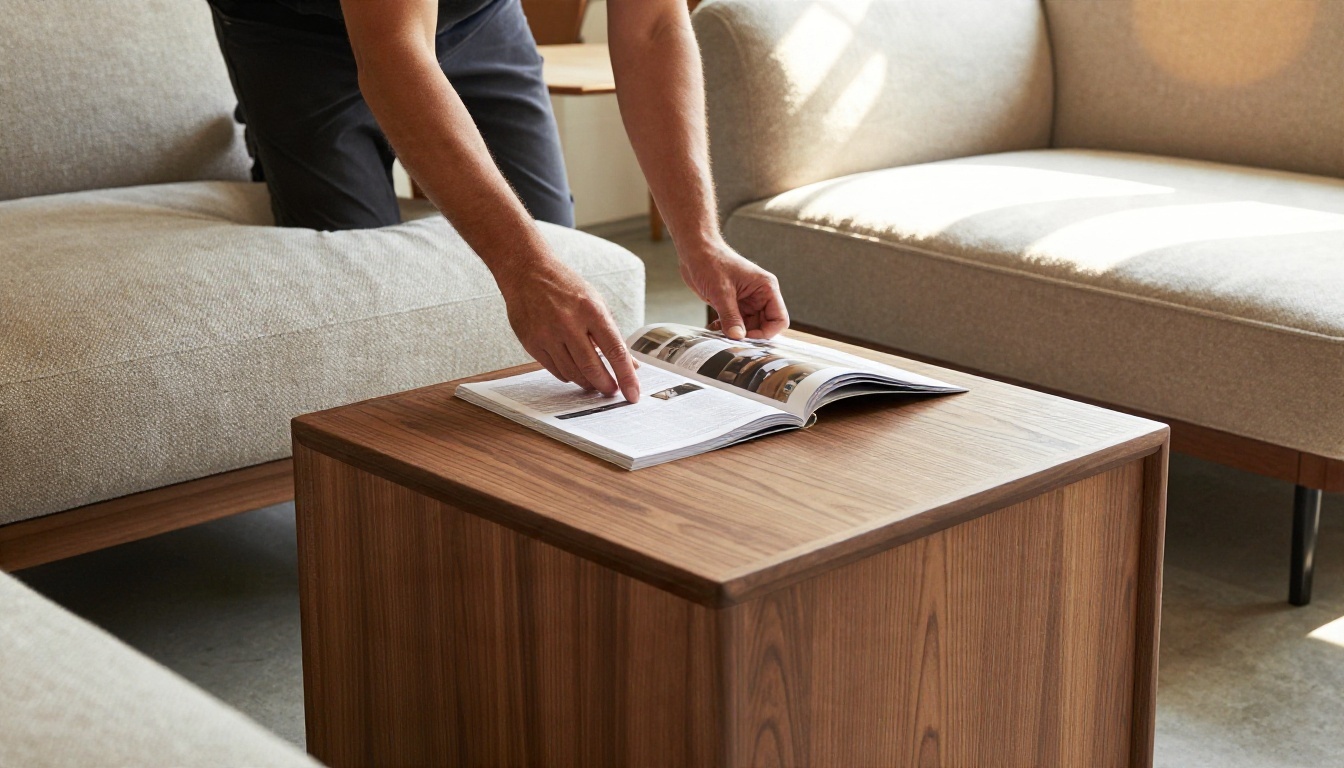
The Furniture Catalog Maker suits this style, especially when you have large images and long specification lists.
Handmade and Small Batch
A candle maker or ceramicist does not need 80 pages. Twelve pages is plenty: a short brand story, one page per collection, a care instructions page and a wholesale terms page. The charm comes from honest photography, so shoot near a window and keep backgrounds simple.
Wholesale and Price Lists
Wholesale buyers care about speed. They want SKU codes, pack sizes, minimum orders and prices in a table they can scan. A dense layout is fine here, as long as the text stays readable on a phone when zoomed. If your catalogue is mostly numbers, the Digital Price List Generator is a better starting point than a design heavy template.

Local Shops and Services
A florist, a bakery or a salon can publish a seasonal catalogue with photos, prices and a "call to order" line. The owner in the next photo keeps a flower catalogue open on a laptop at the counter so customers can choose arrangements without a printed binder.

Catalogue Templates Worth Using
A template saves you from the blank page problem. You do not need a designer, only a clear idea of how many products you show per page and how much text each one needs.

Four Layouts That Rarely Fail
- Grid layout: four to six products per page, short names, prices only. Best for large ranges.
- Hero layout: one product per page with a large photo and a paragraph. Best for premium items.
- Lookbook layout: full bleed photos with small tagged products. Best for fashion and decor.
- Spec sheet layout: a table of sizes, materials and codes next to a small photo. Best for B2B.
Matching Layout to Business
| Business type | Best layout | Pages | Must have |
|---|
| Fashion boutique | Lookbook plus grid | 16 to 30 | Size chart, seasonal theme |
| Furniture seller | Hero plus spec sheet | 20 to 40 | Dimensions, finish options |
| Handmade goods | Hero | 8 to 14 | Story page, care notes |
| Wholesaler | Spec sheet | 30 and up | SKU, MOQ, price tiers |
| Local food or flowers | Grid | 6 to 12 | Prices, order contact |
✅ Best practice: Pick one layout per section and repeat it. Readers learn the pattern by page three and scan faster after that.
For a faster start, the Product Catalog Generator and the Digital Catalog Maker give you a structure you can fill with your own photos.
Prepare Your Content First
Ten minutes of preparation saves an hour of fixing later. Gather everything before you open any tool.

Photos That Sell
- Shoot in daylight near a window, with a white sheet or poster board as backdrop.
- Use the same angle and distance for every product in a category.
- Export at a width of at least 1600 pixels, so zooming stays sharp.
- Add one detail shot per product when texture or material matters.
Product Data in One Sheet
Build a simple spreadsheet with product name, code, price, size, colour and a one sentence description. Having this in one place means you can lay out pages quickly and avoid typos in prices, which are the most expensive mistakes in any catalogue.
⚠️ Warning: Do not paste photos straight from your phone at full size into a document. A 40 page PDF at 300 MB will fail to upload and load slowly for readers. Compress images to a sensible size first.
How to Make a Catalogue for Free
Once your PDF is ready, the actual publishing takes minutes. Here is the full process on Flipbooks AI.
Step 1: Create Your Account
Go to Flipbooks AI and sign up. You can try it free before deciding on a paid plan.
Step 2: Upload Your PDF
- Export your catalogue as a PDF from Canva, Google Docs, PowerPoint, Word or any layout tool.
- Click the upload button in your dashboard and select the file.
- Wait a few seconds while the PDF to Flipbook Converter turns each page into a turnable spread.
- Preview the result on desktop and in the mobile view.
Screenshot description: the dashboard shows your file name, a page count and a live preview with a page curl on the right edge.
Step 3: Customise the Look
- Add your logo and brand colours so the viewer feels like part of your site.
- Choose a background colour that matches your photos.
- Pick a page turn effect and sound if you want one.
- Embed videos and audio on product pages, for example a 20 second clip showing a jacket in motion.
There are no watermarks, so the catalogue looks like yours, not ours.
Step 4: Publish and Share
Copy the direct link, grab the embed code for your website, or generate a QR code for packaging and shop windows. The next section compares every option.
Step 5: Use Pro Features When Ready
Free is a good place to test. When the catalogue starts bringing in orders, the Standard and Professional plans add unlimited flipbooks, offline downloads, analytics and lead generation forms. Here is a quick view of what matters at each stage.
| Need | Free trial | Standard | Professional |
|---|
| Publish a flipbook, no watermark | ✅ | ✅ | ✅ |
| Unlimited flipbooks | | ✅ | ✅ |
| Password protection | | ✅ | ✅ |
| Offline downloads | | ✅ | ✅ |
| Analytics and lead capture | | | ✅ |
💡 Check the pricing page for the current limits of each plan before you commit, since features can change.
Sharing Options Compared
A catalogue nobody opens is just a file. Pick the channels where your customers already are.
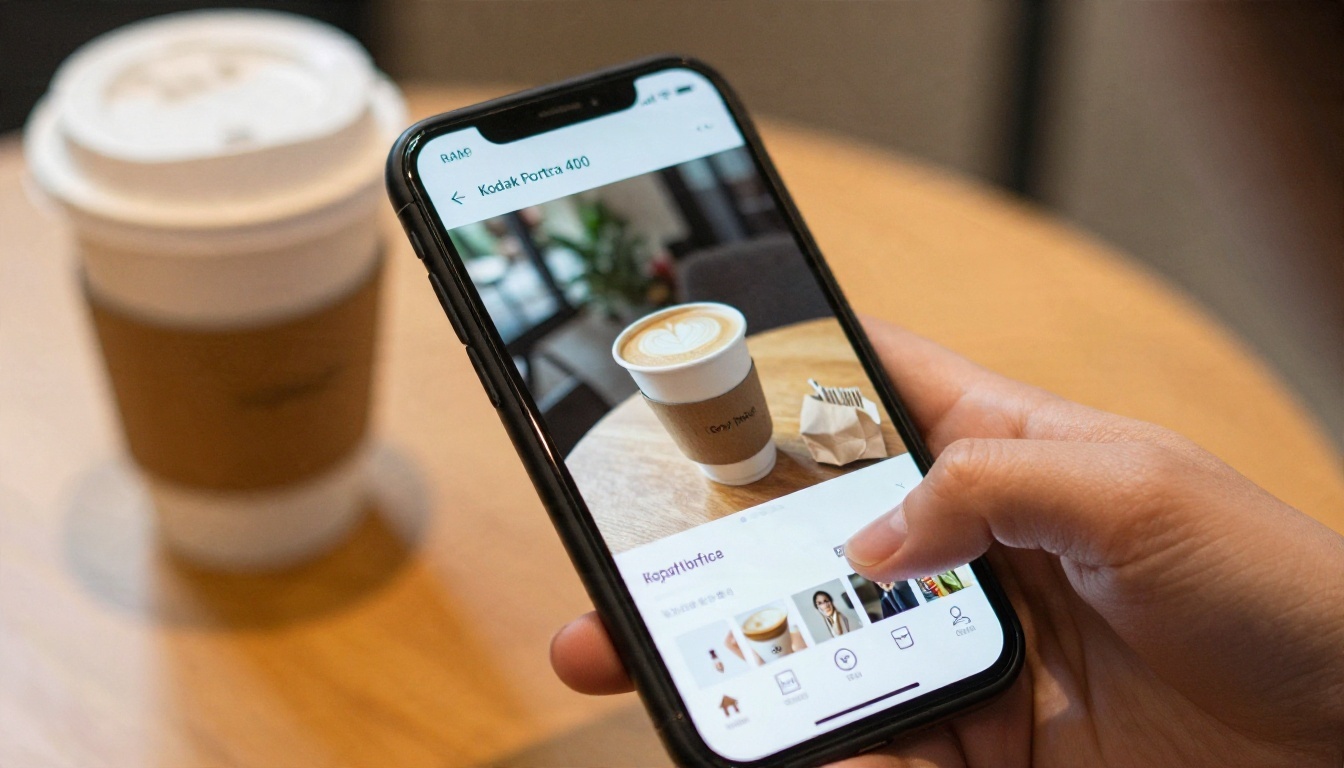
| Sharing option | Best for | Effort | Tracking |
|---|
| Direct link | Email, WhatsApp, social bios | Very low | Yes |
| QR code | Packaging, shop windows, flyers | Low | Yes |
| Website embed | Product pages, landing pages | Medium | Yes |
| Password protected link | Wholesale price lists, VIP clients | Low | Yes |
| Offline download | Trade shows, poor connection areas | Low | Partial |
Send a Direct Link
This is the fastest route. Paste the link in an email signature, a WhatsApp message or your Instagram bio. Use a short label such as "Spring catalogue" so people know what they are tapping.
Print a QR Code
Add the code to your packaging, receipts and shop door. A customer scans it and sees today's catalogue, not the one you printed last year.
Embed on Your Website
Place the flipbook on a dedicated page so visitors can browse without leaving your site. The Embed Flipbook on Website tool gives you a snippet that works on most site builders, including WordPress, Wix, Shopify pages and Squarespace.
Protect Private Pricing
Wholesale prices should not be public. Add a password to the flipbook and share it only with approved buyers. You can change the password later if a relationship ends.
Track What Buyers Open
Publishing is half the job. The other half is seeing which pages people actually read.

With the Professional plan you get analytics that show views, time on each page and where readers drop off. A practical example: a homeware seller notices that page 9 gets three times the attention of page 3. She moves the best seller to the front, and the next batch of readers sees it right away.
You can also use lead generation forms to ask for an email address before the catalogue opens. That works well for wholesale and B2B, where a name and a company are worth more than an anonymous view.
💡 Review your numbers once a month. If readers leave before page five, shorten the intro and move your strongest products forward.
Mistakes to Avoid
Most weak catalogues fail for the same few reasons.
- Too many products per page. Four items with room to breathe sell better than twelve in a crowd.
- No clear price or contact. If a buyer has to hunt for how to order, they leave.
- Tiny text. Use at least 10 pt body text in the PDF so phones can read it.
- Inconsistent photos. Mixed backgrounds make a good range look random.
- Never updating. Put a reminder in your calendar every quarter.
Ready to Publish Yours?
You do not need a design team or a print budget. You need a PDF, some honest photos and ten minutes. Create your free account on Flipbooks AI, upload your file and send the link to your first customer today.
Looking for something more specific? Browse all flipbook tools and templates, or use the Catalog Flipbook Creator to start from a catalogue focused layout. When you are ready for analytics and unlimited flipbooks, compare the pricing plans and pick the one that fits your business.



