A magazine used to mean a print run, a distributor and a few thousand dollars before a single reader saw page one. Today you can design an issue on a laptop this afternoon, turn it into a page-turning flipbook, and send one link to your whole audience by tonight. This article shows you how to make digital magazines with free tools, ready-made templates and a clean publishing workflow, using Flipbooks AI for the final step that makes a flat PDF feel like a real magazine.
Whether you run a fashion zine, a company newsletter, a photography quarterly or a school publication, the process is the same: pick a tool, start from a template, export a PDF, publish it online and share it where your readers already spend time.
Why Digital Magazines Win Now
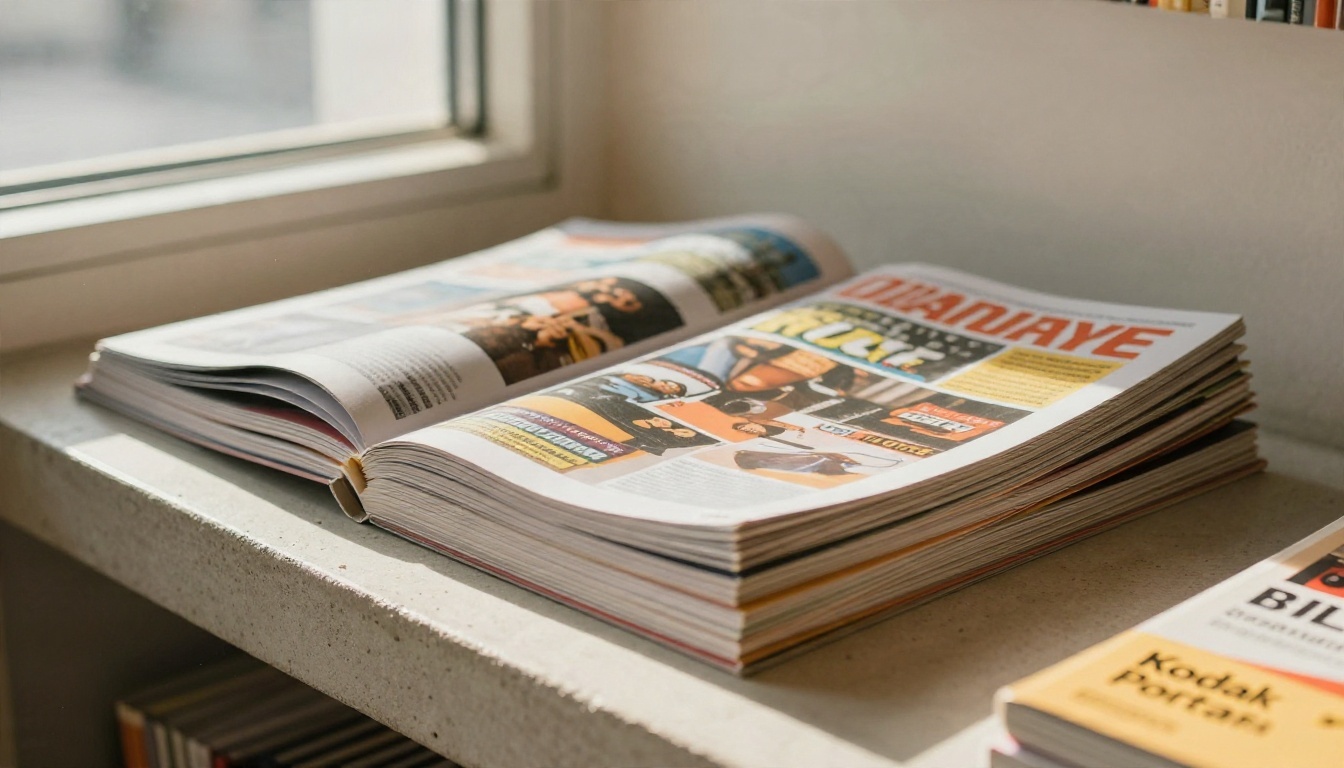
Print still has charm. But for most small publishers, the math has changed. A digital issue costs almost nothing to produce, reaches readers instantly and never goes out of stock.
Lower Costs, Faster Issues
Print means paying for paper, ink, shipping and storage. A digital magazine removes all four. You can fix a typo after publishing, swap an outdated ad, or release a surprise bonus issue in the same week.
Reach Beyond Your City
A flipbook lives at a URL. Anyone with a phone can open it, whether they are across the street or across an ocean. There is no postage and no customs form.
Richer Pages Than Paper Allows
Digital pages can hold video, audio, clickable links and forms. A recipe page can play a cooking clip. A music zine can embed a track. A travel feature can link straight to a booking page.
💡 Pro tip: Keep a print version as a PDF download too. Some readers like to print a favorite feature, and it costs you nothing.
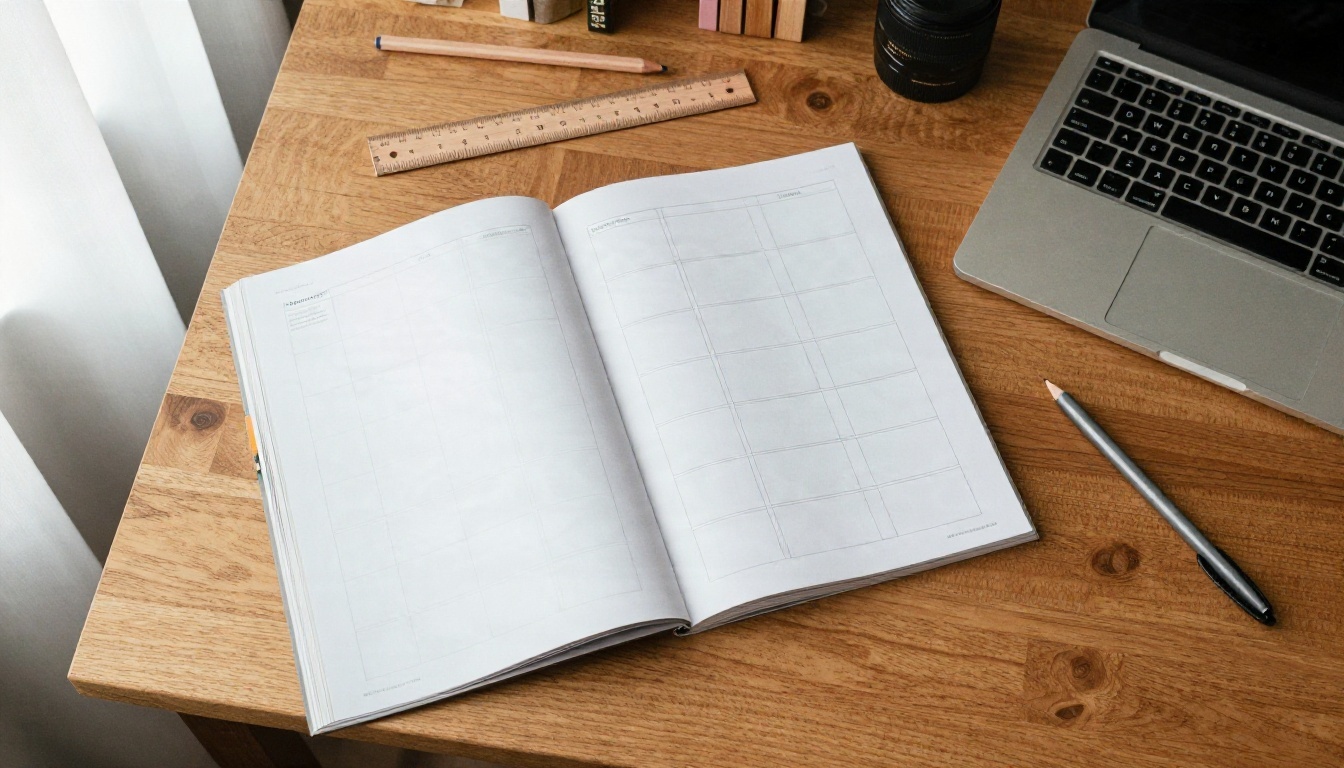
You do not need a design agency. Several free tools handle layout well enough to produce a professional issue. Pick one based on your skill level, not on hype.
Design and Layout Options
| Tool type | Best for | Free tier limits | Skill level |
|---|
| Browser design editors | Quick magazines from templates | Some premium assets locked | Beginner |
| Free desktop publishing software | Full control over columns and typography | Steeper setup | Intermediate |
| Office suite slides | Simple newsletters and internal issues | Limited typography | Beginner |
| Open source layout apps | Long text-heavy issues | Fewer ready-made templates | Intermediate |
| Photo editors with page presets | Image-led lookbooks and zines | Text handling is basic | Beginner |
If you have never laid out a page before, start with a browser editor. If you want precise columns, hanging captions and proper hyphenation, try free desktop publishing software and give yourself a weekend to settle in.
The Missing Step: Making It Feel Like a Magazine
Most free design tools export a PDF. A PDF is fine, but it scrolls like a document and does not flip like a magazine. That is where a flipbook converter comes in. The PDF to Flipbook Converter takes your exported file and gives readers a realistic page-turning experience with no watermark.
✅ Best practice: Design in a free tool, export a high-quality PDF, then publish through a flipbook tool. You get free design plus a premium reading experience.
Templates That Save Hours
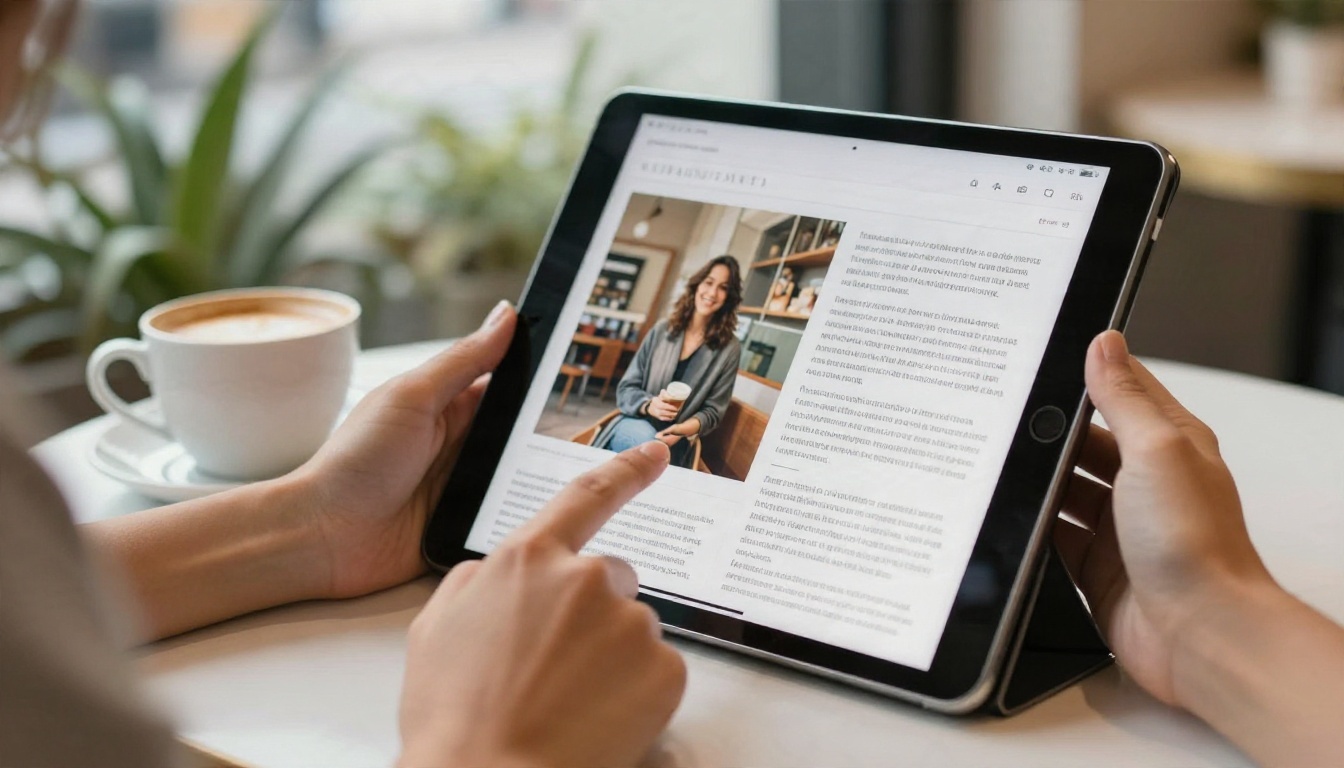
Starting from a blank page is where most first issues stall. A good template solves layout decisions before you make them: margins, grid, font pairing and where the photos go.
What a Solid Template Includes
Look for these six things before you commit to a template:
- A front page with space for a bold masthead and one strong photograph
- A contents page you can edit quickly
- At least three feature spreads with different column counts
- A full-bleed photo page for visual breathing room
- A short-item page for news briefs, quotes or reviews
- A back page for contact details, a call to action or an ad
Matching Templates to Magazine Types
| Magazine type | Ideal template style | Typical page count | Suggested extras |
|---|
| Fashion or lifestyle | Large photography, minimal text | 24 to 48 | Clickable shop links |
| Company newsletter | Clean grid, short articles | 8 to 16 | Embedded video message |
| Photography quarterly | Full-bleed images, tiny captions | 20 to 40 | Gallery pages |
| Travel magazine | Mixed maps, photos, tips | 24 to 60 | Booking links |
| School or club issue | Colorful, casual layout | 12 to 24 | Event calendar |
If you publish regular updates to a list, look at the Newsletter Flipbook Publisher. For image-heavy issues, the Interactive Lookbook Designer suits fashion and product stories well.
Plan Your First Issue
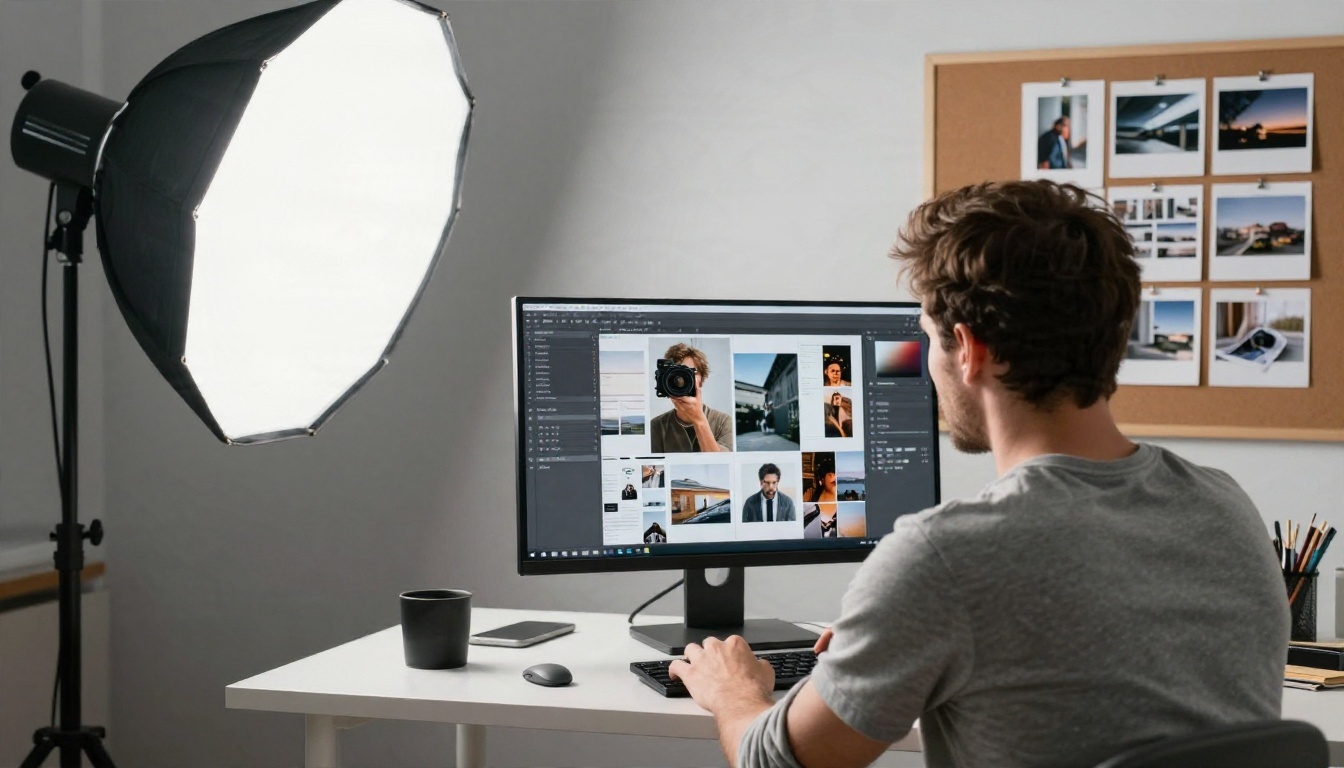
Tools are the easy part. The hard part is deciding what goes inside. A little planning prevents the classic problem of a beautiful template with nothing to say.
Build a Simple Content Plan
Write down your issue on one page before touching any software:
- Theme. One sentence that ties the issue together.
- Lead feature. The story or photo series that earns the front page.
- Two supporting features. Different formats, such as an interview and a how-to.
- Short items. Five to eight briefs, reviews or quotes.
- Call to action. One thing you want readers to do after the last page.
A realistic first issue is 12 to 20 pages. Finish a small issue rather than abandon a big one.
Photos, Fonts and Color
Choose two fonts at most: one for headlines, one for body text. Pick a palette of three colors and reuse it. Use photographs at at least 150 dpi at their final size so they stay sharp on large screens.
⚠️ Warning: Do not pull images from random websites. Use your own photos, properly licensed stock or images you have written permission to publish. A takedown notice on issue one is a bad start.
Write Like a Person
Short paragraphs, plain words and a clear opening line. A digital reader is one swipe away from leaving, so open each feature with something concrete: a quote, a number or a scene.
How to Create a Digital Magazine with Flipbooks AI

Once your PDF is ready, publishing takes minutes. The dedicated Magazine Flipbook Creator and the E-Magazine Publishing Tool are built for exactly this job. Here is the workflow.
Step 1: Create Your Account
Go to Flipbooks AI and create an account. You can start with the free option and move to a paid plan when you need more issues or extra features.
Step 2: Upload Your PDF
- Open your dashboard and choose to add a new flipbook.
- Drag your exported PDF into the upload area.
- Wait a few moments while the file is converted into individual pages.
- Check the preview. Flip through every page and confirm that photos, fonts and links look right.
💡 Pro tip: Export your PDF as single pages, not spreads, unless you designed it in spread format. This avoids pages appearing out of order.
Step 3: Customize the Look
Make the reader experience match your brand:
- Custom branding: add your logo and choose a background color or image
- Page effects: pick a realistic page curl, soft shadow and flip sound
- Multimedia: embed videos and audio on the pages where they add value
- Clickable links: turn product names, URLs and email addresses into live links
- Mobile-responsive display: the flipbook adapts automatically to phones and tablets
Step 4: Choose Your Sharing Settings
Decide who can see your magazine:
- Public link for open distribution
- Password protection for subscriber-only or internal issues
- Embed code to place the magazine directly inside your website
- Offline download so readers can keep a copy
Step 5: Add Extra Features
The Professional plan adds analytics and lead generation, which let you see how readers behave and collect emails before they reach certain pages. Compare options on the pricing page.
| Feature | Basic use | Best for |
|---|
| No watermark | Clean branded reading | Every publisher |
| Unlimited flipbooks (Standard plan and above) | Monthly or weekly issues | Regular publishers |
| Password protection | Private or paid issues | Subscription magazines |
| Analytics and lead generation (Professional plan) | Track readers, collect emails | Brands and agencies |
| Offline downloads | Travel and low-signal reading | Travel and event issues |
Online Publishing and Sharing Tips

Publishing is only half the job. A magazine nobody opens is just a file. These habits get your issue in front of people.
Embed It on Your Own Site
Readers who land on your website should not have to click away. Use the Embed Flipbook on Website option to place the magazine on a dedicated page, then link to that page from your menu.
Share Where Readers Already Are
| Channel | How to use it | Best timing |
|---|
| Email list | Front page image linked to the flipbook | Tuesday to Thursday morning |
| Instagram or Pinterest | Teaser spread, link in bio | Evening, when people browse |
| LinkedIn | Behind-the-scenes post on one feature | Weekday mornings |
| Messaging apps | Direct link with a one-line hook | Whenever you have news |
| Your website | Embedded issue plus a short summary | Always on |
Design for the Phone First
Most readers will open your issue on a phone. Keep body text at a comfortable size, avoid tiny captions and place important links away from page edges where thumbs swipe.
Use a Strong Front Page
Your front page is the thumbnail, the email image and the social preview. Give it one clear photograph, a bold masthead and no more than three short headlines.
💡 Pro tip: Publish a teaser post with one standout spread two days before the issue goes live. It builds anticipation and gives early readers something to share.
Measure What Readers Do

Guessing is expensive. Once your issue is live, watch a few simple numbers and use them to shape the next one.
Numbers Worth Watching
- Opens: how many people clicked the link
- Pages viewed: whether readers reach the last page or drop off at page four
- Time spent: a rough sign of whether features hold attention
- Link clicks: which products, articles or offers attract interest
- Email captures: how many readers gave you contact details, if you use lead generation
Turn Numbers Into Decisions
If readers drop off early, shorten the opening feature or move the strongest photograph up. If one page gets heavy link clicks, give that topic more room next time. If nobody reaches your call to action, move it earlier.
✅ Best practice: Change one thing per issue. If you change the layout, the length and the sharing time at once, you will never know what worked.
Real World Use Cases

Digital magazines are not just for professional publishers. Here is how different people put them to work.
| Who | What they publish | Why digital wins |
|---|
| Independent fashion editor | Seasonal editorial with shoppable pages | Readers click straight to products |
| Real estate agency | Monthly property magazine | Listings update without reprinting |
| Local restaurant group | Food and events magazine | Video clips and menus in one place |
| Photography studio | Portfolio quarterly | Large images display beautifully |
| School or university | Student publication | Zero print budget, easy sharing |
| Event organizer | Program and speaker magazine | Last-minute changes are instant |
A boutique owner, for instance, can turn a seasonal lookbook into a magazine with styling tips and shoppable links. A property agent can publish a neighborhood feature with listings, then use the Real Estate Brochure Creator for single-property sheets. Photographers can pair a magazine with the Photography Portfolio flipbook so clients see both stories and samples.
Three Common Mistakes
- Too many pages too soon. A tight 16-page issue beats a sprawling 80-page one that never ships.
- Low-resolution photos. Blurry images make a magazine look amateur instantly.
- No call to action. Every issue should point readers to one next step: subscribe, shop, book or reply.
A Simple Publishing Schedule
| Week | Task |
|---|
| Week 1 | Pick the theme, outline features, collect photos |
| Week 2 | Write copy, pick a template, build the layout |
| Week 3 | Proofread, export the PDF, create the flipbook, test on phone |
| Week 4 | Publish, share, review the numbers, plan the next issue |
Ready to Publish Your Issue?
You already have the pieces: a free design tool, a template, a content plan and a place to turn your PDF into a real page-turning magazine. The only thing left is to start.
Your first issue does not need to be perfect. It needs to be published. Pick a theme, open a template, and send that link to your first reader this week.



