You walk into the meeting with a polished PDF, and within two minutes the buyer is scrolling past page three while you talk about page nine. Sound familiar? A meeting interactive brochure fixes that problem. Instead of a flat file, your prospect gets a page-turning, mobile-friendly flipbook with video, links and a clear path to the next step. With Flipbooks AI, you can turn the brochure you already have into that experience in a few minutes, with no watermark and no design software.
This article shows real examples for sales meetings, compares free tools, walks through a tutorial, and breaks down every online sharing option so you can pick the right one before your next call.
Why Meetings Need Interactive Brochures
Most sales meetings are won or lost on attention. A brochure that behaves like a magazine on a tablet, and like a clean one-page scroll on a phone, keeps the conversation moving.
The Problem With Static PDFs
A static PDF has real limits in a live meeting:
- Heavy files that bounce back from email filters or load slowly on hotel Wi-Fi.
- No sense of flow, because buyers jump around instead of following your story.
- Zero visibility, since you never know who opened it or which pages mattered.
- Awkward on mobile, where pinch and zoom replaces actual reading.
💡 Pro tip: If your brochure takes more than three seconds to open on a phone, assume the buyer will not wait. Flipbooks load page by page, so the first spread appears fast.
What Buyers Actually Do After the Call
Buyers rarely decide in the room. They forward your material to a manager, a finance contact or a partner. That means your brochure has to work without you. A link that opens instantly, looks sharp on any device and keeps the same branding is far easier to forward than a 40 MB attachment.
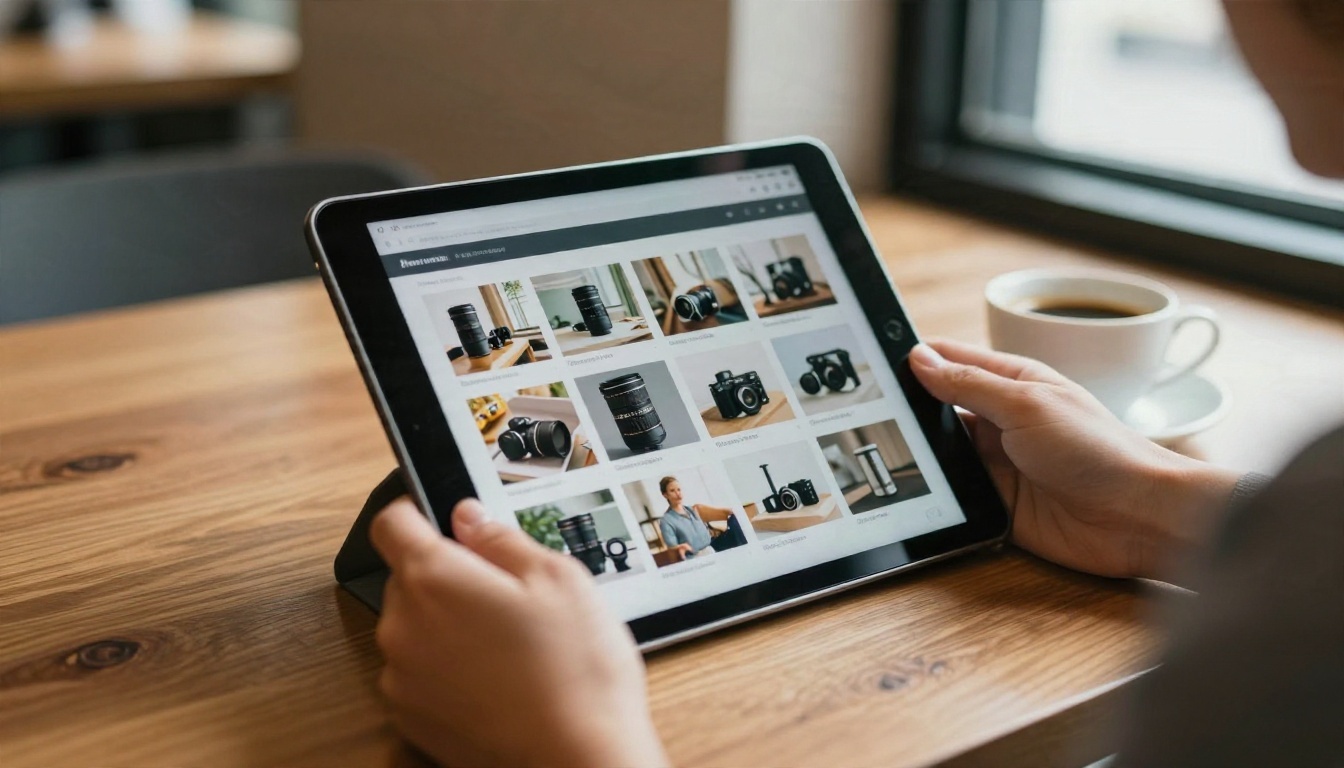
Five Interactive Brochure Examples for Sales Meetings
Here are five formats that work well in live meetings. Each one can be built from an existing PDF.
Product Line Brochure for Distributors
A distributor wants to scan your range fast. Build a flipbook with one product family per spread, a price band on each page and a short video of the hero product in use. Add a final page with order minimums and contact details. If your range is large, the Product Catalog Generator is a closer match than a standard brochure.
Real Estate Listing Brochure
Agents can open the brochure on a tablet during a viewing, then send the same link afterward. Floor plans, neighborhood notes and a walkthrough video all live in one place. The Real Estate Brochure Creator is built for this kind of layout.
Automotive Showroom Brochure
Trim levels, color options and financing examples fit naturally on separate spreads. A salesperson can flip to the exact trim the customer is asking about instead of scrolling. See the Automotive Brochure Generator for a ready structure.
Hotel Group Sales Brochure
Event planners compare venues side by side. Give them room capacities, sample menus, floor layouts and a short tour video in one flipbook. The Hotel Brochure Designer handles that format well.
Service Proposal Brochure
Consultants and agencies can shape the brochure into a proposal: problem, approach, timeline, pricing options and a final page that asks for a decision. A Sales Presentation flipbook keeps the flow tight and professional.
| Example | Best Meeting Type | Media to Add | Ideal Length |
|---|
| Product line brochure | Distributor or retailer pitch | Product video, price table | 12 to 24 pages |
| Real estate listing | On-site viewing | Walkthrough video, floor plans | 8 to 16 pages |
| Automotive showroom | Test drive follow-up | Trim comparison, finance page | 10 to 20 pages |
| Hotel group sales | Event planner meeting | Venue tour, sample menus | 12 to 20 pages |
| Service proposal | Pitch or renewal | Case study, pricing options | 8 to 14 pages |
✅ Best practice: Keep the brochure under 20 pages for a live meeting. Anything longer belongs in a leave-behind version, not the one you present.

You do not need a design team or a big budget. You do need a tool that respects your branding and does not stamp someone else's logo on your pages.
What a Free Tool Should Include
Before you commit, check that the tool offers:
- PDF upload and conversion, so you can reuse existing material.
- Mobile-responsive reading, because many buyers open links on a phone.
- No watermark, since a third-party logo weakens your brand in front of a buyer.
- A shareable link and embed code, so the brochure works in email and on your site.
- Room to grow, such as analytics and password protection when you need them.
Browse the full list of flipbook tools to see which template fits your industry, or use the Online Brochure Designer for a general-purpose start. The Brochure Flipbook Maker is another solid option when your layout is already finished.
Format Comparison for Sales Meetings
| Format | Opens Fast on Mobile | Video and Audio | Tracking | Looks Like a Brochure |
|---|
| Static PDF attachment | Sometimes | No | No | Yes |
| Slide deck export | Depends on file size | Limited | Limited | Not really |
| Interactive flipbook | Yes | Yes | Yes, on Professional | Yes |
The flipbook is the only format in this table that keeps the feel of a printed brochure while adding media and visibility. That is why it suits meetings so well.
How to Create a Meeting Brochure With Flipbooks AI
This tutorial assumes you already have a PDF. If you do not, build the layout in any design tool you like and export it, then follow these steps.
Step 1: Upload Your PDF
Go to Flipbooks AI, create an account and click to start a new flipbook. Drag your PDF into the upload area. The platform converts each page into a flipbook page, usually in under a minute. You can also use the dedicated PDF to Flipbook Converter if you want a quick route.
Screenshot description: an upload panel with a dashed border, a progress bar and the first few page thumbnails appearing below.
Step 2: Customize Branding and Pages
Open the settings panel and set up the look:
- Brand colors for the background and toolbar, so the viewer feels like part of your website.
- Your logo in the top corner.
- Page-turn effect, from a soft curl to a flat slide.
- Cover and end pages that match your printed material.
Screenshot description: a side panel with color swatches, a logo upload field and a toggle for the page-turn animation.
Step 3: Add Video and Audio
Place a short video on the product page or a voice note on the pricing page. Keep clips under 90 seconds. Buyers in a meeting want proof, not a lecture, and a 45-second demo does more than three paragraphs of text.
💡 Pro tip: Add a clickable link on every price or contact page so the buyer can book a call without leaving the brochure.
Step 4: Set Your Sharing Options
Choose how the brochure will travel:
- Direct link for email, chat and calendar invites.
- Embed code for your website or a landing page. See the Embed Flipbook on Website tool for details.
- Password protection for private pricing or confidential proposals.
- Offline download when the meeting room has poor connectivity.
Step 5: Add Analytics and Lead Capture
On the Professional plan, you can see who opened the brochure, which pages they read and how long they stayed. You can also place a lead form before the first page so you know who is viewing. Compare pricing plans to see what fits your team size.
| Feature | Standard Plan | Professional Plan |
|---|
| Unlimited flipbooks | Yes | Yes |
| No watermarks | Yes | Yes |
| Password protection | Yes | Yes |
| Embedded video and audio | Yes | Yes |
| Analytics | No | Yes |
| Lead generation forms | No | Yes |
Online Sharing Options Compared
The best brochure still fails if it arrives in the wrong way. Match the sharing method to the moment.
| Method | Best For | Pros | Watch Out For |
|---|
| Direct link | Email, chat, calendar invites | Fastest, no setup | Anyone with the link can open it |
| Embed code | Website, landing page, portal | Keeps buyers on your domain | Needs a page you control |
| Password protection | Proposals, custom pricing | Controls access | Share the password separately |
| Offline download | Remote venues, flights | Works with no signal | Version can go stale |
| QR code on a printed sheet | Trade shows, walk-ins | Bridges print and digital | Needs a clear call to action |
Sharing Before the Meeting
Send the link in the calendar invite with one line: "Skim pages 2 and 3 if you have a minute." Buyers who preview arrive with better questions, and you spend less time on basics.
Sharing During the Meeting
Open the flipbook on your own screen or a tablet. If you are in the same room, hand the tablet to the buyer so they can flip through at their own pace. If you are on a video call, share your screen and drop the link in the chat so they can follow on their own device.
Following Up Afterward
Send the same link within an hour. Add a short note that points to the one or two pages you discussed. If you used a password, include it in a separate message. With analytics on, you can see whether the brochure was opened again and who else viewed it.
⚠️ Warning: Never email a password-protected link and the password in the same message. Split them across two channels, such as email and chat.
Running the Meeting With Your Brochure
A good brochure does not run the meeting for you. Use it as a map.
A 20 Minute Agenda That Works
| Minutes | Activity | Brochure Page |
|---|
| 0 to 3 | Confirm goals and timing | Cover page |
| 3 to 8 | Show the problem and your approach | Pages 2 to 4 |
| 8 to 14 | Walk through options and pricing | Pages 5 to 9 |
| 14 to 18 | Handle questions with the video or case study | Pages 10 to 12 |
| 18 to 20 | Agree on next steps | Final page |
Let the Buyer Drive
The big advantage of an interactive brochure is that the buyer can explore at their own speed. Ask, "Which page would you like to look at first?" Their answer tells you what matters most, and you can adjust your pitch on the spot.

Three Common Mistakes to Avoid
- Cramming everything in. A brochure for a meeting should have one idea per page. If a page needs a paragraph to explain, split it.
- Skipping the mobile check. Open your link on your own phone before every important meeting. If text is tiny or a button is hidden, fix it first.
- Forgetting the next step. Every brochure needs a last page with a single call to action: book a demo, sign the proposal, schedule a site visit.
Quick Pre-Meeting Checklist
- Link opens in under three seconds on mobile data.
- Brand colors and logo match your website.
- Prices are current and approved.
- Video plays with sound off, with captions where possible.
- Password and sharing settings are tested.
- Follow-up message is drafted and ready.
Ready to Build Yours?
A meeting interactive brochure gives you a sharper pitch, a better leave-behind and a clear view of what buyers care about. Start with the PDF you already have, add a video or two, set your sharing option and test it on your phone.
Create your first flipbook on Flipbooks AI, browse all tools and templates for your industry, or compare pricing plans to add analytics and lead capture. Your next meeting is a good reason to begin today.



