Nobody sits down to design a memorial page because they want to. You do it because someone mattered, and because a few photos in a folder do not feel like enough. The good news is that a memorial page does not need design skills. It needs a calm layout, a handful of well-chosen photos, honest words and a format that your family can actually hold or open. This article walks through layout ideas, simple templates, photo page choices and print decisions, and shows how to turn the finished pages into a shareable digital book with Flipbooks AI.
💡 Take your time. There is no deadline for a tribute that will be kept for decades. Draft a few pages today, step away, and come back when you feel ready.
Why Memorial Pages Matter
A memorial page is more than decoration. It is the place where a life gets told in order: the face, the name, the dates, and then the small details that made them who they were. Families use these pages for funeral programs, remembrance booklets, anniversary tributes, photo books and online memorial pages.
Print or Digital
Most families end up wanting both. A printed booklet is something to hand out at a service and tuck into a drawer. A digital version travels to cousins overseas, can include audio of a favorite voice, and never runs out of copies.
| Format | Best for | Strength | Limit |
|---|
| Printed booklet | Services, gatherings | Tangible keepsake | Fixed number of copies |
| Hardcover photo book | Close family | Lasts for generations | Higher cost, longer lead time |
| Digital flipbook | Distant relatives, long term sharing | Instant sharing, audio and video | Needs a device |
| Single framed page | Home, memorial table | Simple and personal | Only room for one story |
Who Builds Them
Usually it is a child, sibling, partner or close friend, often alone and often in a hurry. That is why the templates below are built to be simple. You can fill them in an evening and still end up with something that feels considered.
Layout Ideas That Feel Right
Good memorial layouts share a few traits: generous white space, a limited palette, one typeface family for headings and another for body text, and photos that are allowed to breathe. Crowded pages feel loud. Quiet pages feel respectful.
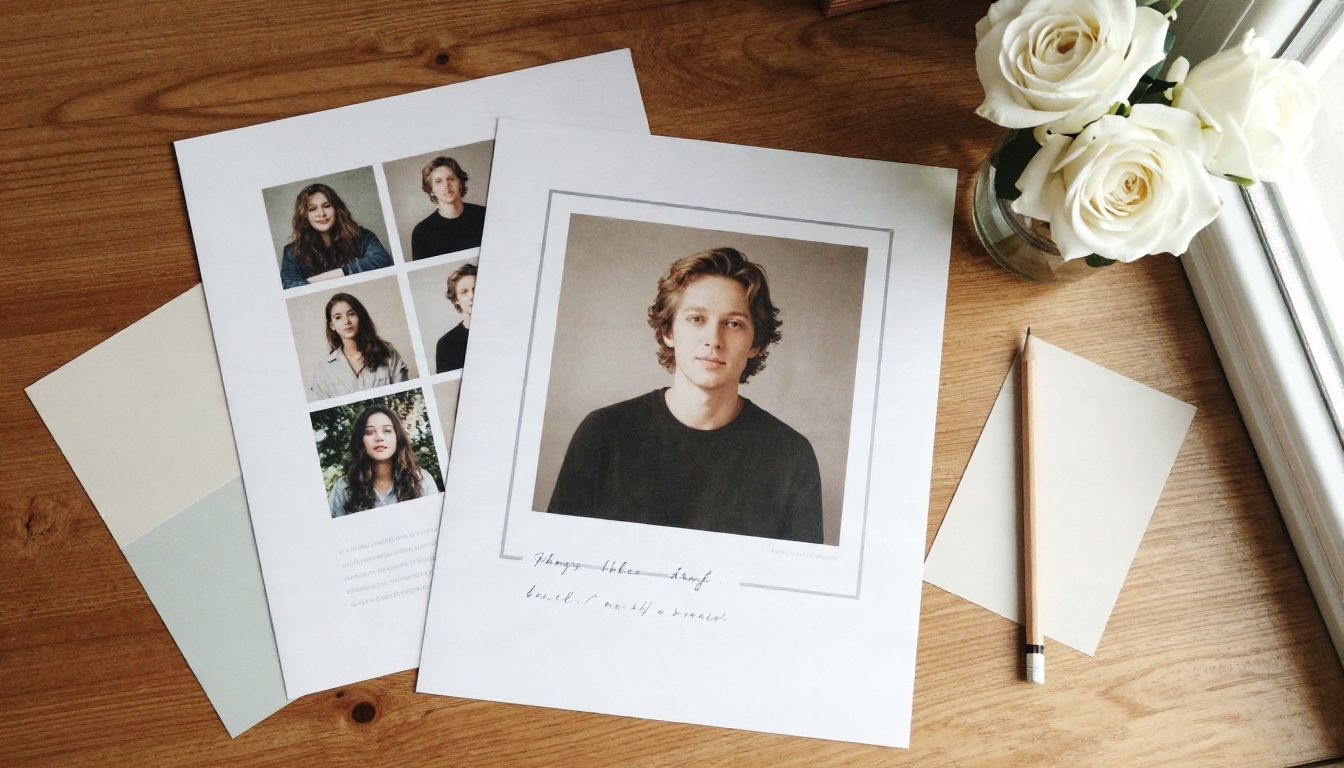
The Single Portrait Page
One large photo, centered or placed slightly above center, with the name and dates beneath in a serif font. Add a thin border or a soft margin of at least 15 mm. This works as an opening page for any booklet and is the most recognizable memorial layout.
- Use a portrait where the person is looking toward the camera or just off to the side.
- Keep the name at 28 to 36 pt and the dates at 14 to 16 pt.
- Add one short line, such as a favorite saying, in italics.
The Photo Grid
Three to six photos in an even grid tell a quick story: childhood, family, work, hobbies, travel. Keep gutters equal and crop to the same ratio where you can. If the photos vary in color, switch the whole grid to black and white for harmony.
The Story Spread
Two facing pages, with a photo on the left and a written memory on the right. This is the most flexible layout in a longer book. A paragraph of 80 to 120 words fits comfortably without crowding the page.
The Order of Service Page
For funeral programs, a clean list is enough: music, readings, speakers, committal, reception. Use a light rule between items and align everything to the left. Our Event Program Maker follows the same logic if you plan a larger gathering.
✅ Best practice: Pick two fonts and two colors for the entire booklet. Consistency matters more than any single clever design choice.
Template Structures to Copy
You do not need a designer's template. You need a running order. Here are two structures that families have used again and again, and you can adjust them freely.
Short Tribute Booklet
Eight pages, a good fit for a service or a first anniversary.
- Page 1: Portrait, name, dates
- Page 2: A short welcome or poem
- Pages 3 and 4: Life story in a few paragraphs, with one photo
- Pages 5 and 6: Photo grid of family and friends
- Page 7: Favorite recipes, songs or sayings
- Page 8: Thank you note and details of any memorial fund
Full Life Story Book
Twenty to forty pages, built chapter by chapter.
- Opening portrait and dedication
- Early years and family roots
- Work, passions and friendships
- Milestones such as weddings, graduations and homes
- Messages from family and friends
- A final gallery and closing words
| Template | Pages | Best for | Time to build |
|---|
| One page tribute | 1 | Framed print, memorial table | 1 hour |
| Short tribute booklet | 8 | Services and handouts | 2 to 3 hours |
| Anniversary remembrance | 12 | Yearly gathering | 1 evening |
| Full life story book | 20 to 40 | Family archive | 1 to 2 weeks |
If you plan an extended story, the Interactive E-Book Publisher handles longer layouts and keeps page turns smooth on phones.
Photo Pages Done Gently
Photos carry most of the emotion, so give them room. Choose fewer images than you think you need and let each one sit on the page with space around it.
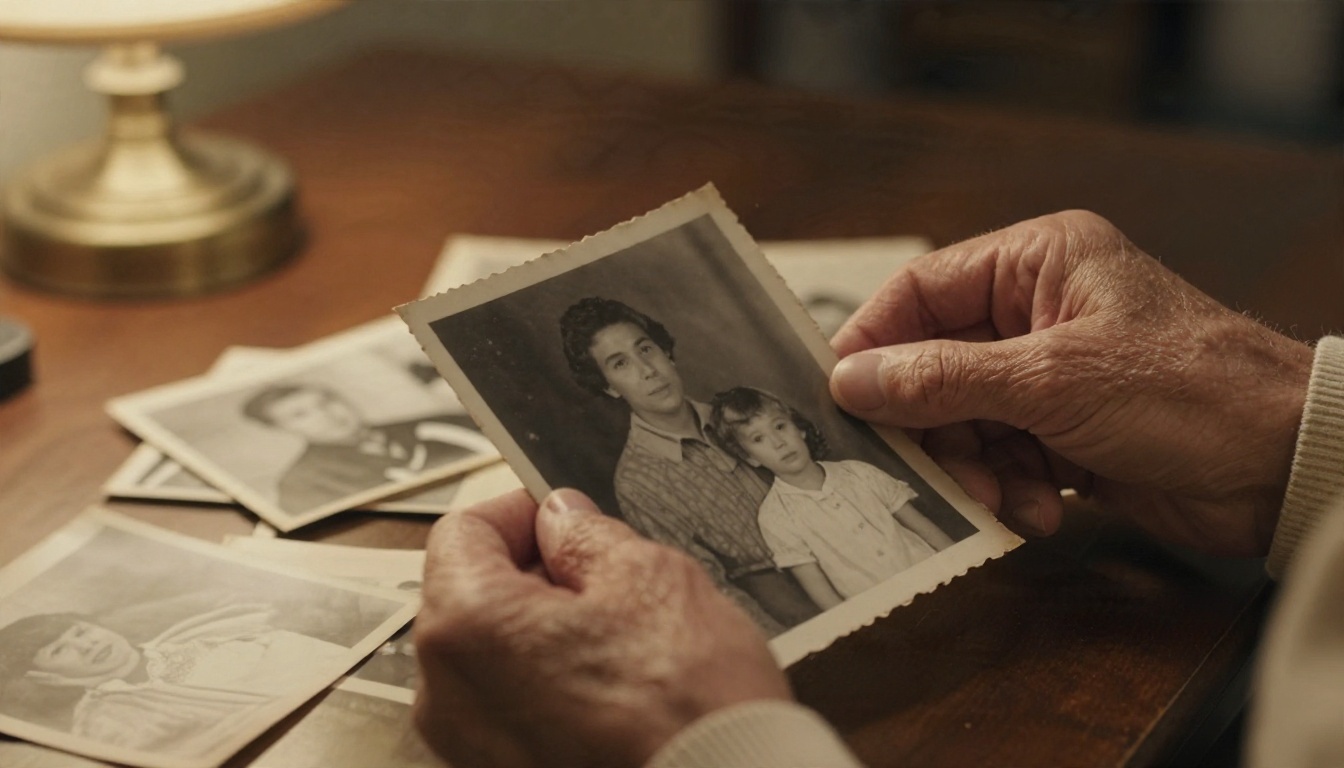
Scanning Old Photos
Old prints deserve a proper scan. Aim for 600 dpi for small prints and 300 dpi for anything larger than 8 by 10 inches. Wipe the glass, lay the photo flat, and save as TIFF or high quality JPEG. If you only have phone shots of prints, photograph them in daylight near a window, with no flash and the print level to the camera.
⚠️ Watch out: Screenshots from social media are usually too small for print. If a photo is under 1000 pixels on the long edge, use it for the digital version only.
Captions That Sound Like Them
A caption can be a name and a year, or it can be a sentence only your family would write: "Dad at the lake, certain he had caught the biggest fish." Short, specific captions beat long formal ones. Write them in the voice you would use when telling the story out loud.
Color or Black and White
Mixed photos from different decades often clash. Converting all of them to black and white or a soft sepia gives the page a calm, unified look. Keep one or two color photos for recent moments, so the story feels alive and not frozen in the past.
| Photo issue | Quick fix | Result |
|---|
| Faded color | Raise contrast slightly, reduce yellow | Natural tone returns |
| Scratches or dust | Spot healing in a free editor | Clean surface |
| Mixed color tones | Convert to black and white | Even, quiet look |
| Low resolution | Use small, with white space | Avoids blur in print |
| Busy background | Crop closer to the face | Focus on the person |
How to Build One with Flipbooks AI
Once your pages are laid out in Canva, Word, Google Docs or any design tool, export them as a PDF. From there, a few steps turn it into a book your family can open on any device. Here is the process.
Upload Your PDF
- Open Flipbooks AI and create a free account.
- Click to add a new flipbook and drop in your PDF. The PDF to Flipbook Converter keeps your fonts, photo quality and page order.
- Wait a few seconds while the pages are converted. You will see a page turning preview.
Customize the Look
- Choose a soft background color, such as warm gray or ivory, so the pages stand out.
- Switch on a gentle page flip effect and a subtle shadow.
- Add your own branding, such as a family name, instead of platform marks. There are no watermarks, ever.
- Embed audio, such as a recorded message or a favorite song, and short videos where it feels right.
- Preview on a phone, since many relatives will open it there. The layout is mobile-responsive and adjusts on its own.
Share and Protect
- Copy the direct link and send it by email or message.
- Use an embed code if you maintain a family page or a memorial website. See how to embed a flipbook on a website.
- Add password protection for private family stories.
- Enable offline downloads so relatives with weak internet can still read it.
💡 Professional plan extra: Analytics show how many people opened the book and which pages they spent time on, and lead generation can collect names of those who want to receive updates. Compare options on the pricing page.
| Plan feature | Basic sharing | Standard | Professional |
|---|
| No watermarks | ✅ | ✅ | ✅ |
| Unlimited flipbooks | | ✅ | ✅ |
| Password protection | ✅ | ✅ | ✅ |
| Audio and video embeds | ✅ | ✅ | ✅ |
| Analytics and lead capture | | | ✅ |
Printing Without Regrets
Printing is where small mistakes become permanent, so slow down here. Order a single proof before you commit to fifty copies.
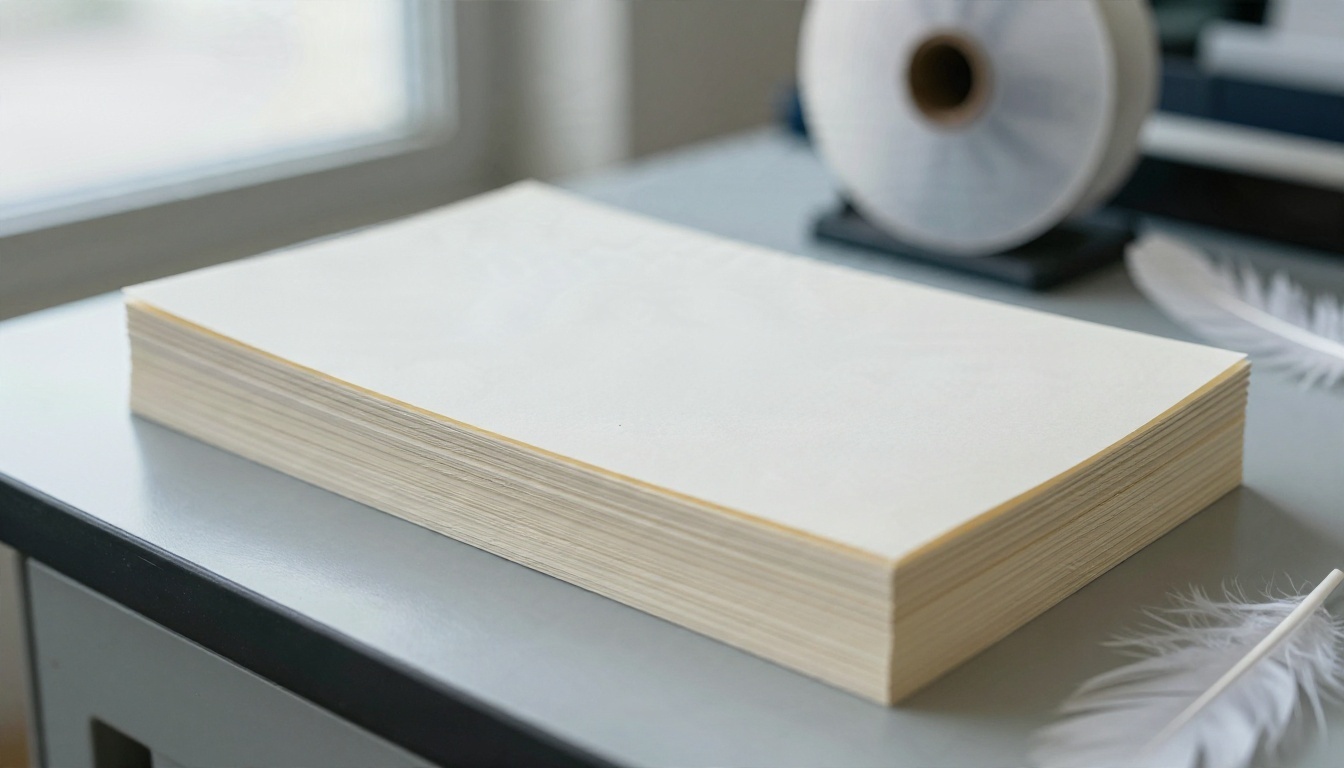
Paper and Binding
Uncoated cream paper of 120 to 150 gsm feels warm and takes ink softly, which suits memorial photos. Glossy stock can reflect light and feel clinical. For a front page, a slightly heavier card of 250 to 300 gsm adds weight without cost spiraling.
| Binding | Best page count | Feel | Typical use |
|---|
| Saddle stitch (stapled) | 8 to 48 | Light, simple | Service programs |
| Perfect bound (glued spine) | 40 and up | Book-like | Life story books |
| Hardcover photo book | 20 to 100 | Premium keepsake | Family archives |
| Wire or comb bound | Any | Lies flat | Guest memory books |
Proofs and Bleed
- Set 3 mm bleed on every side if photos run to the edge.
- Keep text at least 10 mm inside the trim line.
- Export at 300 dpi in CMYK if your printer asks for it.
- Check spelling of names, dates and places twice, then ask someone else to read it.
- Order one proof and look at skin tones in daylight.
⚠️ Common mistake: Page counts for stapled booklets must be a multiple of four. A seven page layout will leave a blank page you did not plan.
Sharing With Family Far Away
Not everyone can attend a service or hold a printed booklet. A digital flipbook lets a grandchild in another country turn the same pages on the same day. It also lets you add a voice recording, a favorite song, or a short video clip that no paper page can hold.

A few real situations show how families use this:
- A funeral program: Print forty copies for the service and send the link to everyone who could not travel.
- An anniversary page: Update the flipbook each year with a new photo spread and message from relatives.
- A school or community tribute: Collect memories from classmates and colleagues, then publish them in one place using the Newsletter Flipbook Publisher.
- A photo archive: Keep long family albums safe by turning them into a private flipbook with a password.
If your tribute is mostly photos, the Photography Portfolio flipbook layout gives images room to fill the page, and you can browse every other option in the tools directory.
Start Your Memorial Page Today
Begin with one page: a portrait, a name and the dates. Add a story spread when you feel ready. Print a proof, adjust, and share it with the people who loved them. A memorial page does not have to be perfect, only honest and made with care.
Ready to turn your pages into a shareable book? Create a free account on Flipbooks AI, try the PDF to Flipbook Converter, and compare pricing plans when you want password protection, unlimited books or analytics.



