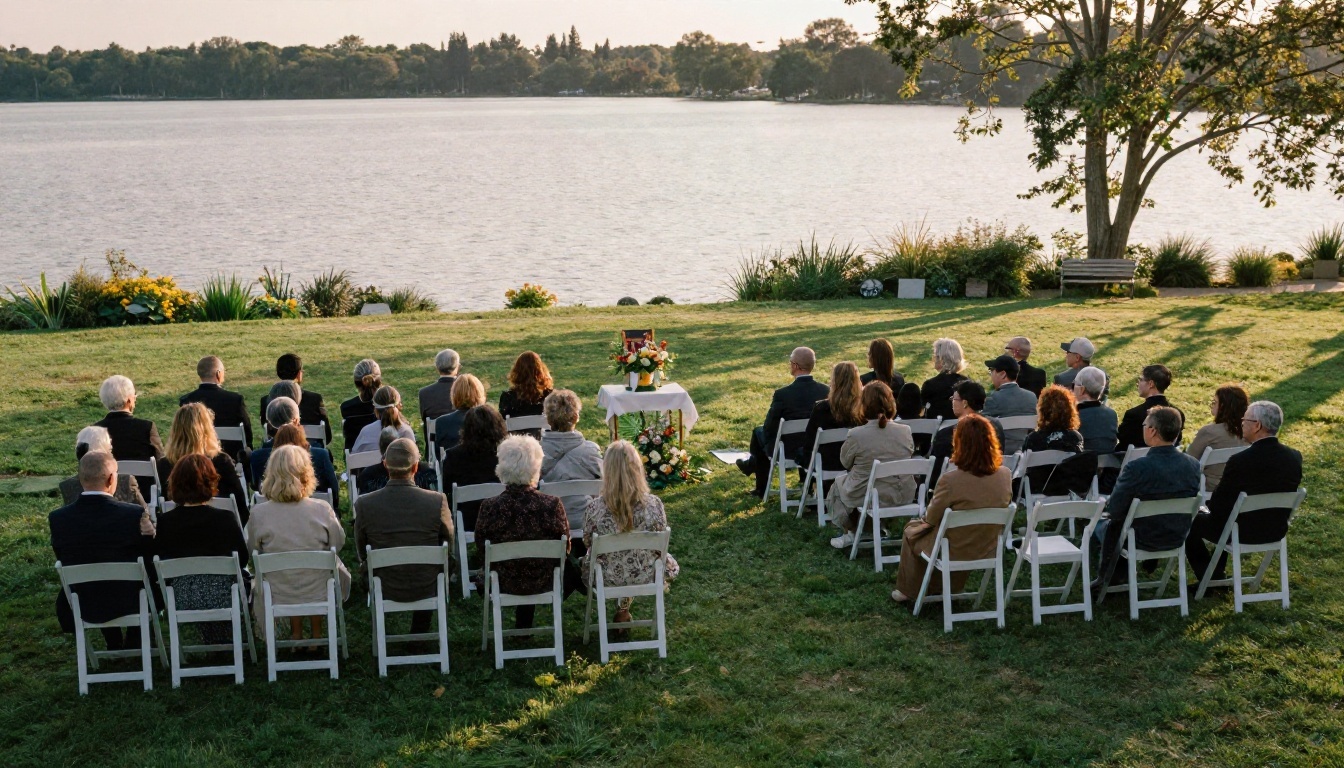
When someone you love dies, you are asked to make dozens of decisions in a few days, and one of them is the program people will hold in their hands. The order of service is a small document with a big job: it tells guests what happens next, gives them the words to join in, and becomes a keepsake long after the day is over. This article shows you real examples, the wording that fits each moment, and a simple way to share the result as a free digital program using Flipbooks AI.
You do not need design skills. You need a running order, a few photographs, and about an hour.
What an Order of Service Includes
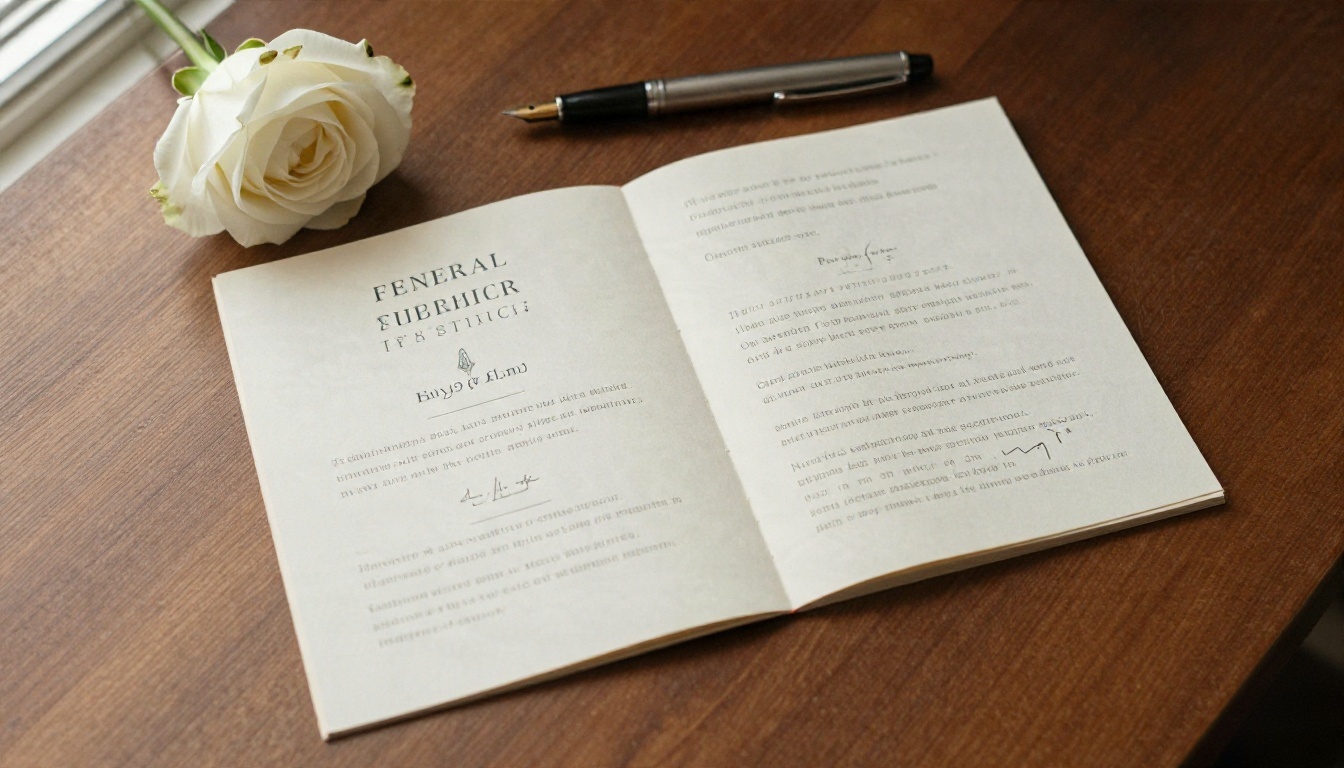
An order of service is the written outline of a funeral or memorial. It lists each part of the ceremony in the order it happens, names the people taking part, and prints any hymns, readings, or responses the congregation will say together.
The Standard Running Order
Almost every service, religious or not, follows the same arc: gathering, remembering, saying goodbye, and leaving. Here is the sequence most families use:
- Prelude music while guests arrive and find seats
- Welcome from the officiant or a family member
- Opening words or prayer
- Hymn, song, or reflective music
- Reading or poem
- Eulogy or tribute (one or several speakers)
- Moment of silence or candle lighting
- Closing words, committal, or blessing
- Recessional music
- Invitation to the reception
You can drop any item. A service with five elements is as valid as one with twelve.
Typical Page Count and Length
A bifold card gives you four panels: front, inside left, inside right, back. That is enough for most services under forty-five minutes. Longer services with printed hymns usually run to eight pages.
| Service Length | Recommended Format | Pages |
|---|
| Under 20 minutes (graveside) | Single card or bifold | 2 to 4 |
| 30 to 45 minutes | Bifold booklet | 4 |
| 60 minutes with hymns and readings | Saddle-stitched booklet | 8 |
| Multi-day or cultural ceremony | Booklet with schedule | 8 to 12 |
💡 Pro tip: Put the photograph and the person's full name with dates on the front. Everything else can change, but guests will look for that first.
Memorial Service Order of Service Examples
Seeing a finished layout makes the decisions easier. These three examples cover the most common situations. Replace the names, readings, and music with your own.
Traditional Church Service Example
Front: In Loving Memory of Margaret Anne Ellis, 1941 to 2026
Inside left:
- Organ Prelude
- Words of Welcome, Reverend Thomas Clarke
- Opening Hymn: "Abide With Me"
- Opening Prayer
- First Reading: Psalm 23, read by granddaughter Ruth
Inside right:
- Hymn: "The Lord's My Shepherd"
- Eulogy, given by son David
- Homily
- Prayers of the People
- Commendation and Blessing
Back:
- Recessional Hymn: "Be Thou My Vision"
- Committal at Rosewood Cemetery, followed by lunch at the parish hall
- Family thank-you note
Secular Celebration of Life Example
Front: Celebrating the Life of James "Jim" Okafor
Inside:
- Gathering music: Jim's favorite jazz playlist
- Welcome from his sister, Adaeze
- Reading: "Do Not Stand at My Grave and Weep"
- Three short memories from friends, colleagues, and his daughter
- A song played in full, with lyrics printed in the program
- Photo slideshow
- Open microphone for anyone who wants to share a story
- Closing words and a toast
Back: A short biography, a QR code linking to the photo gallery, and details of the reception at his favorite bar.
Short Graveside Service Example
A graveside service often lasts fifteen minutes, so a single folded card works. Print the welcome, one reading, a committal, a closing prayer, and directions to the gathering afterward. That is all.
Wording You Can Borrow
Most people stall on the exact words. Here is wording tested in real services, which you can adjust to your own voice.
Welcome and Opening Lines
- "We gather today to remember Margaret, to give thanks for her life, and to support one another."
- "Thank you for being here. Jim would have loved to see this room full."
- "Please join us in a moment of quiet as we begin."
Reading and Tribute Headings
Short headings keep the page clean. Use these as they are:
- A Reading (followed by the title and the reader's name)
- Words of Remembrance
- A Tribute from the Family
- Music for Reflection
- A Moment of Silence
Closing and Invitation Wording
- "Please join the family for refreshments at the Oakridge Community Hall immediately following the service."
- "The family invites you to share a memory in the guest book on your way out."
- "Your kindness has meant more than words can say. With gratitude, the Ellis family."
⚠️ Watch out: Check spelling of every name against a written source, not memory. A misspelled name in a printed program is the most common regret families mention afterward.
Poems and Verses That Fit
Short verses suit the back panel. Public-domain choices include Mary Elizabeth Frye's "Do Not Stand at My Grave and Weep," Christina Rossetti's "Remember," and passages from Ecclesiastes 3. If you want a modern poem, confirm the copyright terms before printing.
Printed vs Digital Programs
Printing is not going away, and many families want both. The decision depends on your guest list, your timeline, and your budget.
| Factor | Printed Program | Digital Flipbook Program |
|---|
| Cost | Printing and paper add up per guest | Free to produce from a document you already have |
| Turnaround | Print shop time, often 1 to 3 days | Minutes after the file is ready |
| Late edits | Costly or impossible once printed | Update and republish instantly |
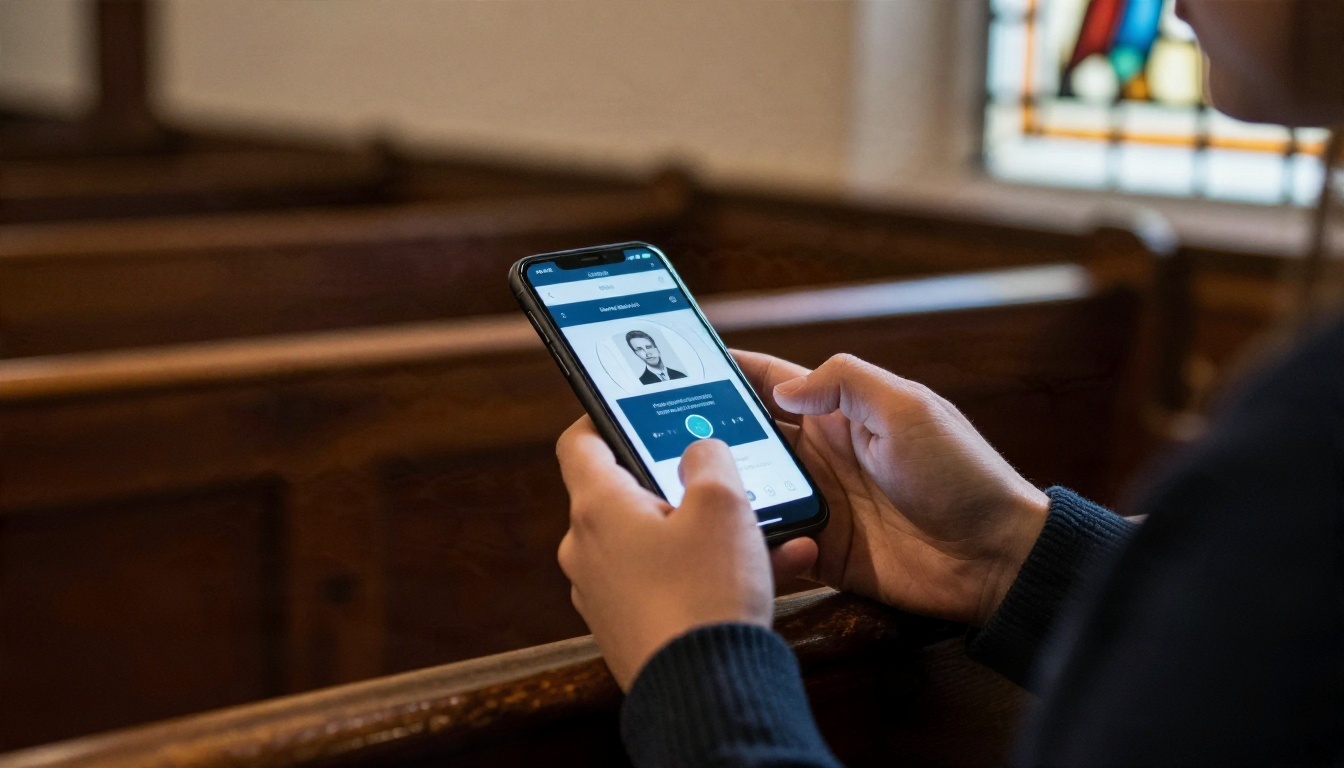
| Distant relatives | Must be mailed | Open with a link on any device |
| Keepsake feel | Physical, easy to tuck into a bible | Saved on a phone or downloaded |
| Accessibility | Fixed type size | Guests can zoom text |
| Photos and audio | Static images only | Can embed music and video tributes |
The best answer for most families is a small print run for older guests and a digital version for everyone else.
Why Families Choose Digital
- Relatives overseas can follow along during a livestream
- Guests with poor eyesight can enlarge the text
- Last-minute changes, such as a new speaker, take seconds to fix
- No waste, since attendance is rarely predictable
- A permanent page that remains available for years if you choose
Mistakes to Avoid
- Printing before the officiant confirms the running order
- Using tiny type. Keep body text at 11 points or larger
- Too many photos on one spread. Two or three give each one room
- Forgetting the reception address
- Leaving out the officiant's name, which guests often want to thank later
How to Create a Free Digital Program with Flipbooks AI
A digital program is simply your PDF turned into a page-turning online booklet. Flipbooks AI converts a PDF into a flipbook with realistic page turns, no watermarks, and a link you can send by text, email, or social post. The whole process takes about ten minutes. Here is how it works with the PDF to Flipbook Converter.

Build the Program in a Document
- Open any free word processor or design tool you already use, such as Google Docs, Word, or Canva.
- Set the page size to 5.5 x 8.5 inches for a bifold booklet, or A5 if you are in Europe.
- Place the front panel first, then the inside spreads, then the back.
- Paste in your running order, readings, and thank-you note using the wording above.
- Export as a PDF. Keep each panel on its own page so the flip effect reads naturally.
Convert and Customize
- Go to Flipbooks AI and create your account.
- Upload the PDF. The conversion takes seconds.
- Choose a calm background color. Soft gray, ivory, or deep navy suit memorial pages.
- Add your page-turn sound or turn it off for a quieter feel.
- If you want music, embed an audio file of the person's favorite song. You can also embed a video tribute from the family.
If you are building a booklet for a different occasion, the Event Program Maker uses the same process.
Share, Protect, and Download
| Option | Best For | Notes |
|---|
| Direct link | Texting and email | Works on phones with no app |
| Embed code | A memorial website or funeral home page | Use the embed tool |
| Password protection | Private family services | Share the password separately |
| Offline download | Guests without a reliable signal | Useful in rural cemeteries |
| QR code | Printed cards and signage | Place on the entrance sign or guest table |
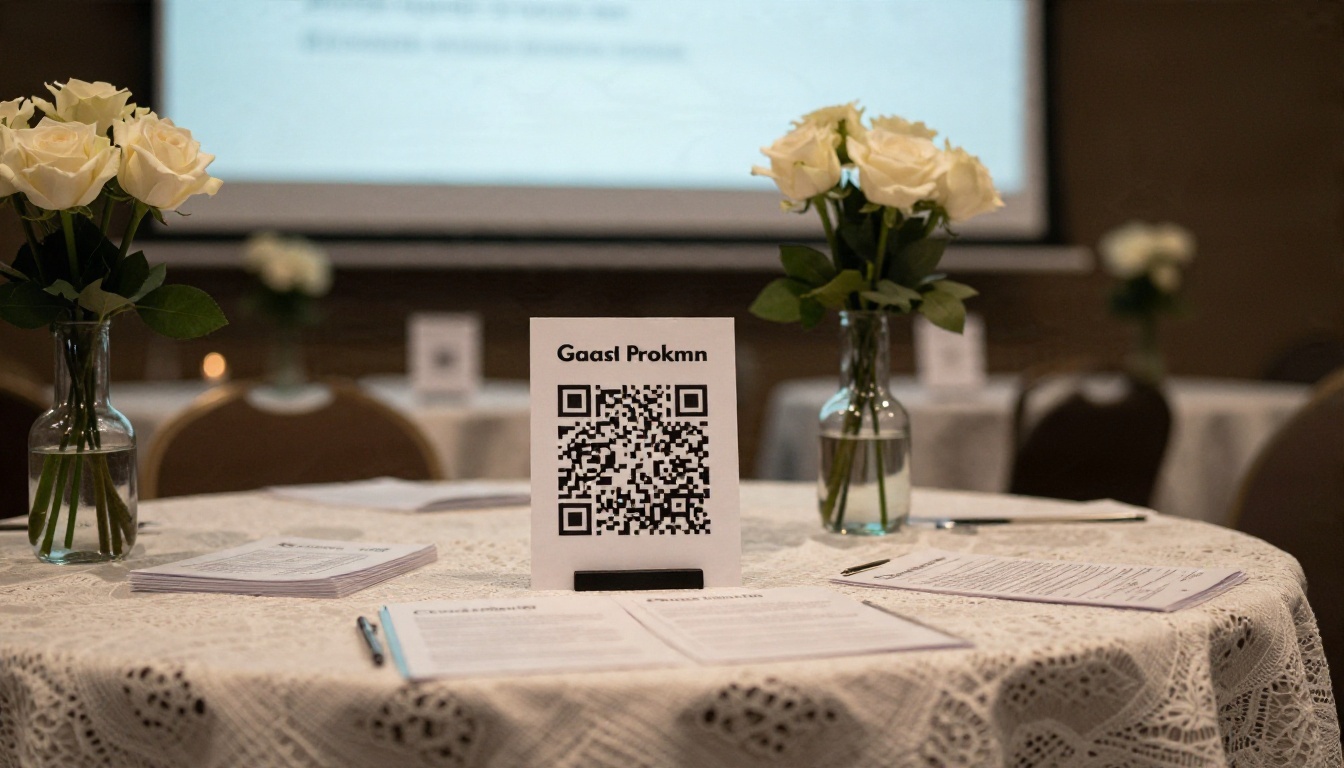
💡 Pro tip: Print a QR code on a small standing card at the guest book table. People who skipped the paper copy can scan it and keep the program on their phone.
For attendance insight or a memorial site that collects messages, the Professional plan adds analytics and lead capture. You can compare pricing plans before you decide, though a simple program rarely needs more than the basics.
Template Layouts That Work
You can start from a blank page, but a proven layout saves hours. These four structures cover almost every need.
| Template Style | Layout | Tone | Best For |
|---|
| Classic Bifold | Photo front, order inside, thank-you back | Formal, traditional | Church and funeral home services |
| Celebration Booklet | Biography, photo spread, favorite quotes | Warm, personal | Life celebrations |
| Single Card | Photo, dates, prayer or poem | Simple, brief | Graveside and committal |
| Cultural Ceremony Booklet | Schedule, bilingual text, ritual notes | Respectful, informative | Multi-day or multilingual services |
Choosing Fonts and Colors
Serif fonts such as Garamond or Georgia look dignified in print and read well on screens. Pair one serif headline font with one simple body font. Stay with two or three colors, and let the photograph supply the warmth.
Choosing the Right Photograph
Pick a portrait where the person looks like themselves, not a formal studio shot, unless that is how people knew them. Natural light and a genuine expression work best. Check resolution: the file should be at least 1200 pixels wide so it stays sharp when guests zoom in.
Etiquette and Practical Details
A few small decisions make the program easier for everyone.
Who Should Be Named
- The deceased, with full name, birth and death dates, and any nickname
- The officiant or celebrant
- Readers and speakers, with relationship to the person in brackets
- Musicians or soloists
- Pallbearers, if your tradition lists them
- Surviving family, in a short, loving paragraph
Handling Sensitive Situations
Blended families, estranged relatives, and complicated histories are common. Keep the family paragraph simple, such as "Margaret is survived by her children and grandchildren." That avoids leaving anyone out by accident.
A Timeline That Reduces Stress
| When | Task |
|---|
| 5 to 7 days before | Confirm the running order with the officiant |
| 4 days before | Collect photos, readings, and music titles |
| 3 days before | Draft the program and proofread |
| 2 days before | Final review by a second family member |
| 1 day before | Convert to a flipbook, test the link on a phone, print copies |
| Day of | Place QR code cards and printed copies at the entrance |
✅ Best practice: Ask someone who was not involved in the writing to read the program aloud once. They will catch missing words and odd spellings faster than you will.
A Calm Place to Begin
Writing an order of service is a small act of care. Guests will not remember the font. They will remember that the program helped them feel included, that the words sounded like the person, and that they could hold on to it afterward.
Try one of the examples above, adapt the wording, and turn it into a shareable booklet. If you want it live today, create your Flipbooks AI account and upload your PDF. Browse the full list of flipbook tools for other family needs, such as a photo tribute or a wedding album flipbook for another occasion, or review the pricing plans if you plan to publish a longer memorial page.