When someone you love dies, their photos, voicemails and stories end up scattered across phones, shoeboxes and group chats. A memorial site pulls them into one place that family and friends can visit on a birthday, an anniversary, or a hard Tuesday night. This article looks at the memorial sites for loved ones that cost nothing, shows what good ones look like in practice, and explains how a flipbook tribute built with Flipbooks AI can turn a pile of memories into something that feels like a real book you can hold.
You don't need design skills or a big budget. You need a handful of good photos, a few stories, and about an hour.
What a Memorial Site Actually Does
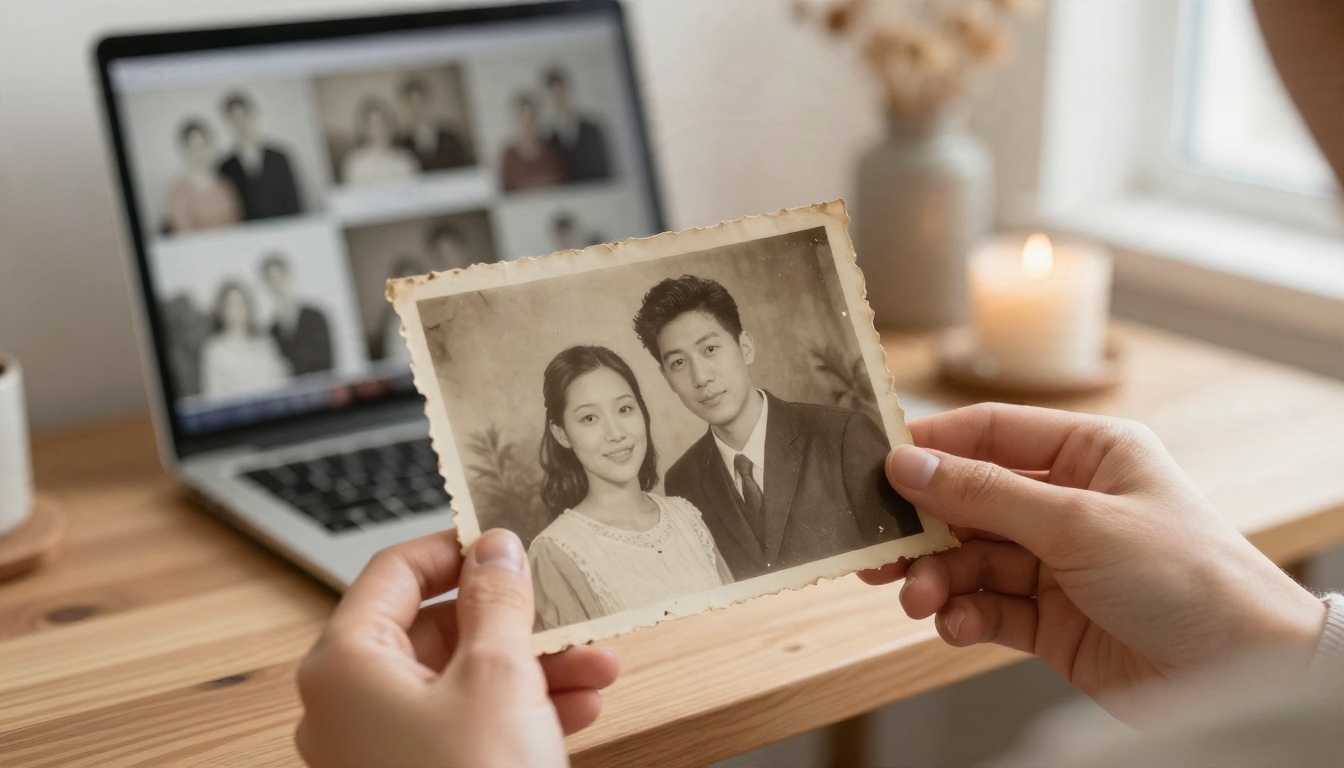
A memorial site is a dedicated page, or set of pages, built to honor one person. Some are public and searchable. Others are private and shared only by link or password. The best ones do more than announce a death. They keep a life in view.
Three Jobs a Good Memorial Should Do
- Gather: photos, videos, letters and voice recordings in one place instead of ten.
- Invite: let relatives in other cities or countries contribute stories and read them.
- Last: stay online and readable for years, not vanish when a free trial ends.
That third job is where many families get burned. A site that looks lovely this month can disappear or lock content behind a paywall next year. Keep a downloadable copy of everything you build.
Who Builds Them and Why
People create online memorials for many reasons. A daughter wants a place to collect her father's recipes and jokes. A teacher's former students want to leave notes. A family that lost a pet wants a quiet page with a few favorite photos. A small community wants to remember a neighbor who shaped the street.
💡 Pro tip: Decide who the audience is before you choose a platform. A page for 15 close relatives needs privacy. A page for a public figure or community leader may benefit from being searchable.
Free Memorial Site Options Worth Trying
Free options fall into three groups: dedicated memorial platforms, general tools like social media and blogs, and virtual cemeteries. Each has trade-offs. Plans and prices change often, so check each site's current terms before you invest hours of work.

Dedicated Memorial Platforms
Services such as Forever Missed, Remembered and similar memorial builders give you a ready-made template: a portrait, a timeline, a guestbook, a photo gallery. Many offer a free basic tier and sell upgrades such as extra storage, custom addresses or printed keepsakes.
Good for: people who want a guestbook and a simple structure without any setup.
Watch out for: upsell prompts during a vulnerable time, storage limits, and unclear rules about what happens to the page if you stop paying.
Social Media and Free Website Builders
Facebook lets you memorialize an account and appoint a legacy contact, so the profile stays as a place for tributes. Free builders like Google Sites or the free plan of WordPress.com let you make a simple page with text, photos and embedded video.
Good for: reaching friends who already live on these platforms.
Watch out for: algorithm changes, privacy settings that are easy to get wrong, and the fact that a feed buries a tribute under daily noise.
Virtual Cemeteries and Obituary Archives
Find a Grave is a free community-driven directory where volunteers add burial records, photos and short biographies. Obituary archives run through newspapers and funeral homes usually come bundled with a service or a fee.
Good for: genealogy, burial location records and long-term public records.
Watch out for: limited design control and a style that reads more like a record than a story.
Quick Comparison
| Option | Typical Cost | Privacy Control | Design Freedom | Best For |
|---|
| Dedicated memorial platform | Free basic, paid upgrades | Medium | Low to medium | Guestbooks, simple timelines |
| Social media memorial | Free | Medium | Low | Quick sharing with friends |
| Free website builder | Free, optional paid domain | Medium to high | High | Custom pages with text and video |
| Virtual cemetery | Free | Low (public by nature) | Very low | Records and genealogy |
| Flipbook tribute | Free to try, paid plans for more | High (password, private link) | High | A story told page by page |
Real Examples That Work
Abstract advice only goes so far. Here are three realistic scenarios, based on patterns families commonly use, with the format that suited each.

A Grandfather's Life in 30 Pages
A family scanned 60 photographs, picked 30, and wrote one short caption for each. They added a two-paragraph biography on page two and a page of his sayings near the end. The result was a book that grandchildren open at holidays. It reads like a photo album with a voice, which is what a long list of gallery thumbnails never manages.
A Teacher Remembered by Former Students
A school community opened a form for short notes. Twenty-two former students wrote a paragraph each. The organizer pasted the notes into a document, added class photos, and published it as a private flipbook. Students shared the link in alumni groups. Nobody needed an account to read it.
A Pet Tribute for a Young Family
A couple lost their dog of fourteen years. They wanted something for their kids that felt gentle, not heavy. A twelve-page flipbook with the dog's best photos, a short story about the day they adopted her, and a recorded bark from an old video gave the children a place to say goodbye.
✅ Best practice: Keep early drafts short. Twelve strong pages beat sixty rushed ones. You can always add more later.
Why Flipbook Tributes Work
A flipbook is a digital publication with pages that turn like a printed book. You upload a PDF, and the platform converts it into a page-flip viewer that works on phones, tablets and desktops. For memorials, that format has a few real advantages.

Pages Give Stories a Pace
A scrolling website invites skimming. A book invites you to slow down. When each page holds one photo and a few lines, the reader sits with it. That pacing suits grief, where people want to linger and not rush.
Privacy Without Technical Headaches
With Flipbooks AI, you can protect a flipbook with a password or share only a private link. That matters when the content includes family photos, health stories or names of minors. Public memorial platforms rarely give you that level of control on a free tier.
Flipbook vs Other Formats
| Feature | Social Post | Memorial Website | Flipbook Tribute |
|---|
| Feels like a keepsake | No | Sometimes | Yes |
| Password protection | No | Varies | Yes |
| Works on phones | Yes | Varies | Yes, mobile-responsive |
| Video and audio inside pages | Limited | Yes | Yes |
| Offline copy possible | No | Rarely | Yes, downloads available |
| Watermarks | n/a | n/a | None on Flipbooks AI |
💡 Did you know? The same PDF you use for the flipbook can be printed as a physical photo book. One project, two keepsakes.
How to Create a Memorial Flipbook
If you can make a document, you can make a tribute. Here is the full process, from raw photos to a shared link.

Step 1: Gather and Pick
- Collect photos, scans, letters and voice notes into one folder.
- Choose 20 to 40 images. Aim for variety: portraits, candid moments, places, hands, objects they loved.
- Write one line for each. A date, a place, or a funny remark is enough.
- Ask two or three relatives for a short memory each. Their voices make the book feel shared.
Step 2: Build the PDF
Use any tool you already know: Canva, Google Docs, Word or Pages. Set the page size to something square or landscape if your photos are wide. Put the person's name and years on the first page, a short biography on page two, and then let the photos lead. Export as a PDF at high quality.
Step 3: Upload and Convert
Create an account on Flipbooks AI and upload your file with the PDF to Flipbook Converter. Conversion takes moments. Your pages become a page-turning viewer with realistic flip effects. If you want to start from a book layout rather than a document, the Interactive E-Book Publisher is a natural fit, and the Wedding Album Flipbook tool works well for photo-heavy tributes with a similar pace.
Step 4: Customize the Look
- Colors and background: soft neutrals, deep blue or sage green suit most memorials.
- Page effects: choose a gentle page turn and keep sound off unless you add music on purpose.
- Branding: use custom branding to add a title, a small portrait or a favorite quote.
- Multimedia: embed a video of a toast or an audio clip of a laugh. Hearing a voice again carries real weight.
Step 5: Share Safely
Pick how people will reach the book:
- Direct link: easiest for texts and emails.
- Password protection: share the password in a separate message for extra privacy.
- Embed code: place the flipbook on a family website or blog. The Embed Flipbook on Website tool explains the setup.
- QR code: print it on a funeral program, a prayer card or a headstone card so visitors can open the tribute on their phones.
Step 6: Extra Features Worth Knowing
The Professional plan adds analytics and lead generation tools. For a memorial, analytics can quietly show how many people opened the book and from where, which tells you whether the tribute reached the people you hoped. Offline downloads let you keep a copy on a hard drive or send it to a relative with poor internet. Standard plans and above allow unlimited flipbooks, so you can make a separate book for each branch of the family without worrying about a cap.

| Need | Plan Feature | Why It Helps |
|---|
| Make one small tribute | Free to try | Test the look before sharing |
| Keep several books (family branches, events) | Unlimited flipbooks (Standard and above) | No cap on projects |
| See who opened the book | Analytics (Professional) | Know it reached the family |
| Keep a private copy | Offline downloads | Safe backup |
| Add voice or music | Embedded audio and video | Brings the person back to life |
⚠️ Heads up: Always check the current plan details on the pricing page before you choose, since features and limits can change.
Privacy, Consent and Etiquette
A memorial is public grief, even when it is shared with a small circle. A few ground rules save a lot of pain later.
Decide Who Gets Access
Talk to the closest relatives first. Spouses, parents and children should agree on what is shared and with whom. Some families want a private book for the household and a shorter public page for friends and colleagues. You can build both from the same set of photos.
Handle Photos of Other People Carefully
A group photo at a wedding includes other guests who never agreed to appear online. Crop or choose images where the focus is on your loved one. Ask before including photos of children who are not yours.
Common Mistakes to Avoid
- Using low-resolution images. A blurry portrait on page one feels like a lost chance. Scan prints at 300 dpi or higher.
- Skipping captions. In twenty years, nobody will remember who is standing next to Grandma in 1987. Write names and places now.
- Choosing a platform with no export. If you cannot download your content, you do not own it.
- Posting medical details. Share what the person would have been comfortable sharing.
- Waiting for perfect. A modest tribute published today helps the family more than a flawless one that never leaves the draft folder.
What to Put in the Tribute
If you are staring at a blank page, use this list as a starting point.

Pages That Always Work
- A portrait page: the best photo of them, with name and years.
- A short life story: 150 to 250 words, written in plain language.
- A timeline: birthplace, school, work, marriage, children, moves.
- A favorites page: food, songs, books, sayings, hobbies.
- A recipe page: a handwritten recipe scan is a treasure. The Recipe Book Flipbook tool is built for exactly this.
- Messages from others: short notes from friends, coworkers and relatives.
- A closing page: a quote, a poem or a simple "thank you for being here."
Sample Page Plan for a 24 Page Tribute
| Pages | Content |
|---|
| 1 | Portrait, name, dates |
| 2 | Short biography |
| 3 to 8 | Childhood and youth photos with captions |
| 9 to 14 | Family, friends and work |
| 15 to 18 | Favorite places and objects |
| 19 to 21 | Messages from loved ones |
| 22 | Recipe, poem or handwritten note |
| 23 | Memorial service details or a QR code to a video |
| 24 | Closing words |
Pairing Digital and Print
Some families like to bring the tribute into the room. A QR code on a funeral program or a memory card lets guests open the book on their phones during the service or afterward. A printed copy of the same PDF can sit on a table beside flowers. That mix of paper and screen gives older relatives a book to hold and younger ones a link to keep.
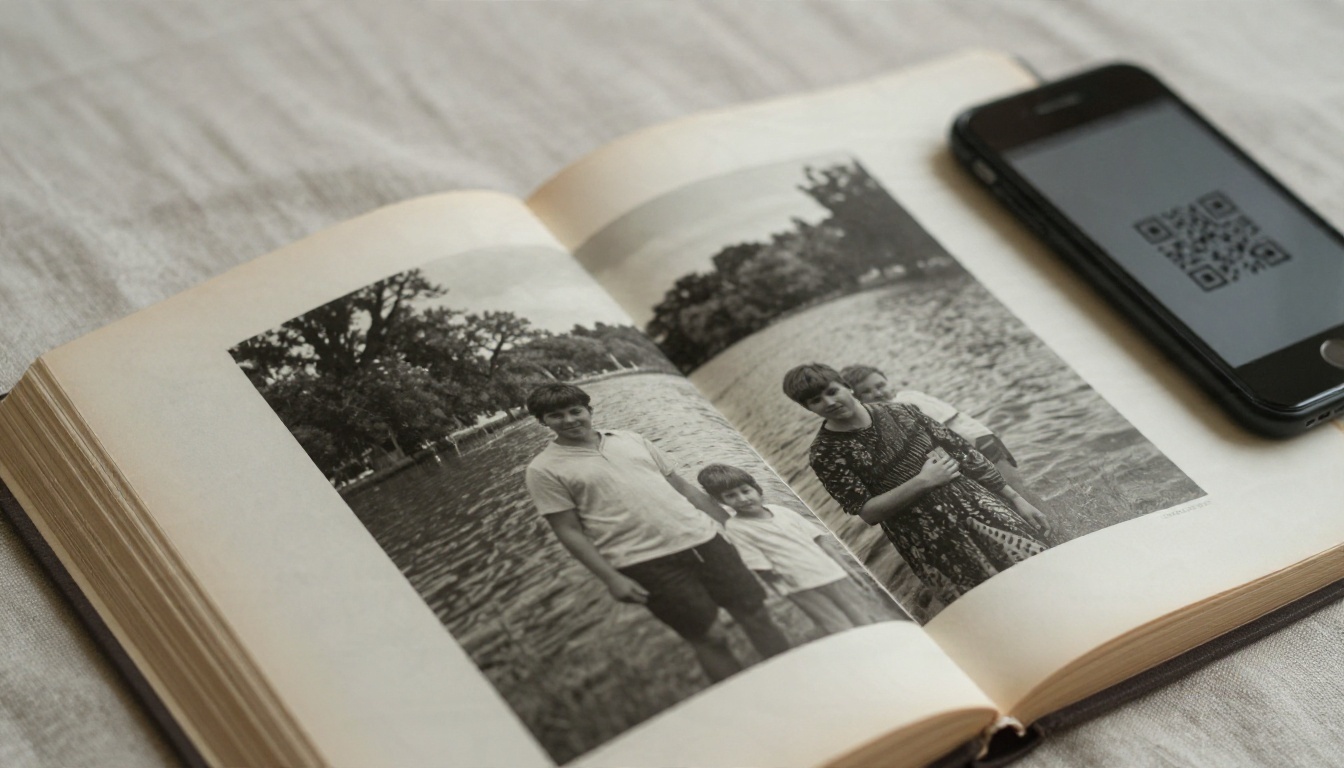
💡 Pro tip: Record a short audio message from a relative reading the biography aloud. Embed it on page two so the story arrives in a familiar voice.
Start Your Tribute Today
Free memorial sites for loved ones give you a place to begin, and each one has a role. Use a platform with a guestbook if you want strangers and distant friends to leave notes. Use a virtual cemetery to record a burial place. Use a flipbook when you want a private, designed keepsake that feels like a book.
If you are ready to build one, here is a simple path:
- Create a free account on Flipbooks AI.
- Upload your PDF with the PDF to Flipbook Converter.
- Add a password and share the link with family.
- Browse all flipbook tools if you want a different layout, such as a photo album or an e-book.
- Compare pricing plans when you want unlimited flipbooks, analytics or offline downloads, or go straight to account and pricing.
Grief does not need a perfect tribute. It needs a place where the stories can sit together and be found again. Pick twenty photos, write a few honest lines, and let the pages carry the rest.



