When someone dies, the stories do not have to stay trapped in shoeboxes and group chats. A memorial web site gives every photo, voice message, and funny anecdote one calm place to live, and it lets people who live three time zones away sit down and remember together. This article shows you how free online tribute pages work, which photo ideas tell a life best, and how to share the finished tribute without losing control of who sees it. Along the way, you will see how a flipbook built on Flipbooks AI can turn a pile of scans into a page-turning keepsake.
If you are reading this in the middle of a hard week, take it slowly. You do not need to build everything today. A simple tribute made in one evening is often more moving than an elaborate one that never gets finished.
What a Memorial Web Site Really Is
A memorial web site is a dedicated online space that honors one person. It usually holds photographs, a short biography, written tributes from friends, service details, and sometimes music or video. Unlike a social media post that sinks down a feed in a day, it stays put, and you decide how long.
Tribute Page vs Obituary
An obituary is a notice. It states the facts: name, dates, survivors, service time. A tribute page is a portrait. It can include the obituary, but it also holds the things a newspaper column never has room for: the recipe card in their handwriting, the fishing trip photo where everyone is laughing, the voicemail you cannot bring yourself to delete.
💡 Pro tip: Put the obituary text at the start of your tribute, then let the rest of the pages breathe. Visitors who only need service details find them fast, and the people who want to linger can keep turning pages.
Who Builds Them
Most memorial pages are made by one organized relative, often a grandchild, a sibling, or a close friend who is comfortable with computers. Others are made by:
- Funeral directors who offer a page as part of a service package
- Families spread across countries who cannot gather in one room
- Colleagues and teams who want to honor a coworker
- Clubs, congregations, and schools remembering a longtime member
- Pet owners saying goodbye to an animal who was family
Four Formats Compared
Before choosing a tool, it helps to see the trade-offs side by side.
| Format | Cost | Privacy control | Best for | Weak spot |
|---|
| Social media memorial post | Free | Low to medium | Quick announcements | Gets buried, platform rules change |
| Dedicated memorial site builder | Free to paid | Medium | Guest books and condolences | Ads or upgrade prompts on free tiers |
| Flipbook tribute | Free to start | High with password | Photo stories and keepsakes | Needs a PDF first |
| Printed photo book | Paid | Very high | Giving to close family | Hard to share across distance |
Many families end up using two of these at once: a social post to spread the news, and a flipbook or private page to hold the real story.
Free Ways to Build a Tribute Page
Free does not have to mean flimsy. The trick is knowing what each free option is good at, and where it might nudge you toward a paid upgrade.
Free Memorial Site Builders
Several services let you create a tribute page with a guest book at no charge. Expect a template, a photo gallery, and a place for visitors to leave messages. Read the terms before you commit. Check whether the page is deleted after a period, whether ads appear next to your loved one's photo, and whether you can export your content if you change your mind.
Social Media Memorial Pages
Platforms you already use are the easiest starting point, and relatives know where to find them. They also come with trade-offs. Privacy settings can change without notice, comments from strangers can appear, and the content lives on a company's servers, not yours. Use social media as the announcement, then point people to a more controlled home for the full tribute.
A Flipbook Tribute
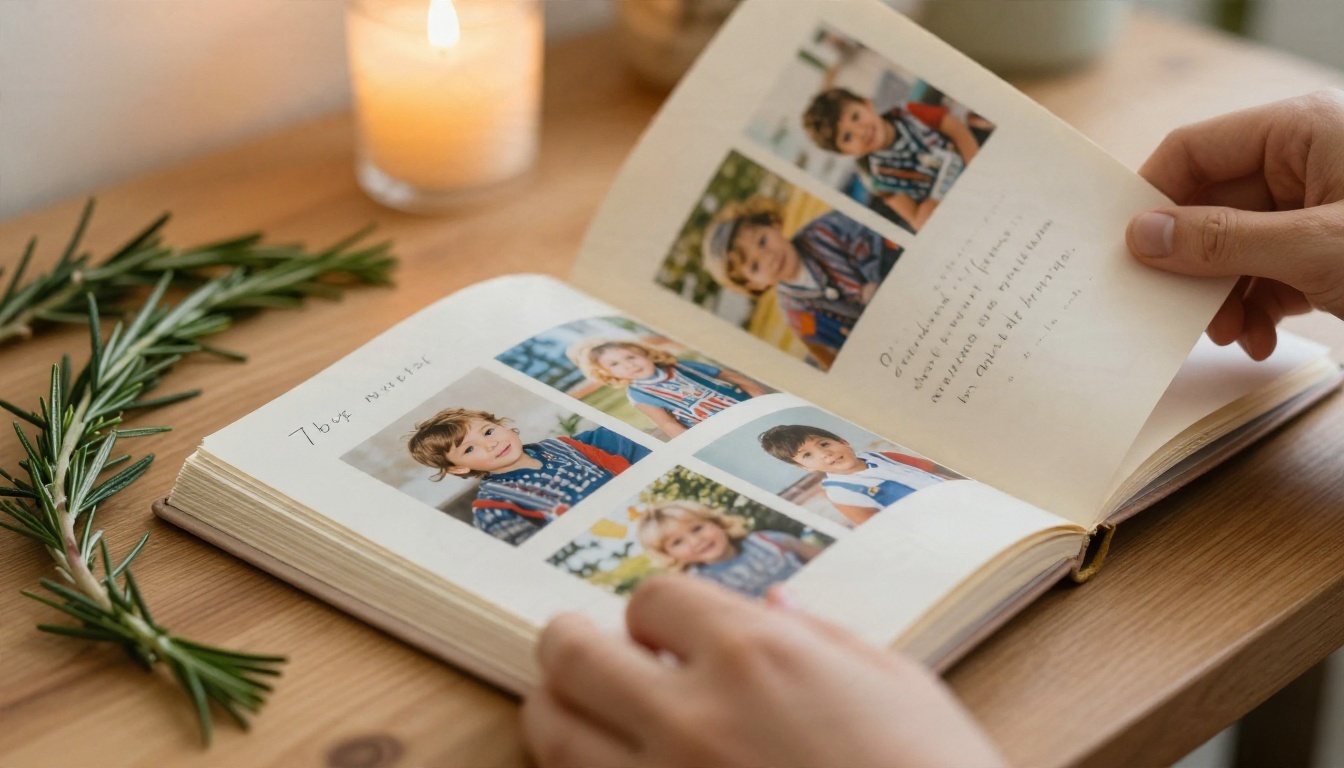
A flipbook turns a PDF into a realistic page-turning experience that opens in any browser. For a memorial, that format feels natural: it mimics a family album, which is what many people picture when they think of remembering someone. You can build one in an evening from a document made in any word processor or slide tool, then use the PDF to Flipbook Converter to publish it.
The strongest reasons to choose this route:
- ✅ No watermarks, so nothing distracts from the photographs
- ✅ Password protection for a private family version
- ✅ Audio and video embeds for a favorite song or a recorded toast
- ✅ Mobile-friendly pages, which matters because most relatives will open the link on a phone
- ✅ Offline downloads, so a copy can be kept safe

Photo Ideas That Tell a Life
Photos are the heart of any tribute. The challenge is rarely finding them. It is choosing which ones to use and putting them in an order that feels like the person.
Start With Everyday Moments
Formal portraits are lovely, but they are not what people remember. They remember the way Dad held a coffee mug with both hands, or the way Grandma squinted at the camera when she was about to tease you. Look for:
- Candid kitchen and porch photos where they are mid-conversation
- Hands at work: gardening, knitting, fixing an engine, kneading dough
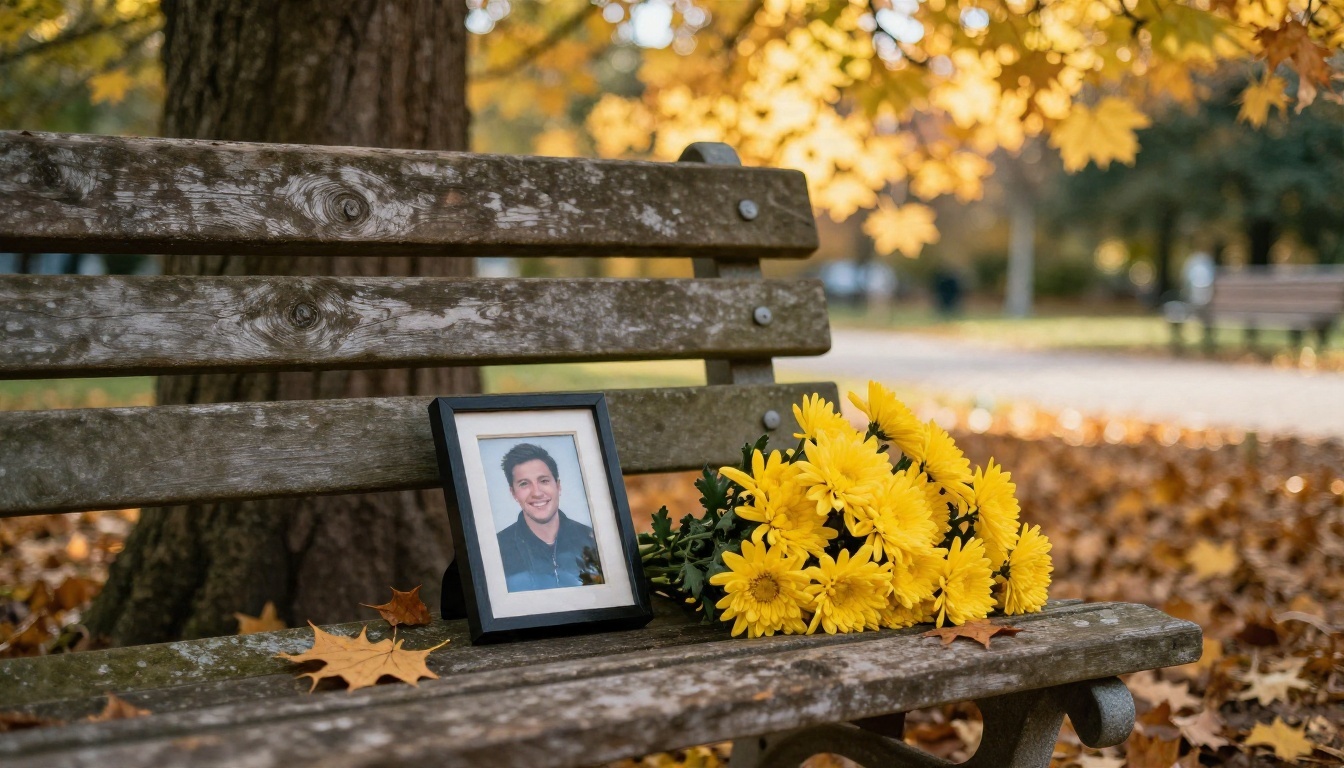
- Their favorite spot, whether that is a chair, a boat, a bench, or a workshop
- Objects that belonged to them, such as reading glasses, a worn hat, or a well-used cookbook
Group Photos by Chapter
A chronological order works, but chapters work better. Try sections like Growing Up, Falling in Love, Work and Passions, Family Gatherings, and The Last Good Summer. Each chapter can open with a short paragraph, so visitors feel guided rather than dropped into a gallery.
Add Captions and Voices
A photo without a caption is a mystery to anyone under forty. Add names, places, and a line or two of context. Even better, include the stories behind the images in the voice of the person who was there.
Here is a quick reference you can use while sorting.
| Photo idea | What it shows | Caption prompt |
|---|
| Hands holding something | Skill, care, habit | "What was he always making?" |
| A favorite meal on the table | Generosity, tradition | "Who got the first plate?" |
| A group laughing | Humor, belonging | "What was the joke?" |
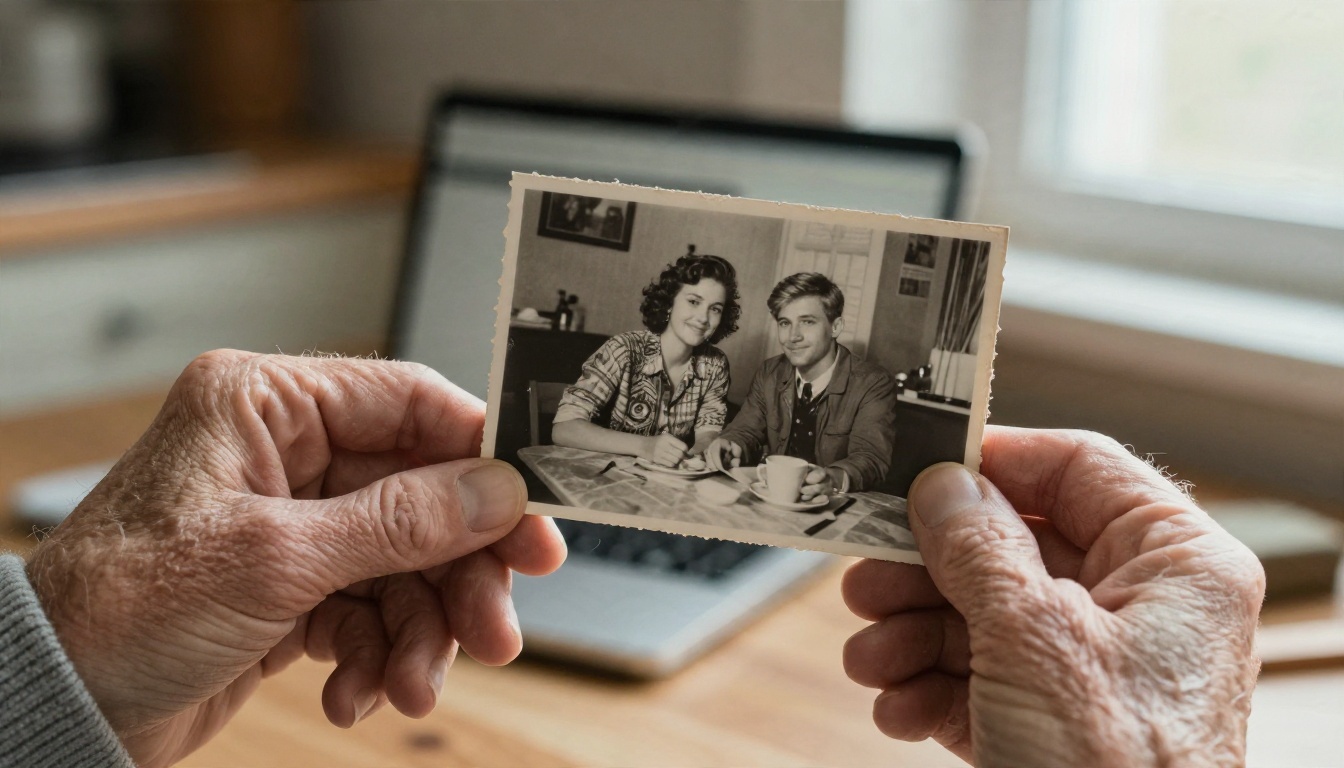
| An old black and white portrait | Youth, history | "Where was this taken?" |
| A handwritten note or recipe | Voice, personality | "Read it in her words." |
| A photo from a trip | Adventure | "What did she say about this place?" |
⚠️ Heads up: Scan old prints at 300 dpi or higher, and keep the originals flat and dry. A phone photo of a photo works in a pinch, but glare and curved edges are hard to fix later.
How to Create a Tribute with Flipbooks AI
If you decide a flipbook is the right fit, the process is simpler than most people expect. You can start from the Flipbooks AI homepage or go directly to create an account.

Prepare Your PDF
Build the tribute in whatever tool you already know. A word processor, a slide deck, or a design app all work. Use one photo or a small group per page, leave generous margins, and keep the text at a readable size. Export to PDF when it feels right.
A reasonable page plan looks like this:
- Page 1: A single portrait with their name and dates
- Page 2: A short life story or the obituary text
- Pages 3 to 10: Photos organized by chapter
- Pages 11 to 14: Written tributes from friends and family
- Last page: Service details, a favorite quote, or a thank-you note
Upload and Convert
- Log in to your account and choose the option to create a new flipbook.
- Upload your PDF. The platform converts each page into a flippable spread.
- Wait for processing to finish, then preview the result on your own phone and computer.
If your tribute is closer to a family album, the Wedding Album Flipbook tool offers a similar photo-first layout that works nicely for milestone memories. For a longer written remembrance, the Interactive E-Book Publisher is a better fit.
Customize the Look
Keep the styling quiet. Soft background colors like cream, pale grey, or muted blue let photographs carry the emotion. Add the person's name and dates to the title, and avoid heavy page effects if the page-turn animation feels too playful for the mood. Custom branding is useful here in a gentle way: you can use a family name or a simple dedication in place of a logo.
Add Audio and Video
This is where a flipbook goes beyond a photo gallery. You can embed:
- A favorite song that played at the service
- A recorded eulogy or a toast from a family gathering
- A short home video that captures their laugh
- A voicemail, if the family agrees it should be shared
💡 Pro tip: Ask permission before including a recording of anyone's voice. A short spoken line from the person being remembered can be the most precious part of the whole tribute.
How to Share It Respectfully
Sharing a memorial is different from sharing a vacation album. The audience is often grieving, the content is personal, and the wrong settings can lead to uncomfortable surprises.
Private Links and Passwords
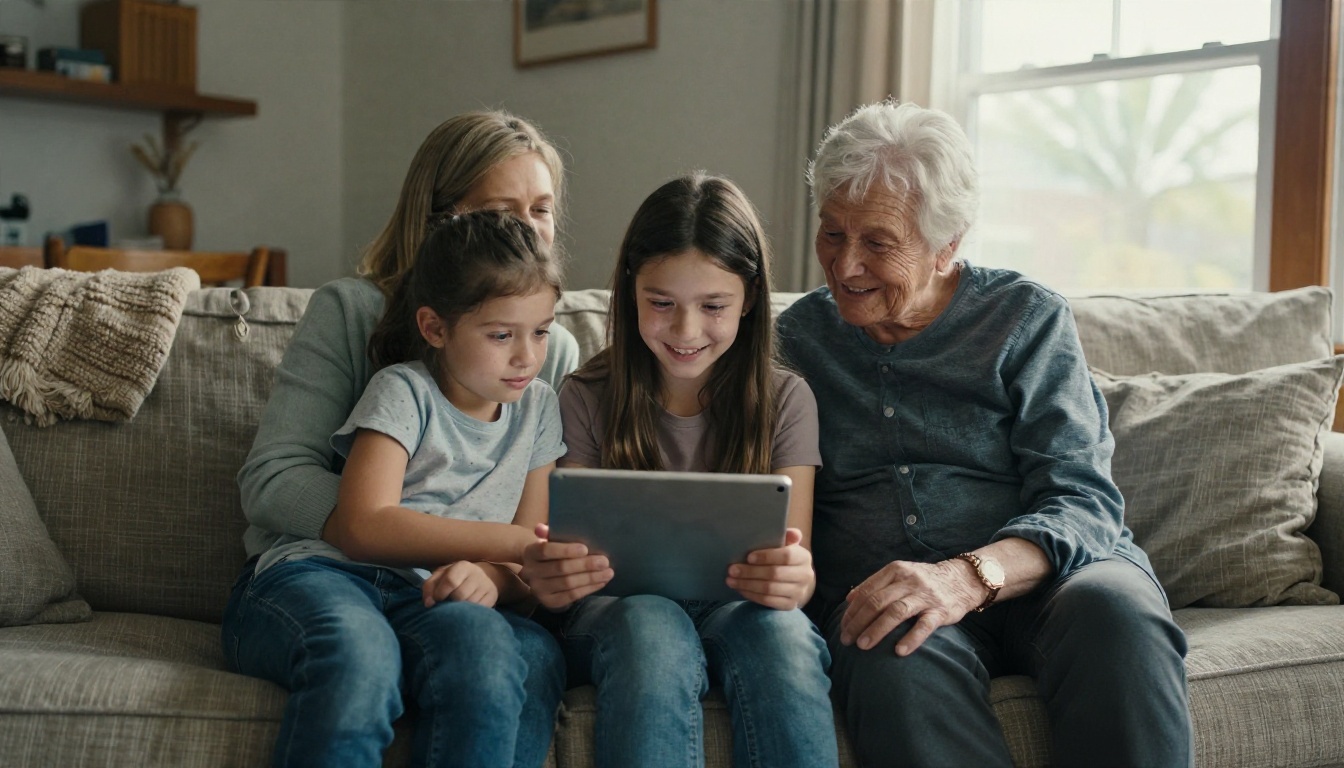
For close family, protect the flipbook with a password and send it directly. Share the password in a separate message from the link. This keeps the tribute away from search engines and stray clicks. If the page also holds sensitive memories, such as illness photos or private letters, keep those in a family-only version and publish a shorter public one.
Embedding on a Website
If your family already has a website, a church or club page, or a personal blog, the Embed Flipbook on Website option lets the tribute live right inside the page. Visitors read it without leaving, and you control the surrounding text.
Sharing at the Service
A memorial service is a natural moment to share the page. Consider:
- A QR code on the program or a small printed card
- A short link read aloud by the officiant
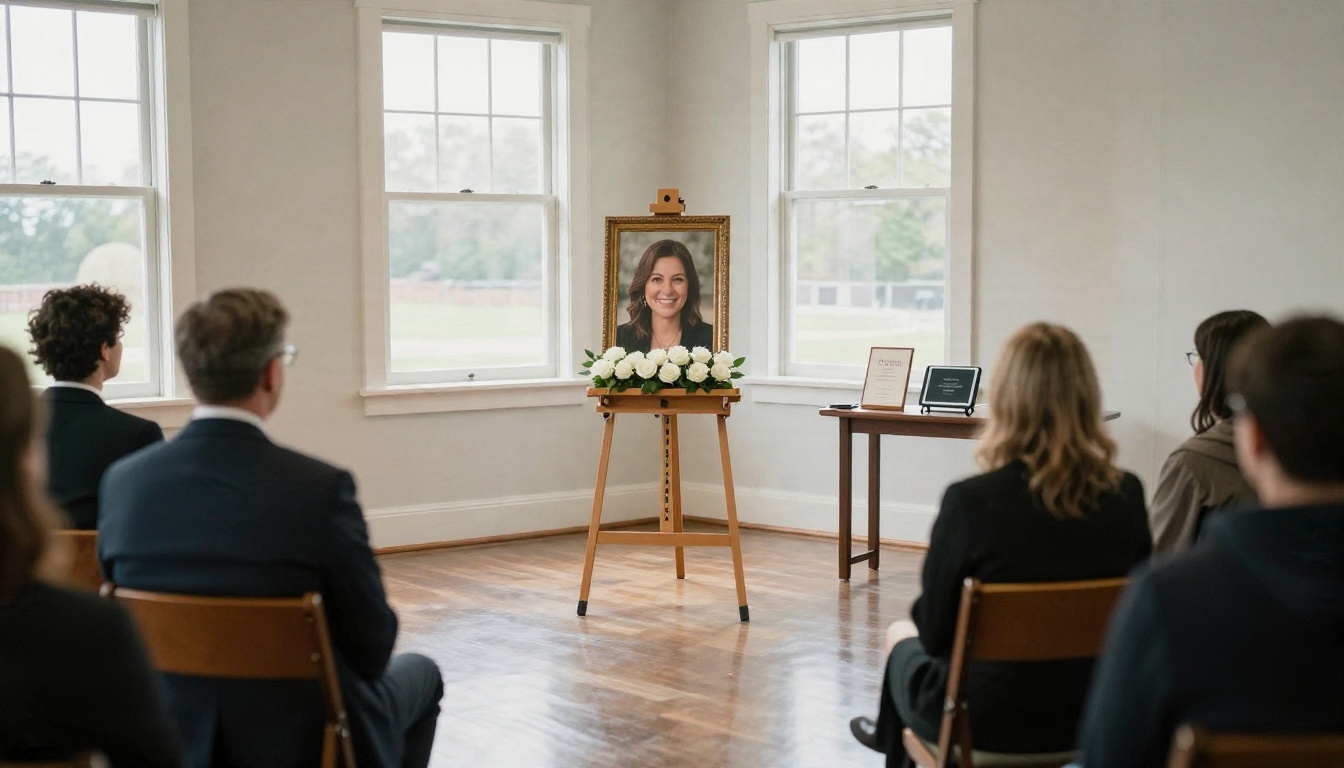
- A tablet on a stand by the guest book, open to the tribute
- A follow-up message the day after, when people are ready to look at photos
If you are putting together the printed order of service, the Event Program Maker can help you produce a clean program that links straight to the tribute.
Here is how the main sharing options compare.
| Method | Privacy | Effort | Best audience |
|---|
| Direct link in a message | Medium | Very low | Close friends and relatives |
| Password-protected link | High | Low | Family only |
| Embedded on a website | Depends on the site | Medium | Congregations, clubs, workplaces |
| QR code on printed program | Medium | Low | Service attendees |
| Offline download | Very high | Low | Relatives with poor internet |
Messages, Stories, and Condolences
A tribute that only shows photographs feels quiet. One that includes voices feels alive. Plan a way for people to contribute before you publish, and you will end up with something richer than anything you could write alone.

Ask for Short Stories
Send a simple request to friends and relatives: "Share one memory in three or four sentences." Short prompts get more replies than open invitations. Some good starters:
- What was the first thing you noticed about them?
- What did they always say?
- When did they make you laugh the hardest?
- What did they teach you without trying?
Paste the best replies onto their own pages, with the writer's name beneath. A page of five voices says more about a person than a page of one.
Collect Photos From Everyone
People often hold pictures you have never seen. Ask relatives to send what they have by email or shared folder, and set a clear deadline. A week is usually enough. Once collected, rename the files with dates and names so sorting takes minutes rather than hours.
Pro Features Worth Knowing
If the tribute will be seen by a large community, a few extra features are worth a look on the Flipbooks AI pricing page. Analytics and lead generation tools sit on the Professional plan, and while lead generation is not relevant for a memorial, analytics can be gently helpful: you can see whether the tribute is being opened, which helps you decide when to send a reminder to relatives who have not looked yet. Unlimited flipbooks are available from the Standard plan up, which is handy if you want to make a main tribute plus smaller companion books, such as a recipe collection or a photo story for the grandchildren.
For recipes in particular, the Recipe Book Flipbook tool is a lovely way to preserve the dishes people asked about at the reception.
Common Mistakes to Avoid
Even thoughtful families run into the same few problems. Skip these and your tribute will be easier to build and easier to love.
- Waiting for perfect. Publish a simple version, then add pages later.
- Using only formal portraits. Mix in candid photos so the person feels present.
- Forgetting captions. In ten years, nobody will remember who is standing next to whom.
- Sharing one public link everywhere. Use passwords where the content is personal.
- Ignoring permissions. Ask before posting photos of other people, especially children.
- Skipping backups. Keep your original photos and PDF in two places, and download an offline copy.
- Doing it alone. Invite a sibling or cousin to review, because grief makes typos invisible.
✅ Best practice: Save a final copy of the PDF in a cloud folder and on a USB drive, and tell one other family member where it is. A tribute is only useful if it can be found again.
Quick Checklist Before You Share
| Step | Done? |
|---|
| Obituary or short biography added | ☐ |
| Photos captioned with names and dates | ☐ |
| At least three written tributes included | ☐ |
| Audio or video permission confirmed | ☐ |
| Password set for private version | ☐ |
| Previewed on a phone and a laptop | ☐ |
| Backup saved in two places | ☐ |

Ready to Build Yours?
A memorial web site does not need to be grand. It needs to be honest, easy to open, and full of the little details that made the person who they were. Start with ten photos you love, add a few sentences from the people who knew them best, and let the pages do the rest.
When you are ready, create your free account on Flipbooks AI and upload your first PDF. Browse the full list of flipbook tools to find a layout that suits an album, a program, or a recipe collection, or compare pricing plans if you want password protection, analytics, and unlimited flipbooks. However you decide to do it, the best tribute is the one your family can open, share, and return to whenever they miss them.



