When someone you love dies, the photos, stories, and voicemails they leave behind can feel scattered across phones, drawers, and group chats. A memorial website for a deceased loved one gives all of it one quiet home that family and friends can visit any time, from any place. You do not need a budget or technical skills. Many free options exist, and a tool like Flipbooks AI can turn a simple PDF of photos and words into a page-turning tribute book in minutes.
This article compares the free routes, shows real examples of online tributes, and walks through a simple way to build one. Take it at your own pace. There is no deadline for grief.
What a Memorial Website Does
A memorial website is a dedicated online space that honors one person. It can be a single page or a full site. Some families keep it public so distant friends can leave notes. Others lock it behind a password so only close relatives can see it.
Why Families Choose Online Tributes
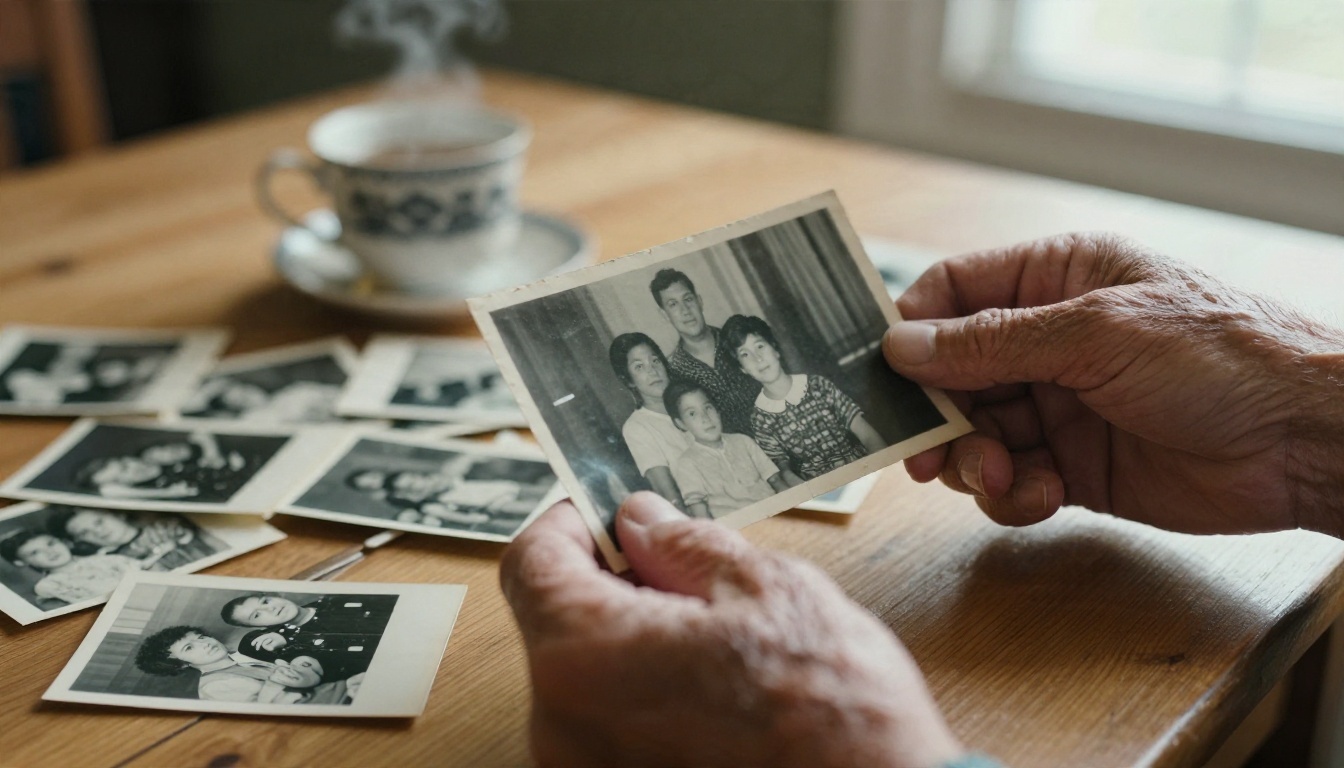
Funerals last a few hours. A tribute page lasts as long as you want it to. Here is what families tell us they value most:
- Distance does not matter. Cousins overseas can look through the photos on the same day.
- Stories get saved. Memories shared in the first weeks are easy to lose. A page keeps them.
- Everyone can contribute. Friends and coworkers often hold stories the family never heard.
- It is easy to revisit. Birthdays and anniversaries become gentler when there is somewhere to go.
What Belongs on the Page
You do not need to include everything. A strong memorial usually has a few simple parts:
- A portrait and the person's name, with dates.
- A short life story in your own words.
- A photo gallery that moves through the decades.
- Favorite sayings, songs, or recipes.
- A place for condolences or shared memories.
- Service details, if people are still planning to attend.
💡 Tip: Start with just a portrait and ten photos. You can add to the tribute later, and most platforms let you edit whenever you like.
Free Memorial Website Options Compared
Free does not have to mean flimsy. The table below compares the routes people use most. Features and limits change, so check each service's current terms before you commit.
| Option | Best For | Privacy Control | Media Support | Typical Limit |
|---|
| Dedicated memorial platforms | Public obituaries and guestbooks | Usually public or invite only | Photos, some video | Premium upgrades for extras |
| Social media memorial pages | Quick sharing with friends | Depends on platform settings | Photos, video, posts | Content lives inside a feed |
| Free website builders | Full custom sites | Password options vary | Flexible | Ads or a platform subdomain |
| Blog platforms | Written stories over time | Public or private posts | Photos, embedded video | Design limits on free plans |
| Flipbook memorials | Photo books with a keepsake feel | Password protection available | Photos, audio, video | Depends on plan |
Dedicated Memorial Platforms
Sites built for remembrance, such as obituary hosts and virtual cemetery pages, make setup fast. They often include a guestbook and a spot for service details. The tradeoff is limited design control and, on some sites, paid upgrades for extra photos or removal of ads.
Social Media and Blog Pages
Many people already know how to use a social network. Facebook, for example, lets families turn an account into a memorialized profile, where friends can keep sharing memories. It is quick, but the tribute sits in a feed that moves on. For a more permanent home, a free blog or a simple site from a website builder gives you more room and a calmer layout.
Flipbook Memorials
A flipbook feels like a real photo album or memory book. Pages turn, photos sit beside handwritten words, and you can add audio or video. Because a flipbook is made from a PDF, you can design it in any program you already use, then publish it online. Flipbooks AI converts that file into a mobile-friendly book with no watermarks, and you can share it by link, embed it on a site, or protect it with a password.
Real Examples of Online Tributes
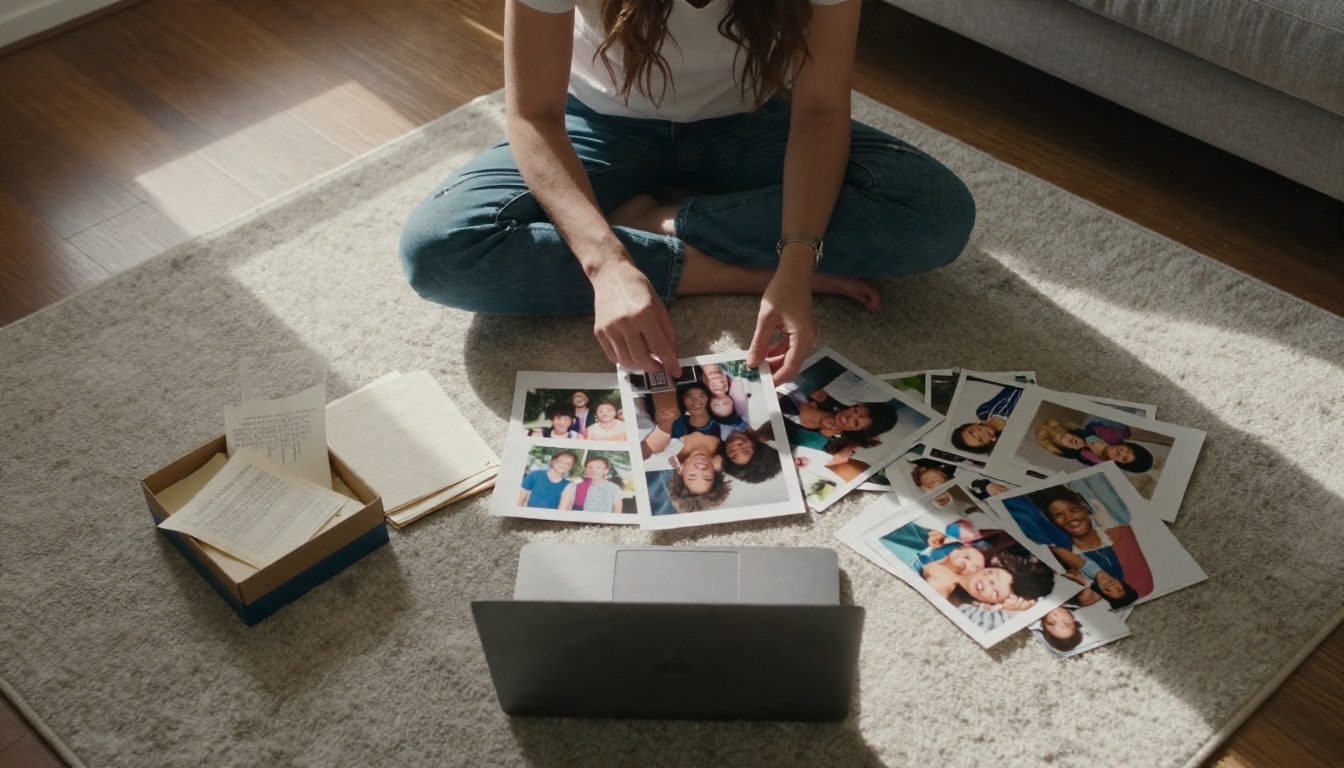
Ideas are easier to choose when you can picture them. These are three formats families use again and again.
The Photo Life Story
A daughter builds a book for her father, a retired fisherman. Page one is his portrait. The next pages run in order: childhood, military service, wedding day, the first boat, grandchildren on the dock. Each spread has two lines of caption. People open it on their phones and flip through in a few minutes, and many say it feels like hearing him tell the story himself.

The Family Recipe Book
Food holds memory like little else. A grandson scans his grandmother's recipe cards, stains and handwriting included, and adds a photo of the finished dish beside each one. A short note says who it was made for and on which holiday. The result is a tribute people actually use, which is a quiet way of keeping her in the kitchen. The Recipe Book Flipbook tool is built for this.

The Condolence Book
After a service, a family gathers the cards, emails, and messages they received and places them in one digital book. Each page holds a message with the sender's name. Years later, when a hard day arrives, the family can reread what people wrote. This is something a social media feed rarely preserves.
✅ Best practice: Ask permission before posting private messages from other people, even in a password-protected book. A quick text is enough.
How to Create a Memorial Flipbook
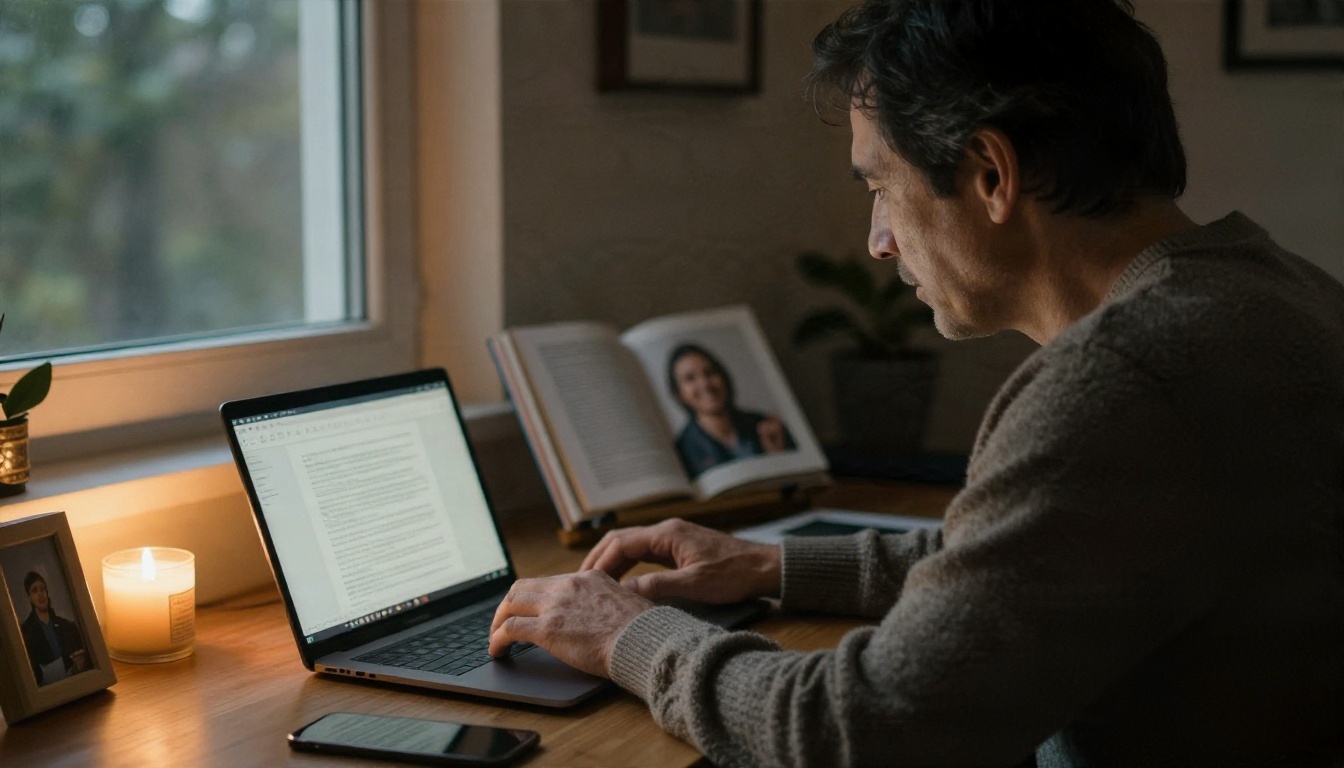
If you want a tribute that looks like a keepsake and not a web template, a flipbook is a gentle choice. Here is the full process using Flipbooks AI.
Step by Step Setup
- Gather your material. Collect photos, scanned letters, a short biography, and any quotes or poems. Put them in a folder so nothing gets lost.
- Design your pages. Use any tool you like, such as a word processor, Canva, or a slide program, and export the result as a PDF. One photo and a short caption per page is plenty. If you are planning a service, the Event Program Maker can help with a program booklet too.
- Create an account. Go to the Flipbooks AI account page and sign in.
- Upload the PDF. Drop in the file and the PDF to Flipbook Converter turns each page into a turnable page. You will see a preview right away.
- Customize the look. Pick a background color, add a logo or small crest if you want, and choose the page-turn style. Soft neutral tones such as cream, sage, or slate tend to suit a memorial best.
- Add audio or video. Embed a favorite song, a voicemail you saved, or a short home video so the book speaks in their own voice.
- Set privacy. Turn on password protection for a private family book, or leave the link open if you want friends to share it.
- Publish and share. Copy the direct link, or use the embed option to place the book on a memorial site or blog.
Pro Features Worth Knowing
Some features sit in the Professional plan, so look at the pricing page if they matter to you.
| Feature | Why It Helps a Memorial |
|---|
| Password protection | Keeps a private family book away from search engines and strangers |
| Offline downloads | Lets relatives save the book for a quiet moment without internet |
| Embedded audio and video | Adds voices, songs, and home movies to the pages |
| Analytics | Shows how many people have opened the tribute, useful for a public page |
| Custom branding | Lets you match the colors or add a family name |
| Mobile-responsive design | Makes the book readable on any phone or tablet |
⚠️ Heads up: Keep a backup of your original PDF and photos on a drive you own. Even the best online service should never be the only home for irreplaceable memories.
Share It With Care
Send the link to a small group first, such as siblings or parents, and ask if anything feels wrong. Names, dates, and tone matter. After that, share it more widely by email, a family chat, or a printed card with the link. If you want to build a longer written memoir with chapters, the Interactive E-Book Publisher works well for that too.
Online Tribute Ideas That Work
A memorial does not have to look like a formal site. These ideas help people take part, not just read.
| Idea | Effort | Who Can Join | Notes |
|---|
| Photo timeline | Low | Family | Use one photo per decade to start |
| Shared story wall | Medium | Everyone | Ask for one short memory per person |
| Playlist page | Low | Friends and family | Add songs they loved, with a line about why |
| Recipe collection | Medium | Relatives | Scan original cards when possible |
| Voice message archive | Medium | Family | Save only with permission |
| Annual remembrance page | Medium | Everyone | Update it each birthday or anniversary |

Voices and Music
Photos are lovely, but sound can be what undoes you in the best way. A recorded laugh, a song they hummed while cooking, or a short toast from the funeral can sit beside the pages of a book. If you embed audio, label each clip so people know what they are about to hear. That small kindness prevents surprises.
Living Memorial Projects
Some families link the website to something that happens in the real world: a tree planted in a park, a bench with a small plaque, a scholarship, or a yearly charity walk. The page then becomes a place to post photos of the bench in spring or updates from the scholarship recipient. It gives grief somewhere to go that is not only sadness.

Privacy, Cost, and Safety
A memorial website holds personal details. A few decisions up front save trouble later.
| Question | Safer Choice |
|---|
| Public or private? | Private with a password if the book includes family photos of children |
| Who manages the page? | Name two people so access is not lost with one |
| What about comments? | Moderate them, or use a book without open comments |
| Where are the files saved? | Keep local and cloud backups of every original |
| How long should it stay online? | Pick a plan or service you can keep for years, and note the renewal date |
Common Mistakes
- Publishing too soon. Waiting a week or two lets you choose the right photos and words, not just the first ones.
- Sharing identifying details. Full home addresses, birth dates, and other personal data can invite scams. Keep them off public pages.
- Forgetting accounts. Write down the login in a safe place, and tell one other person where it is.
- Using low-quality scans. Scan old prints at a high resolution so they stay sharp on larger screens.
- Going it alone. Ask a sibling or friend to review the pages. A second pair of eyes catches typos and offers comfort too.
💡 Tip: If the budget is tight, use a free site builder for the public page, and keep the richer photo book as a private flipbook for family.
Start Your Tribute Today
There is no right way to remember someone. A page with ten photos and two honest sentences is a real memorial. A flipbook with songs, recipes, and a hundred messages is too. What matters is that the person is held somewhere warm, and that the people who loved them can find it.
Ready to begin? Create your free account on Flipbooks AI, upload a PDF, and see your first page turn. You can browse all flipbook tools for formats like recipe books, event programs, and e-books, or compare pricing plans to see which features suit a private family tribute. When you are ready for more, see the plans that include analytics and offline downloads.
Take the first small step today. The rest can wait.



