Your best memories are probably scattered across a phone, an old laptop, and a shoebox in the back of a closet. A memories book flip project pulls them into one place: a digital memory book with pages that turn like paper, a layout you chose on purpose, and a link any relative can open in seconds. With Flipbooks AI, you turn a simple PDF into that kind of book, with no watermarks and nothing to install. Below you'll find ideas, photo layouts, a step-by-step build, and the free ways to share the result.
Memories Book Flip: Digital Memory Book Ideas, Photo Layouts, and Free Online Sharing
A digital memory book is a collection of photos, captions, and small keepsakes arranged as a sequence of pages. The "flip" part is the page-turning format: readers swipe or click and the page curls over, just like a printed album. It is the simplest way to give photos a beginning, a middle, and an end.
The Problem With Camera Rolls
A camera roll is a pile, not a story. Ten thousand photos sorted by date tell you when something happened but not why it mattered. Most people never scroll back past last spring. A memory book forces a few good decisions: which twenty photos earn a page, what the caption says, and what order feels right.
What a Flip Format Adds
A static PDF works, but it feels like a document. A flipbook adds three things that change how people react:
- Page-turn motion that makes browsing feel physical and slow
- Mobile-friendly reading so grandparents can open it on any phone
- A single shareable link instead of forty attachments
💡 Pro tip: People linger longer on a book than on a gallery. Give them a cover page, a short title, and a date range, and the whole thing feels like an heirloom.
Digital Memory Book Ideas That Work
Not sure what to build first? Pick one story with a clear edge. Books with a boundary (one year, one trip, one person) get finished. Books about "everything" stall at page six.
Milestone Books for Weddings and Babies
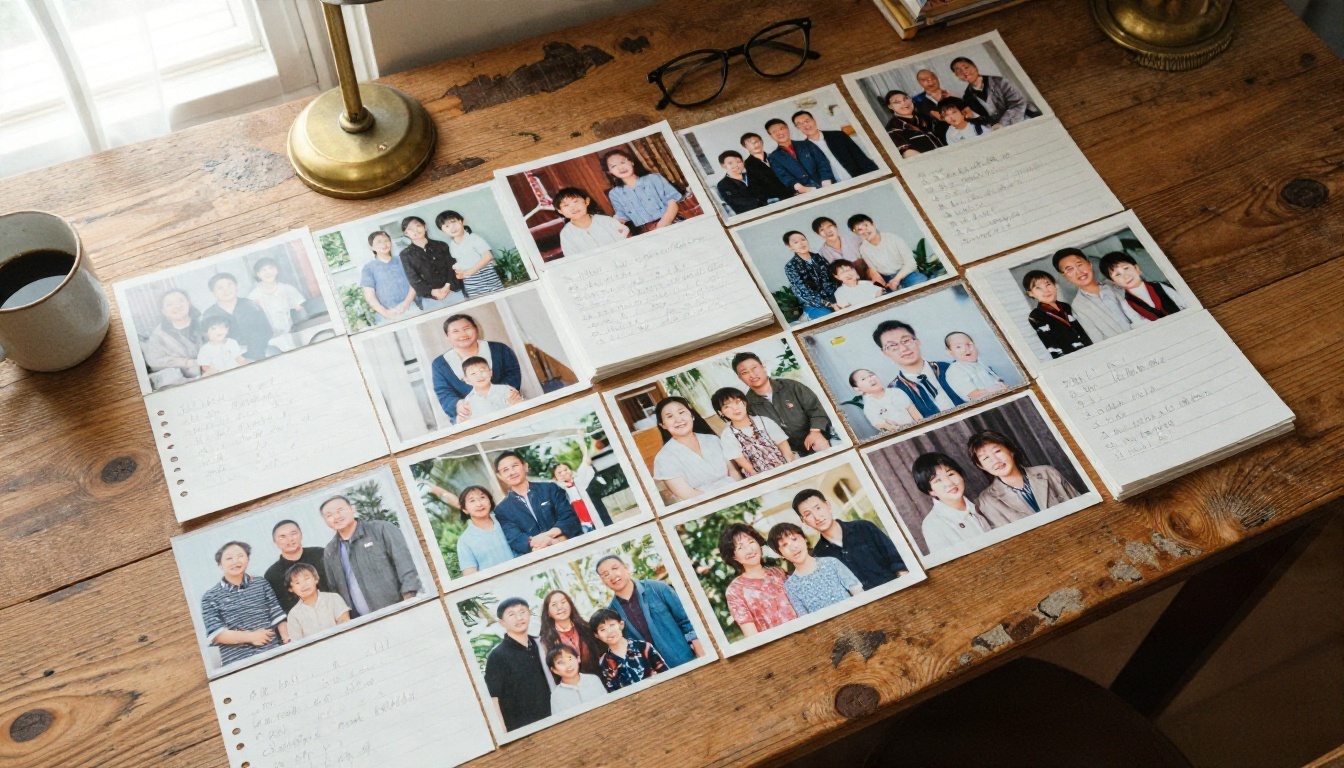
These are the classics for a reason. A wedding book follows the day in order: getting ready, ceremony, portraits, dinner, dancing. A baby's first-year book works month by month, with one hero photo per month and a short note about what changed.

If the wedding is your project, the Wedding Album Flipbook tool is built for that exact page flow.

Travel and Adventure Books
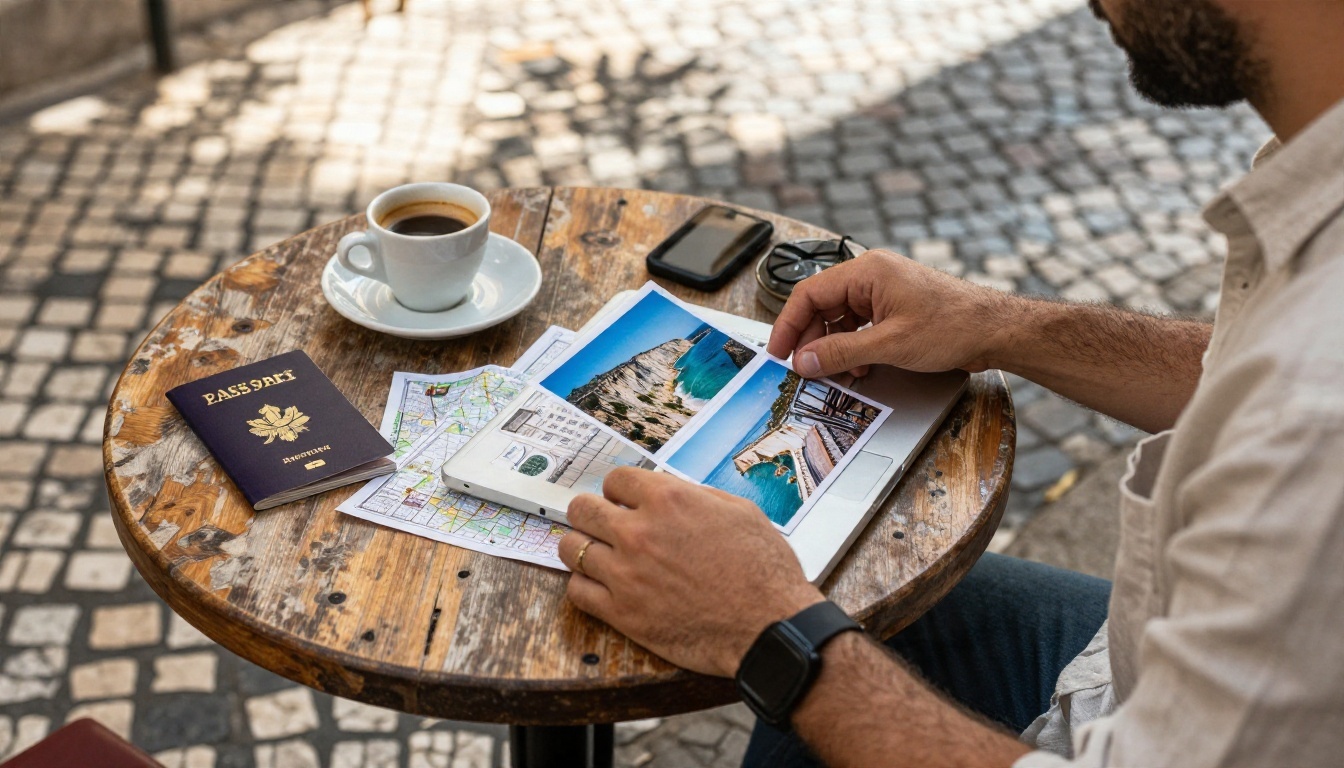
Travel books thrive on contrast. Pair a wide landscape with a tiny detail: a ticket stub, a menu, a hand-drawn map. Add one sentence per spread about what you ate, who you met, or what went wrong. The Travel Guide Flipbook tool suits this style well, and you can add short audio notes if you want to record a voice memo from the road.
Family History Books
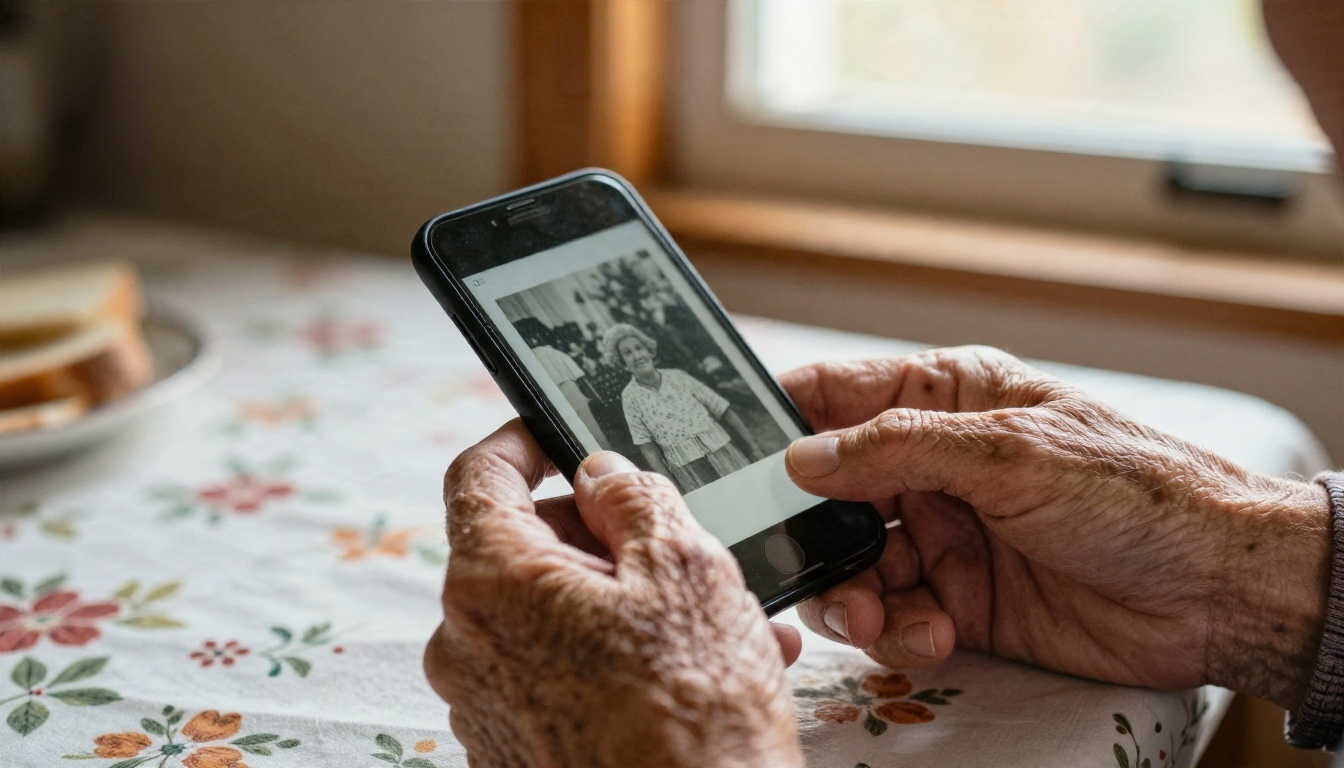
This one carries real weight. Scan old prints, ask a grandparent to name every face, and write those names as captions before the knowledge is gone. A scanned photo with no label is a mystery to the next generation. A labeled one becomes a record.
Gift Books for Special Occasions
A retirement, an anniversary, a milestone birthday. Ask friends and relatives to send one photo and one sentence each, then compile them into a book. The recipient gets a gift made of people, and you only need a link to deliver it.
Quick Comparison of Memory Book Types
| Book type | Best length | Photos per page | Caption style | Ideal audience |
|---|
| Wedding album | 24 to 40 pages | 1 to 3 | Short, names and moments | Couple, close family |
| Baby first year | 14 to 20 pages | 1 to 4 | Month and a milestone | Grandparents, relatives |
| Travel journal | 20 to 30 pages | 2 to 5 | One-line stories | Friends, social followers |
| Family history | 30 to 60 pages | 1 to 2 | Names, dates, places | Whole extended family |
| Tribute or gift book | 12 to 24 pages | 1 to 2 | Personal message | One recipient |
Photo Layouts That Look Designed
Good layout is mostly restraint. You don't need design training, just a few repeatable rules.
Pick a Layout Rhythm
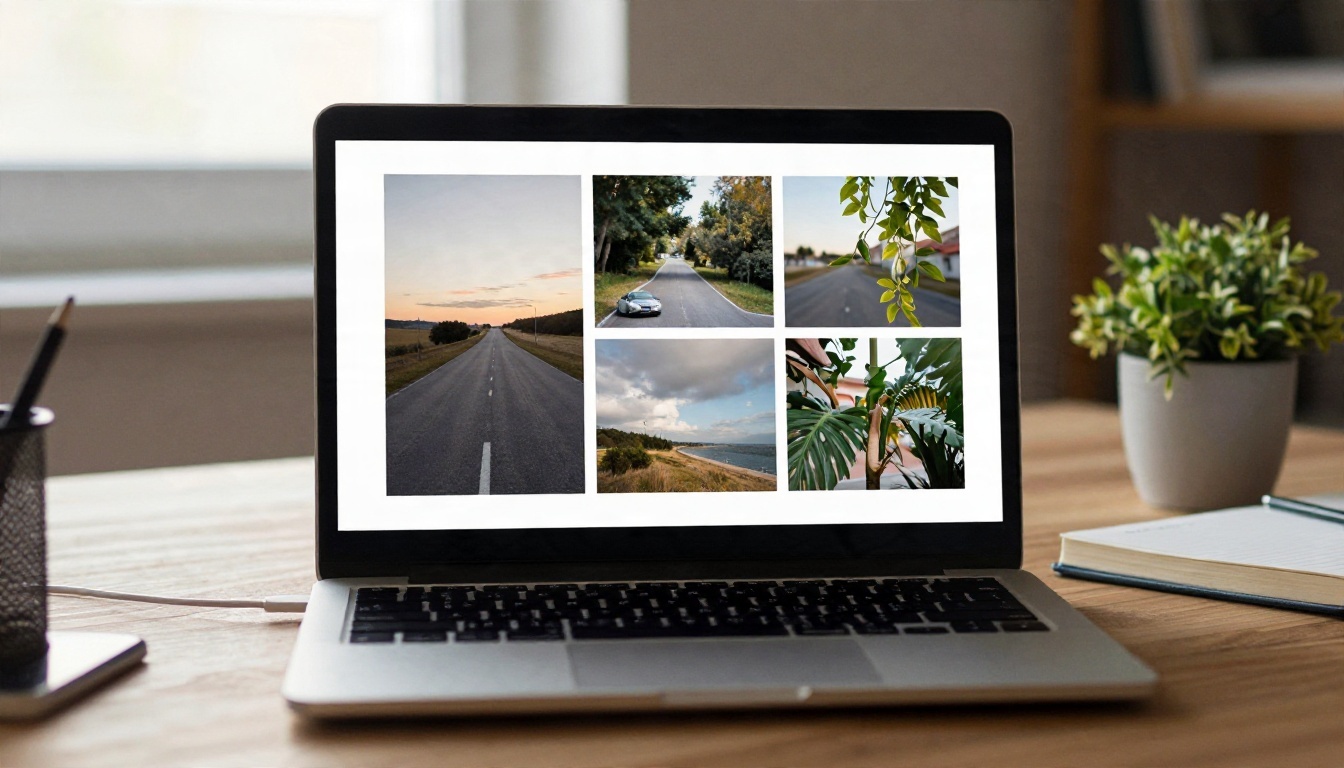
Alternate between quiet and busy spreads. A full-bleed photo on one page followed by a grid of small photos on the next gives the eye a place to rest. If every page is a grid, nothing stands out. If every page is a single photo, the book feels thin.
Other rules that save time:
- Use one font for captions and one for titles. Never three.
- Leave a margin of at least 5 percent around every photo.
- Match the mood of facing pages, even if the subjects differ.
- Put your strongest photo on the right-hand page of the first spread.
- Crop for emotion: faces and hands tell more than wide shots of rooms.
Three Layouts to Copy
| Layout | How it looks | Use it for | Watch out for |
|---|
| Hero + caption | One full-page photo, short line of text | Opening pages, big moments | Low-resolution images look soft |
| Grid of four | Four equal squares with even gaps | Event highlights, a day at the beach | Inconsistent color between photos |
| Collage with anchor | One large photo, three small supporting ones | Travel spreads, holidays | Too many sizes feels messy |
⚠️ Warning: Don't stretch photos to fill a frame. Crop instead. A stretched face is the fastest way to make a keepsake feel cheap.
Prepare Your Photos First
Ten minutes of prep saves an hour of fixing later. Do this before you build anything.
Sort, Scan, Select
Start by gathering everything for one story into a single folder. Then:
- Sort by date or event, not by device
- Scan prints with a phone scanner app or a flatbed, aiming for 300 DPI
- Select ruthlessly: cut near-duplicates and keep the best of each moment
- Label the folder files with names so captions are easy to write
Try this simple rule: if two photos say the same thing, keep the one with the better faces.
Export a Clean PDF
Flipbooks AI works from a PDF, so use any tool you already like to arrange the pages: a slide editor, a free design app, or a word processor. Set the page size to landscape or square, drop in photos, add captions, and export. Keep file size reasonable. A book of 30 pages with compressed images usually lands well under typical upload limits.
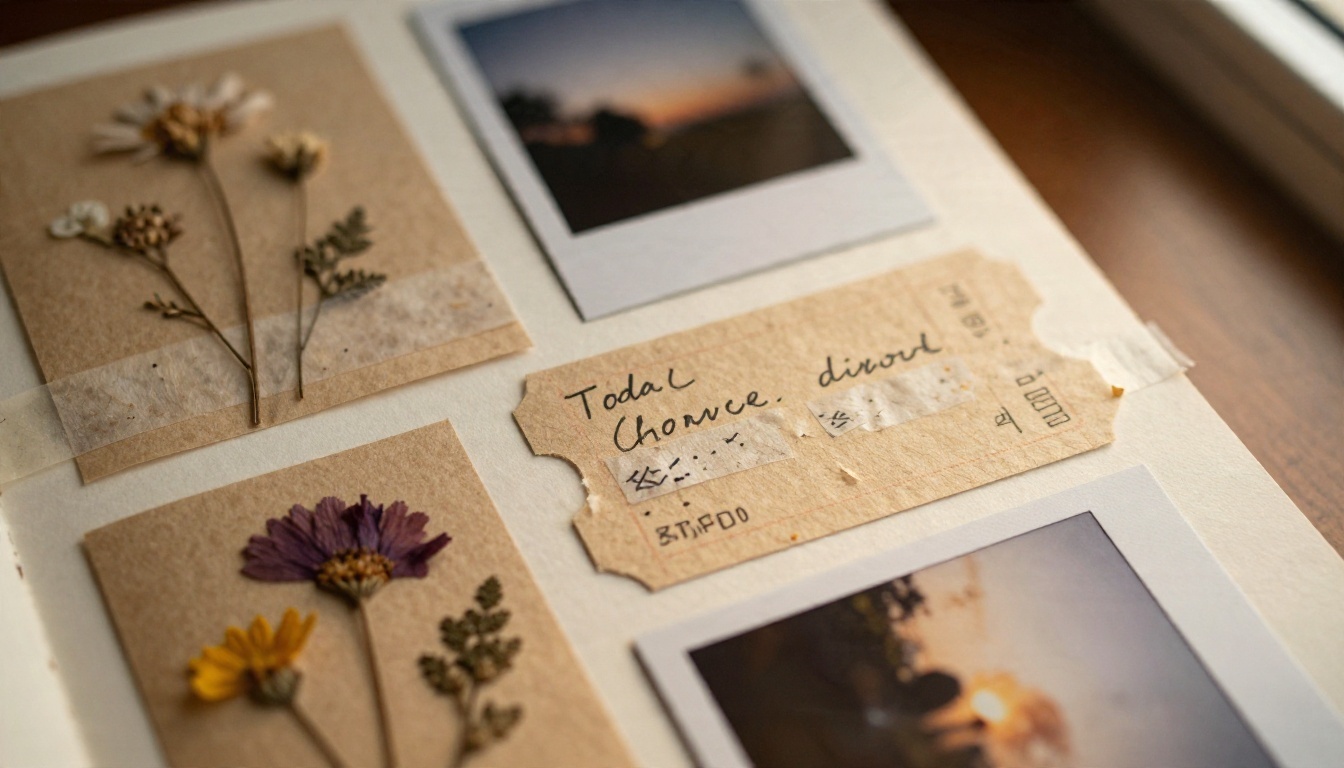
💡 Pro tip: Add texture the digital way. A scanned piece of kraft paper as a page background, a photographed ticket stub, or a pressed flower on a white backdrop gives the book a handmade feel without any glue.
How to Create a Memories Book with Flipbooks AI
Here is the full process, start to finish. You can build a first draft in about twenty minutes once your PDF is ready.
Upload and Convert Your PDF
- Go to Flipbooks AI and create an account.
- Click to start a new flipbook and upload your memory book PDF.
- Wait a few seconds while the PDF to Flipbook Converter turns each page into a turnable spread.
- Flip through the preview and check that every photo, caption, and margin looks right.
✅ Best practice: Preview on your phone before you do anything else. Most relatives will open the book on a mobile screen.
Customize the Look
Once the pages load, the fun starts. Adjust these settings:
- Branding and colors: pick a background shade that suits the mood, such as warm cream for family history or deep navy for a wedding
- Page effects: choose the page-turn style and speed
- Multimedia: embed a video clip of the toast, or add background audio such as a favorite song
- Custom title and thumbnail: this is what people see before they open the book
For a more polished build, the Interactive E-Book Publisher tool adds interactive elements, and the Photography Portfolio tool works well if your memories are mostly image-driven.
Share, Protect, and Track
When the book is ready, you have several options:
- Direct link: paste it into a family chat
- Embed code: place the book on a personal blog or family site with the Embed Flipbook on Website tool
- Password protection: keep private photos limited to people who have the password
- Offline download: let relatives save a copy for places with weak internet
Professional plan extras include analytics, so you can see how many people opened the book and which pages they spent time on, plus lead generation forms. Those matter more for businesses, but a family historian may enjoy seeing which cousin viewed the book three times. See the pricing plans to compare tiers. The Standard plan and above offer unlimited flipbooks.
Free Online Sharing Options Compared
You have more than one way to share a memory book. The right choice depends on who needs to see it and how private it should be.
| Method | Cost | Privacy | Works on mobile | Best for |
|---|
| Flipbook link | Free to try | Link or password | Yes | Family chats, quick sharing |
| Embedded on a site | Free to try | Public or restricted | Yes | Blogs, wedding websites |
| Emailed PDF | Free | Anyone with the file | Often clunky | Small files, one recipient |
| Cloud folder | Free tier | Invite only | Yes, but no page-turn feel | Archiving originals |
| Social media post | Free | Public by default | Yes | Highlights, not full books |
A flipbook link wins when you want the page-turn feeling and a single address to share. You can try it free and see how the book reads on a real phone before sending it out.
Privacy for Family Albums
Photos of children and private events deserve care. A few habits help:
- Use password protection for anything with kids' faces
- Share the password in a separate message from the link
- Avoid listing home addresses or school names in captions
- Ask people before including their photos in a book others will see
- Remove location data from images before exporting when it points to a home
⚠️ Warning: A link without a password can be forwarded by anyone who has it. If the book is personal, protect it.
Common Mistakes to Avoid
Most memory books that disappoint share the same handful of problems.
- Too many photos. Fifty pages of near-duplicates tire readers. Aim for variety.
- No captions. Without names and dates, the book is pretty but forgettable. Even five words help.
- Mixed photo quality. Blurry shots next to sharp ones stand out. Keep only your best.
- Inconsistent color. A quick brightness and warmth adjustment across the set makes the book feel cohesive.
- Waiting for perfect. A good book shared this week beats a perfect one that never leaves your laptop.
- No backup. Keep the original PDF and your photo folder in at least two places.
Here is a quick before and after for the typical first draft:
| Problem | Before | After |
|---|
| Page count | 80 pages, repetitive | 30 pages, one strong photo per moment |
| Captions | None | One line per spread |
| Layouts | Same grid on every page | Alternating hero and grid spreads |
| Sharing | Ten attachments by email | One link, password protected |
Start Your Memory Book Today
You don't need a design degree or a big budget. Pick one story, choose your best twenty to thirty photos, write a caption for each, and export a PDF. Then turn it into a flipbook your family can open on any device.
Ready to build yours? Get started for free on Flipbooks AI, browse all flipbook tools to find a format that fits your story, or compare pricing plans when you want unlimited books and extras like analytics. The photos are already waiting. Give them a book.



