A photo of your grandmother in her wedding dress is lovely. A photo of that same dress, with her voice telling you how she sewed the lace the night before the ceremony, is something else entirely. That is the idea behind a memory book with voice recording: pictures and written words sit on the page, and the people in them speak. With Flipbooks AI, you can build one from a PDF, attach audio to the right pages, and share the result as a simple link that opens on a phone, tablet, or laptop.
This tutorial walks you through the whole process: gathering material, recording stories that people actually want to hear, building the pages, adding the sound, and sending the finished book to relatives without losing control of who sees it.
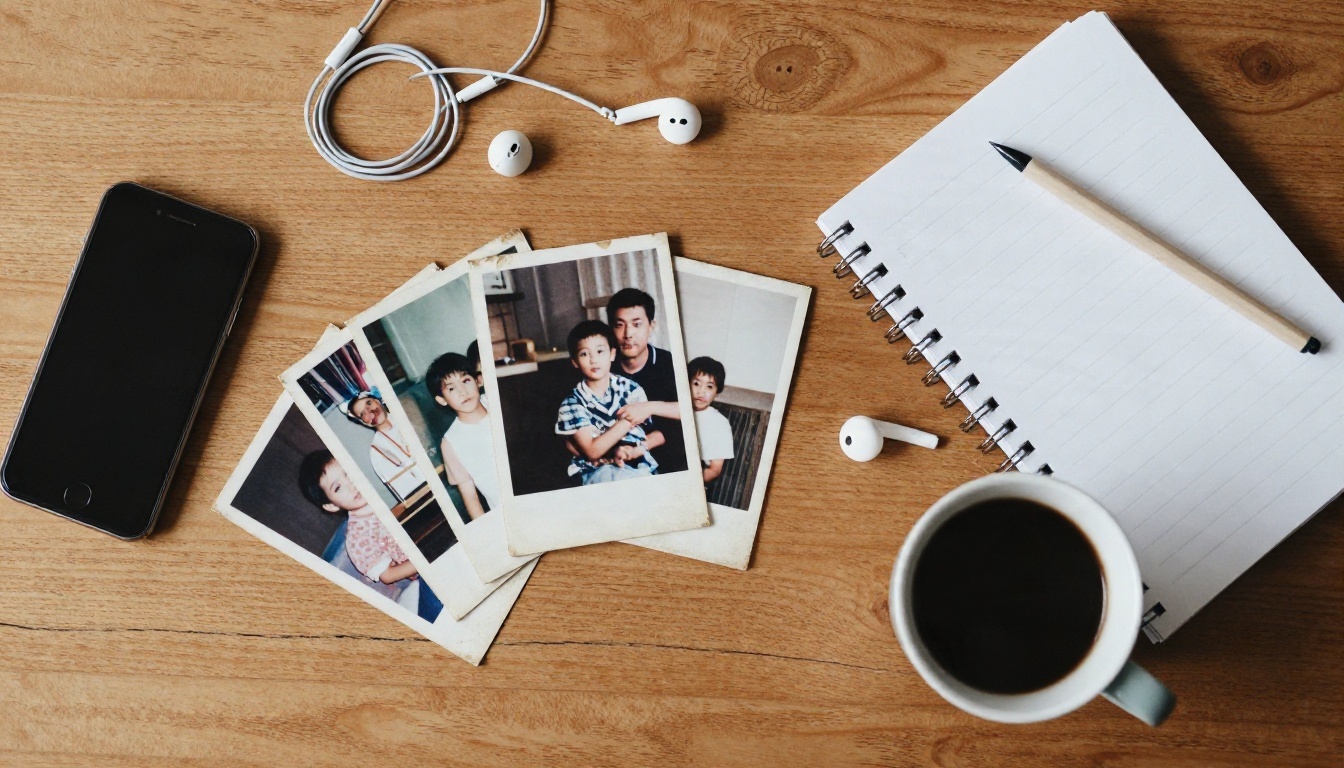
Why Voice Makes a Memory Book Different
Most family albums go quiet the moment the person who knew the stories is gone. Names on the back of a photo fade. Dates get argued over at holidays. A recorded voice solves this in a way captions never will.
Text Fades, Voices Stay
Think about what a caption can hold: "Aunt Rosa, 1974, Lisbon." Now think about what thirty seconds of Aunt Rosa can hold: the joke she told the photographer, the bus she nearly missed, the way she pronounces the name of the café. Tone, accent, laughter, and hesitation all travel with the audio. Those details are what relatives tell you they miss most.
Who Builds Audio Memory Books
The people who benefit most are usually not designers. They are ordinary families with a stack of photos and a limited window of time.
- Adult children recording parents and grandparents before memory or health makes it harder
- New parents capturing a baby's first sounds, first words, and a letter read aloud for a future eighteenth birthday
- Couples collecting wedding toasts and guest messages next to the photos from that day
- Memorial organizers assembling stories from many relatives into one place
- Teachers and community groups preserving oral history interviews
How It Compares to Other Formats
| Format | Photos | Written Story | Real Voice | Easy to Share | Cost to Duplicate |
|---|
| Printed photo album | Yes | Limited | No | No | High |
| Video slideshow | Yes | Limited | Yes | Yes | Low |
| Podcast or audio file alone | No | No | Yes | Yes | Low |
| Social media post | Yes | Short | Sometimes | Yes | Low, but public |
| Audio memory flipbook | Yes | Yes | Yes | Yes | Free (a link) |
A flipbook gives you something a video does not: readers move at their own speed. They can linger on a page, read the text, then tap play only when they want to hear the story.
💡 Pro tip: Keep a printed copy for the shelf and send the flipbook link for the voices. Each format does something the other cannot.
What You Need Before You Start
Spend an hour on preparation and the build itself will take a fraction of that. Rushing the gathering stage is where most projects stall.
Photos and Scans
Find 20 to 40 images for a first book. More than that and the book becomes a chore to finish. Scan prints at at least 300 dpi, and photograph fragile ones flat in daylight, near a window, with no flash. Name each file with a year and a person, such as 1974-rosa-lisbon.jpg, so you can sort them later without guessing.
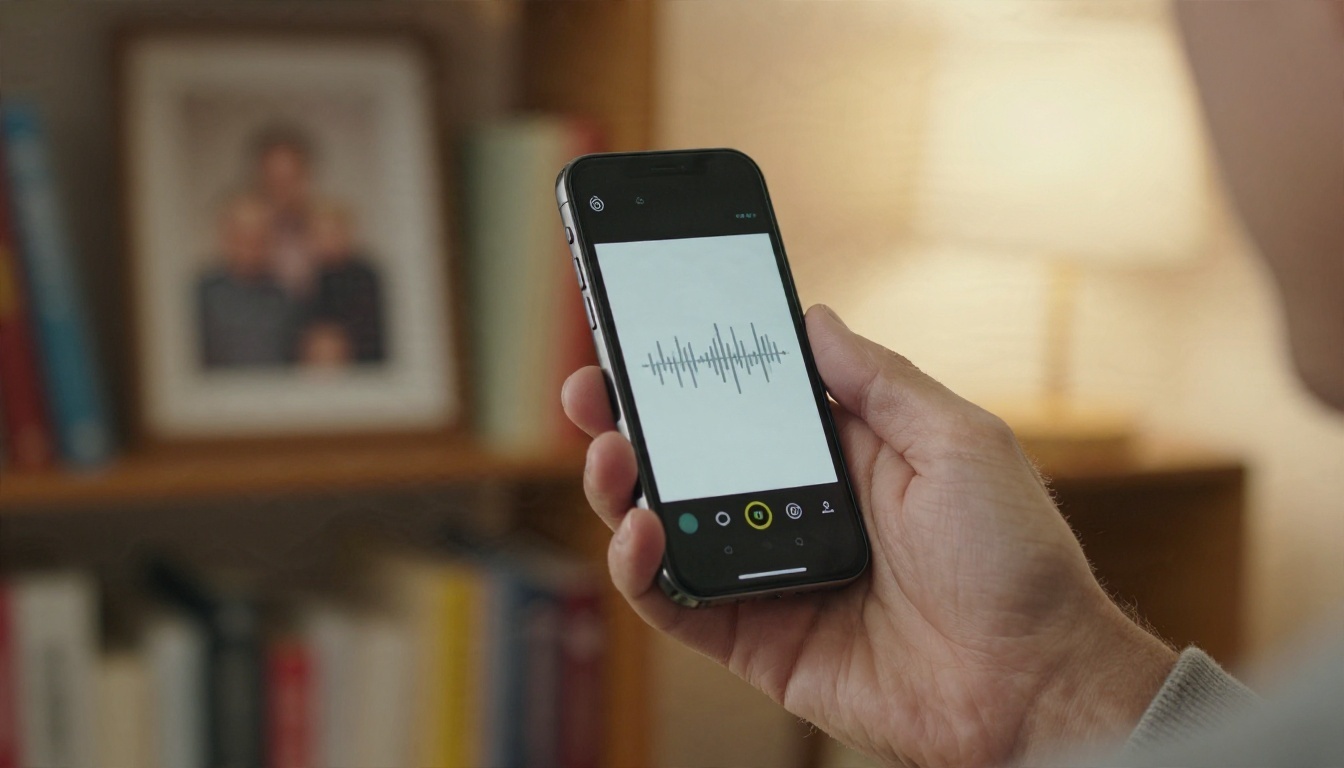
Audio Recordings
You do not need a studio. A phone is enough, but the setup around it matters.
| Equipment | Sound Quality | Cost | Best For |
|---|
| Phone voice memo app | Good in a quiet room | Free | Quick stories, long calls |
| Phone with wired earbuds held near the mouth | Better, less room echo | Low | Interviews at home |
| USB desktop microphone | Very good | Moderate | Longer sessions, narration |
| Lavalier clip microphone | Very good, consistent | Low to moderate | Interviews with moving speakers |
Record in a small, soft room: a bedroom with the curtains closed beats a kitchen with tiled walls. Turn off the fridge if you can. Export or save clips as MP3 or M4A, since both are small and widely supported.
Written Text
Write short. Two to four sentences per page is plenty when a voice is carrying the story. The text should name the people, the place, and the year. The audio should do the feeling.
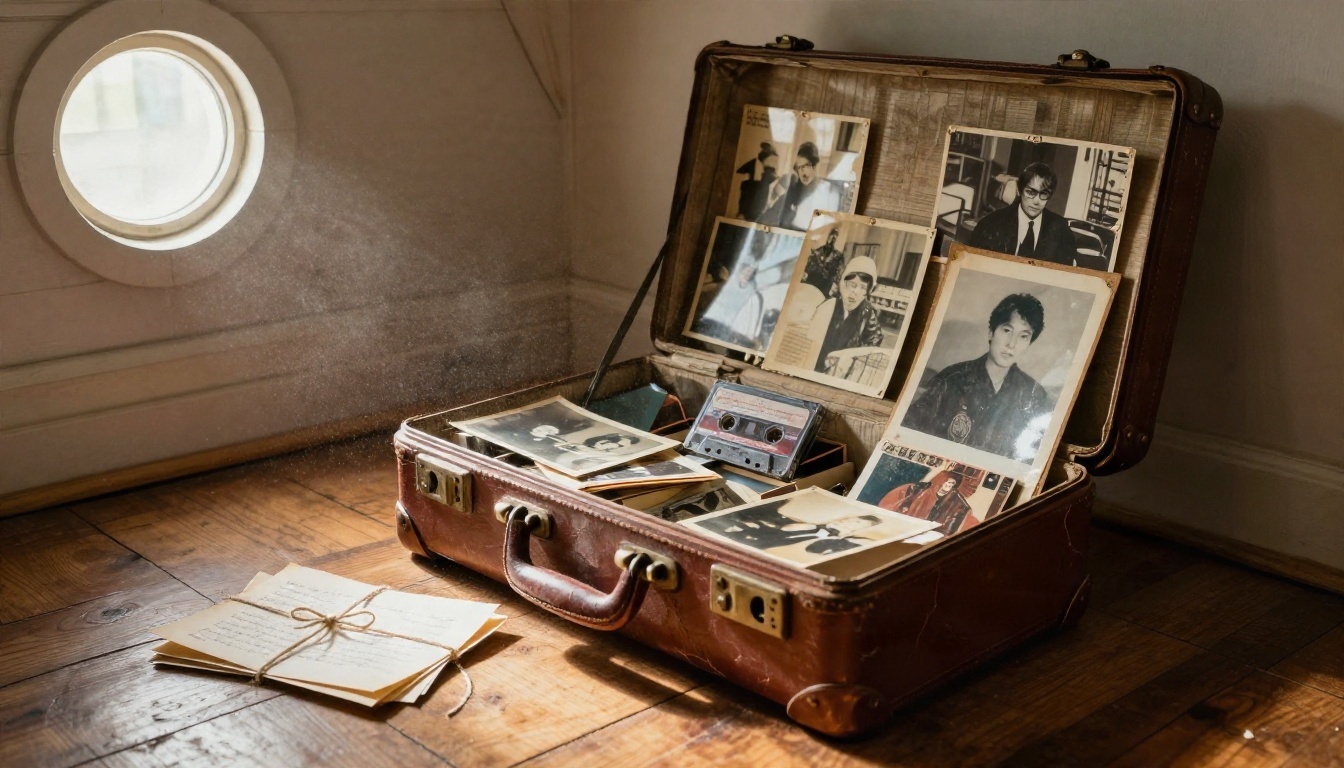
Recording Stories People Want to Hear
The recording is the part most people dread. It gets easier once you treat it as a conversation instead of a performance.
Questions That Open People Up
Yes or no questions end stories. Ask things that invite a scene.
- "What do you remember about the day this photo was taken?"
- "Who is standing next to you, and what were they like?"
- "What did the house smell like?"
- "What did you think would happen next in your life?"
- "What would you tell this person in the photo today?"
Hold the photo in front of them while you ask. A visual prompt triggers specific memories far better than a general request to tell a story.
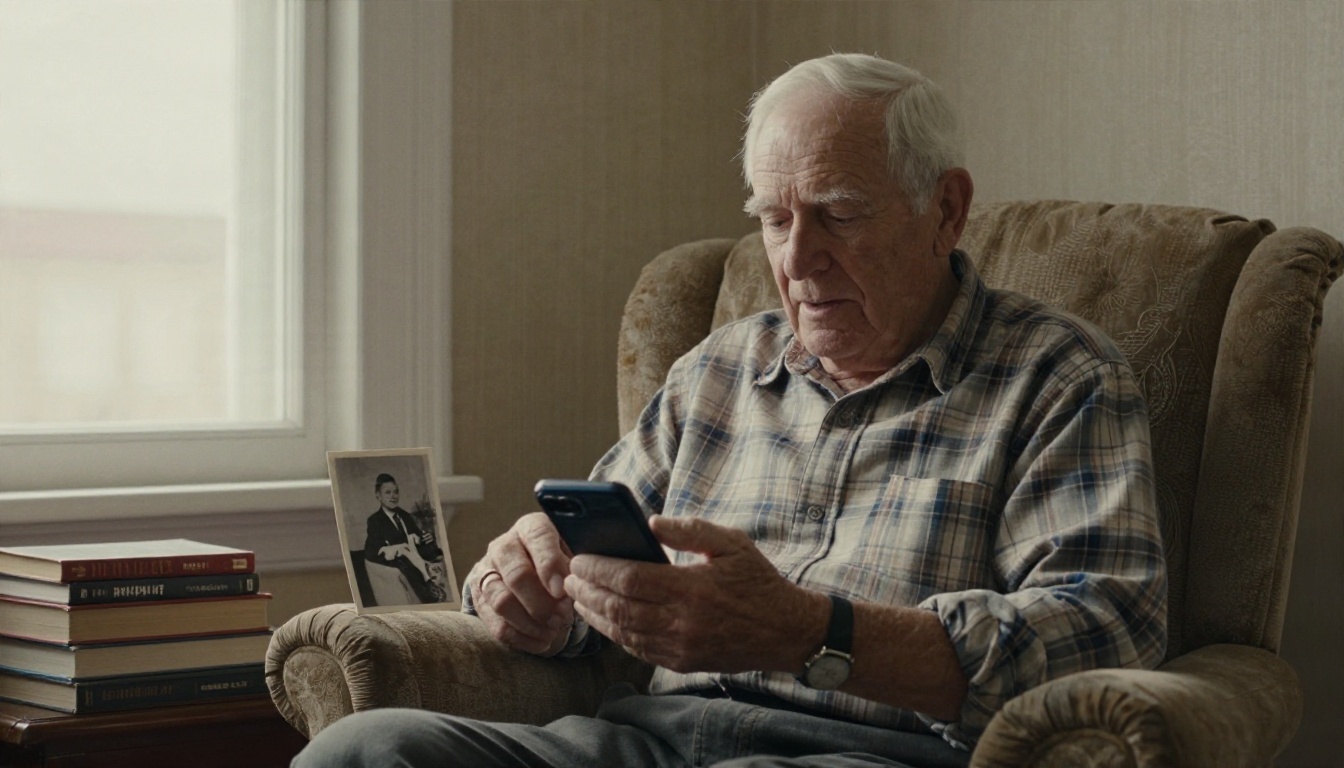
Record Clean Audio on a Phone
- Put the phone on a stack of books, microphone end about 20 centimeters from the speaker's mouth
- Switch on airplane mode so a call does not interrupt the take
- Record one test sentence and play it back with headphones before starting
- Leave two seconds of silence at the start and end of each clip so trimming is easy
- Let people repeat themselves. The second telling is usually better
⚠️ Warning: Ask permission before recording anyone, and tell them where the book will be shared. A password protected link is a good compromise for private family stories.
Keep Each Clip Short
Long audio is hard to place on a page. Short clips make the book feel alive as readers flip through.
| Page Type | Suggested Clip Length | What to Say |
|---|
| Single portrait | 20 to 40 seconds | Who this is and one vivid memory |
| Group photo | 30 to 60 seconds | Names, the occasion, one funny detail |
| Document or letter | 30 to 90 seconds | Reading it aloud, with context |
| Chapter opener | 45 to 90 seconds | The bigger story behind the section |
| Closing page | 60 to 120 seconds | A message to the reader |
How to Create a Memory Book with Flipbooks AI
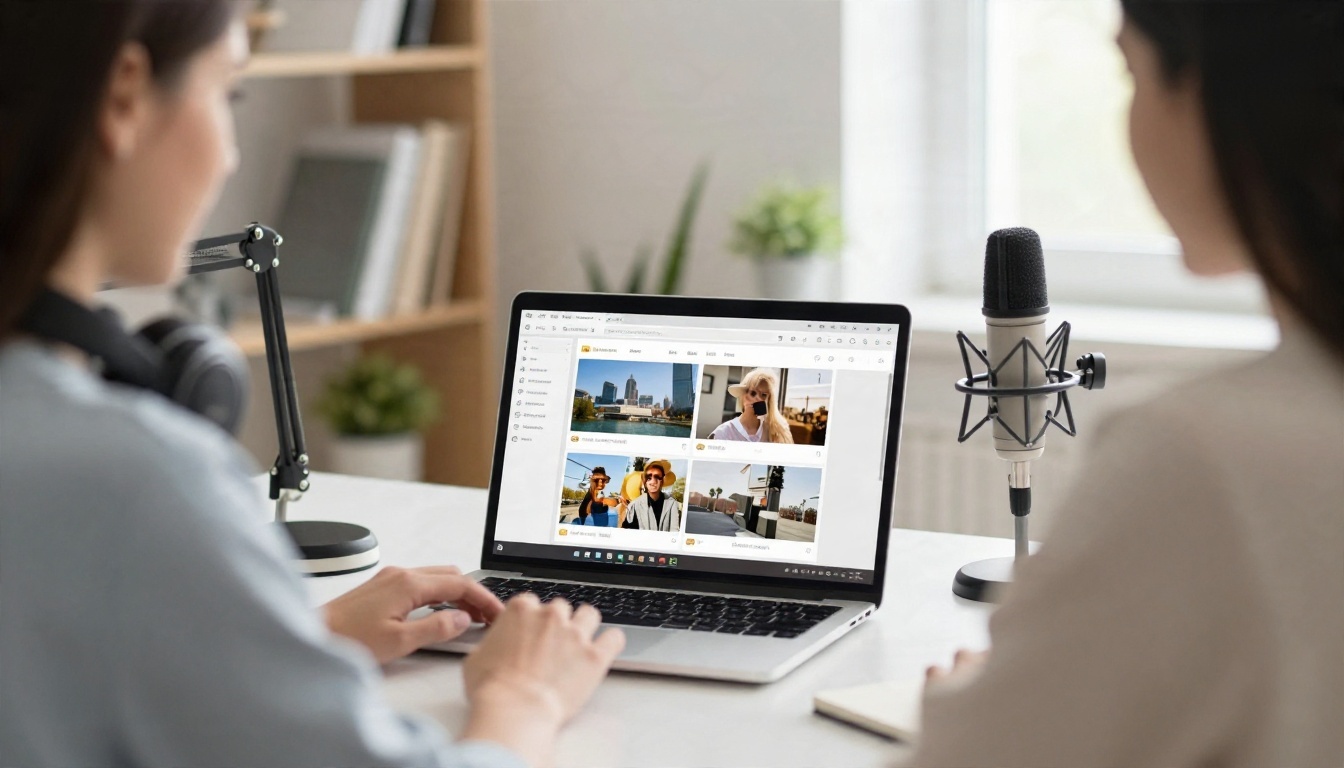
Flipbooks AI turns a PDF into a page-turning flipbook, and it supports embedded video and audio, so your voice clips live on the pages themselves. There are no watermarks on your book, and the result is mobile responsive, which matters because most relatives will open the link on a phone.
Step 1: Build the Pages as a PDF
Lay out your photos and text in any tool you already know, such as a word processor, a slide editor, or a design app. Use one photo per page or two to three for a collage. Leave a clear space near the bottom or corner of each page where you want an audio button to appear. Export as a PDF.
Step 2: Upload and Convert
Create a free account, then upload your PDF. The platform converts it into a flipbook with realistic page turns. If you want a closer look at what happens in this step, the PDF to Flipbook Converter page explains the process and file requirements.
Step 3: Add Audio to Each Page
Open the editor for your flipbook and look for the multimedia options. Attach each audio clip to the page it belongs to and position the player near the photo it describes. Preview the page after each addition, and test it with the sound on, not just visually.
Use this naming pattern for your files so they stay organized as the book grows:
p03-rosa-wedding-dress.mp3p04-grandpa-first-job.mp3p05-family-picnic-1982.mp3
Step 4: Customize the Look
Pick a background color that suits the era of the photos. Warm cream and soft grey work well with black and white prints. Add your own branding or a family name on the opening page, choose the page effect you like, and set the cover image the reader will see first. For wedding material specifically, the Wedding Album Flipbook tool is built around that layout.
| Setting | Recommended Choice for a Memory Book |
|---|
| Background color | Warm neutral, cream or soft grey |
| Page effect | Gentle page curl, no fast animation |
| First page | Title, year, and a short dedication |
| Audio placement | Bottom corner or directly under the photo |
| Branding | Family name only, no logos |
Step 5: Share and Protect
Choose how the book will travel. You can send a direct link, use an embed code for a family website, or set a password so only invited people can open it. If you want the book to live on a personal page, the Embed Flipbook on Website page shows how.
Step 6: Use the Pro Features Where They Help
Some features sit in the Professional plan, and a few are genuinely useful for family projects. Analytics show you which relatives have opened the book. Offline downloads let grandparents without reliable internet keep a copy on a device. Lead generation is built for business use, so most families will skip it. Compare the options on the pricing page. Unlimited flipbooks come with the Standard plan and above, which helps if you plan one book per family branch.
✅ Best practice: Build one short book first, about 12 pages, and share it with a single trusted relative. Their feedback on volume, page order, and clip length will save you hours on the bigger project.
Pairing Audio with Photos and Text
A page that has everything can feel crowded. A page with a good balance feels like sitting beside someone while they turn the pages.
Three Page Layouts That Work
| Layout | Photo | Text | Audio | When to Use |
|---|
| Portrait Focus | Large, one per page | Name and year only | 30 second story | Individual relatives |
| Scrapbook Spread | Three small photos | Short caption each | One clip for the page | Holidays, trips, reunions |
| Document Page | Scan of a letter or recipe | Typed transcript | Reading aloud | Letters, recipes, certificates |
The document page deserves a note. If a scanned handwritten letter is hard to read, include a typed transcript beneath it. The voice reads it, the text backs it up, and nobody has to squint. This also helps accessibility for readers who cannot play sound or who prefer reading.
Order the Book Like a Story
Do not sort strictly by date unless the date is the point. A better structure is often:
- An opening page with a dedication and a welcome message in your own voice
- Three to five chapters grouped by person, place, or era
- One surprise page in the middle, such as a funny recording or a child's laugh
- A closing page with a message addressed to the reader
Project Ideas for Real Families
If you are staring at a blank PDF, one of these starting points may fit.
A Grandparent Legacy Book
Sit with a grandparent for three or four sessions of about 30 minutes each. Bring one stack of photos per session, grouped by decade. Record answers to the questions listed earlier, then build one chapter per decade. For related formats, the Recipe Book Flipbook tool pairs well when food is part of the story, since a spoken tip like "do not let the onions brown" is worth more than the written step.
A Baby's First Year
Record a short clip each month: a laugh, a babble, a parent reading the date and a few lines. Add the monthly photo and a short caption. At the end of the year you have twelve pages and twelve voices, including the baby's. Many parents add a final letter to be opened on a milestone birthday, and a password protected flipbook keeps it private until then.

A Wedding or Anniversary Book
Collect toasts, voicemail blessings from relatives abroad, and the couple's own vows. Place each recording beside the photo from that moment. Guests who could not attend can open the book and hear the room.
A Memorial Tribute
Invite relatives to send in voice messages of 30 to 60 seconds. Place each one on a page with a photo of the person speaking or a shared memory. The result is a gathering that people can return to for years, and it can be set to private.
Project Comparison
| Project | Typical Pages | Audio Clips | Suggested Sharing |
|---|
| Grandparent legacy | 20 to 40 | 10 to 25 | Password protected link |
| Baby's first year | 12 to 24 | 12 to 20 | Private link to grandparents |
| Wedding or anniversary | 16 to 30 | 8 to 20 | Link or embed on a wedding site |
| Memorial tribute | 10 to 20 | 8 to 30 | Password protected link |
For anything else you want to build, browse all the flipbook tools to find a layout that matches your material.
Sharing Your Book Without Regret
Personal recordings are personal. Plan the sharing before you press publish.
Password Protection
Set a password for anything involving children, health stories, or relatives who did not agree to a wide audience. Send the password in a separate message from the link, which is a small habit that prevents most accidental leaks.
Links, Embeds, and Offline Copies
| Method | Best For | Control Level |
|---|
| Direct link | Family group chat, email | Medium |
| Password protected link | Sensitive stories, children | High |
| Embed on a website | Wedding sites, family pages | Depends on site settings |
| Offline download (Pro) | Relatives with weak internet | High, file is local |
Check Before You Send
- Open the link on a phone, not just a computer
- Tap every audio player and confirm it plays
- Check the volume balance between clips so none is much louder than another
- Read every name aloud to catch spelling mistakes
- Ask one person to test the password
Common Mistakes to Avoid
- Clips that are too long. Anything over two minutes on a single page tends to go unplayed
- Background noise. A running dishwasher is surprisingly loud in a recording. Retake the clip
- No transcript for old documents. Handwriting from 1950 is hard for many readers
- Mixed volumes. Record every clip at the same distance from the microphone
- Skipping the test. A button that does not play is worse than no button
- Waiting too long. The best time to record someone is this month
💡 Pro tip: Save the raw audio files in a separate folder even after you upload. If you ever rebuild the book, you will not need to record anything again.
Make Your First Memory Flipbook Today
You already have the hard parts: the photos, the people, and the stories. What remains is a short afternoon of recording and a PDF. Create your free account on Flipbooks AI, upload your first pages, and attach a single voice clip to the photo you care about most. Once you hear it play inside a turning page, the rest of the book will feel obvious.
When you are ready to build a larger book with unlimited flipbooks, password protection, offline downloads, and analytics, compare the plans and pick the one that matches your project. And if you want inspiration for other formats, from lookbooks to e-books, the Interactive E-Book Publisher and the full tools directory are good places to look next.



