Walk into almost any restaurant today and you will see the same small square on the table: a QR code. Guests point a phone at it, and the menu appears. That is the whole idea behind a menu card scanner, and you do not need special hardware to run one. If you want to publish a good-looking digital menu in a few minutes, Flipbooks AI turns a PDF into a page-turning menu that opens from any QR code.
This article walks through how QR menus work, how customers scan them, what a free setup really looks like, and where most restaurants go wrong. You will also get a step-by-step tutorial, three comparison tables, and placement ideas you can test this week.
People search for "menu card scanner" and expect an app or a device. In practice, the scanner is the camera already inside your guest's phone. The "menu card" is a printed card, sticker, or table tent carrying a QR code. The code points to a web address, and that address shows your menu.
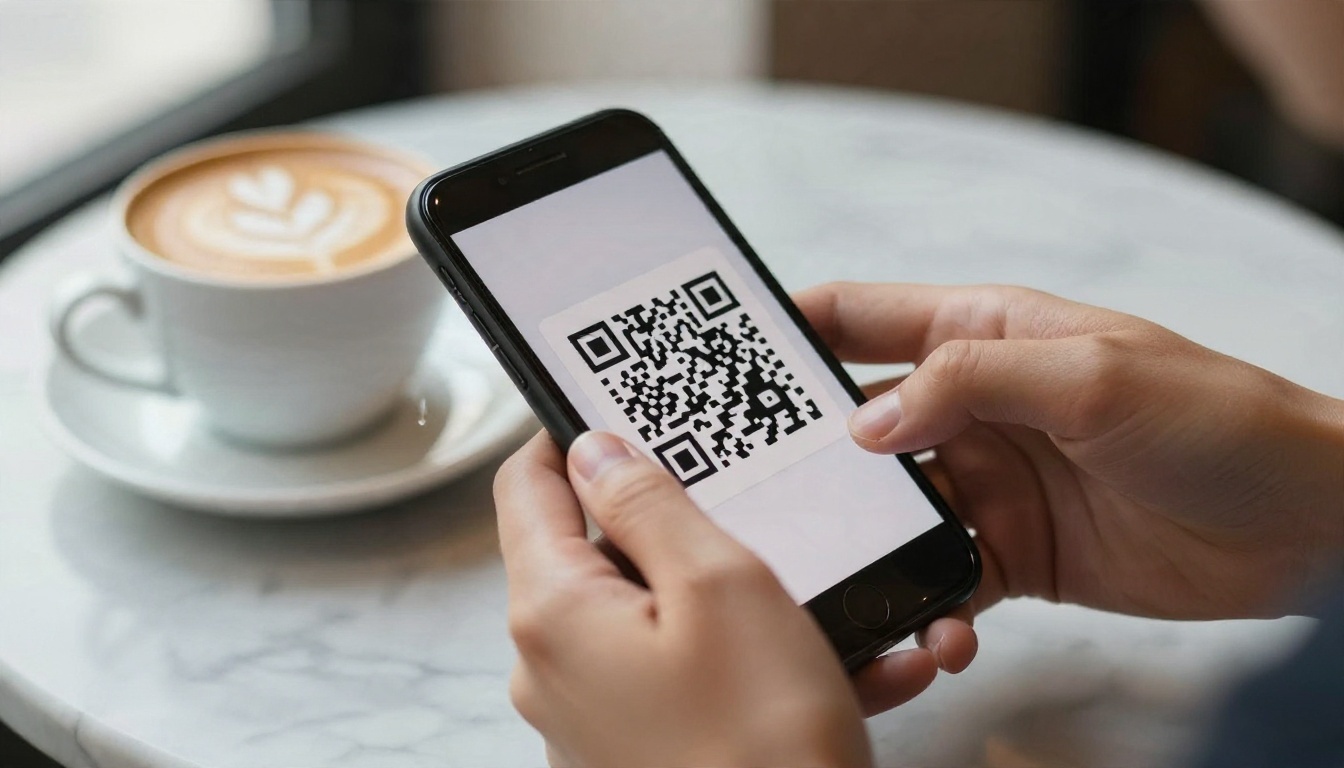
The Scanner Is Your Customer's Phone
Both iPhone and Android cameras read QR codes natively. No app download is needed on any phone made in the last several years. That is the reason QR menus spread so fast: the cost to the guest is zero and the learning curve is nothing more than "point and wait."
Your job as the owner is simple. You provide two things:
- A QR code that always points to the right address.
- A menu page that loads fast and reads well on a small screen.
The second item is where many restaurants stumble. A QR code that opens a tiny, zoom-and-pinch PDF is worse than a paper menu.
Static vs Dynamic QR Codes
Not all QR codes behave the same way. The difference matters the moment you change a price.
| Feature | Static QR code | Dynamic QR code |
|---|
| Destination can change after printing | No | Yes |
| Scan counts available | Usually no | Often yes |
| Usually free to create | Yes | Often limited or paid |
| Risk if a service shuts down | None, link is baked in | Code may stop working |
| Best for | Menus that point to a stable link you control | Campaigns that need tracking |
💡 Pro tip: The safest setup is a static QR code that points to a link you control. When the menu changes, you update the file behind the link, and the printed code keeps working.
How Customers Scan Them Online
Scanning takes about three seconds, but it helps to see the process through your guest's eyes. Anything that adds friction at this stage costs you orders.
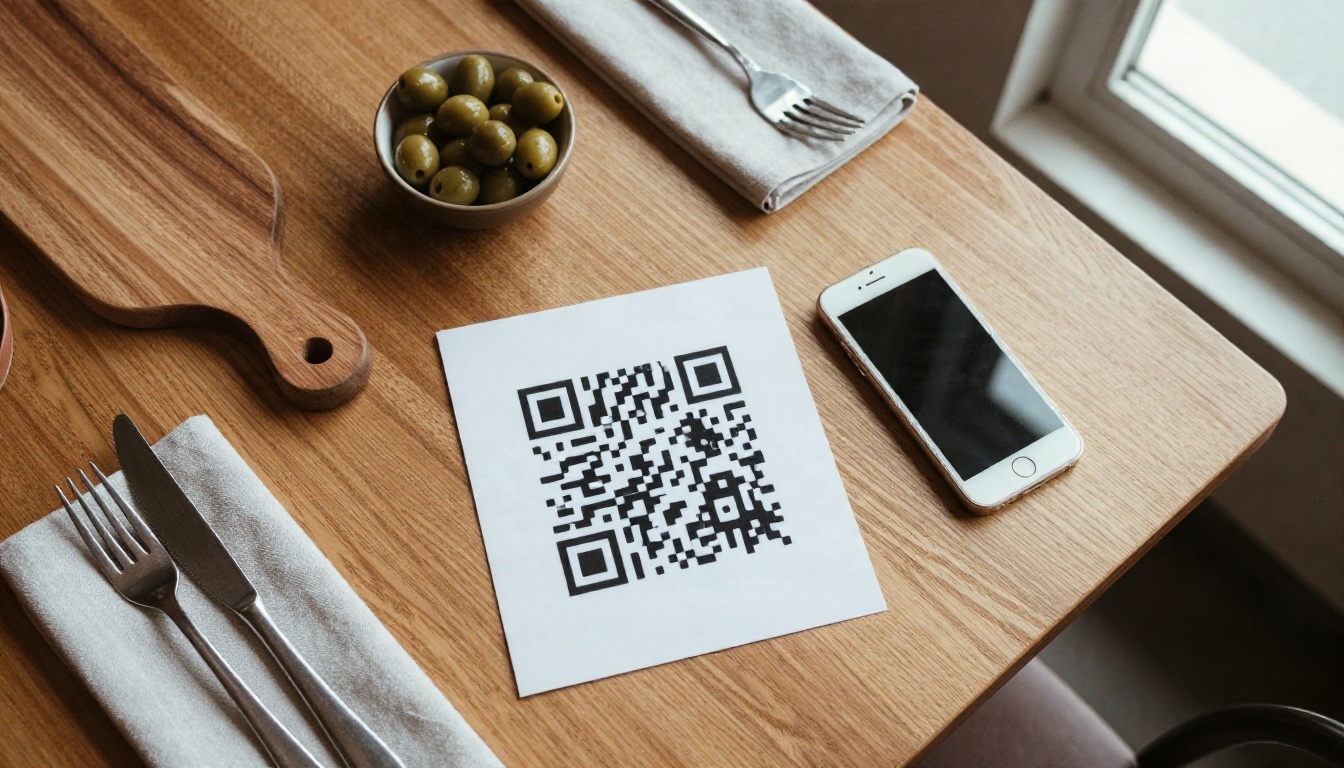
Three Taps From Table to Menu
Here is the typical path:
- The guest opens the default camera app.
- They hold the phone steady over the QR code until a small banner appears at the top or bottom.
- They tap the banner, and the menu opens in the browser.
That is it. No login, no download, no account. If your setup asks for more than this, expect abandoned scans and a flagged-down waiter.
What Happens When a Scan Fails
Scans fail for boring reasons. Knowing them lets you prevent most of them:
- Glare from a glossy laminate or a candle placed too close.
- Low contrast because the code was printed in light grey or gold on cream.
- Tiny size, usually under 2 cm per side.
- Crumpled or stained cards that distort the pattern.
- Slow pages where the guest gives up before the menu loads.
⚠️ Warning: Never place a QR code on a curved surface such as a wine bottle or round glass. The distortion makes reading unreliable.
The appeal is not novelty. It is money and time. Printed menus wear out, go out of date, and need reprinting after every price change or sold-out dish.
Real Savings Over Printing
A rough comparison for a 30-seat restaurant that updates its menu four times a year:
| Cost item | Printed menus | QR menu |
|---|
| Initial printing | 30 to 60 menu sets | A few QR cards or stickers |
| Reprints per year | 4 or more | 0 |
| Time to change one price | Hours, plus printing wait | Minutes |
| Wear and replacement | Constant | Occasional card swap |
| Seasonal specials | Insert slips or reprint | Edit and republish |
The exact numbers vary by city and printer, but the pattern holds: QR menus turn a recurring cost into a one-time task.
Faster Updates, Fewer Mistakes
When the kitchen runs out of salmon at 7 pm, a QR menu can be fixed before the next table sits down. With paper, a waiter has to remember to say "sorry, we are out" forty times a night. That is friction for staff and a small disappointment for guests.
A Neighborhood Bistro Example
Picture a small bistro with 24 seats. The owner used to reprint menus every quarter. After moving to a QR menu, the team changed prices twice in one month without printing anything. They also added a seasonal dessert page the same afternoon the chef finalized the recipe. Nobody had to call the print shop.
Free Setup Options Compared
You can start for free, and for a lot of small places that is fine. The question is how far the free route takes you before it becomes a headache.
| Option | Cost | Mobile reading | Branding | Scan analytics | Best for |
|---|
| Free QR generator + PDF in cloud storage | Free | Poor, needs zooming | None | No | Pop-ups and tests |
| Menu page on your own website | Hosting you already pay for | Good if designed well | Full | Via site tools | Places with a web builder |
| Flipbook menu with a QR code | Free plan, paid upgrades | Excellent, page-turn layout | Custom colors and logo | On the Professional plan | Restaurants that care about presentation |
| Ordering platform with built-in QR | Monthly fee plus fees per order | Good | Limited | Yes | Places that want table ordering |
The Free Route and Its Limits
The quickest free path is to export your menu as a PDF, upload it to cloud storage, set the link to public, and generate a static QR code. It works. It also means guests pinch, zoom, and scroll sideways on a tiny screen. Readability suffers, and so do impulse orders like desserts or extra drinks.
When a Flipbook Menu Wins
A flipbook keeps the look of a printed menu, with real page turns, but loads as a lightweight web page. Fonts stay sharp, photos stay big, and nothing needs zooming. If you already have a designed PDF, you are one upload away from a mobile-friendly version. You can also use the Menu Flipbook Designer for menus that need a more visual layout.
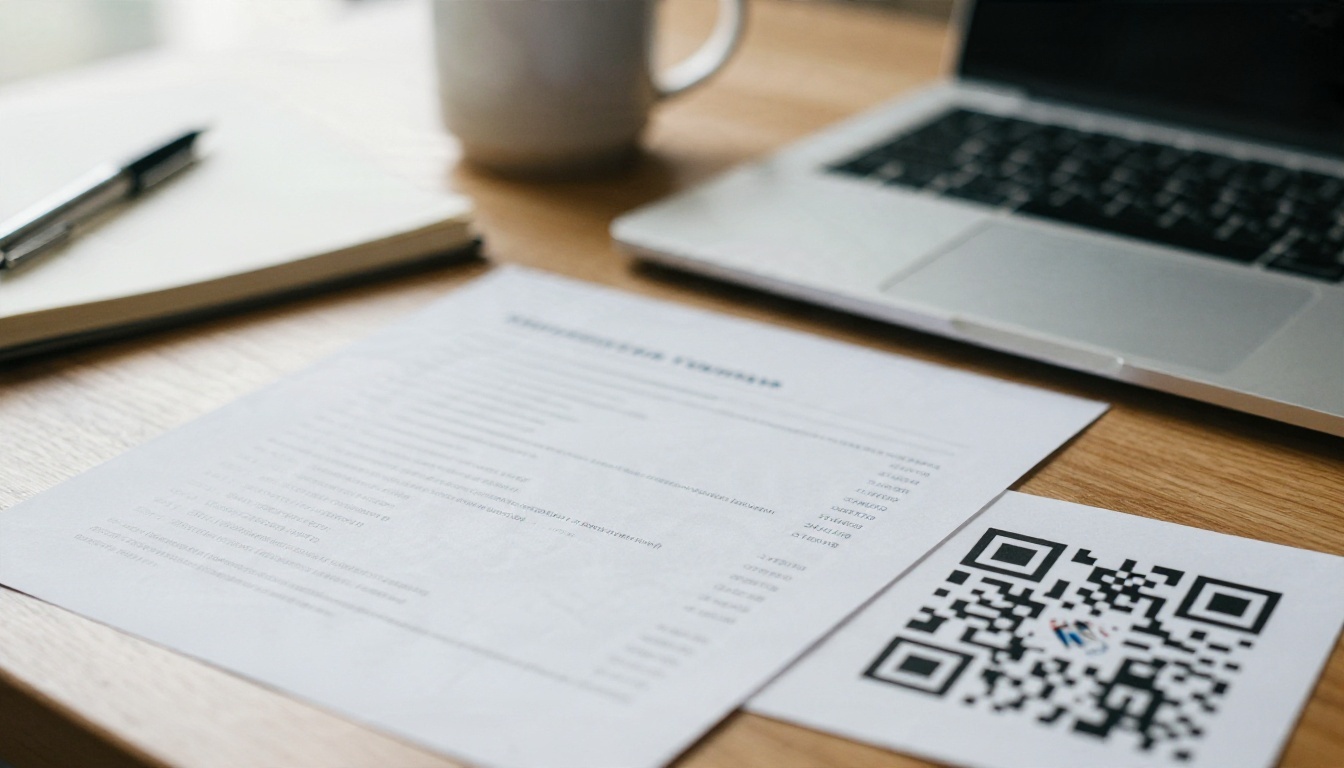
If you already have a menu in PDF form, this takes under ten minutes. Start by opening Flipbooks AI and creating a free account.
Step 1: Prepare and Upload Your PDF
- Export your menu as a PDF, one page per menu section. Keep fonts embedded so nothing shifts.
- Sign in and choose the Restaurant Menu Creator, or use the general PDF to Flipbook Converter.
- Upload the file. The platform converts each page into a flipbook spread within moments.
💡 A clean, high-contrast PDF with at least 11 pt body text converts best and reads easily on small phones.
Step 2: Customize the Look
Once the conversion finishes, set up the details that make the menu feel like yours:
- Branding: add your logo and choose brand colors for the viewer frame.
- Page effects: pick the page-turn style that fits your mood, soft for a cafe, snappy for a pub.
- Multimedia: embed a short video of a signature dish or ambient audio if it suits your brand.
- Mobile layout: preview on a phone-sized screen. The viewer is mobile-responsive by design.
Flipbooks created here carry no watermarks, which keeps your menu looking like your menu.
Step 3: Share With a Link and QR Code
When the flipbook is ready, copy its direct link. Paste that link into any QR generator and download the code as a high-resolution PNG or SVG. Print it on table tents, coasters, or stickers. You can also use the embed option to place the same menu on your website, so the QR code and the site always show matching content.
Need to keep a private tasting or event menu limited? Turn on password protection and share the password only with invited guests.
Step 4: Track and Download
On the Professional plan, you can see analytics on views and add lead generation forms, handy for collecting emails for a newsletter or loyalty list. Offline downloads let guests save the menu to their phone, which helps in venues with weak mobile signal, like basement bars or festival grounds. Unlimited flipbooks are available from the Standard plan up, so you can keep separate menus for lunch, dinner, drinks, and brunch.
Where to Put the Code So People Scan It
The best QR menu in the world fails if nobody notices the code. Placement is half the job.
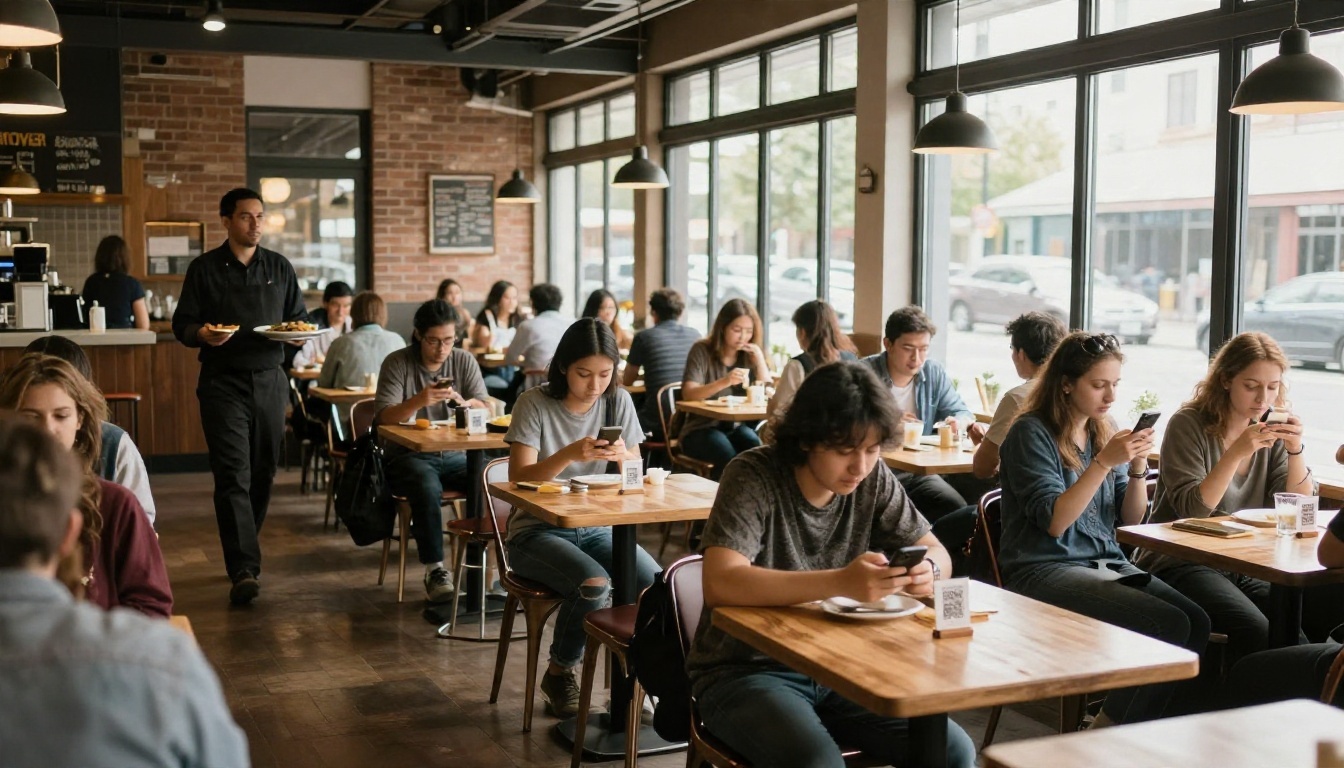
Table Tents, Coasters, and Stickers
| Placement | Visibility | Durability | Best use |
|---|
| Table tent (folded card) | High, at eye level when seated | Medium, wipe clean | Main dining room |
| Table sticker | Medium | High if laminated | Small tables and counters |
| Coaster | Medium | Low, gets wet | Bars and drinks menus |
| Window or door poster | High for passersby | High | Takeaway and walk-ins |
| Receipt or bag insert | Low | Single use | Delivery and repeat orders |
Size, Contrast, and Wording
Keep the code at least 3 cm wide for table use. Use dark code on a light background, with a quiet margin around it. Add one short line of instruction such as "Scan for menu," because some guests are still not sure what the square does.
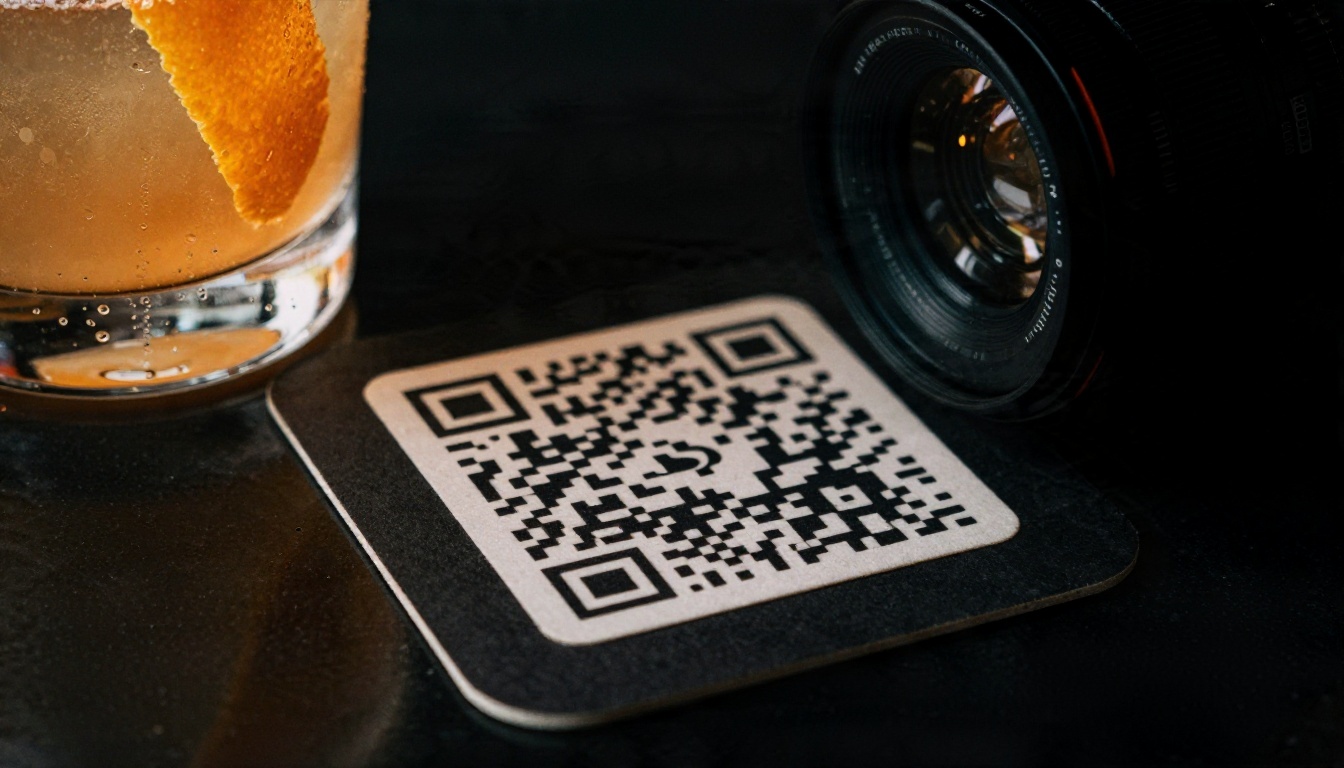
✅ Best practice: Test every printed card with at least two different phones, one older and one newer, before you place it on a table.
Bar and Counter Spots
Bars work differently. Guests lean on the counter and decide fast. A coaster or a small stand at the rail works better than a table tent, and a separate drinks flipbook keeps the page count short.
Mistakes That Cost You Diners
Most QR menu problems repeat across restaurants. Here are the ones that show up most:
- Linking to a PDF that downloads instead of opening. Guests on slow data see a spinner and leave.
- Printing the code too small or on a shiny surface.
- Using a short-lived link from a free service that expires after a trial.
- Forgetting to update. An outdated QR menu is worse than no menu, because guests order dishes you no longer serve.
- Not testing on Wi-Fi and mobile data. Your guests will use both.
Guests Without Phones
Some diners will not have a charged phone, and some simply prefer paper. Keep two or three printed menus at the host stand, or let staff open the menu on a tablet. A QR menu should widen access, not shut anyone out. Many places also keep a printed version for older guests and large groups.
Accessibility Matters
Use readable fonts, enough contrast, and clear section names. A menu that is easy to read for someone with weaker eyesight is easy for everyone, especially in dim, candlelit rooms.
Track Results After Launch
Putting up a QR code is not the finish line. Check whether it works the way you planned.
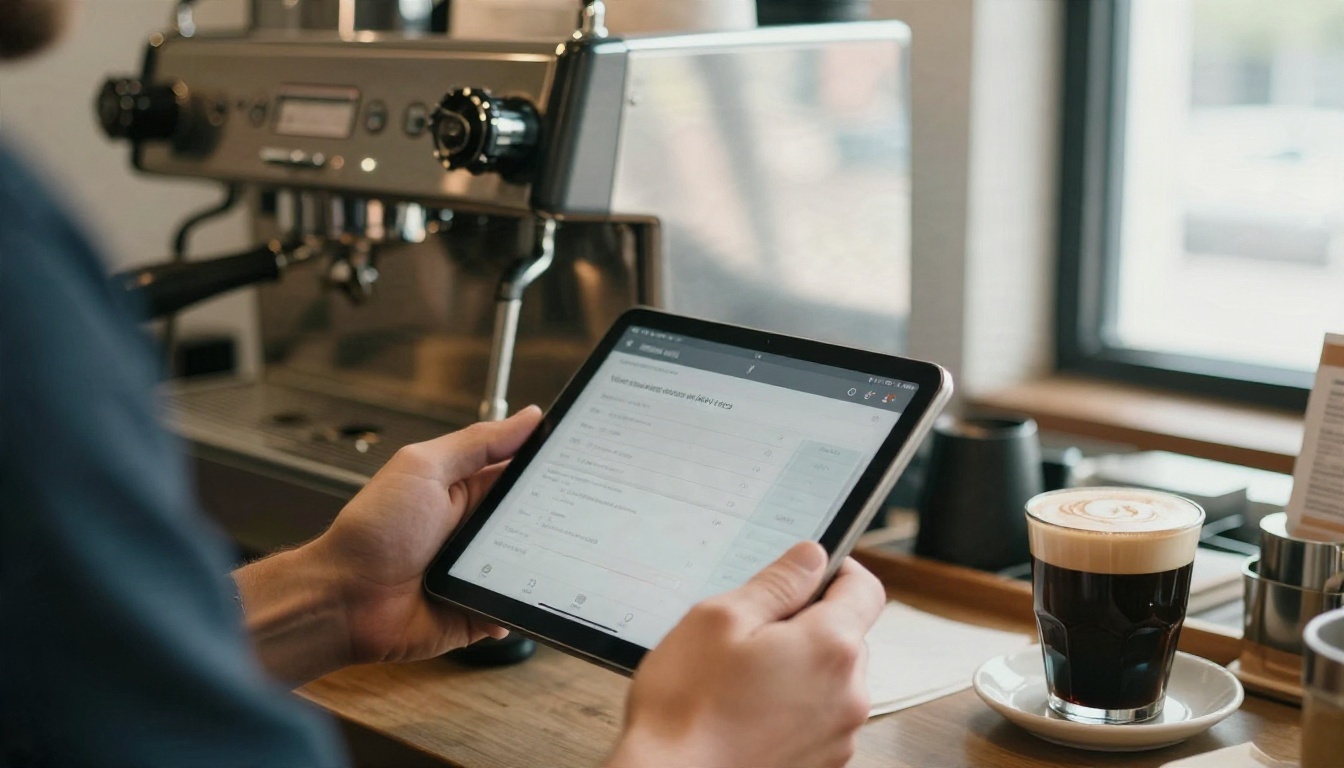
Numbers Worth Watching
- Menu views per day, compared with covers served.
- Busiest page, which shows what guests look at first.
- Time of day peaks, useful for planning specials.
- Device type, so you know if phones dominate.
With the Professional plan's analytics on Flipbooks AI, you can see these patterns without adding extra tools.
Ask Your Staff
Waiters hear the complaints first. A five-minute chat each week about "what do guests ask that the menu should answer" will improve your menu faster than any dashboard.
You do not need new hardware or a big budget. You need a clear menu PDF, a link you control, and a printed code guests can read. Start free, test with real tables, and keep the menu fresh.
Ready to publish? Create your account on Flipbooks AI, upload your PDF, and have a scannable menu before your next service. Browse the full list of flipbook tools for spa menus, price lists, and event programs, or use the Digital Price List Generator for drink and catering lists. When you are ready for analytics and lead capture, compare pricing plans and pick the one that fits your restaurant.



