Your menu is the one document every guest reads, and for most restaurants it is also the one document nobody can change quickly. A supplier raises the price of salmon on Tuesday, the printer needs three days, and by Friday you are either losing margin or crossing out numbers with a pen. A good menu management app fixes that problem at the root. You keep your PDF, replace it online, and every guest who scans your QR code sees the new version within seconds. Tools like Flipbooks AI turn that PDF into a page-turning digital menu that lives at one permanent link.
This article walks through how the whole workflow fits together: why printed menus drain budgets, what to look for in an app, how to update a PDF menu online without breaking links, which free options are genuinely useful, and how to set up QR code sharing that works on a real Saturday night.
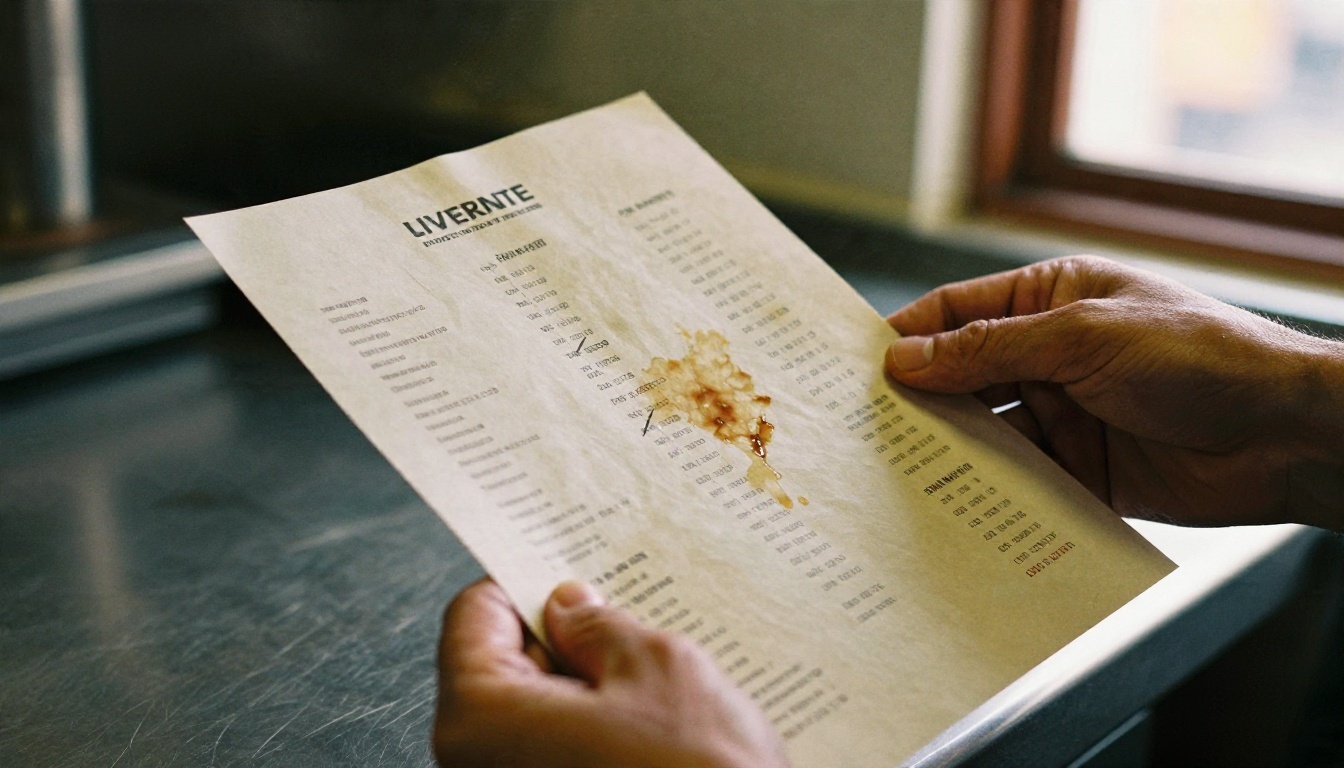
Every printed menu is out of date the moment you hand it to a guest. Specials sell out, seasonal dishes rotate, and ingredient costs move. Paper cannot keep up.
The Hidden Price of Reprints
The visible cost is the print bill. The hidden costs are bigger:
- Staff time spent cutting stickers, whiting out prices, or reprinting at the office.
- Wasted stock when a batch of 200 menus becomes obsolete after one dish is removed.
- Lost sales when a guest orders something you no longer serve.
- Awkward conversations when the bill does not match the printed price.
💡 Quick math: If you reprint four times a year at a modest cost per batch, plus the hours spent proofing and delivering files, a single menu can easily cost more than a year of a digital tool.
When Prices Change Weekly
Restaurants that buy fresh fish, local produce, or wine by the case rarely keep stable prices for long. Cafes change pastry lineups daily. Bars rotate cocktails by season. For these businesses the question is not whether to go digital, but how fast.
A menu management app is software that stores your menu in one place and publishes it to a link, a QR code, or your website. The best ones let you edit once and update everywhere. Some build menus from scratch using forms. Others, like the Restaurant Menu Creator, start from the PDF you already designed, which is usually faster and keeps your branding intact.
Features Worth Paying Attention To
Not every feature matters equally. Prioritize these:
- Replace without changing the link. The URL and QR code stay identical after an update.
- Mobile-responsive display. Most guests read menus on a phone with one thumb.
- No watermarks. A third-party logo on your menu looks cheap.
- Password or private links. Useful for tasting menus, events, and staff-only price lists.
- Analytics. Know which pages guests actually open.
- Embed support. Place the menu directly on your website.
PDF Based vs Form Based Apps
| Approach | Best For | Strength | Weakness |
|---|
| PDF based | Restaurants with a designed menu | Keeps your exact layout and fonts | Edit the source file before replacing |
| Form based | Brand new businesses | Edit prices inside the app | Limited design control |
| Website page | Teams with a web developer | Fully customizable | Slow to change, hard on mobile |
| Flipbook from PDF | Premium or multi-page menus | Page-turn feel, embeds, analytics | Needs a clean PDF export |
✅ Best practice: If you already have a designer-made PDF, a PDF based tool protects your look. The Menu Flipbook Designer is built for exactly that situation.
The process is simple once the app is set up. The important part is doing it the same way every time so nobody on the team makes a mistake during a rush.
Keep the Same Link Forever
The biggest mistake restaurants make is publishing a new link for every version. Your QR codes are already printed on tables, windows, and receipts. If the link changes, those codes break. Choose an app where the link stays fixed and the content behind it changes.
The Five Minute Update Routine
- Edit the source file. Open the original document in your design tool or word processor and change the dish, price, or section.
- Export a clean PDF. Use a high-quality export with embedded fonts. Keep the file size reasonable so it loads quickly on mobile data.
- Name the file with a date. For example, menu-2026-11-spring helps you track versions.
- Upload to your app. Replace the existing menu rather than creating a new one.
- Check on a phone. Open the link on your own device and flip through every page.
- Tell the team. A short message in the staff chat prevents confusion at service.
⚠️ Warning: Never test changes only on a desktop. Layouts that look perfect on a monitor can have unreadable text on a small phone screen.
Common Update Mistakes
| Mistake | What Happens | Fix |
|---|
| Creating a new link each time | Old QR codes show outdated menus | Replace the file, keep the link |
| Uploading a huge PDF | Menu loads slowly on mobile data | Compress images before export |
| Forgetting allergen notes | Legal and safety risk | Keep allergen text in the source template |
| Skipping the phone test | Tiny or cut-off text | Preview on two devices |
Free Options Worth Trying
You can absolutely start for free. Plenty of small restaurants do, and there is no shame in testing before spending anything.
What Free Plans Usually Include
Most free routes offer one of these:
- Cloud storage links. Upload a PDF, share a public link, generate a QR code. Simple, but the viewing experience is a basic file viewer.
- Free QR code generators. Fine for creating a code, but many free codes expire or add tracking redirects.
- Website builder pages. A free page with your menu embedded. Slow to edit and often carries the builder's branding.
- Free trials of flipbook platforms. You get the polished viewer and can judge it before committing. You can try it free and compare it with the other routes.
Where Free Plans Fall Short
| Free Route | Link Stays Stable | Mobile Friendly | Analytics | Branding Control |
|---|
| Cloud storage link | Usually | Basic | None | None |
| Free QR generator only | Depends on type | Not applicable | Rare | None |
| Free website builder page | Yes | Varies | Limited | Partial |
| Flipbook platform trial | Yes | Yes | On higher plans | Strong |
Free options break down in three situations: when the file viewer is clunky on phones, when a free QR code stops working after a trial period, and when you need to know whether anyone reads the menu at all. If any of those hurt, a paid plan is cheaper than the sales you lose. Compare the pricing plans to see where the upgrade makes sense.
💡 Pro tip: Before trusting any free QR service, scan a test code a week later. If it redirects through an ad page or stops working, replace it before printing anything.
QR Code Sharing That Works
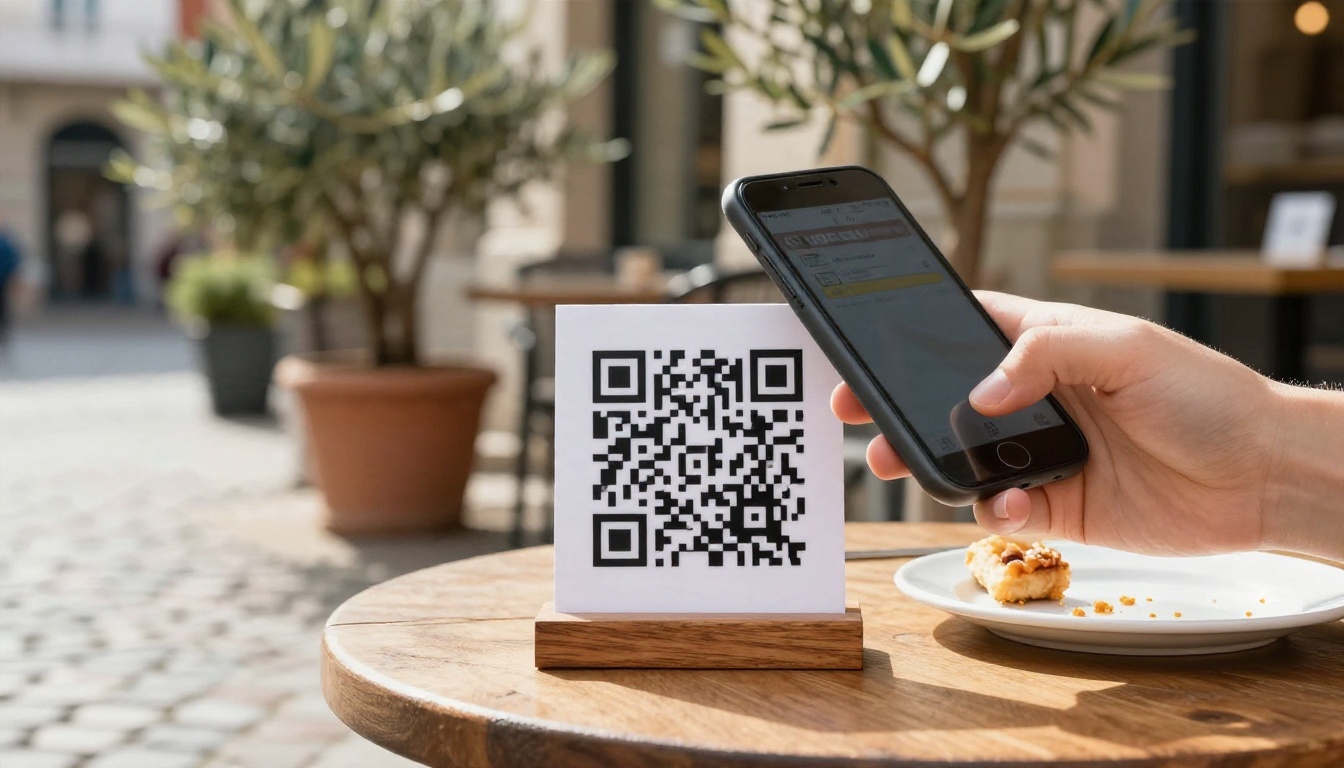
The QR code is the bridge between a physical table and your digital menu. Done well, nobody thinks about it. Done badly, guests squint at a tiny square and ask for a paper menu anyway.
Dynamic vs Static Codes
A static QR code stores the web address directly. If the address changes, the code is useless. A dynamic code points to a short redirect that you can change later. For restaurants, the safest setup is a static code that points to a link that never changes, which is what a replace-in-place app gives you.
| Type | Editable Later | Risk | Best Use |
|---|
| Static code, stable link | Content yes, destination no | Very low | Most restaurants |
| Dynamic code, third-party redirect | Yes | Breaks if service ends | Short campaigns |
| Static code, changing link | No | High | Avoid |
Placement Rules That Prevent Frustration
- Size: Print the code at least 2 by 2 centimeters, larger for window displays.
- Contrast: Dark code on a light background. Avoid glossy laminates that reflect light.
- Position: Put it at eye level for standing guests and flat on the table for seated ones.
- Instruction: Add one short line such as "Scan for menu" so nobody wonders what it is.
- Backup: Keep a few printed menus for guests who prefer paper. Accessibility matters.
✅ Best practice: Test every printed code with an older phone and a newer one, in dim light, before you order 50 table cards.
How to Build It With Flipbooks AI
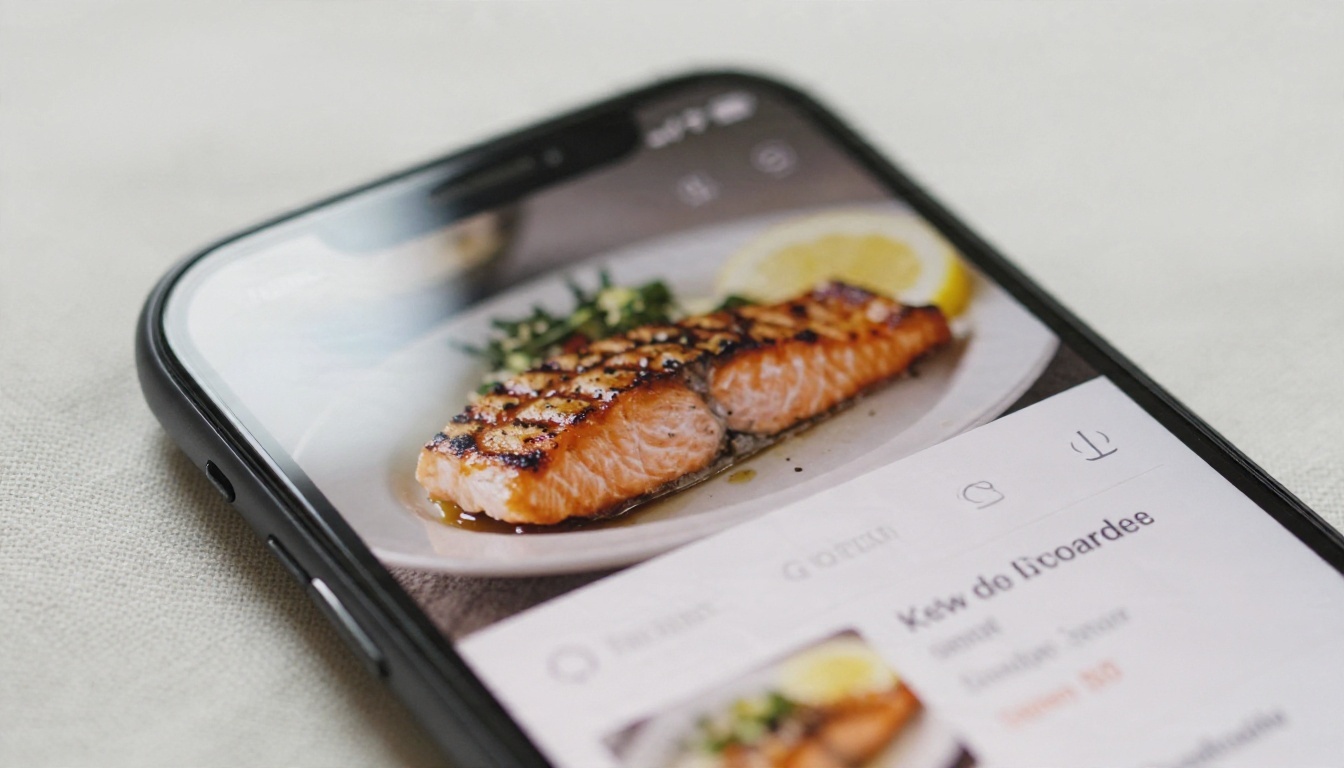
If you want a menu that feels like a real printed one but updates like a web page, a flipbook is a strong fit. Here is the full process using the PDF to Flipbook Converter on Flipbooks AI.
Step 1: Create Your Account and Upload
- Go to Flipbooks AI and create an account.
- Click to create a new flipbook and select your menu PDF.
- Wait a few seconds while the PDF converts into pages. A typical menu of four to twelve pages finishes quickly.
- Check that every page appears in the correct order.
Step 2: Customize the Look
The editor lets you match the digital menu to your restaurant's identity:
- Custom branding: add your logo and choose background colors that match your dining room.
- Page effects: choose a realistic page flip or a simple slide, whichever suits your style.
- Multimedia: embed a short video of your open kitchen or audio of live music nights.
- No watermarks: your menu carries your brand only, never ours.
Step 3: Share in Every Direction
Once the flipbook is ready you can distribute it in several ways:
| Sharing Method | Where to Use It |
|---|
| Direct link | Social media bio, Google Business profile, email |
| QR code | Table cards, windows, receipts, posters |
| Embed code | Your own website via the Embed Flipbook on Website tool |
| Password protection | Private event menus, wine pairing dinners, staff price lists |
| Offline download | Guests with weak signal, or catering clients who want a file |
Step 4: Update Whenever You Need
When the menu changes, open the existing flipbook, replace the PDF, and save. The link and QR code stay the same, so every printed card on every table now points to the new version. Your Professional plan adds analytics and lead generation, so you can see which pages get attention and collect emails from guests who want to hear about specials. See the pricing page for plan details, including unlimited flipbooks on the Standard plan and above.
💡 Pro tip: Keep a second flipbook for your private events menu and protect it with a password. Send the link to clients only.
Theory is useful, but let's look at how different venues use the same idea. For more specialized layouts, browse all flipbook tools.
A Cocktail Bar With Seasonal Drinks
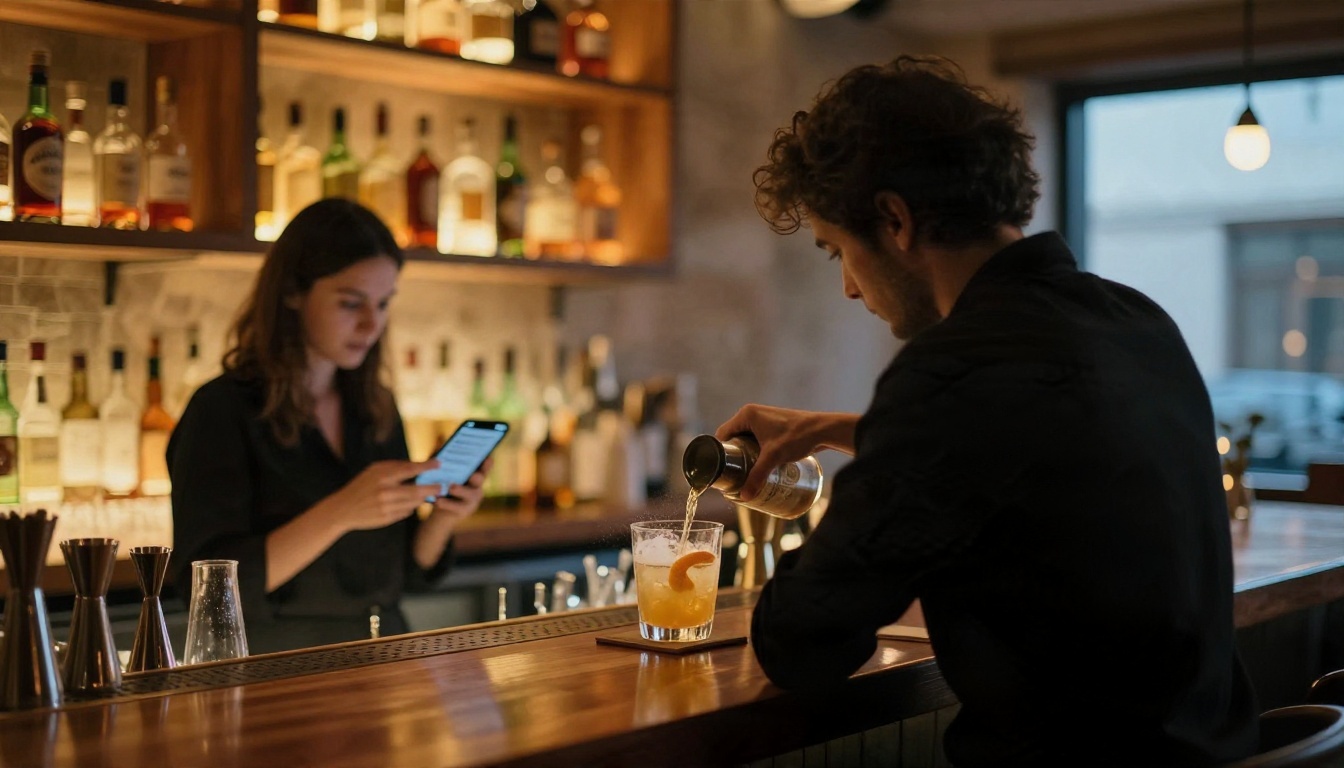
A bar that rotates cocktails every season used to reprint menus four times a year. Now the owner updates the PDF the afternoon before a new menu launches, replaces it online, and the QR codes on the bar top show the new list at opening. Guests also see the real cocktail photos in the digital version, which paper menus rarely afford.
A Family Pizzeria on a Tight Budget
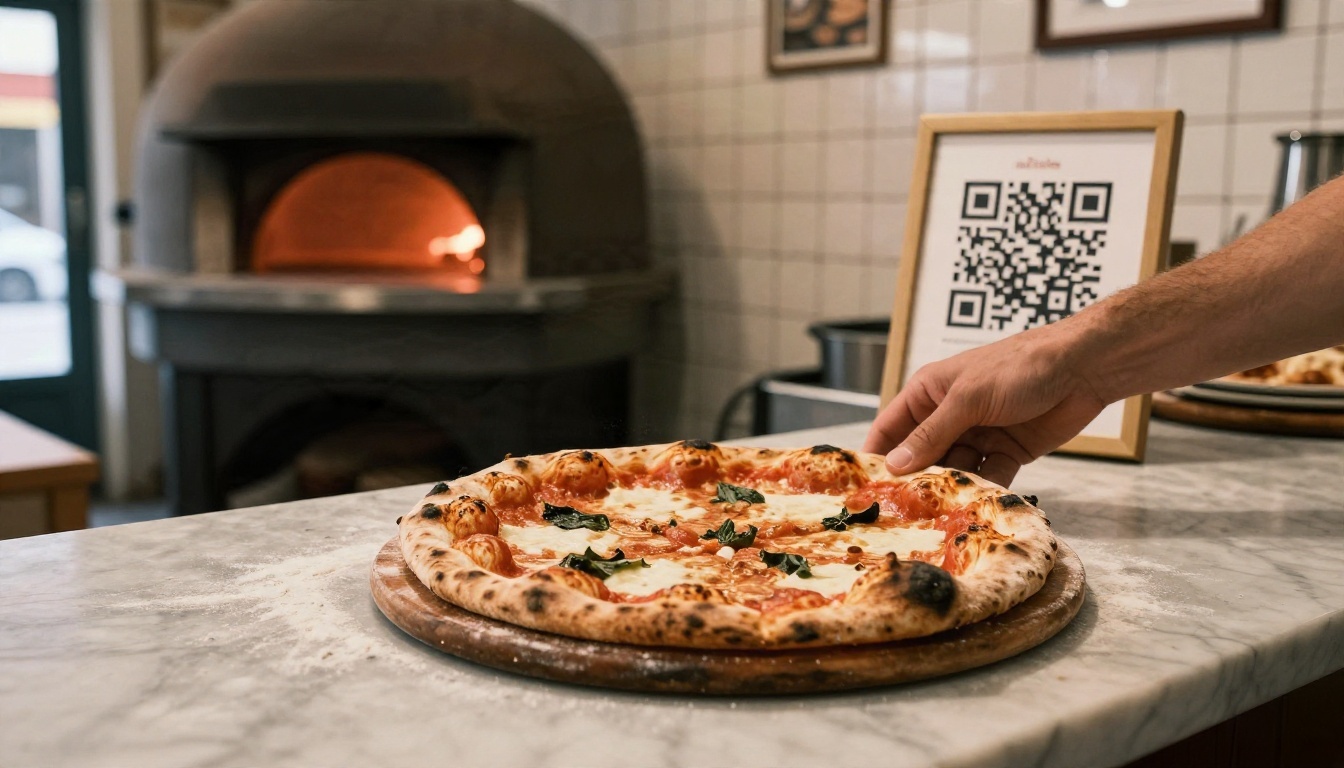
A small pizzeria starts with a free cloud storage link and a basic QR code. It works for two months. Then the owner realizes the file viewer is awkward on phones and asks for a better experience. Moving the same PDF into a flipbook takes ten minutes, and the QR codes get reprinted once, with a link that will not change again.
A Restaurant With a Trained Team
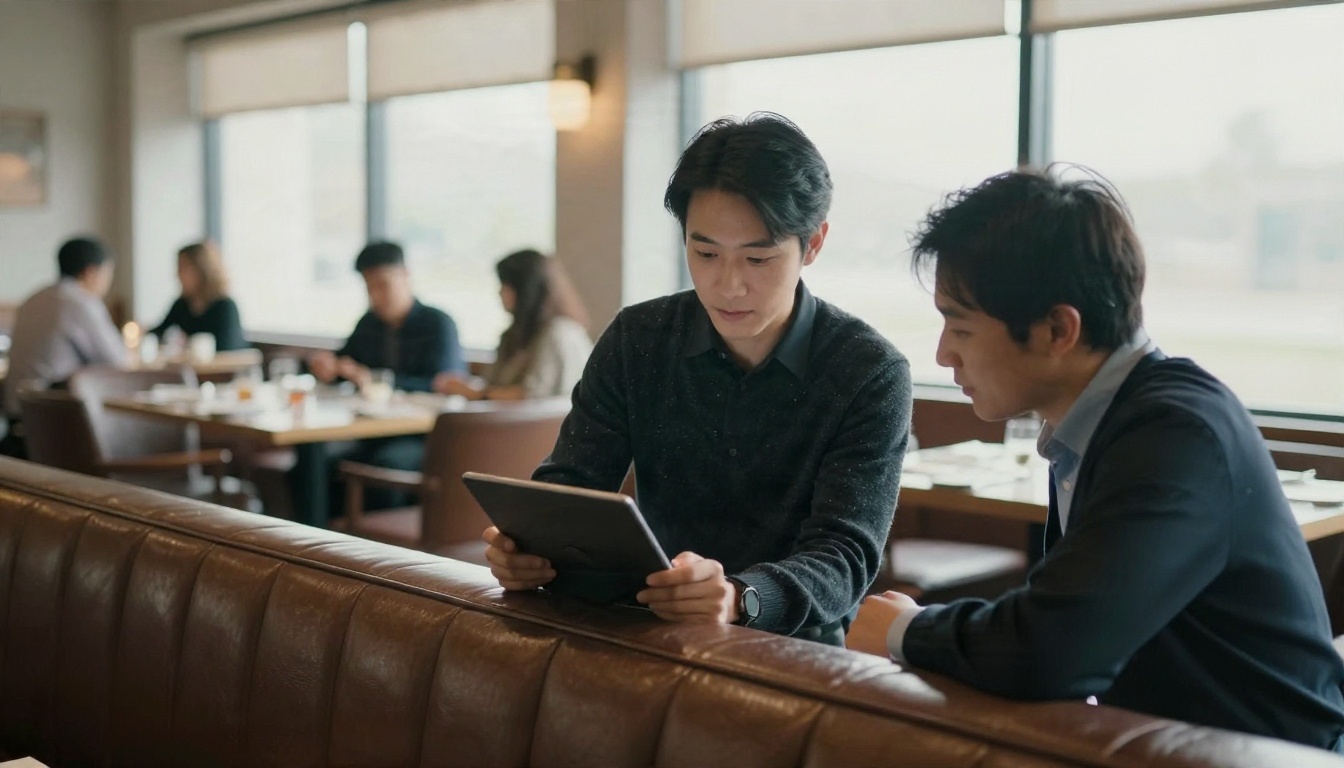
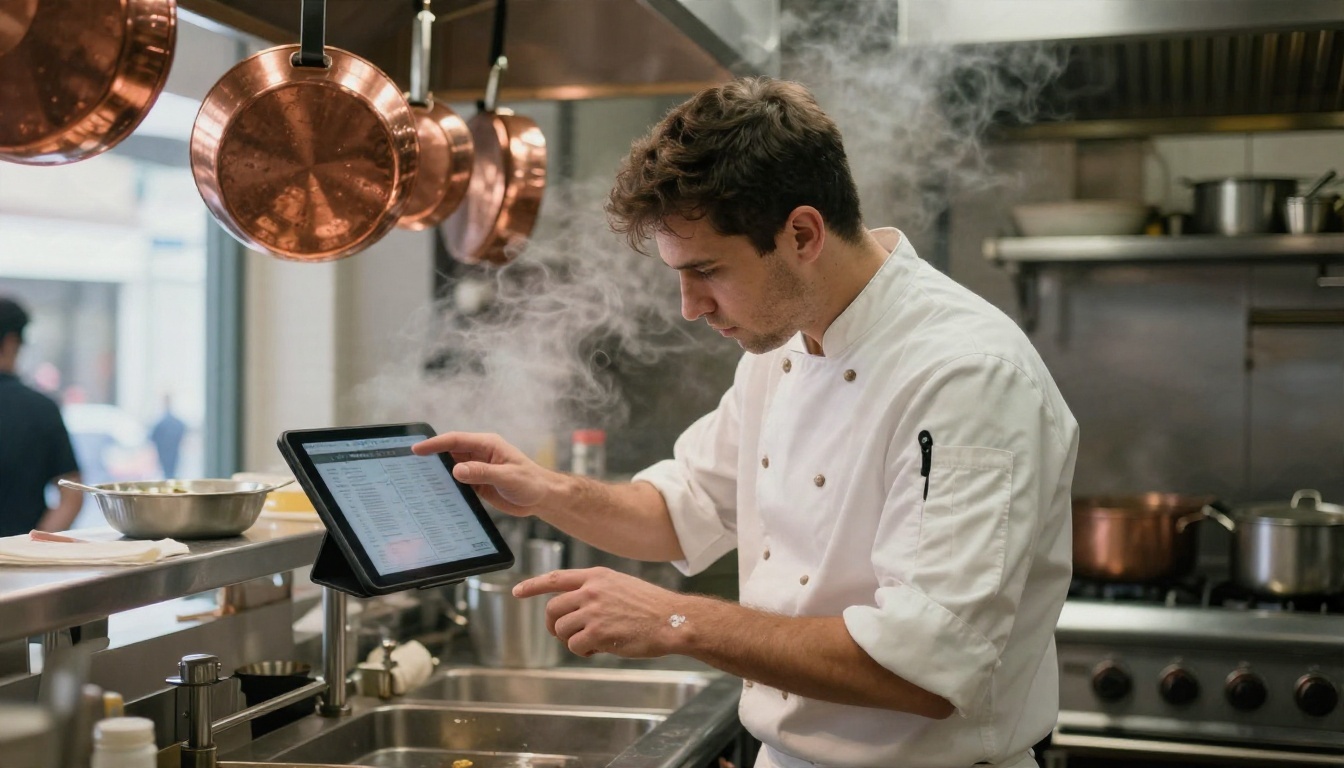
Digital menus help staff too. Before opening, managers can walk the team through the day's changes on a tablet. Waiters see exactly what guests see, so there are no surprises when someone asks about a dish. If you offer spa treatments or wellness packages alongside dining, the Spa and Wellness Menu tool works the same way.
Use Cases at a Glance
| Venue Type | Update Frequency | Recommended Setup |
|---|
| Cafe | Daily or weekly | Flipbook with QR on counter and tables |
| Bistro | Weekly or seasonal | Flipbook plus website embed |
| Bar | Seasonal | Flipbook with cocktail photos |
| Hotel restaurant | Monthly | Password protected flipbook for room service |
| Food truck | Daily | Direct link in social bio plus QR on the window |
| Catering company | Per event | Private flipbook with a password per client |
A Simple Checklist Before You Publish
Run through this list every time you change the menu:
- Prices match your point of sale system.
- Allergen and dietary notes are present and accurate.
- Every page is readable on a small phone screen.
- The QR code opens the right link.
- The link works on mobile data, not only on Wi-Fi.
- Staff know what changed.
- You have a few paper copies for guests who want them.
The honest answer to "do I need a menu management app?" depends on how often your menu changes. If it changes once a year, paper is fine. If it changes monthly or faster, you are paying a hidden tax on every edit. Start with the PDF you already have, replace it online whenever you need to, and let one QR code do the rest.
Ready to publish your first digital menu? Get started for free on Flipbooks AI, try the Restaurant Menu Creator, or compare pricing plans to choose what fits your venue. Browse all available tools and templates and give every guest a menu that is always up to date.



