A guest sits down, opens the menu, and decides in about two minutes. Words alone rarely win that race. A good menu template with pictures shows the dish before the guest has to imagine it, and that is often what turns "maybe the soup" into "the short rib, please." In this article you will find free layout structures, real examples by restaurant type, photo tips, and a practical way to publish your menu online with Flipbooks AI, so guests can open it from a link or a QR code on any phone.
Whether you run a corner cafe or a 60-seat dining room, the same rules apply: clear hierarchy, honest photos, and a format that is easy to update. Let's build it step by step.
Why Pictures Sell Dishes
Food is visual. People judge portion size, color, and freshness in a glance, and a photo answers all three questions at once. Text can only describe; a picture proves.
What Photos Actually Do
- Reduce hesitation. Guests who see the dish ask the server fewer questions and choose faster.
- Raise the profile of high-margin items. A photographed dish gets noticed first, so you can steer attention toward the plates you most want to sell.
- Help tourists and non-native readers. When the language is unfamiliar, a picture removes the guesswork.
- Set the tone. Rustic wooden boards say one thing, crisp white porcelain says another.
The Risk of Too Many Photos
More is not always better. A page crowded with thumbnails looks like a delivery app, and it can cheapen a place that wants to feel upscale. As a rule of thumb, photograph the dishes you are proud of and the ones that need explanation, then let the rest breathe as text.
💡 Pro tip: Aim for photos on roughly 20 to 40 percent of your items. Signature dishes, desserts, and cocktails usually earn the most from a picture.
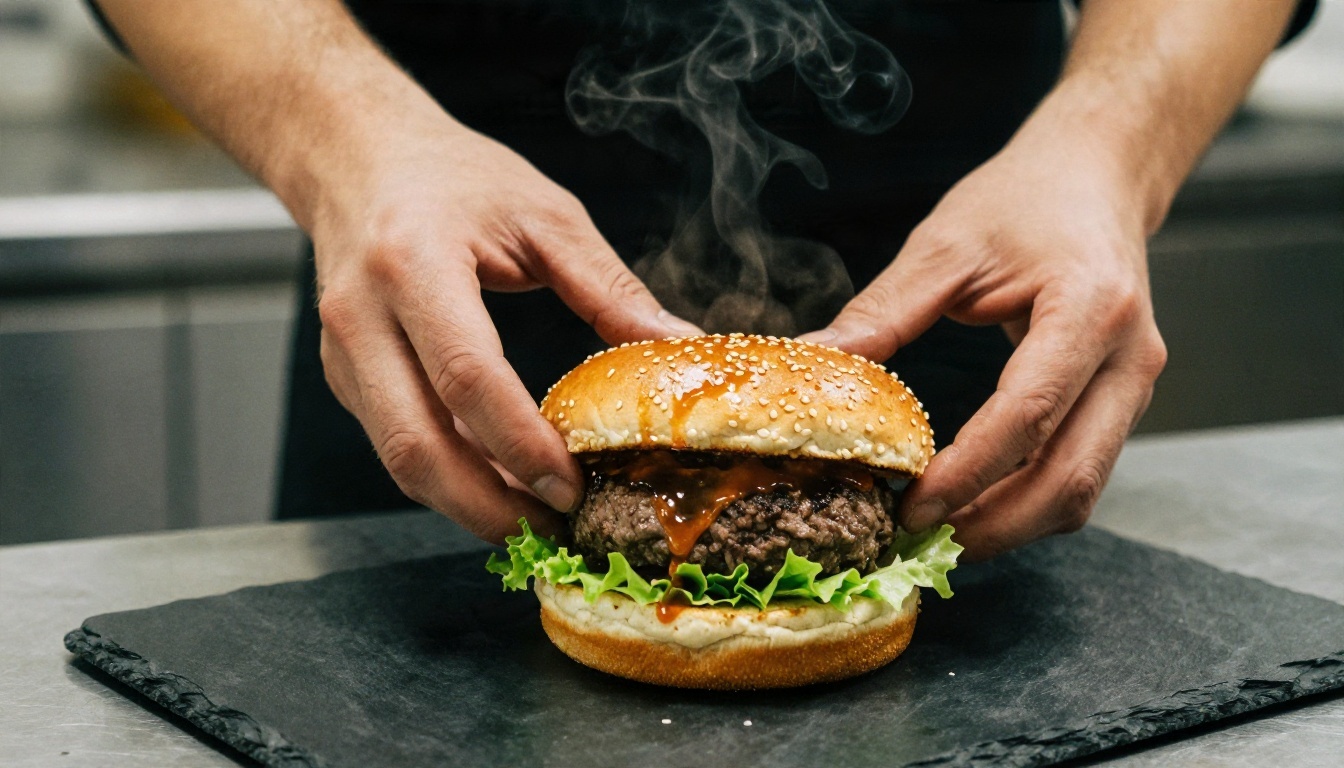
You do not need a designer to get a solid result. Most successful picture menus follow one of a handful of structures. Start from the one that fits your concept, then adjust the colors and fonts to match your brand.
Single Page Photo Menu
Ideal for food trucks, bakeries, and small cafes with fewer than 20 items. One large hero photo sits at the top or left, and the items run in two columns with prices aligned on the right. Fast to read, cheap to print, and perfect for a QR code on the counter.
Bi-Fold Menu with a Hero Dish
The inside spread holds the full list, while the front shows a single strong image. This layout suits bistros and casual dinner spots. The hero dish becomes the face of your restaurant, so choose carefully.
Grid Menu for Casual Spots
Pizzerias, burger places, and fast casual kitchens do well with a grid: each tile has a photo, a name, a short line of description, and a price. It is easy to scan, and it works especially well on mobile screens.
Tasting Menu with One Photo per Course
Fine dining benefits from restraint. One full-bleed photo per course, generous white space, and a short description in an elegant serif type. Guests savor the sequence the way they would at the table.
Layout Comparison
| Layout | Best for | Items | Photo count | Mobile friendly |
|---|
| Single page | Cafes, food trucks | 10 to 20 | 1 to 3 | Excellent |
| Bi-fold | Bistros, family restaurants | 20 to 40 | 4 to 8 | Good |
| Grid | Pizzerias, burger bars | 15 to 50 | 10 to 25 | Excellent |
| Multi-page booklet | Large restaurants, hotels | 40 to 100 | 8 to 20 | Good as a flipbook |
| Tasting menu | Fine dining | 5 to 12 courses | 5 to 12 | Good |
✅ Best practice: Keep your price column aligned and free of dotted leaders and currency symbols where possible. Research on menu psychology repeatedly points to cleaner price presentation as a quiet way to avoid price-first ordering.
Real Examples by Restaurant Type
Seeing how others structure a menu is the fastest way to find your own. Here are three scenarios that show how the same template idea adapts.
A Neighborhood Cafe
A cafe with 14 items uses a single page layout. The top third shows a latte and a croissant in morning light. Below, the drinks sit in the left column and the food in the right. Prices are bold, descriptions are one line. The owner prints a small version for tables and shares the same file online through a QR code by the register.
A Pizzeria with 30 Items
The pizzeria chooses a grid. Each pizza gets a top-down photo with a consistent white plate background, which keeps the page tidy even though every pie looks different. Extras like sides and drinks stay text only, so the pizzas remain the stars.
A Fine Dining Room
A tasting menu uses a multi-page booklet. Each page carries one course, one photo, and the wine pairing in italics. The booklet is turned into a flip-style digital menu that guests can open from their phone while they wait for the table, which sets the mood before they even arrive.
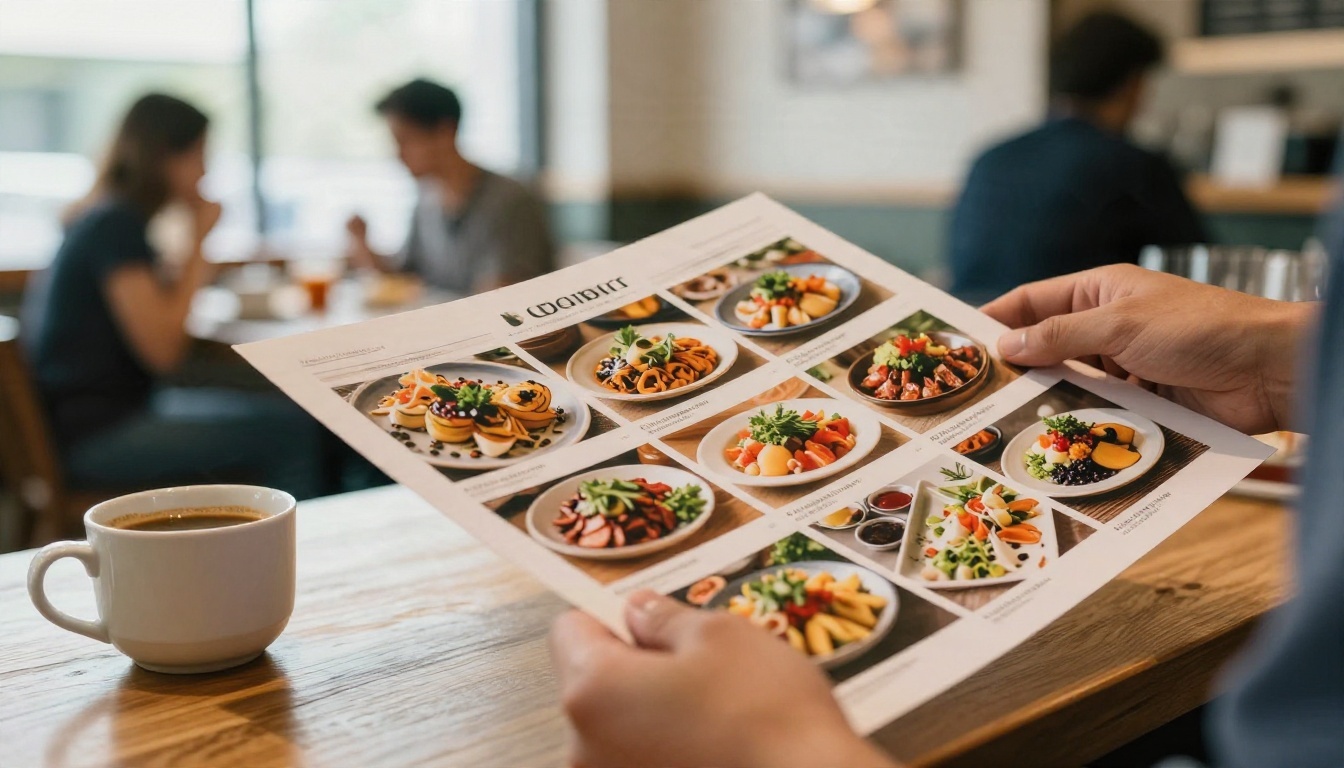
Which Style Should You Pick?
| Restaurant type | Recommended layout | Photo style | Typical format |
|---|
| Cafe or bakery | Single page | Bright, natural light | PDF plus QR code |
| Pizzeria or burger bar | Grid | Top-down, consistent background | Online flipbook, mobile first |
| Family restaurant | Bi-fold | Warm, close-up | Printed and digital |
| Fine dining | Tasting booklet | Moody, minimal | Flipbook with password option |
| Hotel restaurant | Multi-page booklet | Editorial | Flipbook embedded on website |
Shooting Photos That Sell
A great template cannot rescue a dull photo. You do not need a studio, but you do need a plan.
Use Window Light
Place the plate near a window and turn off the overhead lights. Soft side light shows texture on bread crusts, sauces, and greens. Harsh flash flattens everything and makes food look greasy.
Choose the Right Angle
- Top-down (90 degrees): pizzas, bowls, spreads, flat breads.
- 45 degrees: most plated dishes, pasta, salads, mains.
- Straight-on (low angle): burgers, stacked pancakes, layered desserts, drinks.
Keep Everything Consistent
Use the same plates, same backdrop, and the same light direction across the menu. Consistency makes an average phone shoot look like a professional one.
⚠️ Warning: Never use stock photos that do not match your real plating. Guests notice, and a mismatch between photo and plate leads to complaints and bad reviews.
| Photo setting | Beginner choice | Pro choice |
|---|
| Camera | Recent smartphone | Mirrorless with 50mm lens |
| Light | Window, side-lit | Window plus a white reflector |
| Background | Wooden board or plain wall | Textured surface matched to brand |
| Editing | Light brightness and warmth | Consistent color profile |
| File size | Under 2 MB per image | Optimized to keep the PDF light |
A printed menu is easy to spill coffee on and expensive to reprint every time a price changes. An online flipbook solves both problems. Guests flip through realistic pages on their phones, and you update the file whenever you need to. Here is the process.
Start Here
Head to Flipbooks AI and create an account. For menus, the dedicated Restaurant Menu Creator and the Menu Flipbook Designer are good entry points. If you run a spa or wellness venue, there is also a Spa and Wellness Menu option.
Upload Your PDF
- Design your menu in the layout of your choice, using any editor you like, and export it as a PDF.
- Open the PDF to Flipbook Converter and upload the file.
- Wait a few seconds while each page is converted into a turnable flipbook page.
- Preview the result on both desktop and phone.
💡 Pro tip: Export at screen resolution rather than print resolution. Pages will load faster for guests on mobile data, and the photos still look crisp.
Customize the Look
- Custom branding: add your logo and choose colors that match your signage.
- Page effects: pick the page-turn style and background that match your concept, such as a dark wood tone for a steakhouse or a bright neutral for a cafe.
- Multimedia: embed a short video of your open kitchen or an audio loop of your dining room playlist.
- Mobile-responsive design: the flipbook adapts to phones, tablets, and desktops automatically.
And yes, there are no watermarks, ever, so your menu looks like yours and nobody else's.
Pro Tools: Analytics and Leads
On the Professional plan, you can see which pages guests open most, how long they stay, and where they drop off. You can also add lead generation, for example to collect email addresses in exchange for a birthday dessert offer. See the pricing plans for the full list. Offline downloads are available too, which helps when the guest is sitting in a cellar dining room with poor signal.
| Feature | Why a restaurant cares |
|---|
| Unlimited flipbooks (Standard plan and above) | Separate menus for lunch, dinner, brunch, drinks, and kids |
| Password protection | Private event menus and tasting menus for invited guests |
| Analytics (Professional) | See which pages and dishes get attention |
| Lead generation (Professional) | Grow a mailing list for specials and events |
| Offline downloads | Guests can open the menu without a connection |
| Embedded video and audio | Show the kitchen, the chef, the atmosphere |
Online Sharing Options
A menu only works if guests can find it. Fortunately, a flipbook gives you several ways to deliver it.
Direct Link
Every flipbook gets its own URL. Put it in your Instagram bio, your Google Business profile, your WhatsApp Business catalog, and your email signature. When the menu changes, the link stays the same.
QR Code on the Table
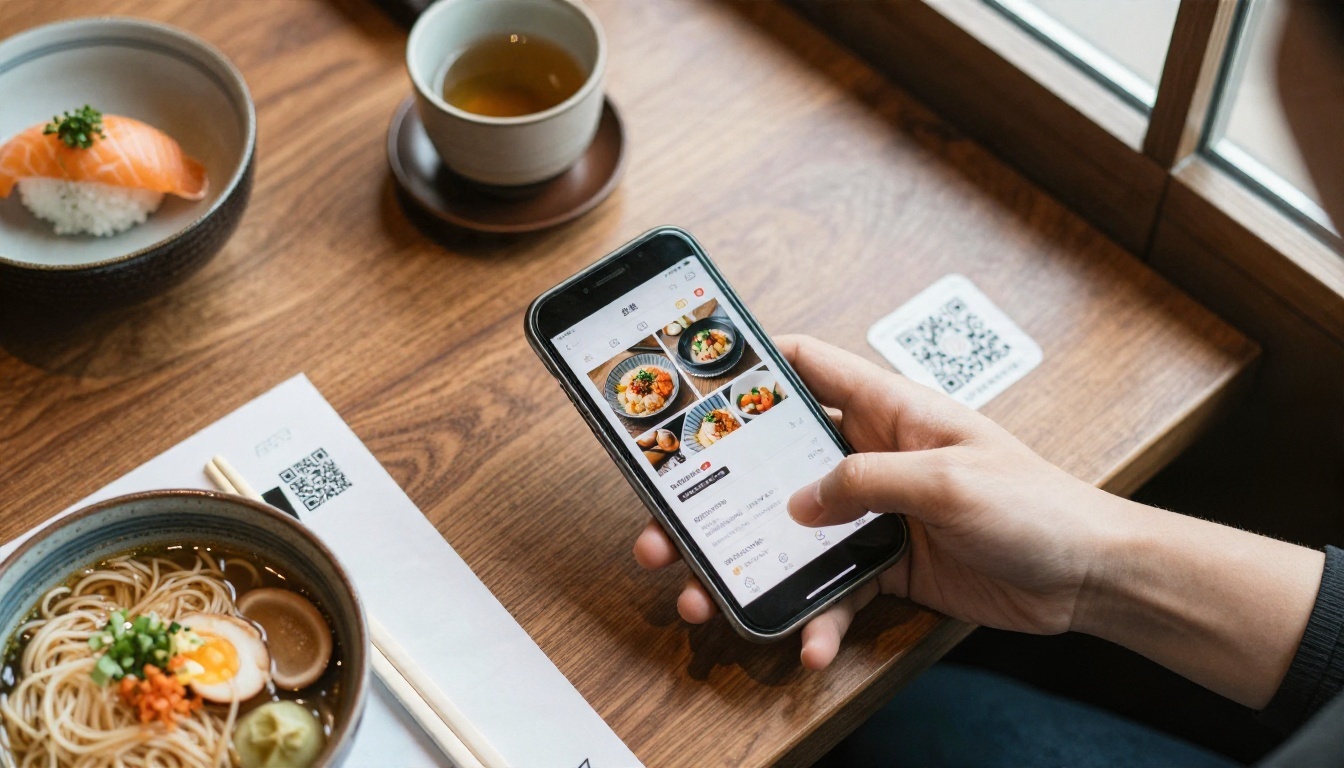
Print a small QR code on a table card, a sticker, or a coaster. Guests scan, the flipbook opens, and nobody has to download an app. Place one near the entrance too, so people can browse the menu before they sit down.
Embed on Your Website
Use the Embed Flipbook on Website tool to paste a short code snippet into your site. The menu then lives right on your page, which is good for visitors and also for search, since people who find a menu with pictures tend to stay longer.
Password Protection
For private dining, weddings, or corporate events, add a password so only invited guests can open the menu. You can change it any time.
| Sharing method | Setup time | Best use | Works offline |
|---|
| Direct link | 1 minute | Social media, messages, email | No |
| QR code | 5 minutes | Tables, windows, flyers | No |
| Website embed | 5 to 10 minutes | Restaurant website | No |
| Password-protected link | 2 minutes | Events, private dining | No |
| Offline download | 1 minute | Low-signal venues | Yes |
If you manage a price list for catering or takeaway, the Digital Price List Generator works in a similar way, and you can browse all the flipbook tools if you also publish recipe books or event programs.
Mistakes to Avoid
Even a good template can go wrong. These are the errors we see most often.
Low-Quality or Dark Photos
A blurry image is worse than no image. If a dish does not photograph well, leave it as text.
Tiny Text on a Phone
Test on a small screen. If you have to pinch and zoom to read a price, the font is too small. Aim for body text that stays readable at phone width.
Forgetting Allergens
Add simple icons or short tags for vegetarian, vegan, gluten free, and common allergens. It builds trust and saves your staff from answering the same question twenty times a night.
Never Updating the File
A menu with outdated prices or sold-out dishes frustrates guests. Because the link stays the same, you can replace the PDF in a minute and every QR code on every table shows the new version.
Quick Checklist Before You Publish
- ✅ Every photo shows the real dish
- ✅ Prices are aligned and current
- ✅ Allergen labels are present
- ✅ The flipbook loads fast on mobile data
- ✅ The QR code is tested from several distances
- ✅ A password is set for private menus
A strong picture menu is not about fancy design. It is about clear structure, honest photography, and a format that is easy to share and easy to change. Choose a layout from the list above, shoot your best dishes in window light, and export a PDF.
Then create your account on Flipbooks AI, upload the file, and turn it into a flipbook that opens on any phone. Browse the full set of tools and templates to find the right fit, compare pricing plans to see which features suit your restaurant, or go straight to get started for free and have your first menu online today.



