Your menu is the most-read document in your restaurant, and it is probably the one you update the least. Prices shift, a supplier drops an ingredient, the summer special becomes the autumn special, and suddenly you are fighting a design file at 11 p.m. A good menu templates app fixes that. You pick a layout, change the text, export a PDF, and share it as a page-turning flipbook that works on any phone. Tools like Flipbooks AI were built for exactly this workflow, and you can start with a free option before spending anything.
This article walks through what to expect from a menu design app, which free options are worth your time, how editable layouts actually work, what to check before PDF export, and how flipbook sharing replaces the stack of laminated sheets by the door.
A menu templates app is software that gives you pre-built page designs for food and drink menus. You swap in your own dishes, prices, photos and colors instead of building a design from zero. Most apps run in the browser, so there is nothing to install.
The better ones add three things on top of the templates themselves:
- An editable layout you can adjust without design skills
- PDF export for printing and archiving
- Online sharing, ideally as a flipbook or a link with a QR code
Templates vs. a Blank Canvas
A blank canvas gives you freedom, but it also gives you every decision: margins, type scale, column widths, how to align a price with a dish name. A template makes those calls for you. You spend your time on the food, not on kerning.
💡 Pro tip: Start with a template that already has the same number of sections as your menu. Moving content into an existing structure is faster than bending a layout to fit.
Who Gets the Most Out of It
| Business type | Typical menu need | What matters most |
|---|
| Independent restaurant | Seasonal dinner menu, 1 to 3 pages | Fast price edits, print-ready PDF |
| Cafe or bakery | Short daily menu, often with photos | Mobile view, QR code at the counter |
| Bar or cocktail lounge | Drinks list that changes weekly | Easy duplication of last week's file |
| Food truck | One compact page | Large type, bright contrast |
| Caterer | Multi-page event packages | Branded cover, password protection |
| Spa or wellness studio | Treatment and price list | Clean look, spa and wellness menu layout |
Free Options That Actually Work
"Free" covers a wide range of offers, so read the fine print before you build anything. Some free plans are generous. Others let you design a menu and then lock the export behind a payment screen.
What Free Plans Usually Include
Here is a realistic picture of what most free tiers offer, and what tends to be held back:
| Feature | Typically free | Typically paid |
|---|
| Template library | A limited starter set | Full catalog and new releases |
| Basic editing | Text, colors, fonts | Custom fonts, brand kits |
| PDF export | Often allowed | Sometimes watermarked on free |
| Online sharing | Public link | Password protection, custom domain |
| Analytics | Rarely | Views, time per page, leads |
| Number of menus | A small cap | Unlimited |
The watermark is the detail that catches people. A menu with a stamped logo across the corner looks unfinished on a table. On Flipbooks AI, the promise is simple: no watermarks, ever. You can check current plan details on the pricing page.
Where Free Plans Fall Short
Free tiers tend to break down in four spots:
- Menu count. One menu is fine until you need a lunch menu, a drinks list and a kids' page.
- Brand control. You cannot remove the provider's branding or use your own colors.
- Sharing limits. Links may expire, or the page may show ads next to your dishes.
- No stats. You never learn which pages guests actually open.
⚠️ Warning: Never print 500 copies of a menu before you have exported a test PDF and checked it at full size. Some free exports downgrade image quality.
Editable Layouts Worth Having
An editable layout is only useful if editing is quick. If changing one price takes five clicks and a re-export, you will stop updating your menu. Look for a drag-and-drop editor where text boxes, images and dividers behave the way you expect.
Grid, Columns and Spacing
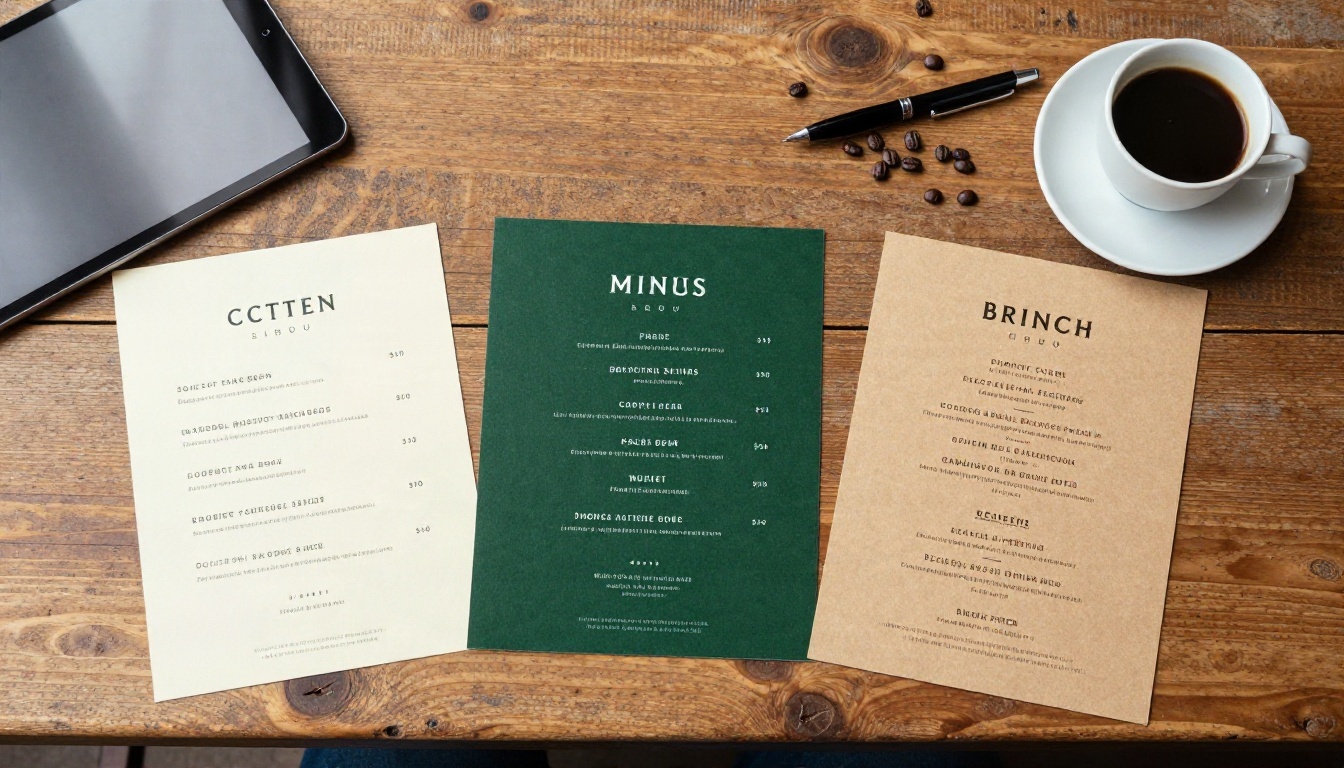
Good restaurant menu templates are built on a grid. Two columns suit a long list of mains. One wide column suits a short tasting menu. A three-block layout works for breakfast, lunch and drinks on a single sheet.
Check these points when you test an editor:
- Can you add or delete a section without breaking the page?
- Does text reflow when a dish name gets longer?
- Can you duplicate a page to build a seasonal variation?
- Are prices aligned automatically, or do you nudge them by hand?
Fonts, Color and Photos
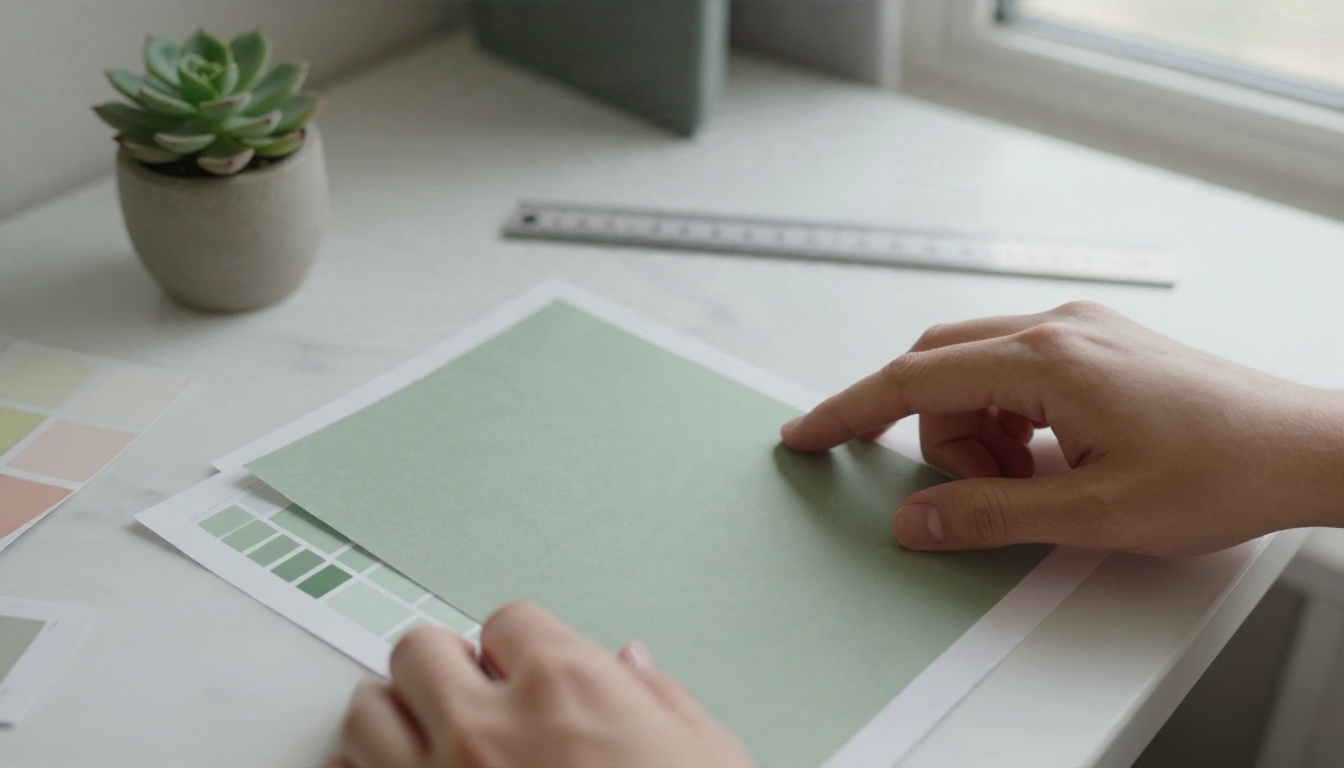
Typography does more work than people think. A serif heading with a clean sans-serif body feels like a bistro. A rounded sans feels like a cafe. Stick to two typefaces and one accent color pulled from your sign or your interior.
For photos, use fewer and larger rather than many and small. One strong shot of your signature dish beats twelve thumbnails. Guests also read photos faster than descriptions, so place images beside your highest-margin items.
✅ Best practice: Keep descriptions to one line. If a dish needs three lines of explanation, the server can tell that story at the table.
PDF Export Done Right
PDF is still the format that every printer, email client and phone understands. It keeps fonts and spacing locked, so your menu looks the same on a print shop's machine as it did on your screen.
Print-Ready Settings
Not every PDF is ready for print. Here is what to check before you send a file to a printer:
| Setting | Screen use | Print use |
|---|
| Resolution | 72 to 150 DPI | 300 DPI |
| Color mode | RGB | CMYK if the printer asks for it |
| Bleed | Not needed | 3 mm around the edges |
| Page size | Any | Match the paper: A4, Letter, A5 |
| File size | Small for email | Larger is fine |
Ask your printer what they need before you design. A quick message saves a reprint.
Why a PDF Alone Falls Short
A PDF is a static file. Guests have to download it, pinch and zoom, and scroll through a page that was designed for paper. Updating it means re-sending a new file and hoping nobody opens the old one saved in their email.
That is where flipbook sharing comes in. You keep the PDF for print, and you also publish the same pages as an interactive flipbook that updates in one place.
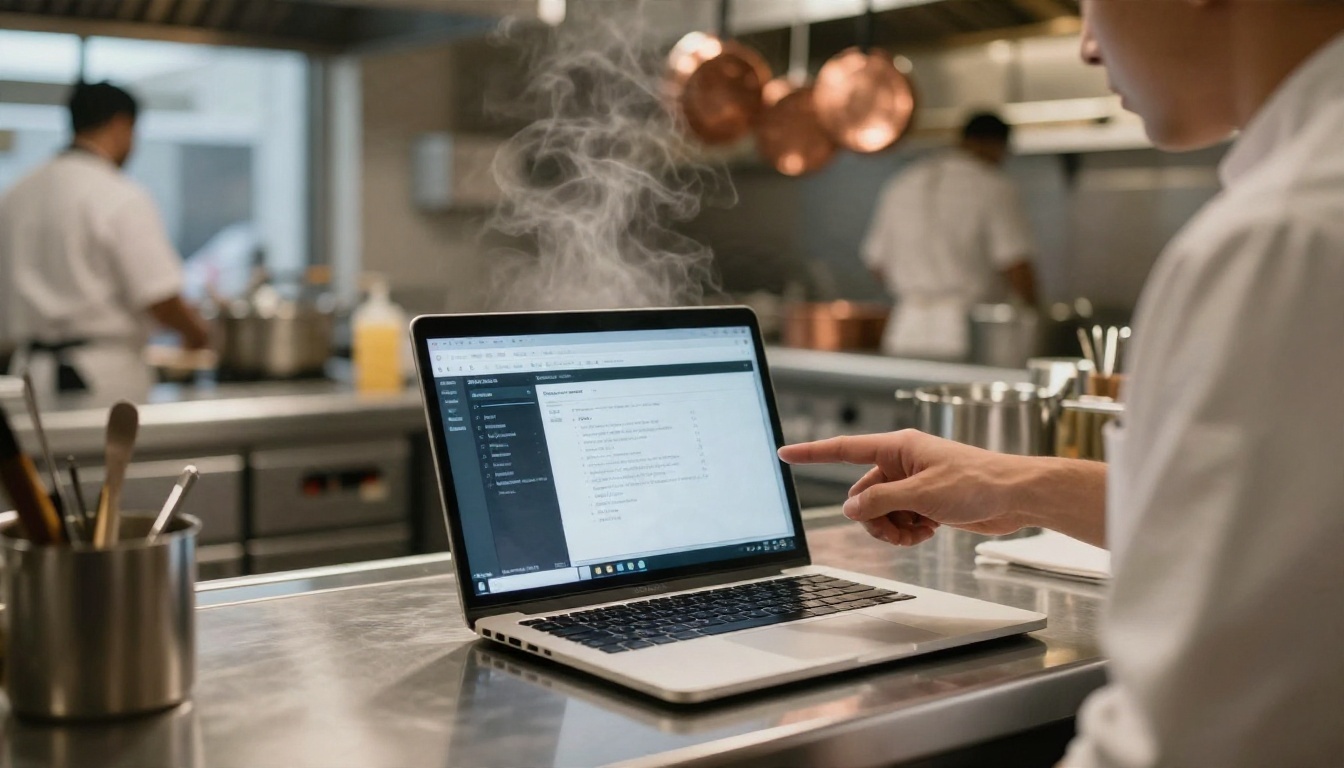
A flipbook turns your menu into a digital booklet with realistic page turns. Guests tap or swipe through it on a phone, and it adapts to the screen size. Because the mobile-responsive design is built in, you do not need a separate mobile version.
Links, QR Codes and Embeds
You have three main ways to put the menu in front of guests:
- Direct link: Paste it in your Instagram bio, Google Business profile, or WhatsApp replies.
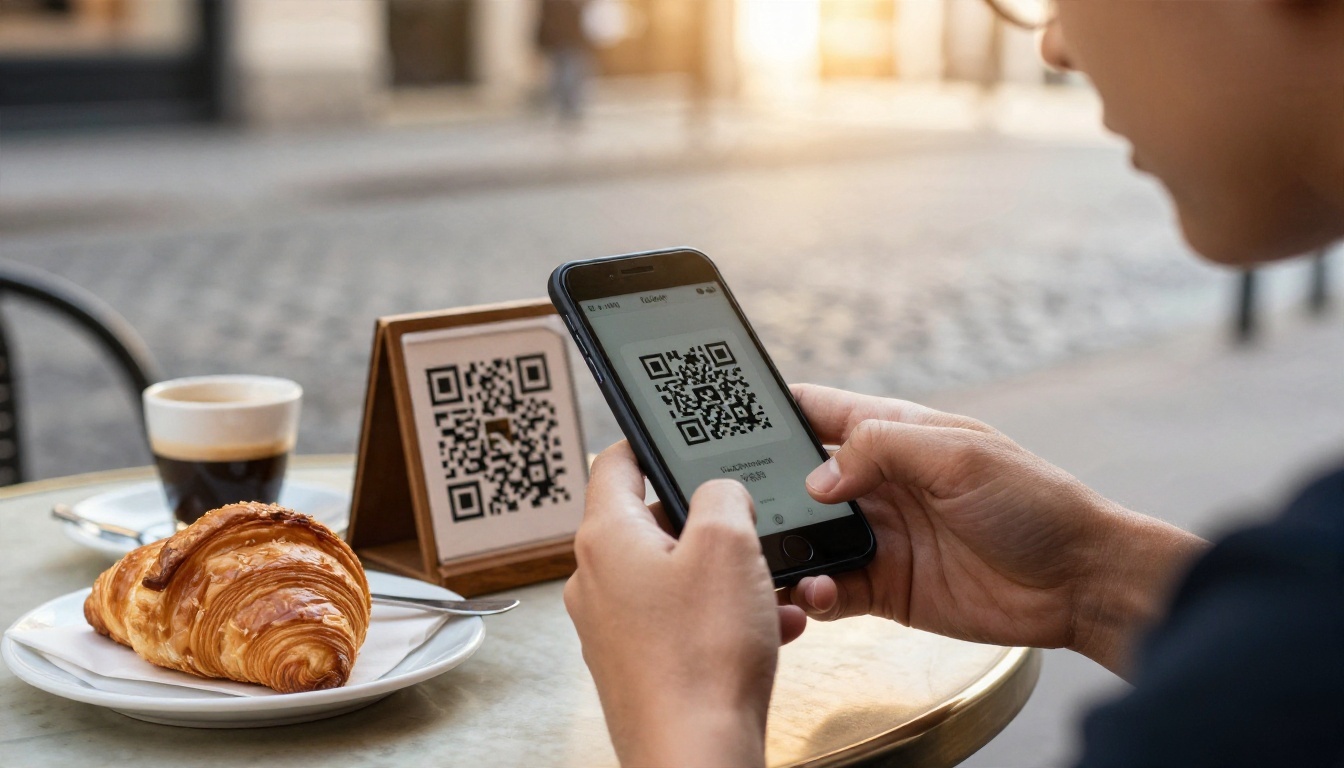
- QR code: Print it on table stands, window stickers and takeaway bags.
- Embed code: Place the flipbook right on your website with the embed flipbook tool.
When you change a price, everyone who opens the link sees the new version. The QR code on the table never needs reprinting.
| Sharing method | Best for | Update speed |
|---|
| PDF by email | Catering clients, event planners | Slow, must resend |
| Printed menu | Dine-in tables | Slow, must reprint |
| Flipbook link | Social media, delivery apps | Instant |
| QR code | Tables, windows, packaging | Instant |
| Website embed | Your own site | Instant |
If you already have a menu file, or you want to design one and publish it as a flipbook, here is the process. The Restaurant Menu Creator and the Menu Flipbook Designer are the two tools to open first.
Upload and Convert Your PDF
- Go to Flipbooks AI and create an account.
- Click to start a new flipbook.
- Upload your menu PDF, whether you exported it from a template app or built it elsewhere.
- Wait a few moments while the pages are converted into a flipbook.
- Preview it on desktop and on your phone.
If you want a deeper look at the conversion step, the PDF to Flipbook Converter page shows how it works.
Customize Branding and Effects
Open the settings panel and adjust the look:
- Set your background color to match your restaurant's palette.
- Add your logo so guests recognize your brand on the page.
- Choose a page-turn effect and sound, or turn them off for a quieter feel.
- Embed a short video of the kitchen or audio such as ambient music, if it suits your venue.
Share and Protect
- Copy the direct link for social profiles and delivery listings.
- Generate the embed code and paste it into your website editor.
- Turn on password protection for private menus such as wedding tastings or staff-only price sheets.
- Download the QR code and place it on tables, windows and takeaway packaging.
Pro Features Worth Considering
On the Professional plan you can see analytics on how guests use your menu, collect leads with a sign-up form, and allow offline downloads. The Standard plan and above gives you unlimited flipbooks, handy if you run separate menus for lunch, dinner, drinks and private events. Compare plans on the pricing page.
💡 Pro tip: Check your analytics after two weeks. If most guests never reach page three, move your best dessert and wine pairings up front.
Examples make the process clearer, so here are three setups that work.
The neighborhood cafe. A cafe owner builds a one-page breakfast and lunch menu from a template, exports a PDF for the counter, and publishes a flipbook link. A QR code sits on every table. When the oat milk price changes, the owner edits the file once and the link updates.
The cocktail bar. A bar manager keeps a master drinks template and duplicates it every Monday for the weekly specials. Guests scan a code at the door. The flipbook is embedded on the bar's website so the same menu shows up in search results.
The wedding caterer. A caterer designs a six-page package brochure, protects it with a password, and sends the link to each couple. Couples can flip through it on a phone during a lunch break. For a brochure with a similar structure, the Menu Flipbook Designer works well.
| Scenario | Template style | Export | Sharing |
|---|
| Cafe | One page, photo-led | A4 PDF for counter | QR code on tables |
| Cocktail bar | Two columns, dark theme | Letter PDF for printing | Link plus website embed |
| Caterer | Multi-page brochure | PDF for email backup | Password-protected flipbook |
Mistakes That Cost You Guests
Even a good menu templates app cannot rescue a few classic errors.
Overloading the Page
Fifty items on one page makes choosing harder. Guests default to the first thing they see. Cut anything that sells poorly and give your top sellers more room.
Ignoring the Phone View
Over half of menu views often happen on a phone, so always preview there. Tiny text that looks fine on a laptop becomes unreadable on a small screen. Use a minimum body size that feels comfortable at arm's length.
Forgetting Allergen Notes
Mark common allergens clearly and keep that legend visible on every page. It is a legal requirement in many places, and it protects your guests.
Printing Before Testing
Always print one test sheet at actual size. Colors shift between screen and paper, and a typo is far cheaper to fix before a print run than after.
⚠️ Warning: Check local rules on allergen labeling and price display. Requirements vary by country and city.
A solid menu workflow has four steps: choose a template, edit it until it matches your restaurant, export a clean PDF for print, and share a flipbook for everything digital. Do those four things and your menu stays current without a late-night design session.
Ready to try it? Create your free account on Flipbooks AI and upload your first menu. Browse all flipbook tools to find the format that suits you, from price lists to recipe books. When you are ready for analytics, lead capture and unlimited flipbooks, compare the plans and choose the one that fits your venue.



