A good menu takes an afternoon, not a design degree. If you search for menu templates free of charge, you will find thousands of layouts, but very few explain which format actually suits your situation. A cafe owner who prints fifty copies a week needs something different from a host planning a birthday dinner for eight. This article sorts the options by format, venue and budget, then shows how to turn any finished menu into a shareable digital version with Flipbooks AI.
A template removes the blank page problem. Spacing, hierarchy and alignment are already solved, so you only fill in dishes, prices and a short description. That saves hours and usually produces a cleaner result than a menu built from scratch in a word processor.
Who Uses Them
The audience is wider than most people expect:
- Independent restaurants that update dishes every season.
- Cafes and bakeries that rotate daily specials.
- Food trucks that need a single readable board or card.
- Caterers who send a proposed menu to a client before an event.
- Home hosts planning a dinner party, a holiday meal or a weekly family plan.
What Makes One Good
Not every free file is worth downloading. Before you commit, check for these traits:
- Clear hierarchy: sections, dish names and prices should be easy to tell apart at a glance.
- Editable fonts: the file should use common fonts, or include them in the download.
- Print safe margins: at least 0.5 inch of white space around the edges.
- Readable contrast: dark text on a light background, or the reverse, never mid tones on mid tones.
- Clean licence: personal and commercial use should be stated plainly.
💡 Pro tip: Open the template and type your longest dish name into it before you do anything else. If it breaks the layout, move on to the next template.
The words "printable", "editable" and "PDF" are often used as if they meant the same thing. They do not. Each describes a different step in the workflow.
| Format | What It Means | Best For | Main Limit |
|---|
| Printable | Sized and margined for a home or office printer | Quick runs, special events | Needs paper and ink |
| Editable | Opens in a word processor, slide tool or design app | Menus that change often | Fonts can shift between devices |
| PDF | Fixed layout that looks the same everywhere | Sharing, final printing, digital menus | Hard to edit without the source file |
| Editable PDF | PDF with fillable text fields | Light changes, such as prices | Fewer design controls |
Printable Templates
A printable template is built around standard paper sizes: US Letter, A4, Half Letter and sometimes 4x9 inch slim cards. Because the margins are already set, nothing gets clipped by the printer. These are ideal for a home dinner or a pop up evening, where you print a handful of copies and throw them out afterwards.
Editable Templates
Editable files come in a few common types: word processor documents, slide decks and online design boards. Slide decks are surprisingly good for menus, because you can drag text boxes freely and export directly to PDF. Word processor files are easier for people who only want to swap text. Whichever you choose, keep one master copy and save each seasonal version under a new name so you never lose an older price list.
PDF Templates
A PDF locks the layout, which is exactly why printers and websites prefer it. Send a PDF to a print shop and it will look identical on their machine. Upload one to a website and every visitor sees the same page. The trade off is that you need the original editable file if you want to change a single price, so treat the PDF as the final export, not the working document.
✅ Best practice: Name files with a date, such as dinner-menu-spring-2026.pdf. When someone asks which version is current, you will know in seconds.
Template Styles by Venue
A menu has to match the room. The same layout that suits a wine bar will feel stiff in a bakery. Use this table to narrow your search.
| Venue | Suggested Style | Typical Length | Paper Choice |
|---|
| Cafe or bakery | One page, friendly sans serif, photos optional | 1 page | Uncoated 100 lb text |
| Casual restaurant | Two columns, short descriptions | 1 to 2 pages | Cardstock or laminated |
| Fine dining | Minimal, serif type, no prices with currency signs | 1 page, tall | Heavy cotton or textured stock |
| Bar | Drinks grouped by spirit or mood | 1 page | Laminated for spills |
| Food truck | Large type, 6 to 10 items | 1 board or card | Weatherproof vinyl |
| Home dinner | Course by course card | 1 small card | Any quality printer paper |
Cafe and Bakery
Cafes thrive on speed. Customers order standing up, often while a queue forms behind them, so the menu must be scannable in about five seconds. Use short categories such as Coffee, Pastries, Sandwiches and keep descriptions to a few words. A bright accent colour on prices or section titles helps the eye move down the page.
Restaurant Dinner Menus
Sit down restaurants have more room to describe a dish. Aim for one line of ingredients and, if it helps, one line of origin or technique in plain words. Group dishes into starters, mains and desserts, and avoid more than seven items per section. Studies of menu behaviour repeatedly suggest that long lists slow decisions, and slow decisions mean fewer orders per table.
Bar and Drinks Menus
Bars benefit from lamination, because glasses leave rings and cocktails spill. Group drinks by theme, such as Classics, House Specials and Zero Proof, and list the main ingredients in small italic type. A free template with a dark background looks striking, but test it under dim light first: what looks fine on a bright screen can turn unreadable in a candlelit room.
Home Dinner Parties
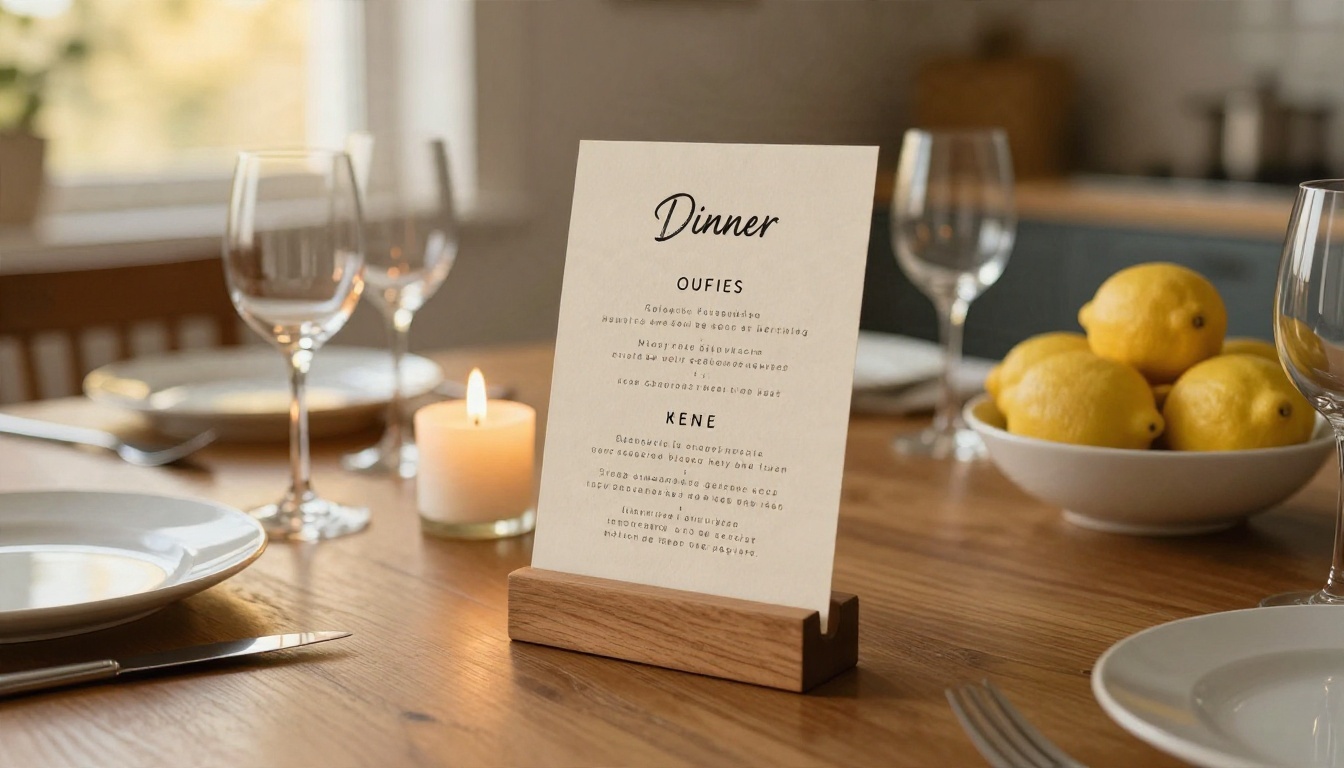
At home, a menu is part decoration, part courtesy. A small card at each place setting tells guests what is coming, flags allergens and sets the tone. Choose a printable template sized to fit inside a folded napkin or a small card holder, and keep it to the courses only. No prices needed.
How to Edit a Template in 6 Steps
Here is a practical routine that works with nearly any template, in any editing tool.
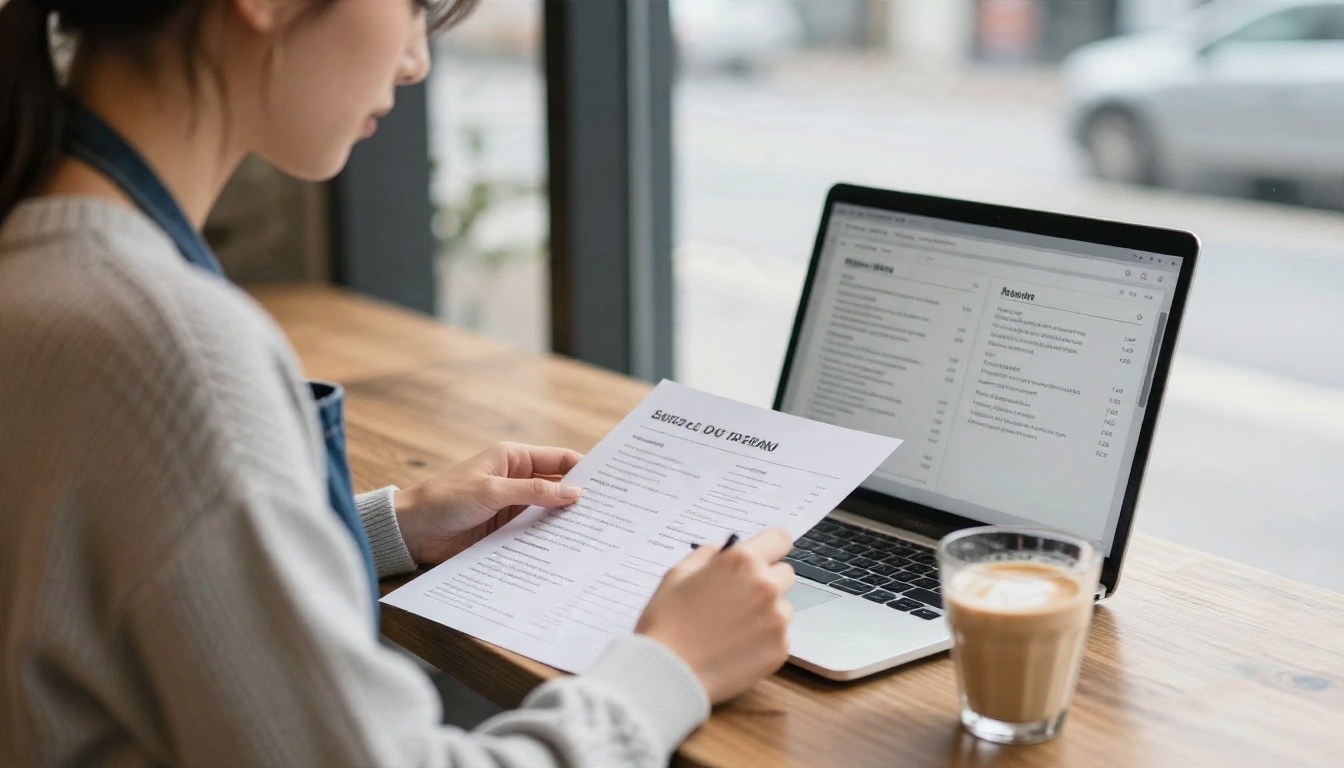
- Duplicate the file. Never work on the original download.
- Replace the placeholder text. Start with section titles, then dishes, then prices.
- Set your brand colours. Pick two at most, one for headings and one for accents.
- Swap the fonts. Use one font for headings and one for body text.
- Add small touches. A logo, an address line, a short note about allergens.
- Export to PDF. Zoom to 100 percent and read every line before you print.
Pick the Right Size
Common menu sizes are 8.5 x 11 inch (Letter), A4, 5.5 x 8.5 inch (Half Letter) and 4 x 9 inch. Letter and A4 hold the most information. Half Letter is handy for a single course card. If you plan to place your menu inside a holder, measure the holder first, then choose a template that matches.
Fonts and Colors
Stick to two fonts. A classic pairing is a serif for dish names and a clean sans serif for descriptions. Avoid script fonts for anything longer than a title, because they become hard to read at small sizes. For colour, use a palette drawn from your food and room: olive and cream for a Mediterranean place, charcoal and brass for a cocktail bar, soft pastels for a bakery.
⚠️ Warning: Check licences on fonts as well as templates. A free layout can still use a font that requires a paid licence for commercial printing.
Print Settings That Save Money
Printing is where a good menu either shines or looks tired. A few settings make a real difference.
| Setting | Home Printer | Print Shop |
|---|
| Paper weight | 24 to 32 lb for everyday use | 80 to 100 lb cover stock for premium feel |
| Colour mode | RGB converted automatically | CMYK for accurate colour |
| Cost per page | Higher ink cost | Lower per page on runs of 50 or more |
| Turnaround | Instant | Same day to 3 days |
| Finish | Plain | Matte, gloss or laminate |
Paper Weight
Heavier paper feels more confident in the hand. For a menu that will be handled all week, choose 100 lb or heavier stock, or laminate regular paper. For a one night dinner, regular printer paper is more than fine.
💡 Pro tip: Print one test copy and hold it at arm's length in the dining room lighting. If you can read the smallest line comfortably, your guests will too.
Paper menus get stained, go out of date and cannot be shared with someone across town. A digital menu fixes all three. If your template is already saved as a PDF, you are one step from a page turning online version that works on any phone, with no app download for your guests.
Flipbooks AI offers several tools for this job, including the Restaurant Menu Creator, the Menu Flipbook Designer and the PDF to Flipbook Converter. Spa and wellness venues can also use the Spa & Wellness Menu tool.
How to Create a Menu Flipbook with Flipbooks AI
- Open the platform. Go to Flipbooks AI and create an account.
- Upload your PDF. Drag your exported menu into the uploader. The converter turns each page into a flipbook page in seconds, and your text stays sharp.
- Choose a look. Pick a background colour that matches your room, then add your logo and brand colours.
- Set page effects. Select a realistic page turn, with or without sound, so the menu feels like a printed one.
- Add extras. Place links to your booking page, your phone number or a short video of the kitchen.
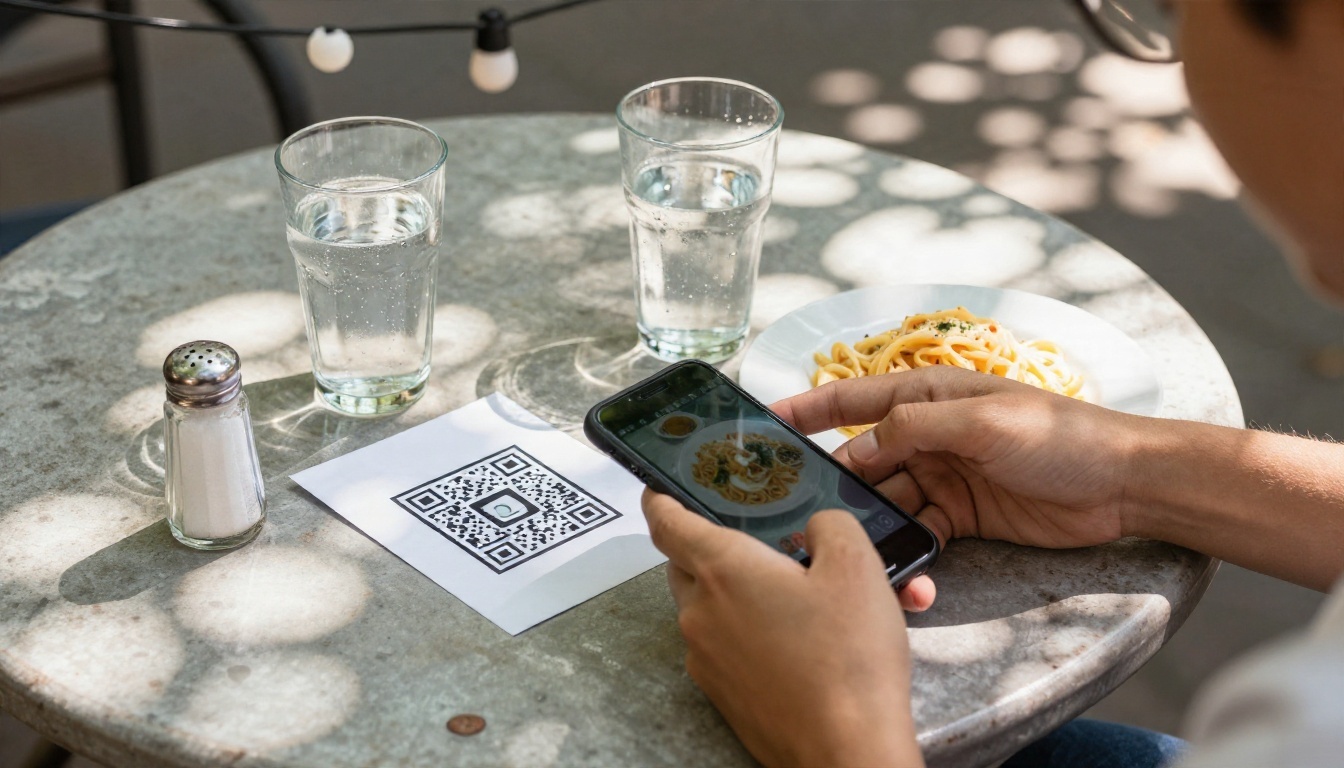
- Publish. Copy the direct link, or generate a QR code to place on tables and in the window.
Branding and Page Effects
Custom branding keeps the menu consistent with your signage. You can set colours, add a logo and choose how pages turn. There are no watermarks, ever, so your guests only see your brand. The result is mobile responsive, which matters because most diners will open it on a phone.
Sharing Options
Once the menu is live, you have several ways to share it:
- Direct link for social media bios and messages.
- QR code for table cards, windows and takeaway bags.
- Embed code to place the menu on your site. The Embed Flipbook on Website page explains how.
- Password protection for private menus, such as a wedding tasting or a corporate dinner.
Pro Features Worth Knowing
On the Professional plan, you also get analytics to see how many people open the menu and which pages they spend time on, plus lead generation to collect emails before the menu opens, and offline downloads for guests with weak signal. Standard plans and above include unlimited flipbooks, so you can keep a lunch, dinner, drinks and holiday menu live at the same time. See the full pricing plans for details.
| Feature | Paper Menu | Basic PDF Link | Flipbook Menu |
|---|
| Update a price | Reprint everything | Re-upload file | Re-upload, same link |
| Looks good on phones | Not applicable | Often awkward | Yes, mobile responsive |
| Page turning feel | Yes | No | Yes |
| Visitor analytics | No | Limited | Yes, Professional plan |
| Share by QR code | Needs separate tool | Needs separate tool | Built in |
| Password protection | No | Rarely | Yes |
✅ Best practice: Keep your printed menu for the table and your flipbook for everything else: the website, social media, delivery apps and the QR code in the window.
A Real World Example
A small neighbourhood bistro prints 30 menus every Friday for the weekend. After switching to a flipbook for its online menu, the owner printed fewer copies and used the link in Instagram posts. When the chef changed three dishes midweek, the update took a few minutes: edit the PDF, re-upload, done. Nothing had to be reprinted for the website, and the QR code on the door stayed the same.
Even a polished template can be undone by small errors. Watch for these:
- Too many items. A menu with 60 dishes tells diners you cannot decide what you are good at.
- Tiny type. Anything under 10 point gets skipped, especially by older guests.
- Dollar signs everywhere. Write prices as plain numbers to lower the sense of spending.
- Missing allergen notes. Mark gluten, nuts, dairy and shellfish clearly, or add a line asking guests to speak to staff.
- Stale dishes. If an item is sold out for a week, remove it from the file.
- Unchecked spelling. Read the final PDF aloud, line by line, before printing.
⚠️ Warning: Local rules on calorie labels and allergen information vary. Check requirements with your local health authority before you finalise a restaurant menu.
Quick Checklist Before You Print
| Check | Done? |
|---|
| Spelling and prices verified | ☐ |
| Allergens marked | ☐ |
| Fonts embedded in the PDF | ☐ |
| Margins at least 0.5 inch | ☐ |
| Test copy read in dining room light | ☐ |
| Digital version published and QR code tested | ☐ |
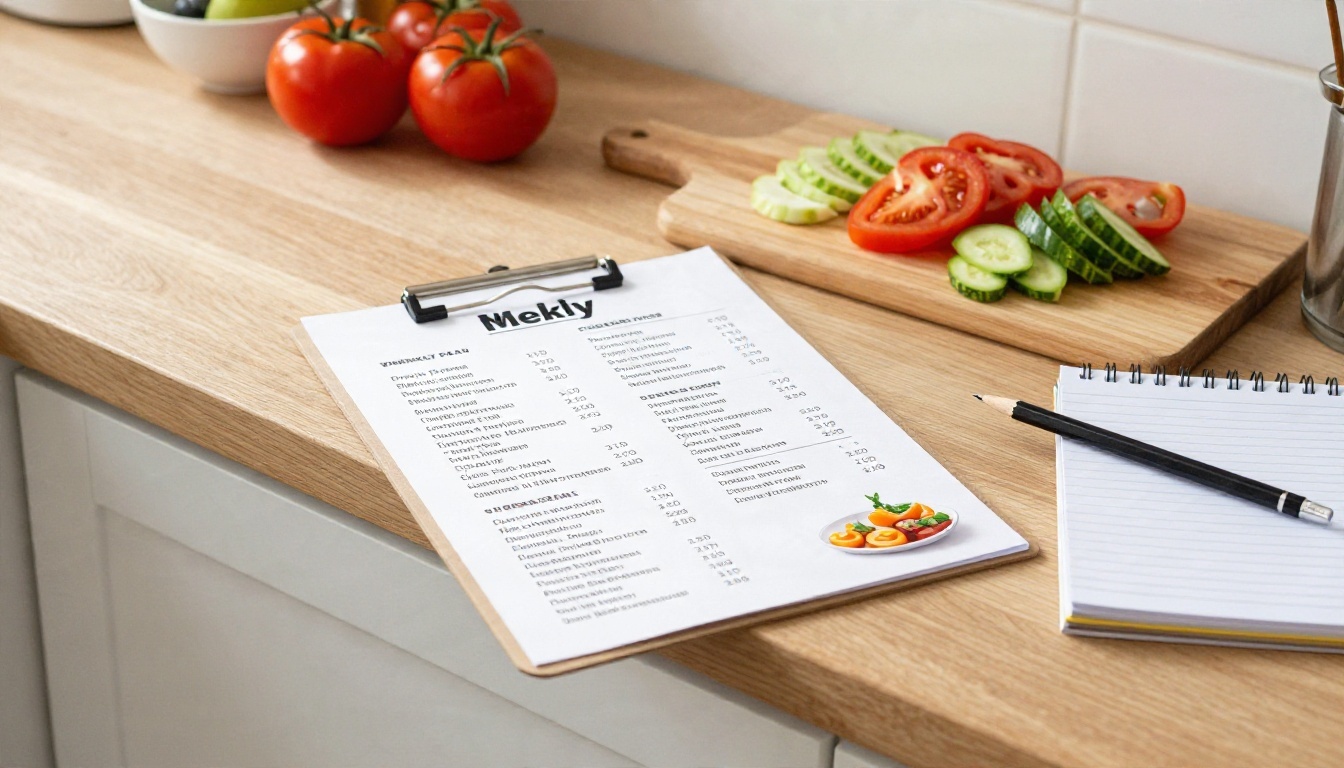
Not every menu is for sale. A weekly meal plan on the fridge saves money, cuts food waste and ends the nightly question of what to cook. A printable template with seven rows, one per day, and a small box for the shopping list is all you need. For a larger archive of family recipes, the Recipe Book Flipbook tool turns a folder of PDFs into a page turning cookbook that relatives can open from anywhere.
Pick a template that matches your venue, edit it in an afternoon, export it as a PDF and print what you need. Then give it a second life online. Ready to publish your first menu? Create your free account on Flipbooks AI and upload your PDF. Browse all flipbook tools to find the one that fits your venue, or compare pricing plans to choose what works for you. When you are ready to go further, pick a plan and publish with analytics, password protection and unlimited flipbooks.



