You have a mineral handbook. Maybe it is a lab manual built over twenty years, a field reference for your rock club, or a teaching text with hundreds of specimen notes. It sits in a binder, a Word file, or a printed stack that nobody wants to carry up a hillside. The good news: you can put it online today without paying for a publisher, a developer, or a print run. This article compares the realistic mineral handbook alternatives, shows what each one costs in time and money, and walks through a fast route using Flipbooks AI so your digital reference handbook is readable on any phone, tablet or laptop.
Why Print Handbooks Fall Short
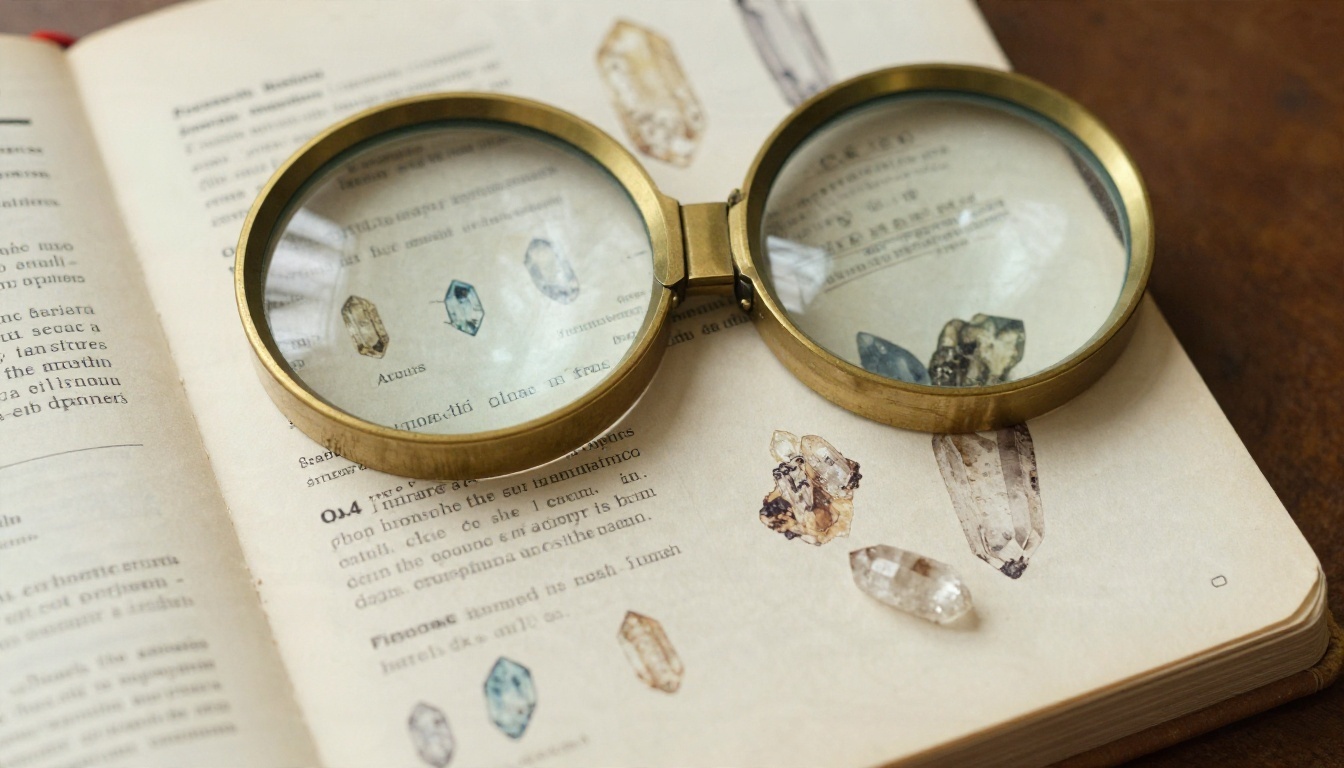
A printed handbook feels authoritative. It also ages the moment it leaves the press. New mineral localities get documented, nomenclature changes, and photos get replaced. Meanwhile your readers want to look up hardness, streak and cleavage while standing in a quarry, not back at a desk.
The Real Cost of Printing
Colour plates are the expensive part of any mineral reference. Crystal photos need good paper, and good paper adds weight and price. Here is where the money usually goes:
- Colour printing: every plate page costs far more than a plain text page.
- Binding: hardcover or spiral binding multiplies the per-copy cost for small runs.
- Storage and shipping: boxes of handbooks take up shelf space and postage budgets.
- Reprints: fixing one mistaken formula can mean reprinting the whole edition.

Updates Take Years
Print editions arrive every few years at best. A digital edition can be corrected in an afternoon. Swap one PDF, and every reader sees the new page with the same link. That single advantage is why most labs and clubs now publish online first and print only on request.
💡 Pro tip: Keep your handbook source file (Word, InDesign or Google Docs) tidy. Every online option below starts from a clean export, usually a PDF.
Free Ways to Publish Online
There is no single perfect answer. The right choice depends on whether you care most about reach, reading experience, searchability, or control. These are the four options worth considering.
Plain PDF on a Shared Drive
The simplest route: export a PDF, upload it to a cloud drive, and share the link. It costs nothing and takes ten minutes.
Strengths: instant, familiar, easy to update.
Weaknesses: the reading experience is a scrolling document. Large PDFs with many crystal photos load slowly on mobile, and there is no page-turn feel, branding, or reader tracking. Anyone with the link can usually download and redistribute the file.
A Static Website or Wiki
A wiki or a simple static site gives you searchable pages, one per mineral. It is the best structure for a living database that many contributors edit.
Strengths: great search, deep linking to individual species, free hosting options exist.
Weaknesses: someone has to set it up, format hundreds of entries, and keep it running. Formatting plates and tables to look like the original handbook takes real effort. If your handbook is a finished, designed document, a wiki can strip away the layout that made it useful.
Free Document Hosting Sites
Document-sharing platforms accept an uploaded PDF and display it in a browser viewer. They reach a built-in audience and need no setup.
Strengths: quick publishing, a public audience, embeds on some plans.
Weaknesses: free tiers often add the platform's branding, advertising, or upload limits. You rarely control the look, and your handbook sits next to unrelated content.
Flipbook Publishing
A flipbook converts your PDF into a page-turning web edition that keeps the original layout: plates, tables, captions and all. Readers swipe or click through it like a real book, but in a browser. Flipbooks AI is built for this, with no watermarks and a mobile-responsive reader.
Strengths: preserves your design, looks professional, embeds on any website, supports links, video and audio.
Weaknesses: a flipbook is a designed document, not a searchable wiki. For a database of thousands of constantly edited species, pair it with a site search or keep the wiki for raw data.
Side-by-Side Comparison
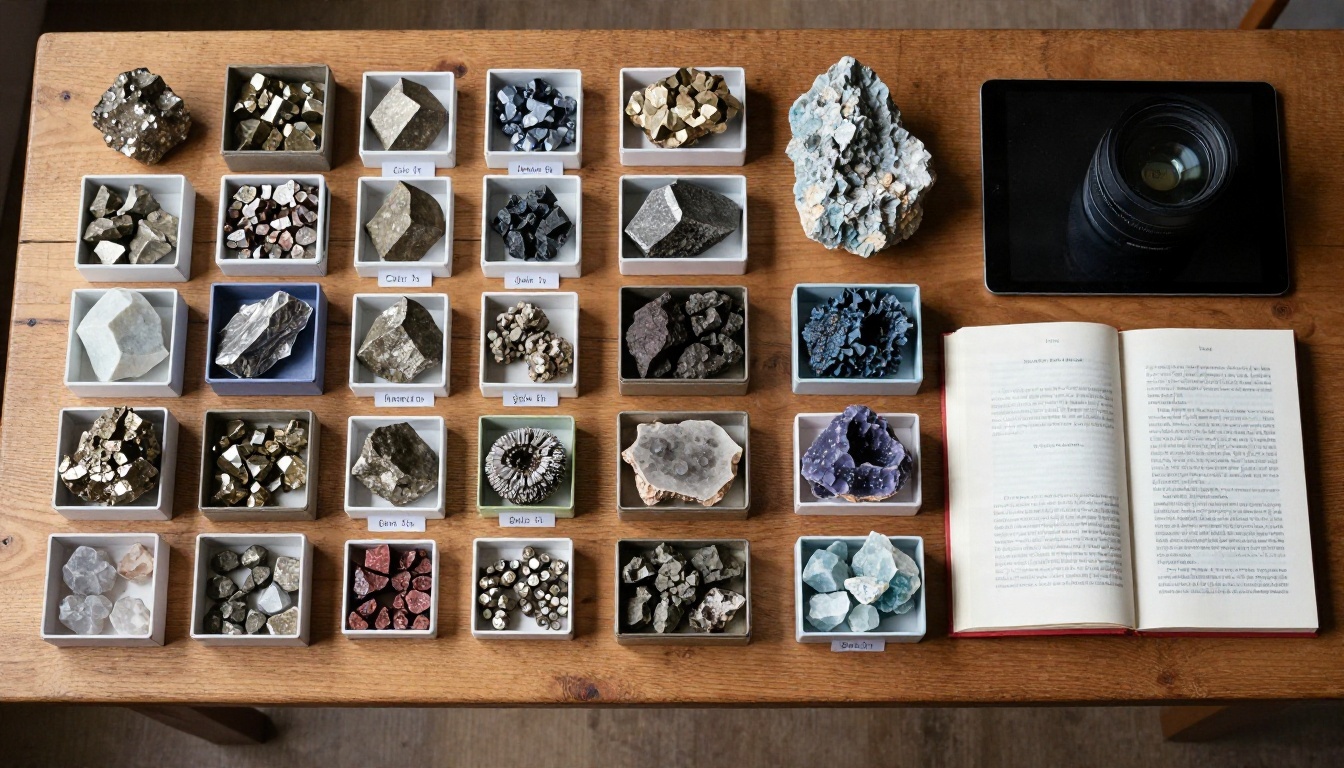
Numbers beat opinions. This table compares the four routes on the points that matter most to a handbook author.
| Feature | Shared PDF | Wiki or Static Site | Document Host | Flipbook |
|---|
| Setup time | Minutes | Days to weeks | Minutes | Minutes |
| Keeps original layout | Yes | Rarely | Yes | Yes |
| Page-turn reading | No | No | Sometimes | Yes |
| Mobile friendly | Fair | Good | Fair | Good |
| Embed on your website | Link only | Native | Limited | Yes |
| Watermark-free | Yes | Yes | Often not on free tiers | Yes |
| Search inside the text | Basic | Excellent | Basic | Good |
| Update an edition | Replace file | Edit pages | Re-upload | Re-upload |
And here is a second view, matched to the kind of publisher you are.
| Your situation | Best fit | Why |
|---|
| University lab with a finished manual | Flipbook | Keeps plates and layout, easy to embed in course pages |
| Rock club with a field checklist | Flipbook or shared PDF | Fast to share, readable on a phone |
| Community database with many editors | Wiki | Per-species pages and collaborative edits |
| Author testing interest in a draft | Shared PDF | Zero setup, easy to replace |
| Museum publishing a collection catalogue | Flipbook | Polished presentation, branding, multimedia |
✅ Best practice: You do not have to choose one forever. Many authors publish a flipbook as the polished edition and a wiki for the living data.
Build It with Flipbooks AI
If your handbook already exists as a PDF, this is the fastest route to a professional online edition. Related tools worth a look include the PDF to Flipbook Converter, the Training Manual Flipbook tool, and the Course Material Publisher for teaching handbooks.

Prepare and Upload
- Export your PDF. Use the highest quality your file size allows. Keep crystal photos sharp, but compress images if the file passes a few hundred megabytes.
- Check the page order. Make sure the cover, contents page and index sit where readers expect them.
- Open the platform. Go to Flipbooks AI and create an account.
- Upload the PDF. Drag the file in. The platform converts every page into a turnable flipbook page, usually within moments.
- Preview. Flip through the result. Confirm plates, tables and captions look right. Screenshot description: a two-page spread of your handbook with a soft shadow along the spine and page-curl animation at the corner.
Customize and Share
- Add your branding. Set your logo, background colour and accent colours. A dark slate background, for example, makes mineral photos stand out.
- Choose page effects. Pick a page-turn style and sound if you want it.
- Add multimedia. Embed a short video showing how to test hardness, or an audio note describing a locality. Videos and audio play inside the page.
- Pick a sharing method. You can send a direct link, paste an embed code into your website using the Embed Flipbook on Website tool, or protect it with a password if the handbook is for students or members only.
- Update later. When you correct an entry, re-upload the revised PDF and keep the same distribution channel.
💡 Pro tip: Use a password for unpublished drafts, share the link with reviewers, then remove the password when the handbook goes public.
Use Professional Features
Basic publishing needs nothing more. When you want to see how people use your handbook, the Professional plan adds extras. Compare options on the pricing page.
- Analytics: see which pages get read most. If readers spend the most time on the quartz family and skip the sulfides, you know where to expand.
- Lead generation: ask readers for an email before they open the handbook, useful for clubs and museums building a mailing list.
- Offline downloads: let readers save a copy for places without signal.
- Unlimited flipbooks: available on the Standard plan and above, handy if you publish a handbook per course or per region.
| Capability | Where it helps a mineral handbook |
|---|
| No watermarks | Your lab or club identity stays front and centre |
| Password protection | Course-only or member-only editions |
| Embed videos and audio | Hardness test demos, locality recordings |
| Custom branding | Matches your institution's colours |
| Analytics | Shows which mineral groups readers use most |
| Offline downloads | Reading in the field without signal |
Make It Work in the Field
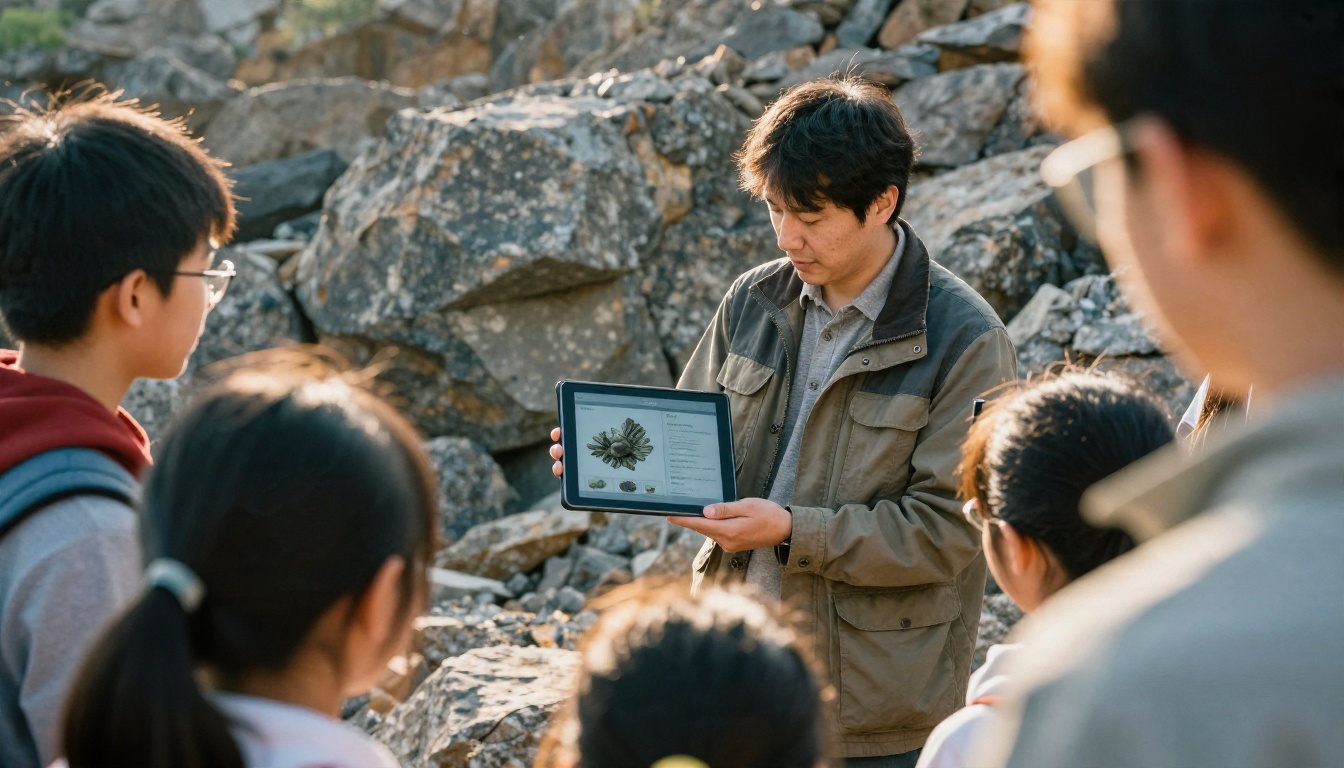
A handbook that only works on a desktop misses the point. Minerals are identified outdoors, on a bench, or in a drawer of specimens.
Mobile Reading
Most readers will open your link on a phone. A mobile-responsive reader reflows to a single page view, so plates stay readable without pinching and zooming. Test it yourself before you share: open the link on an actual phone, in daylight, at arm's length.
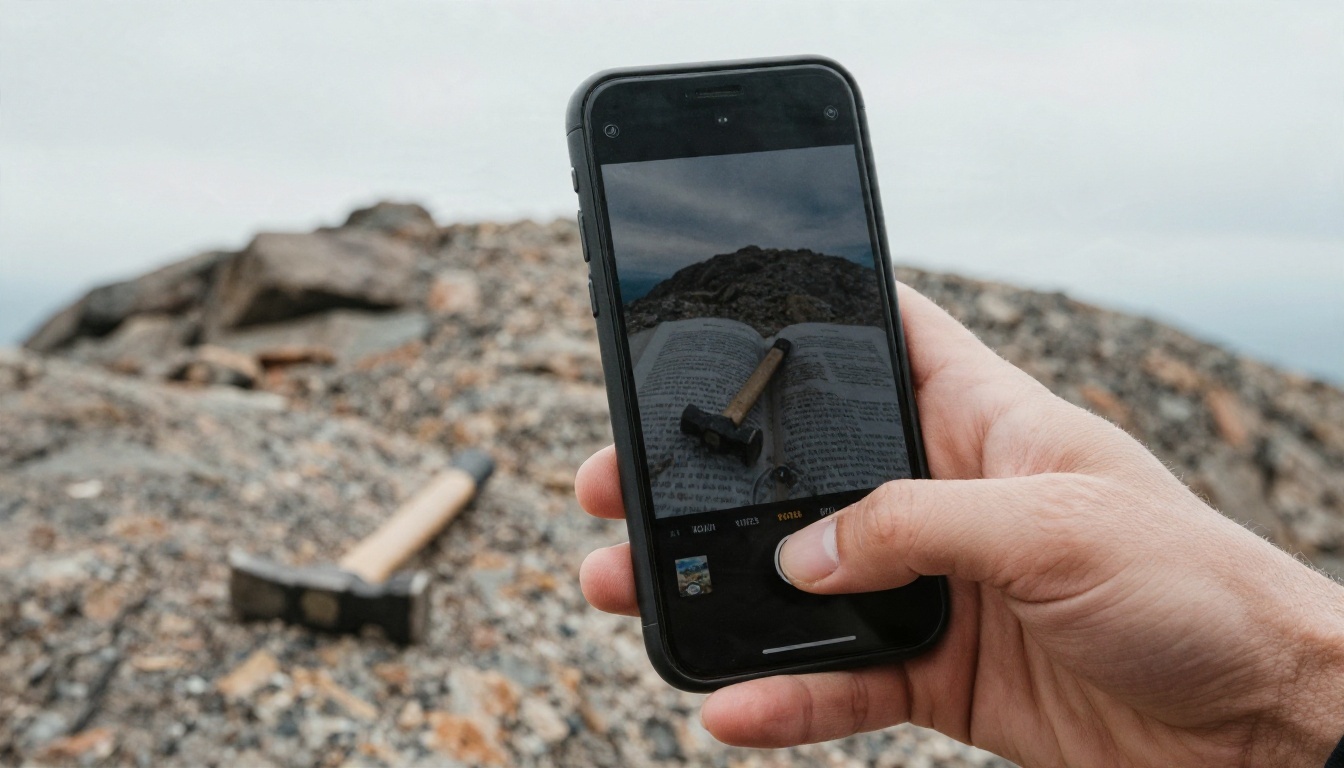
Design tips for small screens:
- Use a larger font for property tables (hardness, density, lustre).
- Put the index and contents near the front with clickable links.
- Keep one mineral per page where possible, so a reader never hunts through dense text.
- Use high-contrast captions under every photo.
Offline and Multimedia
Remote locations rarely have signal. Offline downloads solve that, letting a field class carry the full handbook without connection. Multimedia adds what print never could: a ten-second clip of a calcite sample fizzing in acid or a rotating view of a crystal habit.
⚠️ Warning: Heavy video files slow loading. Keep clips short and compressed, and put long recordings behind a link instead of inside the page.
Real-World Examples
Abstract advice only goes so far. Here are three realistic setups.
A University Lab
A mineralogy lab keeps a 180-page practical handbook for undergraduates. Instead of photocopying it each term, the instructor exports the PDF, converts it to a flipbook, and sets a password. The link goes into the course page. Students open it on their phones during lab sessions, and the instructor fixes typos mid-semester without reprinting anything. For similar projects, the Interactive E-Book Publisher is a handy starting point.

A Rock and Mineral Club
A local club wants a field reference for new members. The handbook is short: forty common species, a streak chart and a safety page. A shared PDF would work, but the club prefers a branded flipbook it can embed on its website. New members tap the link at a swap meet, and the club uses analytics to see which species pages draw the most attention before the next meeting.
A Museum Collection
A small museum publishes a catalogue of its mineral hall. Photography is central, so layout matters. The flipbook keeps full-bleed crystal photos intact, includes an audio note from the curator, and offers a downloadable offline copy for school visits. Teams can also use the Report Flipbook Creator for annual collection summaries.

Mistakes to Avoid
Most failed digital handbooks share the same few errors. Spot them early.
- Uploading a low-resolution PDF. Crystal faces turn blurry. Export at print quality, then compress only if needed.
- Skipping the index. Readers look things up. Without clickable contents, a long handbook turns into a scroll marathon.
- Ignoring permissions. Check that every photo and data table in your handbook can be republished. Credit photographers and original sources clearly.
- Forgetting version dates. Add an edition date on the first page so readers know what they are viewing.
- Never testing on a phone. If you only preview on a monitor, you will miss tiny text and awkward margins.
- Choosing a tool with surprise branding. Check for watermarks and ads before you share. A handbook with someone else's logo on every page looks unfinished.
✅ Best practice: Ask two people to read your published handbook cold, one on a phone and one on a laptop. Whatever confuses them will confuse your audience.
Publish Yours This Week
You do not need a publisher, a developer or a print budget. Pick the option that matches your handbook: a shared PDF for a quick draft, a wiki for a growing database, or a flipbook for a polished edition that keeps your design.
Ready to turn your PDF into a page-turning handbook? Get started for free on Flipbooks AI, browse all flipbook tools to find the best match for your project, or compare pricing plans when you want analytics, lead generation and unlimited flipbooks. When you are ready to publish more than one handbook, pick a plan and keep every edition under your own brand.



