You have 400 photos from a trip, a wedding or a first year of parenthood, and you want them in a book. Two names come up every time: Mixbook and Shutterfly. Both print lovely albums, both run constant sales, and both can quietly turn a $25 project into a $90 checkout. Before you commit, it helps to see where each one wins, where each one stings, and whether a digital option like Flipbooks AI would serve you better for at least part of the project.
This breakdown compares pricing, templates, editing tools, print quality and shipping, then walks through a free digital flipbook route that has no printing fees at all.
💡 Prices and promotions on both sites change weekly. Treat every figure below as a typical range, and confirm the live number in the editor before you pay.
Quick Answer: Which One Wins?
If you want the short version, here it is.
- Choose Mixbook if you care about creative freedom, drag and drop layouts, and a wide range of designer themes.
- Choose Shutterfly if you want fast auto-built books, a huge product range beyond books (cards, calendars, mugs) and frequent site-wide coupons.
- Choose a digital flipbook if the goal is sharing, not owning a heavy object. It costs nothing to print and reaches relatives in seconds.
Most people searching this comparison have commercial intent with a deadline: a holiday gift, an anniversary or a grandparent's birthday. So the real question is rarely "which is better in theory" but "which gets a good book into my hands at the lowest honest price."
The Search Intent Behind This Choice
People comparing these two usually want four things: a clear price, a template that does not look dated, a simple editor, and delivery before a date. We will answer each in turn.
Who Should Skip Both
If your audience lives far away, or you only need the album to be viewed, printing may be the wrong tool. A digital album avoids shipping, reprints and the "I'll mail you a copy" delay.
Pricing: What You Actually Pay
Base prices look friendly. The final total is where surprises appear. Both services price by size, cover type, paper and page count, and both add charges for extra pages, upgraded paper and shipping.
| Cost Factor | Mixbook (typical) | Shutterfly (typical) |
|---|
| Small softcover starting price | Roughly $15 to $25 | Roughly $15 to $25 |
| Large hardcover starting price | Roughly $40 to $75 | Roughly $40 to $80 |
| Extra pages | Charged per page past the base count | Charged per page past the base count |
| Premium or layflat paper | Extra cost | Extra cost |
| Sales cadence | Frequent percentage-off promos | Very frequent coupons and site-wide events |
| Shipping | Added at checkout, varies by speed | Added at checkout, varies by speed |
| Free digital sharing | Limited preview links | Limited share links |
Where Prices Climb
Three things inflate a total faster than anything else:
- Page count. A 20 page base book becomes 50 pages quickly when you have a long event.
- Upgrades. Layflat binding and thick paper add noticeable amounts.
- Duplicates. Ordering five copies for relatives multiplies everything, including shipping.
The Sale Trap
Both sites train you to wait for a promotion. That is smart shopping, but it also pushes you to finish the book on the sale's schedule, not your own. Plan your edit early, and save the project so you can check out the day a good code appears.
⚠️ Watch the checkout screen for auto-added upgrades and for the shipping speed you selected. The cheapest-looking cart often grows by 20 to 30 percent at the last step.
A Real Example
Say you want a 40 page hardcover for a wedding, plus two extra copies for parents. Even at a discounted base price, the second and third copies repeat the page charges and shipping. A family of five relatives each wanting a copy is where a printed-only plan becomes pricey, and where a shareable digital copy starts to look sensible.
Templates: Style and Flexibility
Templates decide how professional your first draft looks, and how much time you spend fixing it.
Mixbook Templates
Mixbook leans toward designer themes and flexible layouts. You can adjust frames, drag items almost anywhere, and mix text with stickers and backgrounds. It suits people who enjoy designing. The tradeoff is time: more freedom means more decisions per page.
Shutterfly Templates
Shutterfly focuses on speed and polish. Its auto-fill tools place photos for you, and its layouts are clean and conservative. If you want a decent book in an evening, that helps. If you want something unusual, the structure can feel limiting.
| Template Feature | Mixbook | Shutterfly |
|---|
| Layout freedom | High | Moderate |
| Auto-build option | Available | Strong |
| Theme variety | Wide, design-led | Wide, product-led |
| Beginner friendliness | Good | Very good |
| Best for | Creative storytellers | Fast, tidy results |
Template Mistakes to Avoid
- Too many photos per page. Four or five is plenty. Crowded spreads print small.
- Low-resolution images. Both editors warn you, so listen.
- Text over busy backgrounds. Captions vanish on patterned themes.
The Editing Experience
Open either editor and you will notice the same rhythm: upload, arrange, caption, preview, order.
Uploading Photos
Both support uploads from computer, phone and linked services. Large libraries take time, so start the upload before you start designing. Sort your photos into rough chapters first, such as ceremony, party and portraits, so the book has a spine.
Arranging and Captions
Mixbook gives you more manual control, which is brilliant if you have a vision and slightly tedious if you do not. Shutterfly's auto-layout gets a first draft done quickly, and then you adjust. Either way, plan on two or three hours for a polished 40 page book.
Mobile Versus Desktop
Phone editing is fine for quick books and corrections. For anything with detailed captions or custom spreads, a laptop is far kinder to your thumbs.
✅ Best practice: finish your photo selection before opening the editor. Cull duplicates, pick favorites, and your design time drops sharply.
Print Quality and Shipping
Both brands print well. Colors are generally rich, binding is sturdy, and hardcover options feel like proper keepsakes. Differences usually show up in paper choice, layflat quality and finishing options, not in basic competence.
What To Expect On Arrival
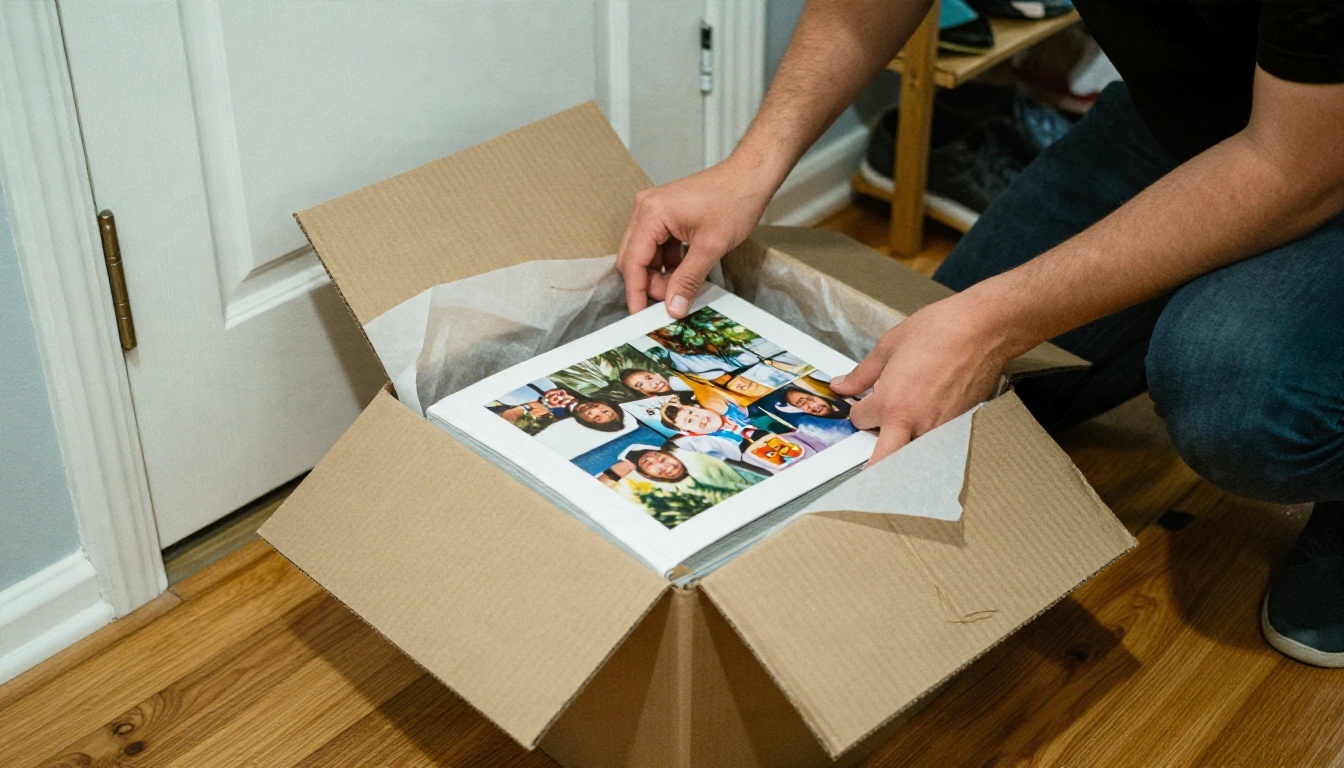
A printed book is a physical object, and that is its charm. Weight, gloss and the smell of fresh pages matter, especially for weddings and milestone gifts.
Shipping Time
Standard production plus shipping often takes one to two weeks, longer in peak season. Rush options exist but cost more. If your gift date is close, order early and pick faster shipping only when you must.
| Delivery Factor | Printed Book | Digital Flipbook |
|---|
| Production time | Days | Minutes |
| Shipping cost | Yes | None |
| Reprint for relatives | Pay per copy | Share a link |
| Fix a typo later | Order again | Re-upload |
| Works worldwide instantly | No | Yes |
The Free Digital Flipbook Alternative
Here is the honest case: a printed book is wonderful for the coffee table, but it is a poor way to share. Your cousin in another country will wait weeks and pay shipping. A digital flipbook keeps the page-turning feel and sends it anywhere instantly.
Flipbooks AI turns a PDF into a flipbook with realistic page effects. Export your photo layout from any design app, upload it, and share a link. No watermarks, no print queue, and no per-copy fee. You can start free and upgrade only if you need more.

Where Digital Beats Print
- Distance. Relatives abroad see it the same day.
- Cost. Zero printing, zero shipping.
- Edits. Spotted a wrong name? Replace the file.
- Reach. One link serves five people or fifty.
- Privacy. Add password protection for family-only albums.
Where Print Still Wins
Honestly, print wins for ceremony and tactile gifts. A wedding album handed to parents has an emotional weight no screen matches. Many families do both: order one printed hero copy, and share a flipbook with everybody else.
Mixbook, Shutterfly and Flipbooks AI Side by Side
| Feature | Mixbook | Shutterfly | Flipbooks AI |
|---|
| Output | Printed book | Printed book | Digital flipbook |
| Upfront cost | Per book | Per book | Free to start |
| Shipping | Yes | Yes | None |
| Wait time | Days to weeks | Days to weeks | Minutes |
| Share with many people | Costly | Costly | One link |
| Watermarks | None on printed copy | None on printed copy | None, ever |
| Password protection | Not applicable | Not applicable | Available |
| Embed on a website | No | No | Yes |
How to Create a Photo Flipbook with Flipbooks AI
If you already built your layout in Mixbook, Shutterfly, Canva or even a slide deck, you can reuse it. Here is the process, start to finish.
Step 1: Open Your Account
Go to Flipbooks AI and create an account. It takes a minute.
Step 2: Upload and Convert Your PDF
Export your album as a high-resolution PDF. Upload it with the PDF to Flipbook Converter. Pages convert automatically into a flippable book with a realistic page curl.
Step 3: Customize the Look
Adjust your branding, colors and page effects. For a personal album, pick a soft background that matches your photos. You can also add music or short clips to certain pages, which a printed book simply cannot do.

Step 4: Choose How to Share
- Direct link: paste it into a family chat.
- Embed code: place it on a personal site using the Embed Flipbook on Website tool.
- Password protection: keep private moments private.
Step 5: Pro Features When You Need Them
On the Professional plan you get analytics and lead generation, which suit photographers who share galleries with clients. Offline downloads let guests save a copy for flights or poor signal. Compare options on the pricing page.
💡 Pro tip: keep your PDF under a sensible file size by exporting images at 150 to 200 dpi. Pages load faster on phones, and the flipbook still looks sharp on screen.
Ready-Made Options for Personal Projects
Browse the wedding album flipbook tool for ceremonies, the travel guide flipbook tool for trips, or the recipe book flipbook tool for family cookbooks. Photographers can use the photography portfolio option. The full list lives in the tools directory.
Which Option Fits Your Situation?
Match the project to the tool.
| Your Situation | Best Pick | Why |
|---|
| One special gift for a parent | Mixbook or Shutterfly | A physical keepsake matters |
| Creative, design-heavy scrapbook | Mixbook | More layout freedom |
| Quick holiday book on a deadline | Shutterfly | Auto-layout saves hours |
| Sharing a trip with many relatives | Flipbooks AI | One link, no shipping |
| Wedding: parents plus extended family | Both | Print one, share the rest digitally |
| Client photo gallery | Flipbooks AI | Passwords and analytics |
A Smart Hybrid Workflow
- Design your book once in your preferred editor.
- Export the PDF.
- Order one printed copy for the person who will treasure it most.
- Upload the same PDF as a flipbook and share the link with everyone else.
You pay for one print instead of six, and nobody waits.
Three Common Mistakes
- Ordering many copies too early. Wait until the proof looks perfect.
- Skipping the preview. Typos print forever, while digital files can be swapped.
- Forgetting backups. Keep the original PDF and photo folder safe.
Final Checklist Before You Decide
Run through this list before spending a cent.
- Do I need a physical object, or just a way to share?
- How many people want a copy?
- What is my real deadline, including shipping?
- Have I counted extra pages, upgrades and delivery?
- Could one printed copy plus a digital link do the job?
Mixbook rewards people who like to design. Shutterfly rewards people who want speed and a deal. A digital flipbook rewards anyone who wants the memories seen, today, by everyone.
Ready to try the free route? Get started for free on Flipbooks AI, browse flipbook tools for your project type, or compare pricing plans to see what fits. Your photos deserve an audience, not a shipping delay.



