Most brochures die on a phone screen. Someone taps your link, a 15 MB PDF crawls open, the text is microscopic, and they close the tab before reaching page two. A mobile brochure publishing platform fixes that by turning static files into fast, touch-friendly flipbooks that adapt to any screen. This article breaks down what free plans actually give you, what you will pay once you outgrow them, and which mobile features are worth caring about. Along the way, you will see how Flipbooks AI handles each piece, so you can compare it against every other tool on your shortlist.
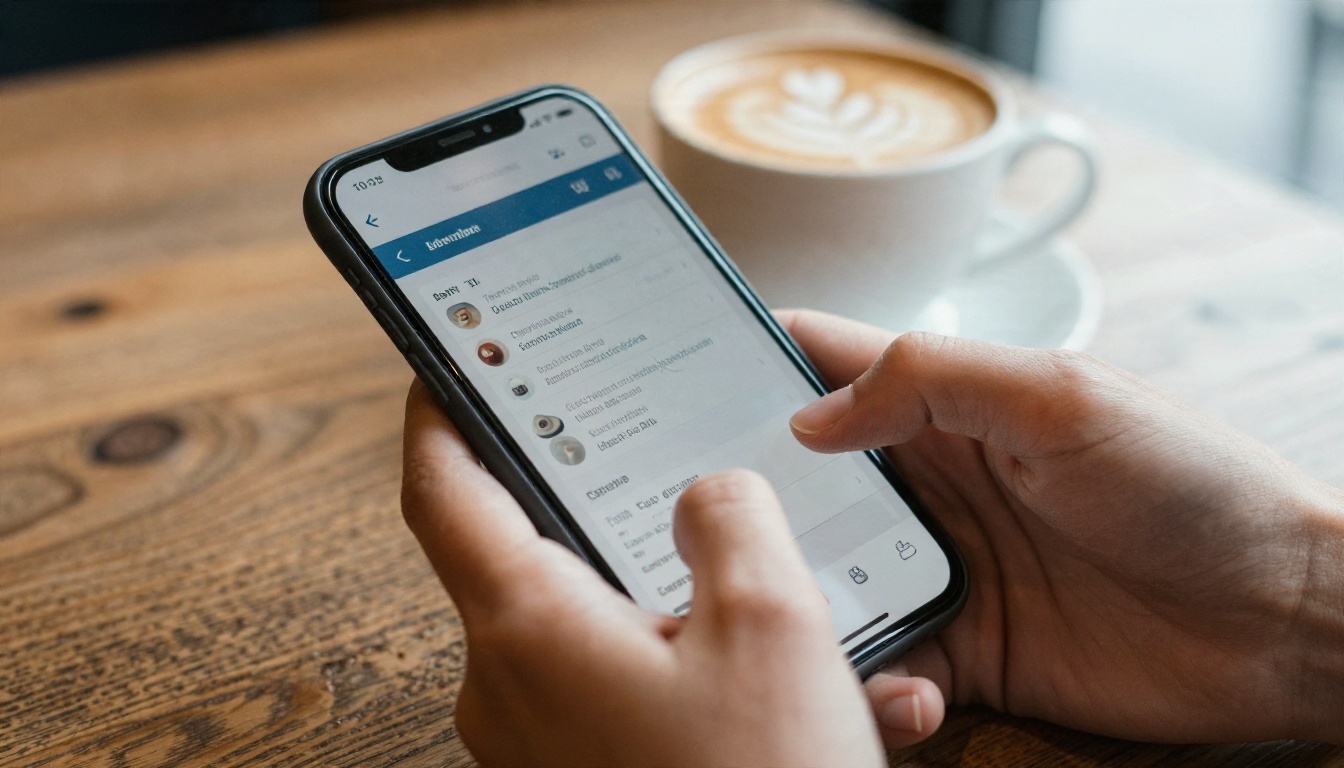
A mobile brochure publishing platform takes a PDF or design file and publishes it as an online, page-turning document with its own link and embed code. The better tools detect the device in the visitor's hand and adjust: two-page spreads on a laptop, single crisp pages on a phone, pinch zoom, and swipe to turn the page. You may also see it called a digital brochure maker, an online brochure creator, an interactive brochure tool, or flipbook software. The label changes. The job does not: get your brochure read on the device people actually use.
Why Phones Break PDFs
A standard PDF was built for printing, not for a six-inch screen. Here is what goes wrong when you send one to a mobile visitor:
- Tiny text. Letter-size pages shrink to the size of a postage stamp, so readers pinch and pan constantly.
- Slow downloads. A brochure packed with photos can weigh 20 MB or more, which hurts on a weak connection.
- Unreliable links. Some mobile PDF viewers ignore clickable buttons or open them awkwardly.
- Zero visibility. You never see who opened the file, how far they got, or whether they bothered at all.
- No updates. Once the file sits in someone's inbox, a price change means resending everything.
💡 Pro tip: Check your own website analytics. For most small businesses, the majority of traffic now arrives on phones, so a brochure that only works well on desktop ignores most of your audience.
Flipbook vs Plain PDF
Here is how the two formats compare on the things that matter to a mobile reader and to you as the publisher.
| Feature | Plain PDF | Mobile flipbook |
|---|
| Layout on a phone | Fixed page, needs zooming | Responsive, adapts to screen width |
| Load speed | Whole file downloads first | Pages load as the reader goes |
| Page turning | Scrolling or pinching | Swipe or tap with a realistic page effect |
| Links, video, audio | Limited and inconsistent | Embedded and clickable |
| Tracking | None | Views, time on page, lead capture |
| Updates after sharing | Resend the file | Update once, same link |
| Branding | Basic file name | Custom colors, logo, background |
Free Options and Their Limits
Free plans are the front door of this market, and they are genuinely useful for testing the format. They are also designed to make you upgrade. Knowing the usual limits before you build anything saves you from rebuilding a brochure later.
What Free Plans Usually Include
Across the market, free tiers tend to follow the same pattern:
- A very small number of publications, often one to three
- A page cap per brochure
- A platform watermark or branded footer on every page
- Public visibility only, with no password protection
- No custom domain and limited embed options
- No analytics beyond a basic view count
Each limit is manageable on its own. Stacked together, they decide whether a free plan is a trial or a trap.
| Free plan limit | Why it hurts | What to do about it |
|---|
| Platform watermark | Makes your brochure look unfinished to clients | Choose a platform with no watermarks on any plan |
| Page cap | Forces you to cut content or split files | Check the cap before you design |
| Public only | Pricing or internal material is exposed | Move to a plan with password protection |
| No analytics | You cannot tell what works | Test with a short link, then upgrade |
| Few publications | Blocks seasonal or multi-product brochures | Look for unlimited flipbooks on paid tiers |
⚠️ Watch out: A watermark on a client-facing brochure can cost you more in credibility than a paid plan costs in cash. If the brochure represents your business, treat free as a trial only.
When Free Is Enough
Free works well in a few situations: you are testing whether flipbooks suit your audience, you are publishing a one-off event flyer, or you are a student building a portfolio. It stops working the moment a brochure becomes part of your sales process. If customers, tenants, guests, or buyers will see it, you want your branding on it and nobody else's.
Pricing Tiers Compared
Pricing in this space is less mysterious than it looks. Most platforms sell the same four layers, and the differences come down to what sits in each one.
Typical Pricing Models
Platforms usually charge in one of these ways:
- Flat monthly subscription. Predictable, and the most common model for small teams.
- Per publication. Cheap if you publish rarely, expensive if you publish often.
- Usage based. Costs rise with views or storage, which can surprise you after a campaign goes well.
- Custom enterprise. Priced by quote, usually for teams that need single sign on or dedicated support.
Here is how the tiers generally break down, so you can match your needs to a level before you compare vendors.
| Tier | Typical features | Best for |
|---|
| Free | Few brochures, watermark, public links | Testing the format |
| Entry or Standard | More or unlimited brochures, custom branding, embeds | Small businesses, freelancers |
| Professional | Analytics, lead generation, password protection, downloads | Sales and marketing teams |
| Team or Enterprise | Multiple users, permissions, custom support | Agencies, large organizations |

What Flipbooks AI Plans Include
Flipbooks AI keeps the structure simple. No watermarks, ever, including on the entry level. The Standard plan and above gives you unlimited flipbooks, so you can publish a spring brochure, a summer brochure, and a product sheet without counting. The Professional plan adds analytics and lead generation, which is where a brochure starts working as a sales tool instead of a brochure. Because plan details and prices change, check the current numbers on the pricing page before you commit.
✅ Best practice: Choose your plan by the features you need in the next six months, not by the lowest price today. If you need lead capture for a campaign, a plan without it is the expensive one.
Mobile-Friendly Features That Matter
Every platform says it is mobile friendly. Few of them are specific. Use this section as a checklist when you test any tool, and test it on a real phone, not a browser window resized on your desktop.
Responsive Layouts
A true responsive brochure does more than shrink. It should:
- Switch from a two-page spread to a single page on narrow screens
- Keep text readable without zooming
- Use buttons and menus large enough for a thumb
- Support both portrait and landscape orientation
- Hide controls that clutter a small screen
Speed on Weak Connections
People read brochures in lifts, on trains, and in places with patchy signal. Pages should load progressively, so the first page appears in a second or two while the rest loads in the background. You can help by exporting your PDF with compressed images and avoiding unneeded full-bleed photos on every page.

💡 Pro tip: Aim for a source PDF well under 10 MB when you can. Smaller files convert faster and open faster on mobile data.
Touch, Media, and Links
Phones reward interaction that feels natural. Look for swipe to turn the page, pinch to zoom, and double tap to enlarge a photo. Then look at what you can place inside the brochure: clickable links, phone and email buttons, map links, and embedded video and audio. A hotel can show a room tour inside the brochure. A musician can attach a sample track to a press kit. Neither needs the reader to leave the page.
How to Create Brochures with Flipbooks AI
If you already have a brochure as a PDF, you are about ten minutes from a mobile version. Flipbooks AI includes dedicated tools for this job, including the Online Brochure Designer, the Brochure Flipbook Maker, and the PDF to Flipbook Converter. Here is the process step by step.
Upload Your PDF
- Visit Flipbooks AI and create an account.
- Open the PDF to Flipbook Converter and click the upload area. You will see a large drop zone in the center of the screen.
- Select your brochure PDF, or drag it in.
- Wait while each page converts. A progress bar shows the pages as they process.
- Open the preview and check it on your phone before you do anything else.
Brand It
Once the flipbook opens in the editor, customize it so it looks like yours and nobody else's:
- Logo and colors: Upload your logo and match the toolbar and background to your brand palette.
- Page effects: Choose the page turning style and speed. A soft curl feels natural on a lifestyle brochure, while a flat slide suits technical sheets.
- Multimedia: Add video, audio, and clickable links on top of pages.
- Background: Use a solid color or an image that supports the brochure instead of competing with it.
Share and Protect
Publishing offers several options, and you can mix them:
- Direct link: Paste it into an email, a text message, or a social profile.
- Embed code: Place the brochure on a page of your site. The Embed Flipbook on Website tool shows how.
- Password protection: Keep private content, such as wholesale price lists, limited to the people who have the password.
- Offline downloads: Let readers save the brochure and open it without a connection.
Track Results on Professional
The Professional plan adds the tools that turn readers into leads. You can see which pages get attention, where readers drop off, and capture contact details before a reader gets to a certain page. If page four is where everyone leaves, you now know which page to rewrite.
✅ Best practice: Put your strongest offer or call to action on the second or third page, not the last. Phone readers rarely reach the final page.
Real-World Use Cases
Mobile brochures earn their keep in industries where customers decide while holding a phone.
Hotels and Travel
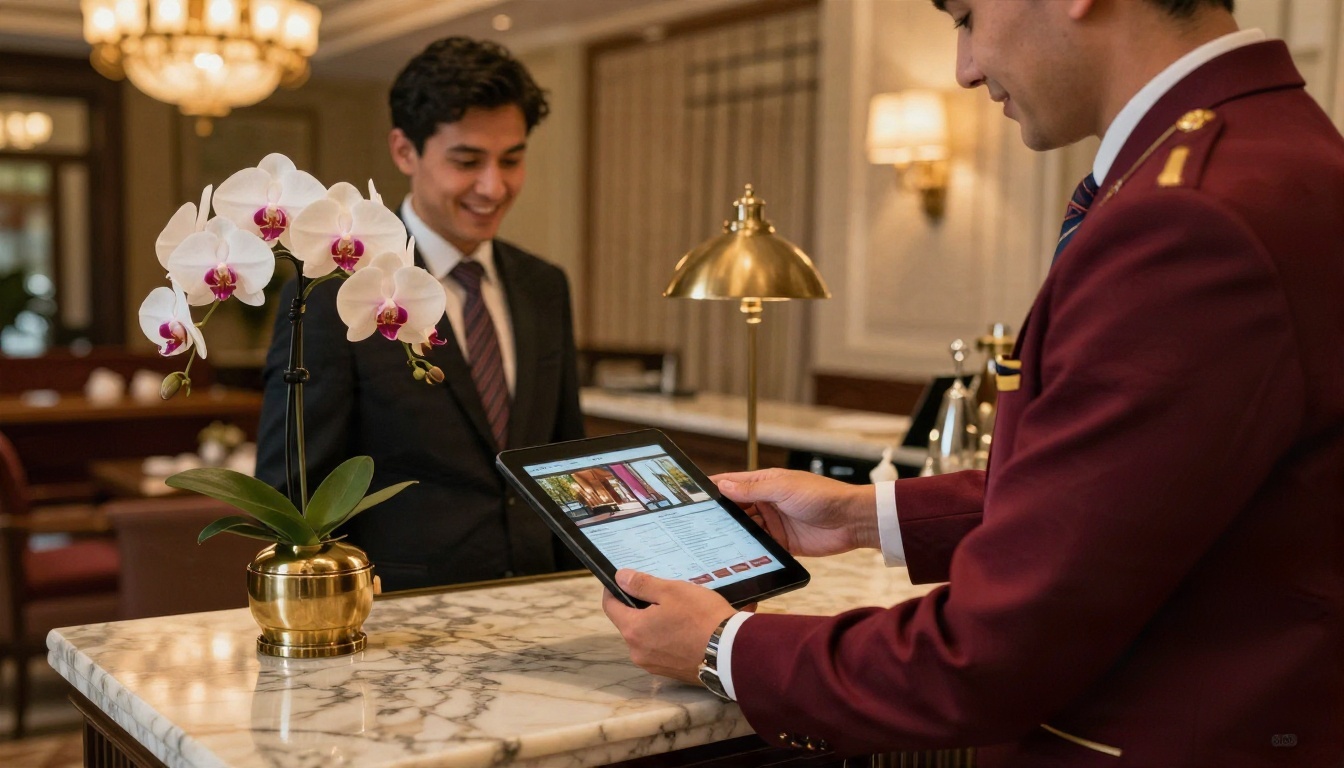
A resort can send a brochure link in a booking confirmation email, and the guest reads it by the pool, on the plane, or at the airport gate. Room photos, a spa menu, and a restaurant page live in one scrollable, swipeable file. The Hotel Brochure Designer is built for exactly this kind of publication.

Real Estate Agents
Agents often show properties on a tablet during a viewing, then text the same brochure to the buyer afterward. With the Real Estate Brochure Creator, floor plans, photo galleries, and contact buttons sit in a single branded file. When the price changes, the agent updates the flipbook and every shared link shows the new version.

Here is a quick view of where else the format fits.
A restaurant owner, for example, can change a dish or a price on Friday afternoon, and diners see the new menu that evening without a single reprint.

Mistakes to Avoid
Even with a good platform, a few habits sink mobile brochures:
- Designing for print only. Eight-point text looks fine on paper and unreadable on a phone. Keep body text large.
- Uploading oversized files. A heavy PDF slows everything down. Compress images first.
- Skipping the phone test. Always preview on at least one iPhone and one Android device.
- Accepting a watermark. It undercuts the brochure you worked on. Pick a platform with no watermarks.
- Forgetting a call to action. Add a tap-to-call button, a booking link, or an email button on every key page spread.
⚠️ Warning: Do not hide your price or contact details on the last page. Phone readers leave early, so put the next step where they will see it.
A good mobile brochure platform costs less than a single print run and keeps working after you send it. Start free to test the format, then move to a paid plan when you need unlimited flipbooks, password protection, or analytics.
Ready to publish? Create your first flipbook on Flipbooks AI in minutes. Browse all flipbook tools and templates to find the one that fits your industry, or compare the pricing plans to see what each level includes. If you already know what you need, sign in and choose a plan right away.



