A printed brochure can only say so much. A multi media brochure can show a hotel pool at sunrise, play the sound of waves behind it, and let the reader tap a button to book a room. If you already have a PDF, you are closer than you think: Flipbooks AI turns it into a page-flip brochure where video, audio, and links live right on the page.
This article shows real multi media brochure examples, video and audio ideas you can copy this week, and a step-by-step build in a free online maker. You will also find three comparison tables, a short list of mistakes that waste good footage, and a few honest limits worth knowing before you start.
A multi media brochure is a brochure that mixes text and images with at least one other format: video, audio, animation, clickable links, forms, or a photo gallery. It is read on a screen, so it can do things paper never could.
Think of it as a brochure that talks back. The reader decides what to watch, hear, or tap, and you can see what they chose.
Print, PDF, and Multimedia Compared
Most teams start with a print file and stop there. Here is how the three common formats differ in practice.
| Feature | Printed Brochure | Plain PDF | Multi Media Brochure |
|---|
| Video playback | No | Rarely works | Yes, on the page |
| Audio clips | No | No | Yes |
| Clickable links and buttons | No | Basic links | Links, buttons, forms |
| Reader tracking | No | Download count only | Views, pages, clicks |
| Update after sharing | Reprint needed | Resend new file | Edit once, link stays |
| Mobile reading | Poor | Pinch and zoom | Responsive layout |
| Cost per copy | Printing and shipping | Free | Free |
Why It Works Better
People skim brochures. A short video on page one gives a reader a reason to stay. A voice that welcomes them on page two makes the brand sound like a person. Both are small additions, but together they change how long someone stays with your material.
💡 Pro tip: Treat multimedia as seasoning, not the whole meal. One video and one audio clip in a ten-page brochure beats a video on every page.
The best examples share a pattern: the media answers a question the text can't. Here are four setups you can adapt.
A Hotel Brochure With Ambient Sound
A boutique hotel can open its brochure with a looping 20-second clip of the lobby at dawn, then play a soft recording of the garden courtyard on the rooms page. Guests hear the place before they book it.
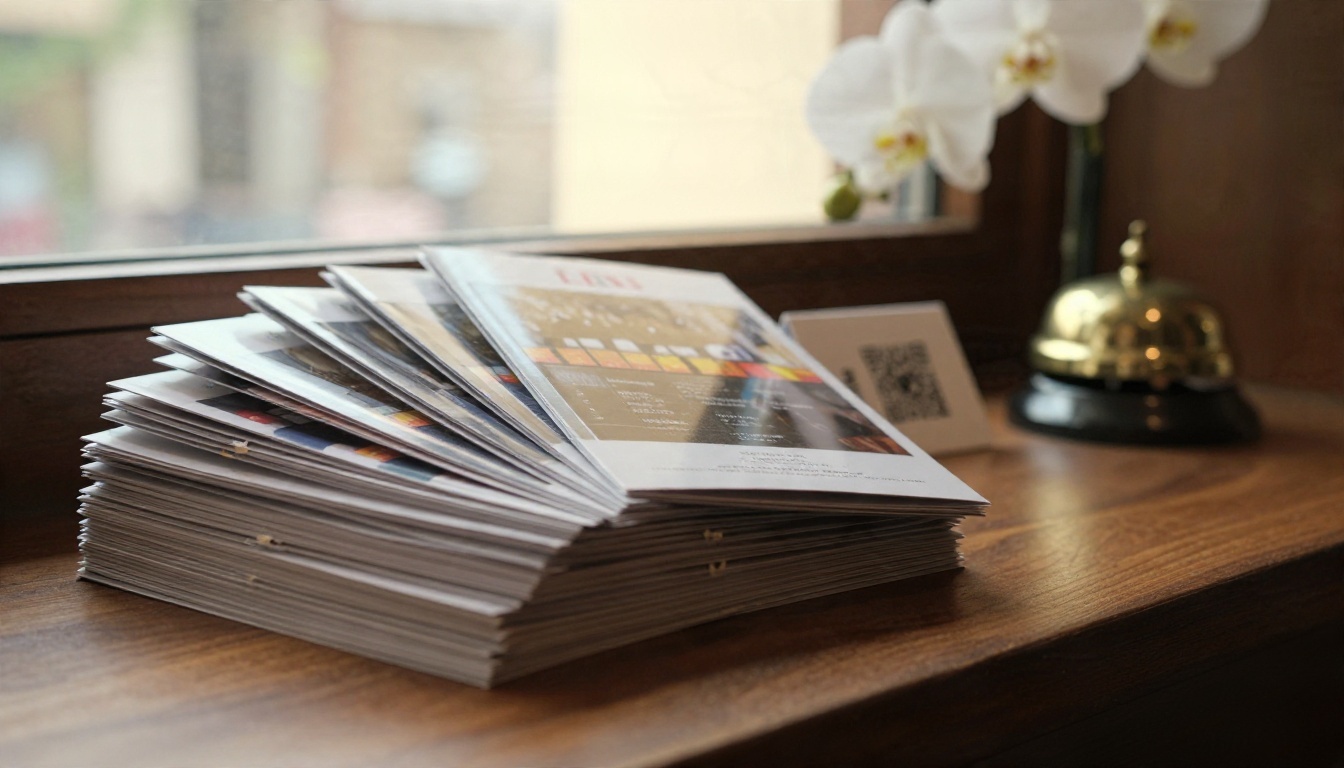
The Hotel Brochure Designer is built for this kind of layout, with room galleries, amenity pages, and a booking link on every spread.
A Real Estate Brochure With Walkthroughs
An agent can drop a 30-second phone walkthrough beside each listing photo. Buyers see how the kitchen connects to the living room, something a still photo hides. Add a map link and a "Book a viewing" button on the last page.
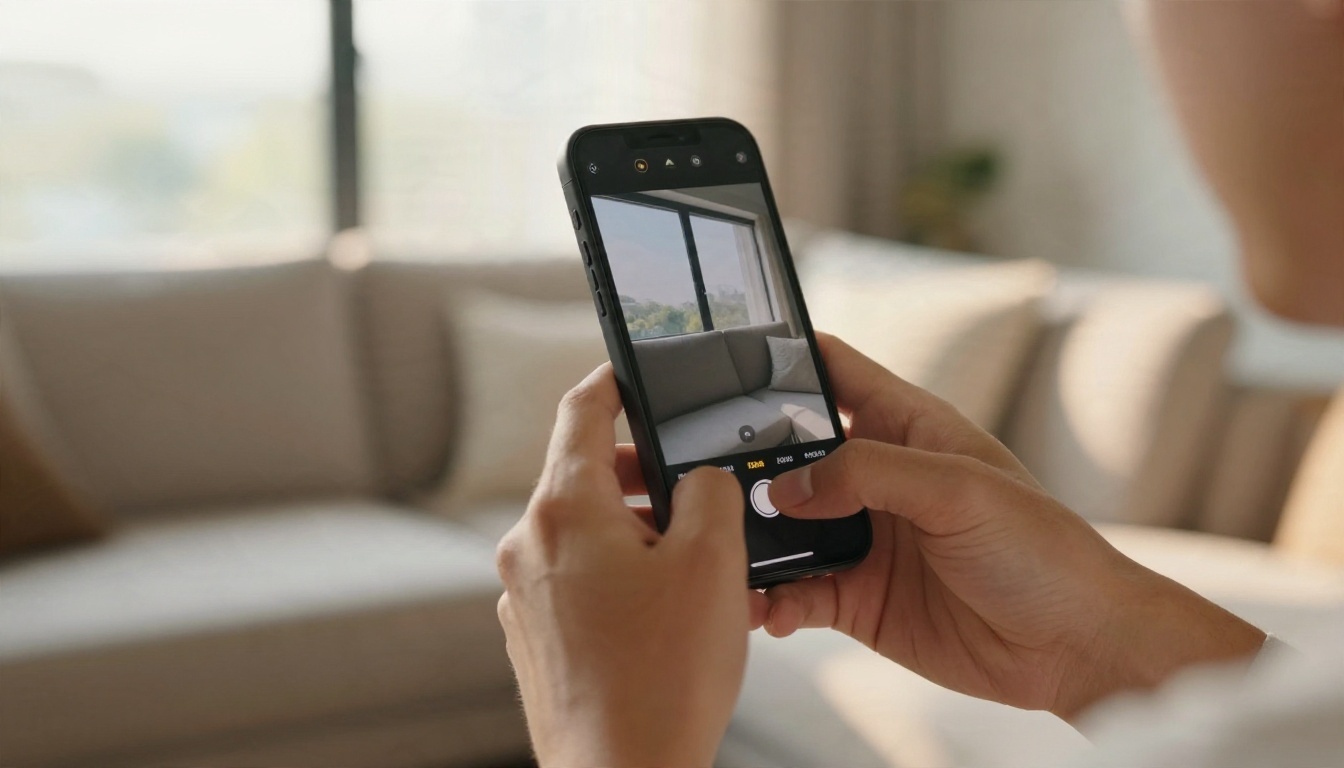
Try the Real Estate Brochure Creator if you list several properties and want one consistent template.
A Restaurant Menu With Chef Notes
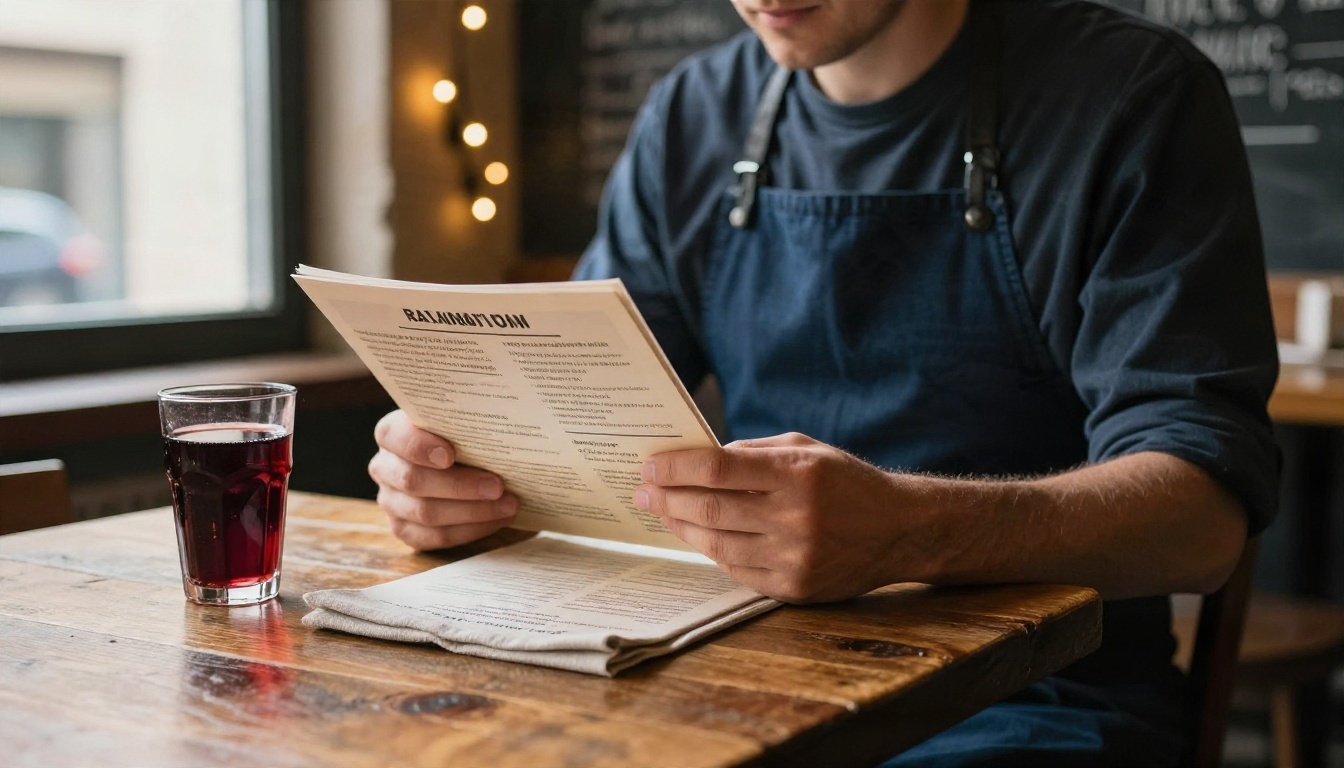
A bistro can pair each section of its menu with a short audio note from the chef: where the lamb comes from, why the sauce takes two days. It reads like a conversation at the table. The Restaurant Menu Creator handles the layout, and you add the voice.
A Trade Show Leave-Behind
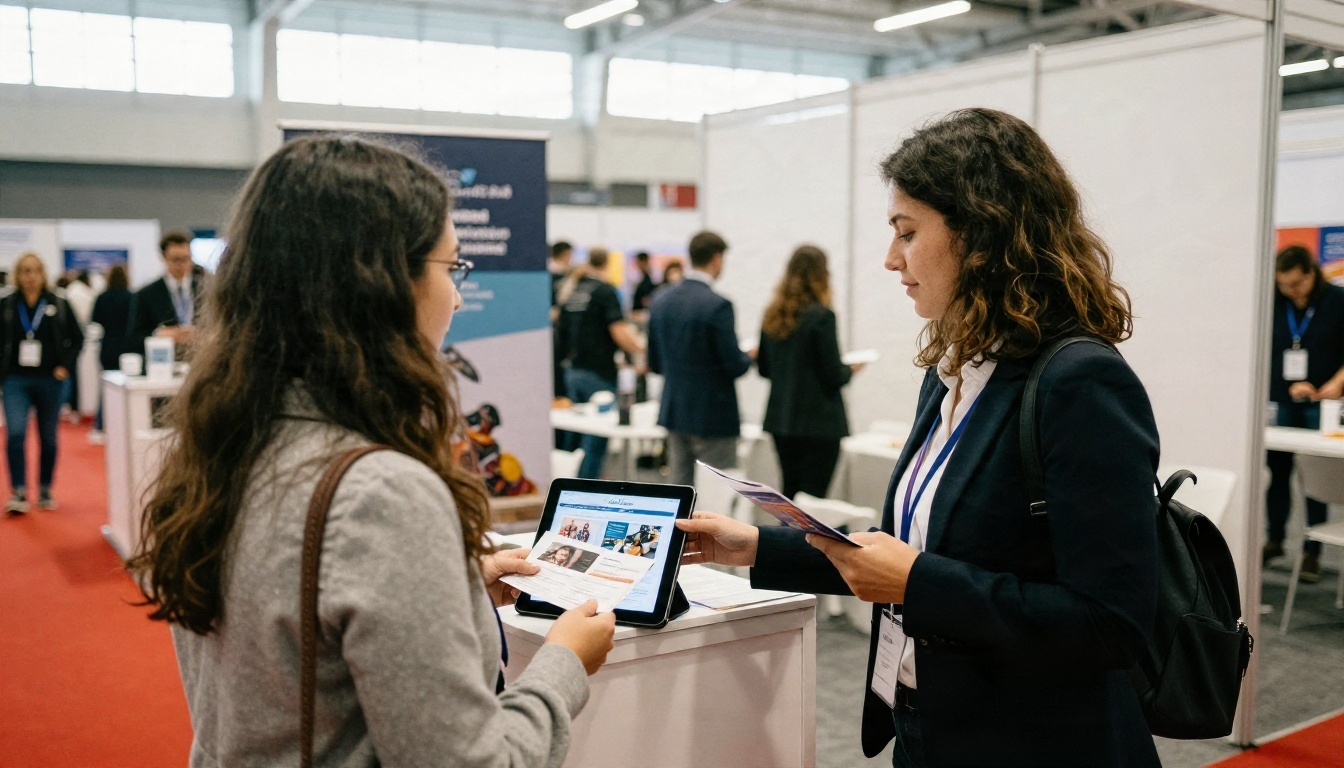
Hand out a printed card with a QR code, and send everyone else a link after the event. The digital brochure carries the product demo video, the spec sheet, and a contact form. Your booth conversation continues after the visitor has left the hall.
| Example | Best Media | Goal | Suggested Length |
|---|
| Hotel | Looping video, ambient audio | Direct bookings | 20 seconds per clip |
| Real estate | Phone walkthrough | Viewing requests | 30 to 45 seconds |
| Restaurant | Chef voice notes | Reservations | 15 to 25 seconds |
| Trade show | Product demo | Lead capture | 45 to 60 seconds |
| Spa or wellness | Calm audio, slow video | Treatment bookings | 20 seconds |
| Automotive | Walkaround video | Test drive requests | 30 seconds |
Video Ideas for Your Brochure
You don't need a film crew. A modern phone, daylight, and a steady hand are enough for most of these.
The 15-Second Teaser
Put it on page one. Show the single most appealing thing you offer: the view, the dish, the finished product. No intro, no logo animation. Start with the good part.
The Walkthrough
Move slowly through a space or a product. Shoot vertical if most readers will open the brochure on a phone, and horizontal if they will use a laptop. Hold the camera at chest height and walk at half your normal speed.
The Customer Story
A 30-second clip of a real client saying one specific thing beats a paragraph of praise. Ask them a single question: "What changed after you started working with us?" Then use the first honest answer.
The How-To Clip
Show your product being used. A furniture brand can show assembly in 30 seconds. A skincare line can show the routine. These clips cut support questions and help buyers feel sure.
✅ Best practice: Compress video before you upload it. A 30-second clip rarely needs to be larger than 20 to 30 MB, and smaller files load faster on mobile data.
Audio Ideas That Add Personality
Audio is the most underused format in brochures. It costs almost nothing and makes a brand feel human.
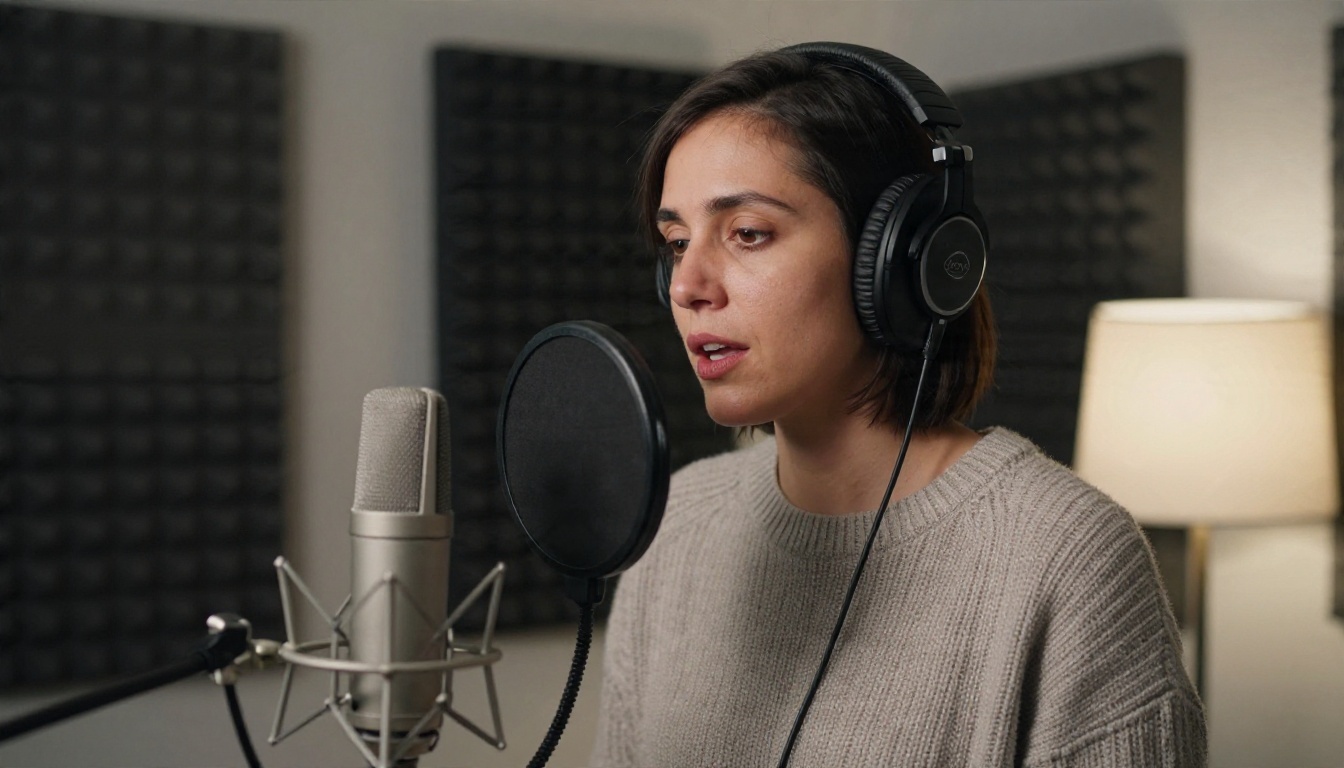
A Welcome Voiceover
Record 15 seconds on the first page. Say who you are, what the brochure holds, and what to tap first. Speak the way you would to a guest who just walked in.
Ambient Sound
A waterfall at a resort, a coffee grinder in a cafe, a workshop humming behind a craftsperson. Ambient sound sets a mood faster than adjectives do. Keep it quiet, and let the reader press play instead of forcing it on them.
Short Interview Clips
If you run a podcast or collect testimonials, drop a 20-second excerpt next to the matching text. It adds a real voice without adding length to the page.
| Audio Type | Best For | Recording Tip |
|---|
| Welcome message | Any brochure | Smile while you speak |
| Ambient loop | Hotels, spas, cafes | Record 60 seconds, trim the best 20 |
| Chef or maker note | Menus, craft products | Record in a quiet room with soft furniture |
| Interview excerpt | Services, education | Clean up background noise first |
| Product sound | Audio gear, appliances | Place the mic close, keep gain low |
How to Create One With Flipbooks AI
Here is the build, start to finish. Plan on about 30 minutes for a ten-page brochure once your files are ready.
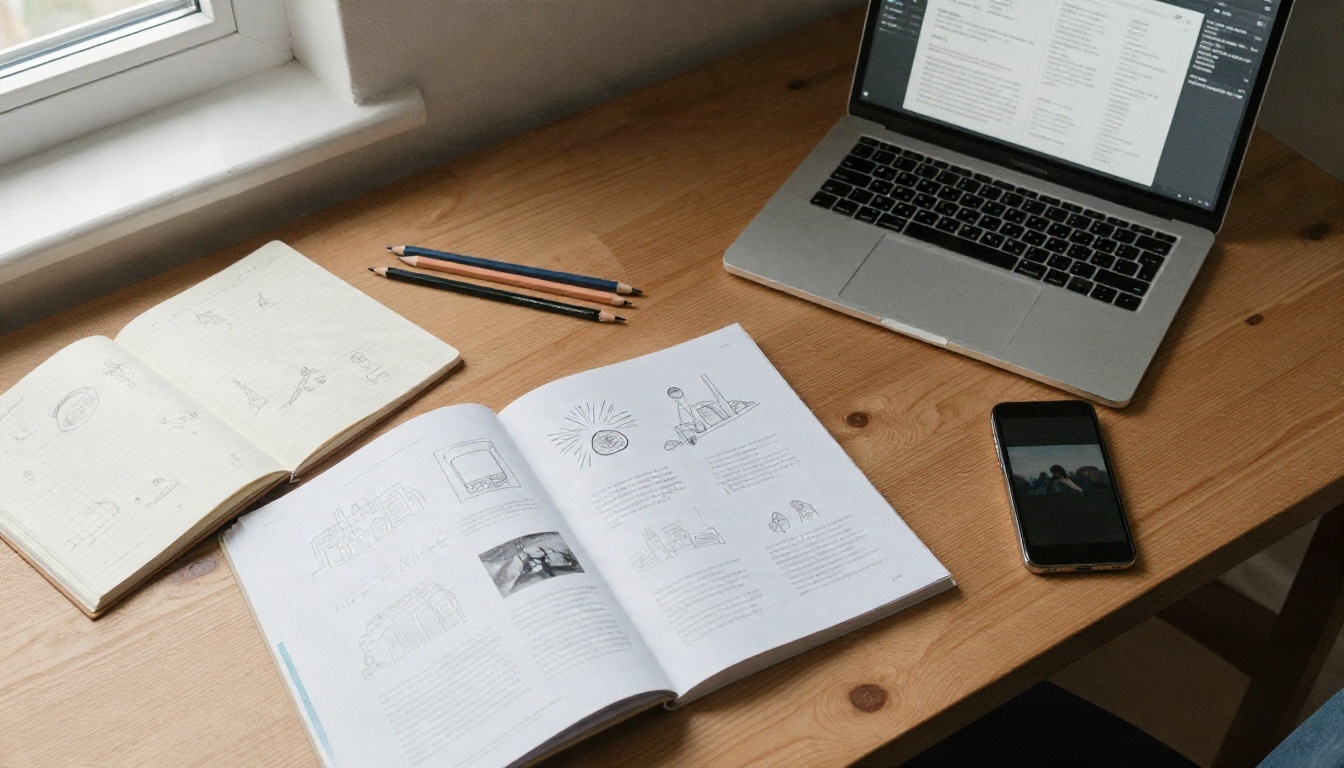
Step 1: Prepare Your PDF
Design your pages in any tool you like and export a PDF. Keep room on each page where a video or audio button will sit. If you need a layout first, the Online Brochure Designer gives you a starting point.
Step 2: Upload and Convert
Create a free account on Flipbooks AI and drag your file into the upload area. The PDF to Flipbook Converter turns each page into a flippable spread in a few moments. The result has realistic page-turn effects and no watermark.
Step 3: Add Video and Audio
Open the editor, choose a page, and place your media. You can embed a video link or upload a short clip, and add audio to any page. Position each element so it sits next to the text it supports. Preview on a phone before moving on.
Step 4: Apply Your Branding
Set your colors, add your logo, and choose a background that suits the mood. Keep the same accent color for every button so readers learn where to tap. The Brochure Flipbook Maker page lists the layout options in more detail.
Step 5: Share and Protect It
You have several ways to publish:
- Direct link for email and messaging apps.
- Embed code to place the brochure on your site, using the Embed Flipbook on Website tool.
- QR code for print materials, packaging, and signs.
- Password protection for private price lists or partner-only material.
- Offline download for readers with weak signal.
Step 6: Track What Readers Do
On the Professional plan, analytics show which pages get read and which clips get played, and lead generation forms capture contact details. Check the pricing plans to see which tier fits your volume. The Standard plan and above allow unlimited flipbooks.
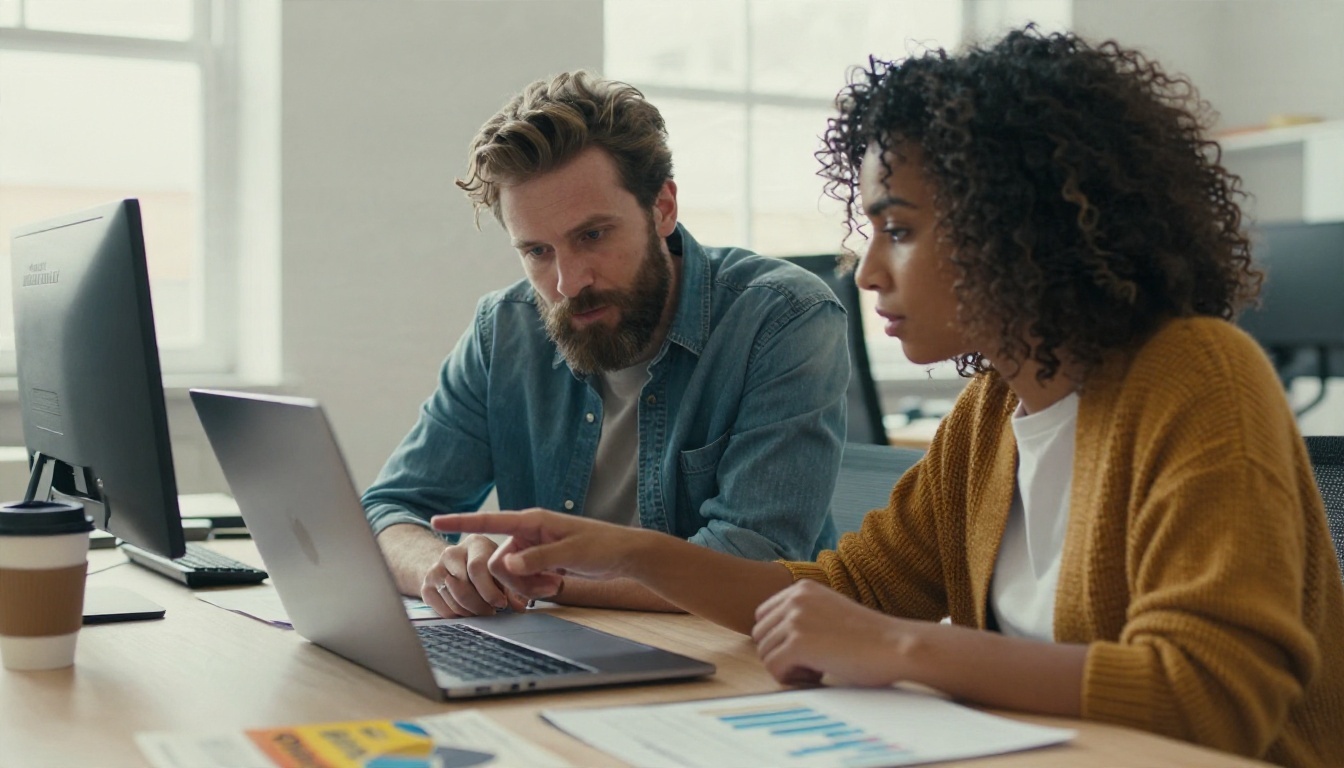
💡 Pro tip: Look at the page where readers stop. If most people leave at page four, move your best clip to page two and see what changes.
Free Online Maker Options Compared
"Free" means different things from one tool to the next. Before you commit, check these points, because a free plan with a watermark on every page can cost you credibility.
| Question to Ask | Why It Matters | Flipbooks AI |
|---|
| Is there a watermark? | Looks unprofessional on client work | No watermarks, ever |
| Can I add video and audio? | The core of a multimedia brochure | Yes |
| Is the layout mobile-responsive? | Most readers open links on phones | Yes |
| Can I use my own branding? | Brand consistency | Yes, custom branding |
| Can I protect private files? | Price lists, partner decks | Password protection |
| Do I get reader data? | Shows what works | Analytics on Professional |
| Are flipbooks unlimited? | Matters for agencies and catalogs | Standard plan and above |
You can start free and move up only if you need analytics or higher volume. Browse all flipbook tools to see whether a ready-made template fits your industry.
Free Versus Paid: A Fair Look
A free account is enough to test the format and publish a first brochure. If you run campaigns, collect leads, or manage many brochures for clients, the paid plans pay for themselves in saved time. Be honest about your volume before you decide.
Making It Work on Mobile
Most brochure links are opened on a phone, often from a message or a QR code scanned on the move. Design with that in mind.
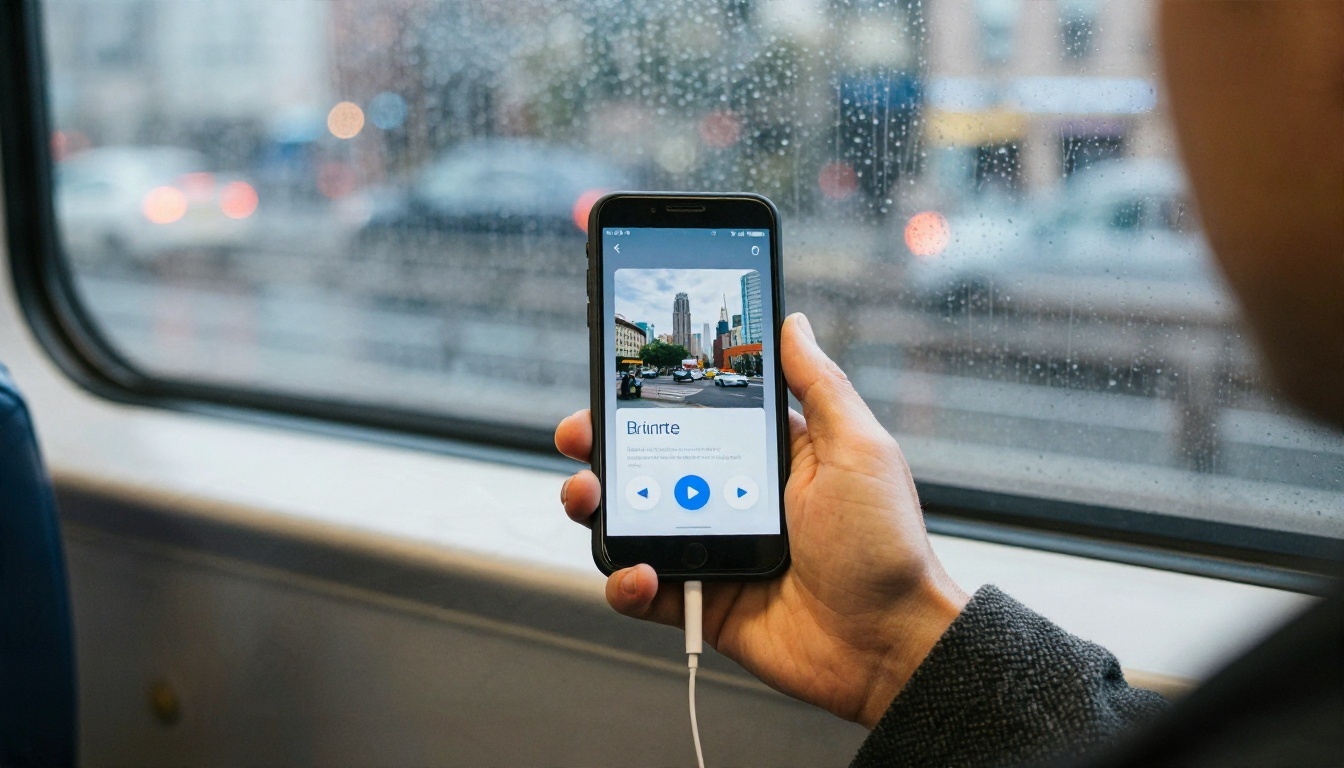
Design for Thumbs and Noise
Readers on trains and in waiting rooms often have no sound. Add captions or on-screen text to every video, and never rely on audio alone to carry an important message. Make buttons large enough for a thumb, and leave space around them.
Keep Files Light
Heavy videos stall on mobile data. Trim clips, export at 720p or 1080p, and keep any single clip short. A brochure that opens in two seconds gets read. One that spins for ten gets closed.
Most weak multimedia brochures fail in the same few ways.
- Autoplay with sound. Surprise noise sends readers away. Let them press play.
- Long videos. If a clip runs past a minute, link to the full version and keep a teaser in the brochure.
- No call to action. Every video should lead to something: a booking link, a form, a phone number.
- Media on every page. Crowded pages hide your best clips. Choose three to five moments.
- Skipping the phone test. Open the brochure on a real phone before you send it to anyone.
- Poor sound. Bad audio feels worse than no audio. Record in a quiet room and use a headset or a cheap clip-on mic.
⚠️ Warning: Only use music, voices, and footage you have the right to publish. Stock libraries and royalty-free sites make this simple, and a licensing complaint will cost far more than a subscription.
Ready to Build Your Own?
You already have the hard part: something worth showing. Record one short clip, one short voice note, and drop them into a PDF you already own.
Start with a ten-page brochure, one teaser video, and a welcome voiceover. Send it to five people, check which pages they open, and improve from there. That small loop will teach you more about your readers than any template can.



