You have 800 photos from last summer, a birthday coming up, and two tabs open: My Picture and Photobox. Both will print a lovely book. Both will also hit you with a final price that looks nothing like the one on the first page. Before you pay, it is worth knowing there is a third route: turning those same photos into a page-turning digital album with Flipbooks AI, which you can start for free and share with one link.
This article puts the three options side by side. We look at how photo book pricing really works, where the extra costs hide, and when a digital flipbook is the smarter choice (or the perfect companion to a printed copy).
💡 Quick note on prices: Both print services run frequent promotions and change their rates by country, so any figure below is an illustrative example. Always check the live checkout total before you decide.
What Each Option Actually Is
Before comparing costs, it helps to be clear about what you are buying. A printed photo book and a digital flipbook solve different problems.
My Picture in brief
My Picture is an online photo book service built around an editor where you upload images, drop them into templates, and order a printed book delivered to your door. Its appeal is simplicity: pick a format, fill the pages, pay, wait for the parcel. Like most services in this category, the base price looks modest and grows as you add pages, upgrade paper, or choose a premium binding.
Photobox in brief
Photobox is one of the best-known names in personalised photo products. Beyond books, it prints calendars, canvases, mugs, and cards, so its editor and catalogue are broader. It is known for regular sales and discount codes, which makes the sticker price a moving target. Pay attention to the final checkout figure, not the headline.
A digital flipbook in brief
A digital flipbook is a PDF (or set of images) converted into an online book with realistic page-turning, zoom, and mobile support. No printing, no postage, no waiting. You build your album as a PDF in any design tool, upload it to Flipbooks AI, and share a link or embed it on a website. Nobody needs to install anything.
| Feature | My Picture | Photobox | Digital flipbook |
|---|
| Format | Printed book | Printed book | Online, page-turning |
| Delivery time | Days to weeks | Days to weeks | Instant |
| Shipping cost | Usually extra | Usually extra | None |
| Editing after ordering | No | No | Yes, re-upload anytime |
| Share with many people | One book per copy | One book per copy | Unlimited viewers |
| Works on phones | Not applicable | Not applicable | Yes |
Photo Book Pricing Side by Side
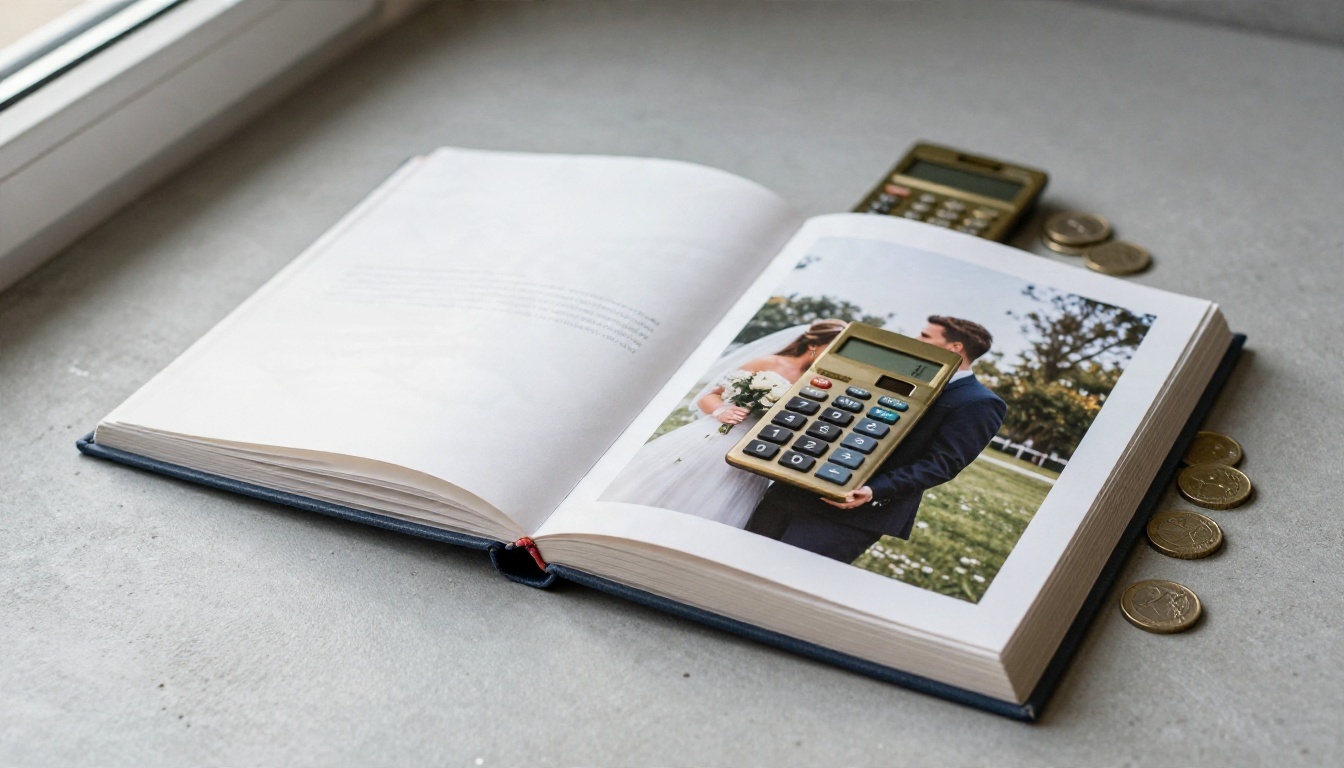
Photo book pricing is rarely one number. It is a stack of small decisions, and each one nudges the total upward.
What drives the final price
Whichever service you pick, the same five factors decide what you pay:
- Size: A small square book costs far less than a large landscape format.
- Page count: Most books include a base number of pages, then charge per extra page or spread.
- Binding and finish: Softback is cheapest. Hardback, linen, and lay-flat bindings cost more.
- Paper quality: Standard matte, premium gloss, and thick lay-flat stock are priced in tiers.
- Quantity: Ordering several copies often lowers the per-book price, though not always by much.
Example cost scenarios
The numbers below are made-up round figures to show how a total grows. They are not quoted rates from either company.
| Scenario | Base book | Extra pages | Upgraded finish | Shipping | Example total |
|---|
| Small softback, 24 pages | 15 | 0 | 0 | 5 | 20 |
| Medium hardback, 40 pages | 25 | 8 | 10 | 6 | 49 |
| Large lay-flat, 60 pages | 45 | 15 | 20 | 8 | 88 |
| Same photos as digital flipbook | 0 | 0 | 0 | 0 | Free to start* |
*Check the pricing page for current plan limits.
The pattern matters more than the numbers. A printed book that starts cheap can end up at three or four times its starting price once you add pages, a better finish, and delivery.
Hidden costs people miss
Here are the extras that surprise most first-time buyers:
- Shipping and handling, often added at the last checkout step.
- Page add-ons when your story does not fit the default page count.
- Premium paper or lay-flat upgrades that look small per option but add up.
- Reprints if you spot a typo or a cropped face after ordering.
- Gift copies for every relative who asks "can I get one too?"
⚠️ Watch out: Once a printed book is ordered, there is no editing. A single spelling error on page two is permanent in every copy.
A Free Online Alternative
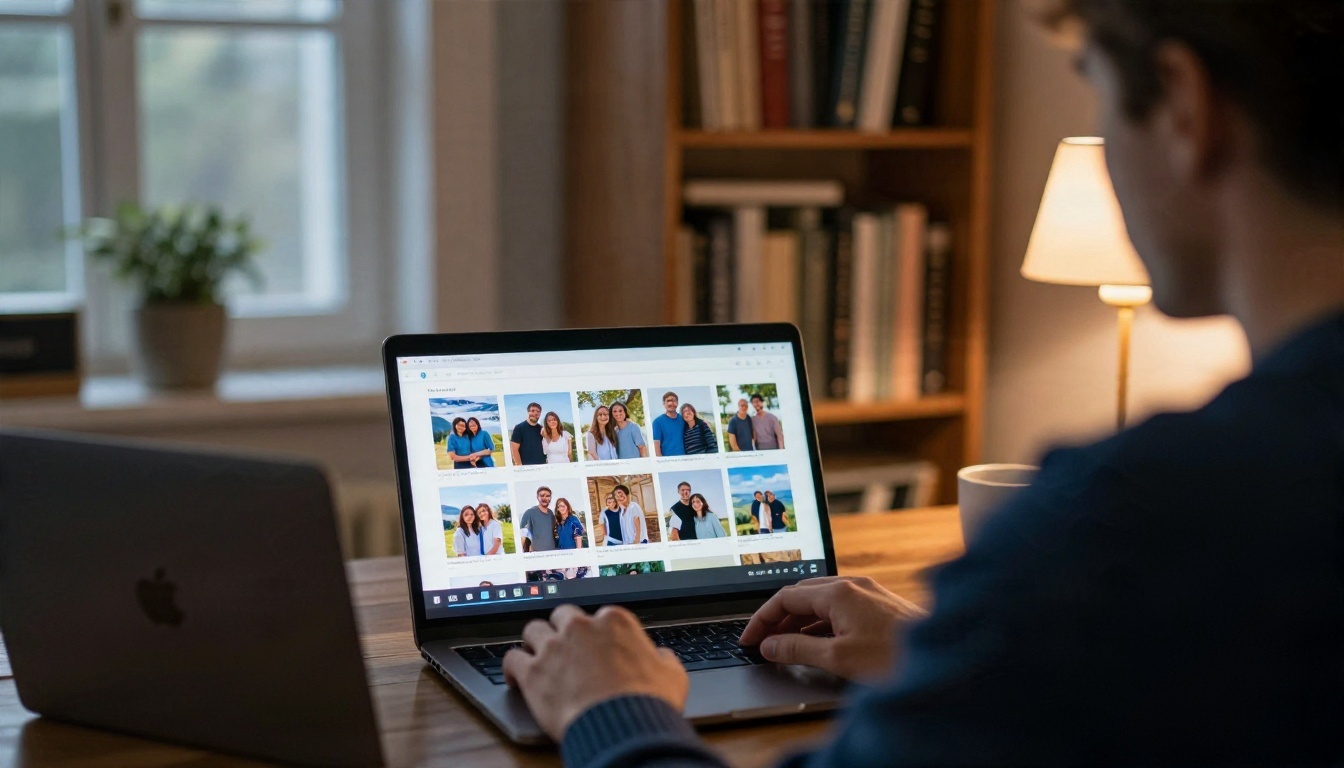
The cheapest photo book is the one you never have to print. For many projects (holiday albums, family updates, school events, portfolios), a digital flipbook delivers the same page-flipping experience at a fraction of the cost.
What free really means
With Flipbooks AI, you can start without paying and without a watermark ruining your pages. You keep your own layout, your own photos, and your own design. Paid plans exist if you need unlimited flipbooks, deeper analytics, or lead capture, and you can compare plans whenever you are ready.
Here is what you get with a digital version:
- ✅ No watermarks, ever
- ✅ Instant sharing by link or embed code
- ✅ Mobile-responsive pages that look right on any screen
- ✅ Editable anytime, so fixing a typo takes two minutes
- ✅ Video and audio, which a printed page simply cannot play
Where print still wins
Being honest matters here. Print wins for some moments:
- A wedding or anniversary book that sits on a coffee table.
- A gift for a grandparent who prefers paper.
- A keepsake you want to hold in ten years without a screen.
That is why many people do both. Print one beautiful copy and share the flipbook with everyone else. The digital version also acts as a free backup of your design.
💡 Smart combo: Order a single printed book for the person who matters most. Send the flipbook link to the other 30 people on the guest list. You save on copies and shipping.
How to Make a Photo Flipbook
Here is the full process to turn your photos into a flipbook with Flipbooks AI. It takes about 10 minutes once your PDF is ready.
Step 1: Prepare your PDF
Build the album in any tool you already use, such as Canva, Google Slides, PowerPoint, or Word. Place one photo (or a small group) per page, add short captions, and export as PDF. Aim for a page size that matches how you want it to look: square for a photo-first feel, landscape for panoramic trips.
Step 2: Upload and convert
- Go to Flipbooks AI and create an account.
- Click to upload your PDF. You can also use the PDF to Flipbook Converter directly.
- Wait a few seconds while each page is turned into a realistic, flippable sheet.
Step 3: Customize the look
Once the flipbook appears in your dashboard, adjust the details:
- Branding and colors: Pick a background tone that complements your photos. Warm neutrals suit family albums, deep charcoal makes landscape shots pop.
- Page effects: Choose the page-turn style and sound if you like the classic book feel.
- Multimedia: Add a short video clip or background music to a favorite page.
For specific project types, the Wedding Album Flipbook and Photography Portfolio tools are tuned for image-heavy layouts.
Step 4: Share and protect it
| Sharing option | Best for | Notes |
|---|
| Direct link | Family chats and email | Fastest way to send |
| Embed code | Blogs and personal sites | See Embed Flipbook on Website |
| Password protection | Private family or event albums | Only people with the password can open it |
| Offline download | Travel or poor connection | Keep a copy on your device |
✅ Best practice: Use password protection for any album with children or personal events. Share the password in a separate message from the link.
Pro Features for Bigger Projects
Most personal albums need nothing more than the basics. But if you run a photography business, a wedding studio, or a school, a few paid features are worth a look on the Professional plan.
Analytics and lead capture
Analytics show how many people opened your flipbook, which pages held attention, and how long visitors stayed. Lead generation lets you ask for an email address before someone views the album. A photographer sharing a client gallery can see which spreads got the most attention and follow up with a package offer.
Unlimited flipbooks
If you create a new album every month (a family year-in-review, a school newsletter, a travel diary), the Standard plan and above remove the cap on how many flipbooks you can make. That alone can cost less than a single large printed book.
Real examples of who benefits
- A photographer sends a digital portfolio to prospective clients instead of mailing a heavy printed one.
- A school publishes a yearbook flipbook that every parent can open for free.
- A traveler turns a trip into a travel flipbook and shares it before the jet lag even wears off.
- A family builds a recipe book flipbook from grandma's handwritten cards.
Which Option Fits Your Situation
Use this table as a fast filter before you spend anything.
| Your situation | Best choice | Why |
|---|
| Gift for one person, wants something tangible | Printed book (My Picture or Photobox) | Holds up as a keepsake |
| Gift for many relatives | Digital flipbook | One link, zero shipping |
| Tight budget | Digital flipbook | No printing cost |
| Album you will keep updating | Digital flipbook | Edit and re-upload anytime |
| Wedding or milestone event | Print plus flipbook | Display copy plus easy sharing |
| Business or portfolio | Digital flipbook | Analytics and branding |
My Picture or Photobox?
If you decide to print, the choice between the two usually comes down to practical things:
- Which one is running a discount today? This often outweighs everything else.
- Which editor do you find easier? Try both for ten minutes. The one that frustrates you less wins.
- Which delivers to you faster and cheaper? Shipping differs by country.
- Do you want other products? Photobox has a wider catalogue for calendars, canvases, and cards.
💡 Tip: Build your album once as a PDF. You can then upload the same layout as a flipbook and reuse the photos in whichever print editor you choose.
Mistakes to Avoid
A few errors cost people money and patience again and again:
- Ordering before proofreading. Read every page on a large screen at least twice.
- Using low-resolution photos. Images that look fine on a phone can print soft. Use the original files.
- Ignoring bleed and margins. Faces near the page edge can get trimmed in print.
- Forgetting the backup. Keep the digital version, so a lost parcel or a damaged book is not the end of the project.
- Sharing a private album without a password. Links travel. Protect anything personal.
Pick Your Next Step
Printed books from My Picture and Photobox make lovely keepsakes, but their prices climb quickly once you add pages, finishes, and delivery. A digital flipbook costs nothing to start, can be fixed anytime, and reaches every relative at once.
Ready to try it? Get started for free on Flipbooks AI, browse all flipbook tools to find a template for your project, or compare pricing plans when you want unlimited albums and pro features. Build the flipbook first. Then decide whether the printed copy is worth it.



