A client sends you a photo of a bare, echoing living room and asks, "Can you show me what this could look like by Friday?" Five years ago that meant a week of 3D modeling. Today it can mean one photo, one well-written prompt and a few minutes with Nano Banana Pro, Google's image model built on Gemini. The harder part comes after the render: packaging your best work so clients, buyers and employers can flip through it on any device. That is where a tool like Flipbooks AI fits in, and we will get to it later in this article.
First, the practical stuff. Below you will find prompts you can paste today, an honest look at what is free and what is not, room-by-room portfolio examples, and the mistakes that make AI interiors look fake.
What Nano Banana Pro Does Well

Nano Banana Pro is the nickname for Google's Gemini image model aimed at higher-quality generation and editing. For interior work, three traits matter more than raw image quality.
Why Designers Care
- Photo editing from a sentence. Upload a room photo and ask for a new sofa, a different wall color or warmer lighting. The model tends to preserve the architecture while changing the styling.
- Reference blending. You can feed in several images, such as a room, a fabric and a chair, and ask the model to combine them.
- Readable text. Labels on a mood board or a short title on a presentation slide are far more legible than with older image generators.
- Consistency across angles. With careful prompting, you can ask for the same room from a second viewpoint, which is useful for a portfolio spread.
💡 Pro tip: Treat the model as a fast sketch partner, not a final drawing set. It is excellent for mood, palette and layout ideas. It is not a substitute for measured drawings.
Where It Still Slips
Every image model has blind spots, and interiors expose them quickly:
- Furniture proportions can drift, so a "three-seater" sofa may look like a loveseat.
- Door swings, stair geometry and window placement may not respect real building codes.
- Small details like outlet positions, radiators or ceiling heights are often invented.
- Material labels are guesses. "Oak" might render as something closer to ash.
⚠️ Warning: Never present an AI render as a guaranteed outcome. Label it as a concept visualization and confirm dimensions separately.
Prompts That Actually Work
Good prompts read like a brief to a photographer. Vague requests ("a nice modern living room") produce generic results. Specific requests produce rooms that feel designed.
The Five-Part Prompt Formula
Use this order every time:
- Room and style: "Japandi living room in a 1930s apartment"
- Materials and colors: "limewash walls, oak floor, cream bouclé sofa, one terracotta accent"
- Light: "soft morning light from a window on the left"
- Camera: "eye-level, 24mm lens, straight verticals, real estate photography"
- Realism cues: "slightly rumpled throw, natural dust in the sunbeam, no text, no people"
That last line matters more than most people think. Imperfection reads as real.
A Living Room Prompt to Copy
Photorealistic interior photograph of a Japandi living room, cream bouclé sofa on a wool rug, oak coffee table with dried grasses, limewash greige walls, wide-plank oak floor, sheer linen curtains, soft morning light from the left, eye-level view at 24mm with straight vertical lines, natural film grain, believable imperfections, no people, no text.
Kitchen and Bathroom Prompts
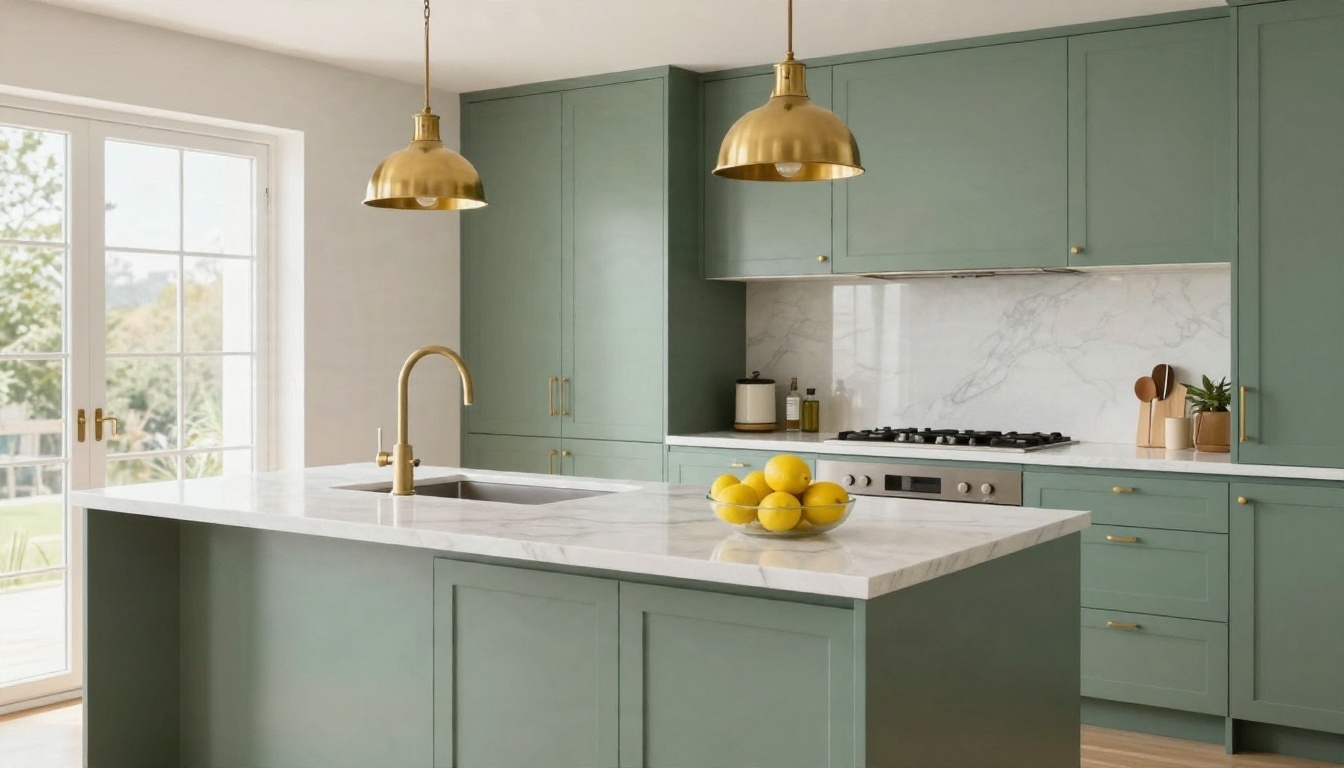
For the kitchen look above, try:
Photorealistic kitchen with matte sage green shaker cabinets, white quartz countertop with soft veining, brass pendant lights over a central island, a bowl of lemons, low-angle wide view, daylight from a large window on the left, crisp reflections, natural film grain.
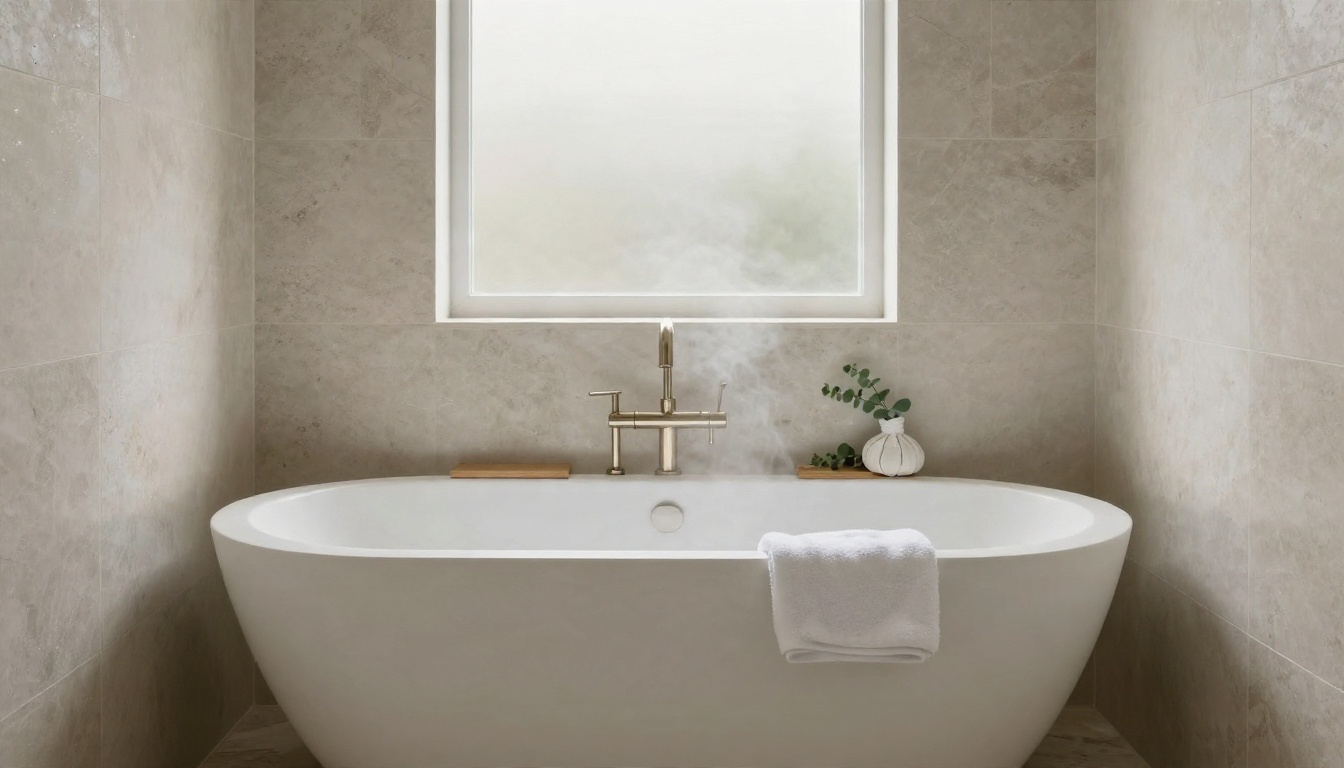
And for a calm bathroom concept:
Photorealistic spa-style bathroom, freestanding white stone bathtub, travertine tile walls, teak bath mat, rolled cotton towels, eucalyptus bundle, symmetrical view through a doorway, soft diffused light from a frosted window above, gentle steam haze.
💡 The images in this article are reference-style visuals showing the look these prompts aim for. Your own results will vary, so run each prompt several times and pick the strongest.
Staging an Empty Room
This is the workflow real estate agents care about most. Upload the photo of the empty room and write an edit instruction instead of a fresh description:
Keep the walls, windows, floor and camera angle exactly as in the photo. Add a neutral, modern living room setup: linen sofa, round oak coffee table, wool rug, one floor lamp and a large plant. Match the existing daylight. Do not change the architecture.
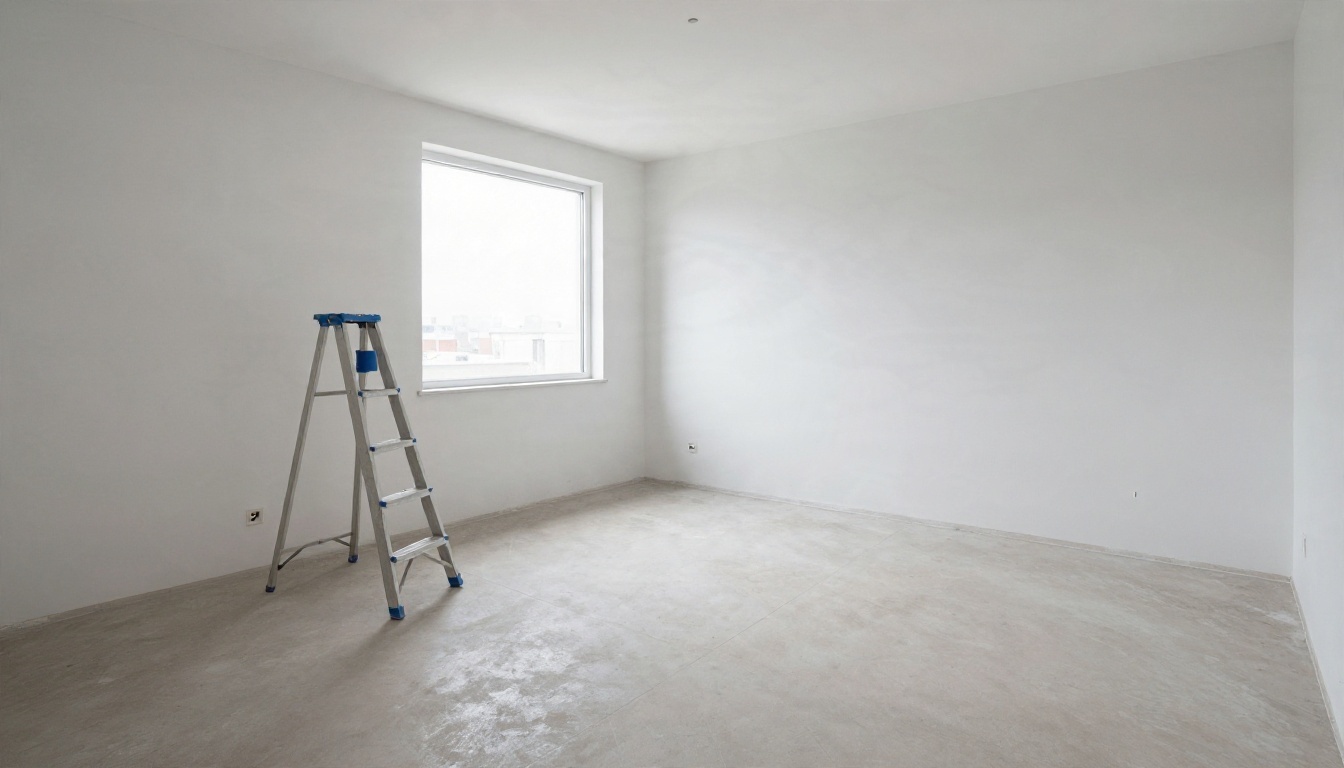
The phrase "do not change the architecture" is doing real work. Without it, the model may move a window or add an arch.
Prompt Phrases and What They Do
| Phrase | Effect | Best Use |
|---|
| "Keep layout and camera angle" | Preserves room geometry | Staging and restyling |
| "Straight vertical lines, 24mm" | Cleaner architectural look | Hero shots |
| "Soft morning light from the left" | Directional, believable shadows | Living rooms, bedrooms |
| "Natural film grain, believable imperfections" | Reduces plastic look | Portfolio images |
| "No text, no people" | Removes stray signage and faces | Client presentations |
| "Change only the sofa" | Limits edits to one object | Option comparisons |
Free Options and Real Limits
"Free" is the most searched word around this model, and the honest answer is: partly. Pricing and limits change often, so check the current terms before you plan a project around them.
Where Free Access Usually Exists
- The Gemini app: Google has typically offered a limited number of generations to free accounts, after which the app may fall back to a lighter model or ask for a paid plan.
- Google AI Studio: A developer sandbox where you can test prompts. Image generation with the Pro model is often tied to billing, so expect limits.
- Third-party platforms: Some image platforms offer starter credits that include access to the model.
Free vs Paid at a Glance
| Route | Cost Pattern | Best For | Main Limit |
|---|
| Free Gemini account | Free, capped daily use | Testing prompts, single room ideas | Few generations, possible watermark or lower tier fallback |
| Paid Gemini plan | Monthly subscription | Regular freelance work | Fair-use caps still apply |
| API access | Pay per image | Studios and batch staging | Needs setup and budget tracking |
| Credit-based platforms | Credits per image | Occasional projects | Credits run out, pricing varies |
✅ Best practice: Draft with cheaper or free tools first. Spend paid generations only on final versions you will show a client.
Portfolio Examples by Room
A portfolio does not need fifty images. It needs a clear story: one brief, one concept, a handful of strong rooms. Here are four example pages and what each one proves.
The Moodboard Page
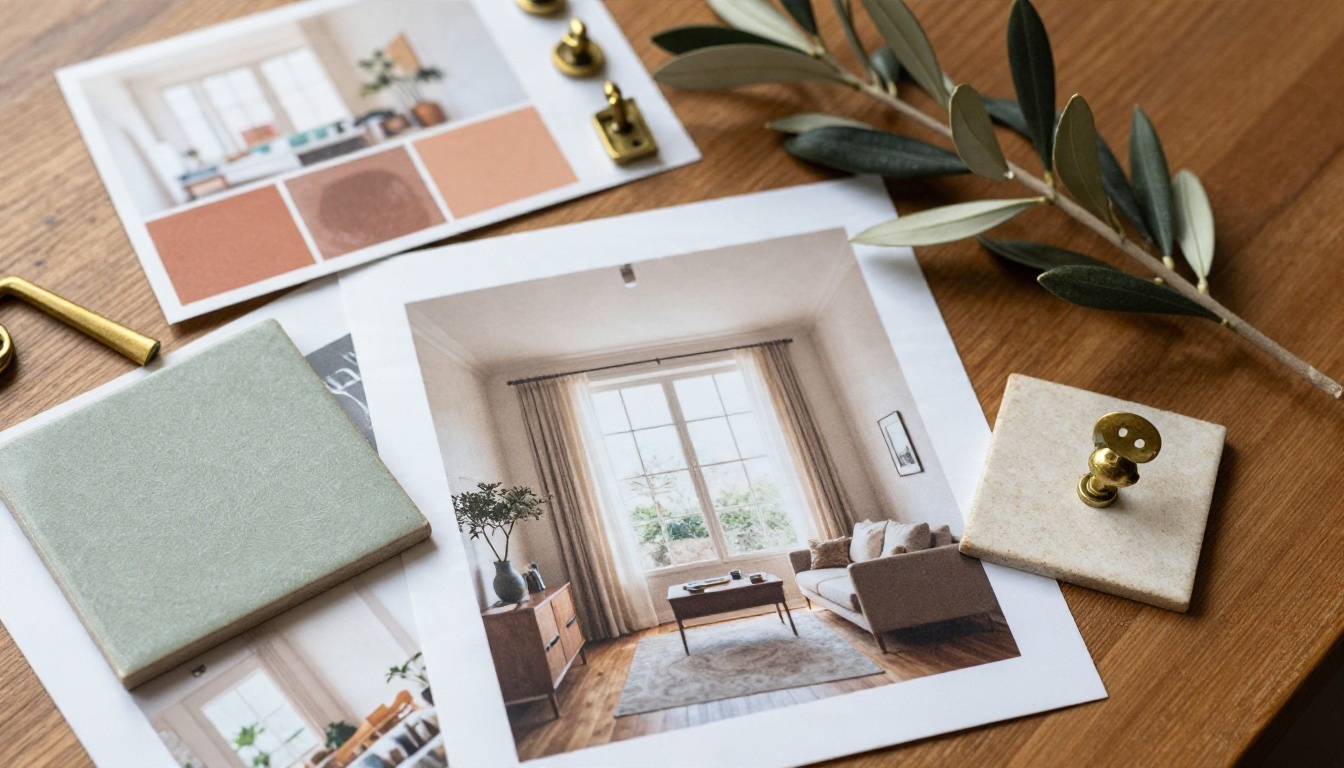
Open every project with a palette. Ask the model for a flat lay of paint chips, tile, hardware and a natural element such as an olive branch. This tells the client you have a point of view before they see a single room.
The Bedroom Page

Bedrooms sell on texture. Prompt for specific fabrics: velvet, washed linen, boucle. Ask for warm evening light to make the page feel inviting. A close crop from the foot of the bed shows more material detail than a wide shot.
The Home Office Page
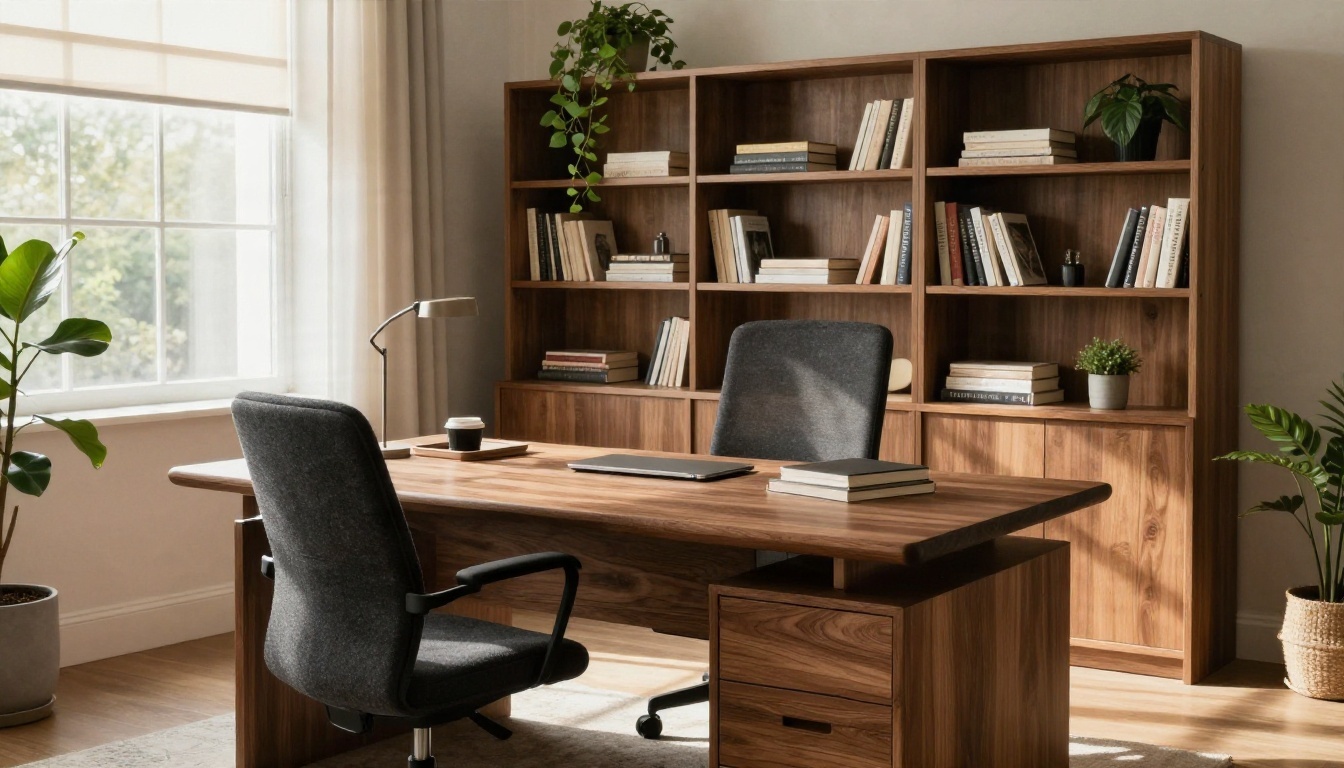
Remote work made this room a steady source of commissions. Show storage, task lighting and a view toward a window. Clients want to see that the room works, not just that it looks good.
The Outdoor Dining Page
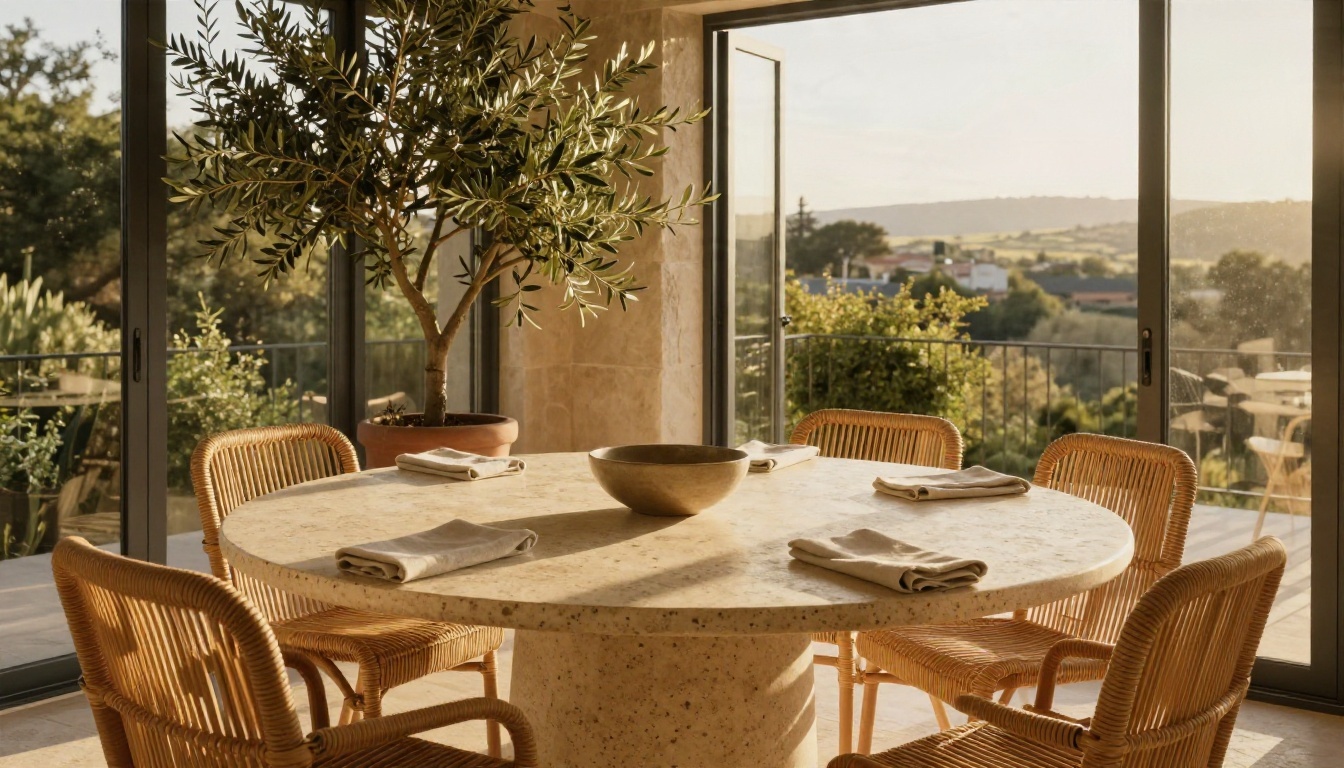
Golden hour is forgiving. Terrace and balcony concepts look best with low warm light, stone and rattan textures, and a single plant as an anchor.
Which Page Does What
| Portfolio Page | Purpose | Prompt Focus |
|---|
| Moodboard | Shows taste and palette | Flat lay, named materials |
| Living room | Hero image, sets style | Light direction, lens, straight lines |
| Kitchen | Proves technical care | Finishes, reflections, lighting |
| Bedroom | Builds emotion | Fabrics, warm light |
| Office | Shows function | Storage, task lighting |
| Terrace | Adds variety | Golden hour, outdoor materials |
Mistakes That Make Renders Look Fake
- Over-styling. Ten decor objects on one shelf screams generated. Ask for restraint.
- Perfect symmetry everywhere. Real rooms have small asymmetries.
- Mixed lighting logic. If the window is on the left, shadows must fall right. Always specify the light source.
- Ignoring scale. State room dimensions in the prompt when it matters: "a 4 by 5 meter living room."
- No disclosure. Tell clients which images are concepts. It protects you legally and builds trust.
- One-shot thinking. Generate four or five variants, then refine the best one with a follow-up edit.
⚠️ If you list properties for sale, check local rules on virtual staging. Many markets require a note that images are digitally altered.
Build a Portfolio Flipbook
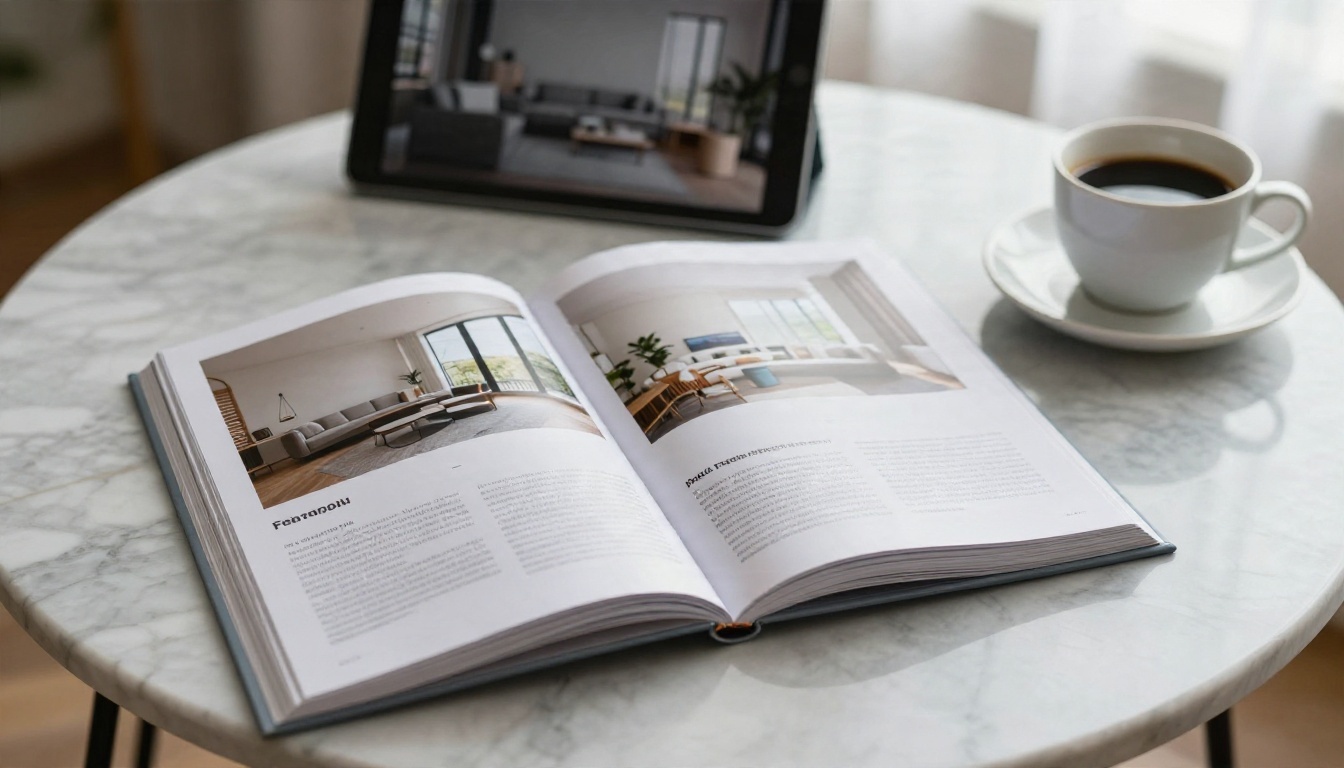
Loose JPEGs in a folder do not impress anyone. A flipbook gives your renders a page-turn format, keeps your branding consistent and lets you share one link instead of a dozen attachments. If you want a head start, the Digital Portfolio Creator and Portfolio Flipbook Builder are built for exactly this.
Step 1: Prepare Your PDF
- Pick 8 to 20 of your strongest images.
- Lay them out in Canva, InDesign, Figma or Google Slides, one concept per spread.
- Add short captions: room type, style, materials, and a "concept render" label.
- Export as a PDF. Keep file size reasonable so pages load quickly.
Step 2: Upload and Customize
- Create an account on Flipbooks AI.
- Use the PDF to Flipbook Converter and drop in your file. Conversion takes moments, and your pages become a flipbook with realistic page-turn effects.
- Add your logo, pick brand colors and choose a background that suits your photography. Neutral tones keep attention on the rooms.
- Embed a short video walkthrough or ambient audio if you have one. Flipbooks AI supports both.
- Check the mobile view. Clients will open your link on a phone first.
Step 3: Share and Protect
- Direct link: Paste it in an email or proposal.
- Embed code: Place the portfolio on your site with the Embed Flipbook on Website tool.
- Password protection: Lock unpublished concepts so only the right client sees them.
- No watermarks: Your work stays clean, always.
Step 4: Track Who Reads It
On the Professional plan, you get analytics and lead generation, so you can see which pages hold attention and capture contact details from interested visitors. You can also allow offline downloads for clients who want to review a proposal on a flight. Compare the options on the pricing page. Unlimited flipbooks start on the Standard plan, which suits designers who build one portfolio per project.
💡 Create one master portfolio and a separate private flipbook per client. Reuse your best pages, and swap in the room that matches their brief.
Where Studios and Agents Use It
AI renders earn their keep when speed matters. A few realistic scenarios:
- A freelance designer sends three style options for a living room before the first paid meeting, then closes the project faster.
- A real estate agent stages an empty listing and builds a brochure with the Real Estate Brochure Creator.
- A furniture retailer shows its sofa in five room styles and publishes it with the Furniture Catalog Maker.
- A design student builds a first portfolio without a budget for photoshoots.
| User | Goal | Output Format | Risk to Manage |
|---|
| Freelance designer | Win projects | Concept portfolio | Overpromising results |
| Real estate agent | Sell faster | Staged listing brochure | Disclosure rules |
| Furniture brand | Show range | Digital catalog | Product accuracy |
| Student | Land first clients | Starter portfolio | Mixing real and AI work without labels |
Ready to Publish Your Work?
You now have prompts for five room types, a realistic picture of what is free, and a layout plan for your portfolio. The next move is simple: generate your best four rooms, build the PDF and publish it.
Your clients will not remember the prompt. They will remember how easy it was to flip through your ideas and say yes.



