You can spend two weeks and a few thousand dollars on a photo shoot for a single catalog, or you can write a good prompt in two minutes. Nano Banana Pro has made the second option realistic for small brands, and this page gives you the exact prompts to copy. Every example below is built for print-style layouts: product catalogs, fashion lookbooks and brochures. Once your images are ready, you can drop the finished PDF into Flipbooks AI and publish it as a page-turning flipbook with no watermark.
I'll keep this practical. You'll get a simple prompt formula, 12 free prompts sorted by use case, two comparison tables, a troubleshooting list, and a short tutorial for publishing the result.
Why Prompts Matter for Print Layouts
A catalog or lookbook is not a single image. It is a sequence of 8 to 60 images that must look like they came from one photographer on one day. That is where most AI image attempts fall apart: lighting changes, colours drift, and every page feels like a different brand.
Nano Banana Pro handles this better than older generators because it follows long, structured instructions closely and can work from reference images. But it only performs as well as the brief you give it.
What Nano Banana Pro Does Well
- Realistic materials: paper, linen, leather, glass and wood render with believable texture.
- Clean composition control: you can request negative space on one side, which is perfect for headlines and price tags.
- Reference-based consistency: upload a product photo or a previous page and ask for the same item in a new scene.
- Short on-image text: one or two words render far more reliably than a full sentence.
The Prompt Formula
Every prompt in this article follows the same six-part structure. Copy it for your own work.
- Subject: what is in the frame and what it is doing.
- Setting: the room, surface or backdrop.
- Light: direction, softness and time of day.
- Camera: lens length, aperture and angle.
- Texture and mood: the small details that make it feel photographed.
- Layout note: where you want empty space for text.
💡 Pro tip: Always add a layout note such as "leave the left third empty for a headline." It saves you from cropping into the product later.
Catalog Page Prompts You Can Copy
Catalog pages need clean, repeatable photography. Aim for the same lens, the same light direction and the same background family across the whole book.
Product Hero Pages
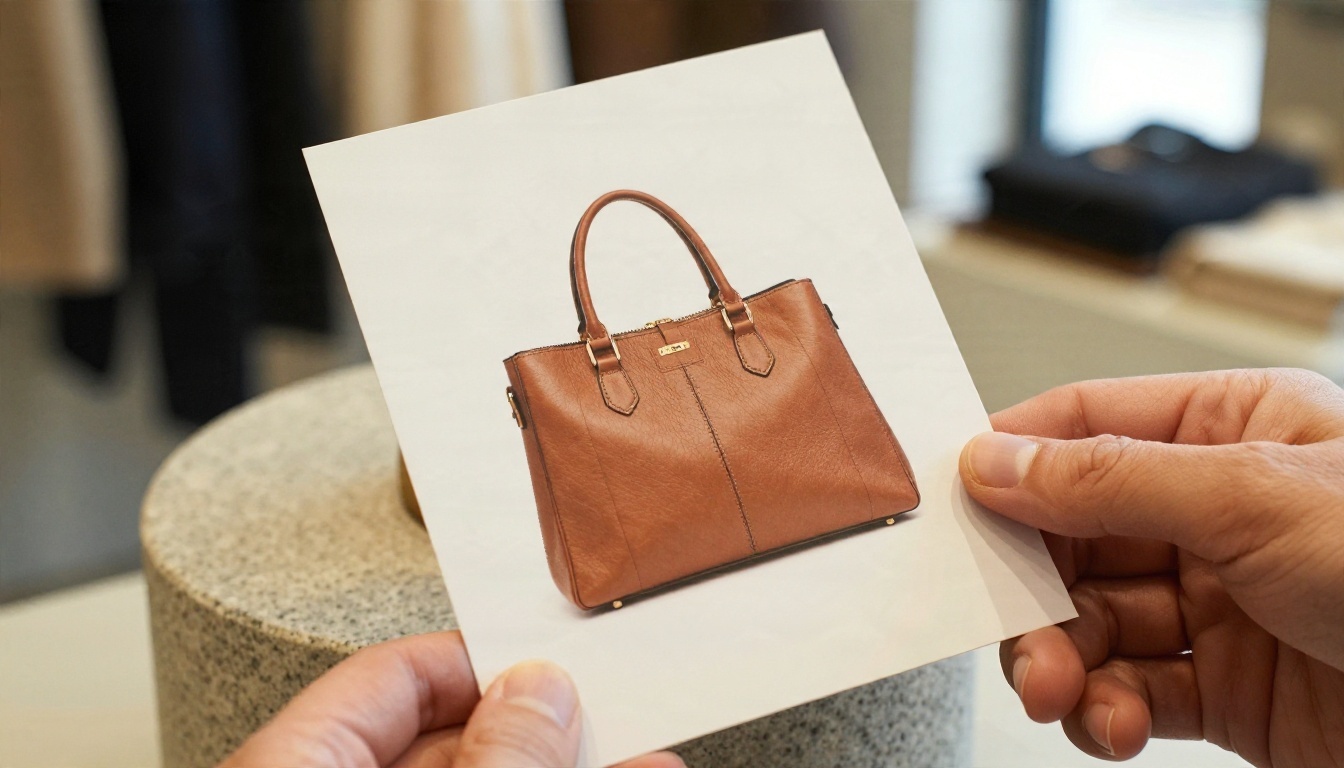
Prompt 1: Leather goods opening page
Photograph of a single tan leather tote bag standing on a pale limestone pedestal, soft window light from the right, 85mm lens at f/2.8, slightly elevated angle, visible stitching and natural grain on the leather, plain warm-white wall behind, subtle shadow on the stone, large empty space on the left third of the frame for a headline, Kodak Portra 400 colour, fine film grain, photorealistic.
Prompt 2: Ceramic homeware spread
Three hand-thrown ceramic vases in sand, olive and clay tones on a plaster shelf, side light from a window on the left, 50mm lens at f/4, eye-level angle, matte glaze with small natural imperfections, soft shadows, calm neutral palette, empty area on the right for product names and prices, photorealistic, natural film grain.
Beauty and Skincare
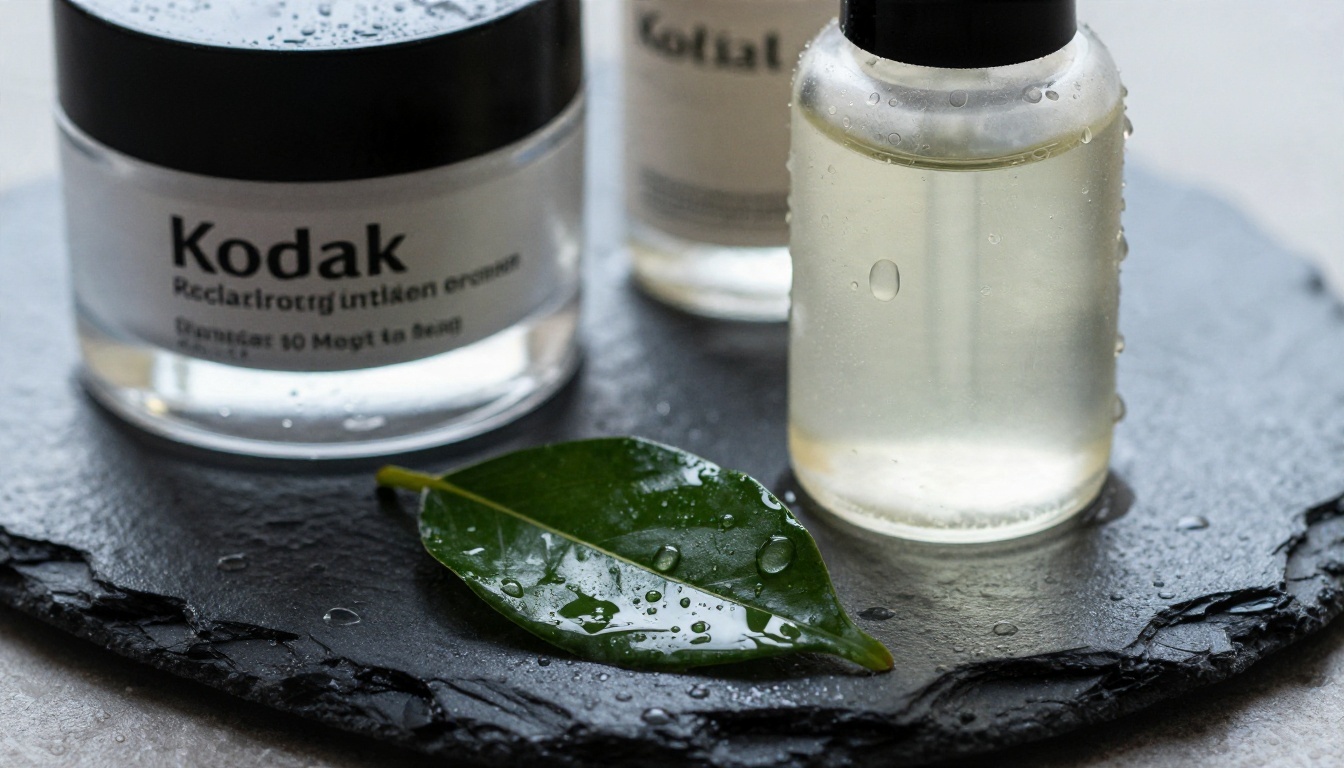
Prompt 3: Serum bottle on wet stone
Macro photograph of a frosted glass serum bottle and two cream jars on a wet dark slate slab, water droplets on the surface, a single green leaf at the edge, 100mm macro lens at f/4, low angle, soft side light from the left, crisp highlights on the glass, premium minimal mood, empty dark area at the top for a product name, photorealistic.
Prompt 4: Morning routine flat-lay
Overhead flat-lay of a skincare routine: cleanser, toner and moisturiser arranged on a folded white towel beside a small glass of water and a sprig of eucalyptus, daylight from a window on the left, 35mm lens at f/5.6, soft shadows, visible towel weave, pastel neutral palette, clear space at the bottom for ingredient notes, photorealistic.
Furniture and Home
Prompt 5: Living room staging
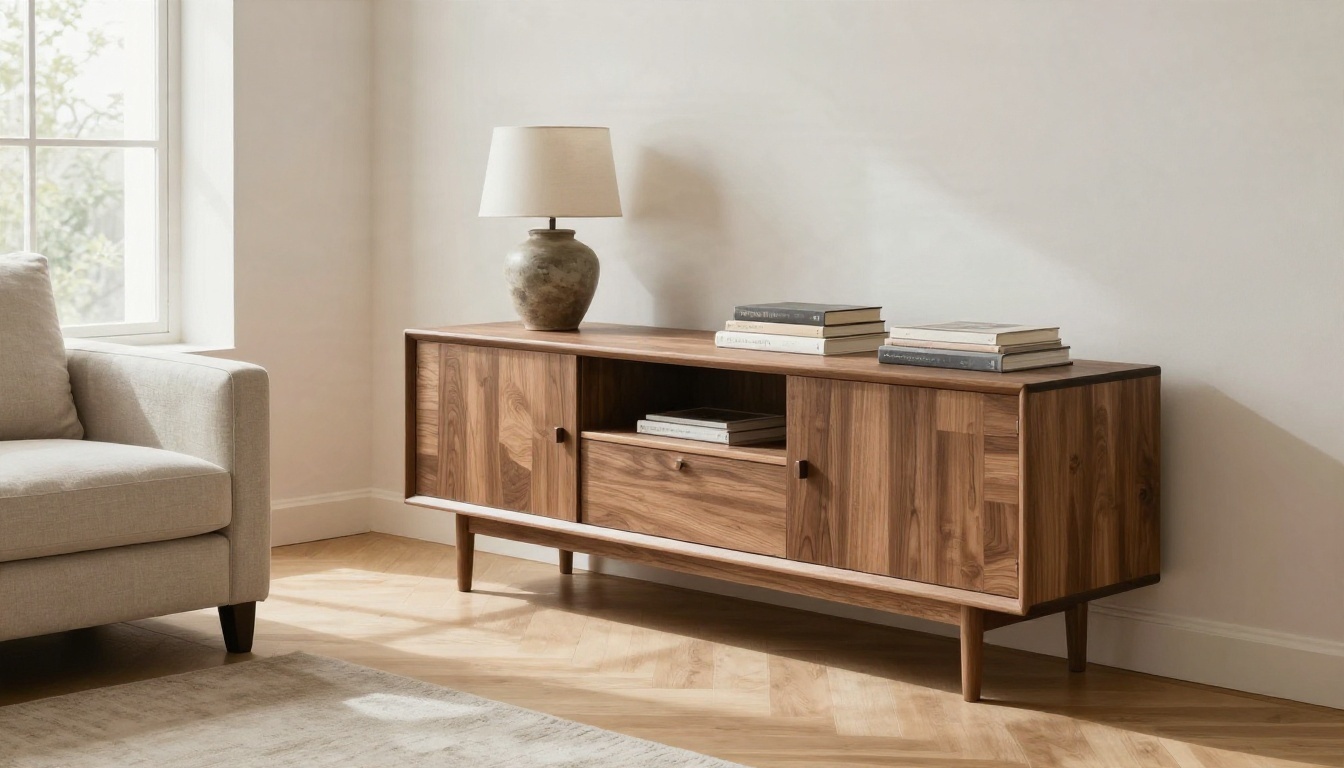
Eye-level photograph of a walnut sideboard beside a linen sofa, a ceramic table lamp and a stack of art books, morning daylight from a large window on the left, 28mm lens at f/5.6, herringbone oak floor, visible fabric weave and wood grain, calm neutral palette, empty wall space above the sideboard for a caption, photorealistic.
If your business sells furniture, the Furniture Catalog Maker pairs well with this kind of staged room photography.
Lookbook Prompts for Fashion Brands
A lookbook sells a mood before it sells a garment. The prompts here lean on movement, location and natural light, which is how real editorial shoots are built.
Editorial Street Style
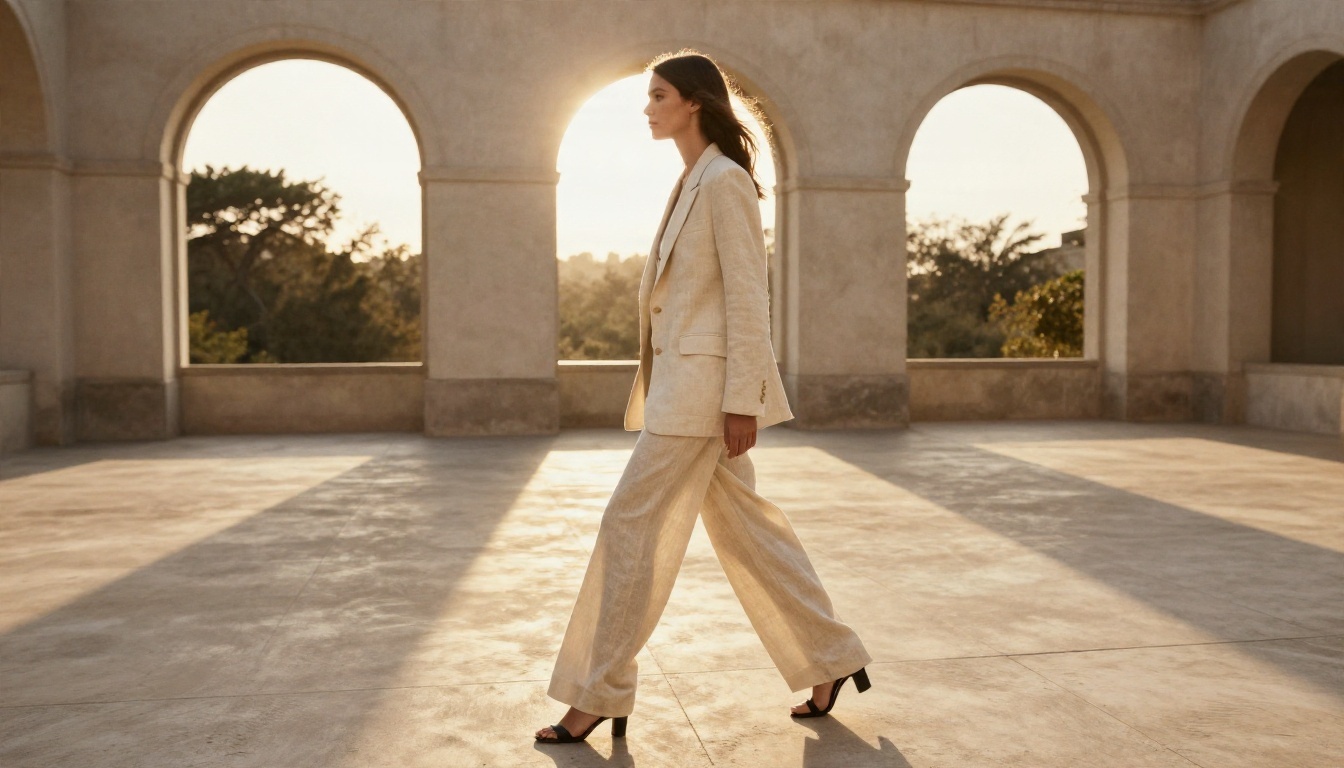
Prompt 6: Courtyard walk
Low-angle photograph of a female model in a tailored cream linen blazer and wide trousers walking across a sunlit concrete courtyard with arched windows, golden hour light from behind creating a soft rim on her hair, 50mm lens at f/2, fabric folds and skin texture clearly visible, long shadows on pale stone, candid editorial feel, Kodak Portra 400, photorealistic.
Prompt 7: Menswear close detail
Close-up photograph of a man's wrist adjusting the cuff of a navy wool jacket, shallow depth of field with a blurred brick street behind, overcast soft light, 85mm lens at f/1.8, visible wool weave and a leather watch strap, muted cool palette, photorealistic, fine grain.
Swimwear and Resort
Swimwear and resort lookbooks can be glamorous without crossing any lines. Keep the styling tasteful and let light and location do the work.
Prompt 8: Beach edge portrait
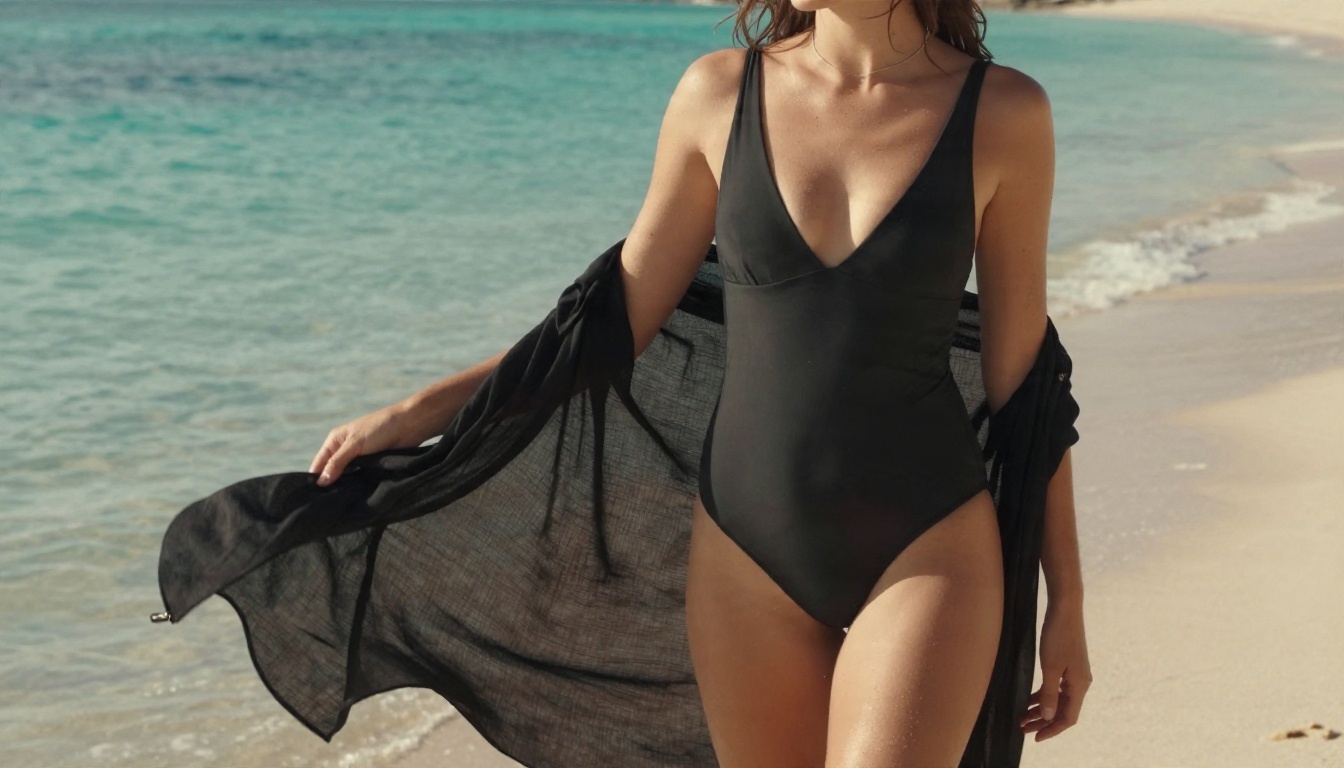
Low-angle photograph of a woman in an elegant black one-piece swimsuit with a sheer linen wrap standing at the edge of calm turquoise water, warm late afternoon sun from the right, 85mm lens at f/1.8, wet sand reflections, natural skin sheen, sea breeze moving the fabric, tasteful and editorial, photorealistic, Kodak Portra 400 grain.
For a ready-made layout, try the Interactive Lookbook Designer or the Fashion Catalog Creator.
Brochure Image Prompts That Sell
Brochures are skimmed, not read. The photo has to say what the service feels like in about one second.
Travel and Hospitality
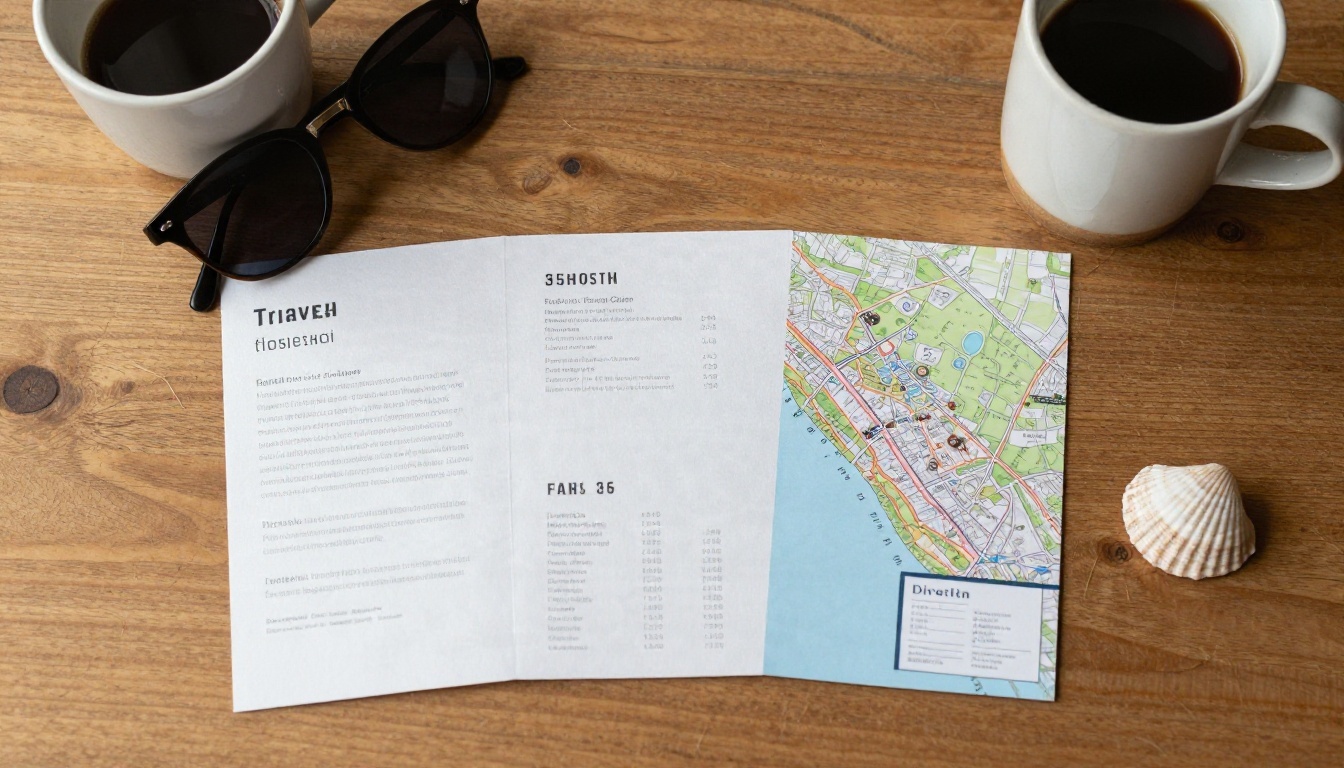
Prompt 9: Trifold on a teak table
Overhead flat-lay of a trifold travel brochure on a rustic teak table beside a ceramic coffee cup, sunglasses, a folded map and a small seashell, straight-down angle, 35mm lens at f/4, soft daylight from the left, visible paper fibres and wood grain, warm natural tones, photorealistic.
Prompt 10: Hotel breakfast terrace
Wide photograph of a breakfast table on a sunny hotel terrace overlooking the sea, croissants, fresh fruit and a glass of orange juice, 35mm lens at f/4, morning light from the right, linen napkins and white ceramic, a light sea haze in the distance, space at the top for a headline, photorealistic.
A hotel or resort can turn these images straight into a Hotel Brochure without hiring a crew.
Real Estate and Interiors
Prompt 11: Kitchen listing shot
Eye-level photograph of a bright modern kitchen with a marble island, three rattan stools and a bowl of lemons, morning daylight through large windows on the left, 24mm lens at f/6.3, straight vertical lines, visible stone veining, clean uncluttered styling, photorealistic.
Prompt 12: Boutique owner portrait
Over-the-shoulder photograph of a small business owner in a denim apron sitting at a laptop in a cosy boutique, warm shop lamps mixed with window light from the right, 50mm lens at f/1.8, shelves of folded knitwear softly blurred behind, visible wool texture, photorealistic.

Prompt Comparison by Format
| Format | Best angle | Lens | Light | Layout note |
|---|
| Catalog hero page | Slightly elevated | 85mm | Soft window light | Empty third for headline |
| Catalog product grid | Eye-level | 50mm | Even daylight | Same backdrop on every shot |
| Fashion lookbook | Low angle or candid | 50mm to 85mm | Golden hour | Space beside the model |
| Brochure panel | Overhead or wide | 24mm to 35mm | Bright, diffused | Top band for title |
| Real estate listing | Eye-level | 24mm | Morning daylight | Clean walls and floors |
Fix Common Prompt Mistakes
Even a strong model needs a nudge now and then. These are the problems I see most often.
Text and Logo Problems
- Too much text: keep any on-image words to one or two. Add real headlines later in your layout tool.
- Garbled logos: leave the logo out of the prompt and place it in the PDF.
- Random signs in the background: add "no signage, no lettering" to the prompt.
Consistency Across Pages
- Reuse the same light line in every prompt, for example "soft window light from the left."
- Lock the colour palette with three named tones, such as "sand, olive and clay."
- Upload a reference image of the previous page and ask for the same style in a new scene.
- Keep the lens family stable. Switching from 24mm to 85mm without reason makes pages look unrelated.
| Problem | Likely cause | Quick fix |
|---|
| Plastic-looking skin | No texture cue in prompt | Add "natural skin texture, fine pores, soft grain" |
| Pages feel mismatched | Different light directions | Fix one light direction for the whole book |
| Product looks warped | Vague product description | Describe shape, material and colour precisely |
| Cluttered frame | No layout note | Add "clean background, empty space on the left" |
| Colours drift | No palette defined | Name three tones and repeat them |
⚠️ Warning: Always check hands, jewellery clasps and product edges before sending a page to print. Small errors are easy to miss at thumbnail size.
How to Create a Flipbook with Flipbooks AI
Great images deserve a better home than a heavy PDF attachment. A flipbook loads fast on mobile, feels like turning real pages, and can be shared with a single link. Here is the full workflow.
Upload Your PDF
- Assemble your generated images in any layout tool and export a PDF.
- Go to Flipbooks AI and create an account.
- Open the PDF to Flipbook Converter and upload your file.
- Wait a few seconds while the pages are converted into a flipbook.
For product-heavy files, the Product Catalog tool and the Digital Catalog Maker are good starting points.
Customize the Look
- Add your custom branding: logo, colours and a matching background.
- Choose a page-turn effect that suits the mood, soft for lookbooks and snappy for price lists.
- Embed video and audio to show a product in motion or add a founder message.
- Check the mobile-responsive preview, since most readers will open it on a phone.
✅ Best practice: Export images at 2000 pixels on the long edge. It keeps pages sharp when readers zoom, without making the file heavy.
Share and Track Results
- Send a direct link by email or chat.
- Use the Embed Flipbook on Website option to place it on a product page.
- Add password protection for wholesale or private lookbooks.
- Allow offline downloads for buyers at trade shows with poor signal.
- On the Professional plan, switch on analytics and lead generation to see which pages get read and who is interested. Check the pricing plans for details.
| Feature | Why it helps | Plan |
|---|
| No watermark | Looks professional on every page | All plans |
| Unlimited flipbooks | Publish a new seasonal catalog without limits | Standard and above |
| Password protection | Keep wholesale pricing private | Paid plans |
| Analytics | See the most viewed pages | Professional |
| Lead generation | Capture emails before the catalog opens | Professional |
Real-World Examples
- A swimwear label generates six beach scenes with one lighting recipe, builds a lookbook PDF, and shares it as a password-protected flipbook with retail buyers.
- A skincare startup creates a 12-page catalog from macro product shots and embeds a short founder video on page two.
- A boutique hotel produces a brochure of terrace, room and spa images, then embeds the flipbook on its booking page.
- A furniture maker stages ten rooms, then updates the flipbook every season while keeping the same link.
Ready to Publish Your Pages?
You now have 12 prompts, a formula you can reuse, and a clear path from image to finished flipbook. Pick one prompt, adapt the subject to your product, and generate a first page today.
When your pages are ready, create your free account on Flipbooks AI and upload your PDF. Browse all flipbook tools to find the right template for your catalog, lookbook or brochure, and compare pricing plans when you are ready for analytics and unlimited publishing.



