Every freelancer and small agency hits the same wall: the third client brochure of the week, each with a different logo, a different palette and a different idea of what "quick revision" means. A flexible brochure builder is the tool that stops that pile-up from eating your margins. In this article we compare the templates, pricing models and branding controls that matter for client work, and we show how Flipbooks AI fits into a real project workflow.
The short version: you need a builder that accepts your own designs, keeps each client's brand separate, never stamps its own watermark on deliverables and charges a predictable fee. Everything below is built around those four demands.
What Client Work Really Demands
Building a brochure for yourself is easy. Building one for a paying client is a different job, because someone else owns the taste, the budget and the deadline. Before you compare tools, it helps to name the pressure points.
Different Brands, One Workflow
A hotel wants warm serif type and photography. A dental clinic wants clean blue and white. A car dealer wants bold specification tables. If your tool forces one look, you end up fighting it on every project.
Look for a builder that lets you:
- Import a finished PDF from InDesign, Canva, Affinity or Word without reformatting.
- Apply a client's colors, logo and background in minutes.
- Duplicate a finished project as the base for the next one.
- Hand over a link or embed code the client can use immediately.
Where Print-Only Falls Short
Print is still valuable, but a printed brochure cannot be updated after delivery, tracked or sent in one click. Clients now ask for a digital version as well, usually the day before launch. A tool that turns the same file into a page-turning online brochure gives you a second deliverable without a second design pass.
Templates That Actually Bend
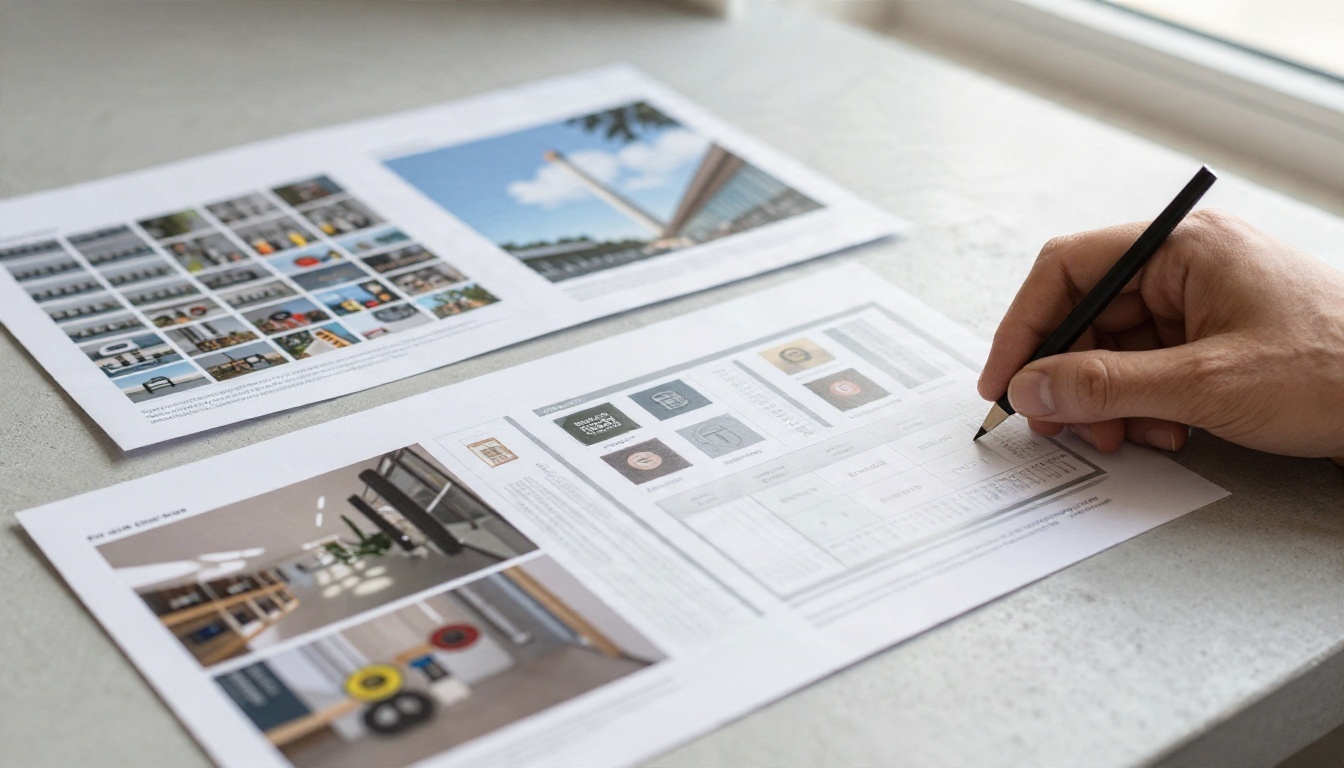
Templates save time only when they bend to the brand. A rigid template becomes a template you rebuild from scratch, which defeats the point.
Layouts Worth Having
The most useful template sets are organised by purpose, not by decoration. Here is how common brochure types differ and which dedicated tool suits each one.
You can see all of them in the tools directory, and the Brochure Flipbook Maker is the general-purpose option when a project does not fit a niche.
Start From a Template or a PDF
There are two honest ways to begin a client project:
- Template first. Good when the client has no existing materials and wants speed.
- PDF first. Good when you or the client already have a designed file. You upload it, and the builder wraps it in a flipbook with page effects, links and branding.
Most agencies end up using the PDF route for around 80 percent of work, because designers prefer their own layout software. That makes the PDF to Flipbook Converter the single most useful feature on the list.
💡 Pro tip: Keep one master PDF per client with locked margins and a consistent grid. Updating a price or a phone number then takes two minutes, and the flipbook is re-published without touching the design.
Pricing Without Surprises
Pricing is where many "free" brochure tools hurt agencies. A free plan that adds a watermark to a client deliverable costs you credibility. A per-project fee that scales with page count punishes you for good work.
Flat Plans vs Per-Project Fees
| Pricing model | How it works | Risk for client work |
|---|
| Free tier with watermark | No cost, brand of the tool shown | Looks unprofessional to clients |
| Per-project fee | Pay each time you publish | Margins shrink as volume grows |
| Per-page or per-export fee | Charged by size or download | Long brochures become expensive |
| Flat monthly plan | One fee, many projects | Predictable and easy to quote |
Flipbooks AI uses flat plans. The Standard plan and above include unlimited flipbooks, and published flipbooks carry no watermarks, ever. The Professional plan adds analytics and lead generation. Current plan details are on the pricing page.
What to Charge Clients
The tool fee is a small part of your quote. Most designers price the brochure as a design service and treat the digital version as an add-on. Here is a simple structure many freelancers use:
- Design fee: based on page count and complexity.
- Digital edition: a fixed add-on, since the work is mostly upload and branding.
- Revision rounds: two included, additional rounds billed hourly.
- Hosting and updates: a small monthly retainer if the client wants you to maintain the file.
That last item is quietly valuable. One flat plan can host a dozen client brochures, and each retainer is nearly pure margin.

⚠️ Watch out: Check whether a tool limits the number of published projects. A cap of five or ten flipbooks looks fine until your seventh client signs.
Branding Options Clients Notice
Clients rarely comment on what is done right, but they notice instantly when a brochure looks like it belongs to somebody else's software.
Colors, Logos, Domains
At minimum, a good builder should let you control:
- Background and accent colors to match the brand palette.
- Logo placement on the viewer toolbar or loading screen.
- Custom start page so the first impression is the client's cover art, not a generic frame.
- Embedding on the client's own website, so the brochure lives on their domain and not yours.
The Embed Flipbook on Website tool covers that last point and is worth bookmarking, because embedded brochures keep visitors on the client's site.
Keeping Brands Separate
If you serve many clients, organisation matters as much as design. Name every project with the client and version, for example Harbor Hotel Spring 2027 v2. Keep one folder per client for source PDFs, and store brand colors in a short note you can copy from. It sounds boring, and it saves hours.

How to Build a Client Brochure with Flipbooks AI
Here is the full process from file to delivered link. A typical brochure takes about ten minutes once you have the PDF.
Upload and Convert
- Open Flipbooks AI and create an account if you do not have one.
- Click to create a new flipbook and upload your brochure PDF.
- Wait a few seconds while the file converts into a page-turning flipbook. Text stays sharp and images keep their resolution.
- Check the page order and preview on desktop and phone. The layout is mobile-responsive, so it adapts to small screens automatically.
Customize the Look
- Apply the client's branding: background color, logo and accent tones.
- Choose page effects such as the turn animation and shadow depth. Subtle works best for corporate clients, more dramatic for fashion or hospitality.
- Add multimedia where it helps. You can embed videos and audio, for example a welcome clip on a hotel brochure or a property walkthrough on a listing.
- Add clickable links to booking pages, phone numbers and product pages.
Share and Protect
- Copy the direct link for email and messaging, or grab the embed code to paste into the client's website.
- Turn on password protection for private content such as wholesale price lists, investor briefs or unreleased products.
- Allow offline downloads if the client's audience needs to save the brochure for later.
Track Results
- On the Professional plan, use analytics to see views, time on page and which spreads attract attention. Turn on lead generation to collect contact details before a reader opens the brochure. See the pricing options for plan details.
✅ Best practice: Send clients a short report after the first two weeks showing views and the most-read pages. It proves the value of the brochure and often leads to a renewal.
Real Projects, Real Results
Abstract features are easy to list. Here is how they play out in practice.
Agencies and Freelancers
A freelance designer handling a hotel, a dental clinic and a car dealer can use one account for all three. Each brochure is uploaded as a PDF, branded in minutes and delivered as a link. The designer then sends a monthly analytics summary on the Professional plan, which supports a maintenance retainer.
Specific Industries

Mistakes That Cost You Clients
After enough projects, the same errors show up again and again. Avoid these and you will look more professional than most of your competition.
- Delivering a watermarked file. Clients will assume you cut corners. Choose a tool with no watermarks.
- Skipping the phone preview. More than half of readers will open the brochure on a mobile device. Always test it.
- Forgetting password protection. Sending confidential pricing in an open link is a risk you can remove in seconds.
- Uploading huge uncompressed images. Large files slow loading. Export a web-friendly PDF and keep text readable.
- No update plan. A brochure that shows last year's prices damages trust. Agree on who updates it and how often.
- Mixing client files. Clear names and folders prevent the embarrassing mistake of sending one client's draft to another.
A Quick Comparison Checklist
Before you commit to any builder, score it against this list:
| Requirement | Why it matters | Flipbooks AI |
|---|
| Accepts your own PDFs | Keeps your design workflow | Yes |
| No watermarks | Protects client credibility | Yes |
| Unlimited projects | Scales with your client list | Standard plan and above |
| Password protection | Safe for private content | Yes |
| Analytics and lead capture | Proves results | Professional plan |
| Embed and direct links | Flexible delivery | Yes |
| Mobile-responsive output | Works on every device | Yes |
Ready to Build Your First One?
A flexible brochure builder should feel like an extension of your design process, not a replacement for it. Bring your own layouts, apply each client's branding quickly, pay a flat fee and deliver something that works on every screen.
Here is what to do next:
- Create your account and upload a brochure PDF you already have.
- Browse the tools and templates to find the format closest to your next client project.
- Compare pricing plans and pick the one that fits your client load.
- When you are ready to add analytics and lead capture, move to a Professional plan.
Your next client brochure is probably already sitting in a PDF folder. Turn it into something interactive today with Flipbooks AI.



