When someone you love dies, the photos, voice notes and stories they left behind are suddenly scattered across phones, shoeboxes and group chats. A memorial website gathers all of it in one calm place that anyone in the family can open with a single click. You do not need a developer, a big budget or a hosting plan. With Flipbooks AI, you can turn a simple PDF into a page-turning tribute and share it by link, so it feels like holding a real photo album, only reachable from anywhere.
This article walks through tribute page ideas, free template outlines you can copy today, a practical tutorial, and the safest ways to share a memorial. Take it at your own pace. There is no wrong way to remember someone.
What a Memorial Website Does
A memorial website is a dedicated online space that honors one person. It usually holds a biography, photographs, favorite quotes, and a place for others to add their own memories. The goal is simple: keep a person present, so the story is never gone just because time has passed.
Who It Helps Most
Different people use a tribute page for different reasons:
- Immediate family who want one trusted archive instead of lost files.
- Distant relatives who could not attend the service and want to feel included.
- Friends and coworkers who have stories the family has never heard.
- Grandchildren who will want to meet the person later, through their words and photos.
💡 Pro tip: Decide early who the page is for. A tribute written for children reads differently from one written for a funeral audience, and that choice shapes every other decision.
Website or Flipbook?
A traditional website needs hosting, a domain and ongoing upkeep. A flipbook is a single, self-contained publication that opens in any browser. Here is how the two approaches compare for a personal tribute.
| Feature | Traditional Memorial Website | Memorial Flipbook |
|---|
| Setup time | Hours to days | Under an hour |
| Technical skill | Moderate | None |
| Ongoing upkeep | Hosting, renewals, updates | Almost none |
| Feels like | A web page | A real photo album with turning pages |
| Sharing | Needs a domain or platform account | One link, no login for viewers |
| Privacy control | Depends on the platform | Password protection available |
| Works on phones | Depends on the theme | Mobile responsive by default |
For most families, a flipbook is the gentler route. It feels like a keepsake rather than a project.
Tribute Page Ideas That Work
Staring at a blank page is the hardest part. These layouts give you a structure, so you can focus on the memories instead of the design.
A Life Told in Chapters
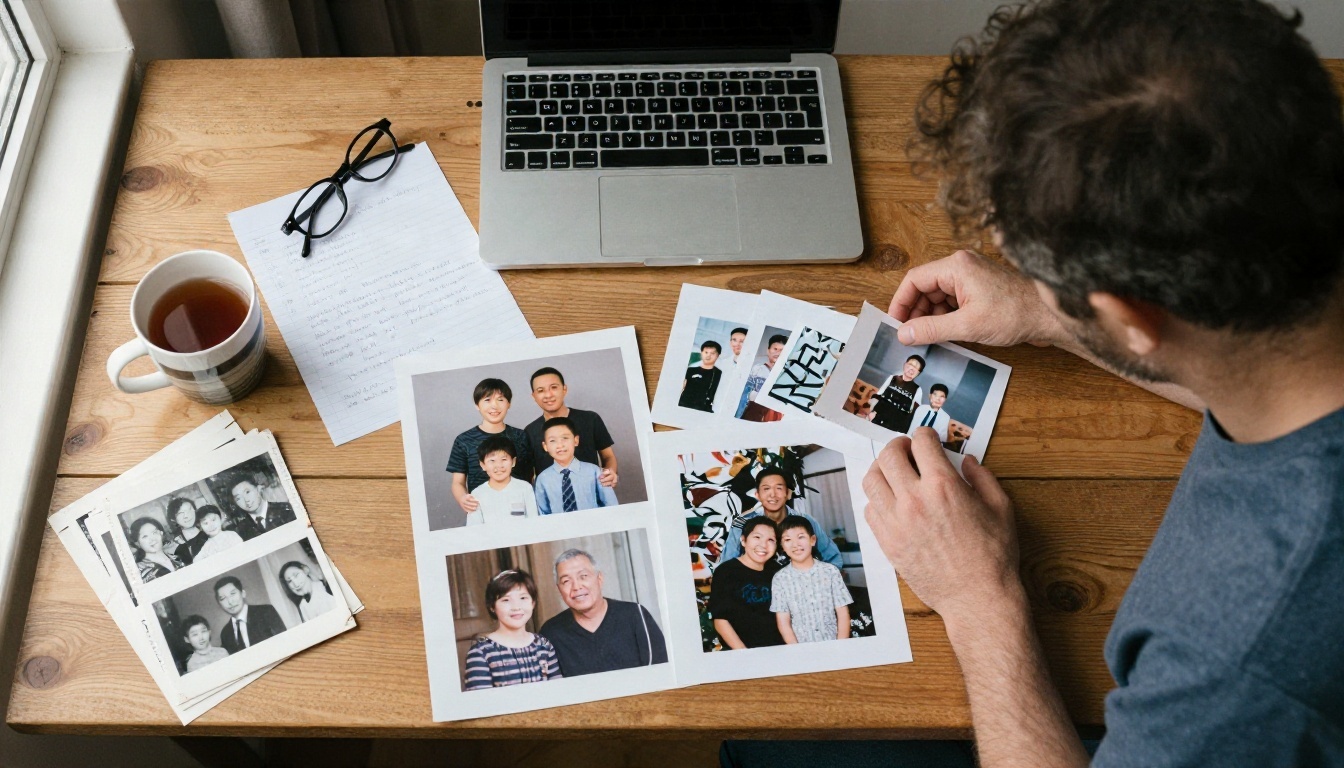
Break the person's life into seasons rather than years. Something like Childhood, Falling in Love, Raising a Family, Work and Passions, Later Years. Each chapter gets two or three photographs and a short paragraph. Readers move through the story naturally, and you never have to write one giant biography.
The Things They Always Said
Collect the phrases people will recognize instantly: a joke, a bit of advice, the way they ended every phone call. Give each one its own page with a single photograph behind it. This is often the page that makes people laugh and cry at the same time, which is exactly what a good tribute should do.
A Wall of Shared Memories
Ask guests to send you a short memory by email or message. Collect twenty or thirty, and place them as a series of pages with the name of the person who wrote each. It becomes a living portrait built from many voices, and it is far richer than anything one person could write alone.
Here are a few more ideas worth borrowing:
- Recipe page: Scan a handwritten recipe card, stains and all, and add a note about who loved it.
- Map page: Mark the places they lived, traveled to or loved most.
- Playlist page: List the songs that remind you of them, and embed audio if you can.
- Letters page: Include a note from each grandchild or close friend.
- Gratitude page: Finish with a short thank-you for everyone who supported the family.
✅ Best practice: Use scanned originals whenever possible. A handwritten birthday card carries emotion that a typed quote cannot match.
Free Template Outlines to Copy
You do not need a paid design tool to start. Any free editor, such as Google Docs, Word or a free design app, can export a PDF. Use the outlines below as a skeleton, then fill in your own words and photos.
The One Page Tribute
Best for a quick memorial after a loss, or for sharing at a service.
- Full name, dates and one portrait
- A short opening paragraph, three to five sentences
- Three favorite photographs in a row
- One quote or saying they lived by
- A line inviting others to share memories
The Multi Chapter Memory Book
Best for a lasting family archive, ten to thirty pages.
- Title page with portrait
- A letter from the family
- Four to six life chapters
- A photo gallery spread
- Shared memories from friends
- A closing page with a favorite poem or song
Which Template Fits?
| Template | Pages | Time Needed | Best For | Sharing Style |
|---|
| One Page Tribute | 1 to 2 | 30 to 60 minutes | Services, quick notices | Direct link in a message |
| Multi Chapter Memory Book | 10 to 30 | 1 to 3 weekends | Family archive | Link with password |
| Service Program | 4 to 8 | 1 to 2 hours | Funeral or celebration of life | Link and printed QR code |
| Anniversary Remembrance | 6 to 12 | 2 to 4 hours | Yearly tribute | Embedded on a family page |
If you want a head start on structure, try the E-Book Flipbook Generator or the Interactive E-Book Publisher. For a service program, the Event Program Maker fits the job well.
Create It with Flipbooks AI
Once your PDF is ready, the rest takes minutes. Here is the full process for building a memorial flipbook.

Step by Step Tutorial
- Open your account. Go to Flipbooks AI and create an account. Setup is quick, and you can start with a single tribute.
- Prepare your PDF. Build your pages in any editor, then export as PDF. Use high resolution photos so faces stay sharp when readers zoom in.
- Upload and convert. Drop the file into the PDF to Flipbook Converter. Your pages become a realistic flipbook with smooth page turning.
- Check every page. Flip through on desktop and phone. Look for cut-off names, blurry photos and missing captions.
- Add the finishing touches. Choose colors, a soft background and a layout that matches the person. Muted tones such as cream, sage and warm gray usually feel calm and respectful.
- Set your privacy. Decide whether the tribute is public or protected by a password.
- Share the link. Copy the direct link, or use the embed code to place the flipbook on a family page.
Customization That Feels Personal
Small choices make a memorial feel like them:
- Branding and colors: Match their favorite color or the flowers from the service.
- Page effects: A gentle page curl feels like an old album.
- Multimedia: Embed videos and audio such as a recorded toast, a favorite song, or a voicemail the family wants to keep.
- No watermarks: The page stays clean, with nothing distracting from the person you are honoring.
Extra Features Worth Knowing
| Feature | What It Does | Useful For a Memorial? |
|---|
| Password protection | Limits access to people who have the code | Yes, for private family archives |
| Offline downloads | Lets relatives save a copy | Yes, for relatives with poor internet |
| Embed on website | Places the flipbook in another page | Yes, for family blogs or charity pages |
| Analytics (Professional plan) | Shows how many people viewed the page | Sometimes, for a public tribute |
| Lead generation (Professional plan) | Collects visitor details | Rarely, mainly for charity memorials |
| Unlimited flipbooks (Standard plan and above) | Lets you build many publications | Yes, for a series of yearly remembrances |
See the pricing plans to check which features belong to which tier.
⚠️ Heads up: Analytics and lead generation can feel out of place on a personal tribute. Use them only if you are building a public memorial for a charity or foundation.
Sharing by Link, Safely
A link is the simplest way to share a tribute, and also the easiest to forward. A little planning keeps the page in the right hands.
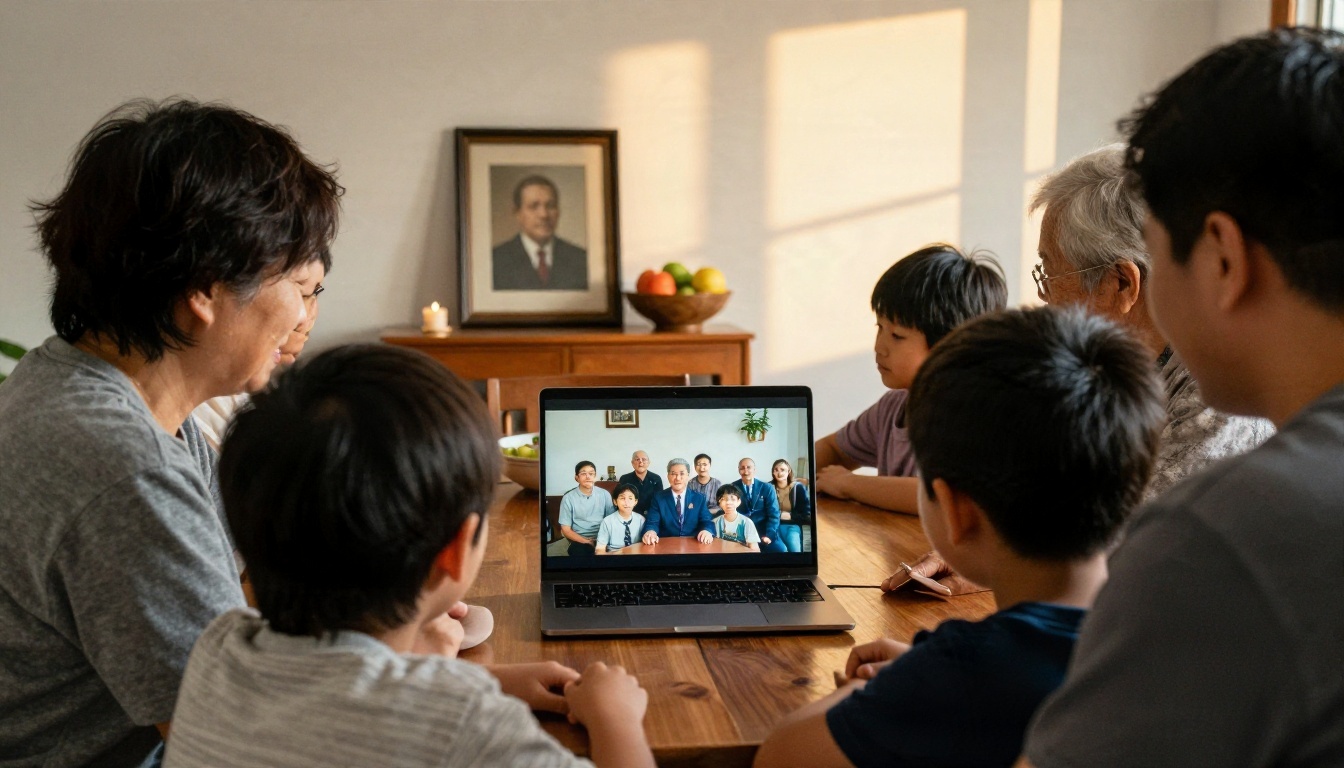
Direct Link, Embed or QR Code
| Method | How It Works | Best Moment To Use It |
|---|
| Direct link | Paste into email, text or social post | Telling family and close friends |
| Embed code | Place flipbook inside another web page | A family site or charity page |
| QR code | Print on a service program or card | At the funeral or memorial event |
| Link plus password | Send link and password separately | Private archives with sensitive photos |
The Embed Flipbook on Website tool is handy when you already have a family page and want the tribute to live inside it.
A Short Privacy Checklist
Before you press send, run through these questions:
- Do any photos include children whose parents might not want them shared?
- Does the page include addresses, phone numbers or other private details?
- Would the person have been comfortable with this level of exposure?
- Does everyone in the group chat know whether they may forward the link?
- Is a password a better choice for older, more sensitive material?
💡 Pro tip: Send the link in one message and the password in another. If the first message is forwarded, the page still stays protected.
Writing Words That Feel Real
Photos carry half the story. The words around them carry the rest.
Prompts to Start Writing
When you freeze, answer one question at a time:
- What did they do when they walked into a room?
- What was the smallest kindness you remember?
- What did they cook, fix, sing or collect?
- What would they say if they saw you reading this?
- What do you wish you had asked them?
Write your answer in the voice you would use at a kitchen table. Short sentences are fine. Warm details beat polished language every time.
Mistakes to Avoid
- Writing only about the ending. Spend more pages on how they lived than how they died.
- Using vague praise. "Wonderful person" says little. "Always had butterscotch candies in his coat pocket" says a lot.
- Overloading pages. One or two photos per page keep the mood peaceful.
- Skipping captions. In twenty years, nobody will remember who is standing on the left.
- Rushing. A tribute can grow over months. Publish a simple version first, then add pages later.
Real Examples From Families
Here are three realistic situations that show how a flipbook tribute works in practice.
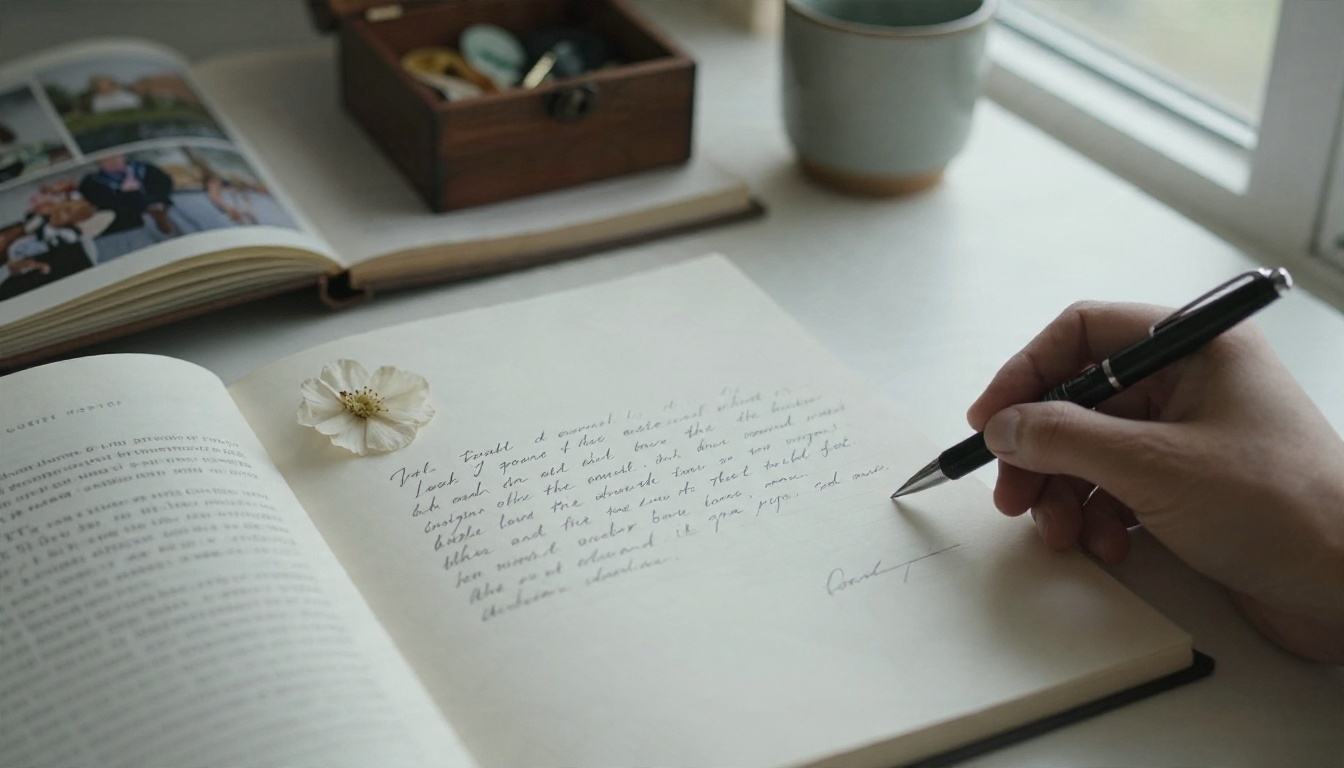
A son living abroad. After his mother passed, he gathered thirty photos and eleven stories from cousins in a single PDF. He shared the link with a password, and relatives on three continents could browse the book the same evening.
A grandmother's recipe memorial. A family scanned her handwritten recipe cards, added a photo of each finished dish, and built a small flipbook with the Recipe Book Flipbook tool. It became the thing everyone opened before the holidays.
A school community tribute. Colleagues of a retired teacher collected messages from former students and published them as a public tribute. The Yearbook Flipbook Maker gave them a familiar layout, and hundreds of former students added their words.
If your tribute leans toward a photo celebration, the Wedding Album Flipbook and Photography Portfolio tools also work well for photo-heavy remembrance books.
Start Your Tribute Today
You already have what matters most: the photos, the stories and the love. A memorial flipbook just gives them a home. Begin with a one page tribute, share it with a few people, and let it grow.
Take a breath, pick one photograph, and write the first sentence. The rest tends to follow.



