January is the one month when almost everyone is ready to read something that helps them plan. Inboxes are quiet, calendars are blank, and people are asking what the next twelve months will look like. A well built New Year newsletter answers that question for your families, customers or members before anyone else does. In this article you will find practical New Year newsletter ideas, copy and paste templates, real examples and a simple publishing workflow built around Flipbooks AI, so you can send something polished instead of a plain block of text.
Whether you run a primary school, a cafe, a boutique or a neighborhood nonprofit, the principles are the same: be useful, be personal, and make it beautiful to look at.
Why January Newsletters Work

The Fresh Start Effect
People treat the first weeks of January as a reset. They clean out cupboards, set goals and look for routines they can trust. A newsletter that arrives during this window feels timely instead of pushy. Parents want the term calendar. Customers want to know about new products and offers. Members want to know what the group is planning.
💡 Pro tip: Send your New Year newsletter between January 2 and January 10. Open rates tend to dip once people are back in their regular work rhythm.
Who Actually Reads It
Different audiences open your newsletter for different reasons. Knowing the reason shapes every section you write.
| Audience | Main reason to open | What they want to see |
|---|
| Parents | Term dates and changes | Calendar, events, reminders, student wins |
| Customers | Offers and new arrivals | Discounts, new products, opening hours |
| Members and donors | Proof their support matters | Results, thank yous, upcoming goals |
| Staff | Clarity on priorities | Targets, schedule, recognition |
12 New Year Newsletter Ideas
Ideas for Schools
School newsletters carry a lot of logistics, so the trick is to pair practical information with a human moment.
- Term calendar at a glance. One clean page with exam weeks, holidays, parent evenings and trips.
- Look back at the autumn. Five photographs and one sentence each: the play, the sports day, the science fair.
- Student goal wall. Ask each class to write one goal for January and feature a handful of them.
- Staff spotlight. A short interview with a teacher or caretaker, with a warm portrait and a fun fact.

Ideas for Businesses
Business readers skim. Lead with the benefit, then give them one clear next step.
- New year, new offer. A single featured promotion with an expiry date.
- Behind the scenes. Show how your product is made or your service is delivered.
- Customer story. A short quote, a photo and the result they got.
- Calendar of launches. Tell readers what is coming in the first quarter so they can plan purchases.

Ideas for Nonprofits and Clubs
Donors and volunteers want proof that their time and money did something real.
- Year in numbers. Meals served, trees planted, hours volunteered, presented as three big figures.
- Thank you wall. Name volunteers and sponsors, with photos where you have permission.
- Goals for the year. A simple target and a progress bar readers can follow.
- Volunteer call. A short list of roles that need filling, with times and a contact name.

Ready to Use Templates
A template saves you from staring at a blank page. Below are two structures you can copy today. Swap in your own details and keep the order, because the order is what makes them easy to read.
School Template: January Update
Use this layout for a four to six page school newsletter.
- Front page: a warm photograph, the month, and a one line welcome from the head teacher.
- Page 2: "What is new this term" with three short bullet points.
- Page 3: Calendar with dates in a clean table.
- Page 4: Student and class highlights with two or three photos.
- Page 5: Reminders: uniforms, absence reporting, lunch menus, contact numbers.
- Back page: A thank you and a single link to a parent feedback form.
✅ Best practice: Keep each page to one idea. Parents scan on phones, and a short page is easier to finish than a long one.
You can build this layout quickly with the School Newsletter Creator, which turns your finished PDF into a page turning experience that works on any device.
Business Template: New Year Offer
This structure works for retailers, service companies and local shops.
- Hero page: Strong photo, short headline, and the offer in one sentence.
- Why now: Two or three lines about what changes in the new year (prices, stock, availability).
- Featured products or services: Three items with a photo, a one line benefit and a price.
- Customer proof: A quote and a result.
- Next step: A single button or link, plus opening hours and contact details.
For product heavy newsletters, pair the layout with the Digital Catalog Maker or the Newsletter Flipbook Publisher.
Template Comparison
| Template | Best for | Pages | Primary goal | Suggested format |
|---|
| School January Update | Primary and secondary schools | 4 to 6 | Inform parents | Flipbook with calendar page |
| Business New Year Offer | Shops, cafes, services | 3 to 5 | Drive purchases | Flipbook with product page |
| Nonprofit Year in Review | Charities, clubs | 4 to 8 | Thank donors, recruit volunteers | Flipbook with photo spreads |
| Staff Internal Update | Companies, teams | 2 to 4 | Align on priorities | Password protected flipbook |
Real Examples That Work
A Primary School
A 300 pupil primary school replaced its text heavy email with a five page newsletter. The front page showed a single classroom photograph. Page two held the term calendar as a table. Page three featured a "Goal of the month" from each year group. Parents reported that they finally found term dates without searching old emails, and the school office received fewer questions about trips and holidays.
A Neighborhood Cafe
A cafe owner sent a three page newsletter with a new winter menu, a loyalty offer and a short story about the baker. Instead of attaching a heavy PDF, the owner shared a link to a flipbook. Customers could flip through the menu on a phone while standing in the queue. The Restaurant Menu Creator is a natural fit for this kind of project.
A Boutique
A clothing boutique published a winter clearance lookbook. The first page showed a styled window display. Inside, six outfits were shown with sizes and prices. The last page offered a free alteration for newsletter readers. The offer made the newsletter feel like a gift, not an advertisement.

💡 If your products are visual, try the Interactive Lookbook Designer to add clickable links to each item.
A Content Calendar for the Quarter
One newsletter is a good start. A rhythm is better. Planning the first quarter in a single sitting prevents the December rush from happening again in March.
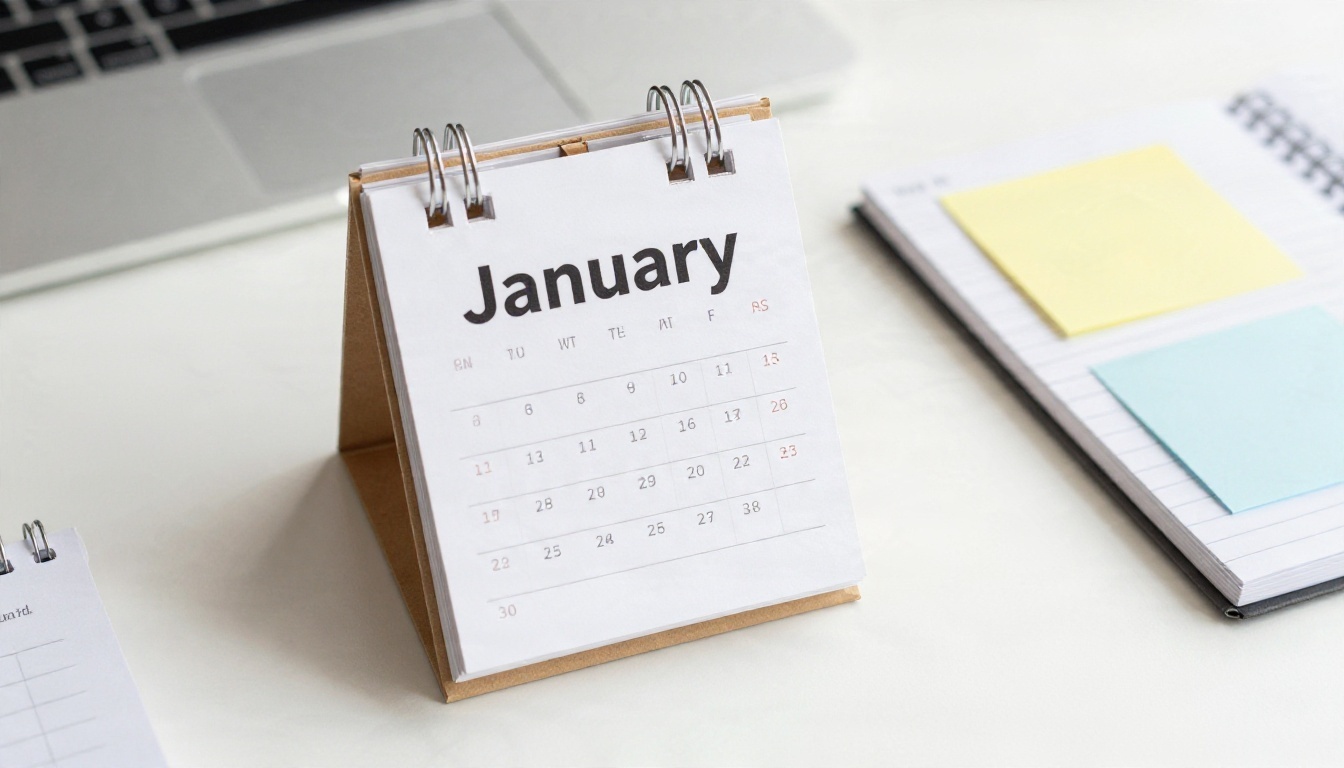
| Month | School theme | Business theme | Call to action |
|---|
| January | New term, goals, calendar | New year offer, new arrivals | Book, buy or register |
| February | Winter events, reading week | Valentine's gifts, loyalty rewards | Redeem an offer |
| March | Spring term review, sports | Spring collection, seasonal menu | Visit or reserve |
A planning session works best with the whole team in the same room. Put each month on a whiteboard, add sticky notes for ideas, and assign one owner per issue.

Subject Lines That Get Opened
Your subject line decides whether the work you did gets seen. Keep it under 50 characters and make it specific.
- "Your January calendar is here" (schools)
- "Our new year offer ends Friday" (businesses)
- "What your support built in 2026" (nonprofits)
- "Three changes coming this term" (schools and clubs)
⚠️ Warning: Avoid all capital letters and stacks of exclamation marks. They trigger spam filters and look desperate.
Create a Newsletter with Flipbooks AI
A plain PDF attachment is easy to ignore and awkward to open on a phone. A flipbook looks like a magazine, loads in the browser and lets readers turn pages with a swipe. Here is the process from draft to sent.
Upload and Convert
- Design your newsletter in any tool you like (Canva, Word, InDesign or Google Docs) and export it as a PDF.
- Go to Flipbooks AI and create an account.
- Upload the file with the PDF to Flipbook Converter. Your pages convert into a flipbook in moments, with no watermarks.
Customize the Look
- Add your logo and brand colors so the flipbook matches your school or company.
- Choose a page turning effect and a background that suits the mood.
- Embed a short video message from the head teacher or owner, or add background audio.
- Add clickable links to booking pages, forms and product pages.
Share It Everywhere
- Copy the direct link and put it in your email, WhatsApp or social posts.
- Use the Embed Flipbook on Website tool to place it on your homepage or parent portal.
- Turn on password protection for staff or member only issues.
- Allow offline downloads so families with weak signal can still read it.
Track the Results
The Professional plan adds analytics and lead generation. You can see how many people opened your newsletter, which pages they spent time on and which links they clicked. That tells you which ideas deserve a repeat next month. Compare options on the pricing page. The Standard plan and above includes unlimited flipbooks, so you can publish a new issue every month without worrying about limits.
| Feature | Why it matters for newsletters |
|---|
| No watermarks | Your brand stays front and center |
| Mobile responsive | Most readers open on a phone |
| Password protection | Safe for staff and member content |
| Video and audio | Adds a personal voice |
| Analytics (Professional) | Shows what to repeat next month |
Mistakes to Skip
Even strong ideas fall flat when the execution is off. Watch for these common errors:
- Too much text. If a page needs more than 150 words, split it.
- No single call to action. Readers act when there is one clear next step.
- Stock photos only. Real photographs of your own students, shop or team build trust.
- Irregular timing. A newsletter that appears once a year feels random. Pick a day and keep it.
- Ignoring mobile. Test your newsletter on a phone before you send it.
- Forgetting permissions. Always check photo consent for children and customers.
✅ Best practice: Ask one colleague who did not help write it to read it on their phone. If they get lost, your readers will too.
Start Your New Year Newsletter Today
You do not need a design team or a big budget. You need a plan, a template and a way to share it that looks good everywhere. Pick two or three ideas from this article, drop them into the template that fits your audience, and publish.
Ready to build your first issue? Create your free account on Flipbooks AI, browse all available flipbook tools to find the right layout, or compare pricing plans to pick the one that fits your newsletter schedule. Your readers are ready for a fresh start. Give them something worth opening.



