Your issue is written, the photos are chosen, the headlines finally sound right, and then the tool gets in the way. The templates feel rigid, the pricing page is vague, or a watermark sits across every page of your digital edition. That is usually the moment people start searching for Nubia Magazine alternatives. This article compares the best free online magazine makers, shows which templates are worth your time, and breaks down what each option really costs. We start with Flipbooks AI, because it turns any PDF into a page-turning magazine with no watermark, and then we look at the rest of the field.
⚠️ Features and prices change often. Treat every number in this article as a rough range and confirm it on the vendor's own pricing page before you pay.
Why People Look for Alternatives
Nobody switches publishing tools for fun. A switch happens when something specific starts to hurt. Knowing which pain point is yours makes the rest of this comparison much faster.
The Most Common Frustrations
Most readers who search for Nubia Magazine alternatives mention a short list of problems:
- Limited template choice, so every issue looks like the last one.
- Unclear pricing, with the useful options hidden behind a "contact us" button.
- Watermarks or branding on the free version that make a professional magazine look like a trial.
- Weak sharing, such as no clean embed code or no password option for subscribers.
- No numbers, meaning no way to see how many people opened the issue or how far they read.
What Search Intent Tells Us
The phrase is mostly transactional with a research layer. You want to pick a tool today, but you want proof first. So the sections below focus on three things: what you can do for free, what the templates actually look like in use, and what the bill looks like after six months.
A Quick Checklist Before You Switch
Run your current setup through these questions:
- Can I export or keep my original PDF files?
- Does the free plan allow a public link without a watermark?
- Can I embed the magazine on my own website?
- Does it work well on a phone, where most readers will open it?
- Is there a price jump the moment I need analytics or a custom domain?
If you answer "no" to two or more, an alternative is worth testing this week.
Free Online Magazine Makers Compared
Here is the field at a glance. The ratings are editorial judgments based on typical free-tier behavior, not lab tests.
| Tool | Best for | Free plan | Watermark on free | Page-flip effect | Learning curve |
|---|
| Flipbooks AI | PDF to flipbook magazines | Yes, see plans | No | Yes | Low |
| Canva | Designing pages from scratch | Yes | Only on premium assets | Limited | Low |
| Issuu | Public discovery and reading | Yes | Branding present | Yes | Low |
| Flipsnack | Team workflows | Trial or limited | Often | Yes | Medium |
| Yumpu | Quick PDF publishing | Yes | Ads on free | Yes | Low |
| Adobe InDesign | Print and pro layout | No | No | Via export | High |
The honest takeaway: no single tool wins at everything. Design tools are strong at layout and weaker at distribution. Flipbook platforms are strong at distribution and expect you to bring a finished PDF. Many publishers use one of each.

The Best Options in Detail
Flipbooks AI
If your layout already exists as a PDF, this is the shortest path to a polished online magazine. Upload the file and it converts into a realistic page-turning flipbook, with sound, mobile responsiveness and custom branding. No watermarks, ever, which matters when the magazine represents a brand. The Magazine Flipbook Creator and the E-Magazine Publishing Tool are built around exactly this workflow.
- Strengths: clean sharing, embeds, password protection, offline downloads, video and audio inside pages.
- Trade-off: you design the pages elsewhere, then upload them.
Canva
Canva is the easiest place to design a magazine layout if you are not a designer. The drag-and-drop editor, stock photos and font pairings make an attractive issue possible in an afternoon. The catch is distribution: you usually export a PDF, then publish it somewhere else. Some premium elements also need a paid plan, so check which assets you actually used.
Issuu
Issuu is a reading destination as much as a tool. Publishing there can put your magazine in front of strangers who browse the platform. That helps new titles with no audience. The trade-off is that your issue lives on their site, with their branding around it, and the useful statistics and controls sit on paid tiers.
Flipsnack and Yumpu
Both turn PDFs into flipbooks and both have free options with limits. Flipsnack leans toward team features and design templates. Yumpu leans toward fast publishing and is known for ad-supported free usage. If you publish for a client, test how each looks on a phone before committing.
Desktop Layout Software
Adobe InDesign and Affinity Publisher give you total control over typography, grids and print-ready output. They are the right tool for a serious print and digital magazine, but they cost money or time, and the manual work is real. Pair them with a flipbook platform for the online edition.
💡 Pro tip: Design in the tool you like best, export a high-quality PDF at screen resolution, and publish the online edition separately. This split keeps your layout portable if you ever change platforms again.
Templates That Save Hours
A good template does not just look nice. It protects you from the errors that waste an evening: broken margins, unreadable captions, inconsistent headings.

Template Types by Magazine Style
| Magazine style | Template feature to look for | Common mistake |
|---|
| Fashion and lifestyle | Full-bleed image spreads, large pull quotes | Text over busy photos |
| Business and trade | Two or three column grids, chart blocks | Too many fonts |
| Community or culture | Flexible story pages, profile layouts | Inconsistent image sizes |
| School or club newsletter | Short article blocks, event calendars | Overloaded first page |
| Portfolio or lookbook | Minimal captions, wide image layouts | Tiny, unreadable credits |
For visual-first titles, the Interactive Lookbook Designer shows how a flipbook can carry a photo-heavy issue. For regular short-form issues, the Newsletter Flipbook Publisher is a lighter fit.
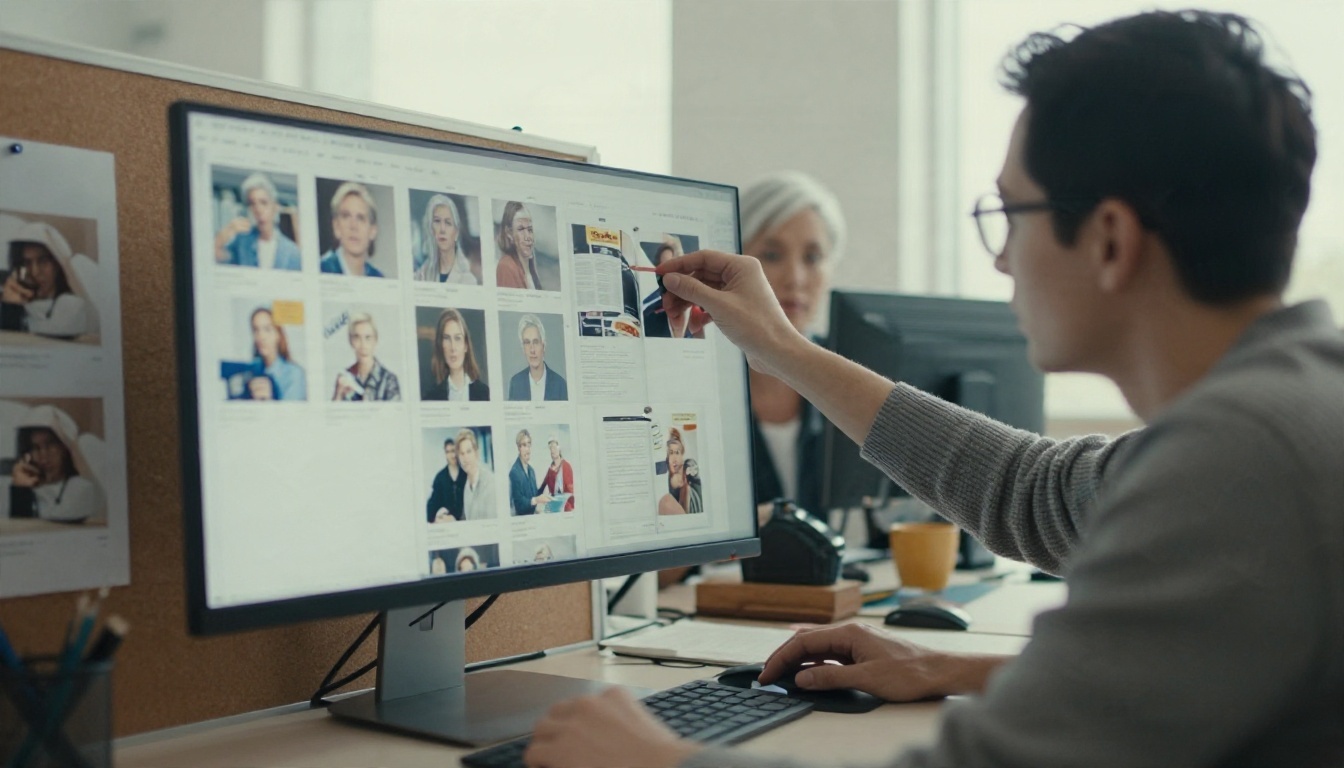
How to Judge a Template in Five Minutes
- Swap in your real content. Placeholder text always looks perfect.
- Test a long headline. Does it wrap cleanly?
- Check a photo with a tricky crop. Faces get cut off in rigid frames.
- View it at phone size. If body text drops below readable size, skip it.
- Count the fonts. Two is calm, four is chaos.
Three Template Mistakes to Skip
- Choosing a template for the cover page and ignoring the inside spreads.
- Using more than two accent colors.
- Forgetting a contents page, which readers rely on in a digital magazine.
The Real Cost of Each Option
Pricing pages are written to make the first tier look easy. The better question is what you pay once your magazine actually grows.
What "Free" Often Means
Free plans are real, but they come with trade-offs. Look for these before you commit:
- Watermarks or ad placements inside the reading experience.
- Issue or page limits that stop you after a handful of publications.
- Locked analytics, so you publish blind.
- No custom branding, which makes a client magazine look generic.
- Public-only links, with no password for private editions.
Typical Budget by Publisher Type
Use this as a planning frame, not a quote.
| Publisher | Monthly issues | What you need | Budget direction |
|---|
| Hobbyist or student | 1 | Free link, no watermark | Free or very low |
| Small brand or creator | 1 to 2 | Branding, embed, mobile view | Low monthly plan |
| Agency or publisher | 4 or more | Unlimited issues, analytics, passwords | Mid-tier plan |
| Company or association | Several titles | Team access, lead capture | Higher tier |
On Flipbooks AI, unlimited flipbooks start at the Standard plan, while analytics and lead generation sit in the Professional plan. Because the free option keeps a clean, unwatermarked look, the jump to paid happens when your volume grows, not when you want to look professional.
Hidden Costs to Watch
Beyond the subscription, count your design time, the cost of stock photos, and any add-ons such as custom domains. A cheap plan that costs you four extra hours per issue is not cheap.
How to Create a Magazine with Flipbooks AI
If you already have a PDF from Canva, InDesign or any other design tool, this is the entire process. It takes about ten minutes for a first issue.
Step by Step
- Open the platform. Go to Flipbooks AI and create an account.
- Upload your PDF. Drag the file in. The PDF to Flipbook Converter turns each page into a turnable spread automatically.
- Check the conversion. Flip through the preview. Make sure images are sharp and text is readable at phone size.
- Apply your branding. Set your logo, background color and toolbar style so the reader feels your identity, not a template's.
- Choose page effects. Pick the page-turn style and optional sound.
- Add multimedia. Embed videos, audio clips and clickable links directly in the pages.
- Set access. Keep it public, or add a password for subscribers or paying members.
- Publish and share. Copy the direct link, or use the Embed Flipbook on Website option to place the issue on your own page.
Sharing Options at a Glance
| Method | Best use | Notes |
|---|
| Direct link | Social posts, email | Fastest option |
| Embed code | Your website or blog | Keeps readers on your domain |
| Password protection | Members and clients | Controls who opens the issue |
| Offline download | Readers on the move | Great for travel and events |
Pro Features Worth Using
On the Professional plan, you get analytics that show how many people opened each issue and where they stopped reading. You also get lead generation, which lets you collect an email address before a reader opens a premium issue. That turns a magazine from a PDF dump into a measurable channel.
✅ Best practice: After each issue, look at the page where most readers drop off. Move your strongest story earlier next time.
Real-World Examples
Abstract comparisons only go so far. These scenarios show how the tools fit actual publishing situations.
A Local Culture Magazine
A volunteer team designs in Canva each month, exports the PDF and publishes it as a flipbook. They embed the issue on their site and share the link in their newsletter. Cost stays close to zero, and the magazine still looks like a polished product.
A Boutique Fashion Brand
A small label publishes a seasonal lookbook with large imagery and short captions. They add video clips on key pages and password-protect early-access issues for loyal customers. A tool like the Fashion Catalog Creator fits this style of publication well.
An Association Newsletter
A professional association sends a quarterly magazine to members. They need lead capture, analytics and clean branding. A mid-tier plan pays for itself when sponsors ask for reader numbers.
A Student Publication
A university magazine team needs a free tool, no watermark and easy mobile reading. A PDF-to-flipbook workflow is perfect, because the design happens in any free editor.
If you want a fast decision, use this shortcut:
- You have a finished PDF and want it online today: use a flipbook platform.
- You need to design pages from nothing: start in Canva, then publish elsewhere.
- You want strangers to find your magazine: add a listing on a public reading site.
- You publish for print and web: use desktop layout software plus a flipbook platform.
Whatever you choose, test with one real issue, not a demo file. Open it on a phone, send it to a friend, and see how long it takes to read the first page.
Ready to publish your first issue? Get started for free on Flipbooks AI, browse all flipbook tools and templates, or compare pricing plans to see which tier matches your publishing schedule.



