Your handbook is finished, legal has signed off, and now 600 employees in eight countries need a copy in their own language. Before you request twelve print quotes, it is worth asking whether every one of those copies needs to be paper. This article breaks down how an on demand printing vendor works, what a global handbook really costs, how translation changes the budget, and where a digital edition built with Flipbooks AI can replace most of the print run.
I will use plain numbers and realistic scenarios. Treat every price as a typical range for planning, then confirm with live quotes from your own vendors.
What an On Demand Vendor Does
An on demand printing vendor stores your file digitally and prints copies only when you order them. No pallets of outdated handbooks sit in a warehouse waiting to be pulped after the next policy change.
Print on Demand vs Offset
Offset printing uses metal plates and is cheap per copy at thousands of units, but it needs a large upfront commitment. Digital print on demand has almost no setup cost, so it wins at low and medium volumes.
| Factor | On Demand (Digital Press) | Offset Print Run |
|---|
| Typical minimum order | 1 copy | 1,000 to 2,000 copies |
| Setup cost | Near zero | Plates and press setup |
| Cost per copy at 100 units | Higher | Not practical |
| Cost per copy at 5,000 units | Medium | Lowest |
| Update flexibility | Change the file any day | Reprint means a new run |
| Storage needs | None | Pallets and a warehouse |
| Best for | Regional, versioned handbooks | One global edition, stable text |
For a global handbook with many language versions and yearly edits, on demand usually fits better. You print 40 copies in Polish, 25 in Portuguese and 90 in English, and nobody is stuck with surplus stock.

Where Global Teams Get Stuck
Most problems have nothing to do with the printer itself. They show up in the handoff:
- Version chaos: HR emails five PDFs, and the vendor prints the wrong one.
- Font and script issues: Arabic, Thai or Japanese text breaks when fonts are not embedded.
- Paper size mismatch: North America uses Letter, most other regions use A4 or A5.
- Customs delays: A box of printed material can sit at the border for a week.
- No single owner: Each country manager orders separately, at different prices.
💡 Pro tip: Give every handbook file a version code in the filename and on page two, for example HB-2026-03-PL. It saves hours of confusion when a regional office reports an error.
The Real Cost of Printing
Quotes usually list one number per copy. The total spend is always larger.
Per Copy Price Breakdown
Here is a planning range for a 90 to 120 page handbook, trim size A5 or 6 x 9 inches, perfect bound with a card cover. These are illustrative figures, and prices vary by region, paper and vendor.
| Spec | 50 Copies | 250 Copies | 1,000 Copies |
|---|
| Black and white interior, color card | $6 to $10 | $4 to $7 | $2.50 to $4.50 |
| Full color interior, gloss card | $14 to $24 | $10 to $16 | $6 to $10 |
| Spiral bound, full color | $16 to $28 | $12 to $20 | $8 to $13 |
| Premium paper and lamination | Add 15% to 30% | Add 15% to 30% | Add 10% to 25% |

Hidden Costs People Forget
The per copy price is only one line in the budget. The bigger surprises often come from the work around it.
- Proofing: A physical proof for each language, usually $30 to $80 plus courier fees.
- Typesetting per language: Text expands or shrinks after translation, so pages need reflowing.
- International freight: A single carton of 40 handbooks can cost $60 to $250 to ship, depending on the destination and speed.
- Duties and VAT: Printed matter is often taxed lightly, but paperwork still takes time.
- Obsolescence: One policy change, and every printed copy becomes outdated.
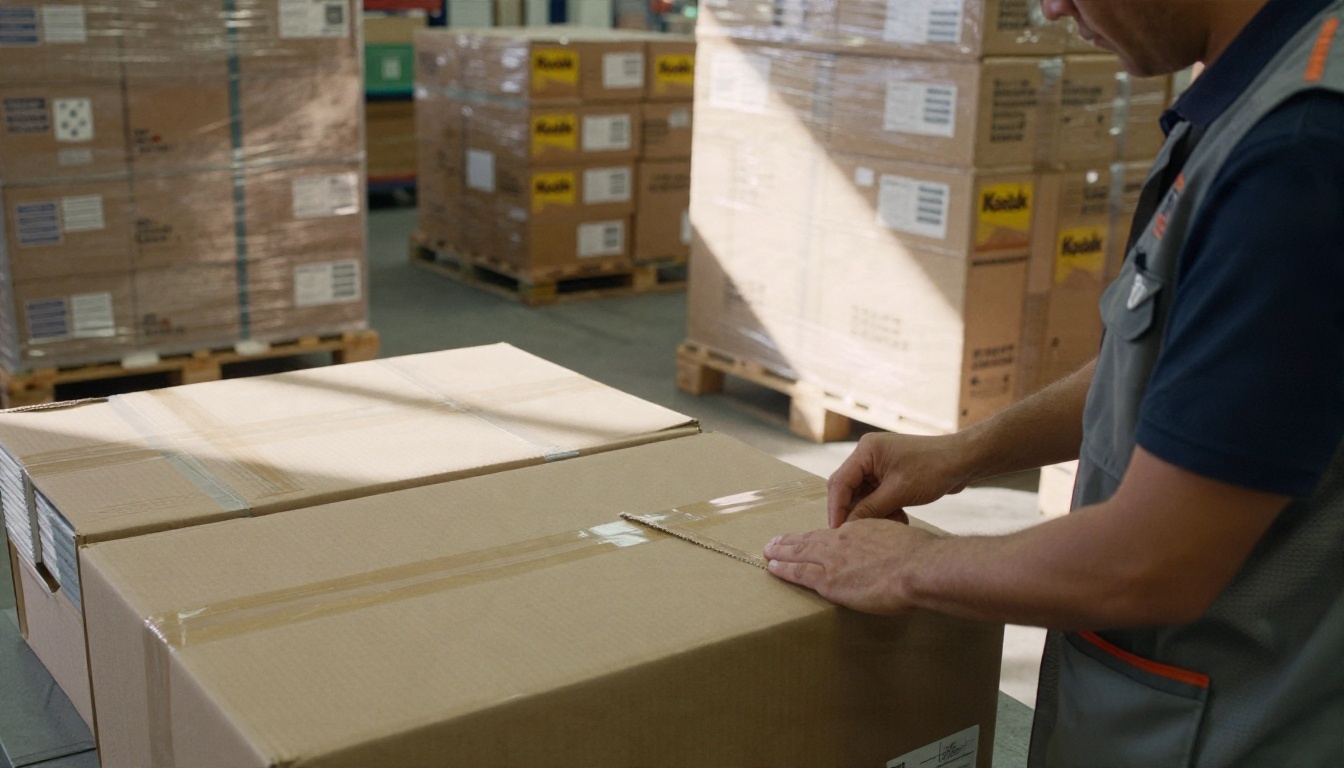
⚠️ Warning: Never compare two vendors on the per copy price alone. Ask for a delivered cost per country, including proof, freight and handling.
A Worked Example
Take a company with 600 employees across eight countries and a 90 page handbook in five languages.
| Line Item | Estimated Cost |
|---|
| 600 copies at an average of $7 | $4,200 |
| Five physical proofs | $300 |
| Eight international shipments | $2,800 |
| Typesetting for four extra languages | $1,600 |
| Print total (before translation) | About $8,900 |
Update the handbook the next year and most of that spend repeats. This is the core reason many HR teams look for a digital alternative.
Translation Costs and Workflow
Translation is often the largest single cost of a global handbook, and it affects print and digital in the same way.
Pricing Translation Fairly
Professional translation is billed per source word. A 15,000 word handbook is a mid-sized project.
| Item | Typical Range |
|---|
| Translation, major European languages | $0.10 to $0.18 per word |
| Translation, less common or specialist languages | $0.15 to $0.30 per word |
| Independent review by a second linguist | 15% to 25% on top |
| Legal terminology check (local counsel) | Quoted per country |
| Layout adjustment per language | $200 to $800 |
For 15,000 words, a single language might run $1,500 to $2,700 before review. Multiply that by the number of languages and you see why translation can outweigh printing.

Layout Problems to Expect
Translation changes the shape of your pages. Plan for these issues before the files reach a printer:
- Text expansion: German and French often run 15% to 30% longer than English.
- Right to left scripts: Arabic and Hebrew need mirrored layouts, not just flipped text.
- Character sets: Chinese, Japanese and Korean need fonts that support the full script.
- Date, currency and unit formats: Update them per country, not only the words.
The Local Review Step
Always have an in-country HR representative read the translated file. Local labor law terms are not interchangeable between countries. A phrase that is correct in Spanish for Spain can carry a different legal meaning in Mexico or Argentina.
✅ Best practice: Keep one translation memory file. When you update the handbook, only changed sentences are re-translated, which can cut next year's cost by half or more.
Digital Alternatives Worth Considering
A handbook is a reference document. People look up the vacation policy, the expense limit or the safety procedure, and they usually do it on a phone or a laptop. That behavior makes a digital edition a natural fit.
PDF, Flipbook or Intranet Page
| Option | Setup Effort | Reading Experience | Update Speed | Tracking |
|---|
| Plain PDF by email | Low | Slow on mobile, no search by section | Slow, files get copied | None |
| Intranet wiki page | High | Good for search, weak for layout | Fast | Basic |
| Digital flipbook | Low | Page turning, zoom, mobile friendly | Instant, same link | Reading statistics |
| Printed handbook | High | Familiar and tactile | Slowest | None |
A flipbook keeps the designed layout of the original handbook, which is why compliance and legal teams like it. Employees see the same pages HR approved, only on screen.

Where Digital Wins Clearly
- Remote and hybrid teams who never visit a head office.
- Frequent policy updates such as benefits, travel or security rules.
- Many languages with small headcounts where printing 8 copies per language is wasteful.
- Contractors and seasonal staff who need access on day one.
When Print Still Wins
Paper has real strengths, and ignoring them is a mistake.
- Factory floors, warehouses and field sites where staff do not carry devices.
- Countries where labor law requires a signed acknowledgment of a physical copy.
- Welcome packs, where a printed handbook adds a personal touch on day one.
How to Create a Handbook Flipbook
Here is the simple path from finished PDF to a link you can send to every office. The PDF to Flipbook Converter does the heavy lifting, and the Training Manual Flipbook tool suits policy and onboarding material well.

Step by Step
- Start here. Visit Flipbooks AI and create an account. No watermarks are added to your flipbooks, so the result looks like your own brand.
- Upload each language PDF. Drag in the file for one language, wait for the conversion, and repeat. Use one flipbook per language so every office gets its own link.
- Customize the look. Add your logo, set brand colors, choose a page-turn effect and pick a background that matches your intranet.
- Add useful media. Embed a short welcome video from the CEO or an audio message in the local language. Flipbooks support embedded videos and audio.
- Set access rules. Turn on password protection for confidential handbooks, or leave the link open for public career pages.
- Share it. Send a direct link, or use the Embed Flipbook on Website option to place the handbook inside your intranet page.
- Allow offline use. Offline downloads help staff in locations with unreliable connections.
💡 Pro tip: Name each flipbook with the version code, such as HB-2026-03-PL, and keep the same link when you update the file. Employees will never hold a stale copy.
Professional Plan Features
For larger organizations, the Professional plan adds reading statistics and lead capture. HR teams can see which countries have opened the handbook and where adoption is lagging. Compare the options on the pricing page. The Standard plan and above include unlimited flipbooks, which matters when you publish ten or more languages.
Handling Right to Left Languages
Upload Arabic or Hebrew PDFs already laid out in the correct reading direction. The flipbook preserves the page order you supply, so check the first page in the preview before sharing.
A Hybrid Rollout Plan
Most companies do not choose all print or all digital. They mix both, and that is usually the cheapest and fastest route.
Three Scenarios
| Scenario | Print Plan | Digital Plan | Why It Works |
|---|
| Office based, 8 countries | Welcome pack for new hires only | Flipbook for everyone | Keeps the personal touch and cuts print volume by 70% or more |
| Factory plus head office | Printed copies for site staff | Flipbook for office staff | Respects device access on the floor |
| Fully remote company | None, or a small premium edition | Flipbook with password | No shipping, instant updates |

Rollout Timeline
- Weeks 1 to 2: Freeze the English source text and send it to translation.
- Weeks 3 to 5: Translate, review locally and fix layouts.
- Week 6: Publish flipbooks per language and test on phones.
- Week 7: Place small on demand print orders for sites that need paper.
- Week 8 and after: Review reading statistics and send reminders to offices with low adoption.
Vendor Checklist Before You Sign
Whichever vendor you choose, ask these questions in writing.
- Can you print and ship from a location close to each of my regions?
- Do you accept PDF/X files, and will you embed fonts for non-Latin scripts?
- What is the delivered cost per country, including freight and handling?
- How quickly can I replace a file and reprint after a policy change?
- Do you offer physical proofs or only digital soft proofs?
- What happens to my files after the job, and how are they stored securely?
- Can I see references from a customer with a multilingual handbook?
⚠️ Warning: HR documents contain internal policies and sometimes personal data. Confirm how the vendor stores your files and who can access them, and sign a data processing agreement where the law requires it.
Quick Decision Table
| If Your Situation Is... | Choose |
|---|
| Under 100 copies per language, frequent updates | On demand print plus a flipbook |
| Over 5,000 identical copies, stable text | Offset print, flipbook as backup |
| Mostly remote staff | Flipbook first, print on request |
| Strict legal requirement for paper | On demand print per country, flipbook for reference |
Ready to Skip the Next Print Run?
Printing will always have a place in a global handbook strategy, but it no longer needs to be the default. Send paper where it matters, and give everyone else a link that updates itself.
Create a free account on Flipbooks AI, convert your first handbook PDF in a few minutes, and see how it looks on a phone. Browse the full range of flipbook tools for onboarding and policy documents, or compare pricing plans to find the one that fits the number of languages you publish.



