Online Brochure Viewer Free: Embed, Share by Link and Open on Mobile
A practical look at free online brochure viewers: how to embed a brochure on your website, share it with a single link, and make sure it opens cleanly on phones. Includes comparison tables, a step-by-step tutorial and real use cases for agents, hotels and shops.
You spent weeks on that brochure. The photography is sharp, the copy is tight, the layout is clean. Then you attach it to an email as a 14 MB PDF, and half your recipients never open it. The other half pinch and zoom on a phone screen until they give up. An online brochure viewer fixes this: your file becomes a page-turning web document that loads in a browser, fits any screen and travels as a simple link. Tools like Flipbooks AI let you publish one without watermarks, and you can start without paying.
This article walks through the three things people actually search for when they want a free viewer: how to embed a brochure on a website, how to share it by link, and how to make sure it opens properly on mobile. You will also get comparison tables, a step-by-step tutorial and a few real-world examples you can copy.
Why a Brochure Viewer Beats a PDF Attachment
A PDF is a print format that happens to open on screens. A viewer is built for screens from the first pixel. That difference shows up in every metric a marketer cares about: load time, readability, shareability and the number of people who reach page three.
The Problem With Raw PDFs
Most brochure PDFs are exported at print resolution. They are heavy, they download before they display, and they ignore the shape of the device in your reader's hand. On a phone, a two-page spread shrinks to an unreadable strip. Email providers also clip or block large attachments, so your brochure may never arrive.
There is a second, quieter problem: you lose control. Once a PDF is attached, you cannot update it, you cannot see who opened it, and you cannot remove it from circulation when prices change.
What a Good Viewer Does
A good online brochure viewer converts your file into a lightweight, browser-based flipbook. Pages load progressively, so the first spread appears in a second or two. Readers flip through with a click or a swipe. The layout adapts to the screen, and you publish updates in one place instead of re-sending files.
Feature
PDF attachment
Online brochure viewer
Opens without download
No
Yes
Works on phone screens
Poorly
Yes, responsive layout
Shareable by one link
No
Yes
Embeddable on a website
No
Yes
Update after sending
No
Yes, same link
Reader activity tracking
No
Yes (Professional plan)
Page-turn feel
None
Realistic page effects
💡 Pro tip: If you only change one habit this month, stop attaching brochures to emails. Paste a link instead. Inbox filters treat links far more kindly than heavy files.
What "Free" Should Actually Include
Search for a free brochure viewer and you will find dozens of options. Many of them are free in the way a trial is free: usable for ten minutes, then a wall. Before you upload anything, check what the free tier really gives you.
Features Worth Insisting On
Here is the short list that separates a useful free viewer from a demo:
No watermark on your pages or in the viewer frame
A public link that works for anyone, with no login for the reader
Embed support with a copyable code snippet
Responsive layout that adapts to phones and tablets
Fast conversion from PDF without manual page setup
Readable text, meaning pages are not flattened into low-quality images
Where Free Plans Cut Corners
Be careful with tools that add a banner over your content, expire links after a few days, or cap the file size so low that a photo-heavy brochure cannot upload. Those limits are easy to miss until a client opens a broken link.
Free-tier checkpoint
Red flag
What good looks like
Branding
Third-party logo over pages
Clean viewer, your brand
Link life
Expires in days
Stays live while the file is active
File size
Tiny upload cap
Enough for image-rich brochures
Mobile
Desktop layout shrunk down
True responsive reading
Embed
Locked behind payment
Available with a copyable snippet
⚠️ Warning: Never publish a brochure with prices, contracts or private details on a tool that has no privacy controls. If the content is sensitive, use a viewer that offers password protection.
How to Embed a Brochure on Your Website
Embedding keeps visitors on your site. Instead of sending them to a download, you place the brochure inside a landing page, a product page or a blog post. They read it right there, and your page keeps its navigation, branding and calls to action around it.
The Iframe Method
Nearly every viewer uses an iframe. You copy a short snippet and paste it into an HTML block in your site builder. A typical snippet looks like this:
On WordPress, Wix, Squarespace, Webflow and Shopify, look for a "Custom HTML" or "Embed code" block. Paste the snippet, save, and preview. If you want a deeper walkthrough, the Embed Flipbook on Website tool page shows exactly where the code goes.
Responsive Sizing Tips
A fixed pixel width breaks on phones. Use these habits instead:
Set the width to 100% so the frame fills its container.
Give the height a sensible minimum, around 500 to 650 pixels for desktop.
On narrow screens, let the viewer switch to a single-page layout rather than forcing a spread.
Place the embed above the fold on pages where the brochure is the main offer.
Add a short line of text above it so search engines understand what the page is about.
Where you embed
Best width
Suggested height
Why it works
Landing page
100%
600 px
Brochure is the main attraction
Blog post
100%
500 px
Sits between paragraphs
Product page
100%
650 px
Replaces a downloadable spec sheet
Sidebar widget
300 px
400 px
Teaser with a link to full view
✅ Best practice: Always keep a plain text link below the embed. If a visitor's browser or ad blocker interferes with iframes, they still have a way in.
Share by Link, Without the Friction
The simplest way to distribute a brochure is a link. It costs nothing, needs no software on the reader's side, and fits anywhere text fits.
One URL, Every Channel
The same link works in a lot of places:
Email signatures, so every message carries your latest brochure
WhatsApp and SMS, where large files are a pain and links are normal
Social bios on Instagram, LinkedIn or X
QR codes printed on posters, business cards or shop windows
Proposals and quotes, as a "see our full range" line
Because the link points to a live document, you can fix a typo or swap a price and nobody needs a new copy. That alone saves hours for teams that reissue catalogs and brochures every season.
Password and Privacy
Not every brochure is for everyone. A wholesale price brochure, an investor overview or a draft for client approval should have limits. With Flipbooks AI, you can add password protection so only people with the code can open the document. That is a clean middle ground between a fully public page and a locked-down file transfer.
Sharing method
Setup time
Reader effort
Control after sending
Email attachment
1 minute
Download, open, zoom
None
Public link
10 seconds
One tap
Update anytime
Password-protected link
30 seconds
One tap plus code
Update and restrict
Embedded on website
5 minutes
Scroll and read
Update anytime
QR code to link
2 minutes
Scan and read
Update anytime
Open on Mobile: Where Most Readers Are
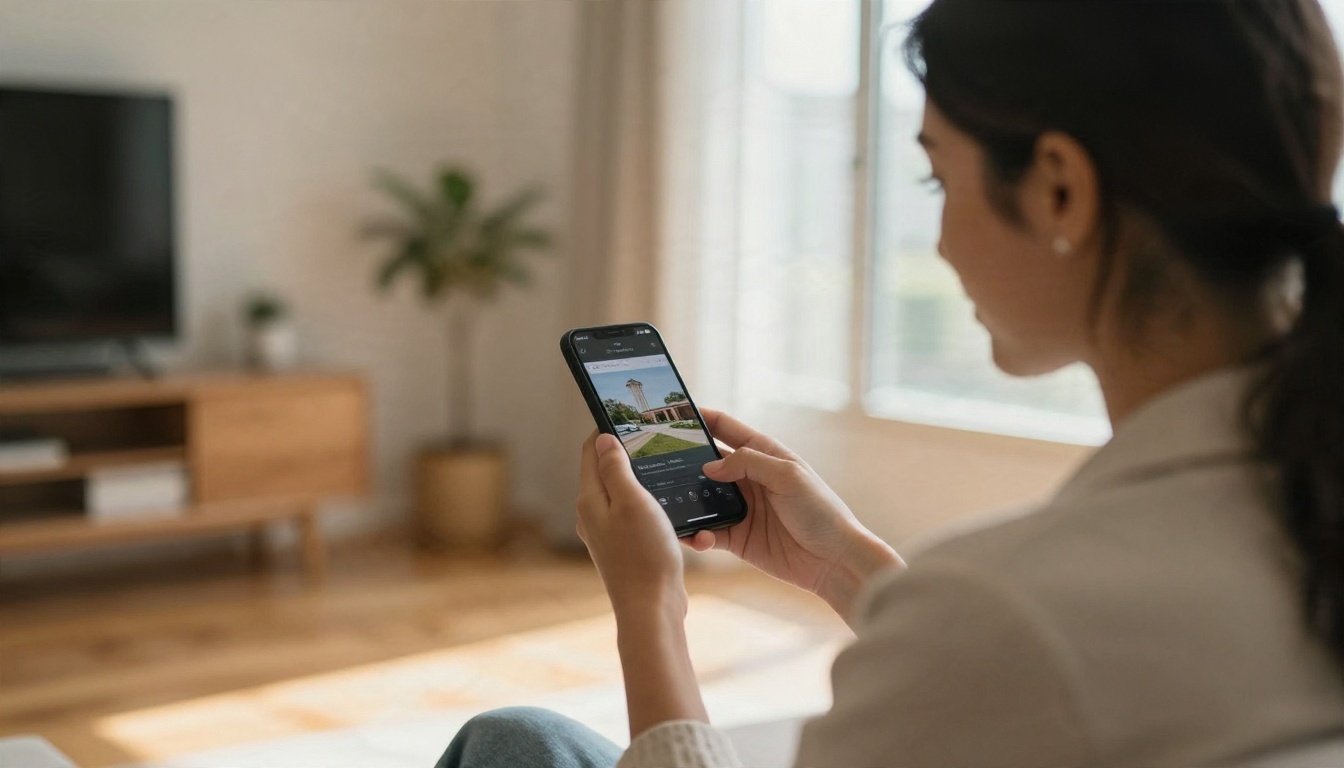
Think about where your brochure is actually opened. On a train. In a queue. On a sofa with the TV on. For most audiences, the phone is the main screen, and a brochure that only works on a desktop loses people in the first three seconds.
Swipe, Pinch, Done
A mobile-ready viewer should behave the way people expect from any modern app:
Swipe left and right to turn pages
Double-tap or pinch to zoom into a detail
Single-page mode on portrait screens so text stays legible
Tap-friendly links inside the pages, such as phone numbers, maps and buy buttons
Quick loading over mobile data, with pages that appear progressively
Test on Real Phones
Emulators are fine for a first look, but real devices reveal real problems. Before you launch, open your brochure link on:
An iPhone with Safari
An Android phone with Chrome
A tablet in both orientations
A slow connection, such as mobile data in a basement or lift
Look for text that is too small, buttons that sit too close together and pages that take more than a couple of seconds to appear. If you spot any of those, simplify the source file: larger body text, fewer tiny captions, compressed images.
💡 Pro tip: Design for thumbs. Keep important links and call-to-action buttons away from the extreme edges of the page, where a swipe can trigger the wrong action.
Head to Flipbooks AI and create an account. You can start with the free option and move to a paid plan later if you need more. Browse the pricing page when you are ready to compare.
Step 2: Upload and Convert Your PDF
Use the upload button in your dashboard and select your brochure PDF. The platform runs the PDF to Flipbook Converter automatically, turning each page into a flippable spread. Within moments you see a preview with realistic page-turn motion. No manual page setup is needed.
Step 3: Customize the Look
Open the editor to adjust the viewer to your brand:
Custom branding: add your logo and choose a background color that matches your site
Page effects: pick the flip style and speed that suits your content
Multimedia: embed videos and audio where a short clip explains more than a paragraph
Links: make phone numbers, emails and product URLs clickable
Step 4: Pick Your Sharing Options
Open the share panel. From there you can:
Copy the direct link for email, chat and social posts
Copy the embed code and paste it into your website
Set a password if the brochure is private
Enable offline downloads so readers can keep a copy
Step 5: Track What Happens Next
On the Professional plan, you get analytics and lead generation. See which pages hold attention, where readers drop off and who left their details. That turns a brochure from a static handout into something you can measure and improve. See the plan comparison for details.
Capability
Free start
Standard plan
Professional plan
No watermark
Yes
Yes
Yes
Unlimited flipbooks
No
Yes
Yes
Embed and share by link
Yes
Yes
Yes
Password protection
Check plan
Yes
Yes
Offline downloads
Check plan
Yes
Yes
Analytics and lead generation
No
No
Yes
✅ Best practice: Publish a first version, send it to two or three colleagues on their own phones, collect feedback, then update. Because the link stays the same, nobody has to re-download anything.
Real Use Cases That Work
Theory is useful. Examples are better. Here are three situations where a free, shareable brochure viewer pays off quickly.
Real Estate Agents
An agent standing in a living room can text a buyer a property brochure in seconds. The buyer opens it on their phone, flips through floor plans and photos, and forwards the link to their partner. No attachments, no "can you resend that?" messages. The Real Estate Brochure Creator is built for exactly this workflow.
Hotels and Venues
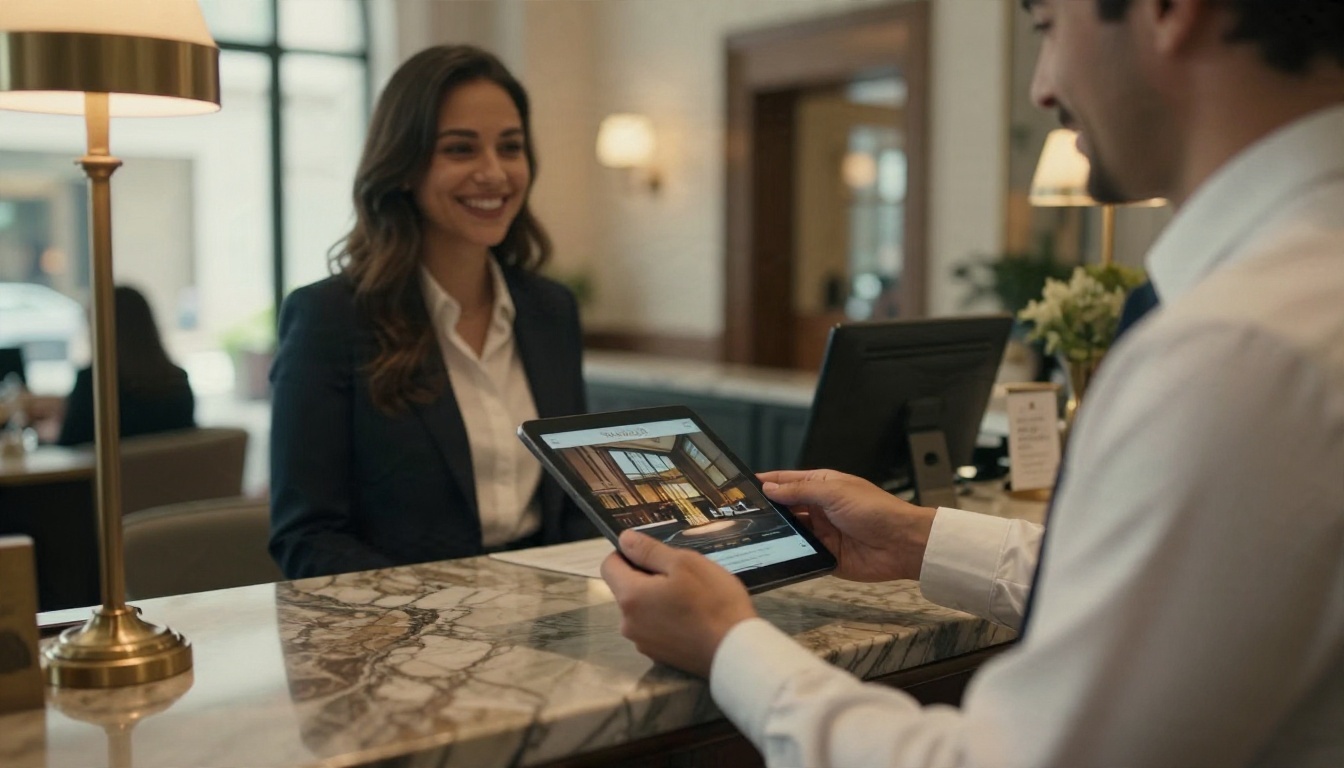
A concierge can hand a tablet to a guest or place a QR code in each room that opens the on-site services brochure. Seasonal changes, such as a new spa menu or event calendar, are updated once and appear everywhere. Try the Hotel Brochure Designer or the Spa and Wellness Menu Creator.
Small Shops and Studios
A boutique owner can embed a seasonal lookbook on her homepage, share the same link in her Instagram bio and print a QR code for the shop window. One file, three channels, zero reprints. The Product Catalog Generator and the Digital Price List Generator fit this scenario well.
Even a good viewer cannot rescue a poorly prepared file. Watch for these:
Uploading a low-resolution PDF. Text looks soft and photos turn muddy when zoomed.
Tiny body text. If it needs zoom on a phone, it is too small.
Skipping the mobile test. Desktop previews hide most layout problems.
Forgetting a call to action. Every brochure needs a next step: call, book, buy or visit.
Leaving outdated links live. Update or retire old versions so nobody reads last season's prices.
Publish Your First Brochure Today
A brochure only works when people can open it. A free online viewer gives you three simple ways to put it in front of them: embed it on your website, send it as a link, and trust it to open cleanly on every phone.
Ready to try it? Create your free account on Flipbooks AI and convert your first PDF in minutes. Browse all the flipbook tools and templates to find the one that fits your industry, and compare pricing plans when you are ready for analytics, lead generation and unlimited flipbooks.