A booking agent gives your press kit about thirty seconds. If the file takes a minute to download, opens at the wrong size on a phone, or arrives as a 40 MB attachment that bounces from the inbox, you are out before anyone hears a note. That is the problem an online EPK editor solves. Instead of emailing a heavy PDF, you turn it into a page-turning flipbook, pick a page size that suits every screen, and send one clean link or embed it straight into your site. With Flipbooks AI, the whole process takes a few minutes and your press kit stays under your control after you hit send.
This article walks through the full workflow: converting the PDF, choosing the page size, sharing by link, and embedding. You will also find comparison tables, real examples from musicians, speakers and brands, and a list of mistakes that quietly cost people bookings.
What an EPK Really Needs
An electronic press kit (EPK) is a single, polished package that tells a promoter, journalist or buyer who you are and why they should care. For a band that means a bio, photos, music links, press quotes, a stage plot and contact details. For a speaker, a founder or a brand, the ingredients change but the job is the same: make a decision easy for a busy stranger.
Who Opens It, and Why
Different readers scan for different things. Knowing that shapes the pages you put first.
- Booking agents look for past venues, draw numbers and a clear technical rider.
- Journalists want a short bio, high-resolution photos and quotable lines they can copy.
- Playlist curators and labels jump straight to streaming links and recent press.
- Sponsors and brands check audience size, demographics and previous partnerships.
💡 Pro tip: Put the most persuasive page second, right after a strong cover. Most readers flip once or twice before deciding whether to continue.
Why PDF Alone Falls Short
PDF is a fine format for printing and archiving. As a delivery method for an EPK, it has real weaknesses.
| Problem | What happens with a plain PDF | What a flipbook does instead |
|---|
| File size | Large attachments get blocked or slow to open | Opens in the browser from a link |
| Mobile reading | Pinch and zoom on a tiny page | Responsive layout that fits the screen |
| Updates | Old versions float around inboxes forever | One link always shows the latest version |
| Media | Links are static and easy to miss | Video and audio play inside the page |
| Tracking | You never know if it was opened | Analytics show views (Professional plan) |
| First impression | Flat document | Page-turning effect that feels like a real kit |
From PDF to Flipbook in Minutes
You do not need to rebuild your press kit. Design it in whatever tool you already use, export a PDF, and let the editor handle the rest. The PDF to Flipbook Converter is built for exactly this step, and the Press Kit Designer gives you a purpose-built starting point if you are creating the kit from scratch.
How to Create an EPK Flipbook with Flipbooks AI
Follow these steps and you will have a shareable kit before your coffee cools.
- Open the platform. Go to Flipbooks AI and create an account. You can start without a long setup.
- Upload your PDF. Drag the file into the upload area. The editor converts each page into a flipbook page, keeping text sharp and images intact.
- Check the page order. Scroll through the preview. Confirm the cover, bio, music, press and contact pages appear in the order you planned.
- Add your branding. Set your logo, background color and accent colors so the reader feels your identity before reading a word.
- Pick page effects. Choose how pages turn. A subtle, fast turn suits professional pitches better than a dramatic one.
- Add multimedia. Place a video clip or audio sample directly on the page where it belongs.
- Set sharing options. Copy the direct link, grab the embed code, or add a password for private pitches.
- Publish and test. Open the link on your phone, then on a laptop. Fix anything that looks off before sending.
✅ Best practice: Always test on a real phone. Roughly half of the people opening your link will do it from a mobile device, often between meetings.
Branding and Page Effects
Branding is the difference between "a file someone sent me" and "a professional operation." Flipbooks AI supports custom branding, and there are no watermarks, ever, so your kit looks like yours alone. Keep these points in mind:
- Match the background color to your cover art so the book feels seamless.
- Use one accent color, not five.
- Keep the page-turn effect quick. Readers should never wait on an animation.
Video and Audio Inside the Page
This is where a flipbook beats any attachment. You can embed videos and audio directly into the kit. A live performance clip next to your bio does more work than three paragraphs of description. A 30 second audio sample beside your press quote lets a promoter hear what the reviewer meant.
⚠️ Warning: Do not stack five videos on one page. Pick the strongest clip, place it where it supports the text, and let the rest live on your website.
Picking the Right Page Size
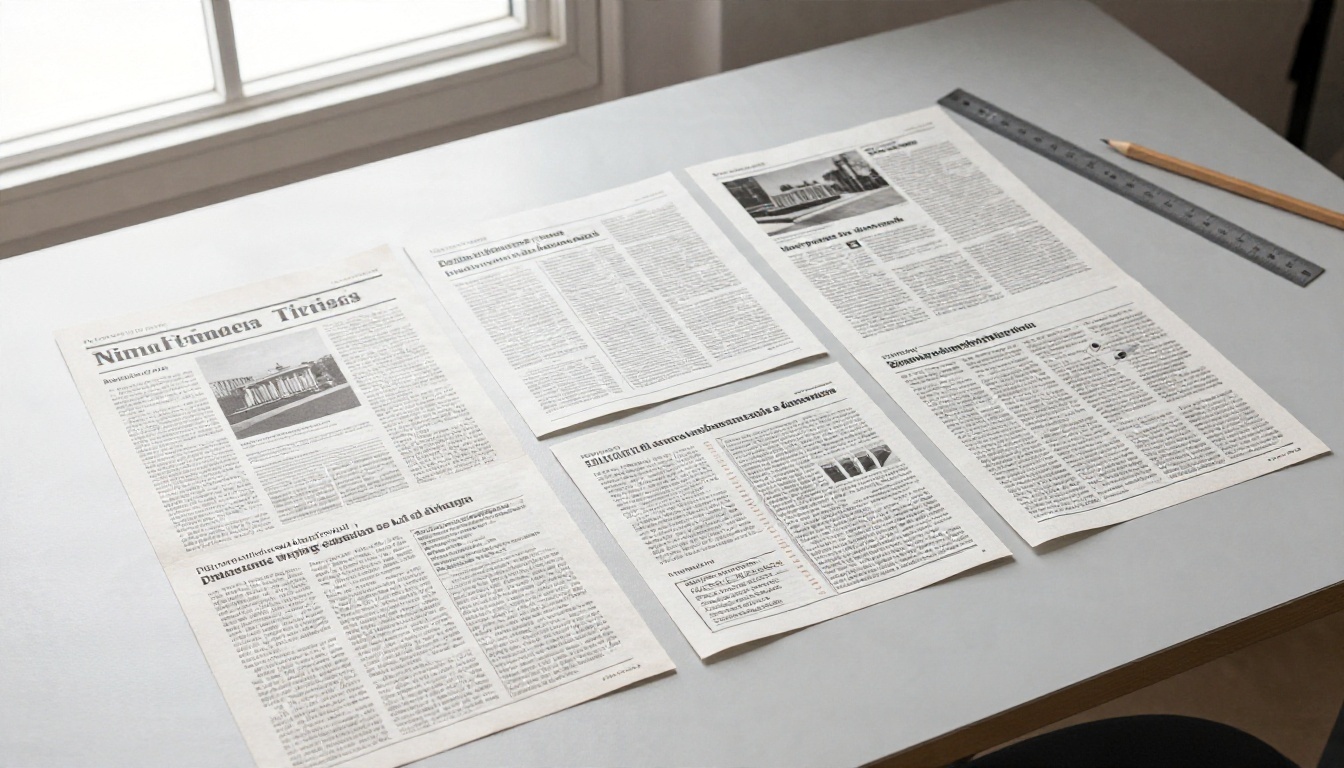
Page size is the setting most people ignore until the kit looks wrong on someone's screen. The flipbook follows the proportions of the PDF you upload, so the decision happens in your design tool before export.
Landscape, Portrait or Square
Each format has a natural home. Here is how they compare for an EPK.
| Format | Typical size | Best for | Watch out for |
|---|
| Landscape | 16:9 or A4 landscape | Bands, speakers, video-heavy kits | Small on narrow phones in portrait mode |
| Portrait | A4 or US Letter | Text-rich bios, press quotes, tech riders | Wasted space on wide monitors |
| Square | 1:1 | Visual artists, DJs, social-first brands | Fewer words per page |
A practical rule: if your kit leans on photos and video, go landscape. If it leans on words, go portrait. Square works well when your visuals are the star and text is minimal.
Export Settings That Hold Up
A beautiful layout can still fail at export. Use this short checklist before you upload.
- Export at the final page size. Do not rely on scaling after the fact.
- Keep every page the same dimensions. Mixed sizes make page turning look jumpy.
- Embed fonts or convert text to outlines so nothing swaps unexpectedly.
- Compress photos to a sensible resolution. Sharp on screen does not require print-grade files.
- Leave a safe margin so nothing sits too close to the edge on small displays.
💡 Pro tip: Aim for 8 to 14 pages. Shorter kits get read to the end. Longer ones get skimmed, and the most important page may never be seen.
Sharing Your EPK by Link
The link is the heart of modern press kit delivery. One short URL goes into an email, a DM, a booking form, a social bio or a QR code on a poster. Nothing to download, nothing to attach.
One Link for Every Pitch
Because the link points to a live flipbook, you can fix a typo, swap a photo or add a new review and every future reader sees the update. No more "please disregard the previous version" emails. This is especially useful when a tour date changes or a new press quote lands.
Where the link works best:
- Email signatures: a quiet, always-on call to action.
- Booking forms: paste it in the "additional materials" field.
- Instagram and TikTok bios: one tap from interest to full story.
- Printed flyers and posters: turn the link into a QR code.
- Direct messages: short enough to paste without looking spammy.
Password Protection and Analytics
Not every EPK should be public. A kit that includes unreleased tracks, rates or a private rider belongs behind a gate. Flipbooks AI offers password protection for private content, so you can send a sensitive version to one buyer and keep the public version open.
On the Professional plan, analytics and lead generation add another layer. You can see how many people opened the kit and, with lead capture, collect contact details from visitors. That turns a passive document into something that tells you who is interested. You can also let trusted contacts save an offline download when they need the kit on a plane or in a venue with weak signal.
| Sharing method | Setup effort | Control level | Best use |
|---|
| Public link | Very low | Low | Social bios, open pitches |
| Password-protected link | Low | High | Private riders, unreleased material |
| Embed on website | Medium | High | Press page, band site |
| QR code to link | Low | Medium | Posters, merch tables, business cards |
| Offline download | Low | Medium | Travel, low-signal venues |
Embedding on Your Website
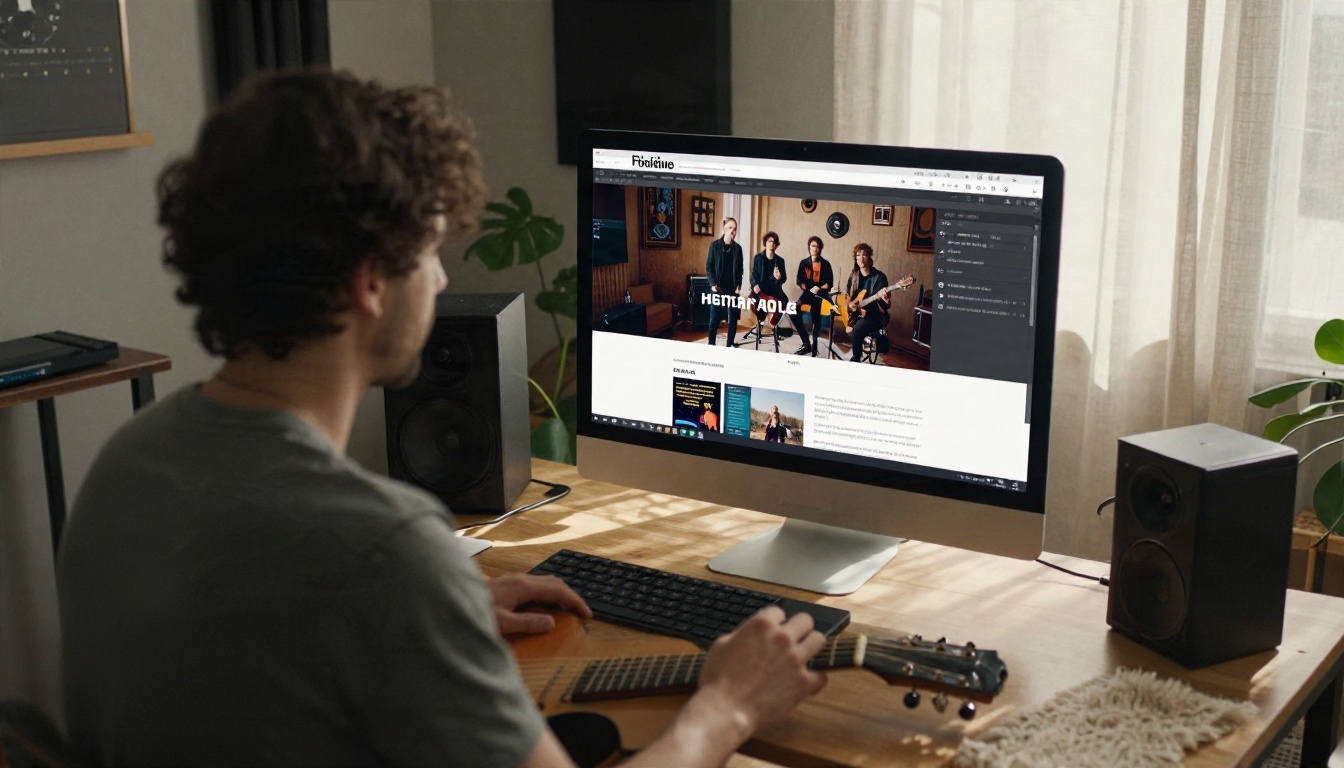
A link is great for outreach. Your own website is where people go when they search your name. Embedding places the flipbook right inside your press page so visitors read it without leaving.
Where the Embed Code Goes
The Embed Flipbook on Website tool gives you a snippet of code. Paste it into any page that accepts HTML. Here is the typical process:
- Open your published flipbook and copy the embed code.
- In your website editor, add a custom HTML or "embed" block to the press page.
- Paste the code and save.
- Resize the block so the flipbook is wide enough to read comfortably.
- Publish the page and reload it to confirm everything loads.
Most popular site builders, including Wix, Squarespace, WordPress and Webflow, support this kind of block. If you can add a video embed, you can add a flipbook embed.
✅ Best practice: Give the embedded kit its own press page, such as a "Press" or "Book Us" section, so promoters find it in one click.
Mobile Check Before Publishing
The flipbook is mobile-responsive, but the page around it still matters. After embedding:
- Open your site on a phone and rotate the screen.
- Make sure the embed is not squeezed into a narrow column.
- Check that nothing overlaps the flipbook, such as cookie banners or chat widgets.
- Confirm that video and audio on the pages still play.
Real-World EPK Examples
Theory is useful. Here is how different people put these steps to work.
| Who | Format | What they put inside | How they share it |
|---|
| Indie band | Landscape | Live clip, bio, stage plot, press quotes | Link in booking emails, embed on band site |
| Wedding DJ | Square | Mix samples, packages, testimonials | QR code at bridal fairs |
| Keynote speaker | Portrait | Topics, past events, one-sheet, headshots | Password link for event planners |
| Photographer | Landscape | Selected work, clients, rates | Photography Portfolio page embedded on site |
| Festival organizer | Portrait | Audience stats, sponsor tiers, schedule | Link to sponsors, built with the Event Program Maker |
A Band Pitching a Festival Slot
A four-piece band sends the same flipbook link to ten festival bookers. Each email has two lines of text and the link. Three weeks later, the analytics show seven opens and two readers who reached the final page. The band follows up with those two first. Without tracking, they would have guessed.
A Solo Creator Going Beyond Music
Not every EPK belongs to a band. A designer or illustrator can build a press kit with the Digital Portfolio Creator, then use the same flipbook for client pitches, press requests and their website. One asset, many uses.
Mistakes That Cost Bookings
After seeing how artists and brands assemble these kits, the same errors keep showing up.
- Burying the contact page. Put contact details on the final page and also on the cover or page two.
- Using tiny text. If it needs zooming on a phone, readers will not zoom.
- Mixing page sizes. It makes the flipbook jump and looks careless.
- Sending outdated links. Update the live flipbook instead of creating new ones every month.
- Forgetting a password on private material. Rates and unreleased tracks should never sit on an open link.
- Skipping the mobile test. The most common reason a good kit fails is a layout that only works on a big monitor.
- Too many pages. Pick your strongest material and cut the rest.
⚠️ Warning: Do not attach the original PDF "just in case." It defeats the point, adds file size and invites an old version to circulate.
Plans Worth Comparing
Your needs decide the plan. A single kit may fit a basic setup, while ongoing releases and tracking call for more.
| Need | Feature | Where it applies |
|---|
| Many kits for different projects | Unlimited flipbooks | Standard plan and above |
| Clean look with no logos from the tool | No watermarks | All plans |
| Private pitches | Password protection | Available for private content |
| See who opened it | Analytics | Professional plan |
| Capture contact details | Lead generation | Professional plan |
Check the current options on the pricing page to match a plan to your workload.
Publish Your EPK Today
Your press kit is a sales tool, and a flipbook turns it from a heavy attachment into something people actually open. Build the PDF once, pick one consistent page size, publish, then share by link, embed on your site, or both.
Here is the short route:
- Create your account and upload your PDF.
- Add your branding, video and audio.
- Copy the link and the embed code.
- Test on your phone and send it.
Ready to try it? Get started for free on Flipbooks AI, browse all the flipbook tools for other formats such as portfolios and one-sheets, or compare pricing plans to pick the right fit. Your next booking might be one link away.



