A static PDF gets opened, skimmed for six seconds and forgotten. A flipbook gets turned. The page curls, the sound clicks, and suddenly people read the whole thing. If you want to see what that looks like in practice, this article walks through real-world online flipbook examples for catalogs, magazines, portfolios and menus, then shows you which templates fit each job. Every format below can be built in minutes with Flipbooks AI, and none of them carry a watermark.
Whether you sell products, publish stories, show off creative work or run a restaurant, there is a flipbook layout that already solves your problem. Let's look at them one by one.
Why Flipbooks Beat Plain PDFs
Before the examples, a quick reality check on why this format keeps winning. A PDF is a file. A flipbook is an experience that happens to be built from the same pages.
| Feature | Plain PDF | Online Flipbook |
|---|
| Page turning animation | None | Realistic page curl |
| Mobile reading | Pinch and zoom | Responsive layout |
| Embedded video and audio | Rarely works | Plays inline |
| Shareable link | Download required | One click, no download |
| Password protection | Limited | Built in |
| Reader analytics | None | Views, time on page, leads |
| Updating content | Resend the file | Replace once, link stays |
The last row matters more than people expect. When a menu price changes or a catalog adds a new line, you replace the source file and every shared link updates itself. No more "sorry, that's the old version."
💡 Pro tip: Keep the same URL forever. Printed QR codes, email signatures and social bios all keep working while the content behind them changes.
Catalog Flipbook Examples
Catalogs are the most common flipbook use case, and for good reason. Shoppers want to browse, not read a spec sheet.

Fashion and Apparel Catalogs
A boutique can publish a seasonal lookbook where every page shows one outfit, with a clickable link to the product page. Large photography, minimal text and a clean grid work best. The Fashion Catalog Creator and the Interactive Lookbook Designer are built for exactly this layout.
What makes it work:
- One hero image per spread
- Price and size range in a consistent corner
- A final page with store hours and a map link
Furniture and Homeware Catalogs
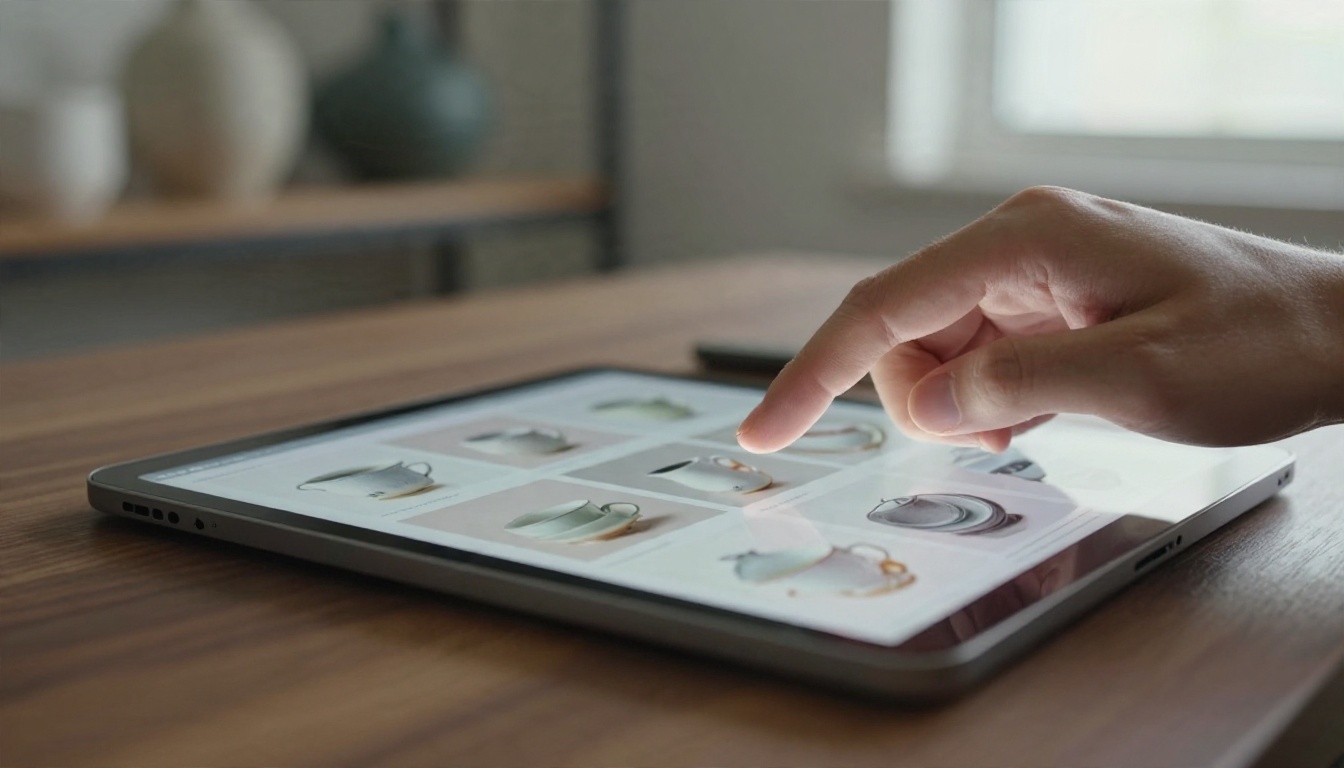
Furniture buyers want to see scale and materials. A good example pairs a lifestyle photo on the left page with a dimensions table and finish options on the right. The Furniture Catalog Maker handles this two-page rhythm well.
B2B Product Catalogs
Wholesale catalogs live or die on findability. A clickable table of contents on page two, product codes on every page and a downloadable price list at the end turn a heavy document into something a purchasing manager actually uses. Try the Product Catalog Generator or the Digital Catalog Maker for this style.
Magazine Flipbook Examples
Magazines are where the page-turn effect feels most natural. Readers already know how to hold one. The digital version simply removes the printing and shipping bill.

Lifestyle and Travel Magazines
A travel brand can publish a quarterly issue with long-form stories, destination photography and embedded video clips of beaches or street markets. Readers on a phone get a single-page view; readers on a desktop get a full spread. The Magazine Flipbook Creator and the E-Magazine Publishing Tool are the two starting points.
Company Newsletters
Not every magazine is glossy. A school, a hospital or a local club can send a monthly issue that looks more polished than any email blast. The Newsletter Flipbook Publisher works well here, and schools can go straight to the School Newsletter Creator.
Reading on the Go
Over half of all flipbook views happen on phones, so the experience on a small screen decides everything. Use short paragraphs, generous margins and fonts above 11pt in the source file.

⚠️ Warning: Tiny captions and dense three-column layouts look great in print and terrible on a phone. Test on your own device before sending the link out.
Portfolio Flipbook Examples
A portfolio is a sales pitch disguised as a gallery. The flipbook format lets you control the order, the pacing and the first impression, which a website grid never really does.

Photography Portfolios
The strongest examples open with a single dramatic image, then move through chapters: portraits, landscapes, commercial work. One image per page, no clutter. The Photography Portfolio template is made for this, and Wedding Album Flipbook suits photographers who deliver finished albums to clients.
Design and Architecture Portfolios
Designers do better with case-study spreads: the brief on the left, the result on the right, a small process sketch in the corner. The Digital Portfolio Creator and the Portfolio Flipbook Builder both support this structure.
Password Protected Client Portfolios
Sometimes work is under NDA, or a pitch is meant for one client only. Add a password and share the link privately. You can then see whether the client actually opened it.
| Portfolio Style | Page Count | Best For | Extra Feature to Use |
|---|
| Photographer | 15 to 30 | Booking clients | Background music |
| Designer case studies | 10 to 20 | Agency pitches | Password protection |
| Architect | 20 to 40 | Tenders and bids | Offline download |
| Model or creative | 8 to 15 | Casting submissions | Embedded video reel |
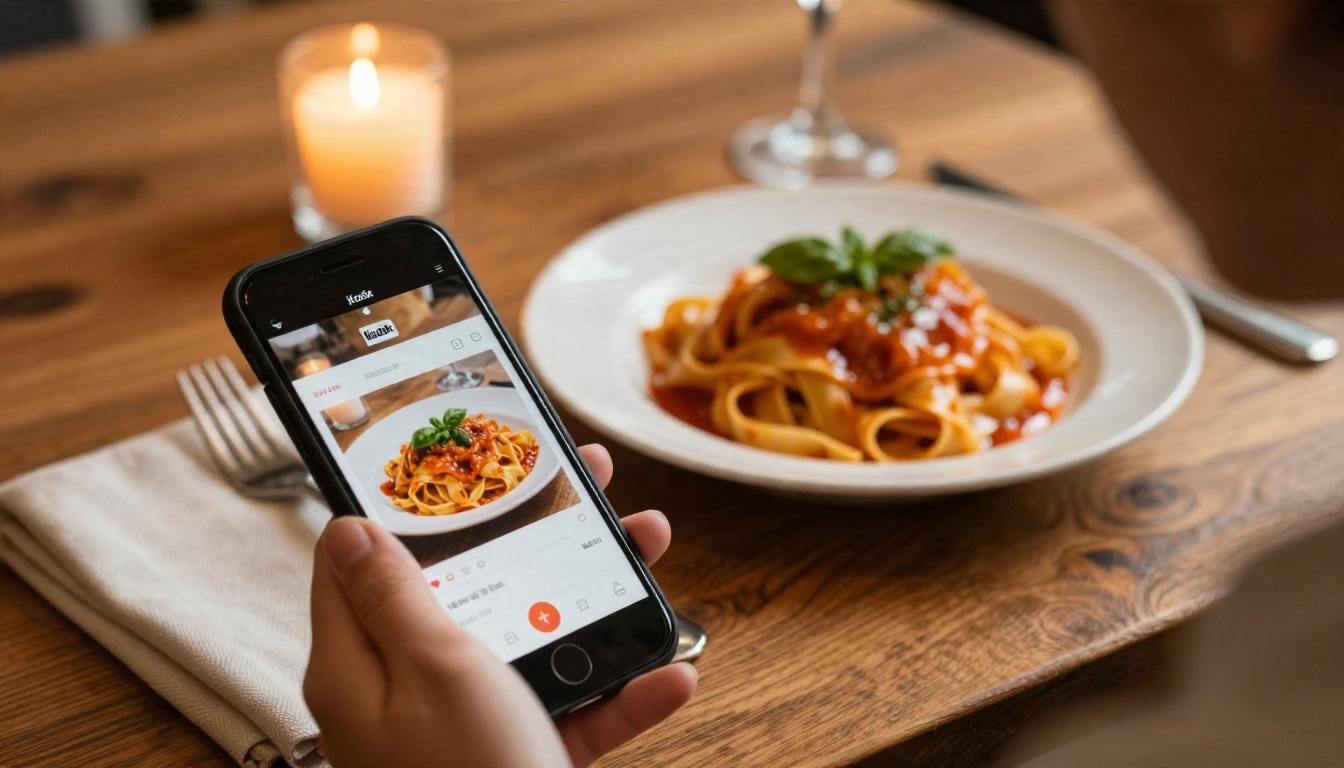
Restaurants were early adopters of QR code menus, but a scrolling PDF on a phone is still awkward. A flipbook menu feels closer to holding the real thing.
Restaurant and Cafe Menus
A restaurant can organize pages by course: starters, mains, desserts, drinks. A photo for the signature dish, short descriptions and allergen icons keep things quick to scan. Use the Restaurant Menu Creator or the Menu Flipbook Designer to set it up.
Spa and Wellness Menus
Treatment menus need calm, spacious layouts and clear durations and prices. The Spa & Wellness Menu tool gives you a soft, airy template that matches that mood.
Price Lists and Service Menus
Salons, garages and caterers all benefit from a simple digital price sheet. The Digital Price List Generator keeps it light and easy to update when costs change.
✅ Best practice: Print a small table card with a QR code that links to your flipbook. When the menu changes, the card stays the same.
Catalogs, magazines, portfolios and menus get the headlines, but the same technology handles plenty of other documents.

Browse everything else in the full flipbook tools directory.
Template Ideas You Can Copy
Good flipbooks follow a few repeatable patterns. These layouts work across industries, so borrow them freely.
The Hero and Grid Template
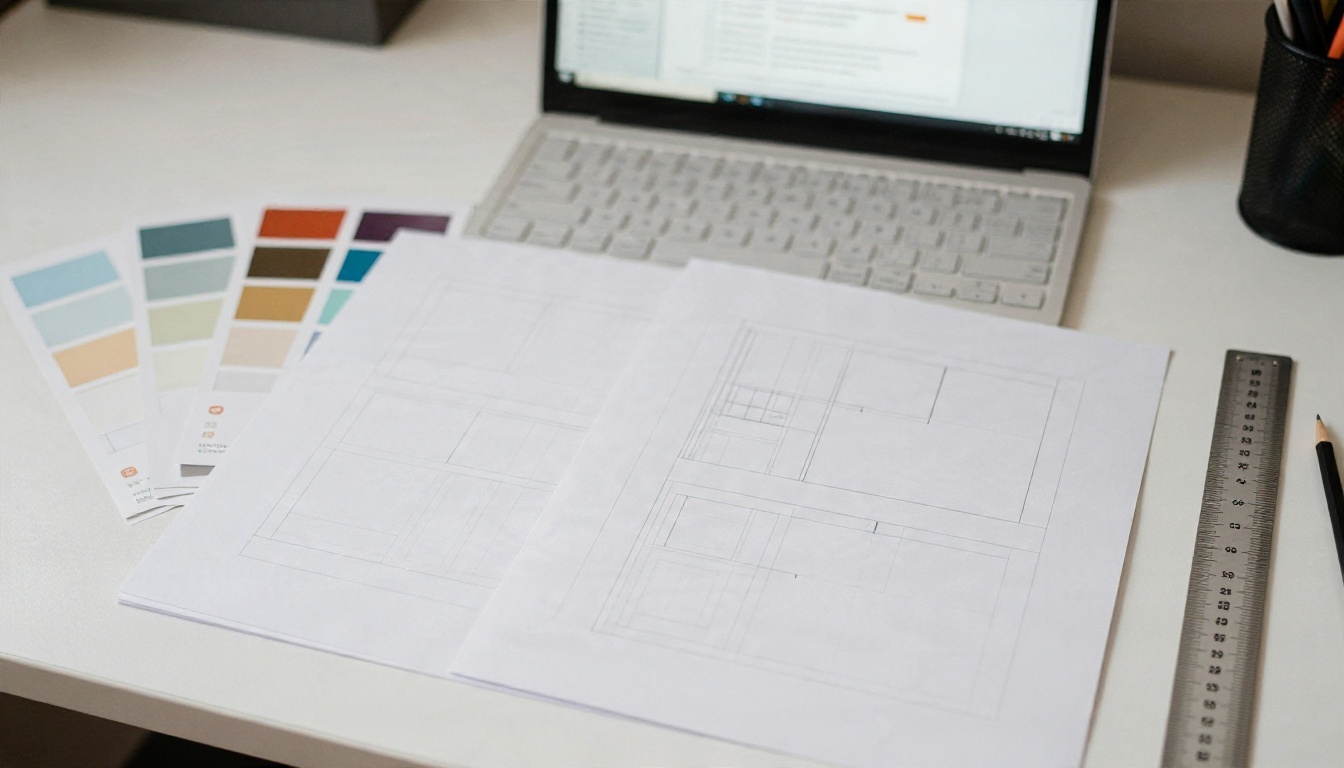
Page one is a single striking image with your logo. Pages two onward use a 2x2 or 3x3 grid. Perfect for catalogs and price lists.
The Story Spread Template
A full-page photograph on the left, a short text block on the right. Ideal for magazines, lookbooks and travel brochures.
The Case Study Template
Problem, process, result. Three small blocks per page, with a large image. Ideal for portfolios and agency decks.
The Chapter Menu Template
Colored tabs or page headers for each section, with a contents page near the front. Ideal for menus and long catalogs.
| Template Pattern | Works Best For | Text Amount | Image Weight |
|---|
| Hero and grid | Catalogs, price lists | Low | High |
| Story spread | Magazines, lookbooks | Medium | High |
| Case study | Portfolios, reports | Medium | Medium |
| Chapter menu | Menus, manuals | Medium | Medium |
💡 Pro tip: Design your source file in a tool you already know, like Canva, InDesign or even PowerPoint. Export to PDF at 150 DPI or higher and let the flipbook handle the animation.
How to Create a Flipbook with Flipbooks AI
Here is the full process, from blank page to shareable link. Most people finish their first flipbook in under ten minutes.

Step 1: Sign Up
Head to Flipbooks AI and create an account. You can start by testing the platform, then pick a plan on the pricing page once you know what you need.
Step 2: Upload Your PDF
Drag your file into the uploader. The PDF to Flipbook Converter processes every page and keeps your fonts, images and links intact. A typical 40 page catalog takes under a minute.
Step 3: Customize the Look
- Branding: Add your logo and pick a background color that matches your site.
- Page effects: Choose the page curl, speed and sound.
- Multimedia: Drop in videos, audio clips or background music on any page.
- Links: Turn product images and buttons into clickable hotspots.
Step 4: Share It
- Direct link: Paste it in an email, message or social bio.
- Embed code: Place the flipbook inside any web page. The Embed Flipbook on Website page shows how.
- QR code: Print it on packaging, table cards or posters.
- Password protection: Restrict access to named clients or staff.
Step 5: Track Results
On the Professional plan you get analytics showing how many people opened your flipbook, which pages held attention and where readers dropped off. You can also capture leads with a form before the first page, and allow offline downloads for readers who want a copy.
| Feature | What It Does | Best Use Case |
|---|
| No watermarks | Keeps your brand clean | Every flipbook |
| Unlimited flipbooks | Publish without caps | Agencies, large catalogs |
| Password protection | Limits who can read | Client pitches, internal files |
| Analytics and lead capture | Shows who read what | Sales and marketing |
| Offline downloads | Lets readers save a copy | Trade shows, travel |
| Embedded video and audio | Adds motion and sound | Magazines, portfolios |
See the full breakdown of plans on the pricing page.
Common Mistakes to Avoid
A good tool will not fix a rushed layout. Watch for these:
- Low resolution images. Blurry photos undo the whole premium feel. Export at 150 DPI or above.
- Too much text per page. If a phone reader needs to zoom, you've lost them.
- No contents page. Anything past 20 pages needs a clickable index.
- Forgetting the call to action. Every flipbook should end with one clear next step: call, book, buy or subscribe.
- Never updating. An outdated menu or catalog is worse than none. Replace the source file when things change.
Ready to Publish Yours?
You've now seen how catalogs, magazines, portfolios and menus each use the format differently, and how a few simple templates cover most needs. The fastest way to move from idea to link is to pick one document you already have and convert it.
Pick a PDF, turn the first page and see how it feels. Your readers will notice the difference.



