Every facilitator knows the moment: you flip to a fresh sheet, the marker dies, and the brilliant diagram from ten minutes ago is now a curling page nobody can find. An online flipchart tool solves that problem by turning your pages into a sequence you can present, share and reuse. With Flipbooks AI, you build your pages once, convert them into a page-turning digital flip chart, and send one link to a classroom, a workshop or a Monday meeting.
This article explains what a digital flip chart is, where it beats paper, and how to build one in a few minutes. It also says plainly where it does not replace a marker.
What Is a Digital Flip Chart?
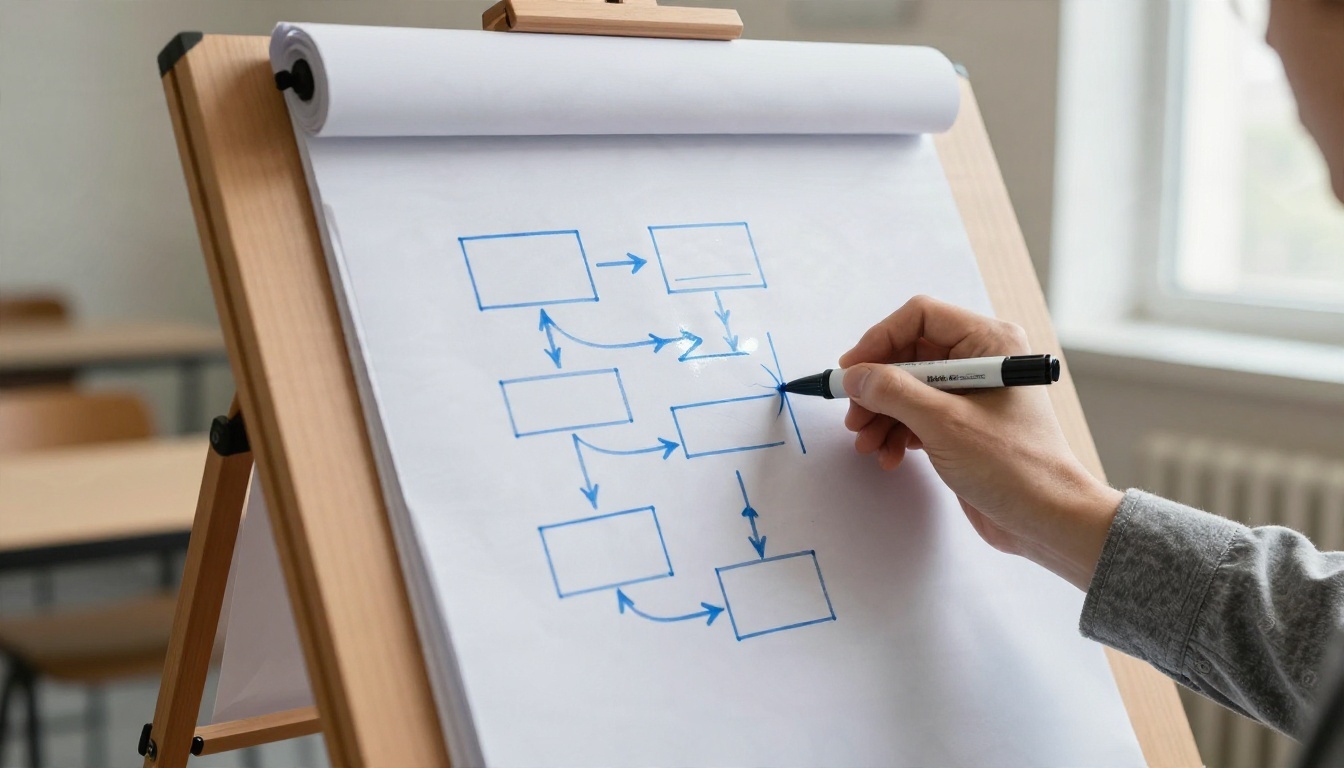
A flip chart is a stack of large pages on an easel. You present one page, then flip to the next. A digital flip chart keeps that rhythm but moves the pages onto a screen. The content is saved, searchable, easy to copy and reachable from any phone or laptop.
Paper Versus Digital Side by Side
Paper is fast and tactile. Digital is durable and shareable. Here is how they compare in daily use.
| Feature | Paper flip chart | Digital flip chart |
|---|
| Setup time | Easel, pad, markers | Open a link |
| Reuse next week | Re-write or photograph | Open the same file |
| Sharing with absent people | Take a photo, hope it is readable | Send one link |
| Remote participants | Cannot see it | See every page |
| Storage | Rolled tubes, wall tape | Cloud, no clutter |
| Cost per session | Pads and markers add up | Near zero after creation |
| Live scribbling | Excellent | Limited, depends on the tool |
💡 Pro tip: Many teams use both. They sketch ideas on paper during the session, then photograph or rebuild the final pages as a clean digital flip chart for everyone to keep.
Where a Flipbook Fits
A flipbook is a page-turning viewer built from a document. You prepare pages in any tool you like (slides, a word processor, a design app), export a PDF, and the PDF to Flipbook Converter turns it into an interactive piece with realistic page turns.
⚠️ Honest note: This is a presentation and sharing format, not a live drawing canvas. If you need students to scribble on the same page at the same time, pair a whiteboard app with a flipbook that holds the finished, polished pages.

Why Teachers Reach for Digital Flip Charts
Teachers repeat lessons. A paper chart gets used once or twice and then ends up folded in a cupboard. A digital version becomes a reusable lesson asset.
Lesson Sequences Students Can Revisit
Picture a science teacher explaining the water cycle. Instead of drawing it on the board and erasing it, they build six pages: evaporation, condensation, precipitation, collection, a quick quiz page and a summary. Students open the same flip chart at home on a phone and review it at their own pace.

A Classroom Example
A history teacher prepares a flip chart for a unit on trade routes:
- Page one holds a map and the central question.
- Pages two to five each show one route with a short caption.
- Page six lists three discussion prompts.
- Page seven links to an embedded video.
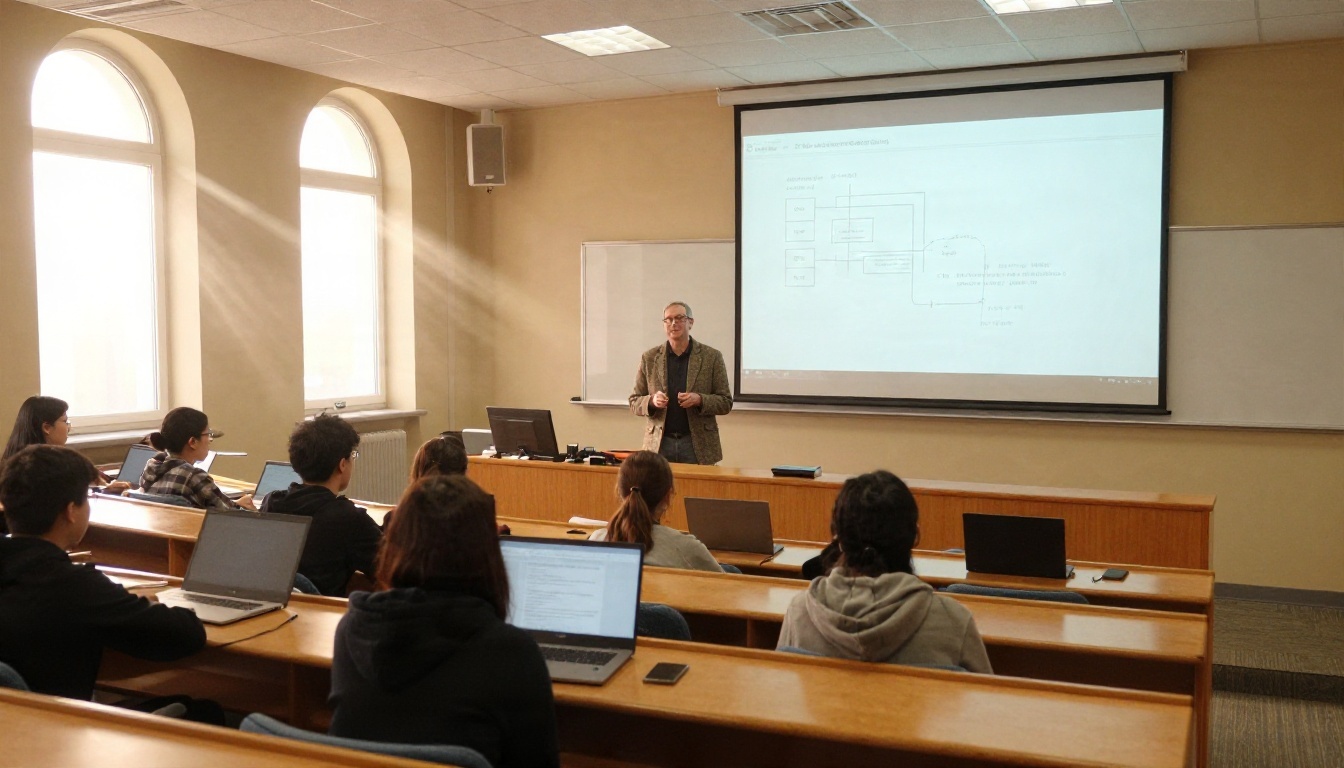
During class, the teacher projects it. After class, the same link goes into the school platform. For longer course packs, the Course Material Publisher is built for exactly this job.
✅ Best practice: Keep each page to one idea and fewer than 30 words. Large type and a single image read well from the back row and on a small phone.
Training Sessions That Run Smoothly
Corporate trainers present the same material to different groups again and again. Rewriting charts for every cohort wastes the preparation time that should go into delivery.
Reusable Workshop Decks
Build a base flip chart for each topic: onboarding, safety, sales process, software rollout. Duplicate it, swap examples for each client, and present. A trainer who runs four workshops a month saves hours of redrawing. The Training Manual Flipbook tool suits longer material with step-by-step procedures.
Handouts That Never Get Lost
Paper handouts vanish within a week. A link does not. Participants keep the flip chart on their phone and open it when the situation comes up on the job. You can also allow an offline download so people without reliable connections still have the material.
Meetings Without the Marker Hunt
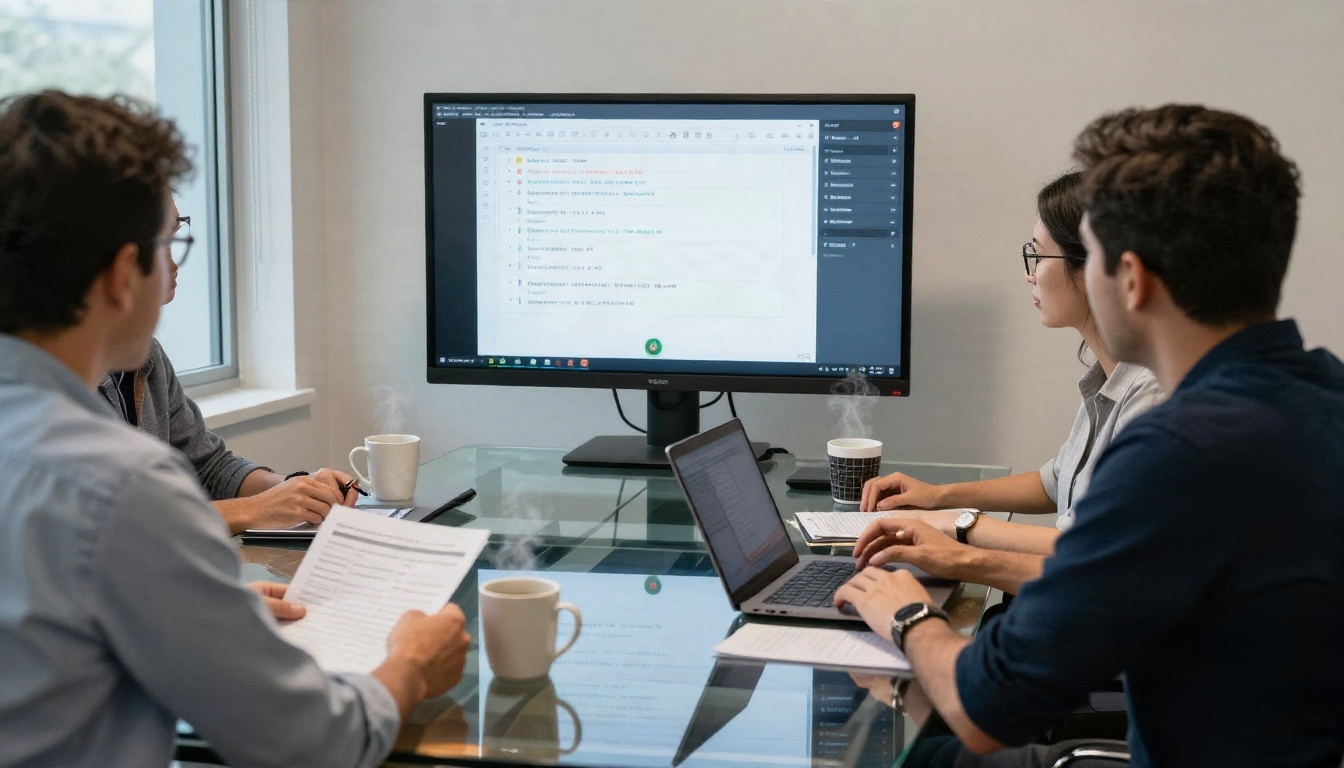
Meetings are where flip charts used to shine, and where they now fall short most. Half the team is remote, and the other half cannot read the whiteboard photo you posted.
Agenda and Decision Pages
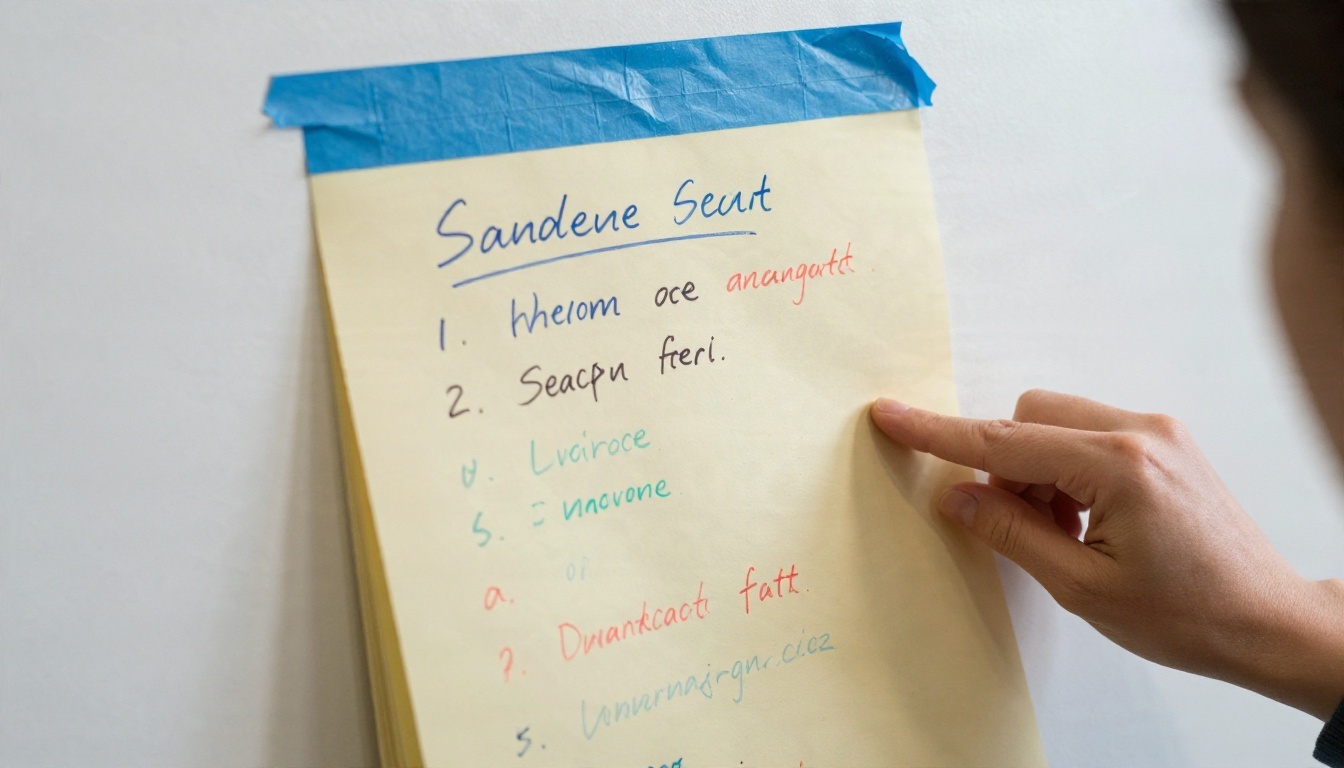
A tidy meeting flip chart usually has the same few pages:
- Agenda: three to five items with time boxes
- Context: the one chart or number that frames the discussion
- Options: two or three choices side by side
- Decision: what was agreed, who owns it, by when
- Next steps: a short checklist
Present it on the room screen, then share the same link afterward as the record of what was decided.
Remote and Hybrid Teams
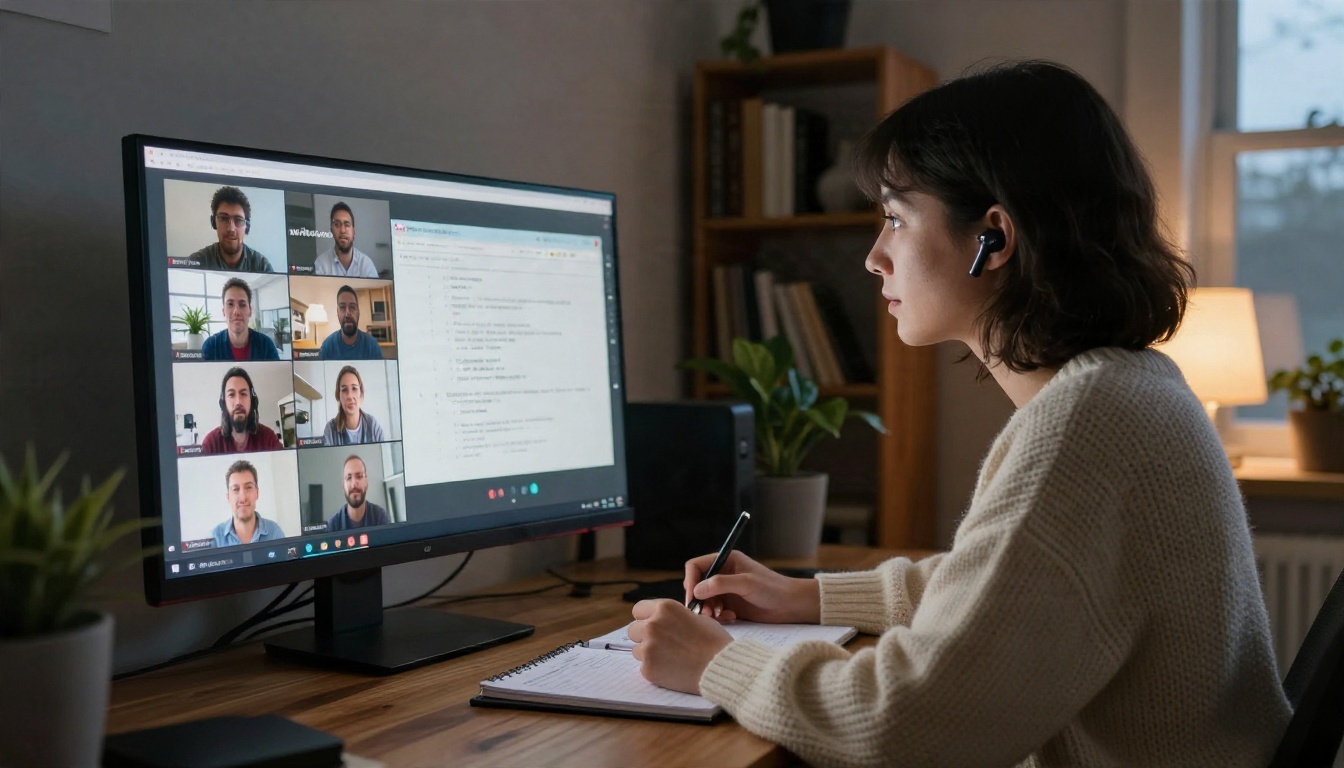
When a person on a video call can open the exact same pages in their own browser, they stop squinting at a shared screen. They can scroll back, copy a number and follow along on a phone if their connection drops.
Here is how the main scenarios compare:
| Scenario | Typical pages | Best format | Useful extra |
|---|
| Classroom lesson | 5 to 12 | Visual, large type | Embedded video |
| Training workshop | 10 to 30 | Step by step | Password protection |
| Weekly team meeting | 4 to 8 | Agenda and decisions | Shared link |
| Client presentation | 8 to 20 | Branded and polished | Sales Presentation layout |
| Event session | 6 to 15 | Schedule and speakers | Event Program Maker |
How to Create a Digital Flip Chart with Flipbooks AI
You do not need design skills. If you can make slides, you can make a flip chart. Start by opening Flipbooks AI and creating an account.
Build Your Pages
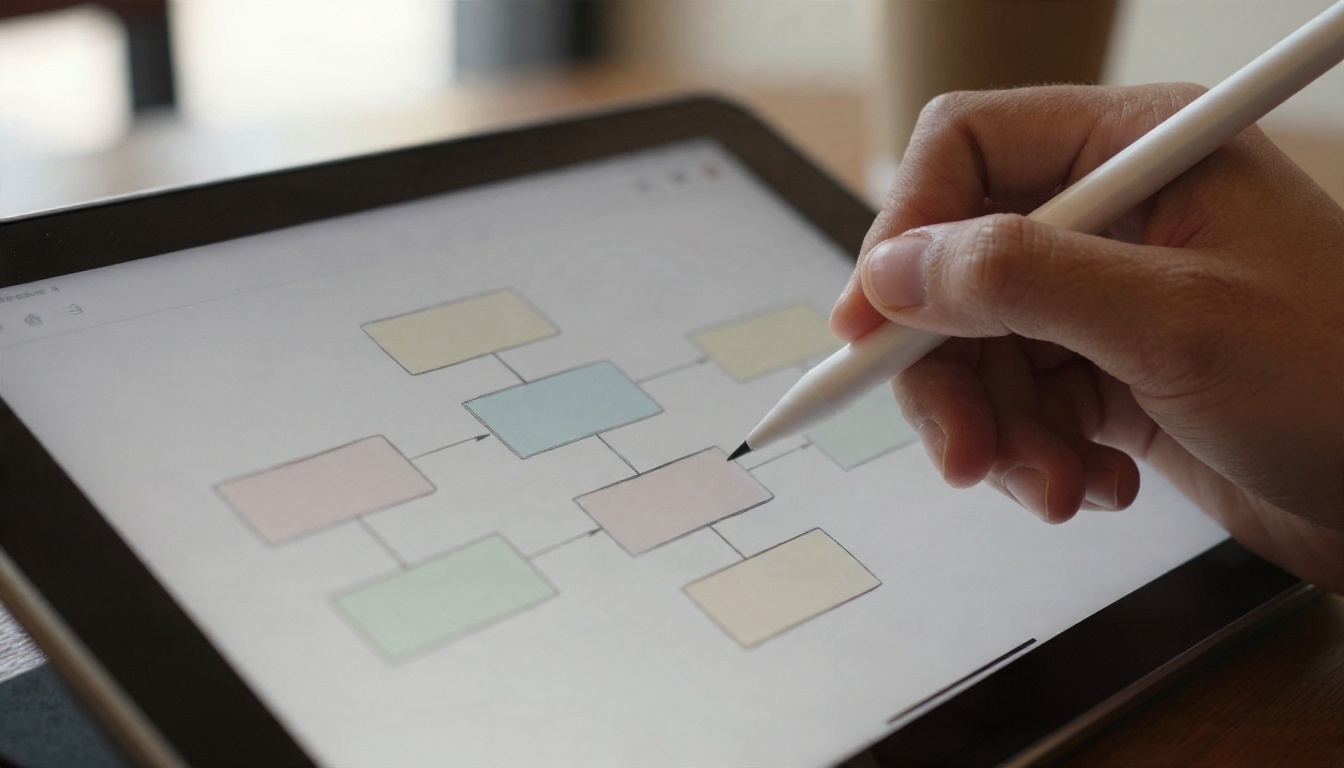
Create your pages in the tool you already use. Slides work well because each slide is one chart page. Use a landscape or portrait layout, big headings, plenty of white space and two or three colors.
Upload and Convert
- Export your pages as a PDF.
- Sign in to your Flipbooks AI account.
- Upload the PDF. The platform converts each page into a flippable page.
- Preview it on desktop and on your phone.
The result is mobile responsive, so it adapts to a projector, laptop or small screen.
Customize the Look
Open the settings and adjust the details that make it feel like yours:
- Branding: add your logo, school colors or company palette
- Page effects: choose how pages turn and how fast
- Multimedia: embed videos and audio so a page can play a short clip or a spoken explanation
- Background: pick a neutral tone that keeps attention on the pages
💡 There are no watermarks, so a flip chart shown to parents or clients looks like your own material.
Share It Safely
You have three main sharing options:
| Option | Best for | Notes |
|---|
| Direct link | Students, quick meetings | Paste into chat or email |
| Embed code | School portals, intranets | See Embed Flipbook on Website |
| Password protection | Client or internal training | Share the password separately |
Pro Features Worth Knowing
Higher plans add tools that matter for larger audiences. Analytics show how many people opened the flip chart and how far they got, and lead generation collects contact details for training you sell. Unlimited flipbooks come with the Standard plan and above. Compare the options on the pricing page and browse all flipbook tools for templates that match your use case.
Not every job needs a flipbook. Pick the format that matches what you actually do in the room.
| Need | Paper chart | Whiteboard app | Slides | Flipbook |
|---|
| Live brainstorming | Excellent | Excellent | Poor | Poor |
| Polished lesson sequence | Fair | Fair | Good | Excellent |
| Easy sharing by link | Poor | Good | Good | Excellent |
| Page-turn reading feel | Excellent | Poor | Poor | Excellent |
| Works offline | Yes | Sometimes | Yes | Download option |
| Reusable every term | Poor | Good | Good | Excellent |
The pattern is simple. Use a whiteboard for thinking out loud. Use a flipbook for material you want people to keep.
Common Mistakes to Avoid
- Too much text per page. If people have to read, they stop listening.
- Tiny fonts. Test on a phone before the session.
- Skipping the preview. Check every page turn and every embedded clip.
- Sharing without a password when the content is internal.
- No page order plan. Write the sequence first, then build the pages.
✅ Rule of thumb: If the chart would not fit on a real easel page and still be readable from across a room, simplify it.
Ready to Build Your First One?
A digital flip chart takes an afternoon to build and pays you back every time you teach, train or meet. Make your first one on Flipbooks AI, try the PDF to Flipbook Converter with a lesson you already have, and compare the pricing plans when you need password protection, analytics or unlimited flipbooks. Your next session will start with a link instead of a hunt for a working marker.



