A PDF magazine sitting in a download folder gets opened once, if you are lucky. An online magazine flip book gets read on the bus, shared in group chats and embedded on homepages. If you want to see what that looks like in practice, this article walks through real example formats, free template structures, design ideas worth borrowing and every embed option you will need. Everything here can be built with Flipbooks AI, which turns a plain PDF into a page turning magazine in a few minutes.
Whether you publish a fashion title, a company newsletter or a travel journal, the goal is the same: make the reader feel like they are holding an issue, not scrolling a document.
What Makes a Great Online Magazine Flip Book
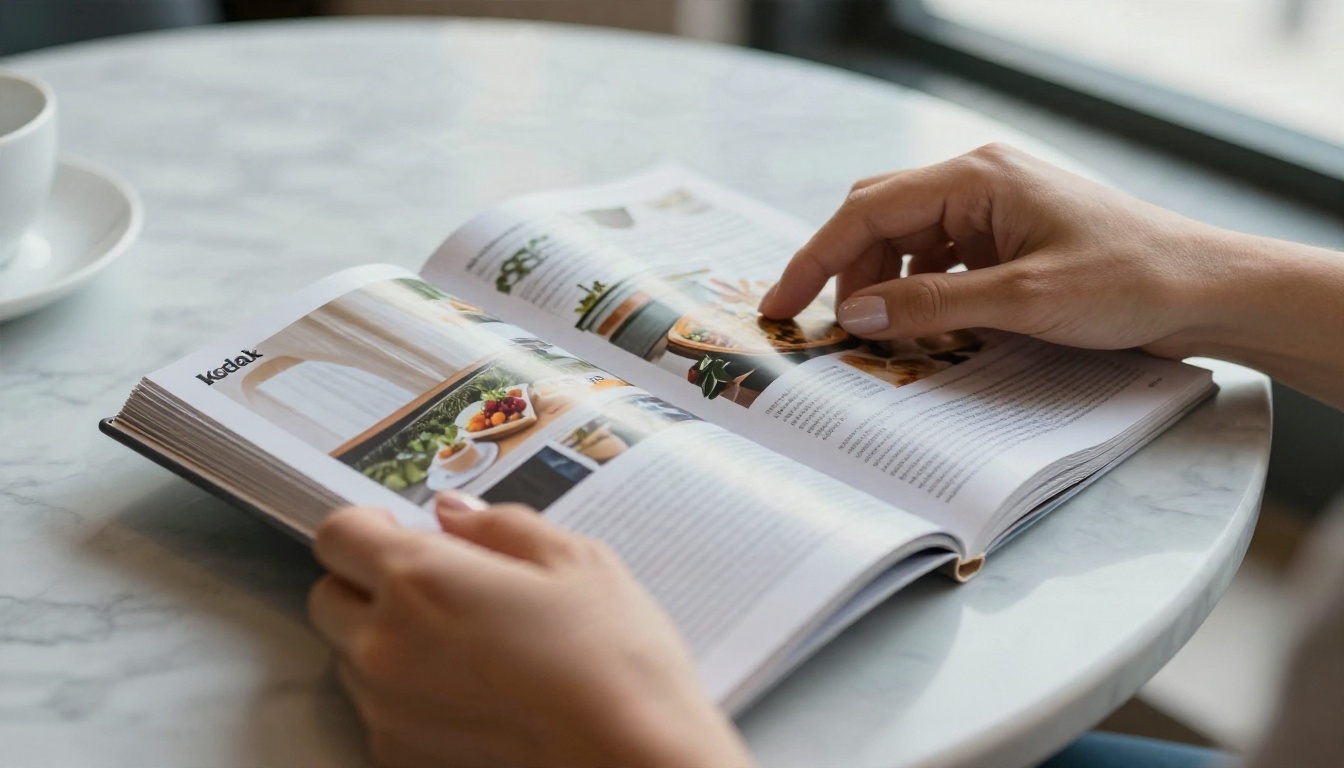
A flip book is a digital publication that mimics a printed magazine. Pages curl, spreads open side by side and readers move forward with a swipe or a click. The format works because it keeps the rhythm editors spent decades perfecting: a strong opening spread, a pacing of text and image, and a clear ending.
Page Turning Feels Familiar
Readers already know how a magazine behaves. A flip book respects that memory. The two page spread, the gutter shadow and the soft page curl all signal "this is an issue" before a single word is read.
That familiarity pays off in practical ways:
- Longer reading sessions than scrolling a long web page
- Clear sense of progress through page numbers and thumbnails
- Print layouts stay intact, so your designers do not rebuild anything for the web
- Easy sharing, because one link opens the whole issue
Mobile Reading Comes First

More than half of magazine readers now open issues on a phone. A good flip book switches to a single page view on small screens, keeps text zoomable and loads fast on weak connections. Platforms with mobile-responsive design handle this automatically, so you export one PDF and every device gets a suitable view.
💡 Pro tip: Keep body text at 9 pt or larger in your source PDF. Anything smaller forces readers to pinch and zoom on a phone.
Online Magazine Flip Book Examples That Work
Examples teach faster than theory. Below are three formats that consistently perform well, along with what makes each one successful.
Fashion and Lifestyle Magazines

Fashion titles lean on large photography, wide margins and short captions. A typical issue opens with a full bleed portrait, moves into a contents spread and then alternates editorials with product pages.
What to copy from this format:
- One hero image per spread, never three competing ones
- Shoppable pages with links placed directly on products
- A soft, neutral palette that lets clothing colors stand out
- Seasonal issues released on a predictable schedule
Brands that publish lookbooks follow the same logic. If your issue is closer to a collection preview, the Interactive Lookbook Designer and Fashion Catalog Creator are built for it.
Travel and Photography Magazines
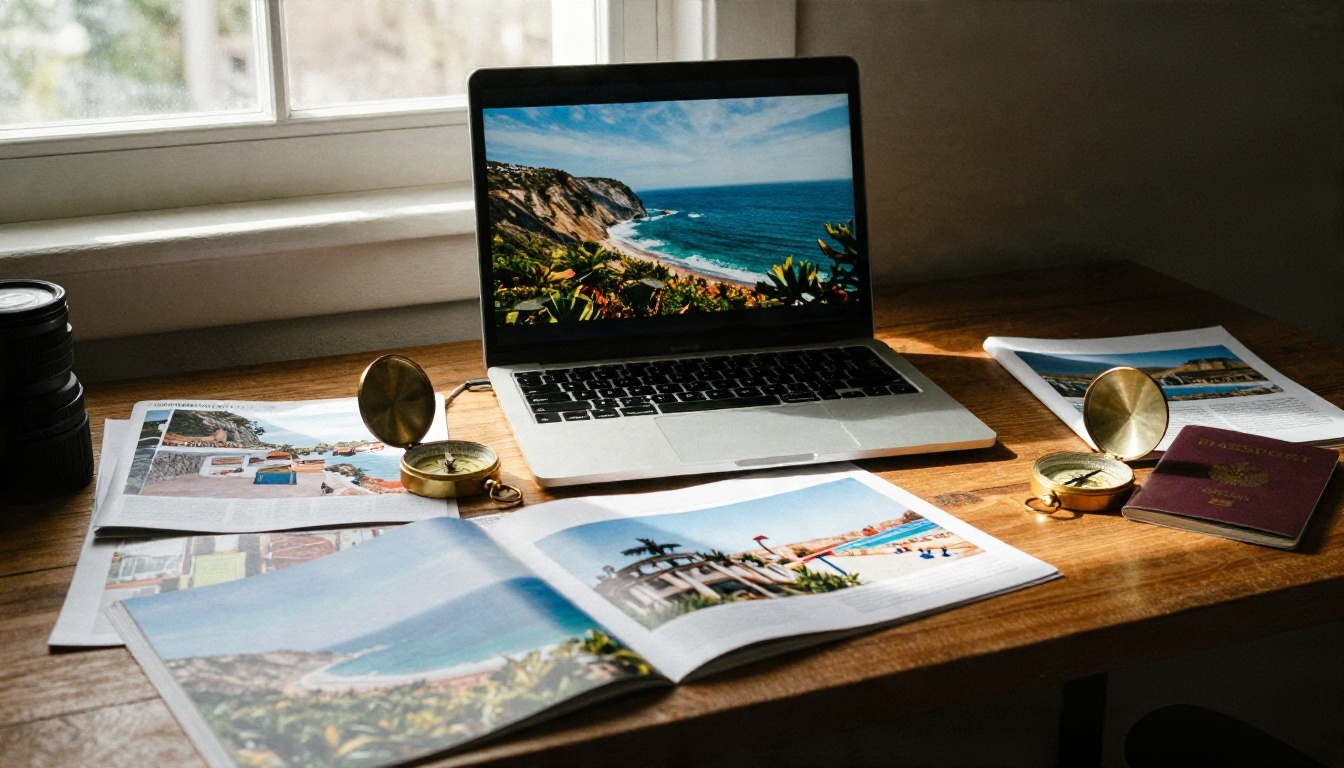
Travel magazines are a natural fit because the content is visual and slow-paced. Readers want to linger on a coastline photo, then jump to a practical itinerary page.
Successful travel flip books usually include:
- A destination map on the second spread
- Full page photography with minimal overlay text
- Embedded video clips of locations
- Clickable hotel and booking links
- A short "plan your trip" page at the end
For longer itineraries, a Travel Guide Flipbook layout keeps maps and day plans together.
Corporate and Association Magazines
Many of the best examples are not glamorous at all. Alumni magazines, member journals and annual company reviews all thrive in flip book form because they reach scattered audiences who would never open a heavy PDF attachment.
A regional business association, for instance, can replace its quarterly mailing with a flip book link. Members get the issue instantly, the association saves printing costs, and analytics show which articles were read.
Quick Comparison of Example Formats
| Format | Best Layout Style | Typical Page Count | Common Extras |
|---|
| Fashion and lifestyle | Full bleed photos, wide margins | 40 to 100 | Shop links, lookbook pages |
| Travel and photography | Large images, map spreads | 30 to 80 | Video, booking links |
| Corporate and association | Grid layouts, charts, pull quotes | 16 to 48 | Forms, downloads, analytics |
| Newsletter style | Two column text, short features | 8 to 24 | Email sign up, social links |
| Student and school | Colorful, photo heavy | 20 to 60 | Audio, event calendars |
Free Templates to Start From
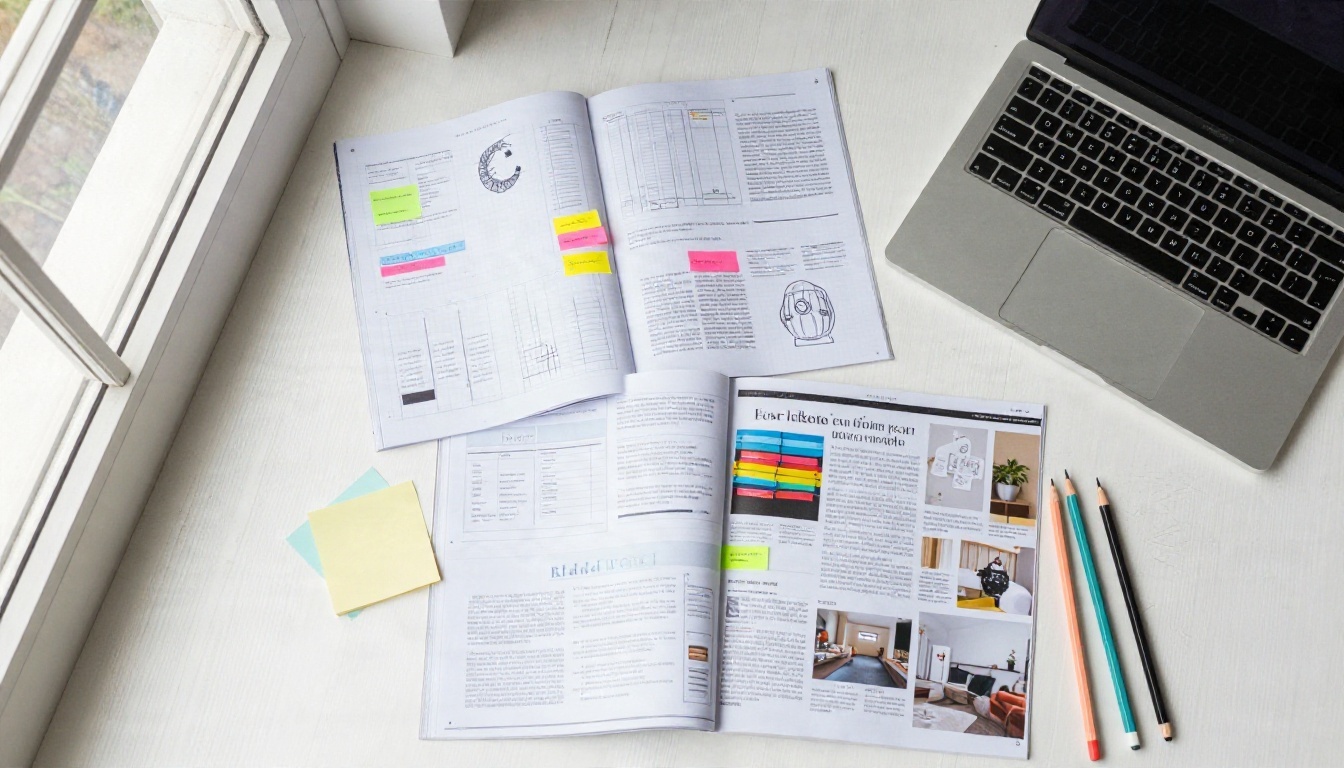
You do not need to design from scratch. Free layout templates exist in every major design tool, and any of them can be exported as a PDF and converted into a flip book. The most useful starting points fall into a handful of structures.
Layout Grids That Save Hours
A grid is the invisible skeleton of every magazine. Start with one of these three and you will avoid the most common alignment mistakes:
- Two column grid: reliable for text heavy features and newsletters
- Three column grid: flexible for mixing photos, captions and sidebars
- Modular grid: best for catalogs, product roundups and dense contents pages
Set your margins first, then your baseline grid, then your type styles. Only after that should you drop in photos.
Template Comparison
| Template Type | Best For | Skill Level | Where to Find It |
|---|
| Canva magazine layouts | Quick lifestyle issues | Beginner | Canva template library |
| Adobe InDesign starter files | Professional print and digital | Intermediate | Adobe Stock and Creative Cloud |
| Google Slides magazine decks | Internal reports and newsletters | Beginner | Google Slides gallery |
| Affinity Publisher templates | One time purchase workflow | Intermediate | Affinity asset library |
| Word and Pages newsletters | Simple company updates | Beginner | Built-in template menus |
✅ Best practice: Export at 150 dpi for screen reading. Higher resolution only makes the file heavier without improving what readers see.
If you publish a recurring title, check the Magazine Flipbook Creator and the E-Magazine Publishing Tool for pages designed around issues, not single documents.
Design Ideas Worth Copying
Good flip book design is mostly good magazine design, with a few adjustments for screens.
Typography and Spacing
Pair one serif for headlines with one clean sans serif for body copy. Two typefaces is enough. Leave generous space around every block of text, because a screen has no paper texture to soften a crowded page.
Quick rules that work:
- Headlines between 28 and 48 pt
- Body copy between 9 and 11 pt
- Line spacing around 140 percent of the type size
- Pull quotes set in italics, one per spread at most
Photography and Color
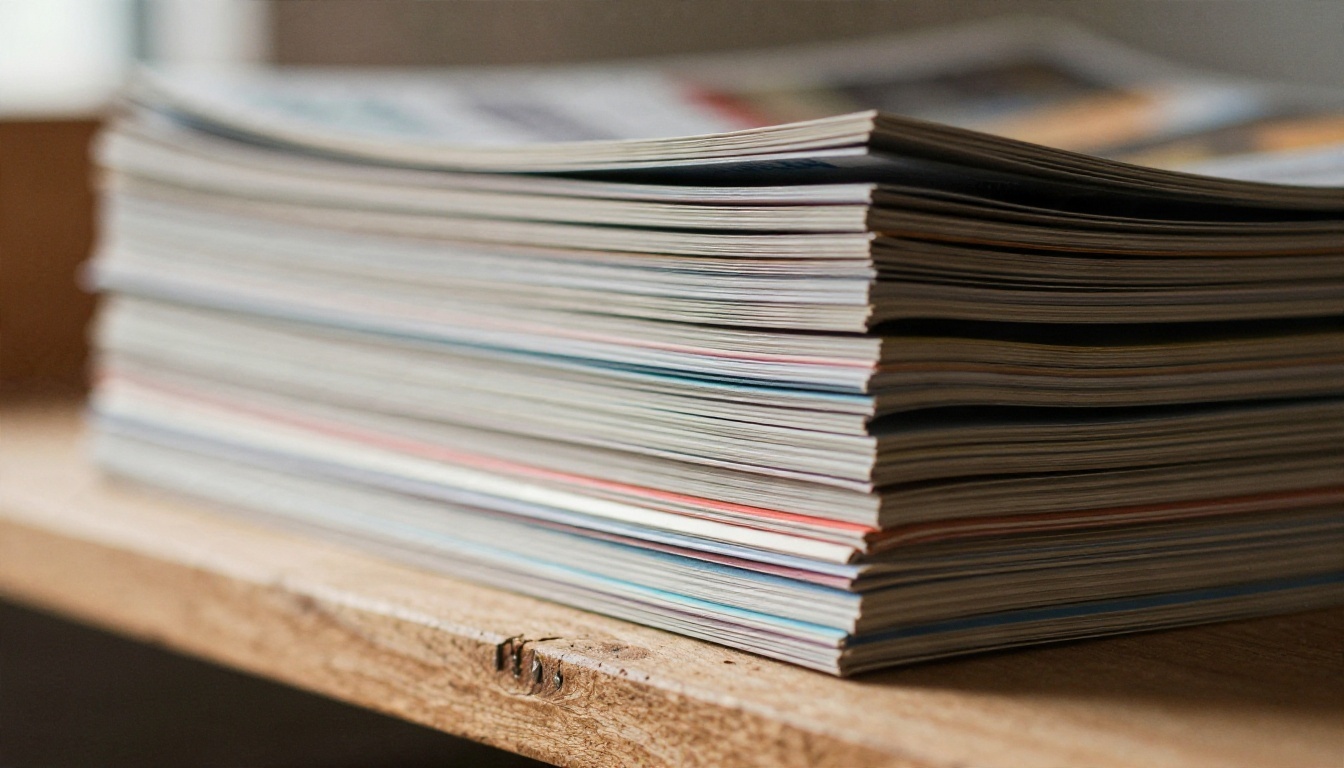
Pick a palette of three or four colors and repeat it through every issue. Faded terracotta, sage and navy look calm and editorial. Bright primaries feel loud and suit youth titles. Whatever you choose, shoot or select photos that share the same light and tone, so spreads feel like one story.
Interactive Extras
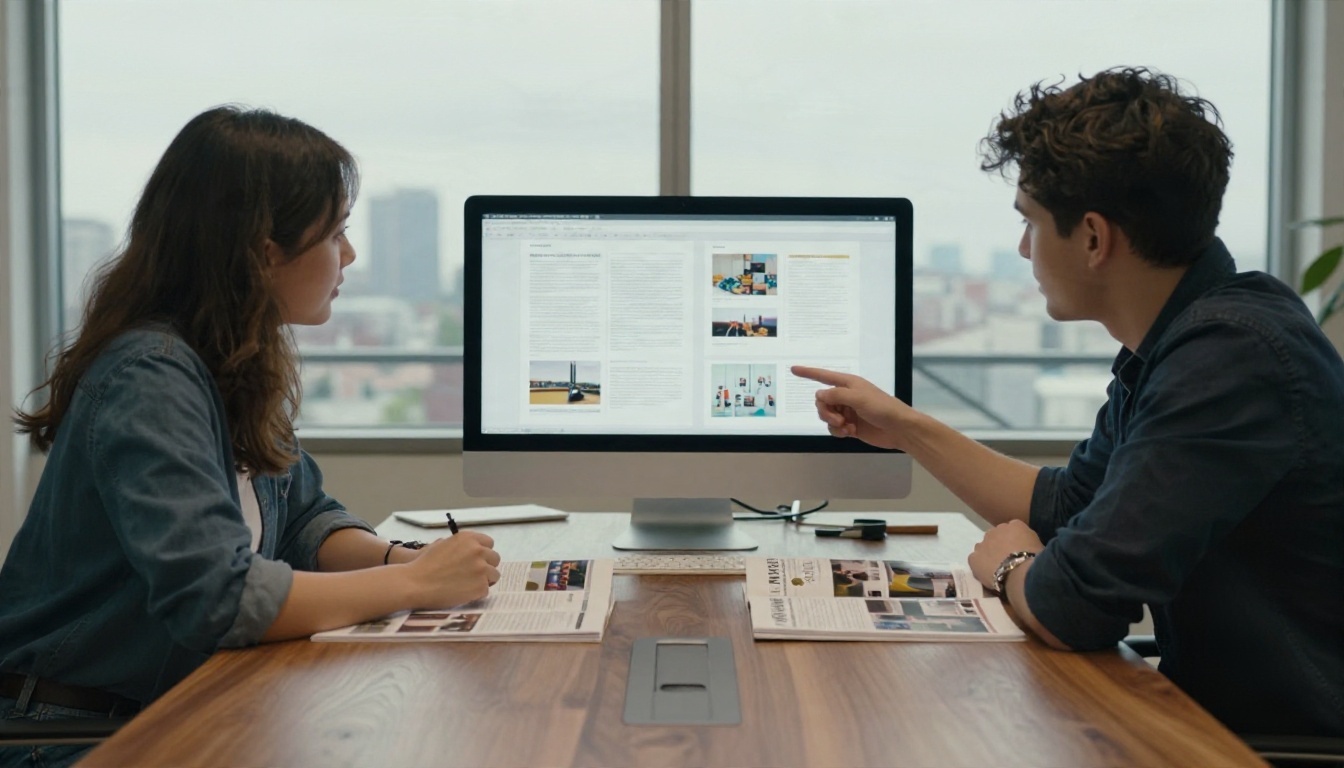
The real advantage over print is what you can add on top of the page. Review these extras as a team before locking the issue:
| Interactive Element | Where It Fits | Reader Benefit |
|---|
| Embedded video | Interviews, behind the scenes | Motion without leaving the page |
| Audio clips | Podcasts, music features | Listen while reading |
| Clickable links | Products, sources, sign ups | One tap to act |
| Table of contents links | Page two | Instant navigation |
| Image galleries | Photo essays | More pictures, less clutter |
Do not use all of them in every issue. Two or three well chosen extras beat a page that blinks in five places.
Embed Options for Your Website
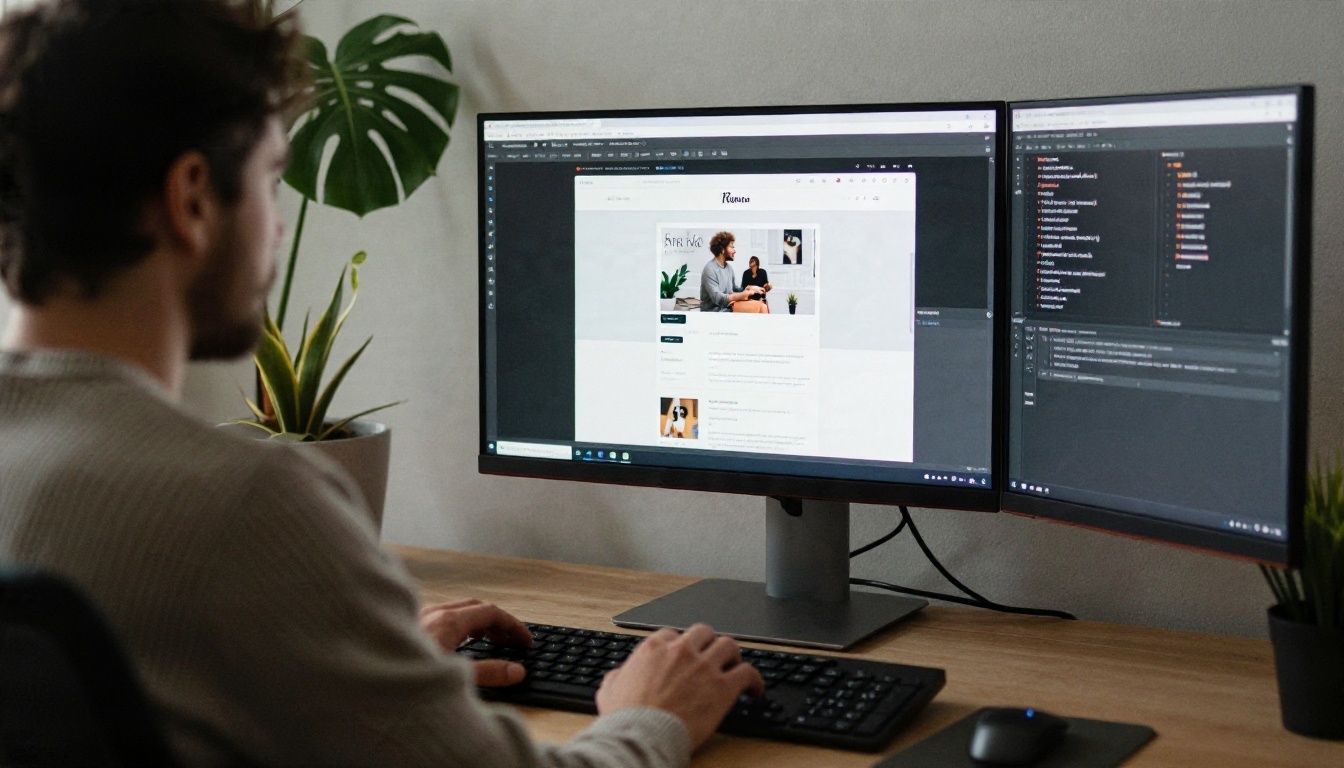
Once the magazine is built, you have to decide how readers reach it. There are four common routes, and most publishers use at least two.
Iframe, Link or Popup
- Direct link: the simplest option. Paste it into email, social posts or a QR code.
- Iframe embed: drops the flip book inside a page, so readers never leave your site.
- Popup or lightbox: shows a thumbnail of the front page that opens the full reader on click.
- Full page embed: gives the magazine the whole browser window, best for landing pages.
The Embed Flipbook on Website tool generates the code for you. Paste it into a custom HTML block in WordPress, Wix, Squarespace or Webflow and the issue appears immediately.
Embed Options Compared
| Option | Setup Time | Best For | Reader Experience |
|---|
| Direct link | 10 seconds | Email, social, QR codes | Opens in a new tab |
| Iframe embed | 2 minutes | Blog posts, article pages | Reads inside your site |
| Popup thumbnail | 5 minutes | Homepages, sidebars | Opens on click, closes easily |
| Full page embed | 3 minutes | Landing pages, event pages | Immersive, distraction free |
⚠️ Warning: Set your iframe height to at least 600 pixels. A short frame forces readers to scroll inside a scroll, which feels broken on mobile.
If the issue is private, add a password. Members only magazines, investor updates and internal reports should never be left on a public link.
How to Create an Online Magazine Flip Book with Flipbooks AI
Here is the full workflow, from file to published issue. It takes about ten minutes for a first issue.
- Open the platform. Go to Flipbooks AI and create an account. You can start with a free trial and upgrade later.
- Upload your PDF. Drag your exported magazine into the PDF to Flipbook Converter. Pages are converted automatically and keep their original layout, fonts and images.
- Check the page order. Preview the spreads. Make sure the front page sits alone on the right and that inside spreads pair correctly.
- Customize the look. Add your logo, choose a background color, pick a page turning effect and set the toolbar style. Custom branding is included, and there are no watermarks, ever.
- Add multimedia. Place videos, audio clips and clickable links directly on the pages. Videos from YouTube or Vimeo play inside the reader.
- Set sharing rules. Copy the direct link, grab the embed code or turn on password protection for private issues.
- Turn on extra features. On the Professional plan you get analytics, lead generation forms and offline downloads. Compare options on the pricing page.
- Publish and share. Post the link, embed the reader on your site and send it to your mailing list.
💡 Pro tip: Standard plans and above allow unlimited flipbooks, so you can publish every issue without counting. Keep your archive public as a back catalog and let new readers browse past issues.
Browse all flipbook tools if your project is closer to a newsletter, an annual report or a brochure. The Newsletter Flipbook Publisher and Annual Report Creator are good starting points.
Features at a Glance
| Feature | Included | Plan |
|---|
| No watermarks | Yes | All plans |
| Unlimited flipbooks | Yes | Standard and above |
| Password protection | Yes | Paid plans |
| Video and audio embeds | Yes | All plans |
| Analytics and lead generation | Yes | Professional |
| Offline downloads | Yes | Professional |
Common Mistakes to Avoid
Even strong content can fall flat if the format is handled badly. These are the problems that show up again and again:
- Oversized PDFs. Files above 50 MB load slowly on mobile. Compress images before export.
- Tiny text. If readers must zoom on every page, many will leave.
- No contents page links. Readers should jump straight to the article they want.
- Weak front page. The first spread decides whether the issue gets opened. Treat it like a poster.
- Forgotten metadata. Add a clear title and description so the issue is found in search.
- No call to action. Every issue should end with a next step: subscribe, buy, register or visit.
A simple pre-publish checklist helps. Read the issue on a phone, on a laptop and on a tablet. Click every link. Play every video. Then share it with one colleague who has not seen it and watch where they get stuck.
Publish Your First Issue Today
An online magazine flip book rewards small, repeatable habits: a consistent grid, a limited palette, two or three interactive extras and an embed that fits your website. The examples above show that the format works for fashion houses, travel writers and regional associations alike.
Ready to publish? Get started for free on Flipbooks AI, upload your PDF and have a live issue before your coffee goes cold. Browse the tools and templates to find the right fit, or compare pricing plans when you are ready for analytics, lead capture and unlimited issues.



