A magazine assignment sounds fun until the deadline is Friday, the group chat is chaos and nobody owns a design program. The good news: an online magazine maker for students removes most of that pain. You write, drop in photos, export a PDF and turn it into a page turning flipbook that opens on any phone. Tools like Flipbooks AI even skip the printing bill completely, which matters when the whole budget is a few dollars from the class fund.
This article compares free tools, hands you templates that actually work, shows real school project examples and walks through a full tutorial. Whether you are in middle school, high school or college, you will leave with a plan you can start today.
Why Students Need a Magazine Maker
Magazines are one of the few school projects that train writing, photography, layout and teamwork at once. Teachers like them for that reason. Students like them because the result looks like something real, not a poster that ends up in a closet.
What a School Magazine Teaches
A single issue forces a team to practice skills that show up later in college and jobs:
- Research and interviewing: Quotes from a coach, a lunch lady or a club president make a story feel alive.
- Editing: Cutting a 600 word draft to 300 words is a lesson in clarity.
- Visual hierarchy: Headlines, captions and white space decide what a reader sees first.
- Deadlines: Nothing teaches time management like a print date, even a virtual one.
- Collaboration: Writers, photographers and designers have to trust each other's work.
Print or Online Format?
Printing still has charm, but most student teams are moving online. Here is how the two formats stack up for a typical school project.
| Factor | Printed Magazine | Online Flipbook Magazine |
|---|
| Cost per issue | Paper and ink add up fast | Free or very low |
| Delivery | Handed out in class | One link shared anywhere |
| Photos and color | Limited by the school printer | Full color, no limit |
| Video and audio | Impossible | Can be embedded |
| Fixing a typo | Reprint everything | Upload a corrected PDF |
| Reach | Your classroom | Parents, alumni, other schools |
💡 Pro tip: Many teams do both. They publish online first, then print ten copies for the library and the front office.
Search results for "free magazine maker" are crowded. Most tools fall into two groups: design editors where you build the pages, and flipbook publishers where you turn finished pages into a readable online magazine. Students usually need one of each.
What to Look For
Before you commit a whole team to a tool, check these points:
- No watermark on the final file. A big logo across every page looks sloppy in a graded project.
- Easy sharing. A link and an embed code beat a download that expires.
- Works on phones. Most classmates will open it between classes on a small screen.
- Team editing or simple file export. A PDF is the universal language of layout.
- Privacy options. Some schools require a password on student work.
Side by Side Tool Comparison
| Tool Type | Best For | Typical Limit on Free Plans | Output |
|---|
| Presentation software | Quick layouts with familiar buttons | Few magazine specific features | PDF |
| Online design editors | Polished templates and stock photos | Some premium elements locked | PDF, image |
| Word processors | Text heavy school newspapers | Weak control over images | PDF |
| Flipbook publishers | Turning a PDF into a page turning magazine | Varies, watch for watermarks | Link, embed |
The strongest workflow is simple: design in any editor you already know, export a PDF, then publish it as a flipbook.
Where Flipbooks AI Fits
Flipbooks AI handles the second half of that workflow. You upload a PDF and get an interactive magazine with realistic page turning, mobile friendly reading and a shareable link. There are no watermarks, ever, and you can protect a magazine with a password if your teacher wants it kept private. The E-Magazine Publishing Tool and the Magazine Flipbook Creator are built for exactly this job.
Templates That Save Hours
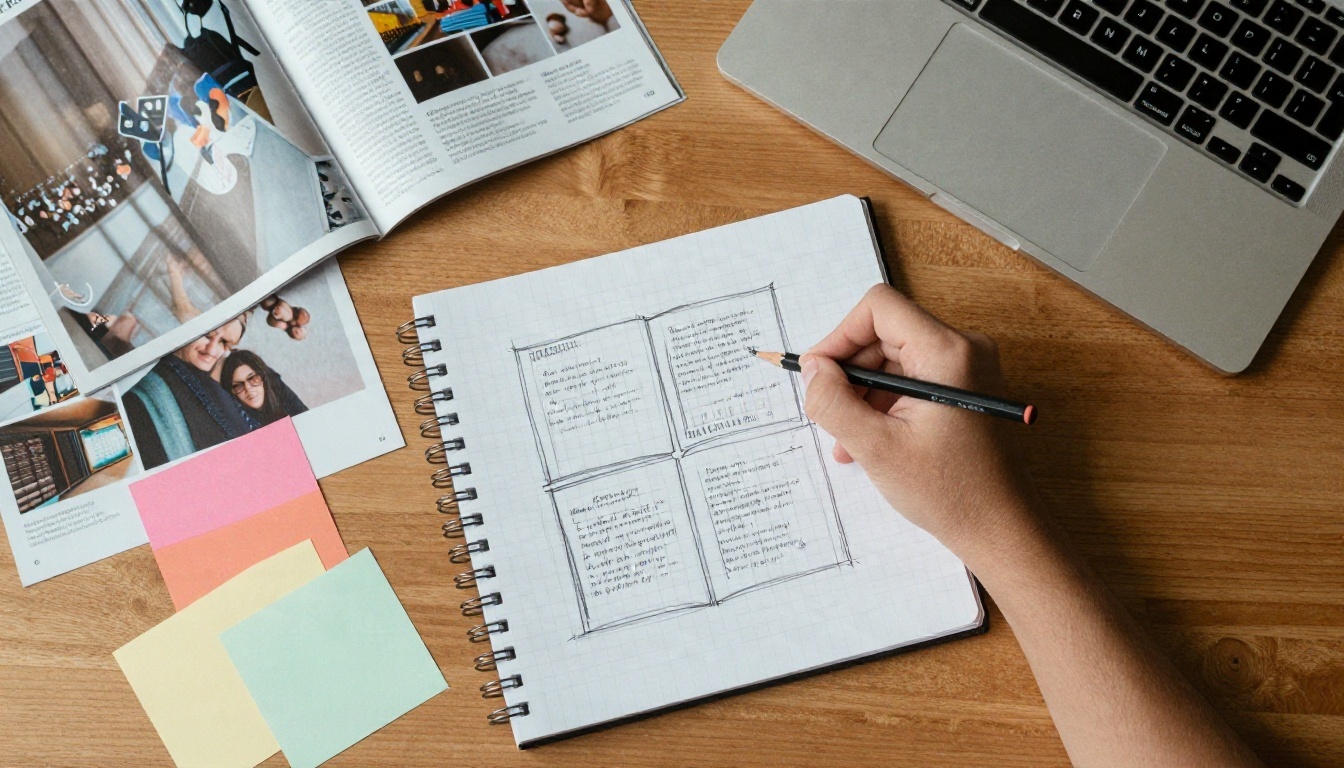
A blank page is the slowest way to start. A template gives you margins, columns and font pairings that already work, so your team can spend time on stories instead of fighting alignment.
Five Layouts Every Issue Needs
Most successful student magazines are built from the same handful of pages:
- The cover: One strong photo, a bold masthead and two or three teaser headlines.
- The contents page: Page numbers, a short editor's note and a small photo.
- The feature spread: A full bleed image on one side and a long story on the other.
- The Q&A page: A portrait, a pull quote and short questions with short answers.
- The back page: A comic, a poll, a puzzle or a calendar of upcoming events.
✅ Best practice: Stick to two fonts and three colors for the whole issue. Consistency makes amateur work look professional.
Matching Templates to Projects
| Project Type | Suggested Template Style | Typical Page Count |
|---|
| Class newsletter | Two column, light graphics | 4 to 8 |
| School newspaper | Three column, headline heavy | 8 to 16 |
| Club magazine | Photo led, large captions | 10 to 20 |
| History or science zine | Timeline blocks and diagrams | 6 to 12 |
| Literary magazine | Minimal, lots of white space | 12 to 24 |
| Yearbook style issue | Grid photo pages, name labels | 20 and up |
If your project leans toward memories and portraits, the Yearbook Flipbook Maker fits better than a standard magazine layout. For a regular class update, try the School Newsletter Creator.
Real School Project Examples
Ideas come easier when you see what other teams have built. These scenarios reflect common assignments and how students solved them.
The Biology Class Field Journal
A tenth grade biology class spent two weeks photographing plants and insects around the school grounds. Each student wrote a half page profile for one species, and the group laid it out as a 12 page magazine called "Under Our Feet." They exported a PDF and published it as a flipbook, then shared the link with the town's nature center. The center linked back to it from its own website.
Why it worked: Every student owned one page, so nobody could hide, and the topic was local enough that outsiders cared.
The History Club Timeline Issue
A history club turned a unit on the twentieth century into a magazine where each decade got a two page spread. Students wrote fake "newspaper" headlines, scanned old family photos and added short audio clips of grandparents describing life in that era. Because the flipbook supports embedded audio, readers could tap and listen.
Why it worked: Primary sources and voices made the project feel richer than a typical report.
The Sports Season Recap
A varsity soccer team's media crew produced a 10 page recap with action shots, player stats and a back page schedule for next year. They posted the link in the athletics newsletter and on social media. Parents who could not attend games read it on their phones.
Why it worked: Photos carried the story, and the magazine had a clear audience that already cared.
How to Create a Magazine with Flipbooks AI
Here is the full process, from finished pages to a link you can send your teacher. It takes about ten minutes once your PDF is ready.
Step 1: Build Your Pages
Design your issue in the editor your team already knows. Use A4 or Letter portrait pages, keep text at least 10 point and leave a safe margin around the edges. Export the finished file as a PDF with images set to high quality.
Step 2: Create Your Free Account
Head to Flipbooks AI and create an account. You can start without a payment and check the pricing page later if you outgrow the basics.
Step 3: Upload and Convert
- Click the upload button on your dashboard.
- Drag your PDF into the window.
- Wait a few seconds while the file converts into a flipbook.
- Preview the page turning effect and check that every page appears in the right order.
If you want to test the conversion first, the PDF to Flipbook Converter page explains the process in detail.
Step 4: Customize the Look
Now make the magazine feel like yours:
- Branding: Add your school or club logo.
- Colors: Pick a background that matches your cover.
- Page effects: Choose how the pages curl and how fast they flip.
- Multimedia: Embed a video interview, a song from the school band or an audio clip.
💡 Pro tip: Use a dark background for photo heavy issues and a light one for text heavy newspapers. It keeps readers focused on the pages.
Step 5: Share It Safely
You have several ways to publish:
| Sharing Option | Best Use |
|---|
| Direct link | Send to a teacher by email or learning platform |
| Embed code | Place the magazine on a school website or class blog, see how to embed a flipbook |
| Password protection | Keep work private until grading is done |
| Offline download | Hand a copy to readers with weak internet |
Step 6: Track Who Reads It
The Professional plan adds analytics and lead generation. For a club, that means you can see how many people opened each issue and which pages held attention. A journalism teacher can use the numbers to show students what readers actually care about. Compare options on the pricing page.

Mistakes That Sink Student Magazines
Even good teams trip over the same problems. Avoid these and your issue will look sharper than most.
Three Common Layout Errors
- Too much text on one page. If a page looks like a wall, split the story or add a pull quote.
- Low resolution photos. A blurry cover kills the first impression. Use original camera files, not screenshots.
- No clear lead story. Readers need one obvious entry point on every spread.
Copyright and Photo Permission
Free does not mean fair to use. Follow these rules:
- Use your own photos whenever possible.
- Ask permission before publishing a classmate's picture or full name.
- Pull stock images only from sites that allow free use, and credit the photographer.
- Never copy paragraphs from the internet. Paraphrase and cite the source.
⚠️ Warning: Many schools require a signed release for photos of students. Check with your teacher before you publish a link outside the classroom.
Skipping the Proofread
Assign one person who did not write the story to read it out loud. Typos hide in plain sight when the author reads their own work.
A Four Week Production Plan
A magazine feels huge until you split it into weekly goals. This schedule suits a team of five to eight students.
| Week | Goal | Who Leads |
|---|
| Week 1 | Pick a theme, assign stories, set page count | Editor in chief |
| Week 2 | Draft articles, shoot photos, collect quotes | Writers and photographers |
| Week 3 | Lay out pages, edit text, gather feedback | Designer and copy editor |
| Week 4 | Final proofread, export PDF, publish flipbook | Whole team |

✅ Best practice: Hold a ten minute stand up meeting twice a week. Short check ins catch problems before they become late nights.
Ready to Publish Your Issue?
You do not need a big budget or a design degree to make a magazine your school will remember. You need a clear theme, a small team, a PDF and a place to publish it.
Pick a topic, grab a template and set a date. The first issue is always the hardest, and the second one takes half the time.


