Search for online magazine software and you will hit a wall of near-identical promises. Some products call themselves a platform, others a creator, a tool or a hosting service, and the words get mixed together until nobody can tell what they are actually buying. This comparison separates the four categories, shows where each one shines, and helps you pick a setup that fits your issue schedule and budget. Along the way we will use Flipbooks AI as a working example of a PDF-first approach, because it is the quickest route from a finished layout to a readable, shareable magazine.
💡 Quick answer: if you already design in InDesign, Canva or Affinity, you mostly need a converter and a host, not a full publishing suite. If you write and lay out inside the software itself, you need a creator with templates.
What Online Magazine Software Actually Does

At its simplest, online magazine software takes pages and puts them in front of readers on a screen. The differences lie in where the pages come from, how they are displayed, and who stores them. A print magazine has a fixed physical form. A digital magazine can be a scrolling web article, a page-turning flipbook, a downloadable PDF, or an app issue. Good software lets you choose the format without rebuilding the issue each time.
Four Terms, Four Different Jobs
Vendors use these words loosely, so here is a working definition for each:
- Platform: an all-in-one environment with editorial tools, storage, a reader front end, and often subscriptions or ads.
- Creator: an editor where you build pages from templates, drag in photos and type your text directly.
- Tool: a single-purpose utility, such as a PDF converter, a page-effect plugin or an embed generator.
- Hosting: the servers that store your files and deliver them quickly to readers anywhere.
Most real workflows stitch two or three of these together. A freelance editor might design in a desktop app (the creator), convert the PDF with a web utility (the tool) and rely on the vendor's servers (the hosting).
Who Needs Which Category
A solo newsletter writer rarely needs a full platform. A media company with paid subscribers, several editors and ad inventory almost certainly does. The middle ground, which includes most brands, schools, associations and small shops, is better served by a converter plus managed hosting. That is also where costs stay predictable.
The table below puts the categories side by side. Use it as a filter before you look at any single product.
| Category | Best for | Strength | Weak spot | Typical effort |
|---|
| Platform | Publishers with subscribers and several editors | Everything in one login | Higher cost, lock-in risk | High setup, low daily work |
| Creator | Teams building layouts from scratch | Templates and drag-and-drop pages | Design limits compared with pro desktop apps | Medium |
| Tool | Anyone with a finished PDF | Fast, cheap, focused | Does one job only | Very low |
| Hosting | Sites that need control over delivery | Speed, storage, custom domains | You manage more yourself | Medium to high |
Notice that a tool and a hosting service can be bundled. That is exactly what happens with a flipbook service: you upload a PDF, the tool converts it, and the same account stores and serves the result.
Online Magazine Creators Compared
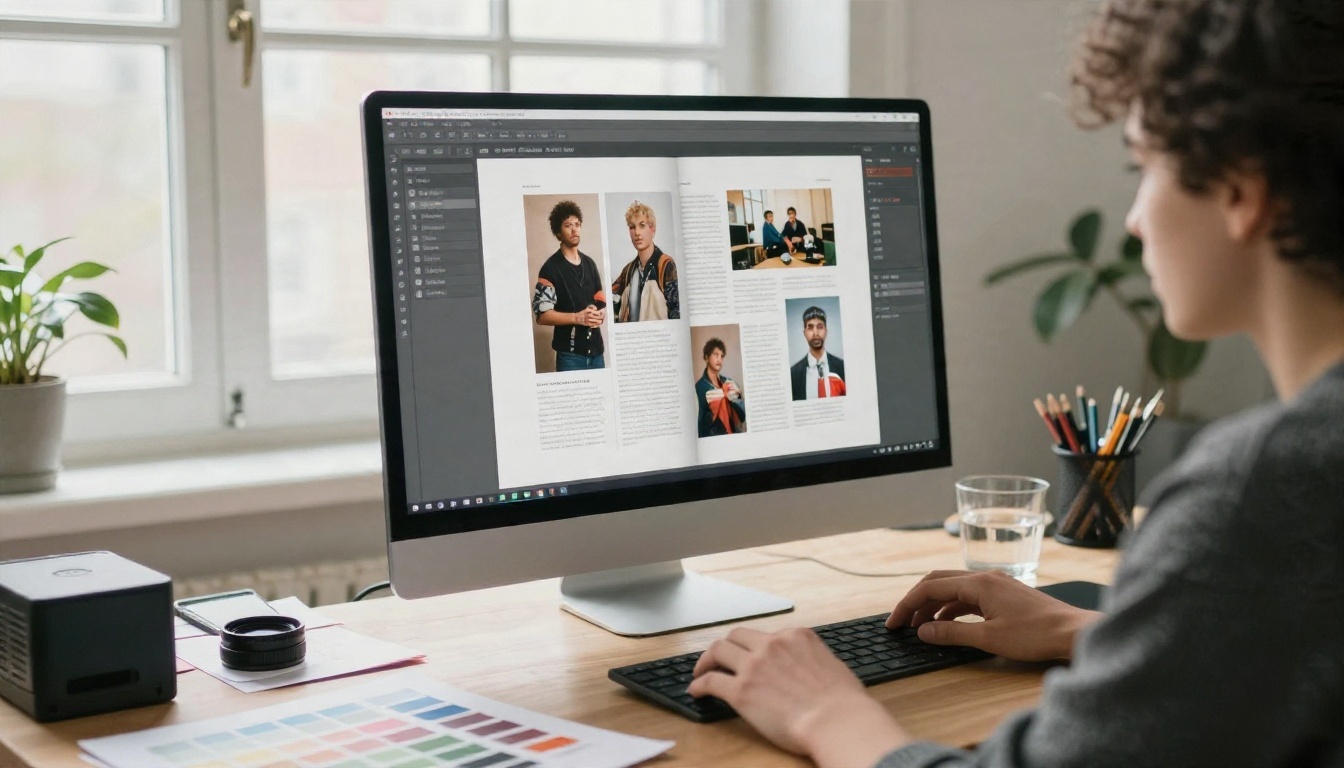
Creators fall into three broad styles. Each suits a different kind of team.
Template-First Editors
These are browser editors with a library of magazine layouts. You swap photos, change fonts and export. They are friendly for beginners and quick for monthly newsletters. The trade-off is sameness: when thousands of people use the same templates, your issue can look like everyone else's.
PDF-First Converters
Here the layout work happens elsewhere. You bring a finished PDF and the software turns it into an interactive reader with page-turn animation, zoom, search and links. Designers like this route because they keep full typographic control. If you want to see this style in action, the Magazine Flipbook Creator and the E-Magazine Publishing Tool are built exactly for it.
Subscription Platforms
These add paywalls, newsletters and reader accounts on top of the editor. They are the right call when revenue comes directly from readers. They are overkill when your magazine is a marketing asset given away for free.
| Creator style | Design freedom | Speed to publish | Reader experience | Ideal user |
|---|
| Template-first | Medium | Fast | Basic scroll or pages | Beginners, small teams |
| PDF-first converter | Very high | Very fast | Realistic page turn, zoom | Designers, brands |
| Subscription platform | Medium | Medium | Web article plus app | Paid media businesses |
⚠️ Watch out: some free creators add a visible watermark to every page. It looks unprofessional in a client-facing issue, so check the export rules before you commit hours of work.
Hosting: Where Your Magazine Lives

Hosting rarely gets attention until an issue loads slowly on launch day. Magazines are heavy: dozens of full-bleed photographs can push a PDF past 100 MB. Where you keep that file matters.
Self-Hosted Setups
You rent a server or use a content delivery network, upload the files and wire up the reader yourself. You gain control over domains, caching and data location. You also take on updates, security patches and backups. This route suits teams with a developer on staff.
Managed Hosting Inside the Software
Most flipbook services store your issue on their own infrastructure and give you a link or an embed code. There is nothing to patch and nothing to configure. The compromise is that you follow the vendor's storage limits and file rules. For most publishers that is a fair deal.
Speed, Uptime and Storage
Three numbers are worth checking before you sign up:
- Maximum file size per issue, since art-heavy magazines are large.
- Total storage across all issues, which matters once your back catalog grows.
- Delivery speed on mobile networks, because many readers open links on phones.
💡 Pro tip: compress images to around 150 to 200 DPI before exporting your PDF. Screens do not need print resolution, and your pages will load much faster.
Features That Separate Good From Average

Feature lists look similar on every pricing page, so focus on the few that change how readers behave.
Reading Experience on Phones
More than half of magazine links get opened on a phone. A flipbook that only works as a shrunken desktop spread is a poor fit. Look for mobile-responsive layouts, single-page mode on small screens, pinch zoom and tap-to-turn controls. Test with your own issue on your own phone before you pay.
Analytics and Lead Capture
Print publishers have never known how many readers reached page 14. Digital tools can tell you. The useful data points are:
- Views and unique readers per issue
- Time spent per page
- Link clicks, for example to your shop
- Email capture forms placed before or inside the issue
On Flipbooks AI, analytics and lead generation sit in the Professional plan, so check the pricing page if reporting matters to you.
Privacy and Access Control
A staff magazine, an investor update or a members-only issue should not be public. Password protection, private links and domain restrictions let you share safely. Also check whether readers can download the file for offline reading, which many travelers and commuters appreciate.
| Feature | Why it matters | Free tools | Paid services |
|---|
| No watermark | Looks professional | Often missing | Usually included |
| Password protection | Private distribution | Rare | Common |
| Embedded video and audio | Richer storytelling | Rare | Common |
| Analytics | Proves value to advertisers | Basic or none | Detailed |
| Custom branding | Matches your identity | Limited | Full |
| Offline download | Reads without signal | Rare | Common |
How to Publish with Flipbooks AI
If your issue already exists as a PDF, the workflow is short. Here is how to publish a magazine step by step. For a faster start, create your first issue on Flipbooks AI and follow along.
Step 1: Create an Account and Upload
- Open Flipbooks AI and create an account.
- Choose to add a new flipbook.
- Drag in your PDF. The PDF to Flipbook Converter processes every page and keeps your typography and images intact.
- Wait a short moment while pages are converted. The editor then displays a live preview with the page-turn effect.
Step 2: Customize the Look
Next, match the reader to your brand:
- Upload your logo and set the brand colors for the toolbar and background.
- Pick a page effect, such as a soft curl or a quick slide.
- Add links to your store, social profiles or article pages.
- Insert video and audio on pages where a moving image tells the story better than text.
There are no watermarks, ever, so your issue looks like yours alone.
Step 3: Share the Issue
You have several ways to reach readers:
- Direct link for email and social posts
- Embed code to place the issue on your own site, as described in the Embed Flipbook on Website tool page
- Password protection for private distribution
- Offline download for readers who want a copy
Step 4: Turn On Pro Features
On the Professional plan you add analytics and lead generation. A lead form can sit in front of the issue, so a reader leaves an email address before turning the first page. The Standard plan and above allows unlimited flipbooks, which is useful if you publish monthly and keep a full archive. Compare tiers on the pricing page.
✅ Best practice: export the PDF as spreads or single pages consistently. A mix of both can confuse the page-turn layout and break the left-right rhythm of the issue.
The Real Cost of Each Option

Sticker prices mislead. A cheap creator can become expensive once you add storage, remove watermarks and pay per user. The honest comparison includes time, too.
| Cost factor | Platform | Creator | Tool plus managed host | Self-hosted |
|---|
| Monthly fee | Highest | Low to medium | Low to medium | Server cost only |
| Setup time | Days to weeks | Hours | Minutes | Days |
| Design software needed | Optional | No | Yes, any PDF source | Yes |
| Maintenance | Vendor handles | Vendor handles | Vendor handles | You handle |
| Hidden costs | Per-seat fees, ad cuts | Premium templates | Plan limits | Developer hours |
Two points stand out. First, the time to first issue is dramatically shorter with a PDF-first route, since there is nothing to rebuild. Second, self-hosting only saves money when someone on your team already enjoys server work.
⚠️ Hidden trap: free plans that cap the number of flipbooks force you to delete older issues. That wipes your archive and any links shared in old newsletters.
Choosing the Right Setup for You

Abstract advice goes only so far, so here are three realistic scenarios.
The Indie Publisher
A two-person team makes a quarterly culture magazine. They lay out in InDesign and need a polished reader with a custom domain feel. A PDF-first converter with embed code is ideal: they keep full design control and place the issue on their own site. A Newsletter Flipbook Publisher style workflow also lets them send each issue by email.
The Brand Marketing Team

A lifestyle brand wants a seasonal editorial that doubles as a catalog. They care about lead capture and click tracking. The Interactive Lookbook Designer and the Digital Catalog Maker fit here, with analytics from the Professional plan showing which pages drive visits to the shop.
The Boutique or Local Business

A shop owner wants a simple seasonal magazine with new arrivals, staff picks and a few interviews. No subscriptions, no ads, just a shareable link and a QR code on the counter. A managed flipbook service handles it in an afternoon. The Fashion Catalog Creator is a good starting point.
| Scenario | Recommended setup | Must-have features | Budget level |
|---|
| Indie publisher | PDF converter plus managed host | Embed code, custom branding | Low to medium |
| Brand team | Converter with analytics | Lead forms, link tracking | Medium |
| Local business | Converter with simple sharing | QR link, mobile reading | Low |
| Paid media company | Full platform | Paywall, accounts, ads | High |
Three Common Mistakes
- Buying a platform when a tool is enough. Paying for subscription features you never switch on is the most frequent waste.
- Ignoring mobile testing. An issue that looks excellent on a monitor can be tiring to read on a phone.
- Skipping analytics. Without reader data, you cannot decide which stories deserve the next issue's front page.
Start Publishing Today
The right online magazine software depends on where your pages come from and who needs to read them. If you design elsewhere and want fast, clean delivery, a PDF-first flipbook service with managed hosting gives you the shortest path. If you need paid subscriptions, a full platform earns its cost. Everything in between comes down to how much control you want over design and servers.
Ready to publish? Get started for free on Flipbooks AI and turn your next PDF into a readable, shareable magazine. Browse all available flipbook tools to find a template fit for your format, and compare pricing plans to pick the tier that matches your issue schedule.



